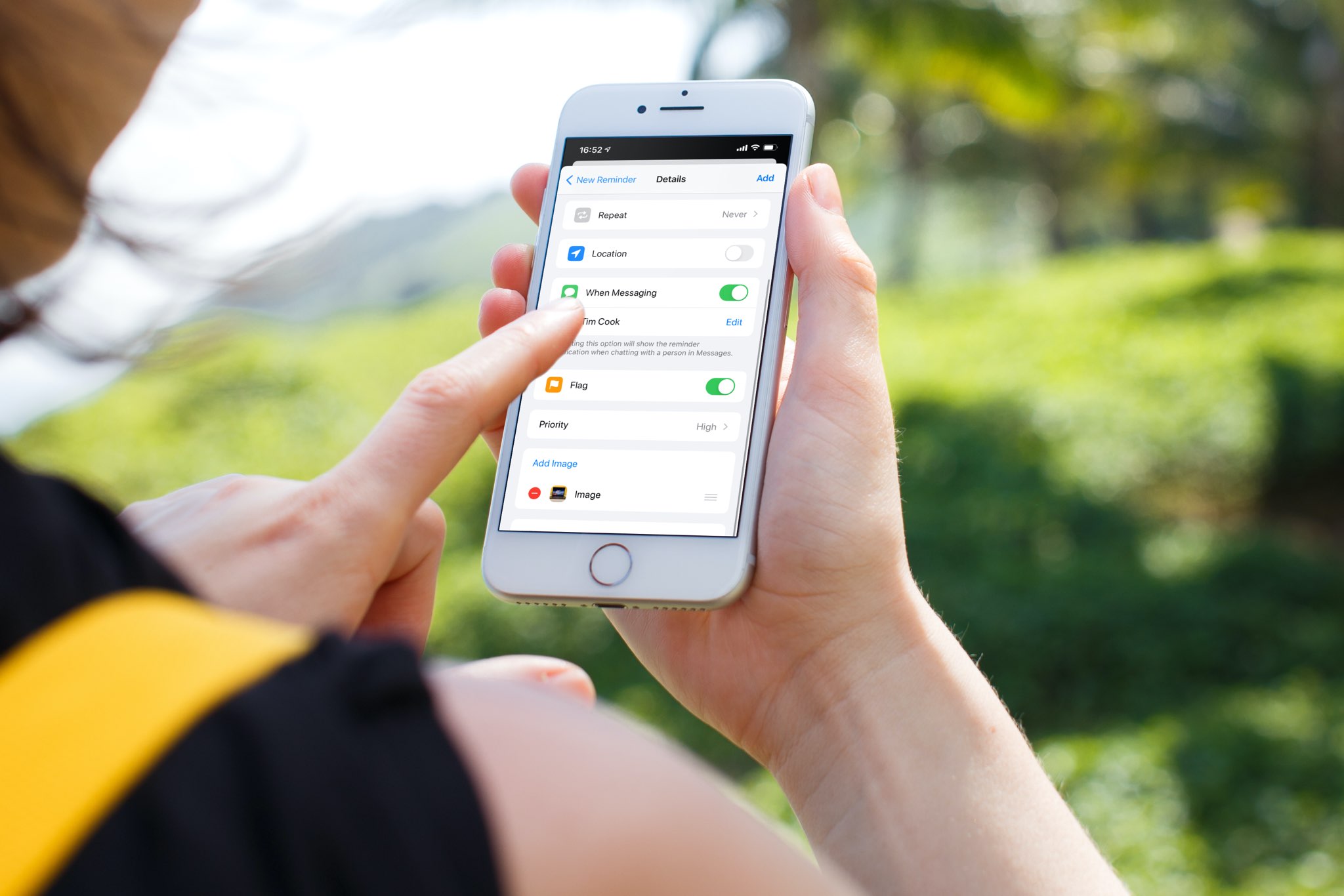
Learn how to adjust Auto FPS settings for your iPhone or iPad camera, and improve video quality when shooting in low-light conditions.
How to improve low-light video recording on iPhone or iPad

Stay up-to-date on the latest iPhone news and learn new tips and tricks with our comprehensive tutorials. From software updates to new features, we’ve got you covered.
Learn how to adjust Auto FPS settings for your iPhone or iPad camera, and improve video quality when shooting in low-light conditions.
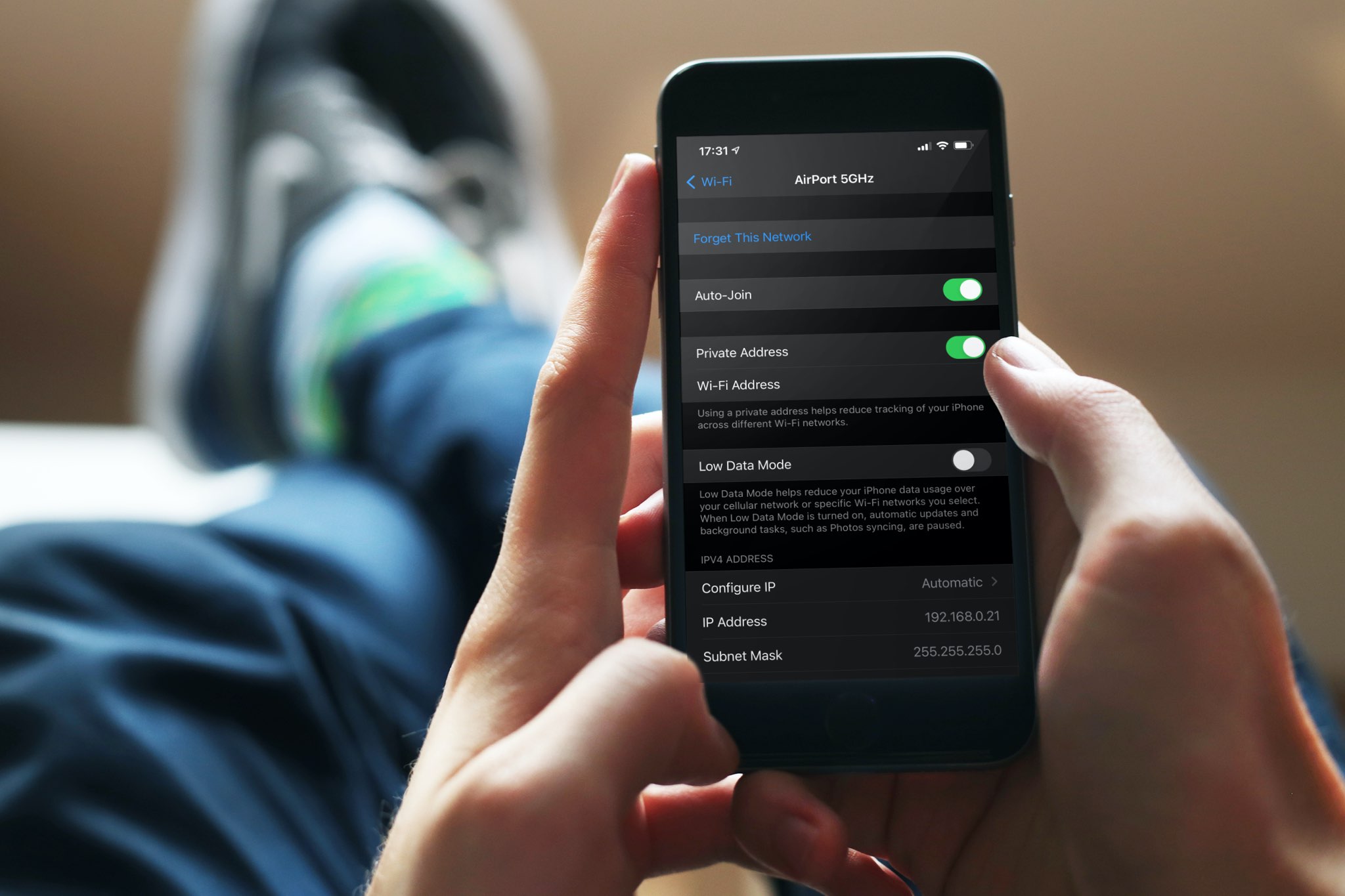
A private Wi-Fi address protects your privacy by reducing the tracking of your iPhone, iPad, Mac, and Apple Watch across different wireless networks. In this tutorial, you’ll learn how to enable a private Wi-Fi address on your Apple devices to enhance your privacy.
Learn how to make your iPhone Personal Hotspot use the faster 5GHz band for better performance or the slower 2.4GHz one for compatibility with all (old) devices.
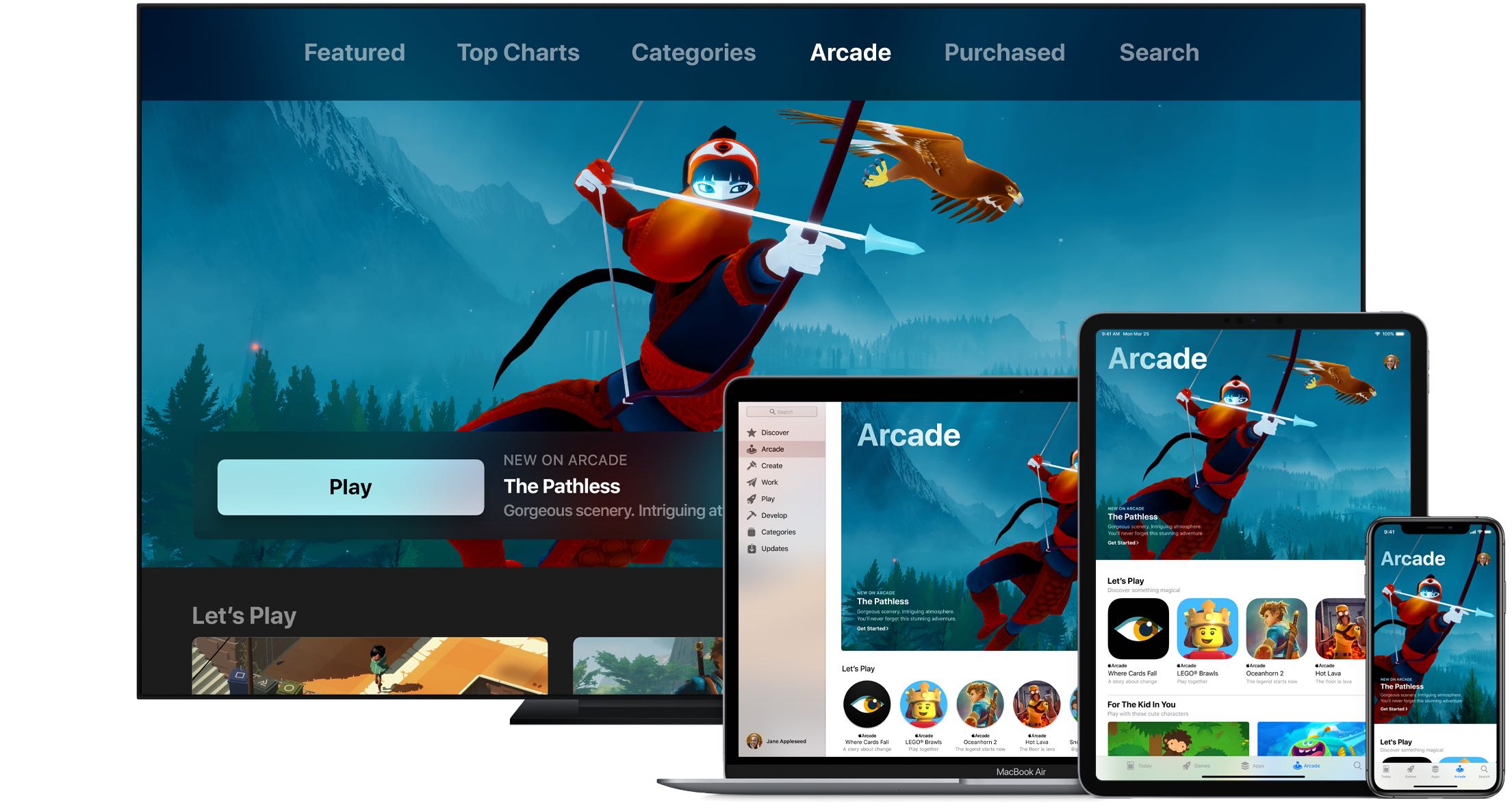
Apple Arcade connects you with your friends on Game Center. Not only does this allow you to play with them on any of your devices, but also see what they're playing. Follow along with us as we show you how to view the list of games that are popular with your Apple Arcade friends.
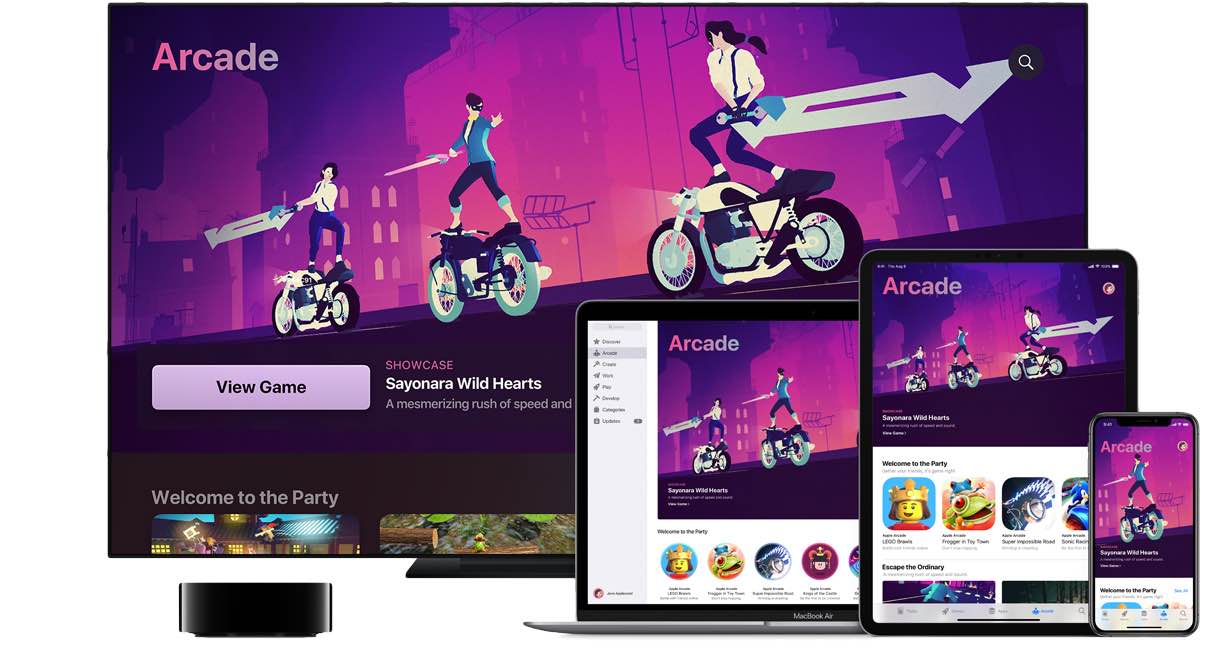
An Apple Arcade subscription gives you access to more than a hundred premium games across your iPhone, iPad, Apple TV and Mac devices, with additional titles added on a regular basis. iCloud keeps your gameplay progress synchronized across devices, but what about finding you recently played Apple Arcade games? In this helpful tutorial, we'll show you how to resume Apple Arcade games that you've recently played on your devices.
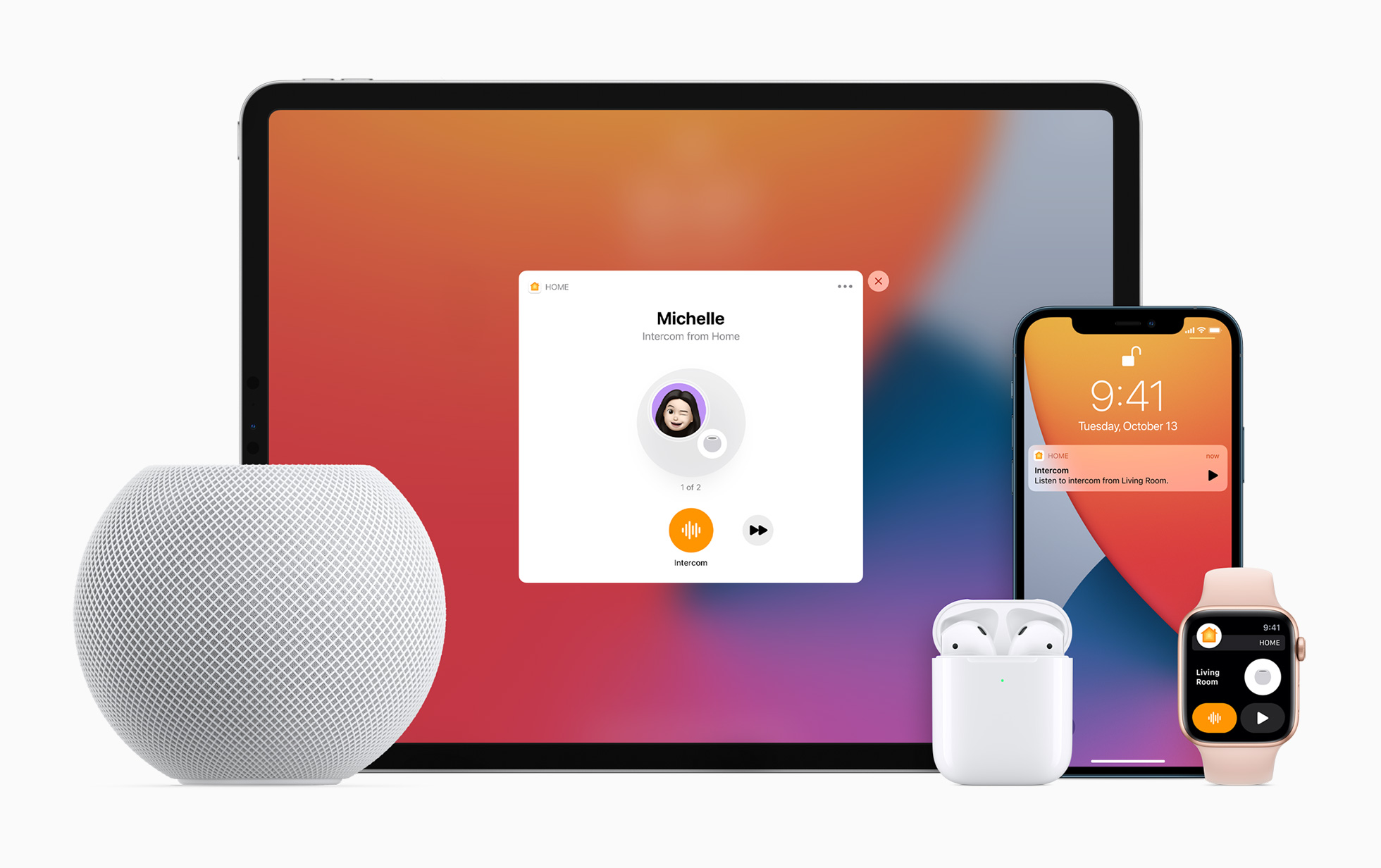
Apple lets you turn your HomePod speaker into an intercom, allowing family members to send audio messages from one Apple speaker or device to another in your household. Family members receive Intercom notifications and can send Intercom messages from their devices.

Learn how to manually turn Dark Mode on or off in Facebook and Messenger on your iPhone, or have them follow your device’s Dark Mode settings.

In this tutorial, we’ll show you how to set your iPhone to always use 5G or use it only when needed. Additionally, we’ll help you decide if you should let your phone use more 5G data or not.
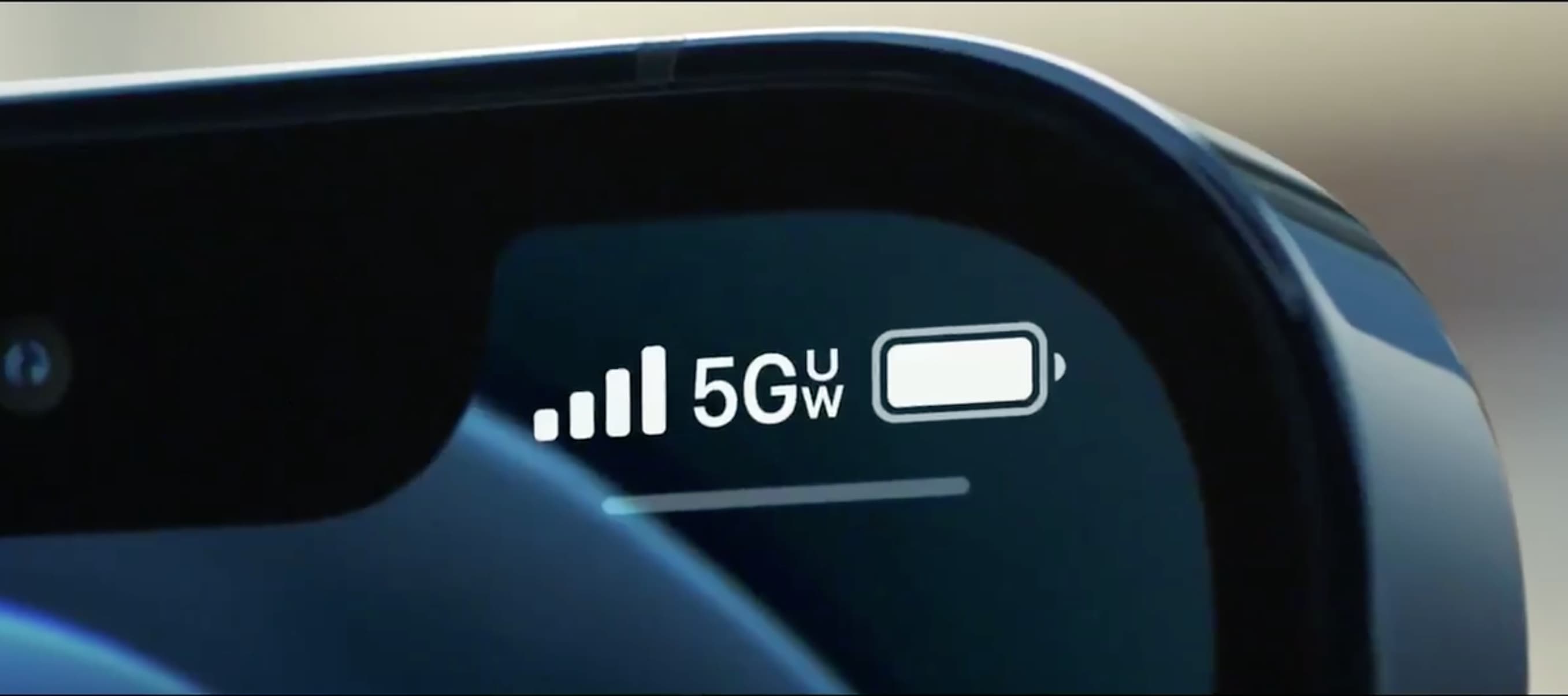
With the arrival of the iPhone 12 came an alphabet soup of abbreviations and different 5G icons in the iOS status bar, ranging from 4G masquerading as 5G to 5G Ultra Wideband. Follow along with our tutorial to learn the meaning of all those iPhone 5G icons.

Learn how to apply bold, italics, title, heading, bullet, numbered list, and other formatting options using quick styles in the Apple Notes app on your iPhone or iPad.
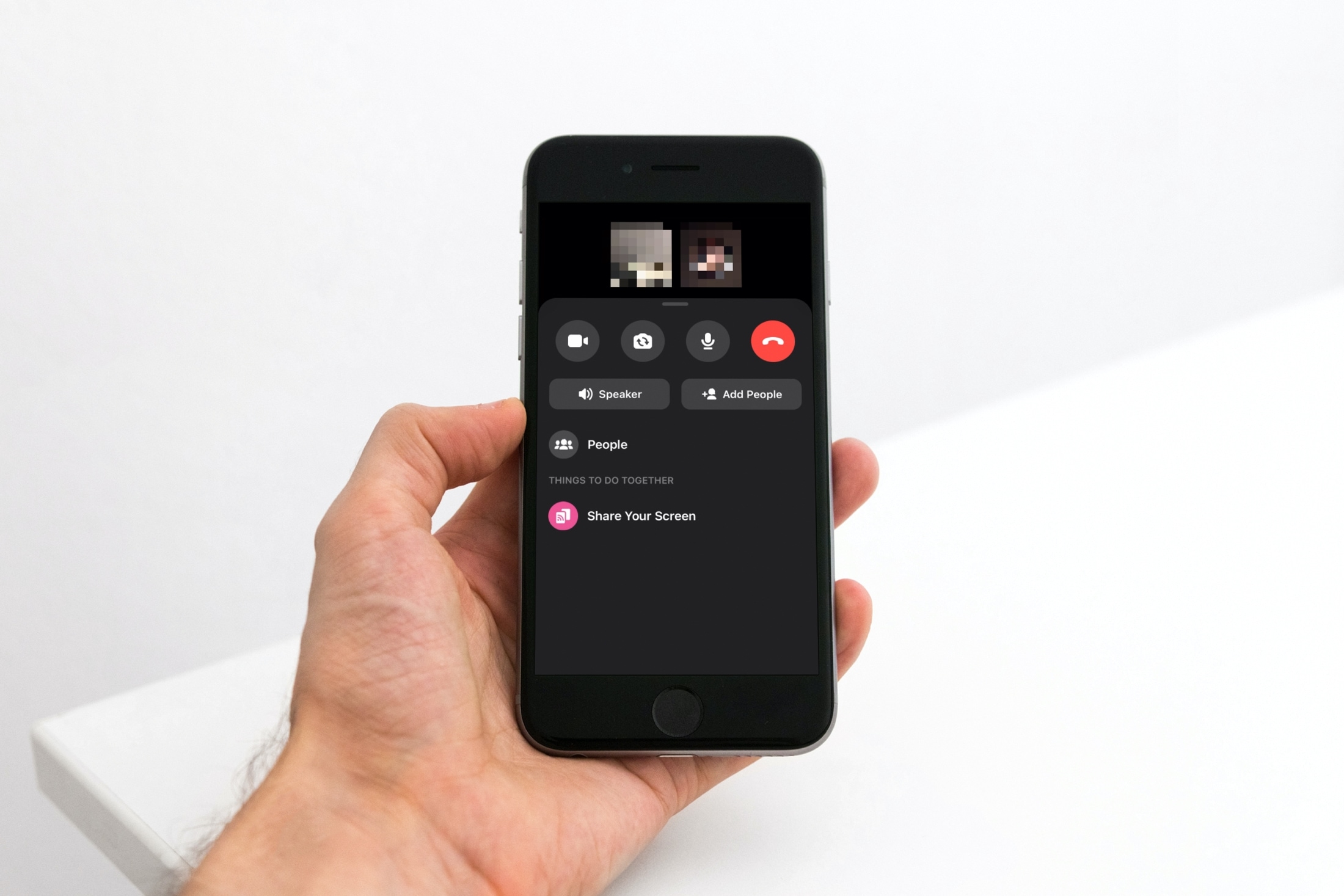
Sharing your screen can be beneficial for both business and personal situations. For instance, maybe you’re showing a coworker or family member how to do something in an application. You can share your screen easily in Facebook Messenger. And you can do so in both the mobile and desktop Messenger app. Here’s how.