Learn how to create and manage Shared Albums in the Photos app on your iPhone, iPad, or Mac to easily share pictures and videos with your family members and friends.
How to create, use, and manage Shared Albums in Photos on iPhone, iPad, and Mac

Stay up-to-date on the latest iPhone news and learn new tips and tricks with our comprehensive tutorials. From software updates to new features, we’ve got you covered.
Learn how to create and manage Shared Albums in the Photos app on your iPhone, iPad, or Mac to easily share pictures and videos with your family members and friends.

If you use the Disney+ video-streaming service on your devices, you probably know that it attempts to deliver the highest-quality experience possible as a default setting. To preserve your bandwidth when using Disney+, however, you must limit video quality over cellular and Wi-Fi. Follow along with us as we show you how to manage Disney+ data usage.

Learn how to filter and sort Apple Arcade games in the App Store by criteria like release date, updates, category, controller support, and more to quickly find the right game you want to play.

Did you download a file and can’t figure out where it is? In this tutorial, we’ll show you where those downloaded files are stored on your iPhone or iPad.

Learn how to compress photos without using the internet on your iPhone or iPad to make their file sizes smaller so they’re easier to share, upload, and store.

Learn how to change or delete the date, time, location, and other metadata of a photo on your iPhone, iPad, and Mac.

Changing the Lock and Home screen wallpapers on your iPhone or iPad requires using the Settings app. Wouldn't it be great if you could change your wallpaper automatically, with a single tap? With wallpaper automation that's now available in iOS 14.3 and iPadOS 14.3, you can do just that. In this tutorial, we'll show you how to use a custom workflow in Apple's Shortcuts app to automate changing wallpaper with a single tap of a Home screen icon.

This guide goes over some of the most common things that people, especially new users, look for on their iOS devices and where to find them.

The iPhone 12, Apple's smallest handset in their 2020 lineup, is finally here! The entry-level device cuts corners when it comes to battery life, but makes up for it with extreme pocketability. At just 5.4-inches diagonally and near fullscreen design with Face ID, this is going to be the beloved iPhone for many. Here are a few tips for making the most out of it.

Learn how to set up Typing Feedback on iPhone or iPad so the characters and words you type are spoken aloud, which is ideal for people with visual impairments.
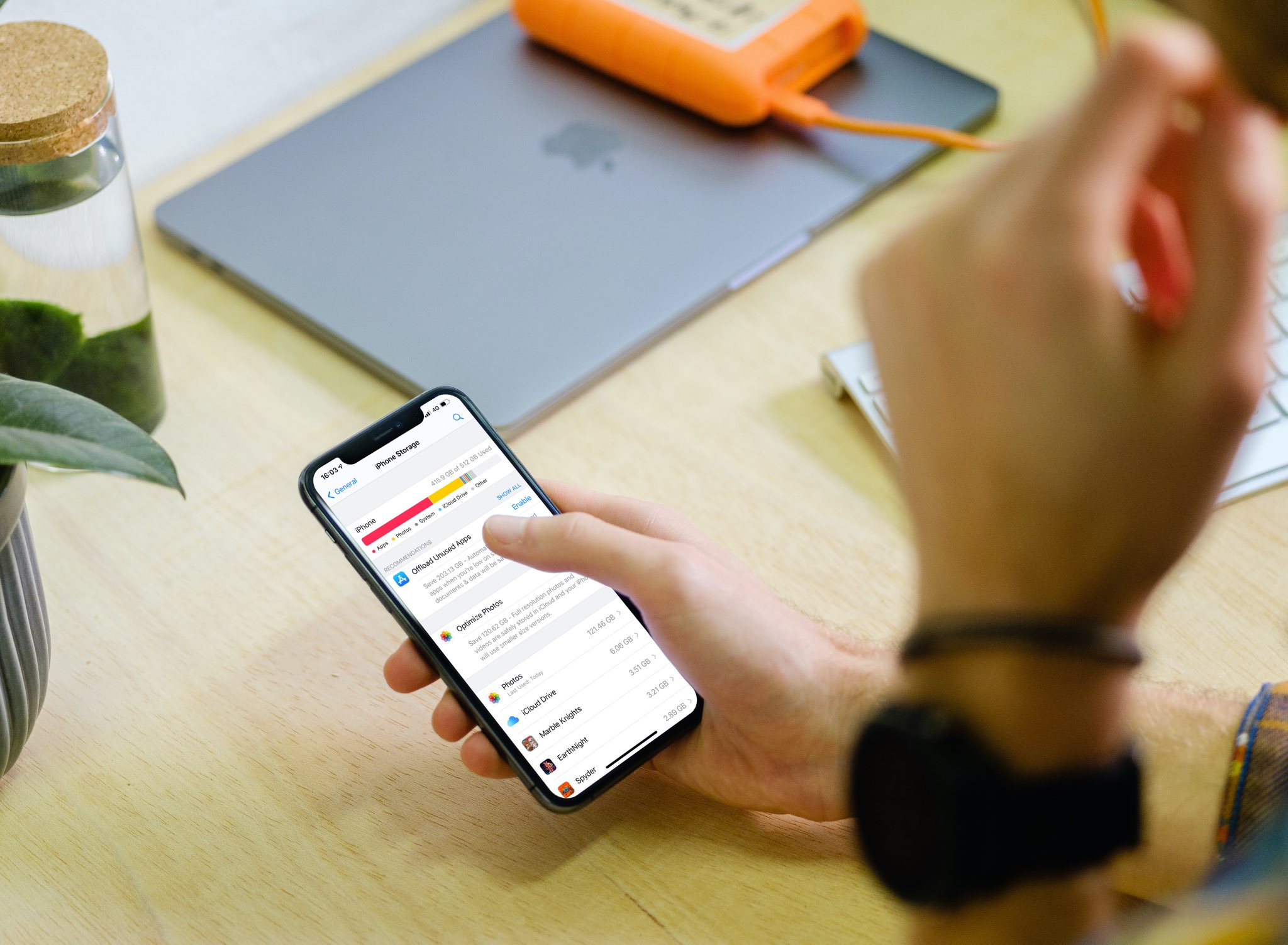
With the iPhone storage search feature, you can quickly find out how much storage space a specific app is taking up on your device without having to scroll through a long list of apps.

Learn how to request Siri for a personal update of your day that includes the news, weather, traffic, reminders, and calendar appointments.