Speed up your Home Screen navigation by learning how to move through the pages of apps much faster than by swiping.
How to quickly move through Home Screen pages on iPhone

Stay up-to-date on the latest iPhone news and learn new tips and tricks with our comprehensive tutorials. From software updates to new features, we’ve got you covered.
Speed up your Home Screen navigation by learning how to move through the pages of apps much faster than by swiping.
By default, the checkra1n jailbreak installs Cydia as the defacto package manager, and Cydia Substrate or Substitute can be used for tweak injection. But if you’re accustomed to the Chimera or Odyssey jailbreaks, then you might prefer to use Sileo for package management and libhooker for tweak injection instead, yet checkra1n’s jailbreak method offers many benefits over relying on certificates or signed apps.
If you’re wondering whether it’s possible to install Sileo and libhooker on your checkra1n device, then the astounding answer would be yes! A script called Odysseyra1n installs the entire bootstrap on your checkra1n device, allowing you to have an Odyssey-like experience on your checkra1n jailbreak.
If you rely on a slide-loadable jailbreak such as Odyssey (iOS 13.0-13.7) or unc0ver (iOS 11, 12, and 13.0-13.5), then it can be devastating if your device suddenly reboots because of a dead battery or a glitch. When this happens, you’ll be without your jailbreak and any add-ons you installed until you can re-jailbreak again.
Sadly, with many signing service certificates being revoked left and right without notice and with AltStore suddenly not working for apps installed after January 28th, it almost seems like using these jailbreaks puts you right in the crossroads of frustration and unreliability. But perhaps it doesn’t need to.
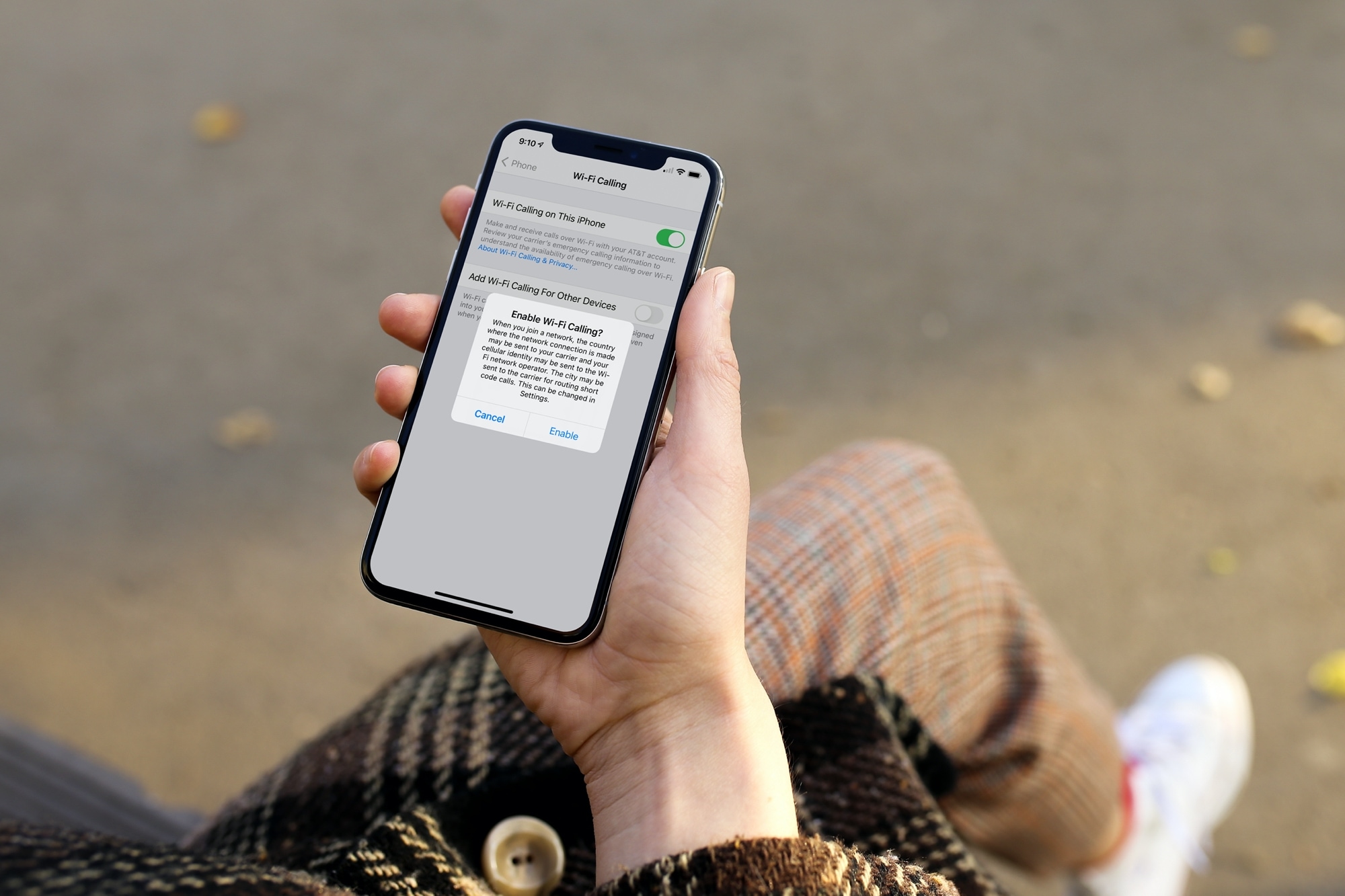
Learn how to enable Wi-Fi Calling on your iPhone and other devices so you never miss a call, even if you’re in a spot with little or no cellular service.

Learn how to classify a Bluetooth device as a speaker, headphone, hearing aid, car stereo, or something else for more accurate headphone audio level measurements.
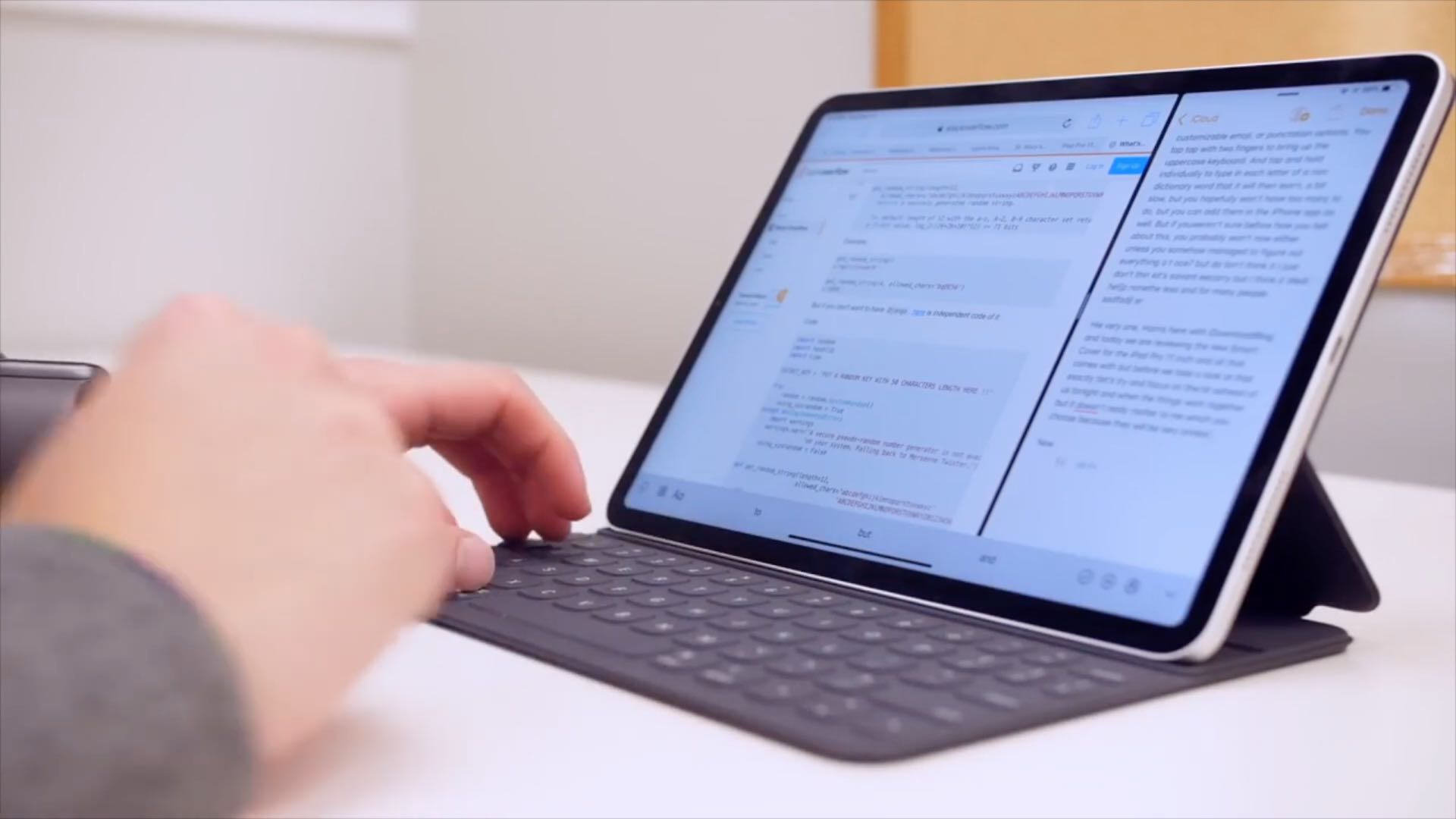
Learn how to configure your physical keyboard so that pressing the globe key instantly brings up the iPad emoji picker anywhere in iPadOS.
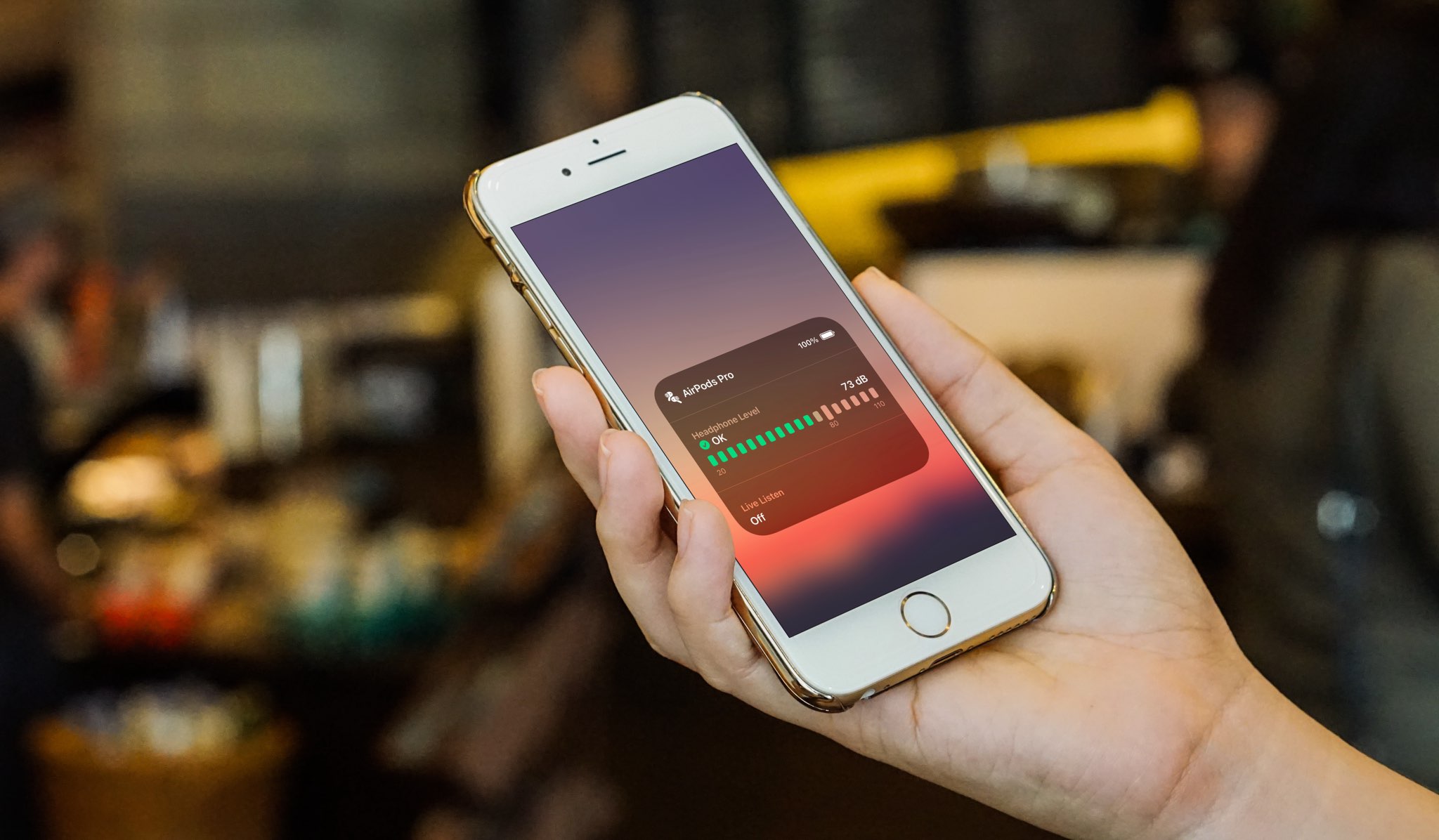
Learn how to check headphone audio levels with a helpful real-time measurement tool available in Control Center on your iPhone or iPad.
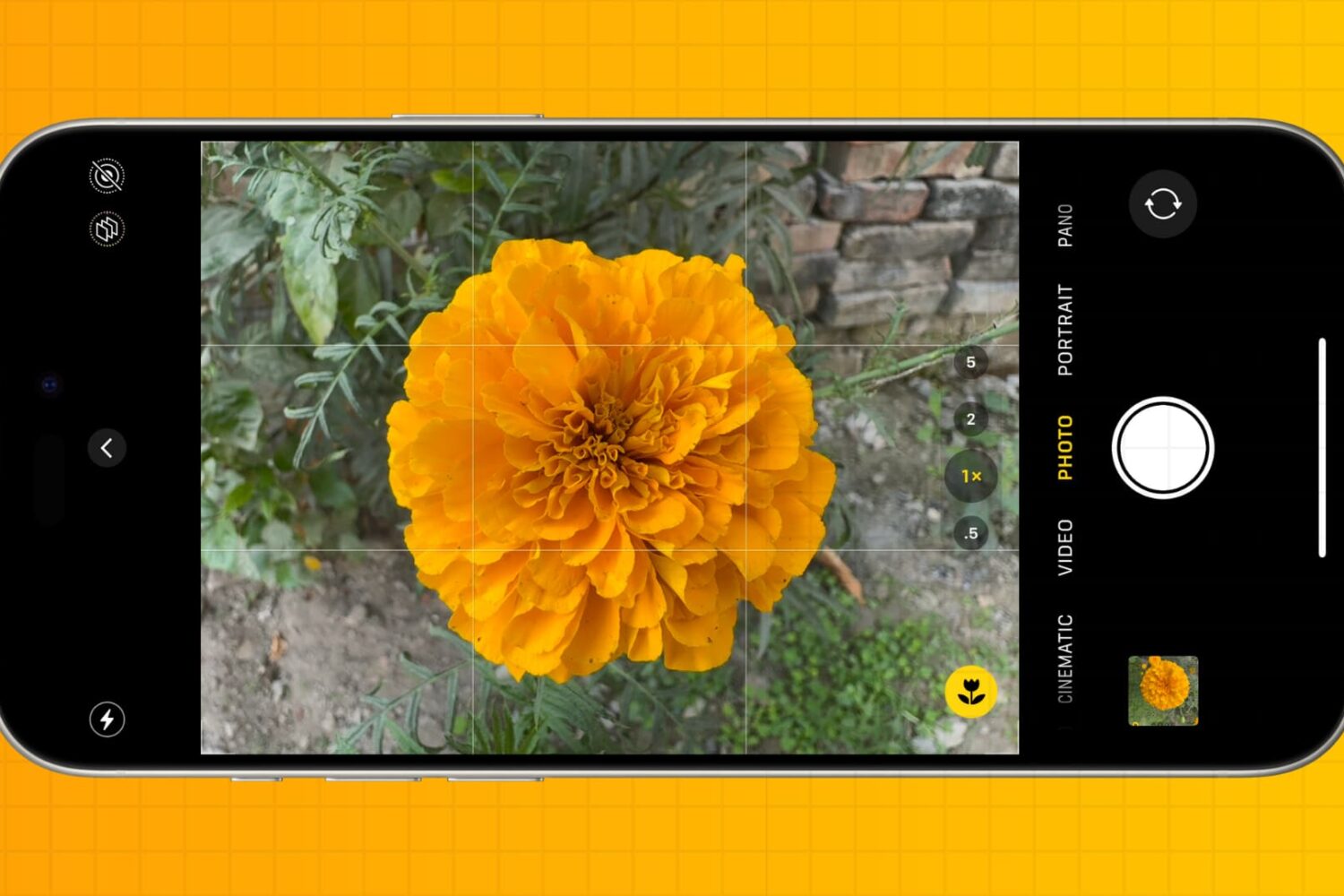
You don’t have to be a professional photographer to take amazing photos. Check out these five quick iPhone camera tips to make a few tweaks and capture better pictures every time.
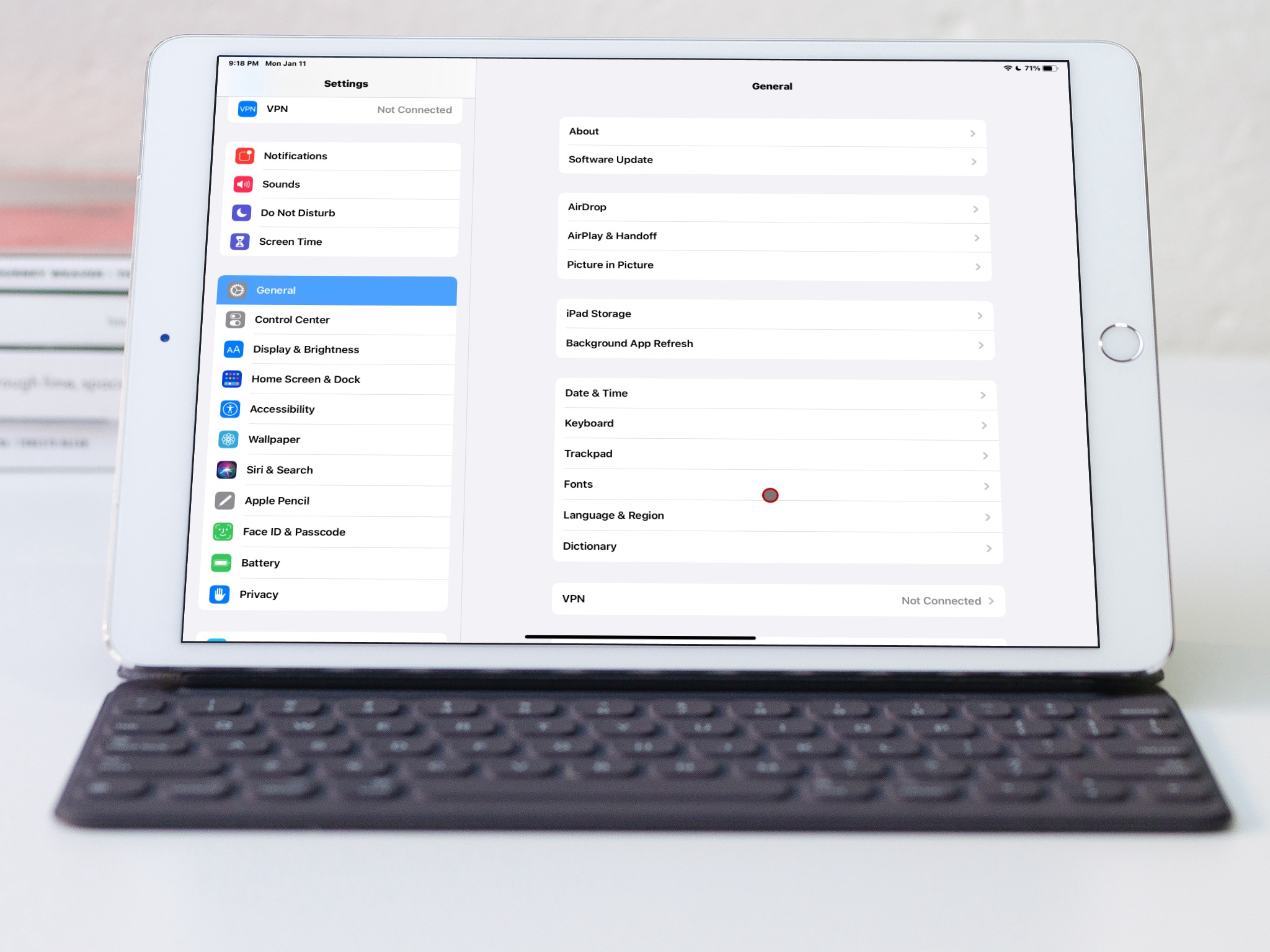
Learn how to switch to bold text on iPhone, iPad, Apple TV, and Apple Watch to display all system text in boldface characters.
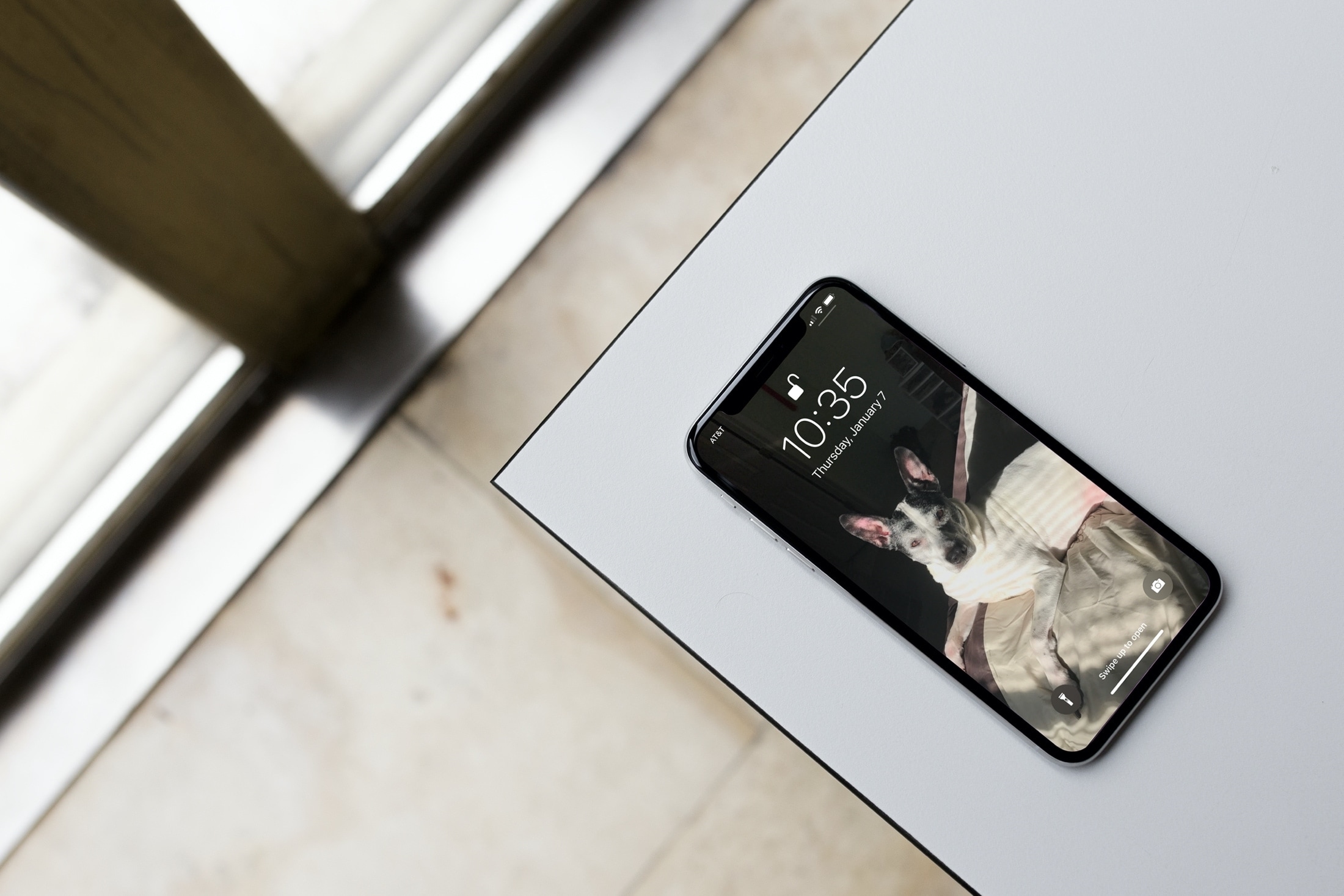
Forgot who your phone carrier is? Here are seven ways to check what cellular carrier your iPhone is currently on.
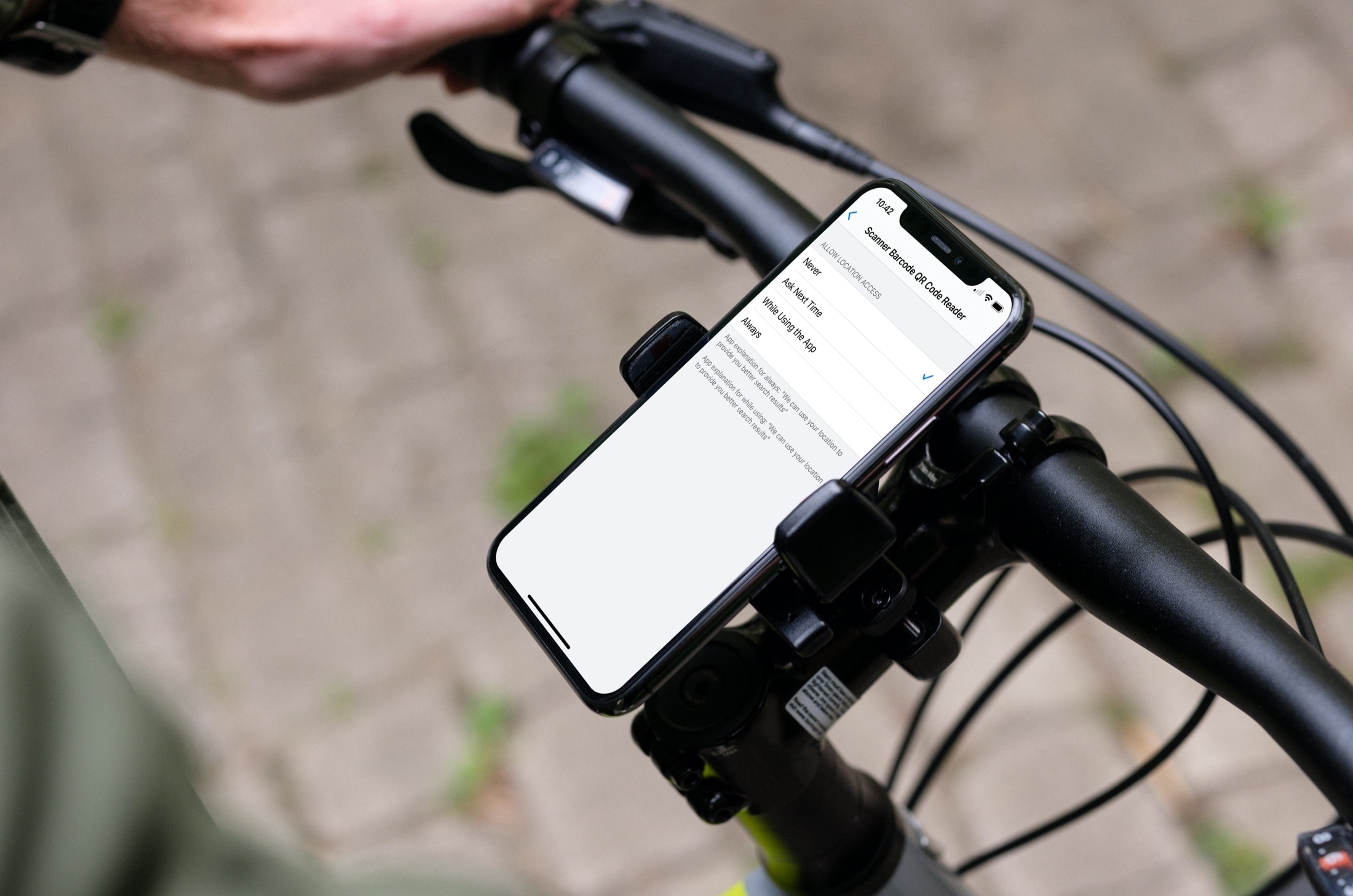
Learn how to stop sharing your location with apps and services, or selectively choose the ones with which you’d like to share by adjusting the Location Services settings on your iPhone or iPad.
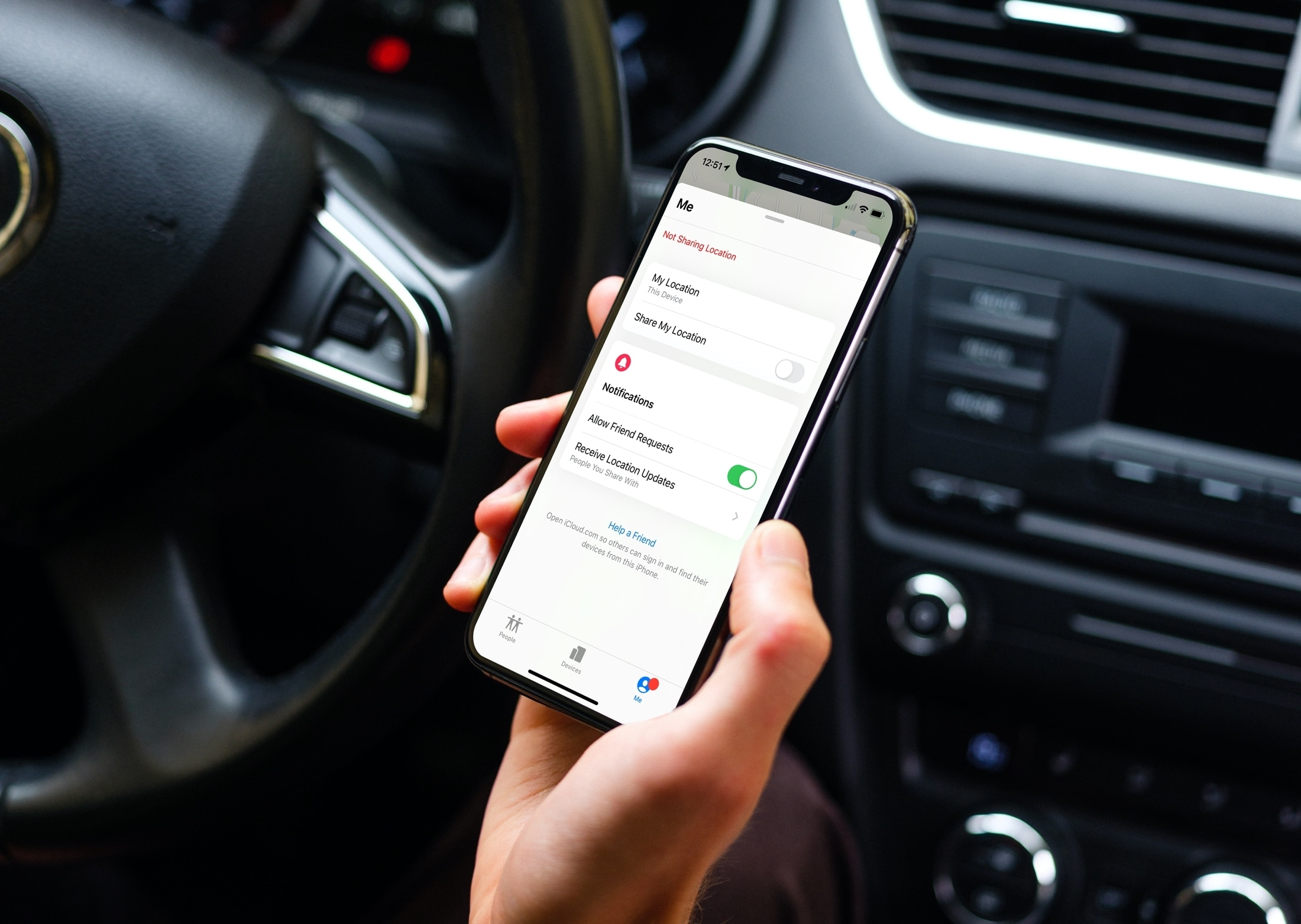
Learn how to stop sharing your location on iPhone with everyone or specific people, and increase your privacy.