Learn how to create stickers from your pictures and Live Photos to use in Messages and other apps on iPhone, iPad, or Mac.
How to turn your photos into stickers on iPhone and iPad
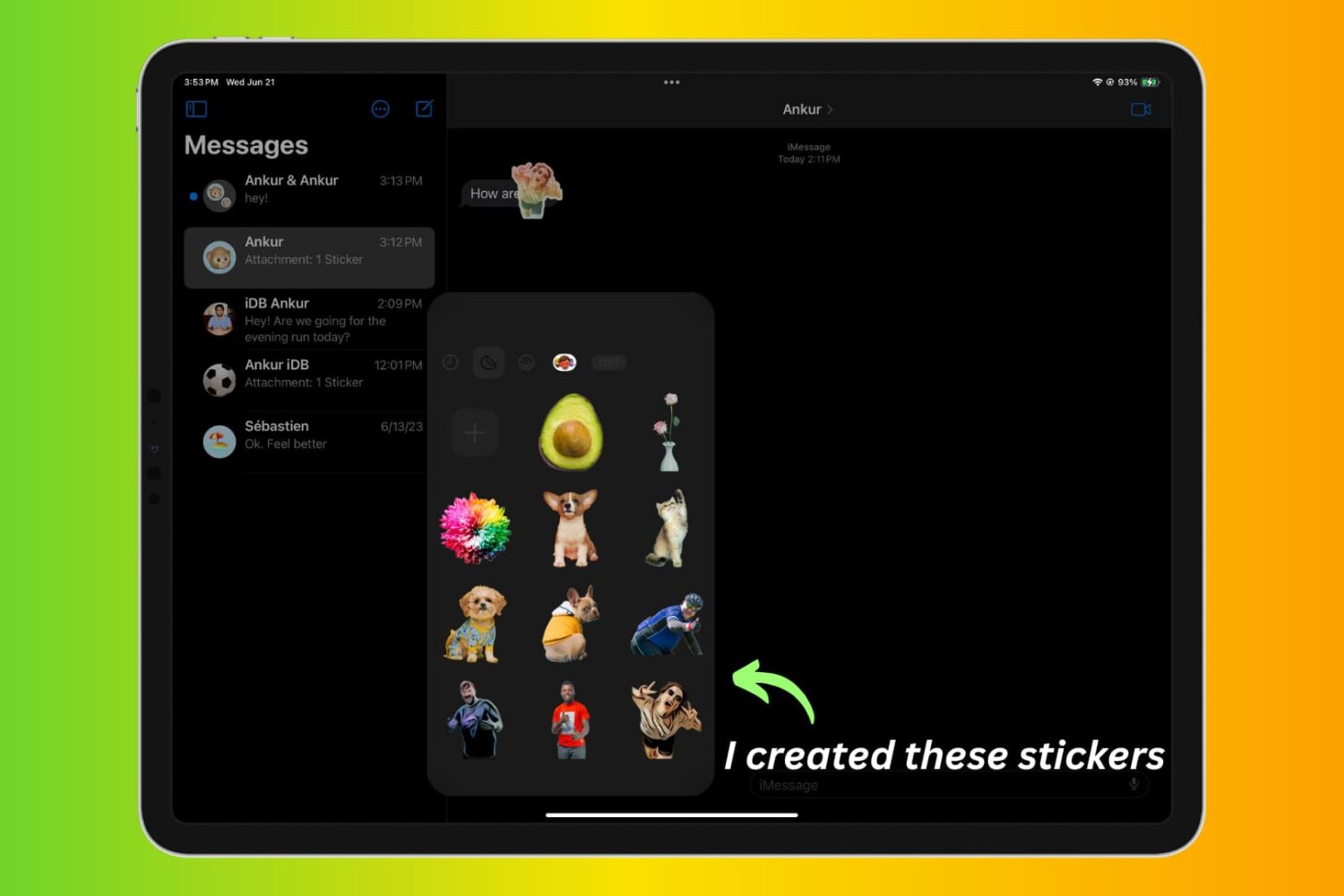
Stay up-to-date on the latest iPhone news and learn new tips and tricks with our comprehensive tutorials. From software updates to new features, we’ve got you covered.
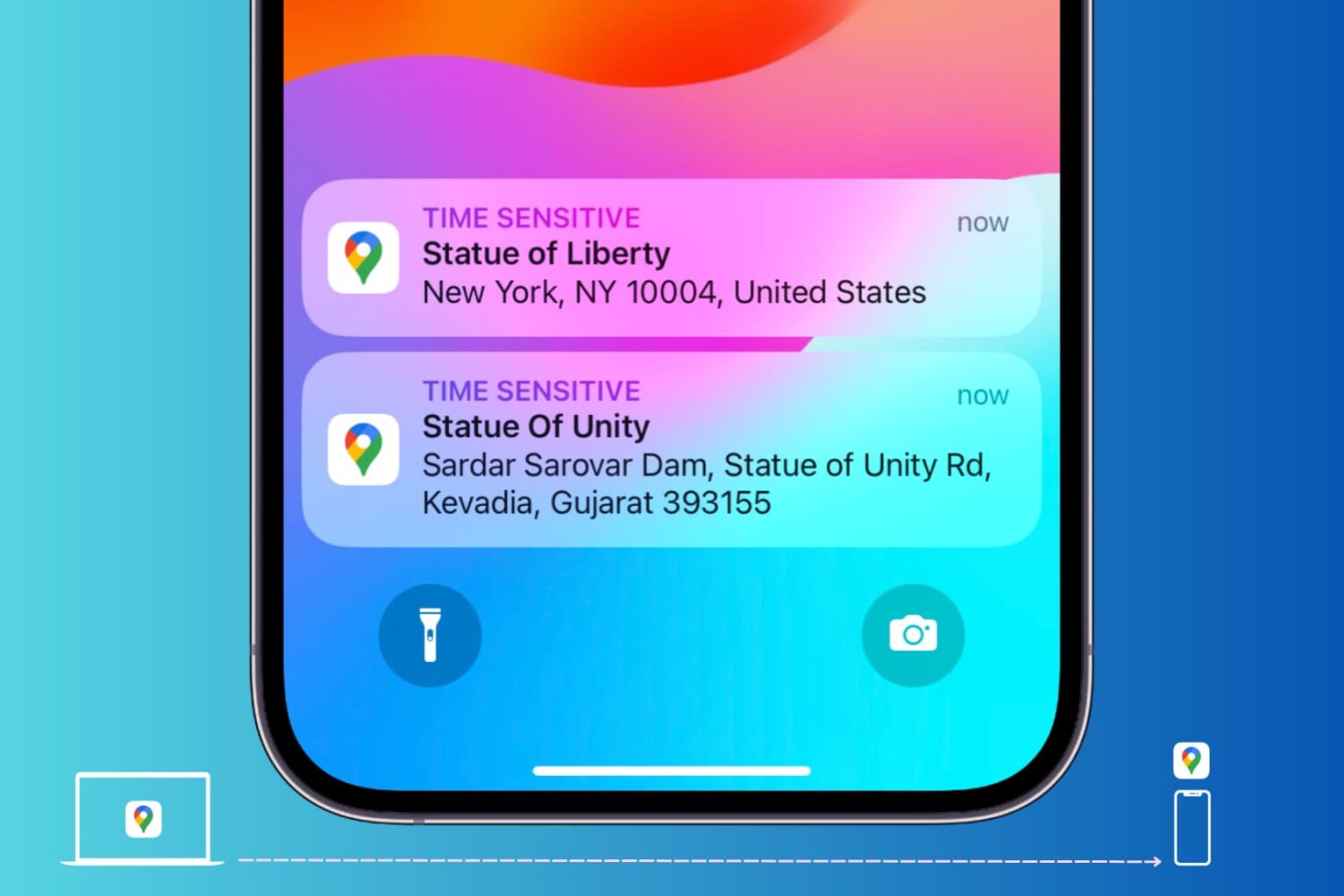
Learn how to send locations of your favorite restaurant, stores, and other places of interest from Google Maps on your computer to your iPhone or Android phone.
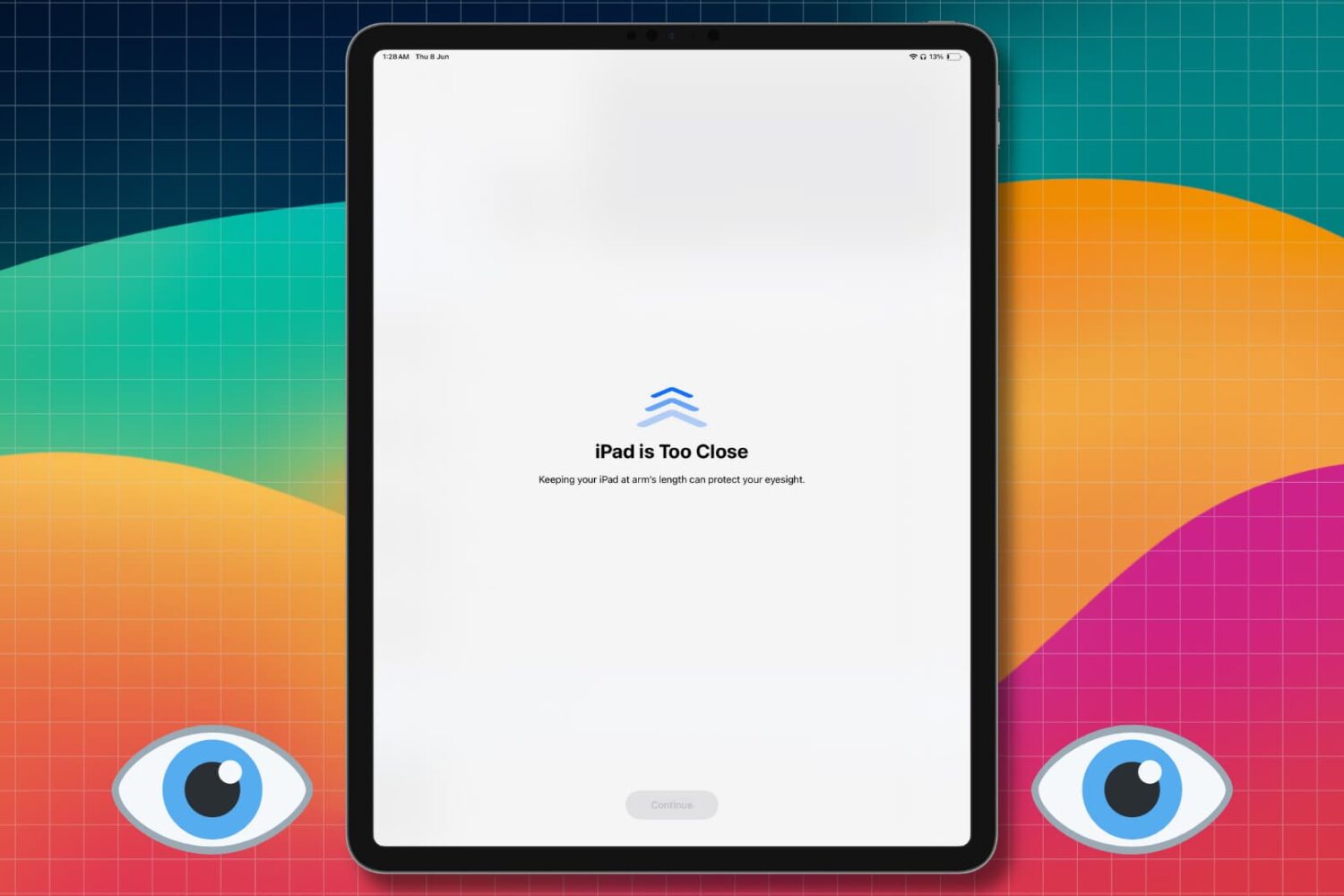
Learn how to turn off the Screen Distance feature so you no longer get the full-screen “iPhone/iPad is Too Close” message when you hold the device close to your eyes.
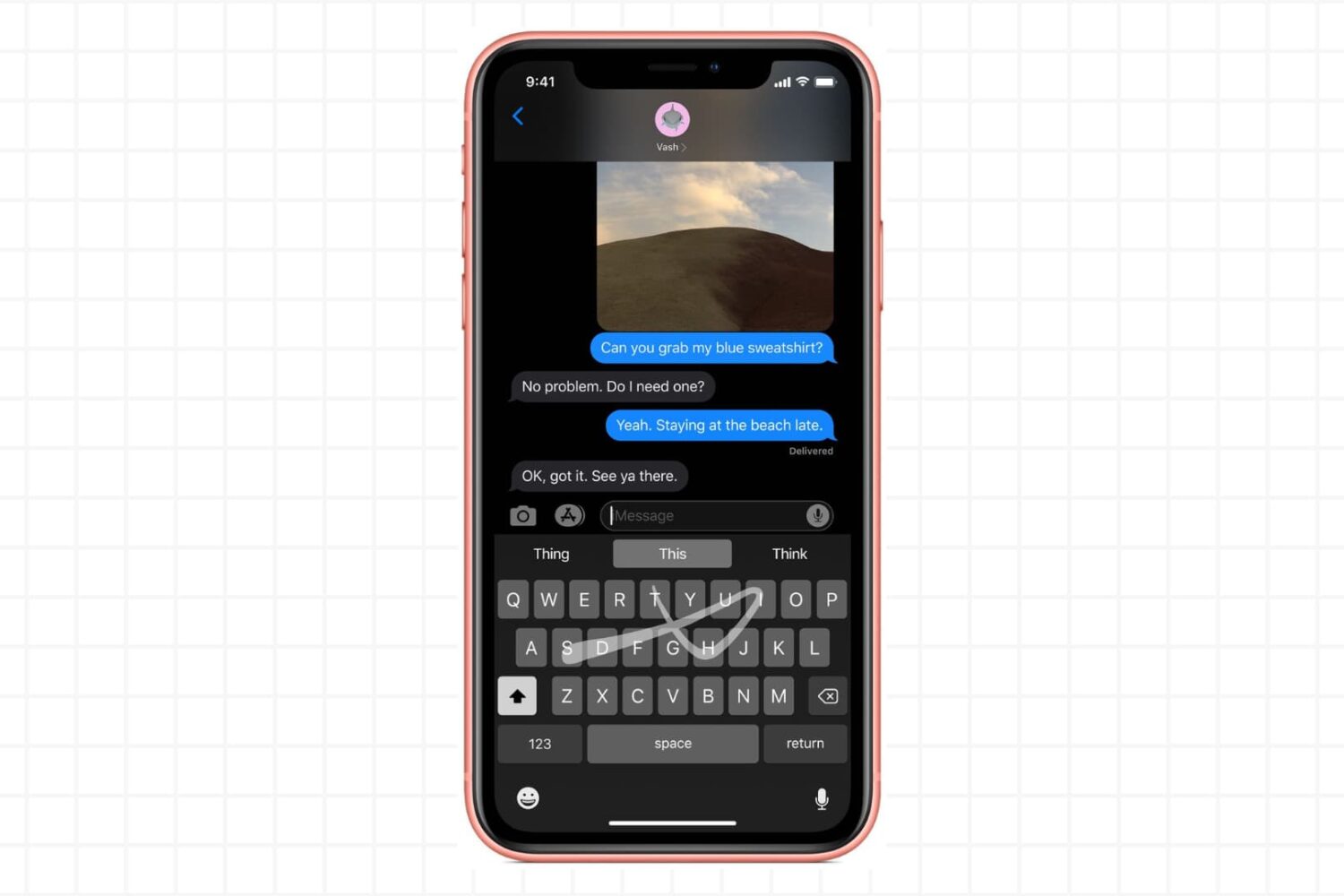
Try these troubleshooting tips if the gestural swipe keyboard on your iPhone or iPad isn’t working, preventing you from entering text by swiping your finger across.
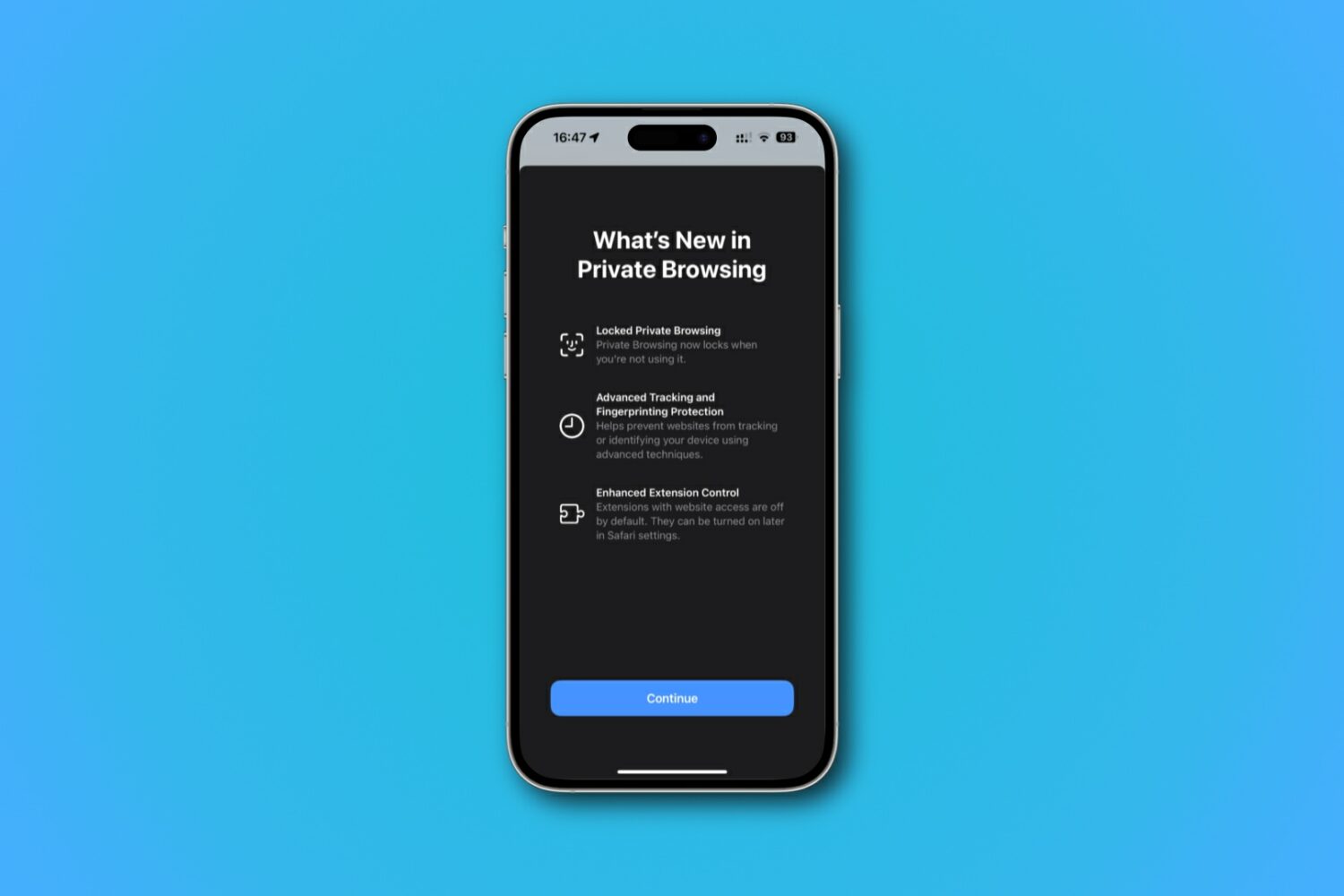
Learn how to lock and unlock your private tabs and windows in Safari with Face ID, Touch ID, or device passcode.
Learn how to use profiles in Safari on your iPhone, iPad, or Mac to keep your personal and work browsing separate.
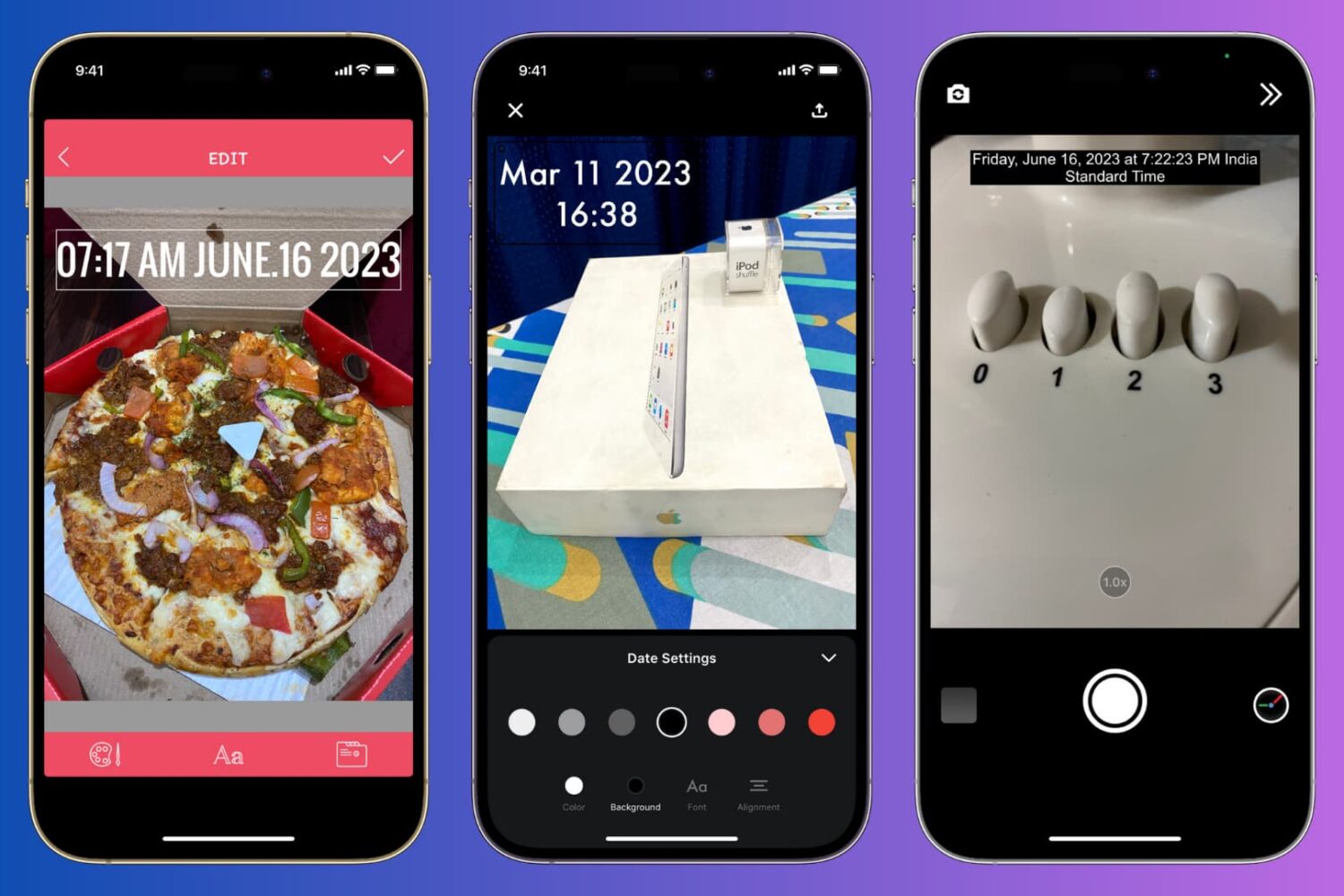
Learn how to manually add the current date and time to your iPhone photos or use a third-party app to automatically timestamp your snaps.
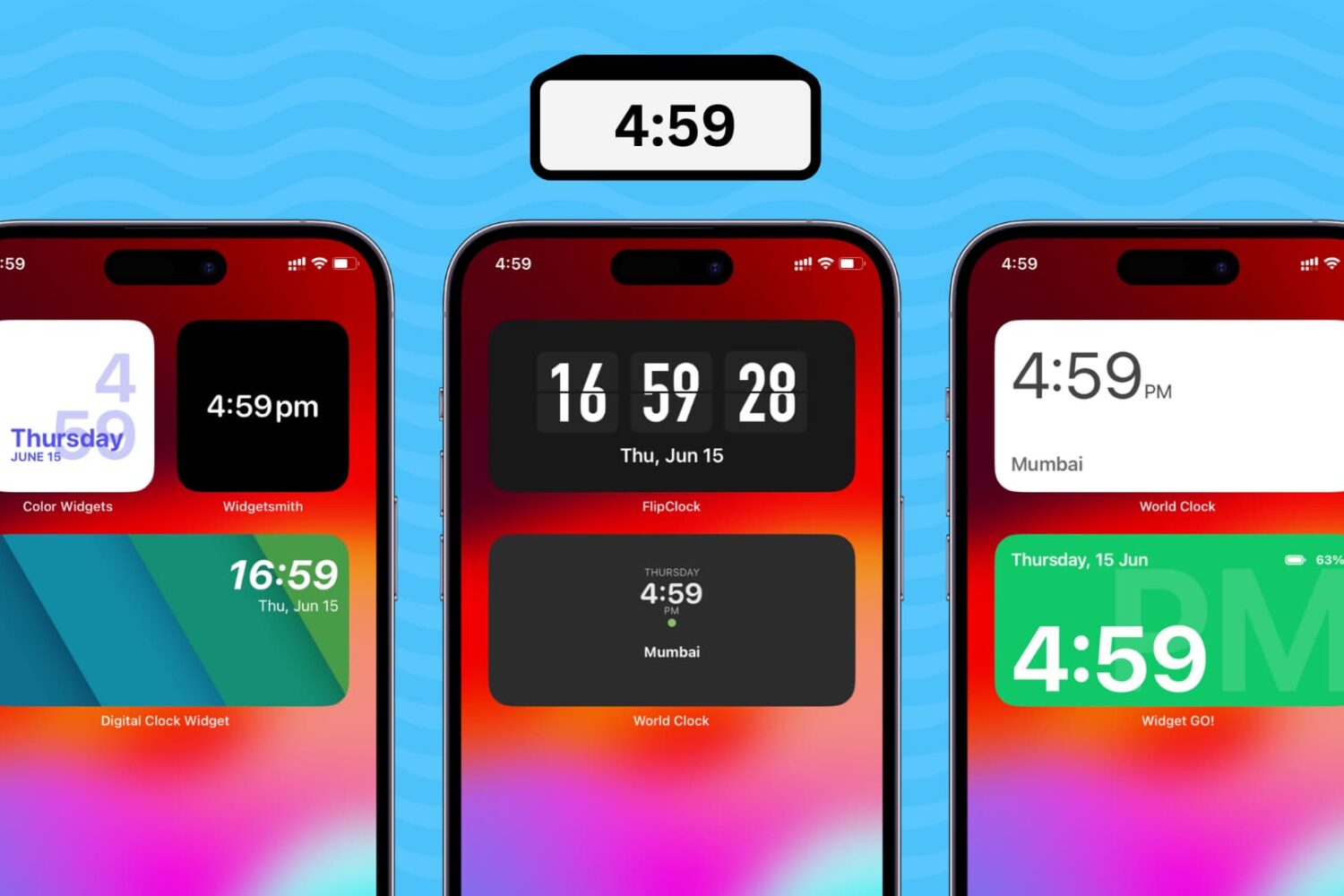
Follow the steps in this tutorial to add a digital clock widget to the Home Screen of your iPhone and iPad so that you never lose track of time and date.
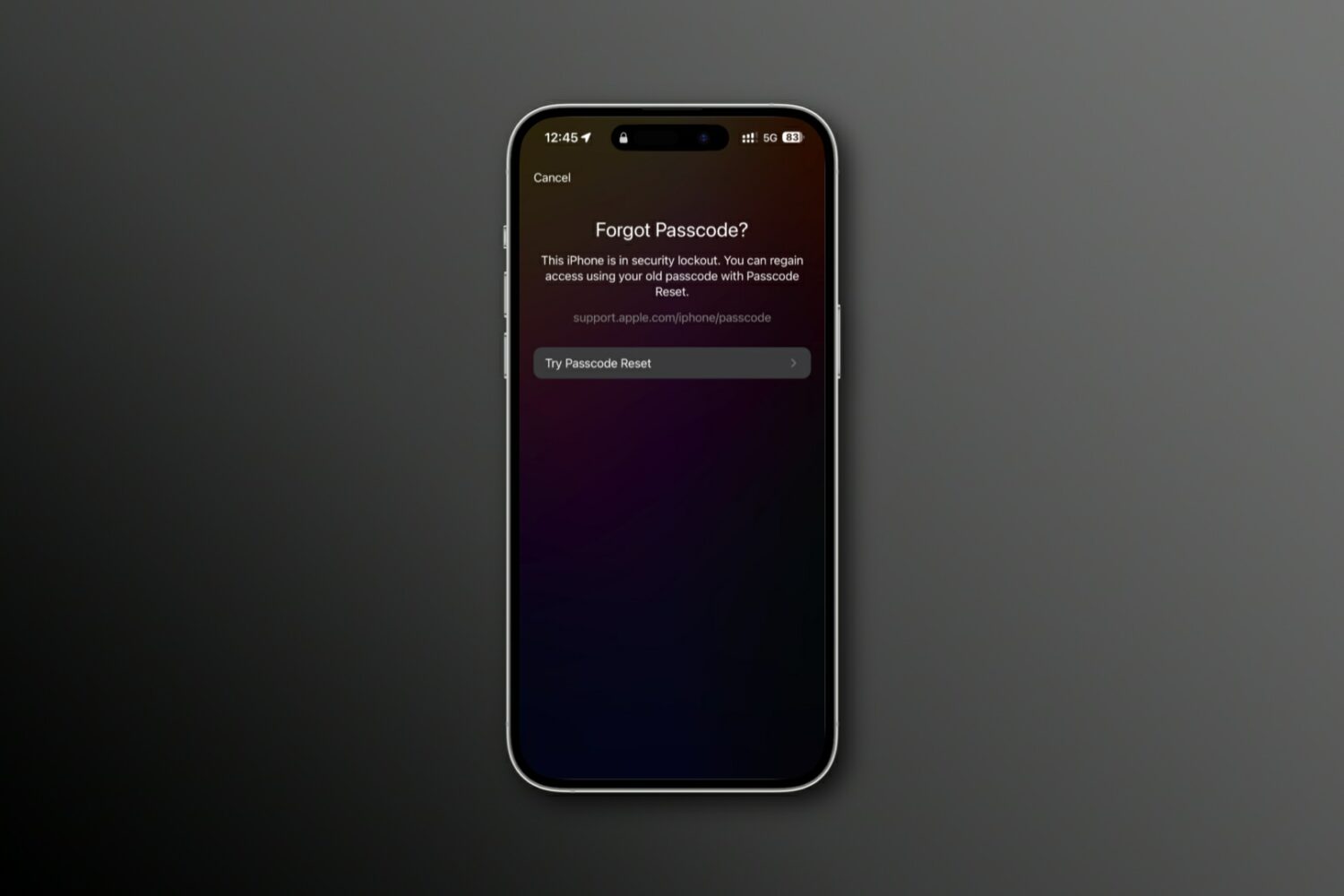
Learn how to reset your forgotten iPhone passcode using your previous passcode to regain access to your device.
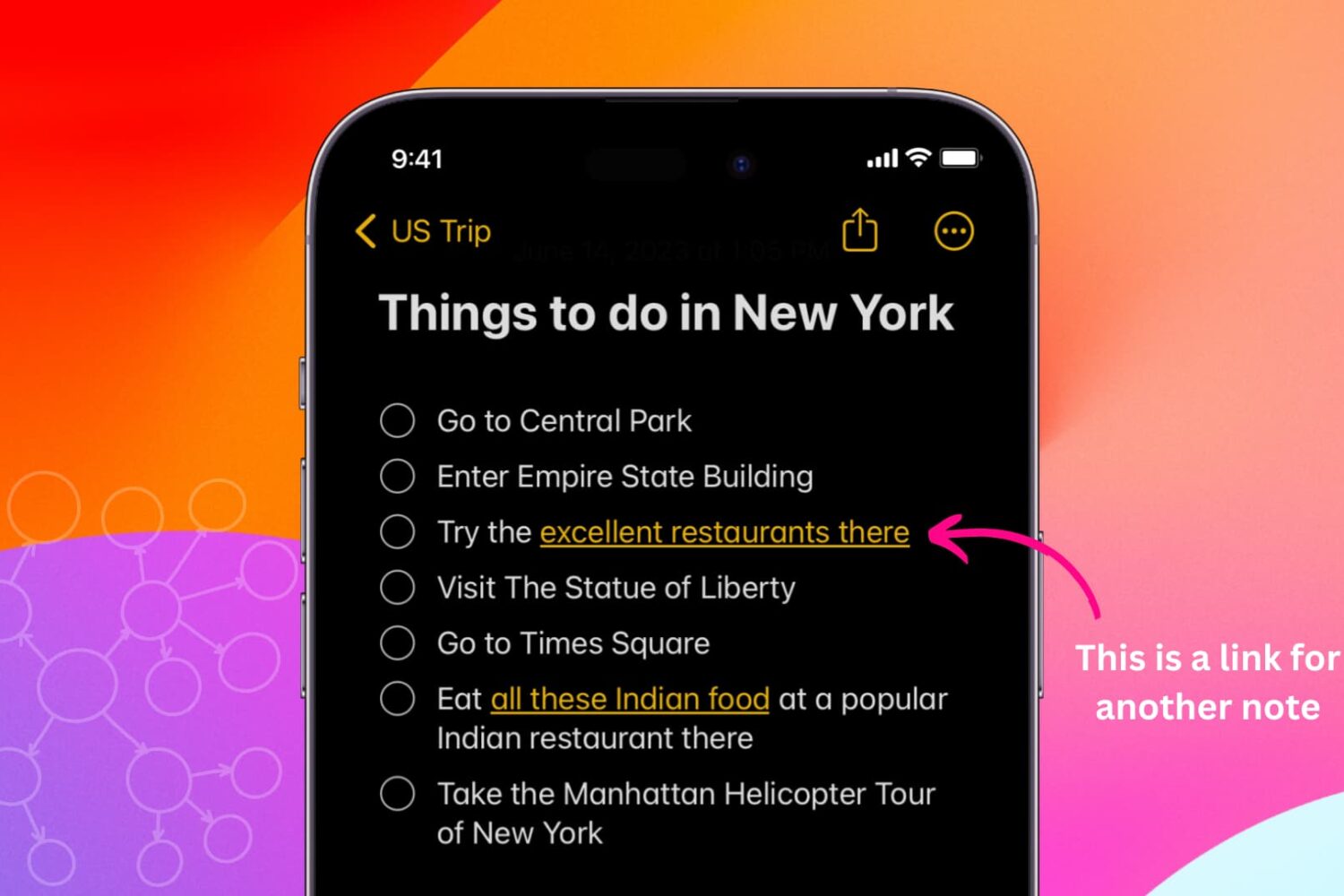
Learn how to link related notes in the Notes app on iPhone, iPad, and Mac for better organization and easier navigation.
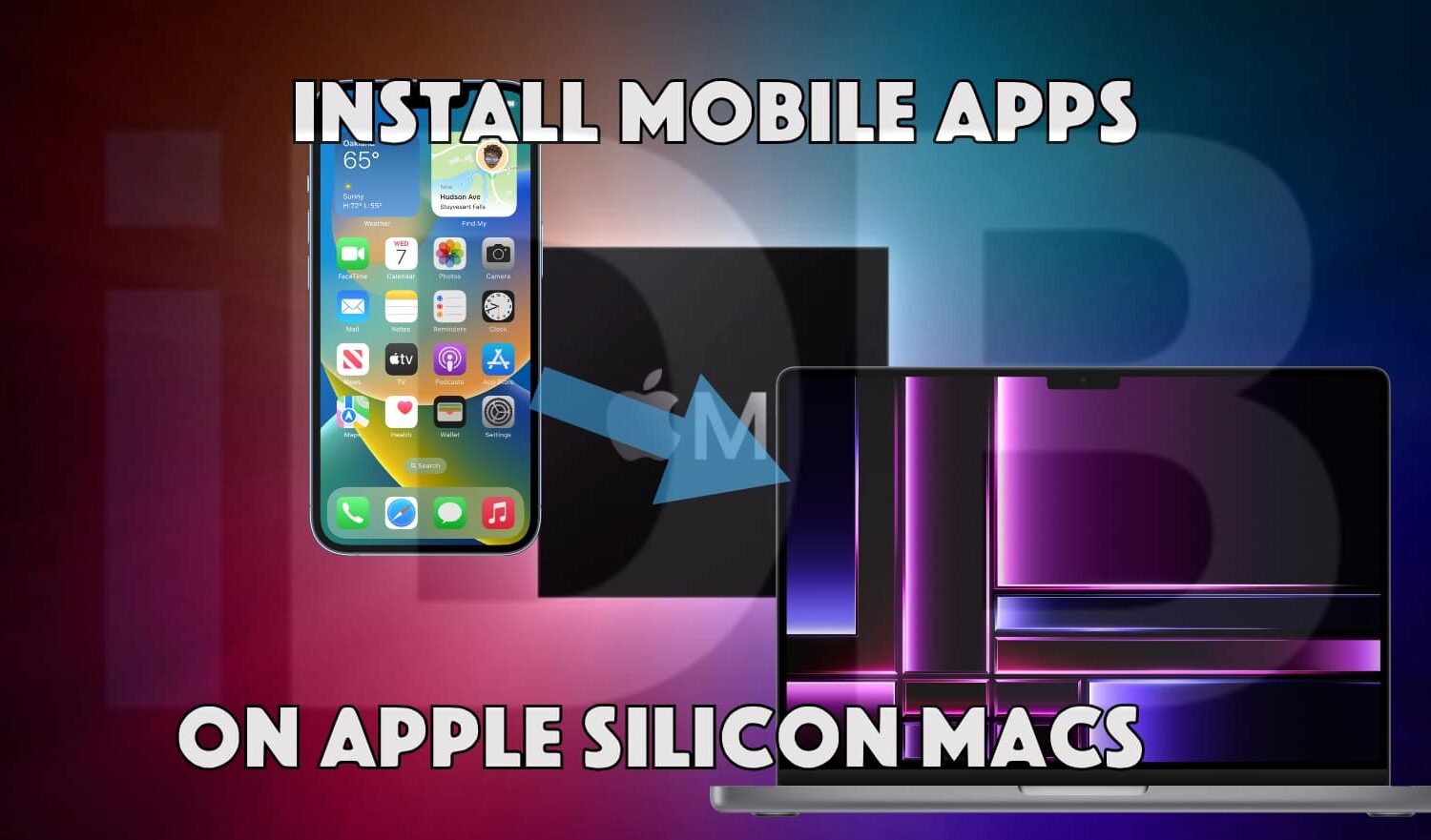
Learn how to download, install, and run iPad and iPhone apps on Apple silicon Macs, even if the app is unavailable in the App Store.
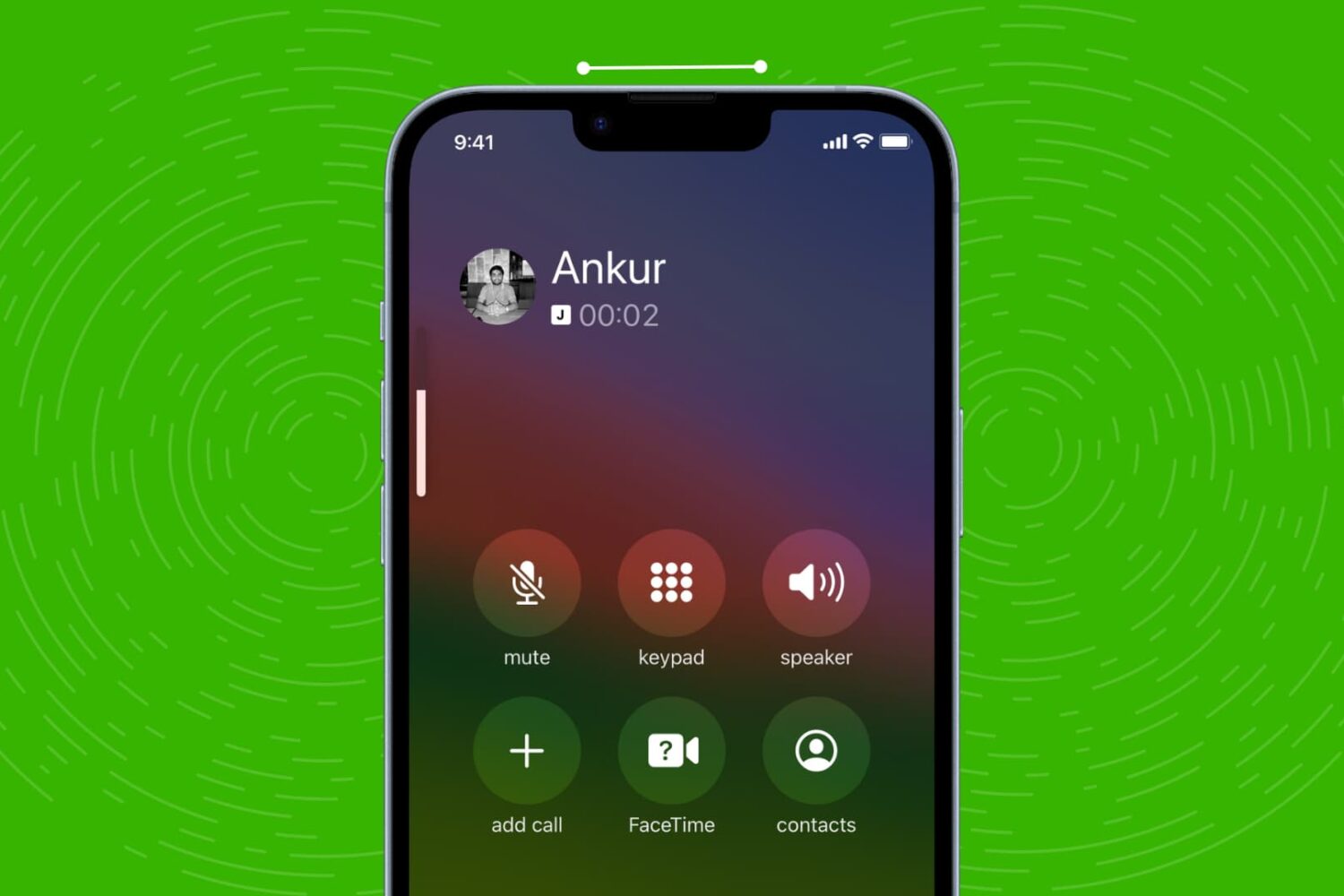
Check out these quick solutions to resolve low phone call sound issues and increase the volume if you’re struggling to hear during calls on your iPhone.