Learn how to quickly straighten your pictures on iPhone and iPad using the stock Photos app, ensuring your memories always look perfectly aligned.
How to easily straighten photos on iPhone and iPad

Stay up-to-date on the latest iPhone news and learn new tips and tricks with our comprehensive tutorials. From software updates to new features, we’ve got you covered.
Learn how to quickly straighten your pictures on iPhone and iPad using the stock Photos app, ensuring your memories always look perfectly aligned.
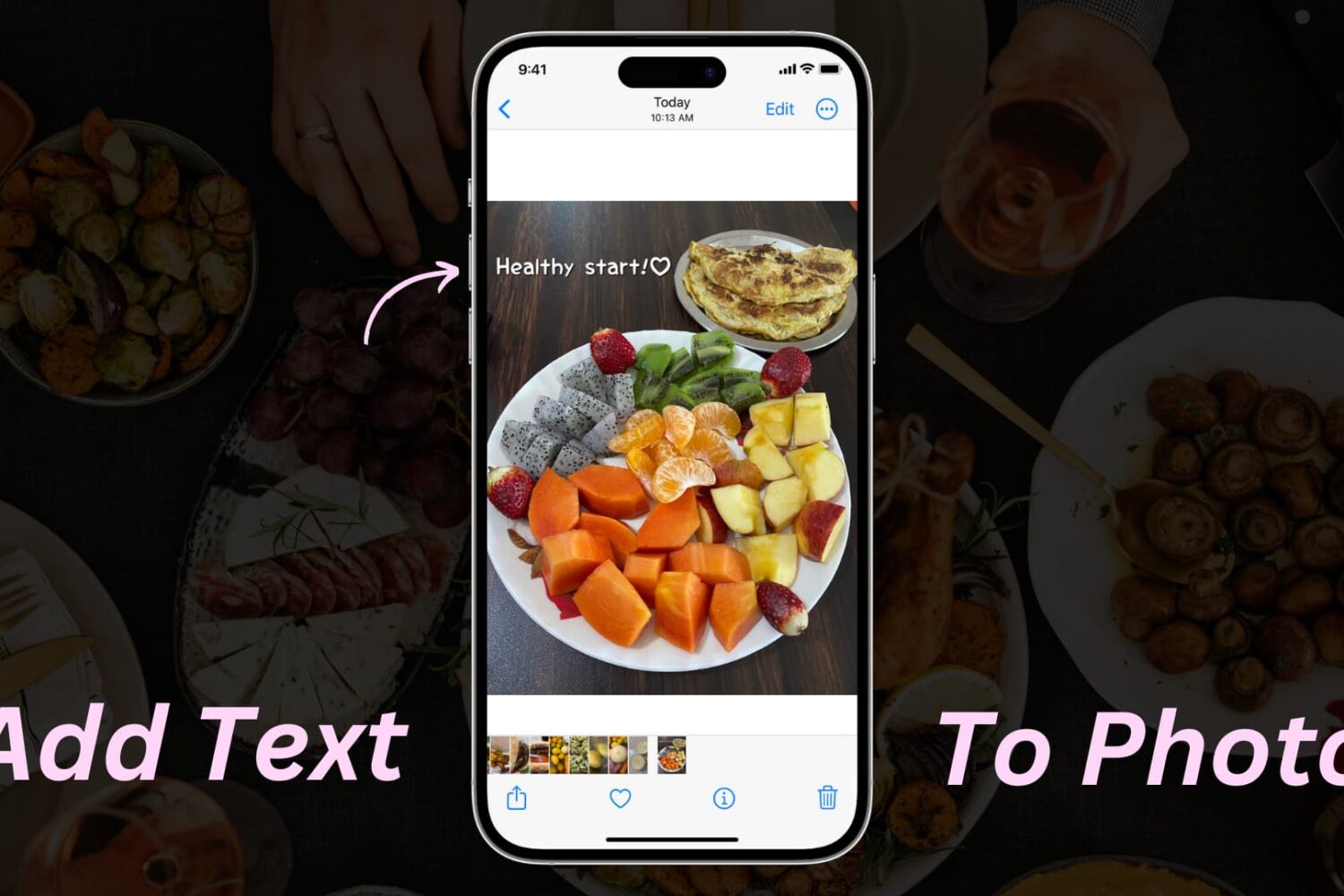
Learn how to add text or text-based signatures to your photos on iPhone, iPad, and Mac so your images stand out and effectively convey your message.
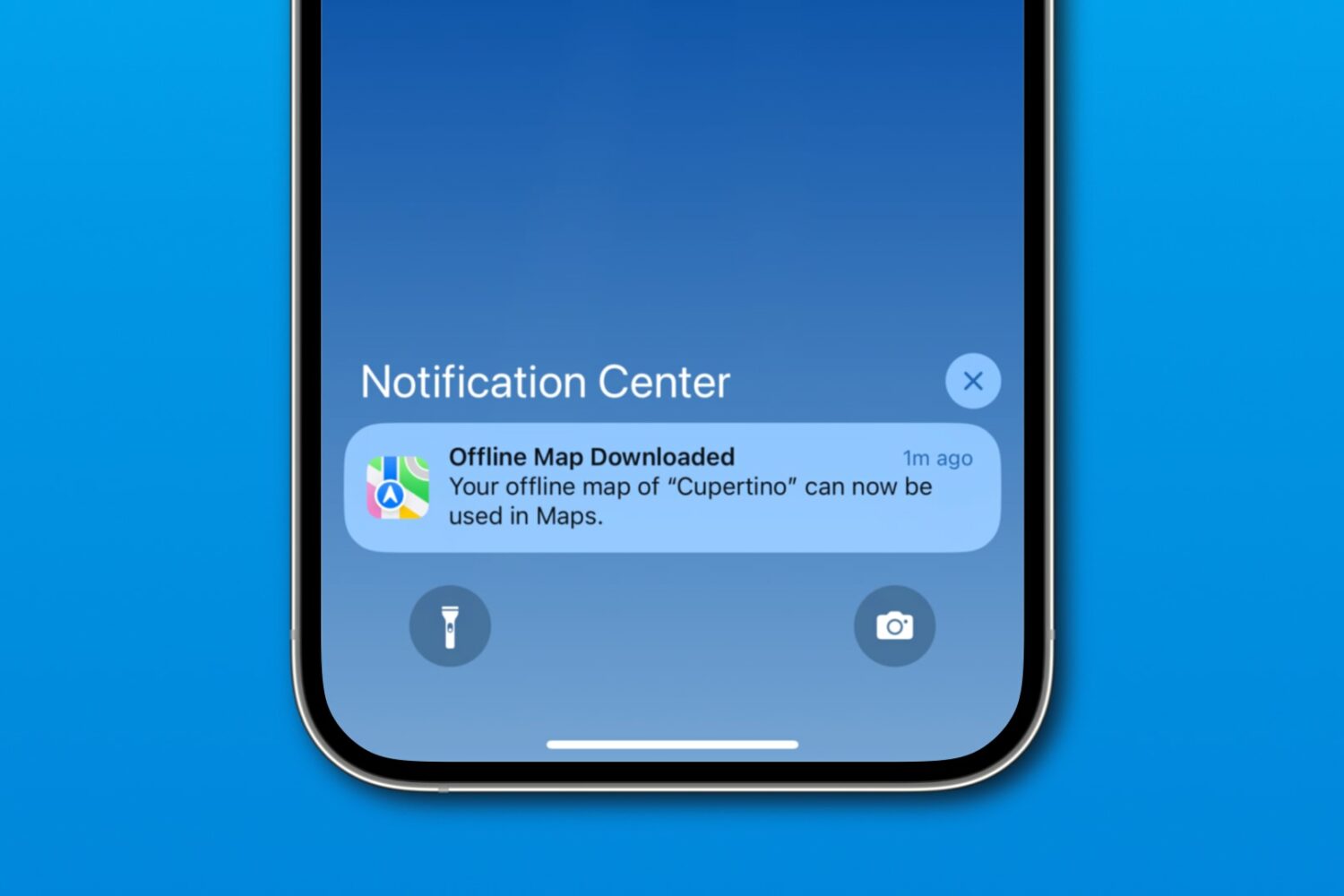
Download a custom region in iOS 17's Apple Maps to navigate offline on your iPhone, iPad or Apple Watch, search for nearby places, and more.

Whether you want to create backups, share multiple copies, or organize your media files, the Apple Photos app makes it easy to duplicate your photos and videos. In this tutorial, we will show you how to do that for one or multiple files at once, directly from your iPhone, iPad, or Mac.
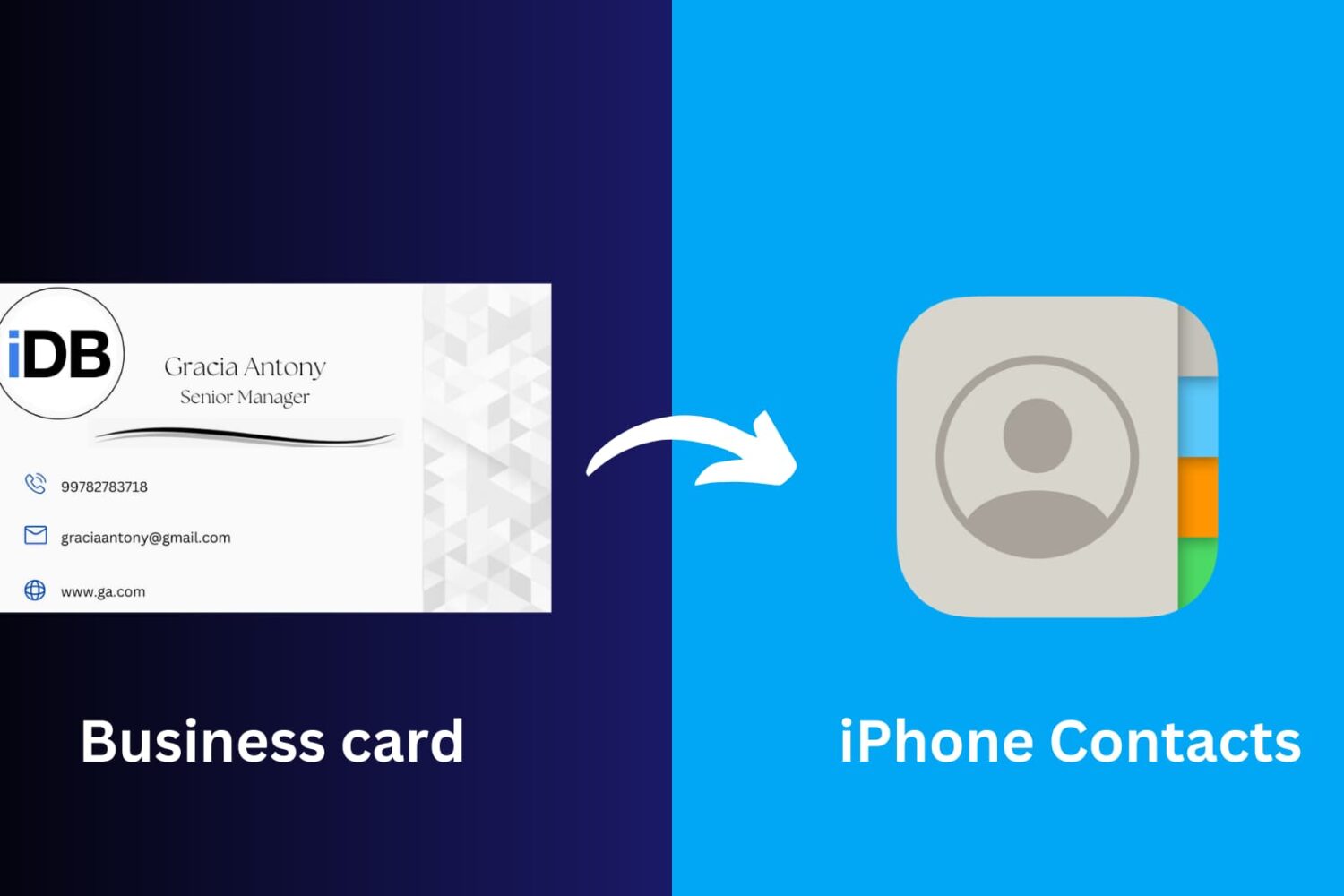
This article will guide you through the simple process of scanning a business card and seamlessly saving its information to your iPhone Contacts app, ensuring you never miss a beat in networking and professional connections.

If after using the TrollStore perma-signing utility you’ve decided that it isn’t for you or that you’d like to delete and re-install it for troubleshooting purposes, then you may need to know the best way to remove it from your device.
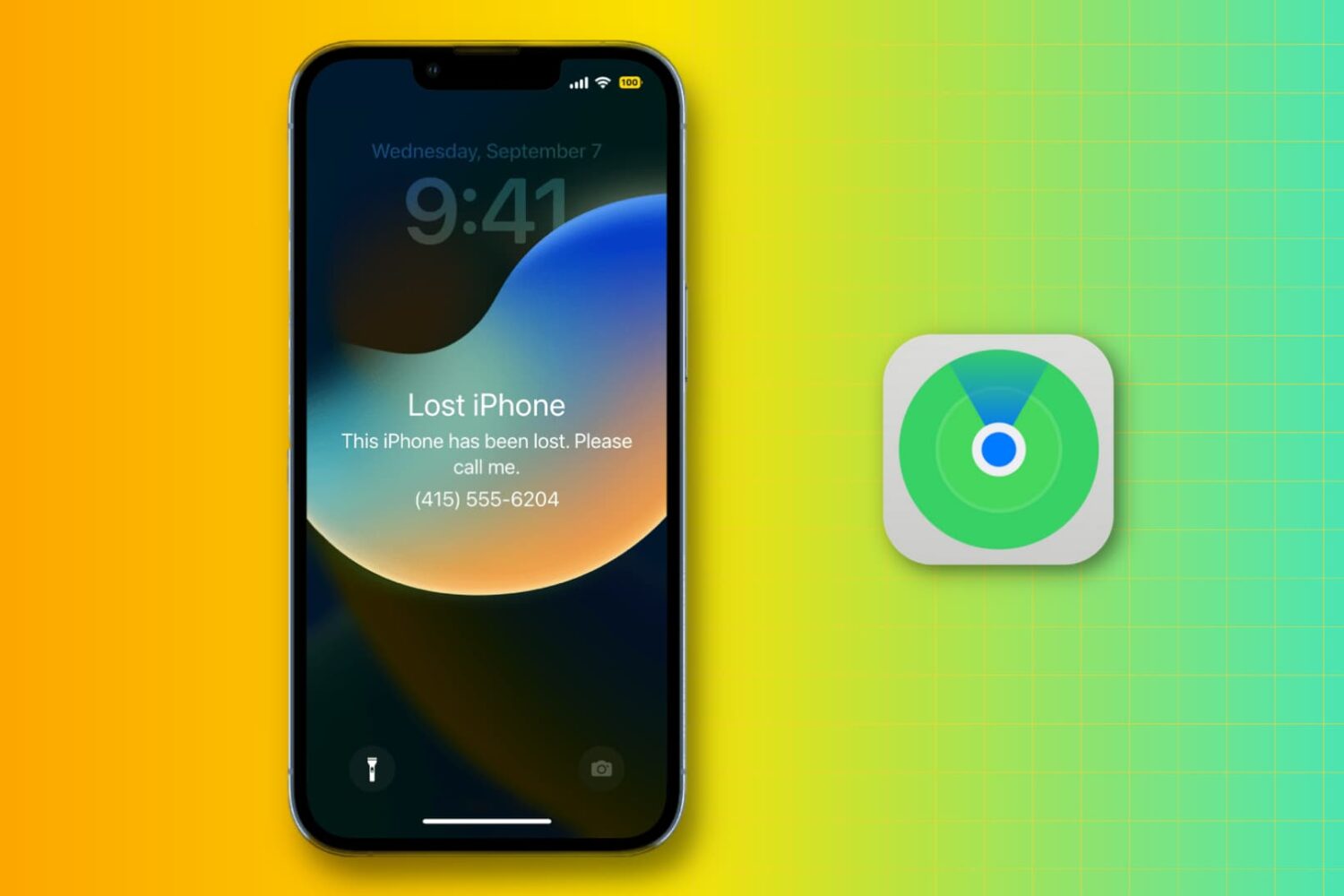
Learn what steps to take if you lose your iPhone or iPad in order to protect your personal data, track your device, and report the incident to law enforcement.
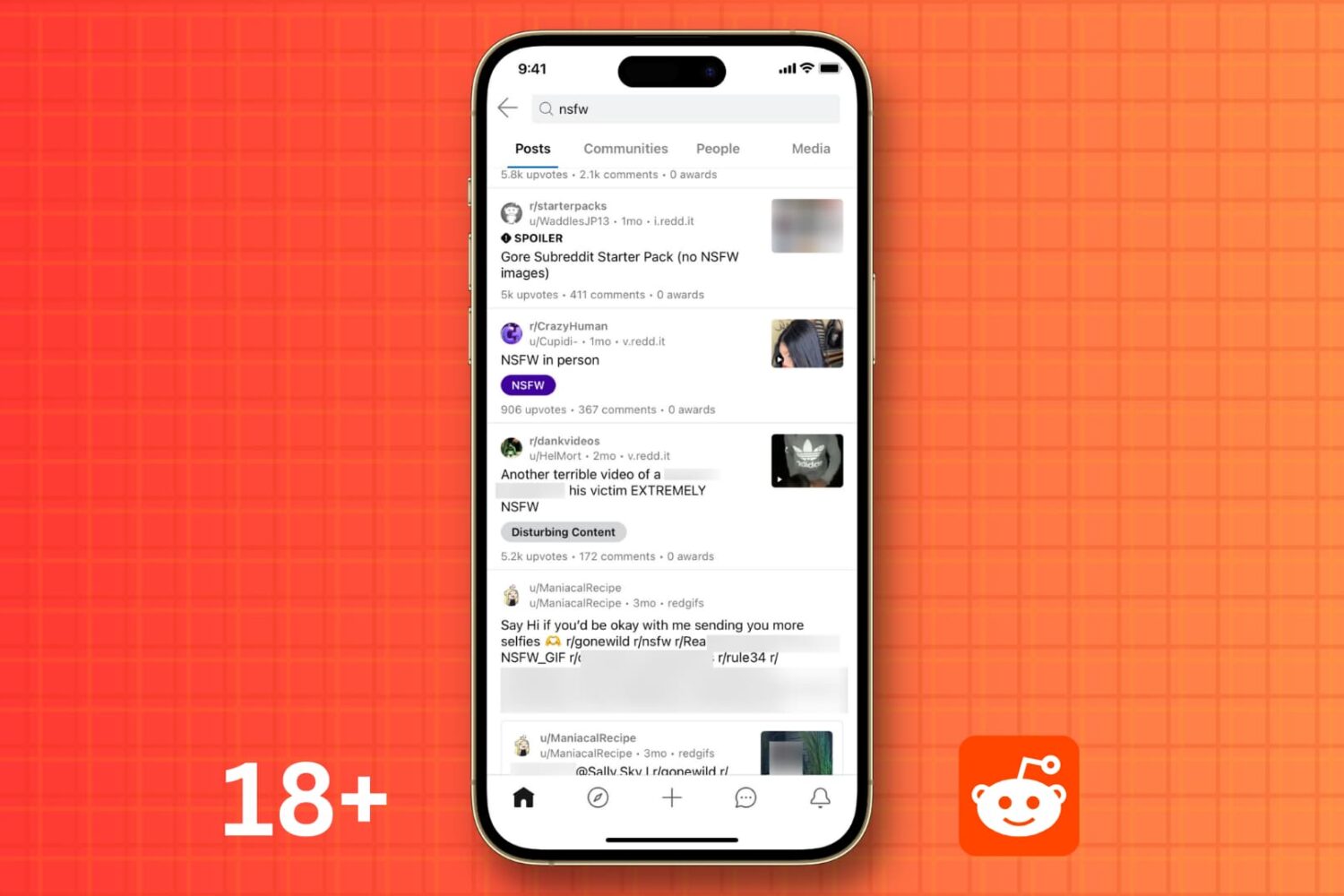
Learn how to view mature NSFW (Not Safe for Work) content on Reddit and disable image blur on iPhone, Android, and the web.
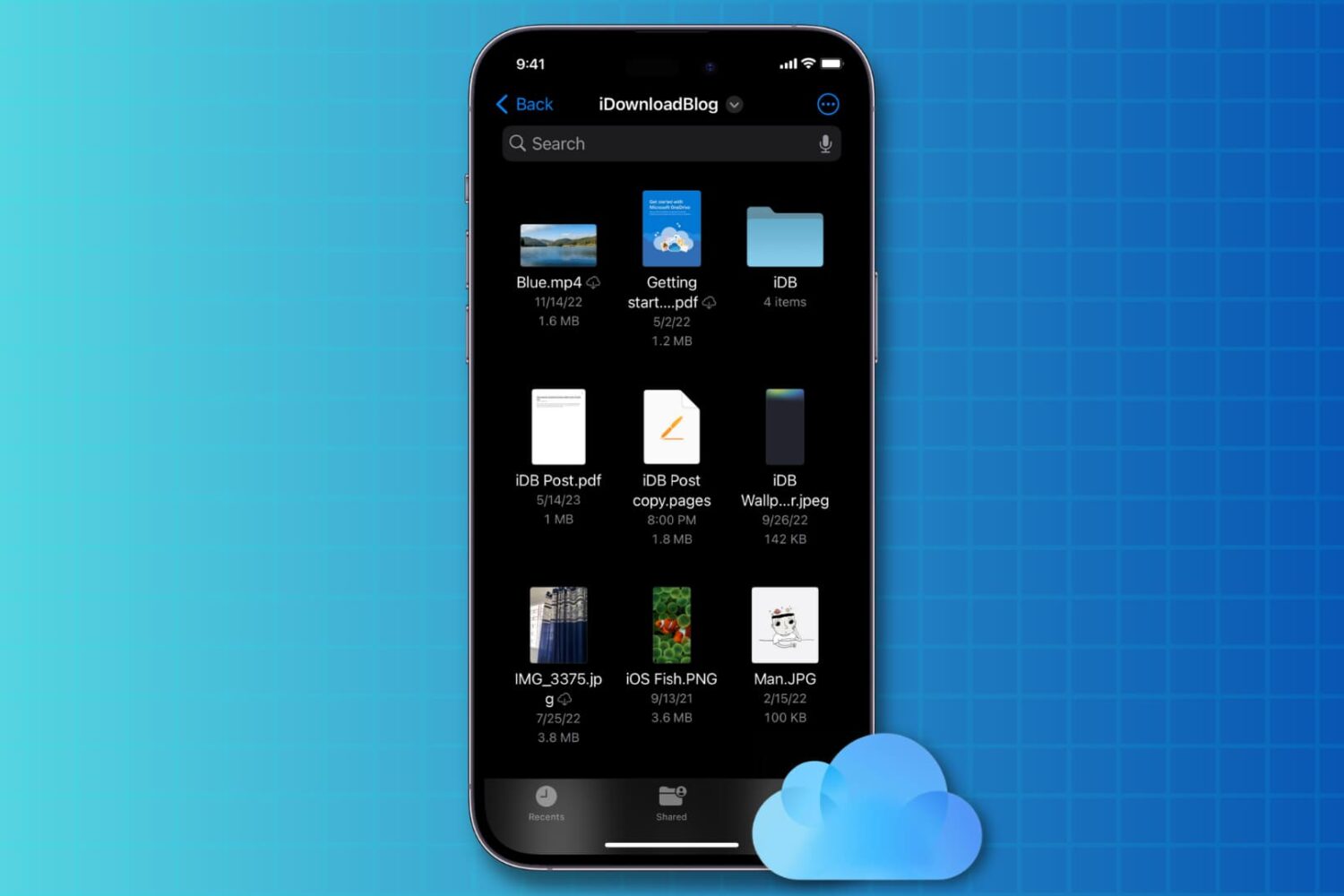
Check out three easy ways to access all your images, audio, video, PDF, documents, and other files that are stored in your iCloud Drive account.
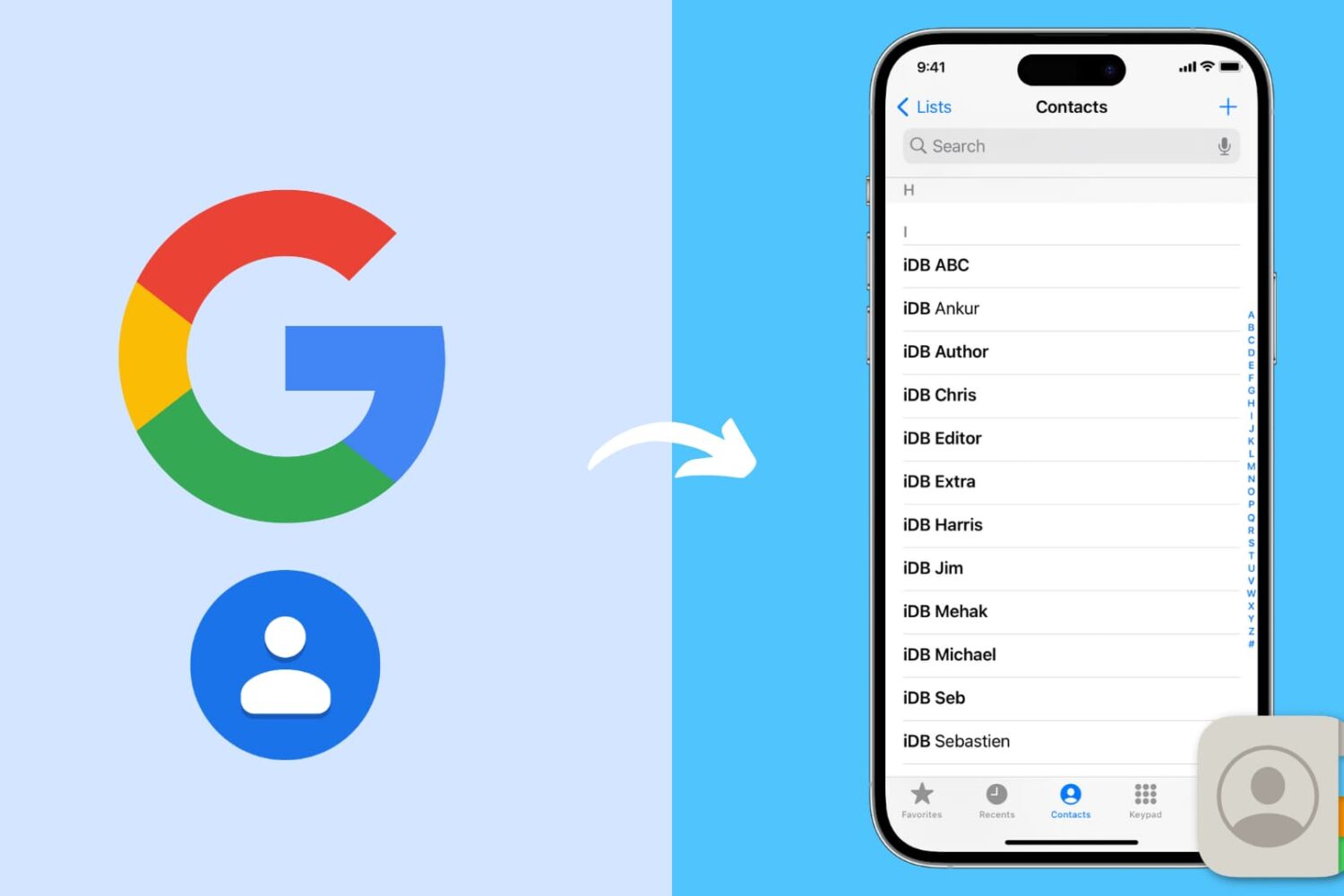
Go through these steps to restore your Google contacts on your iPhone and ensure they sync seamlessly with the Phone and Contacts apps.
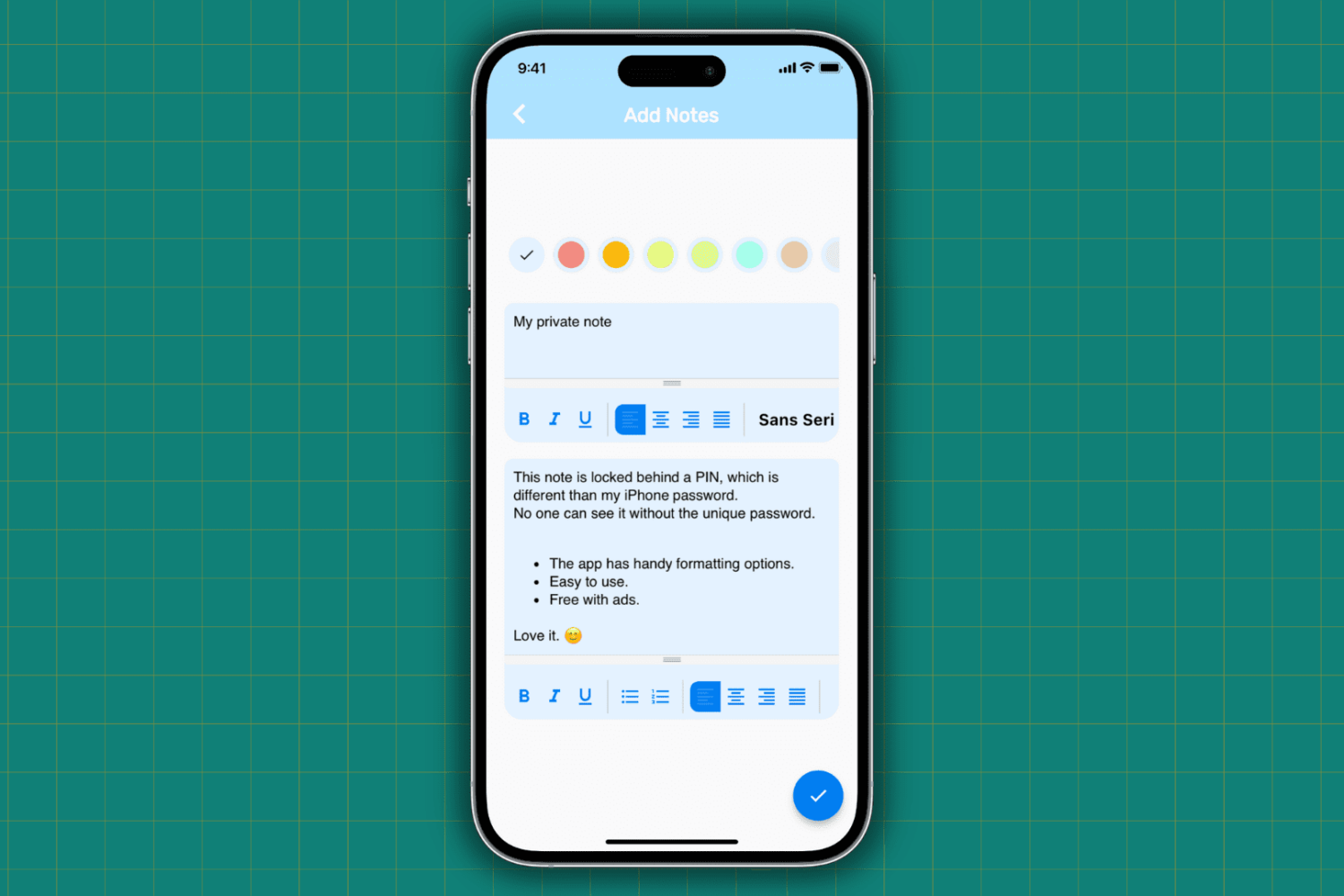
Learn how to protect your important, sensitive, and private notes on your iPhone and iPad by locking them behind a password and hiding them from plain sight.