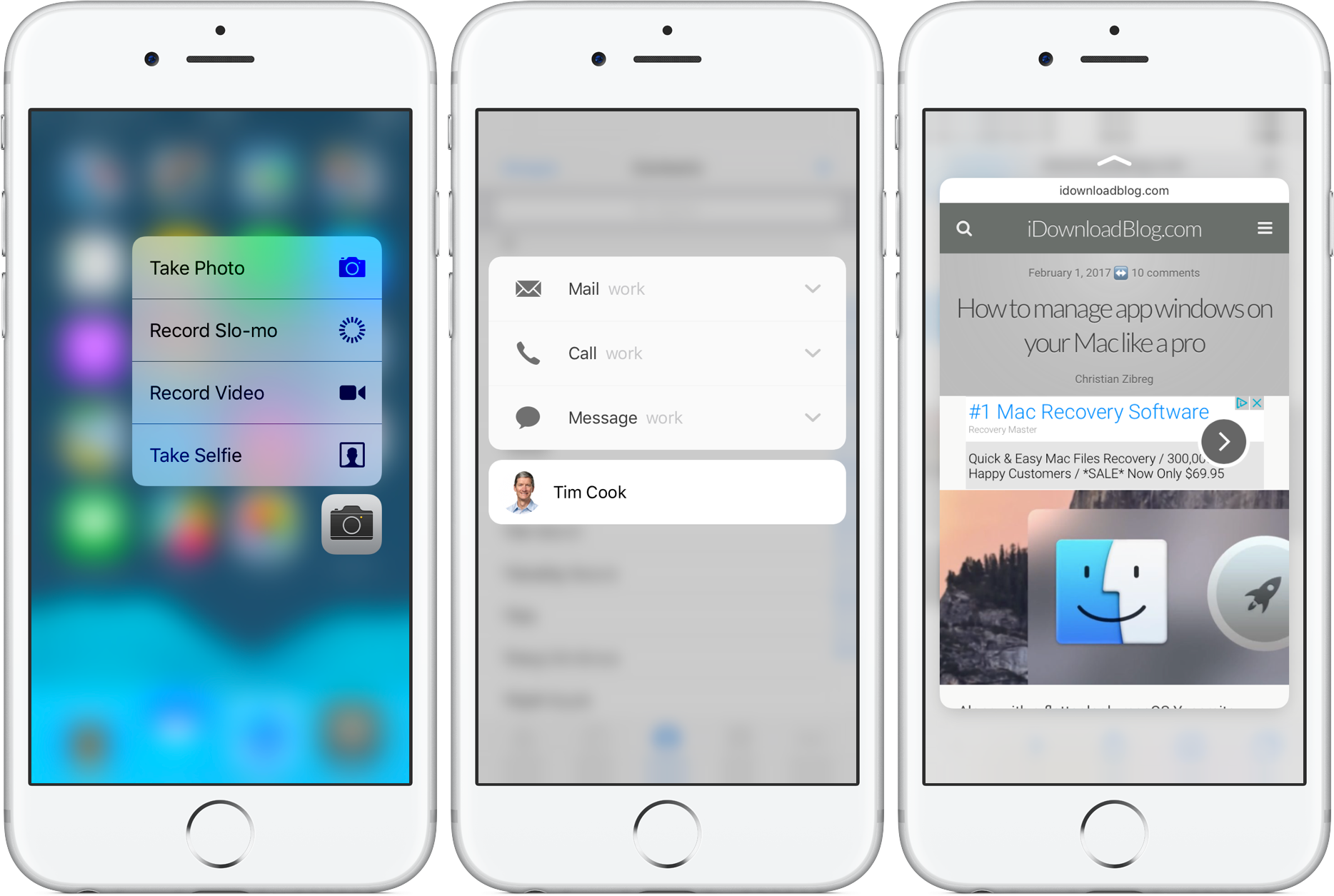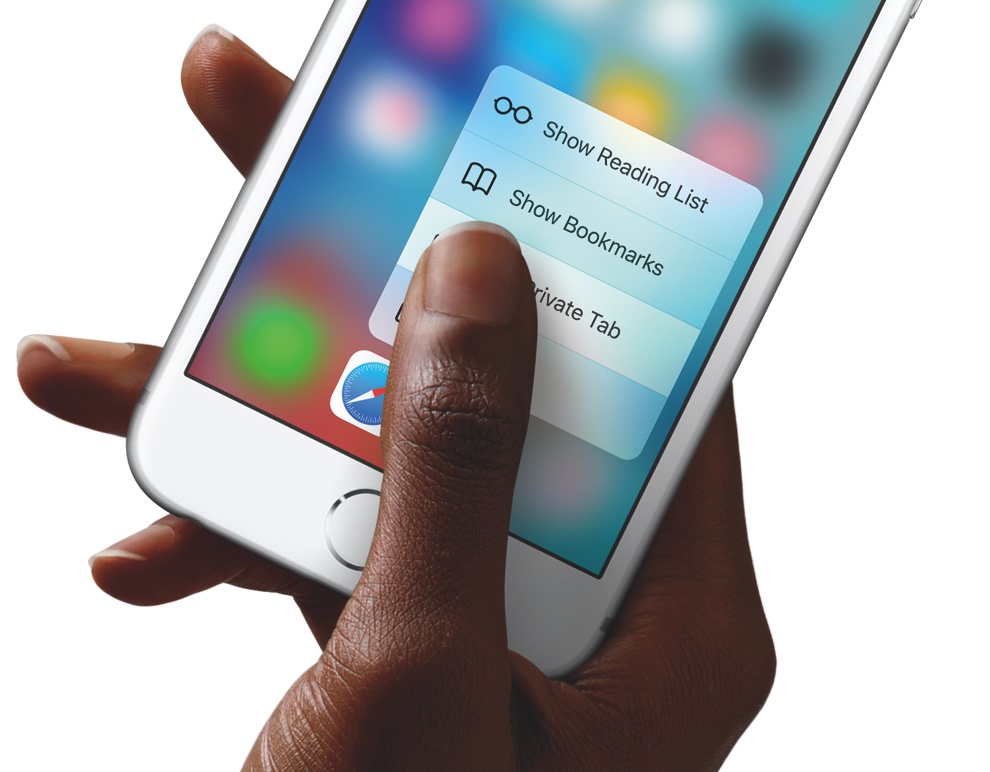
Using a grid of 96 sensors that read microscopic changes in the distance between the cover glass and the backlight, your iPhone is able to detect different degrees of pressure. This headline feature, called 3D Touch, is used to reveal content previews and contextual menus within apps and quick actions on app icons on the Home screen.
Do you feel like 3D Touch requires you to press the screen too hard? If so, iOS offers a handy slide to change the amount of pressure you need to activate the feature.