Learn how to view the Wi-Wi network your Apple HomePod or HomePod mini speaker is using for easier troubleshooting of internet connectivity issues.
How to see which Wi-Fi network your HomePod is connected to
Stay up-to-date on the latest iPhone news and learn new tips and tricks with our comprehensive tutorials. From software updates to new features, we’ve got you covered.
Learn how to view the Wi-Wi network your Apple HomePod or HomePod mini speaker is using for easier troubleshooting of internet connectivity issues.
While you may work and create your spreadsheets in Numbers, there may be a time when you need one of those documents in the Microsoft Excel file format.
You can easily export spreadsheets into different formats for viewing and editing with other applications. Here’s how to convert a Numbers file to Excel on Mac, iPhone, and iPad.
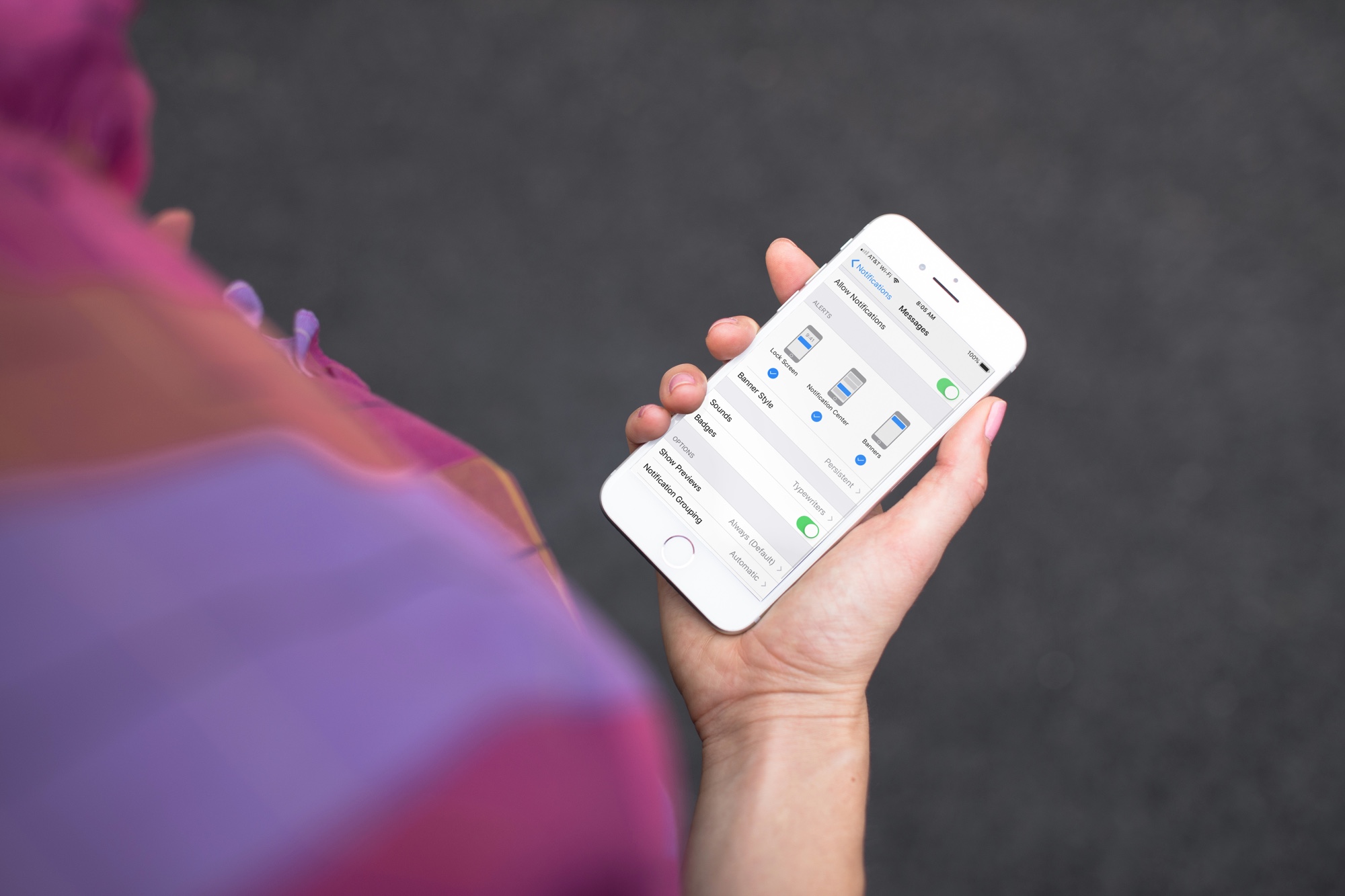
Learn how to get persistent notifications for an app on iPhone or iPad so its alerts don’t disappear automatically from the screen and stay there until you dismiss them.
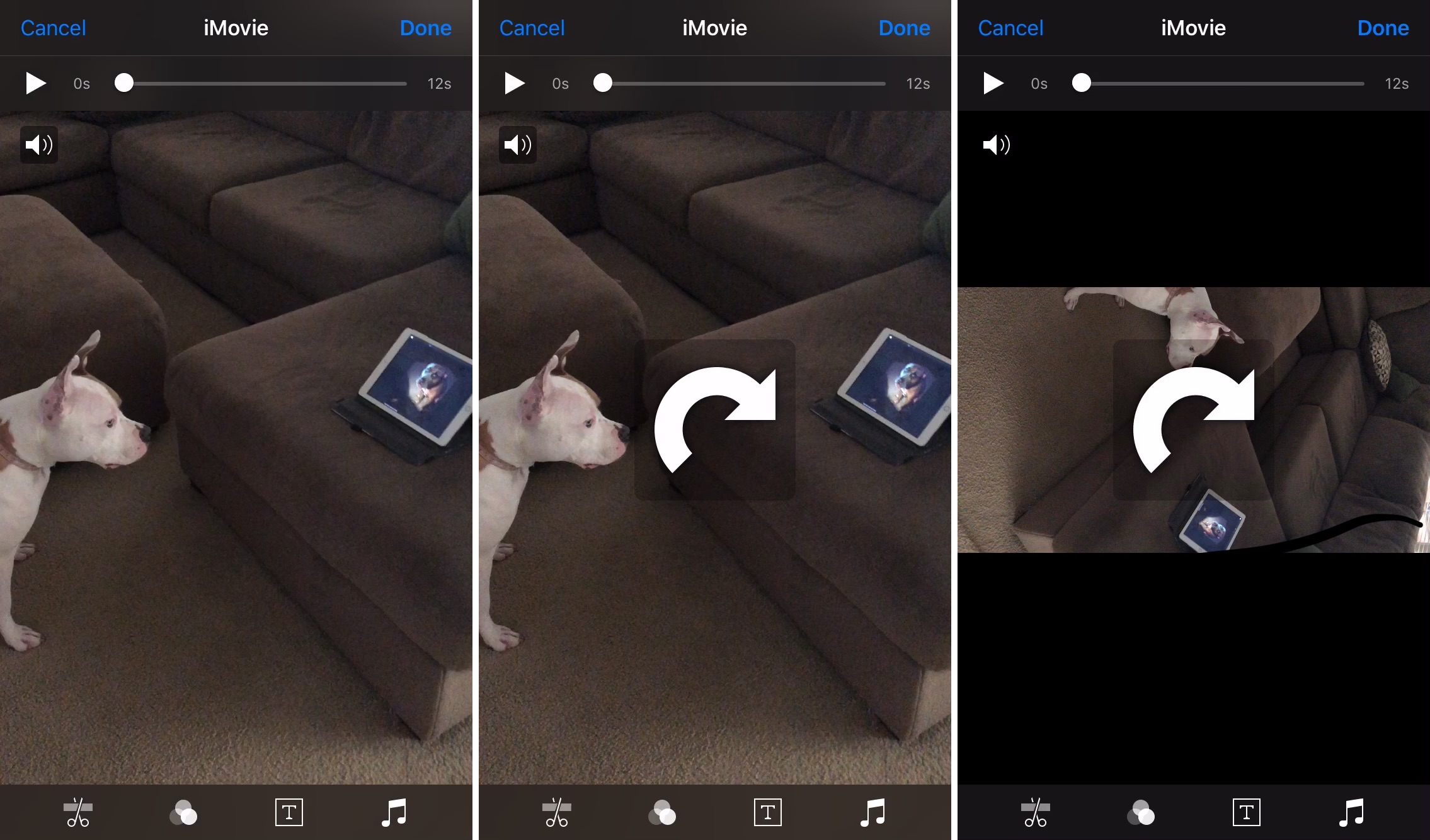
Learn how to rotate landscape or portrait videos on your iPhone or iPad using the Apple Photos app to ensure they’re perfectly oriented and look their best.
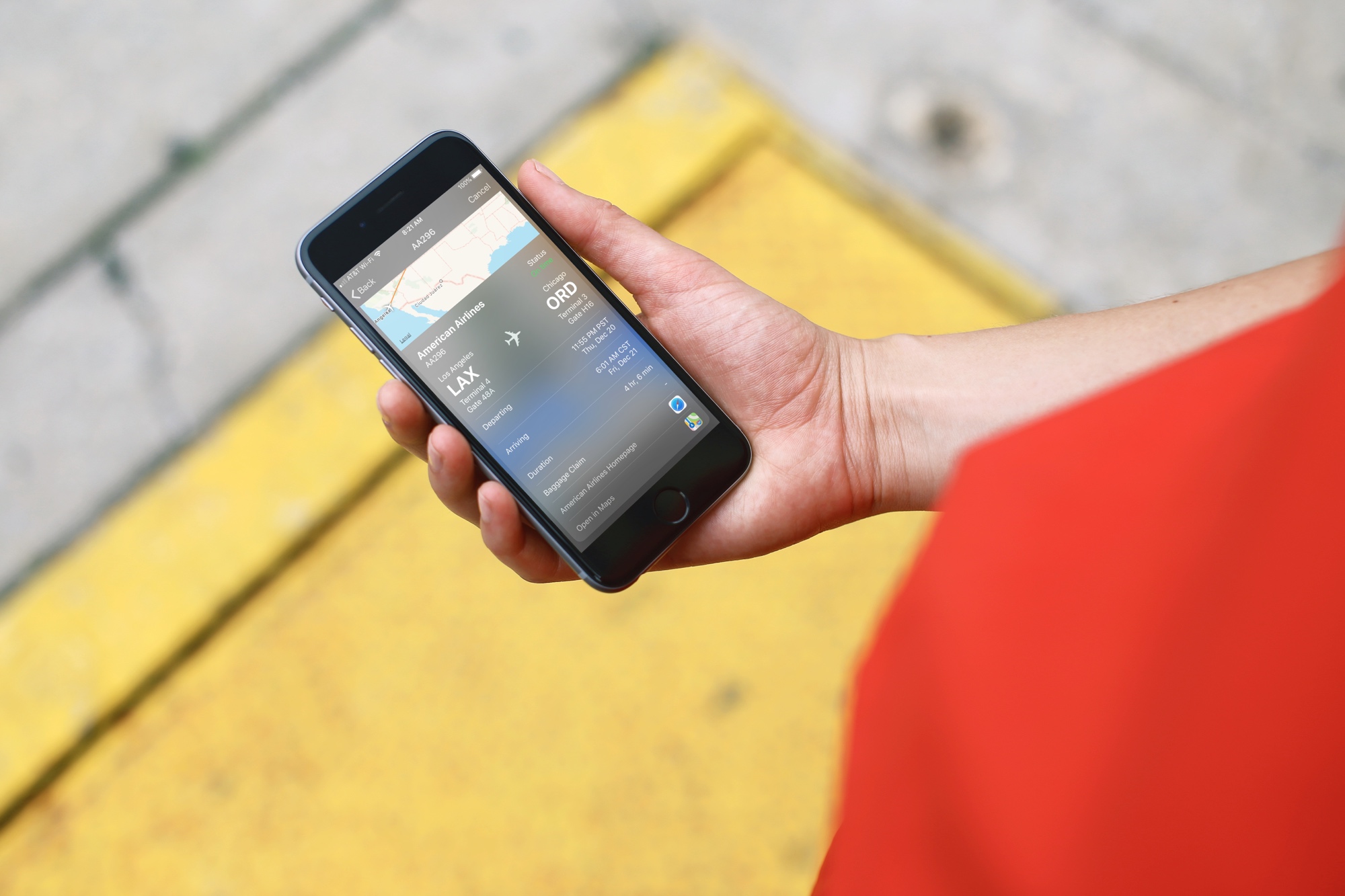
Whether you’re preparing to jump on a plane or just waiting for a friend to fly in, you may think that you have to download a special app to track those flights. And, while a specific flight tracking app is certainly a great way to go, especially if you’re a frequent traveler, there is another way.
Here’s how to quickly track flights from anywhere with your iPhone and all you need is the flight number.

Find out what to do if the Apple Music app on your iPhone or iPad has removed all your songs or if it automatically deletes some downloaded songs from the local storage.
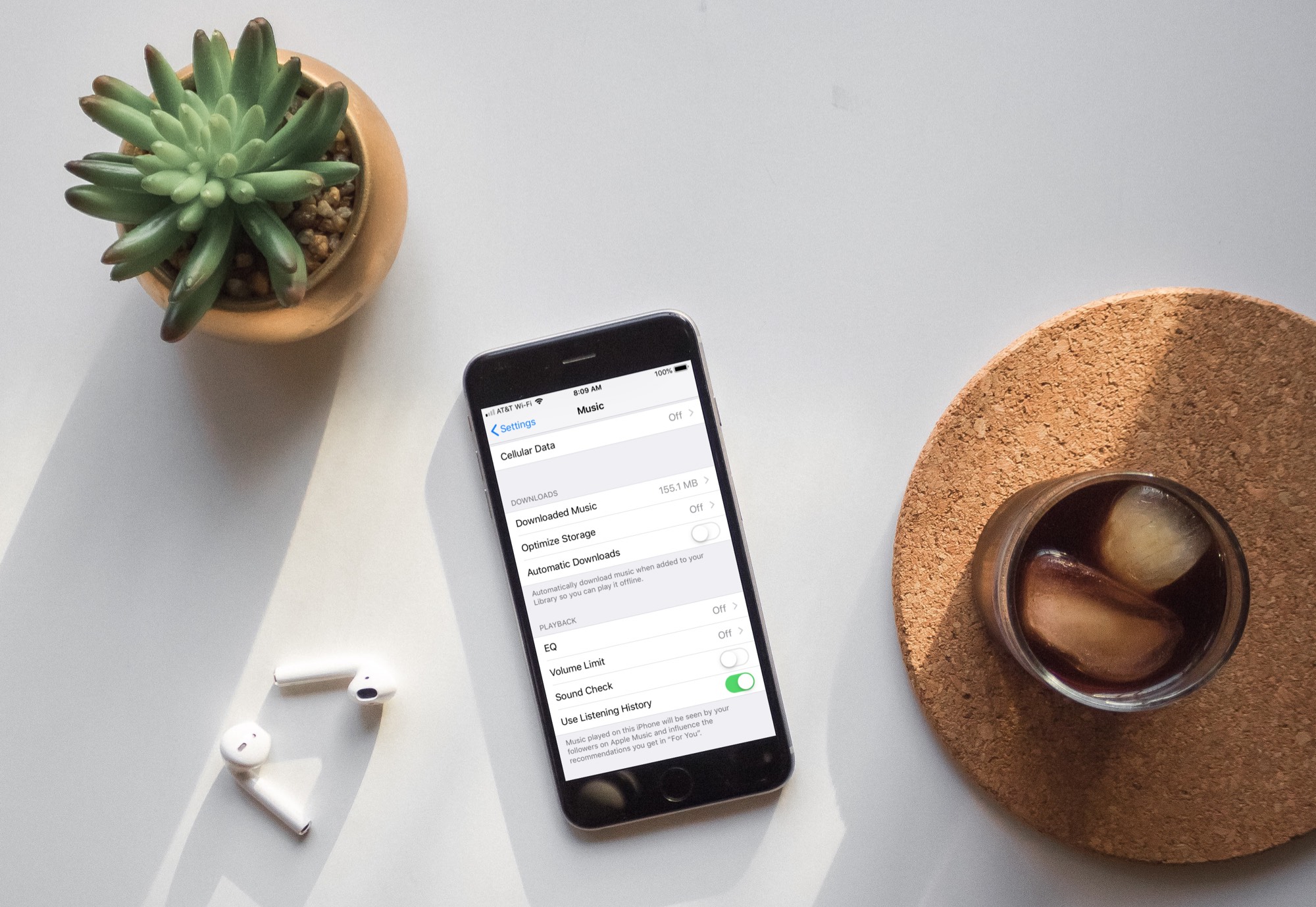
Learn how to turn off automatic downloads for Apple Music on iPhone, iPad, or Mac to stop the Music app from downloading every song, album, or playlist you add to your library.

Learn how to cancel an already-initiated software update download if you don't want to update your iPhone and iPad to the latest iOS version after all.
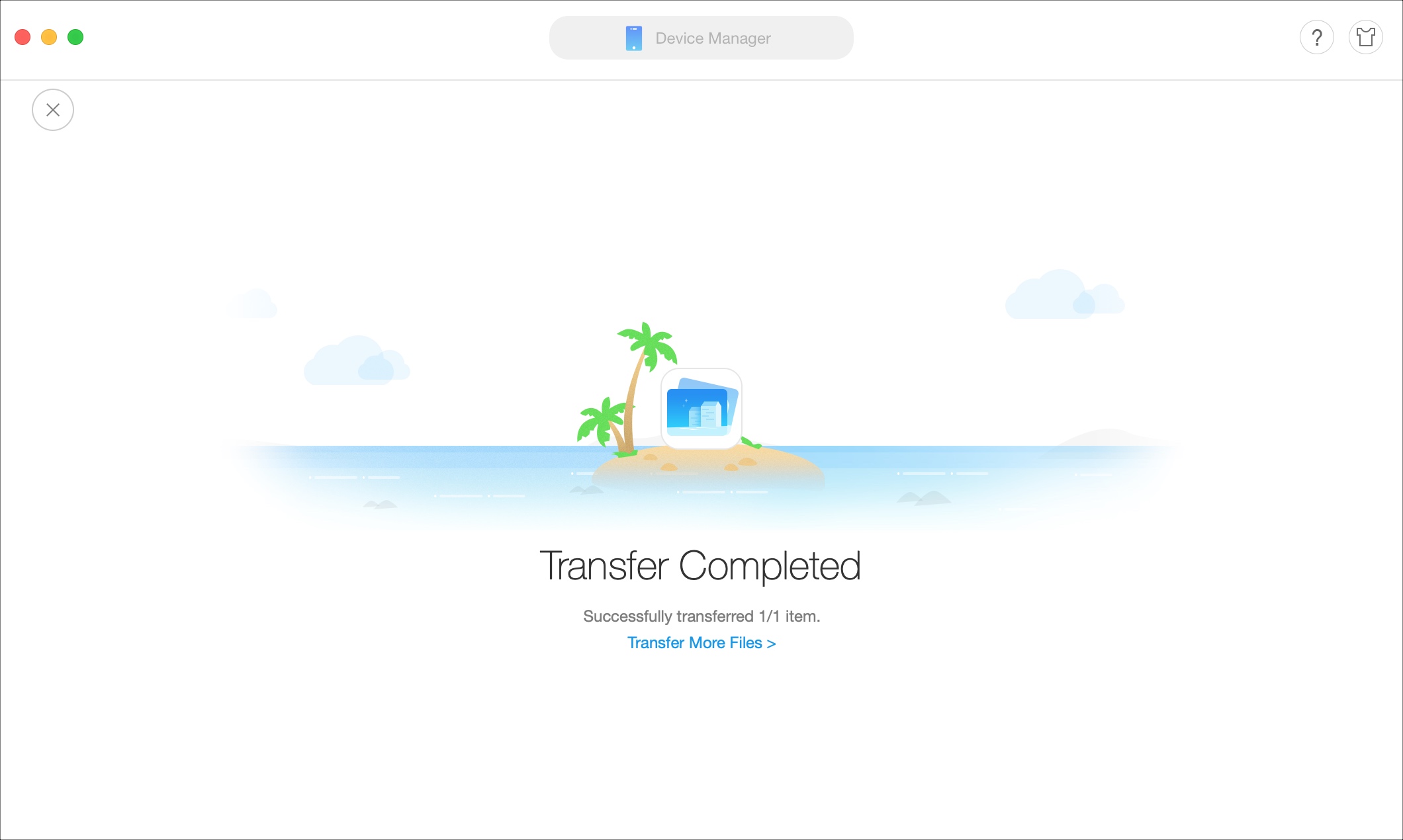
If you’re looking for a way to add movies and shows to your iPhone or iPad without the need for iTunes, then this tutorial is for you.
AnyTrans is an application that lets you manage your device content from your Mac or Windows computer. Transfer files, merge content, use your iPhone as a USB drive, create backups, and more with this one simple tool.
Here’s how to add movies and shows to iPhone or iPad without iTunes using AnyTrans.
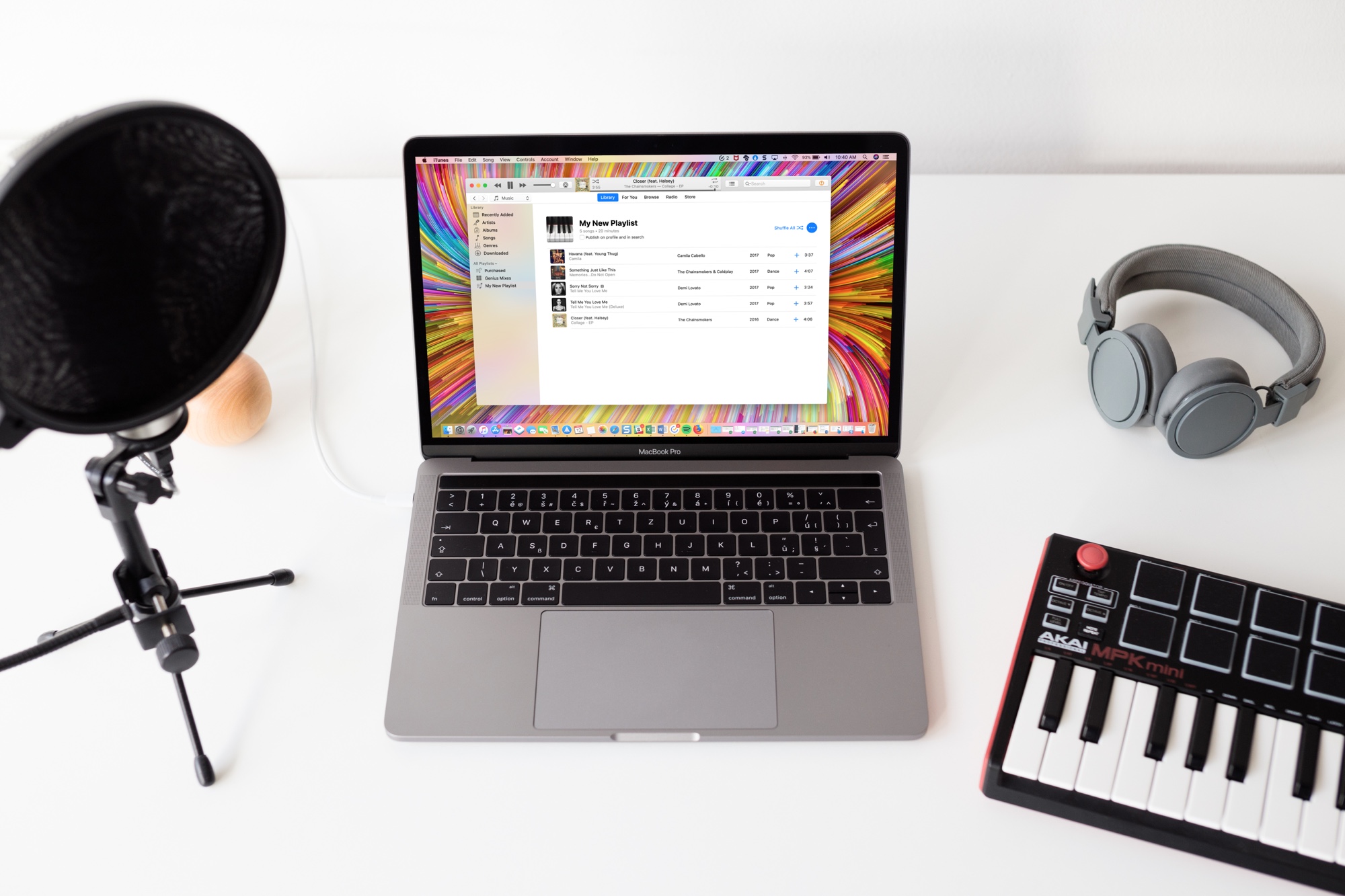
Learn how to stop Apple Music from adding songs to your library when you add them to playlists on your iPhone, iPad, and Mac.
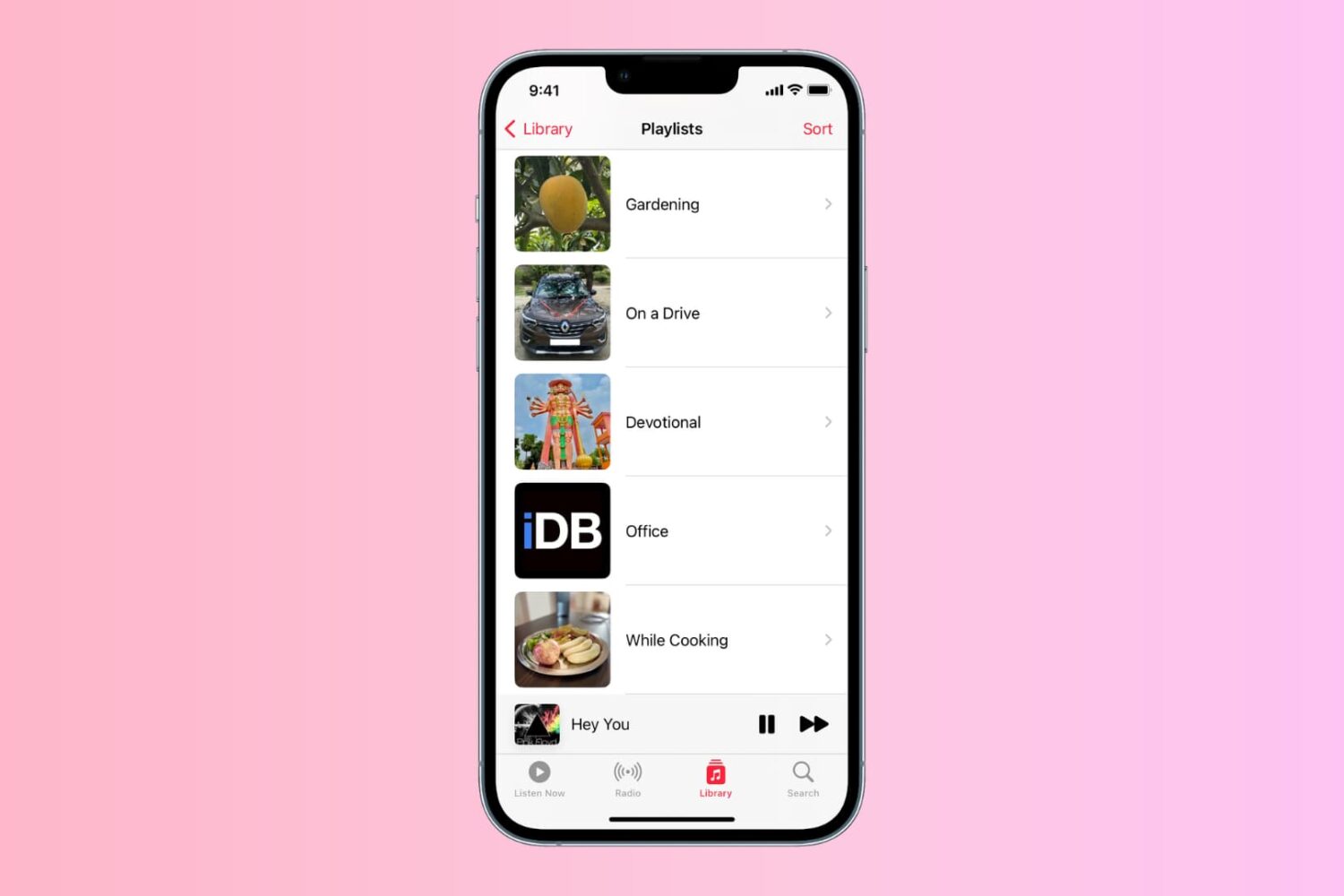
Learn how to personalize the playlist cover image in the Music app on your iPhone, iPad, or Mac to your liking.
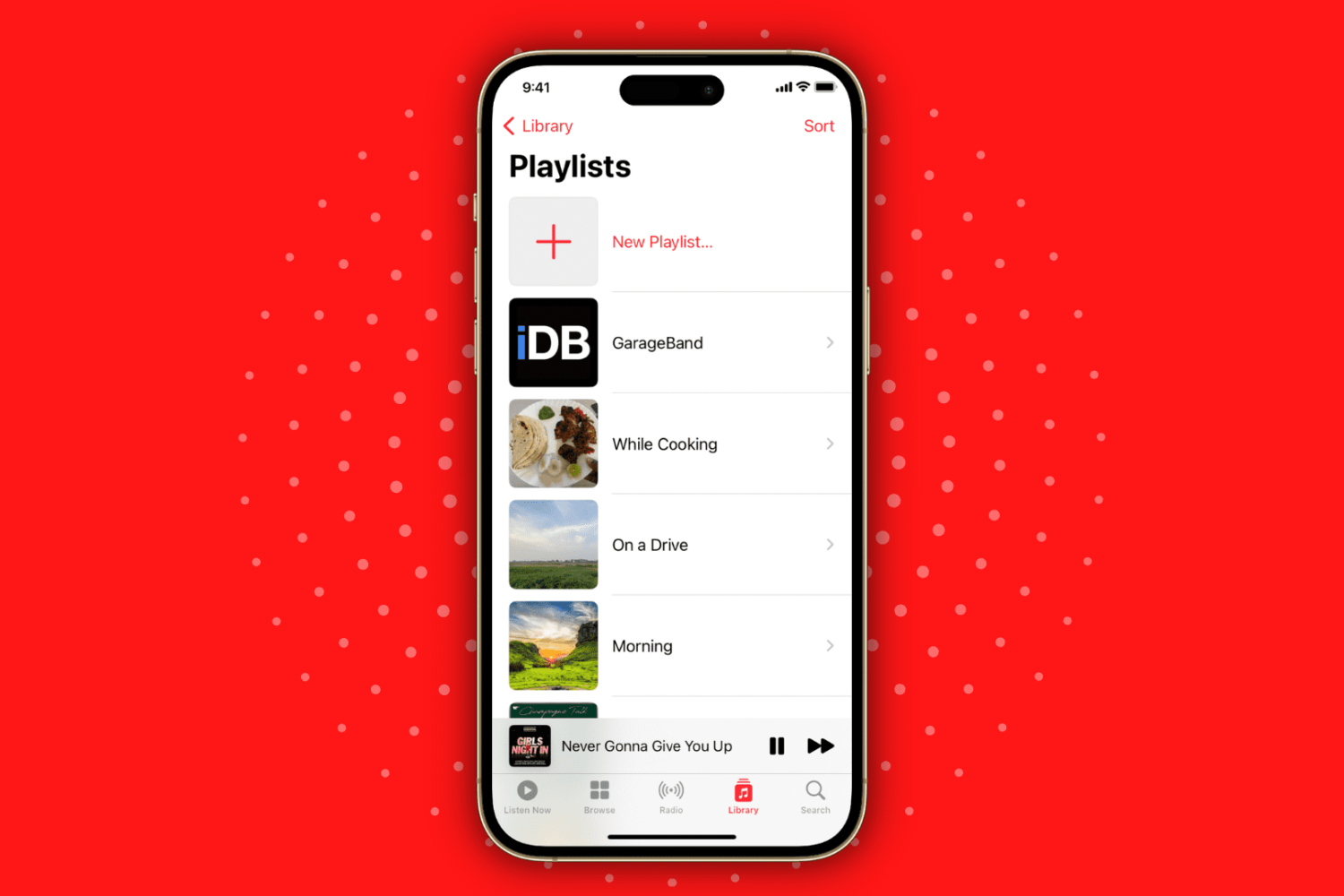
Learn how to create playlists in the Apple Music app on your iPhone or iPad to categorize and organize your music for different moods and occasions.