iPhone

Stay up-to-date on the latest iPhone news and learn new tips and tricks with our comprehensive tutorials. From software updates to new features, we’ve got you covered.

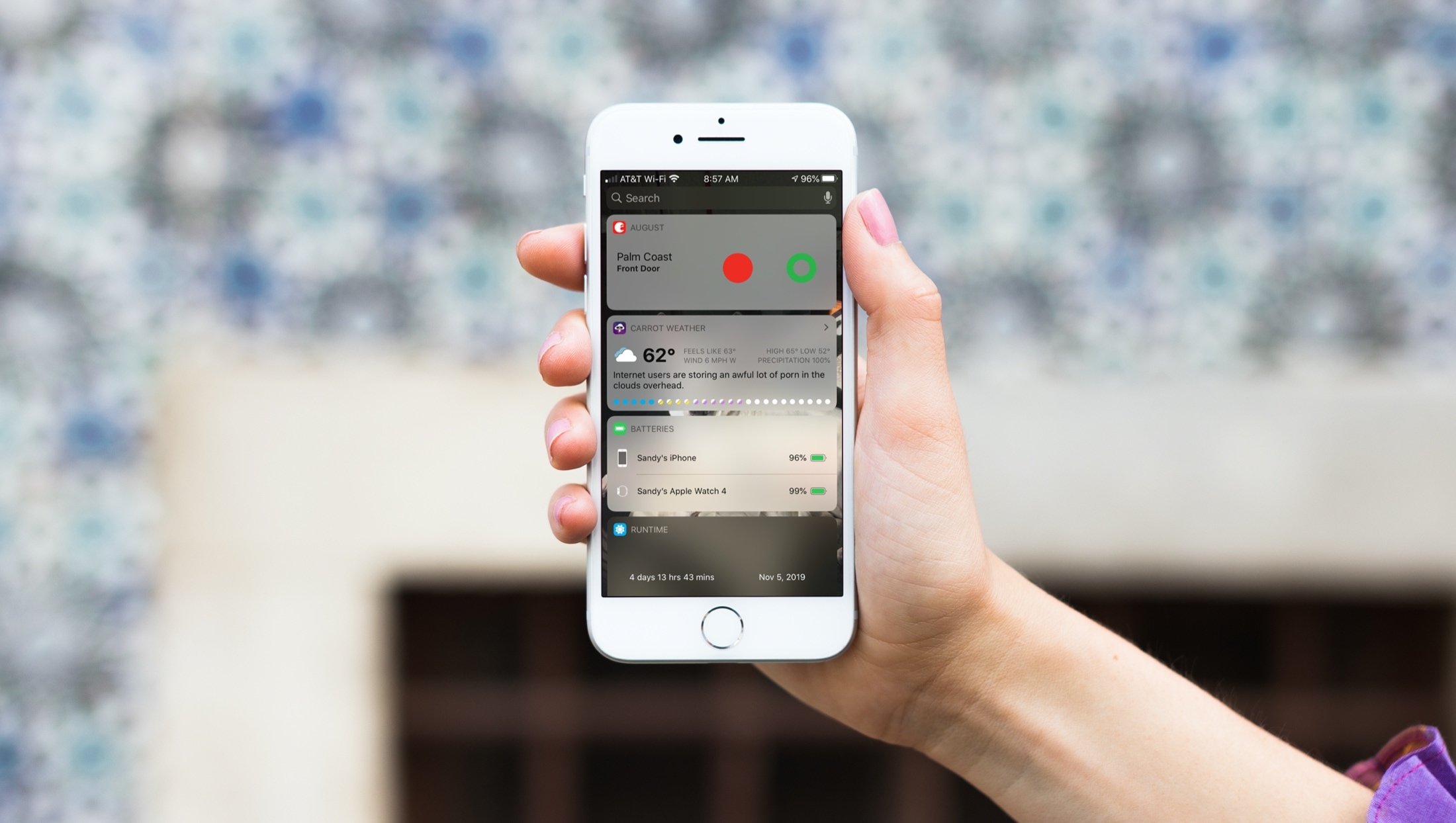
New to iPhone? How to use the Today View and Notification Center

Using Today View Notification Center iPhone

When you just get your first iPhone, you’ll find that it’s super easy to use. It has a nicely organized Home screen and a simple way to find your Settings. But there are little tips and tricks that can take a while to learn, like how to use your Today View and Notification Center effectively.

That’s why iDB is here to help with our "New to iPhone" series. If you fall into the new iPhone user group, this series, along with this article, are for you. Here’s how to use the Today View and Notification Center on your iPhone.
All iPhone notification settings explained so you can customize them accordingly

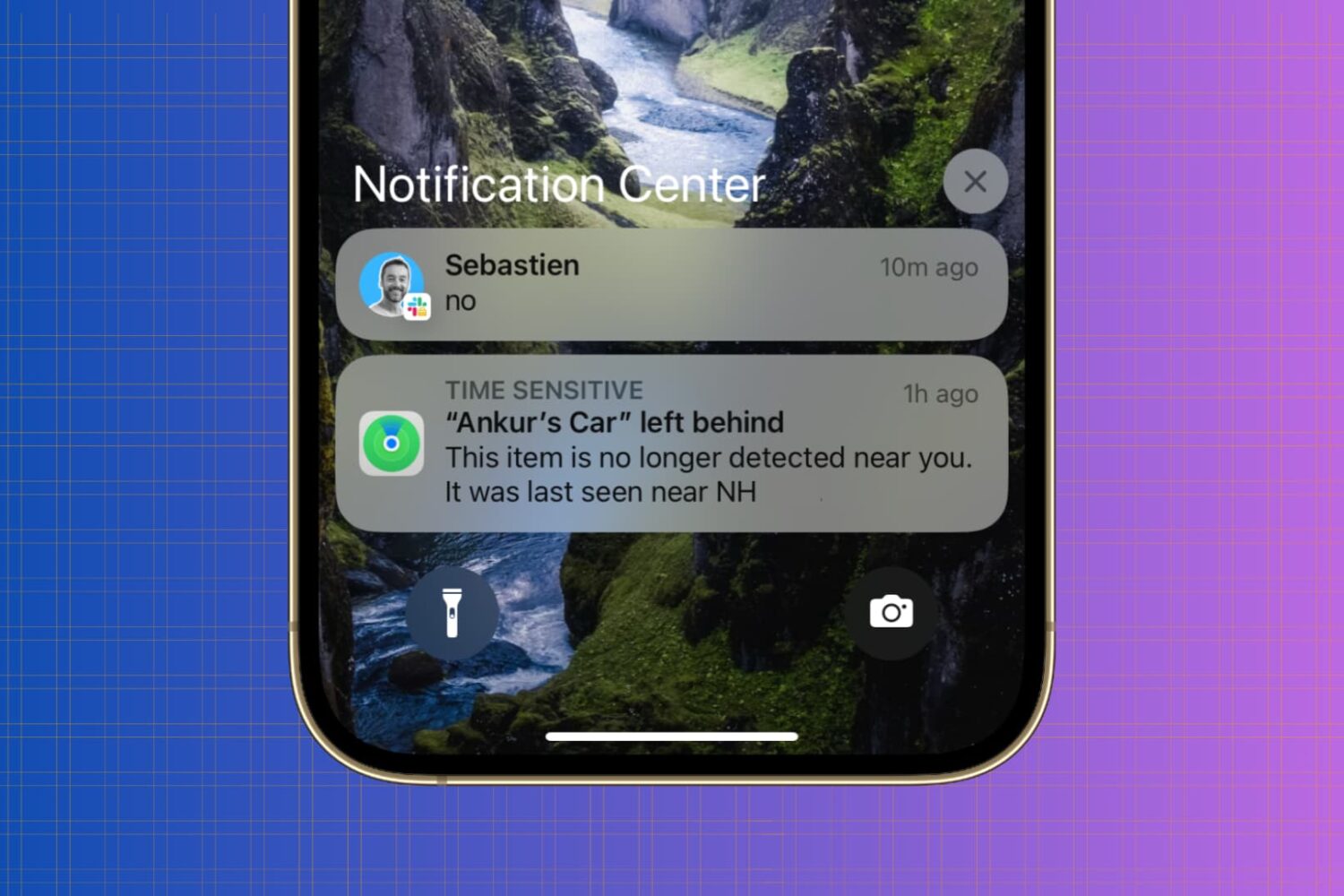
iPhone Notification Center

Whether you’re looking to silence unnecessary alerts during meetings, prioritize important messages, or simply declutter your Lock Screen, maintaining a healthy balance between staying informed and avoiding notification overload is essential.

In this article, we’ll go over your iPhone notification settings and provide a comprehensive guide on how to adjust them to best suit your needs.

How to jailbreak with checkra1n

The checkra1n team officially released the checkm8 bootrom exploit-based checkra1n jailbreak tool this weekend as a public beta to the masses, and while we’d seriously recommend holding off until the tool comes out of beta, we’d totally understand if you’re a bit antsy to go hands-on with things right now.

In this tutorial, we’ll be showing you how to use the checkra1n jailbreak tool to liberate a supported iPhone, iPad, or iPod touch.