iPhone

Stay up-to-date on the latest iPhone news and learn new tips and tricks with our comprehensive tutorials. From software updates to new features, we’ve got you covered.

How to get 12 months of Apple Arcade for the price of 10

If you're paying for your Apple Arcade subscription month to month, it might be a good idea to switch to the annual subscription and save money by getting twelve months of access for the price of ten, provided you pay upfront. Follow our quick tutorial to learn how you can switch from the $5 per month subscription to its $50 per year annual counterpart.

New to iPhone? How to manage your Voicemail and messages

Voicemails on iPhone

When you switch over to iPhone, you spend some time getting everything set up. And one of the items you likely cross off your list at some point is setting up your voicemail. But after you set it up, there are plenty of actions you can take to manage your iPhone voicemail and the messages you receive.

You can play, share, or delete messages as well as change your greeting if you like. If you’re new to iPhone, this tutorial shows you how to manage those Voicemail options.

How to change the name of a group conversation in the Messages app on iPhone, iPad, and Mac

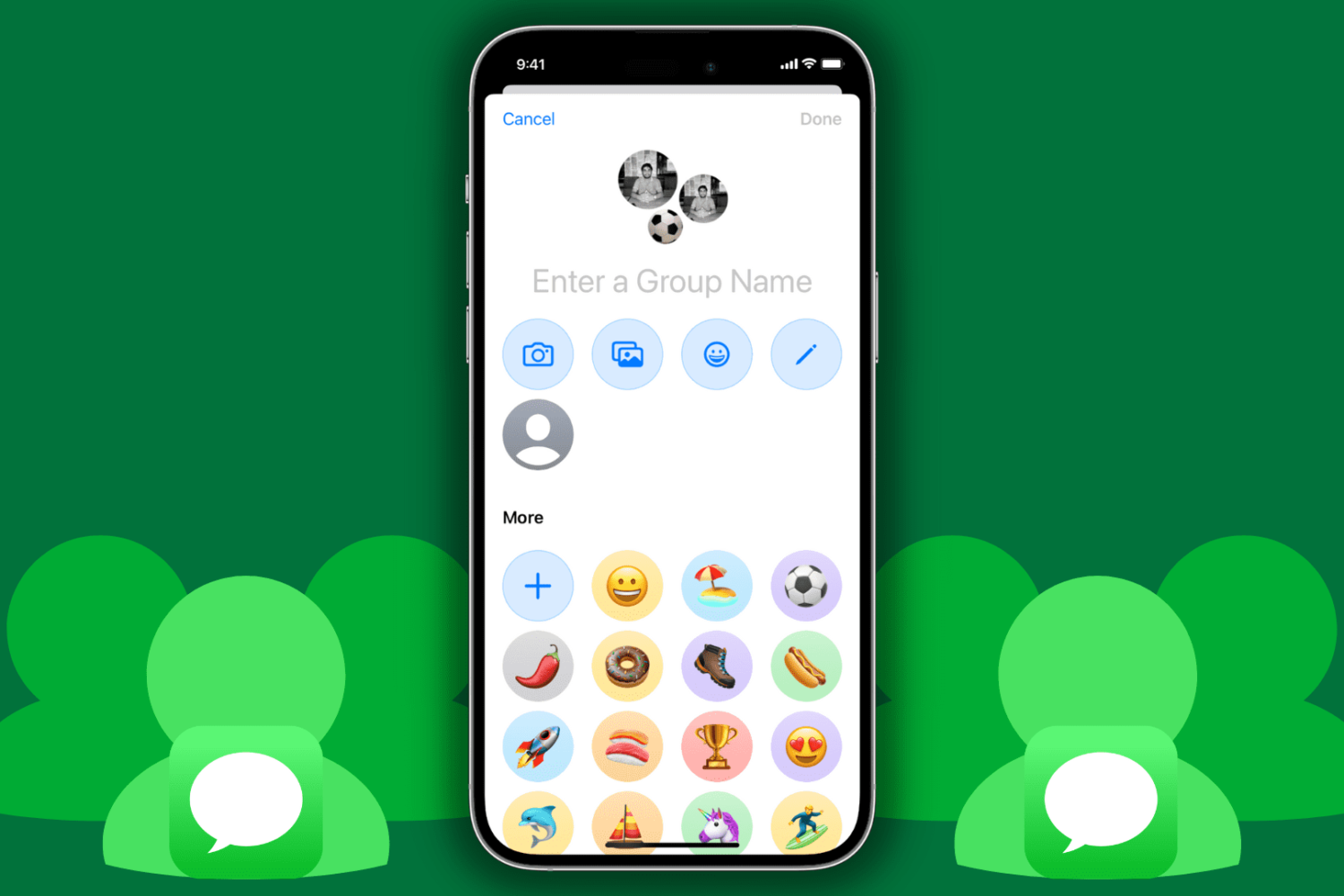
Rename group message on iPhone

Being able to participate in group messages on iPhone, iPad, and Mac is a cool way to communicate with friends or family. You might make plans together, chat about your favorite show, or just use it as a hangout.

One way to have easy access to that group conversation is to give it a name. This way, you can find it quickly when you need to in your conversation list. This tutorial shows you how to do that.

How to fix iCloud Keychain not working in Safari on iPhone, iPad, and Mac

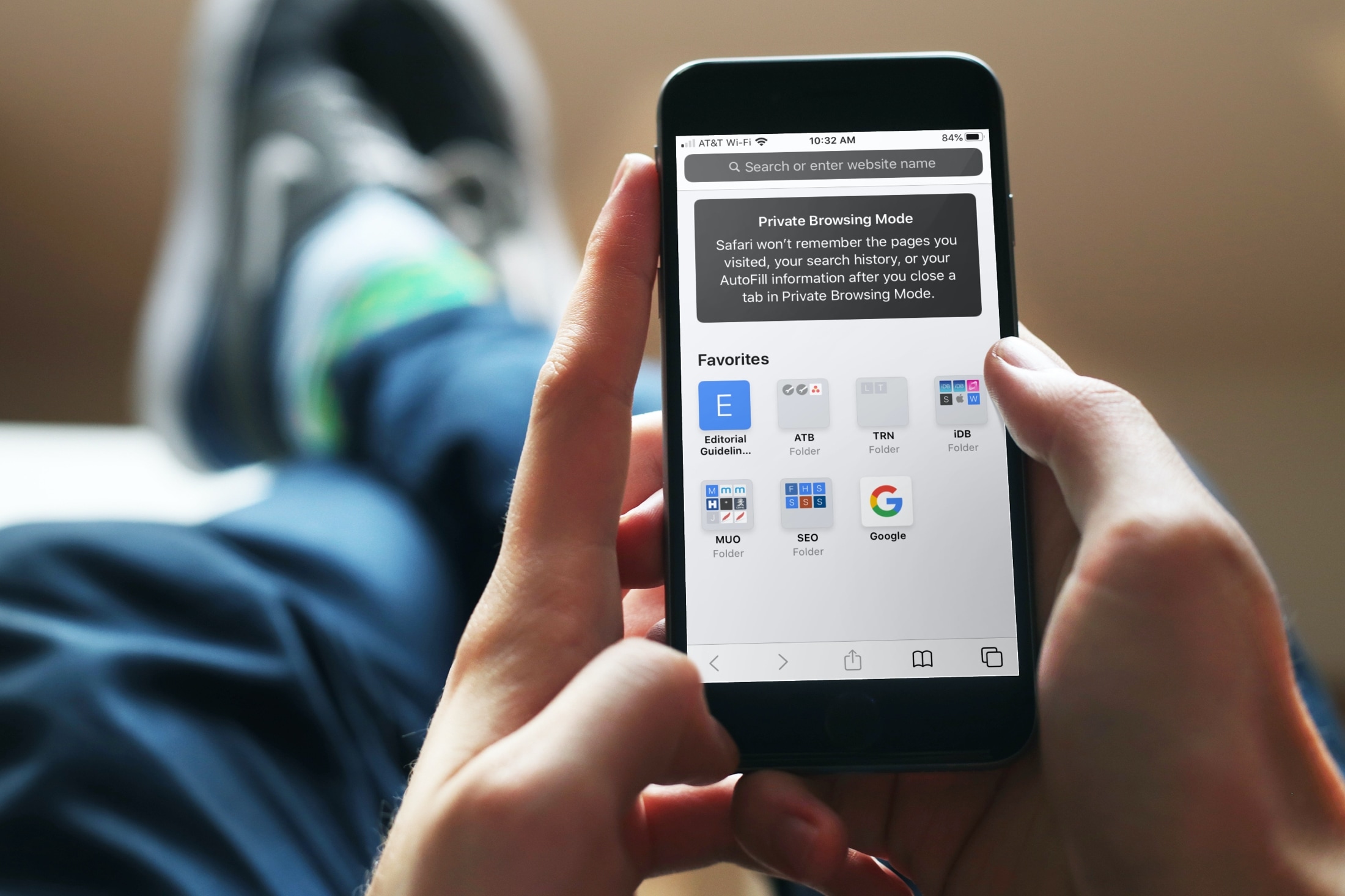
Private Browsing Mode Message iPhone

Using iCloud Keychain to save your account names and passwords for websites makes logging into your favorite sites a breeze. You don't have to remember many passwords and can use iCloud Keychain across your devices. It's a fantastic time-saver, except when you find iCloud Keychain not working.

If you're stuck and Safari on iPhone, iPad, or Mac isn't auto-filling your account information or details for your credit card, here are a few things to fix this issue.

How to use Express Transit to quickly pay for rides via Apple Pay on iPhone and Apple Watch

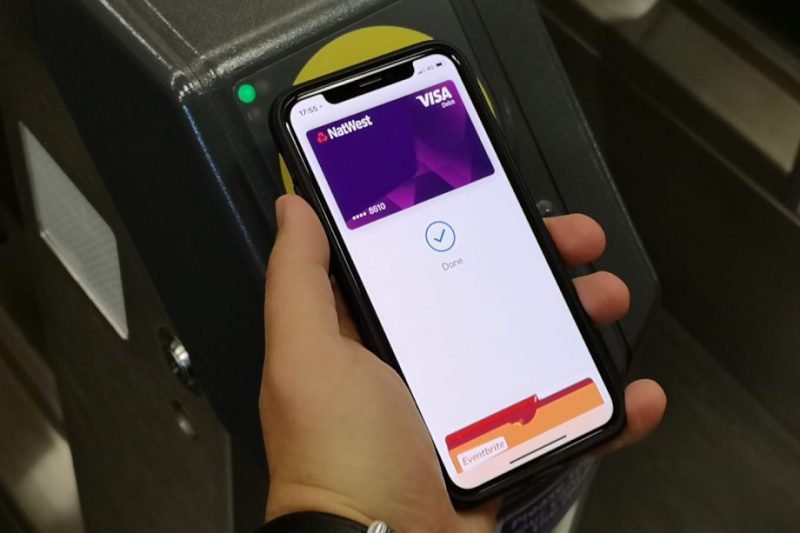
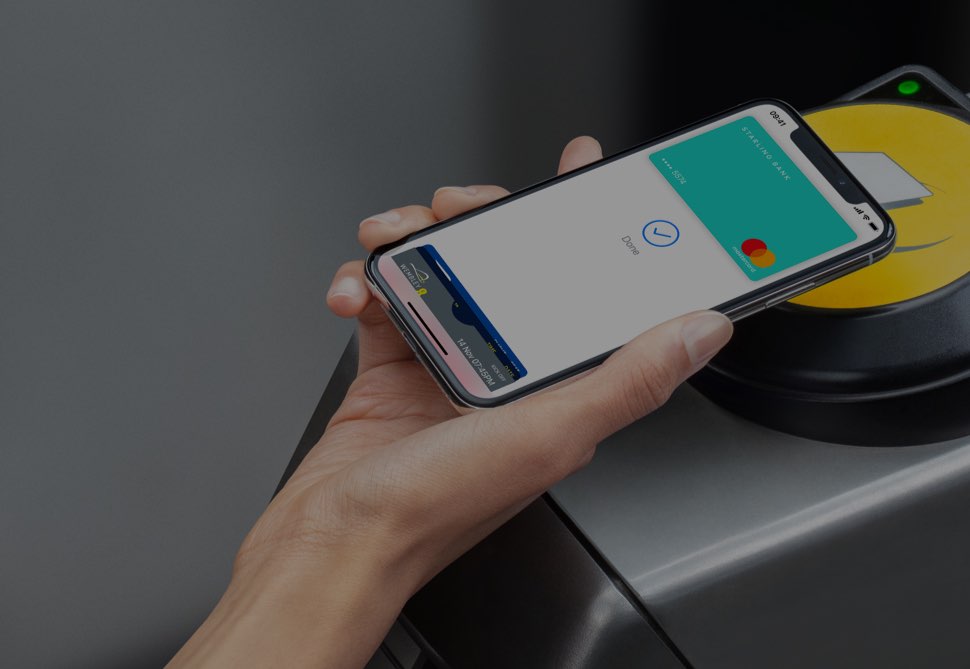
Thanks to the Express Transit feature that's available through Apple Pay, you can hop on the tube, buses, trams, light rail and overground rail in major cities and pay for your public transit journeys just by holding your iPhone or Apple Watch close to the contactless NFC terminal, no need to press any buttons or verify with Face ID, Touch ID or a passcode whatsoever.