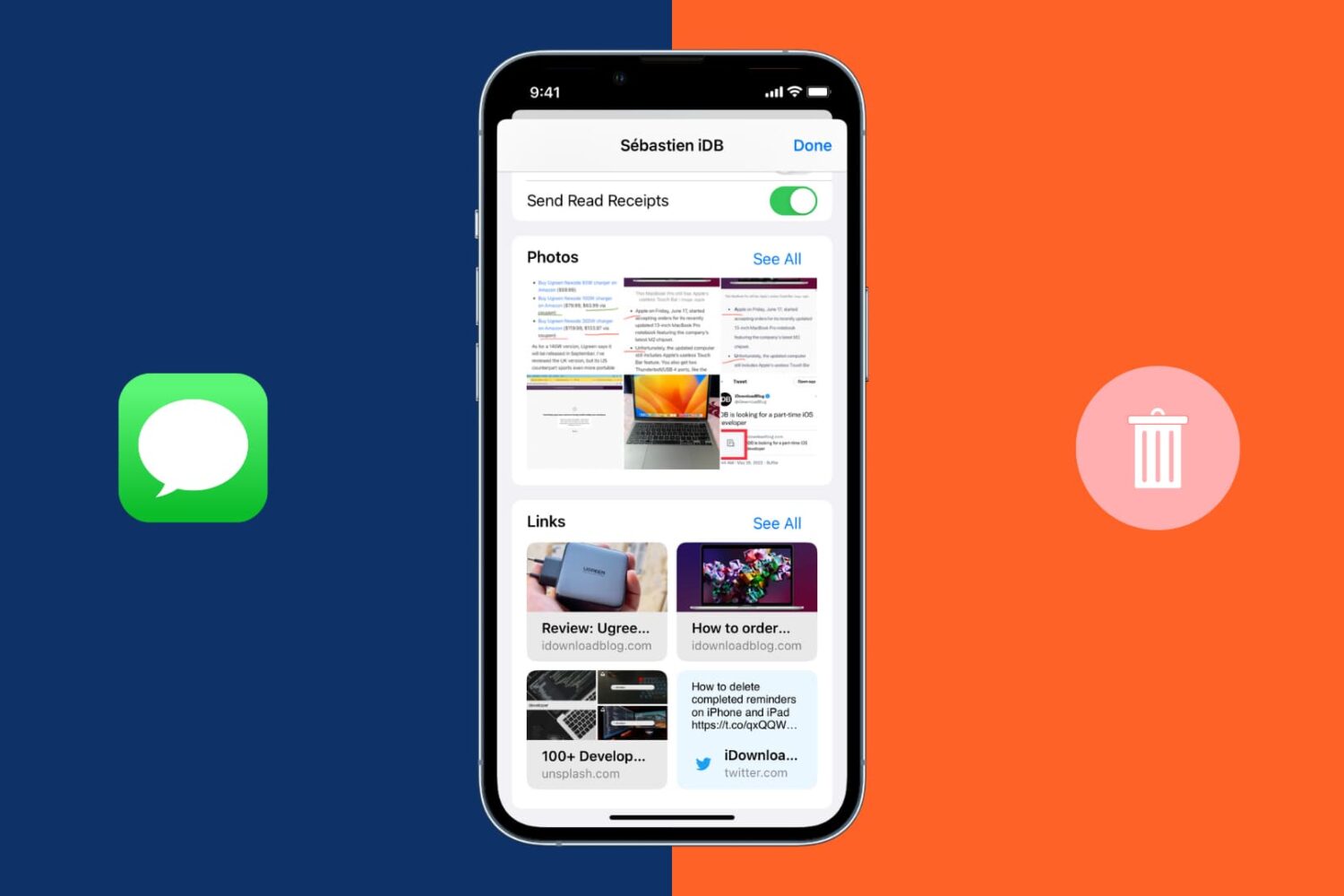
Learn how to delete iMessage attachments like photos, links, and documents in the built-in Messages app to free up storage space on your iPhone, iPad, and iCloud.
How to delete photos, links, and attachments in the Messages app
Stay up-to-date on the latest iPhone news and learn new tips and tricks with our comprehensive tutorials. From software updates to new features, we’ve got you covered.
Learn how to delete iMessage attachments like photos, links, and documents in the built-in Messages app to free up storage space on your iPhone, iPad, and iCloud.
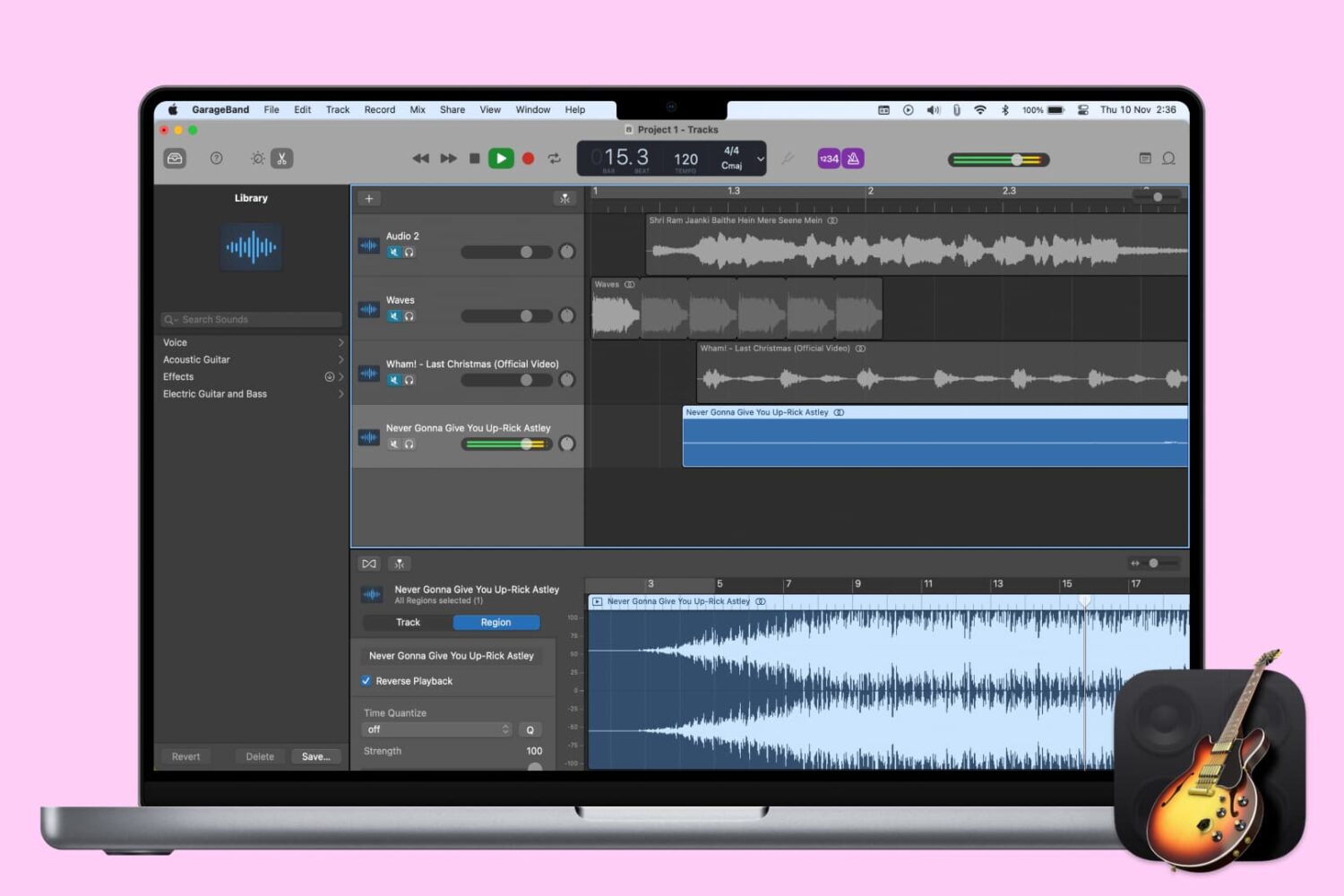
When you’re creating or editing a song in GarageBand, you might want to add something unique to it by reversing a track. Playing a track backwards can give you an unusual sound that you might not be able to replicate another way.
Here’s how to reverse a track (or region) in GarageBand on Mac, iPhone, or iPad.
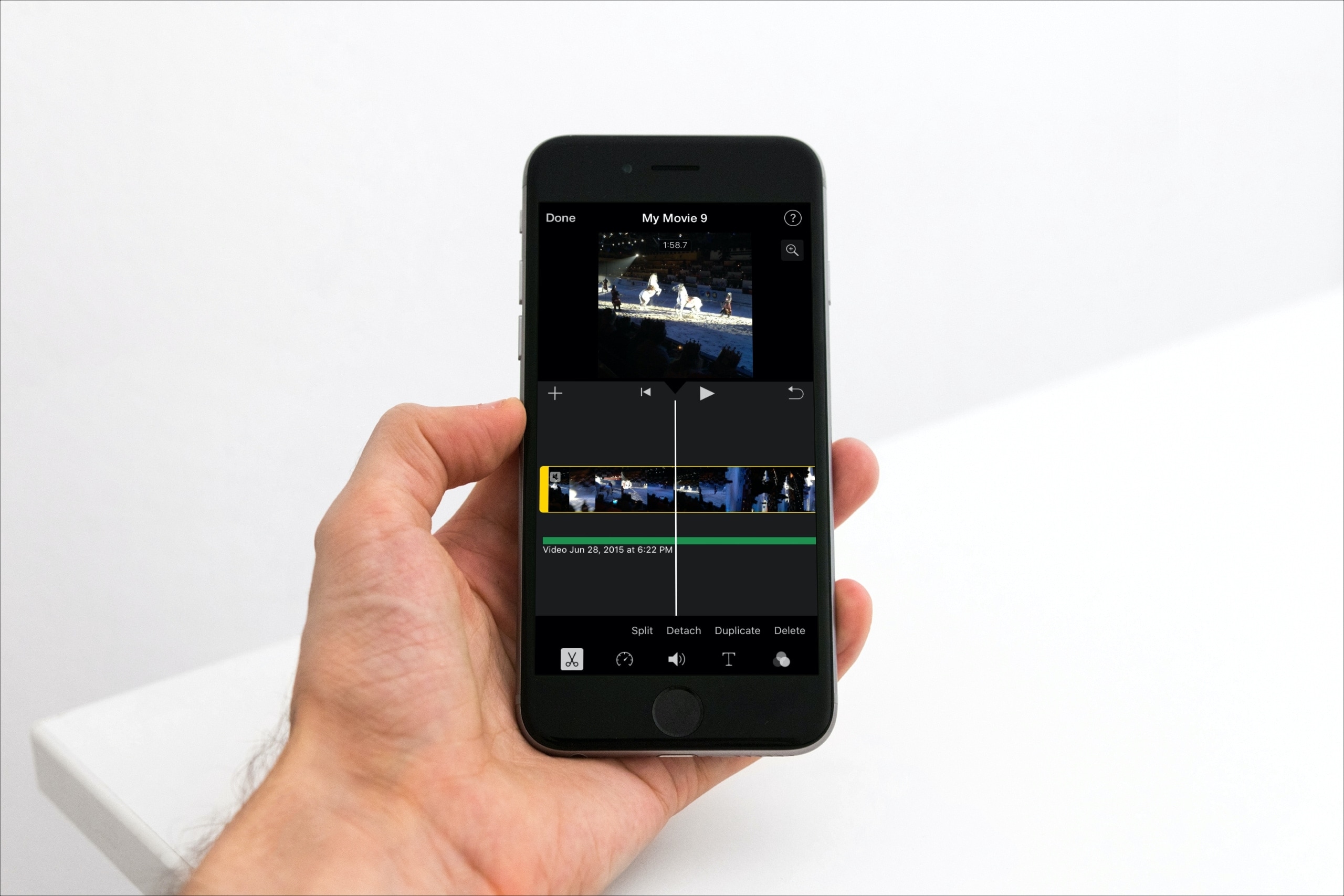
Learn how to detach the audio from your footage in iMovie if you'd like to get rid of the visuals but keep the sound, music, and voices for your video projects.

Apple yesterday launched its original video streaming service, dubbed Apple TV+. Wondering if your gadget is on the list of supported Apple TV+ devices? You’ve come to the right place!
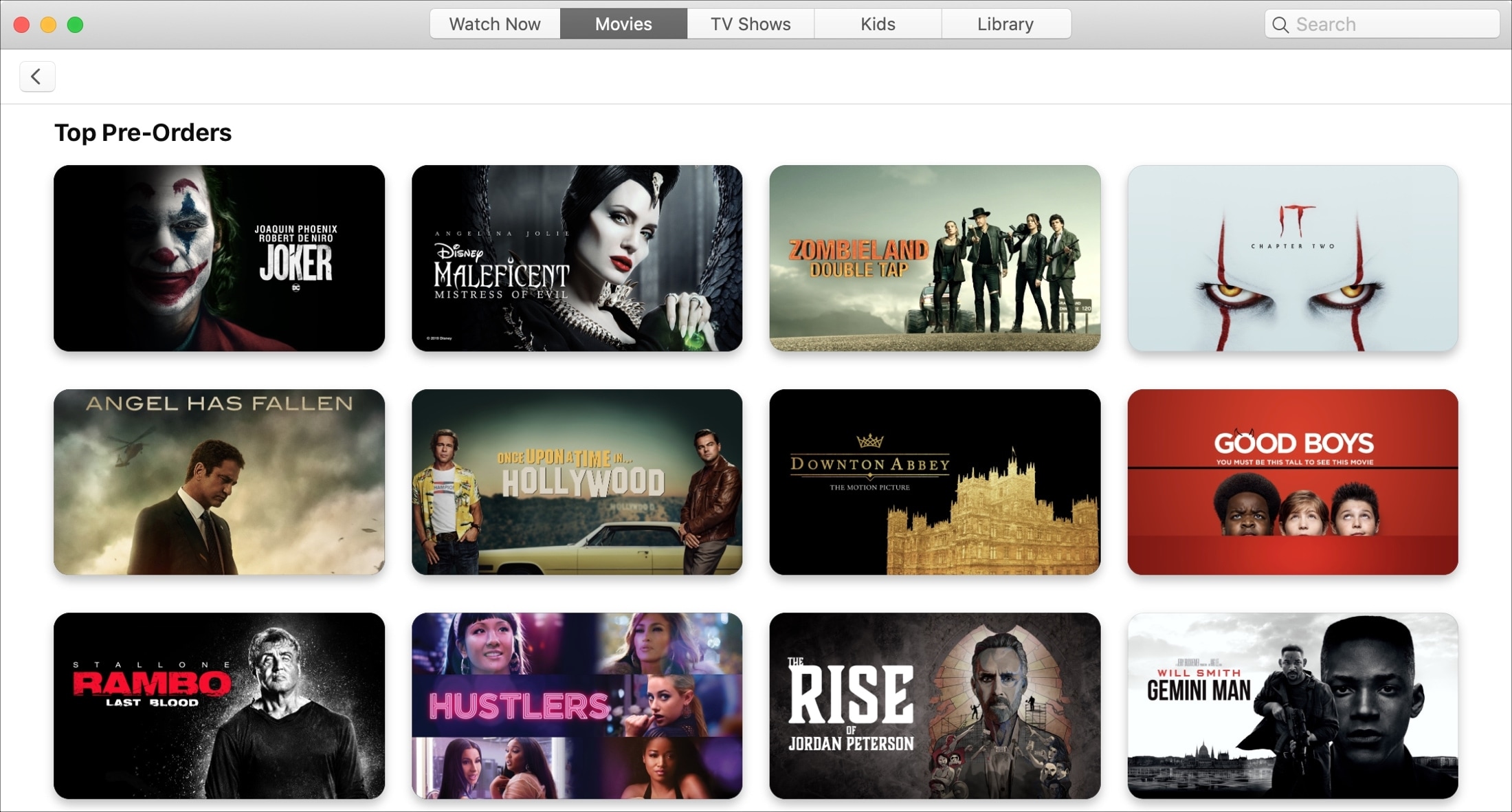
Just like pre-ordering that new iPhone, you can do the same with upcoming movies in the TV app. This is a terrific way to make sure you get the movie you want as soon as it’s released. So you don’t have to mark your calendar or set a reminder.
Pre-ordering upcoming films is easy to do in the TV app on both iOS and Mac. And if you change your mind, you can quickly cancel that pre-order before it’s fulfilled.
This tutorial shows you how to place, view, and cancel pre-orders in the TV app on your devices.
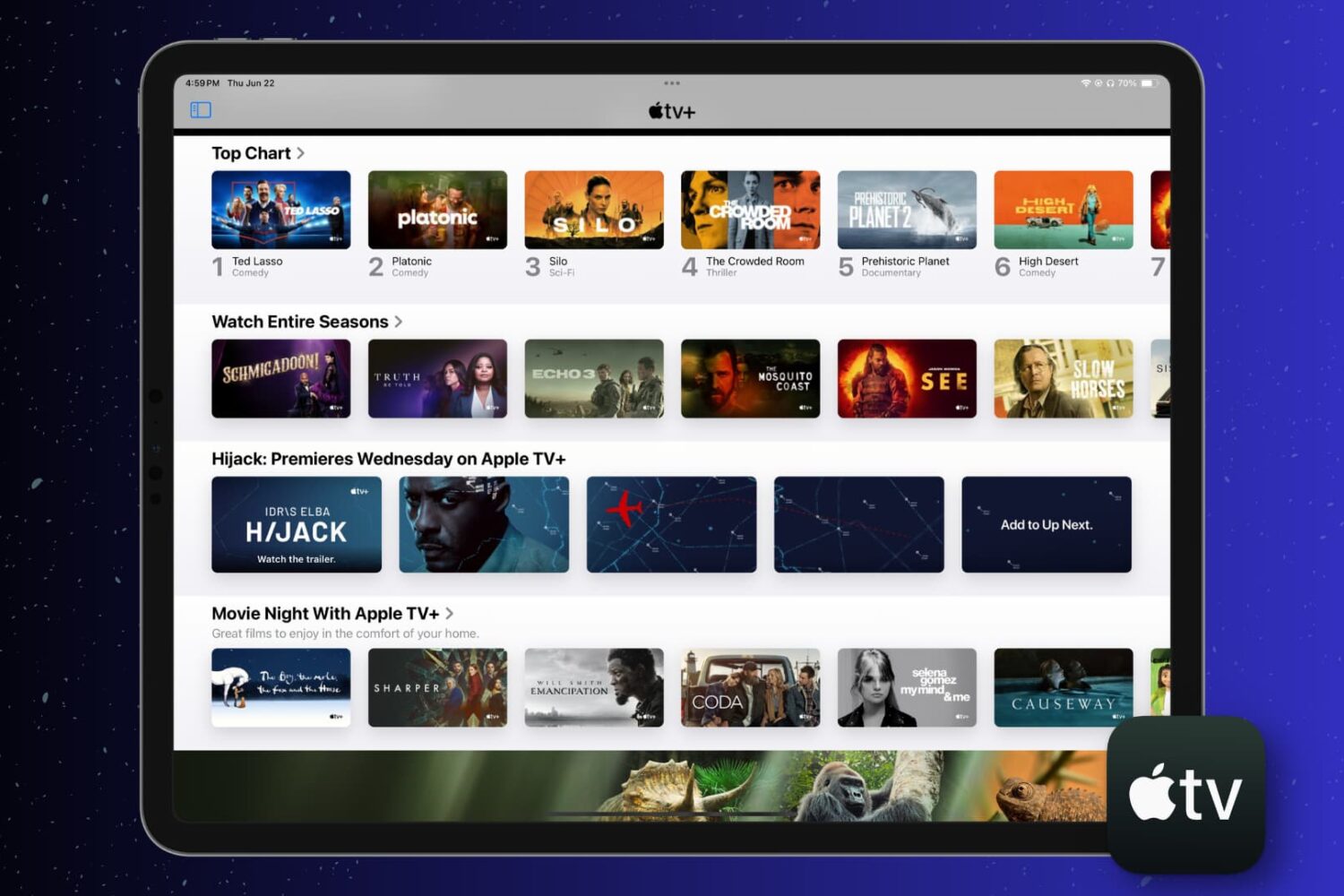
This short tutorial walks you through how to automatically delete shows you’ve watched or simply clear your play history in the Apple TV app on your iPhone, iPad, and Mac.
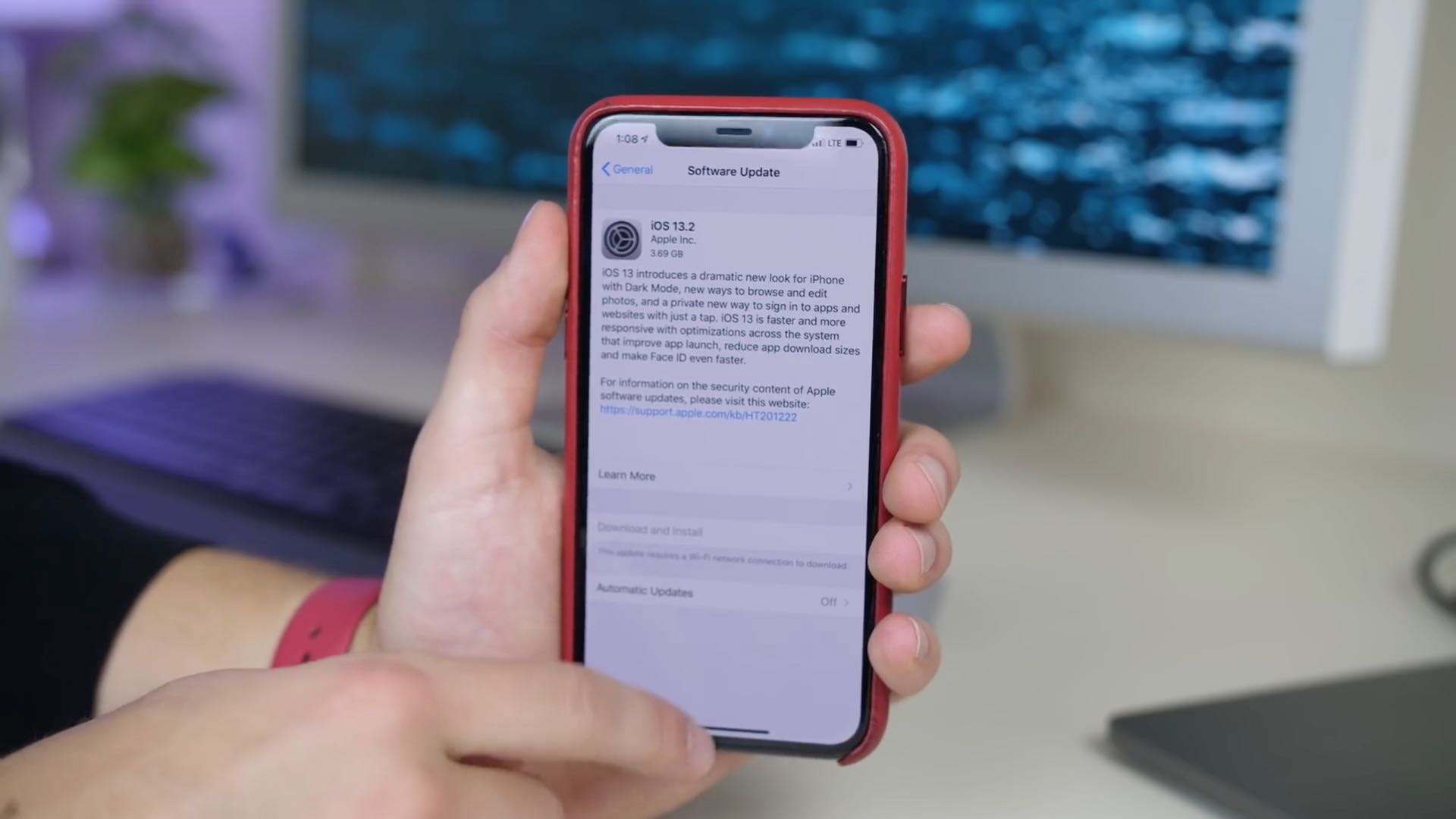
Apple yesterday released the iOS 13.2 software update for iPhone, iPad and iPod touch. With it came a new computational photography feature for the latest iPhone 11 devices, dubbed Deep Fusion, in addition to Announce Messages With Siri that was originally supposed to arrive as part of the initial iOS 13.0 update, plus a whole bunch of other important changes.

The Find My app, available on iOS and Mac, is a terrific tool for staying up to date on where your favorite people go and tracking down missing devices, all in one spot. With the host of features in the Find My app, one that stands out is the Notification function. You can receive an alert when someone else leaves or arrives at a location, as well as notify them when you leave or arrive at yours.
Not only are these notifications convenient for staying in the know, but they can help you and your loved ones have peace of mind. Here’s what you can do with the Notifications and how to set them up in the Find My app.
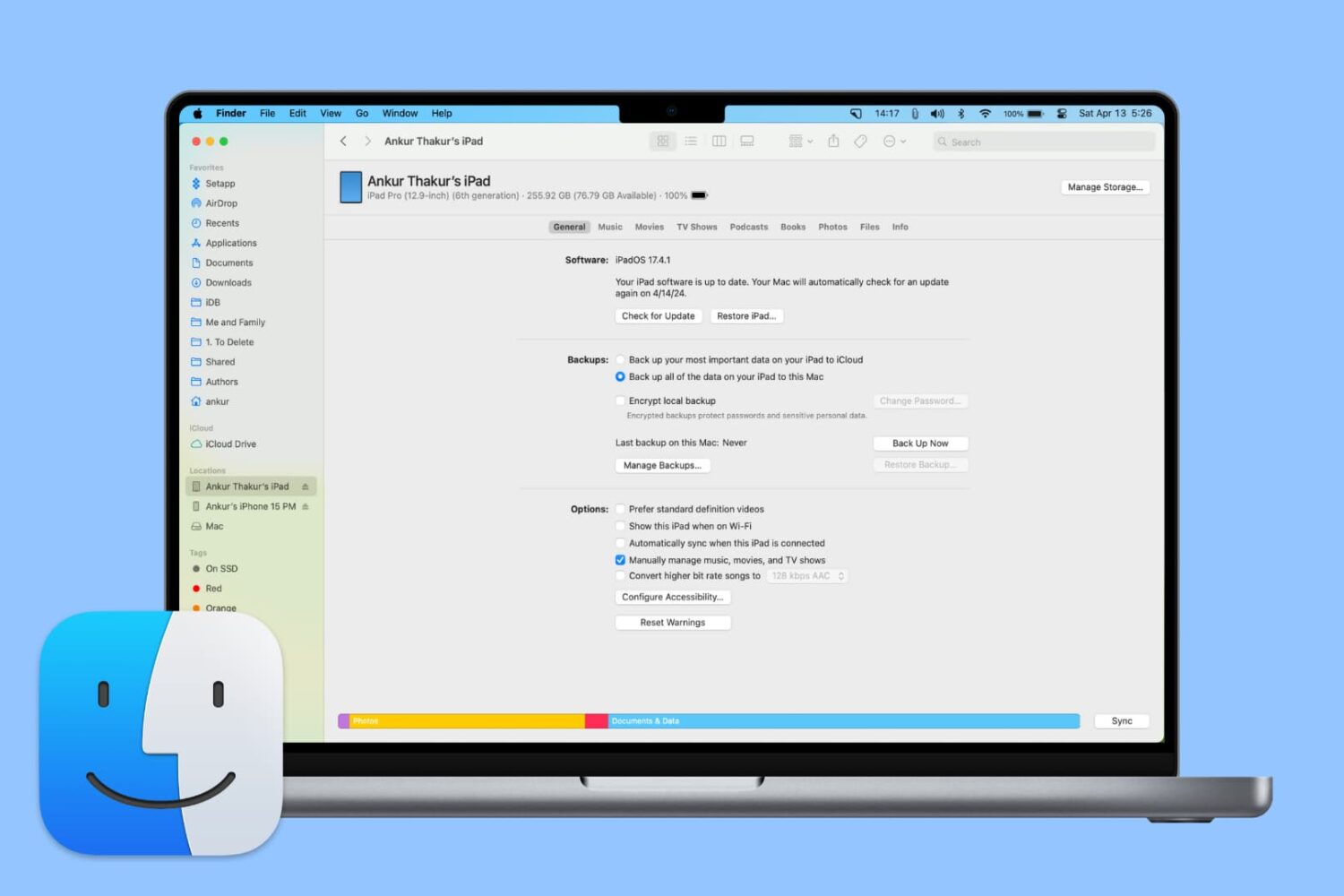
From adding music to updating or restoring devices, learn all the important things you can do on your iPhone or iPad using Finder on Mac.
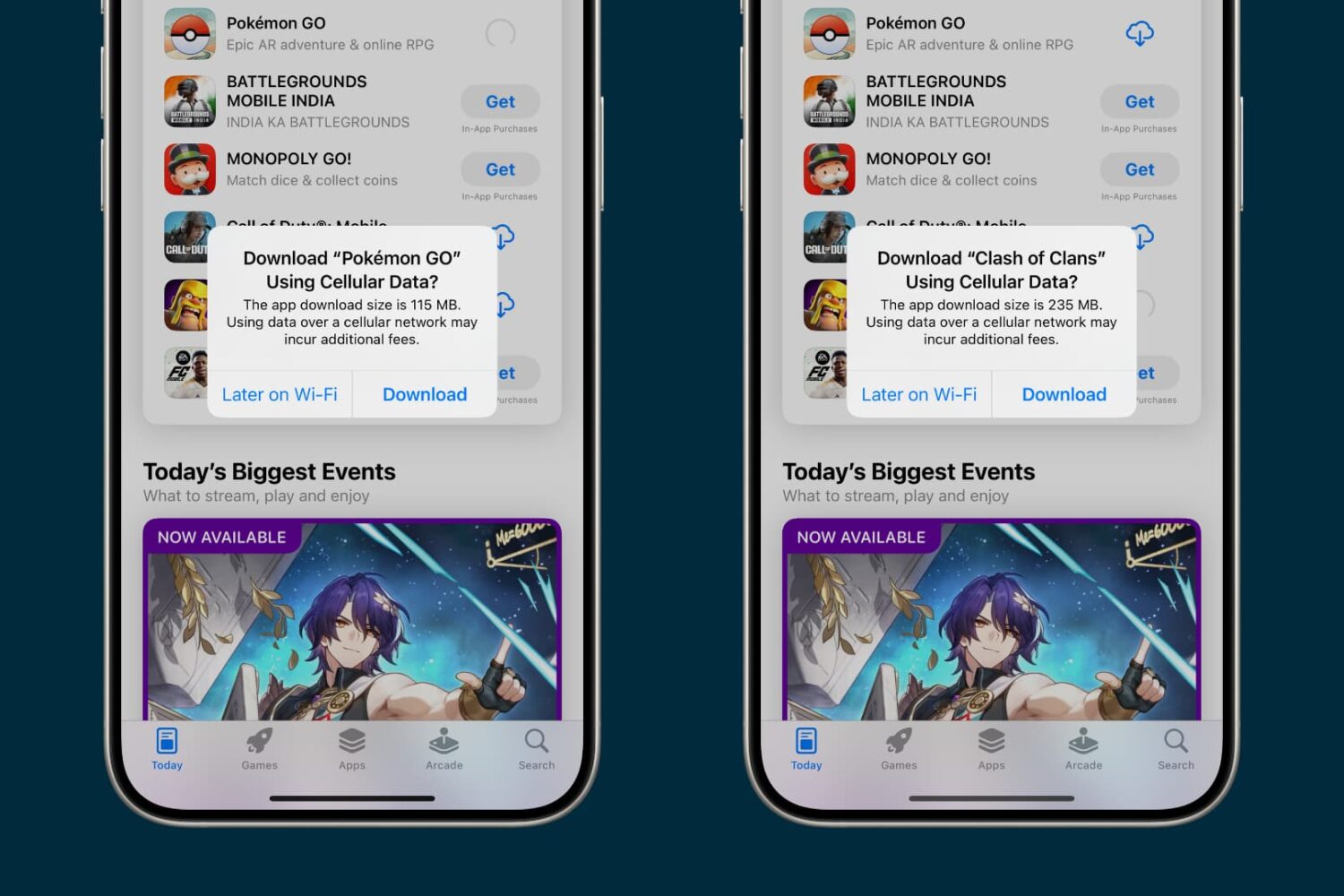
Learn how to enable cellular downloads for iPhone and iPad apps exceeding 200 MB effortlessly with our step-by-step guide.
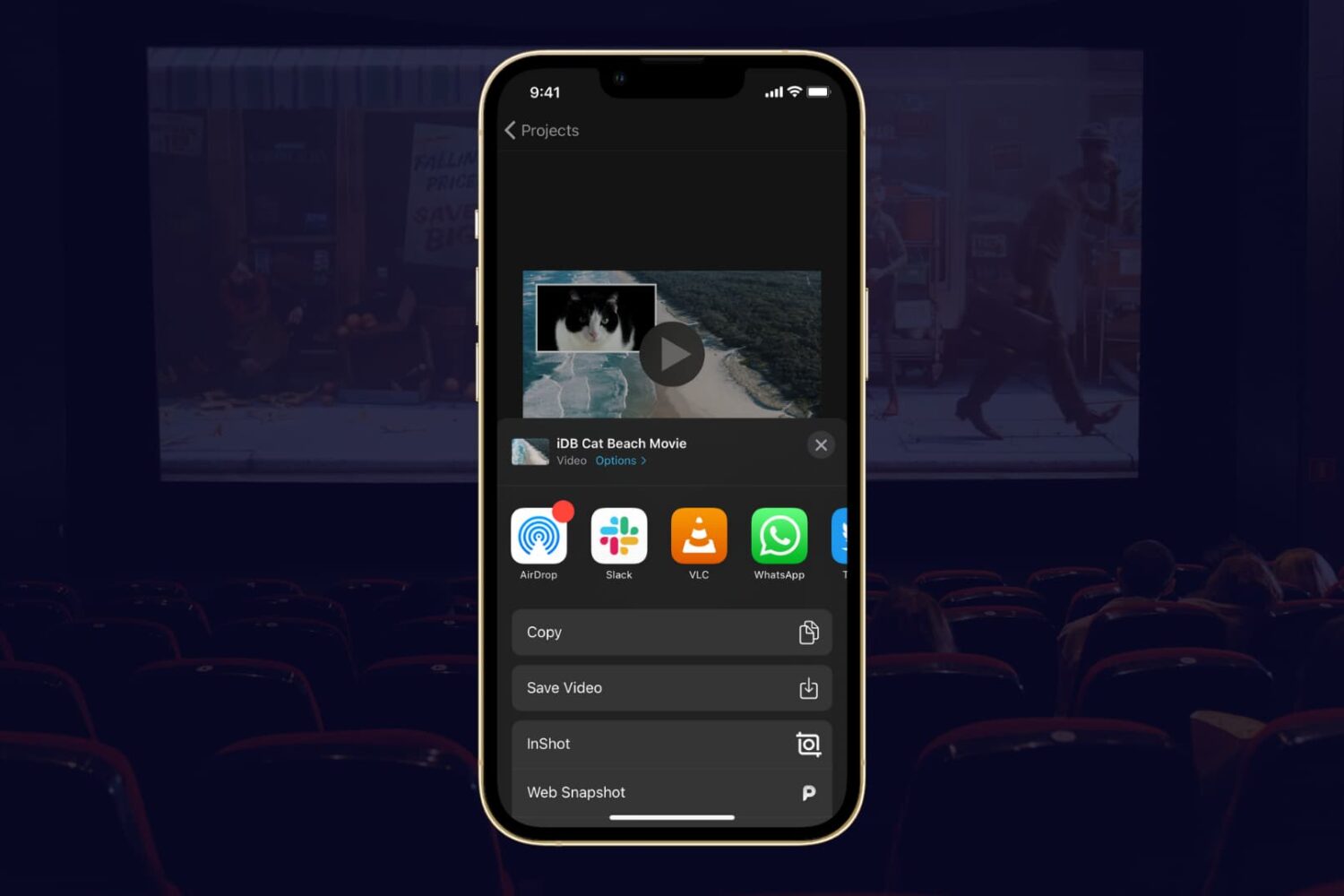
If you completed your movie magic in iMovie and want to share your creation, the app makes it easy. You have a few different options to export a movie directly or save it as a file to do with what you wish.
If you have a finished project that you’re ready to share, here’s how to export a movie in iMovie on Mac, iPad, and iPhone.
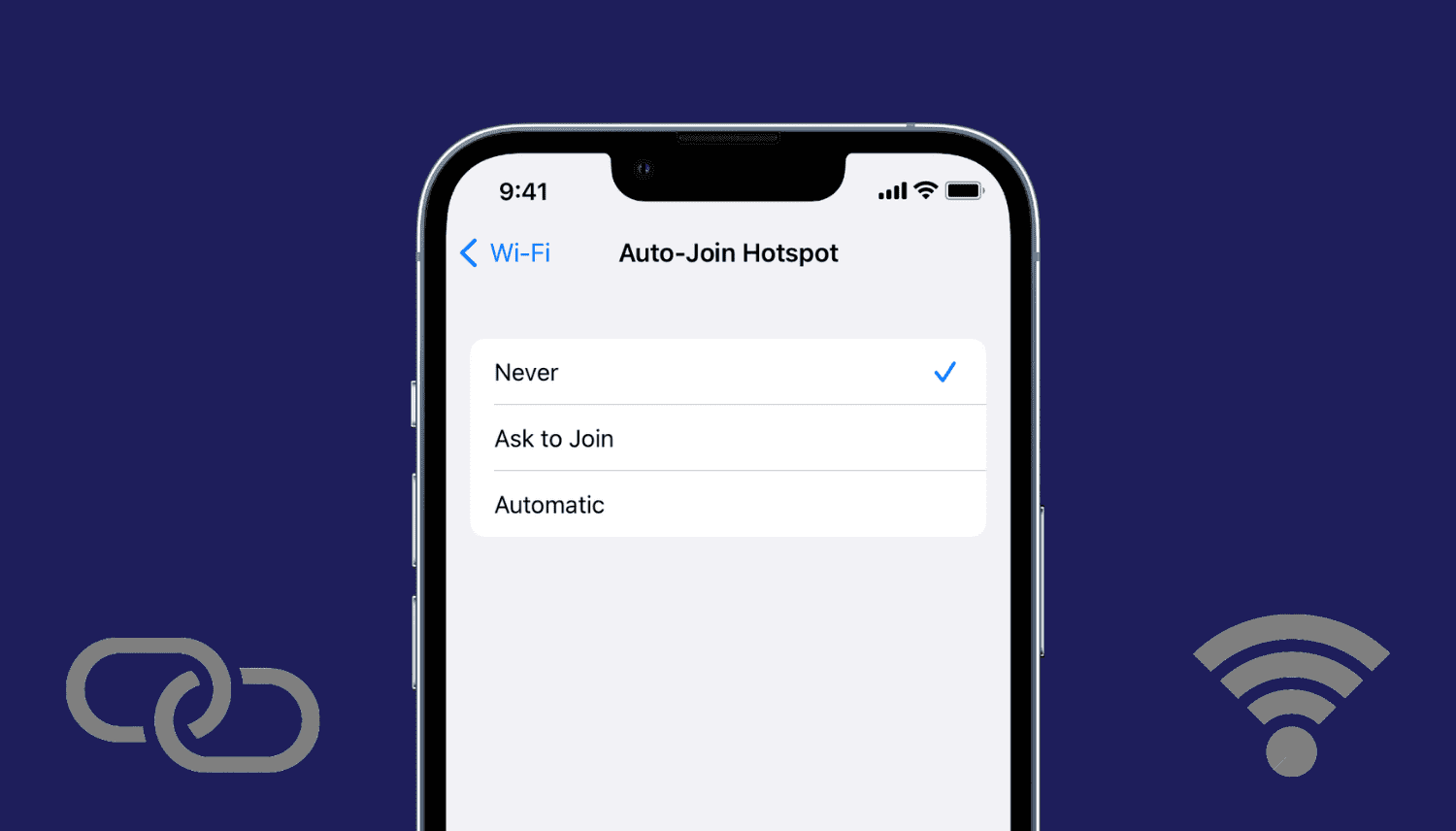
Learn how to stop your iPhone, iPad, or Mac from automatically joining nearby Personal Hotspots on iPhones and cellular iPads when there are no Wi-Fi networks.