Learn what to do if your AirPods charging case isn’t charging, which in turn prevents you from charging both your AirPods.
Fix AirPods case not charging via wire or wirelessly

Learn what to do if your AirPods charging case isn’t charging, which in turn prevents you from charging both your AirPods.
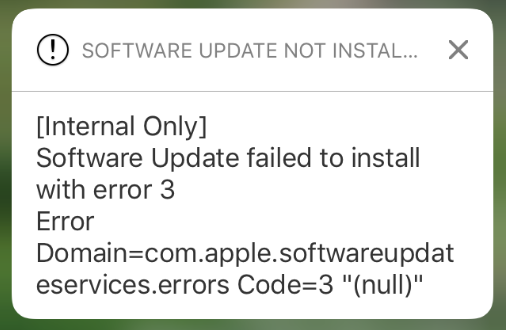
Your iPhone and/or iPad can perform over the air (OTA) software updates automatically during the night while you're sleeping, so long as it’s connected to a power source and you've given it permission first. While this feature is incredibly convenient for anyone who doesn’t have the time to wait for software updates during the day, it can sometimes be problematic.
There are all kinds of error messages that might pop up, but one of the more common messages you may come across, especially on iOS 10 devices, will look a lot like the one you see above. In this piece, we’ll talk about troubleshooting steps you can take to fix various types of similar error messages once and for all and get your device up to date.

Try these solutions if iCloud Notes are not syncing across your iPhone, iPad, Mac, and the web.

Find out how to download Netflix movies and TV series to watch on the go, and what to do if downloading fails on your iPhone, iPad, or other devices.
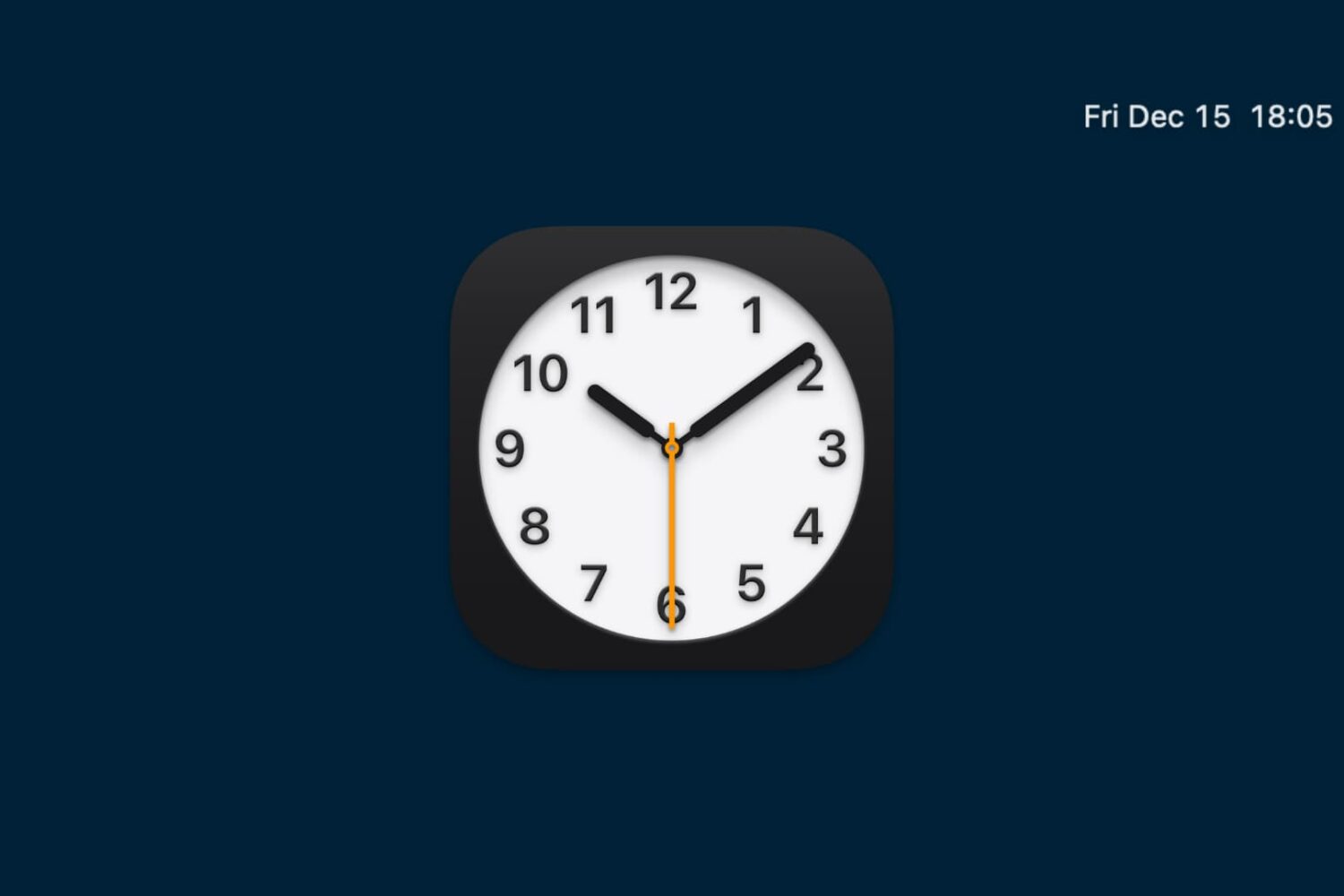
Have you ever run into this issue where your Mac displays the incorrect date or time? It can throw a lot of things out of whack across all of your apps. But this problem can be pretty easy to fix, and we’ll walk you through how to do that.
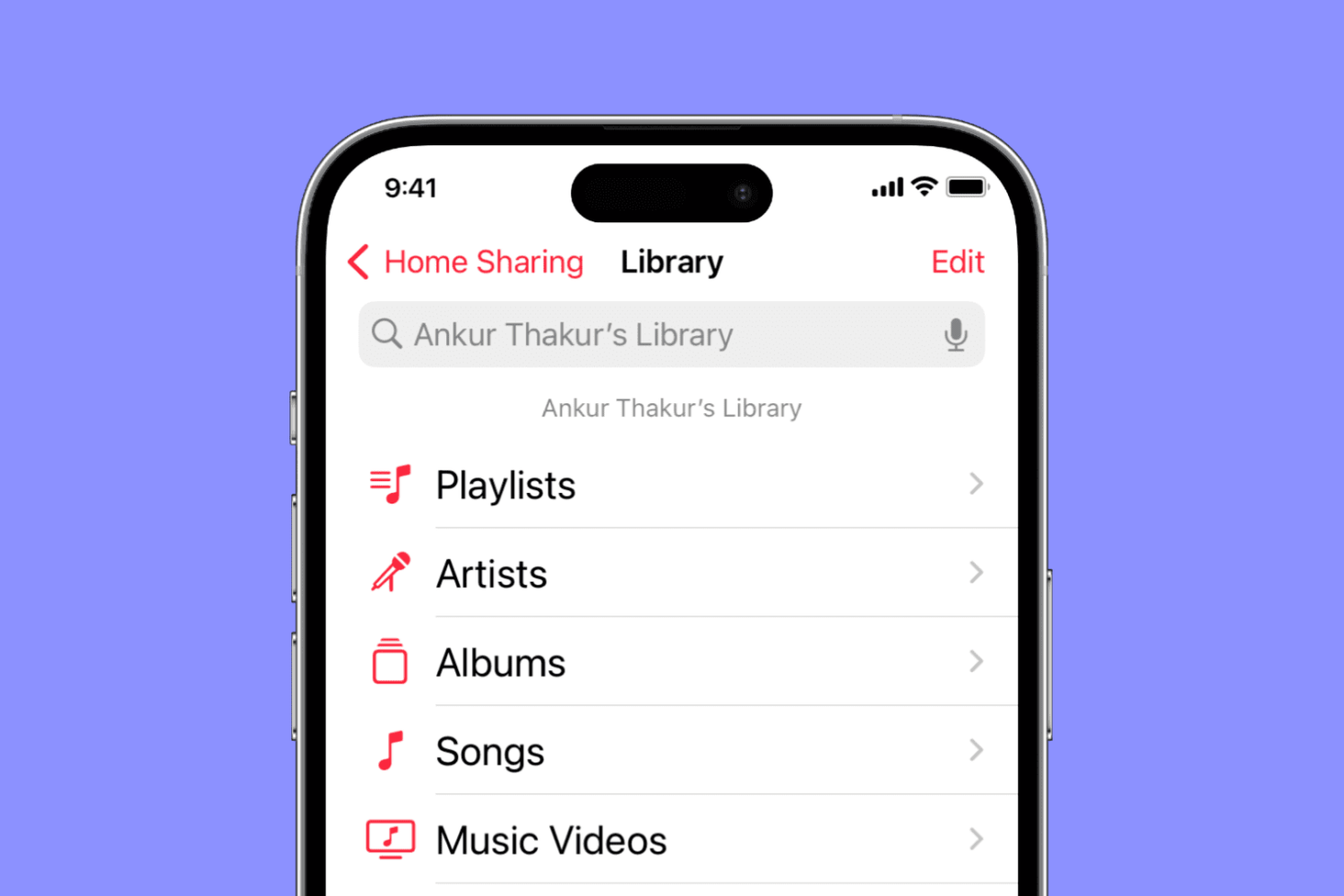
Find out what to do if music and video Home Sharing isn’t working between your Mac, iPhone, iPad, Apple TV, and Windows PC.
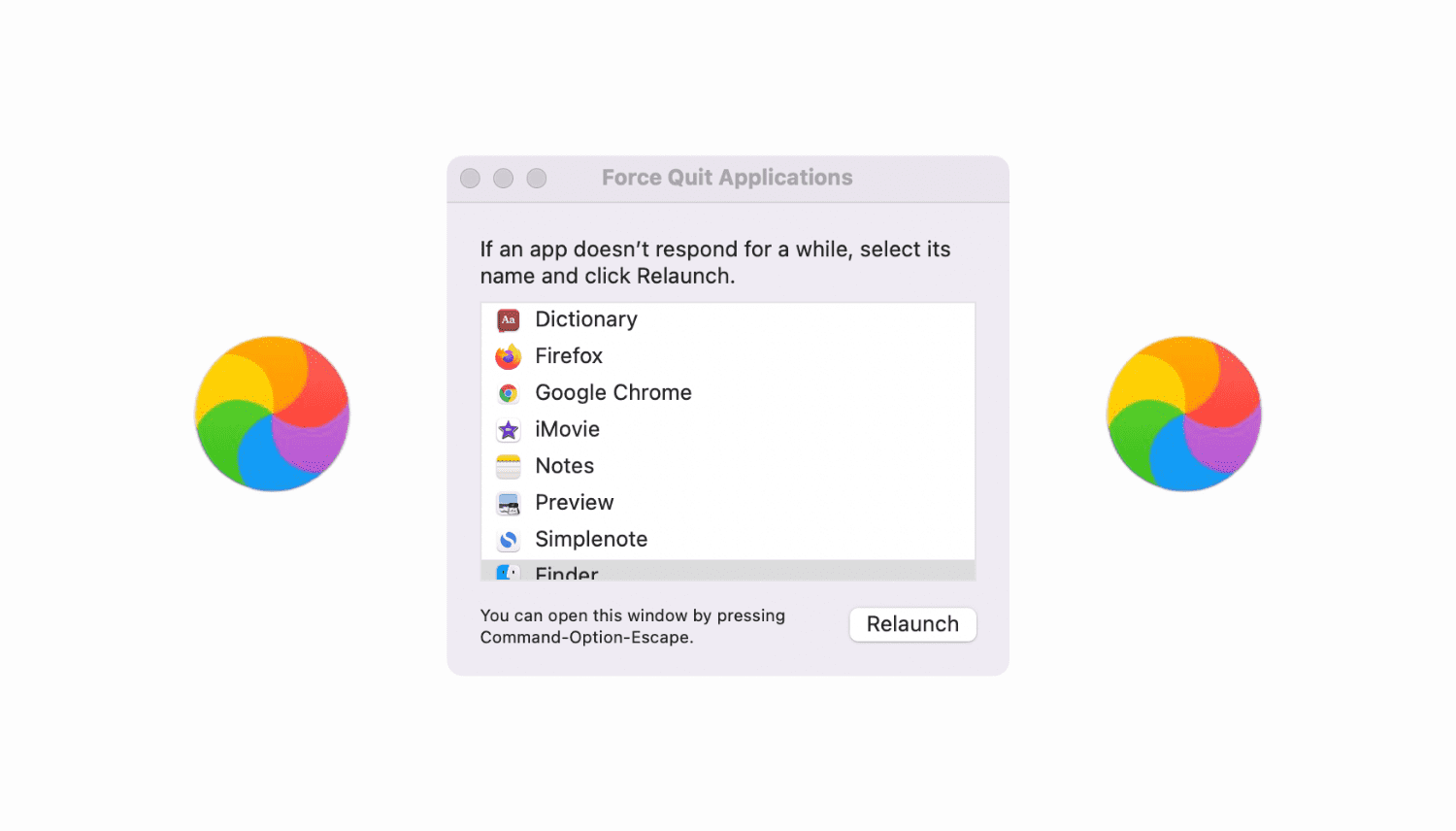
Go through these tips if your Mac is not responding to the Force Quit command or the Force Quit menu itself is freezing.

I'm a big time YouTube user, and even though I have zippy fiber optic internet, it seems like there are still times when YouTube videos get stuck buffering instead of playing when I want to enjoy HD video streaming.
If you can relate, then you should take a few minutes to read this piece, because we'll be talking about some common remedies for the annoying buffering problem.
Your iPhone’s GPS capabilities can be really useful, whether you’re using them to navigate to a special event, play Pokémon GO, or even to just grant your favorite apps your current location so they can do what they were made to do.
Of course, like all things, GPS can sometimes be flaky and it doesn’t always want to work right, causing headaches for you. Fortunately, there is something you can do about it. There are a number of troubleshooting steps you can take that might help your GPS work properly.
Learn why your MacBook is reporting the wrong battery percentage and how to fix this problem and have macOS display the correct readings again.
Following this weekend's Pokémon GO game update from Niantic, many players who used their Google accounts to play have claimed that the update deleted their account data and forced them to start over by making a new account to play with.
If you were one of these people, this is a troubleshooting tutorial you'll want to read, as your account data is probably still there and you may have made a new account by mistake after following the on-screen instructions.