Troubleshooting

LaunchInSafeMode lets you selectively launch apps without being affected by tweaks

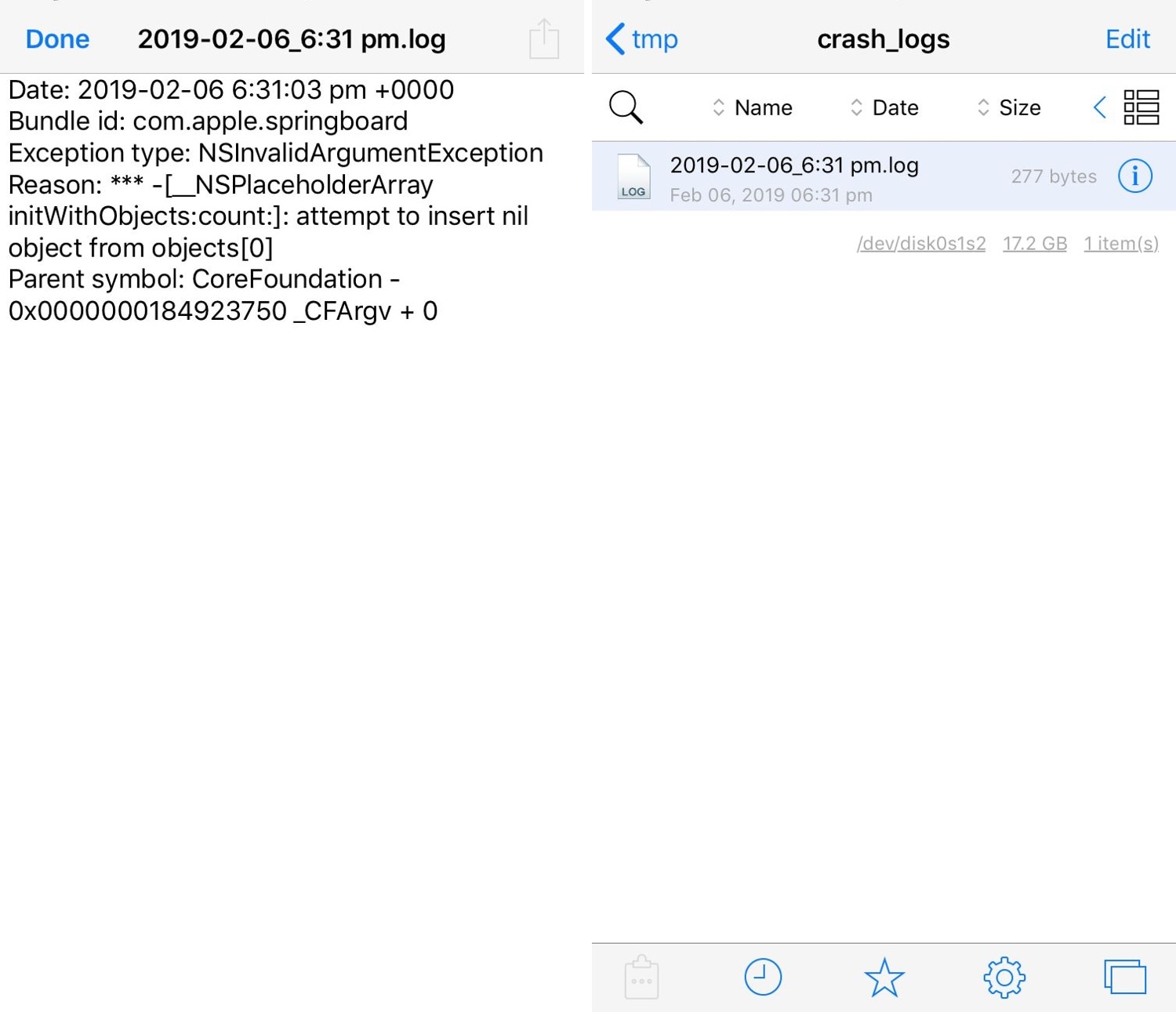
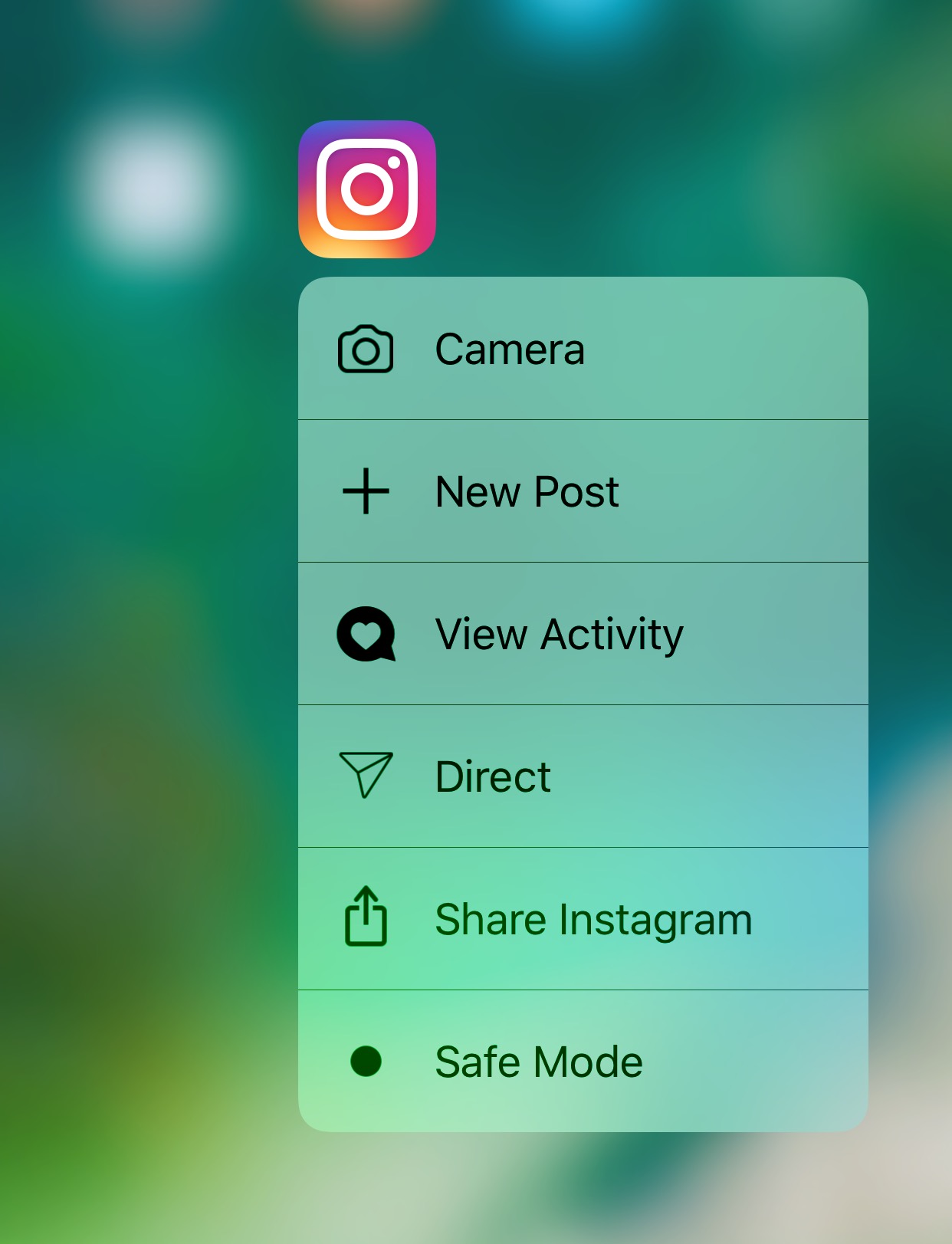
If you install jailbreak tweaks that modify certain apps in particular, then you might find a new free release dubbed LaunchInSafeMode by iOS developer inoahdev useful for troubleshooting when things stop working properly.

This tweak lets you launch individual apps into a “safe mode”-like state in which it launches without the effects of other jailbreak tweaks. In other words, it lets you see if a problem you’re experiencing is caused by a jailbreak tweak or something else.

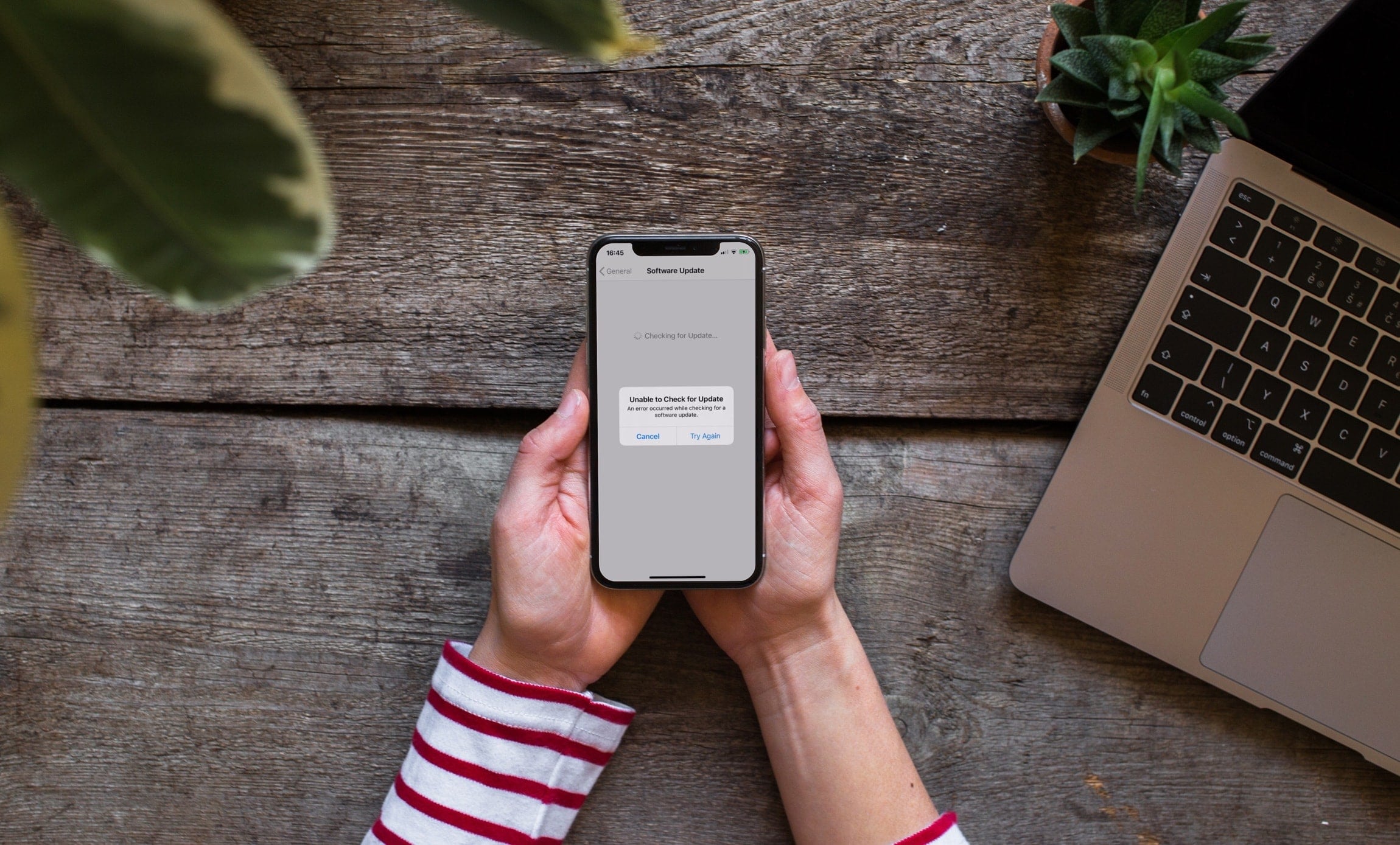
Error messages popping up from failed automatic iOS updates? Here’s the fix

Your iPhone and/or iPad can perform over the air (OTA) software updates automatically during the night while you're sleeping, so long as it’s connected to a power source and you've given it permission first. While this feature is incredibly convenient for anyone who doesn’t have the time to wait for software updates during the day, it can sometimes be problematic.

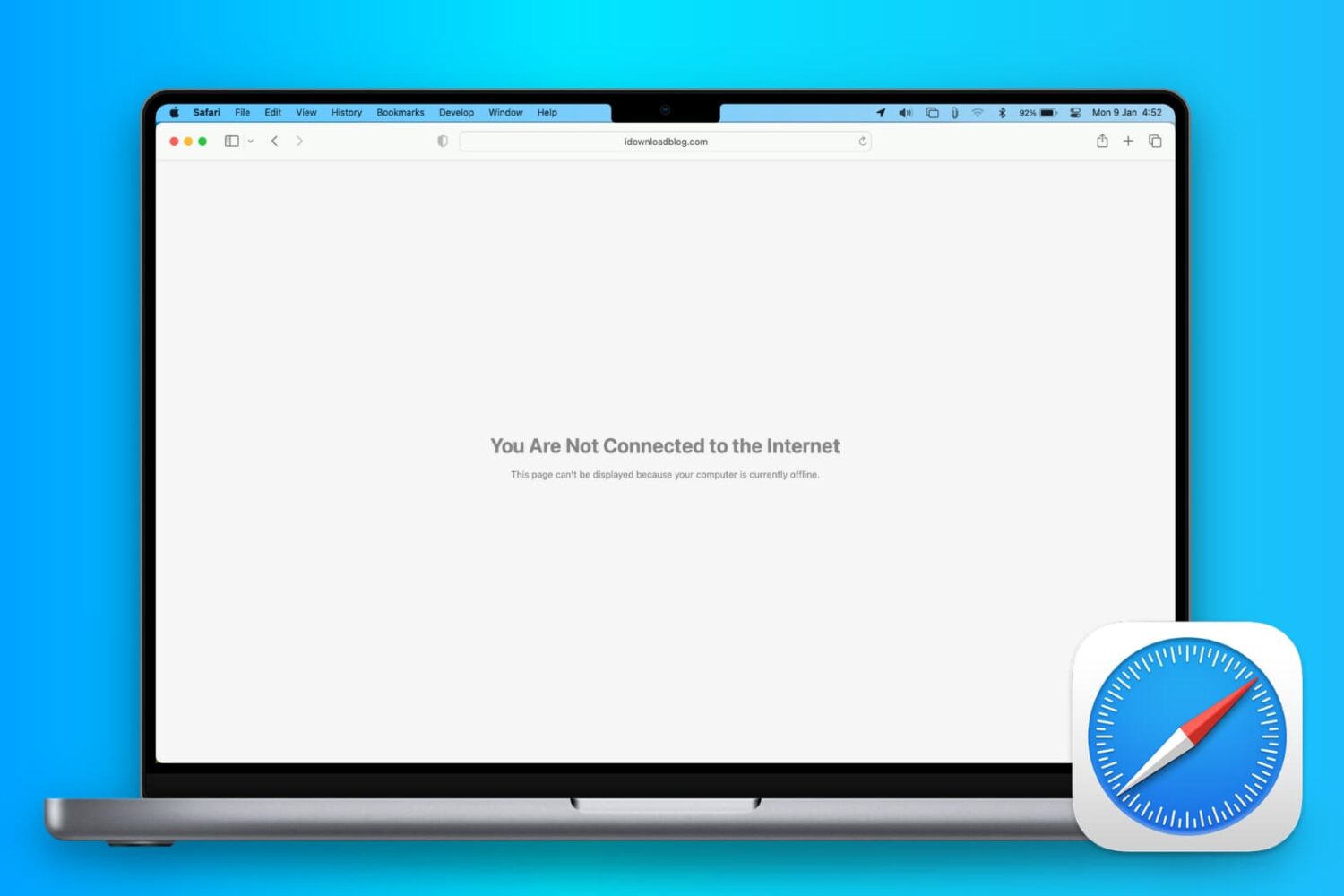
There are all kinds of error messages that might pop up, but one of the more common messages you may come across, especially on iOS 10 devices, will look a lot like the one you see above. In this piece, we’ll talk about troubleshooting steps you can take to fix various types of similar error messages once and for all and get your device up to date.