Go through these 18 possible solutions if you can’t send or receive iMessages in the Messages app on your iPhone or iPad.
How to fix iMessage not working on iPhone or iPad
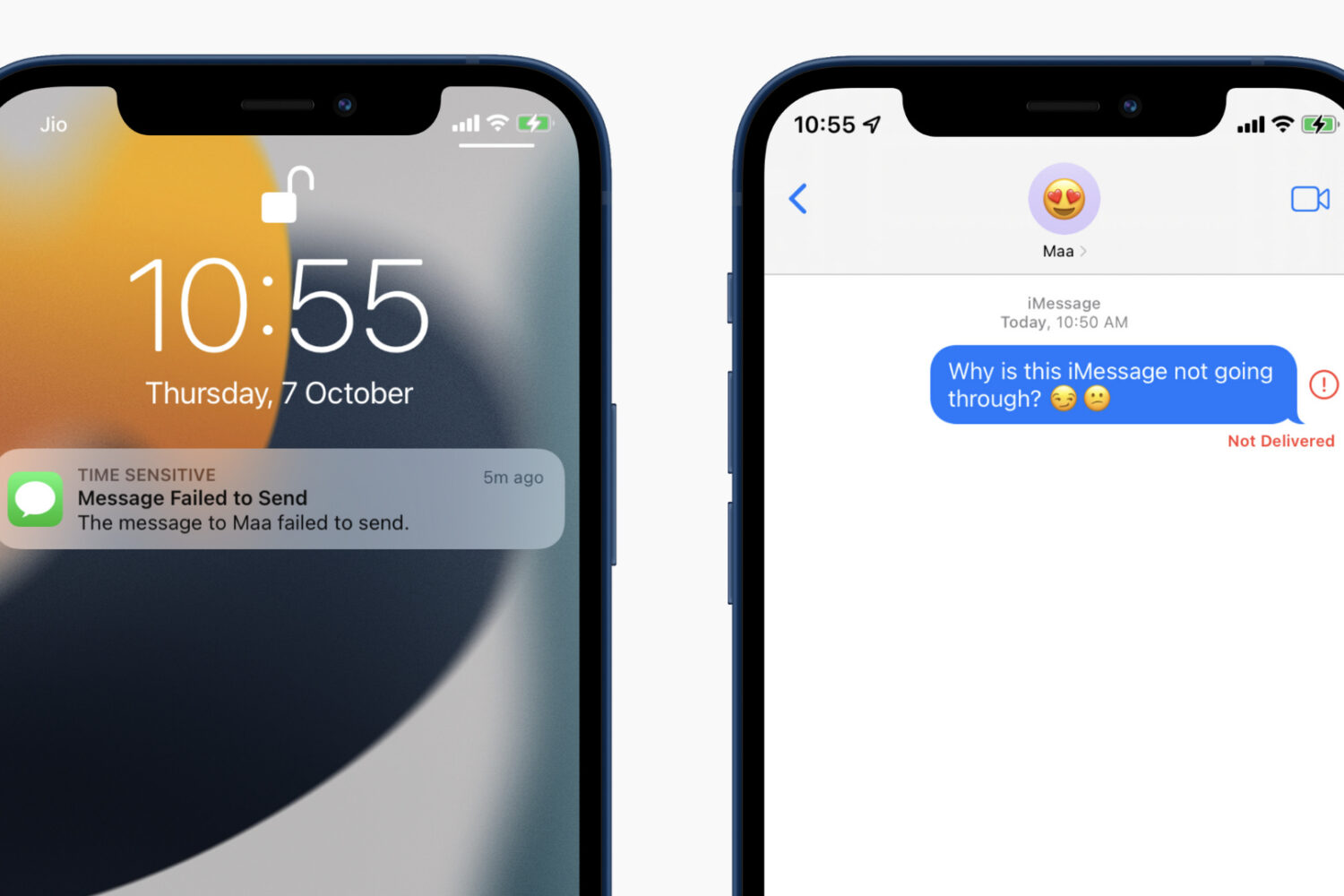
Go through these 18 possible solutions if you can’t send or receive iMessages in the Messages app on your iPhone or iPad.

Go through these quick solutions if FaceTime is not working on your Mac, is unavailable, or is failing to activate.

Learn what to do if Finder freezes or fails to respond on your Mac, preventing you from accessing your files and folders.

Learn what to do if you’re unable to uninstall apps from your iPhone or iPad, as the option to ‘Delete App’ is missing when you touch and hold an app icon and tap Remove App.
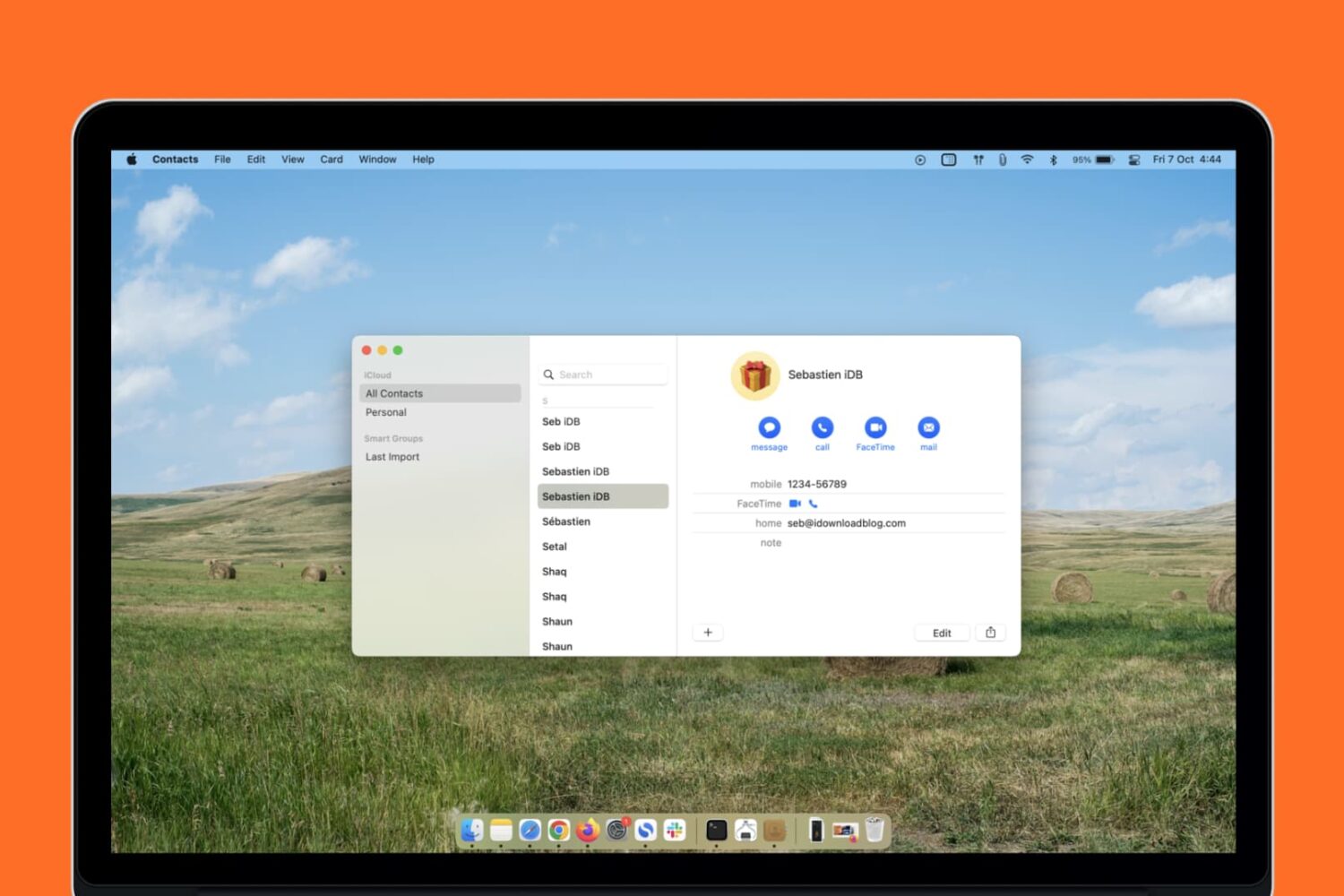
Learn what to do if your Mac’s Contacts app is full of duplicate entries after updating your computer to a newer version of macOS.

Maybe you just got an Apple Pencil or a new iPad and want to use this convenient combo. But for some reason, unknown to you, you can’t pair your Apple Pencil with your iPad. In this tutorial, we’ll explain several methods to remedy this situation, beginning with which Apple Pencils work with which iPads.

In this tutorial, we’ll walk you through the steps to reset Bluetooth on your Mac to fix common wireless connection issues with your Bluetooth accessories.

Apple offers a support site to help answer your questions. Whether it's for a problem with your device, subscription, or service plan, most times, you can find answers without the need for a real person. But if your question cannot be answered or falls outside of those you see on the support site, it might be time for a chat.
You can chat live with Apple Support by navigating to a particular spot on the website or using the Apple Support app. Here's how.

If you're greeted with an Apple Fitness+ “pairing canceled” error message when attempting to connect the Workout app on your Apple Watch to an Apple TV, you're definitely not alone. As highlighted on Reddit, some Apple Fitness+ enthusiasts are seeing a “pairing canceled” message when trying to connect the Workout app on an Apple Watch to their Apple TV.
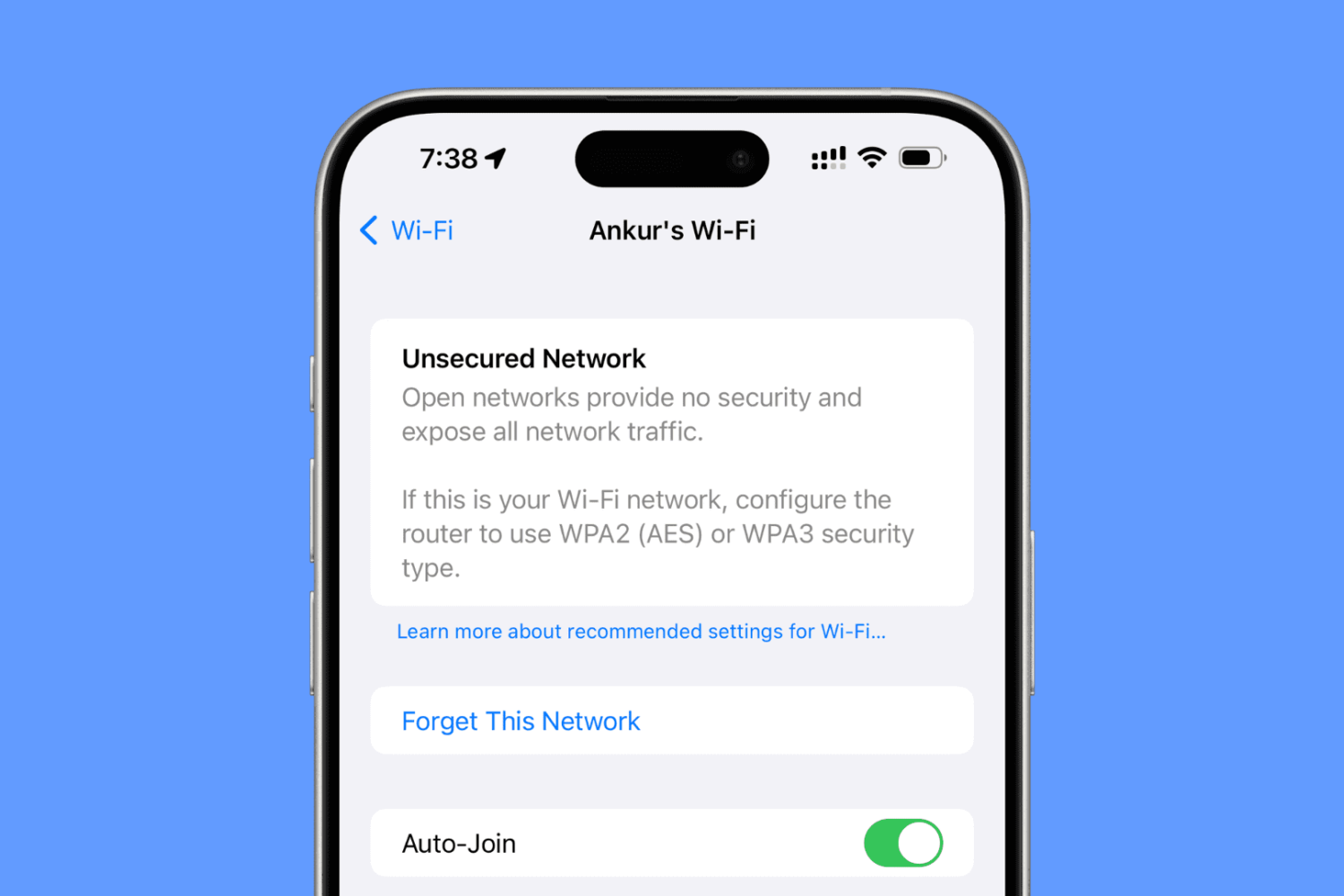
Are you seeing an “Unsecured Network” or “Weak Security” warning on your iPhone, iPad, or Mac? In this guide, we’ll share more details about this issue and help you fix it.
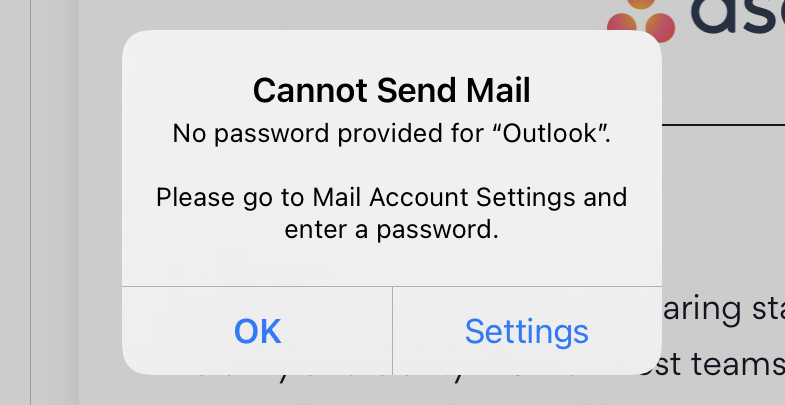
If you have a Hotmail or Outlook email account that’s set up in Mail on iPhone or iPad, then you may have been running into this issue since the releases of updates to iOS 14 and iPadOS 14. You repeatedly get a pop-up message asking you for your email account password. Guess what? You’re not alone.

There are many reasons why your MacBook could be overheating. From wonky apps using too much CPU to poor ventilation, here are things to check for and the ways to prevent your Mac from getting too hot.