Learn how to turn off hand gestures that trigger augmented reality reactions in FaceTime and other compatible video calling apps on your iPhone, iPad, and Mac.
How to turn off AR reactions in FaceTime and other video apps

Learn how to turn off hand gestures that trigger augmented reality reactions in FaceTime and other compatible video calling apps on your iPhone, iPad, and Mac.
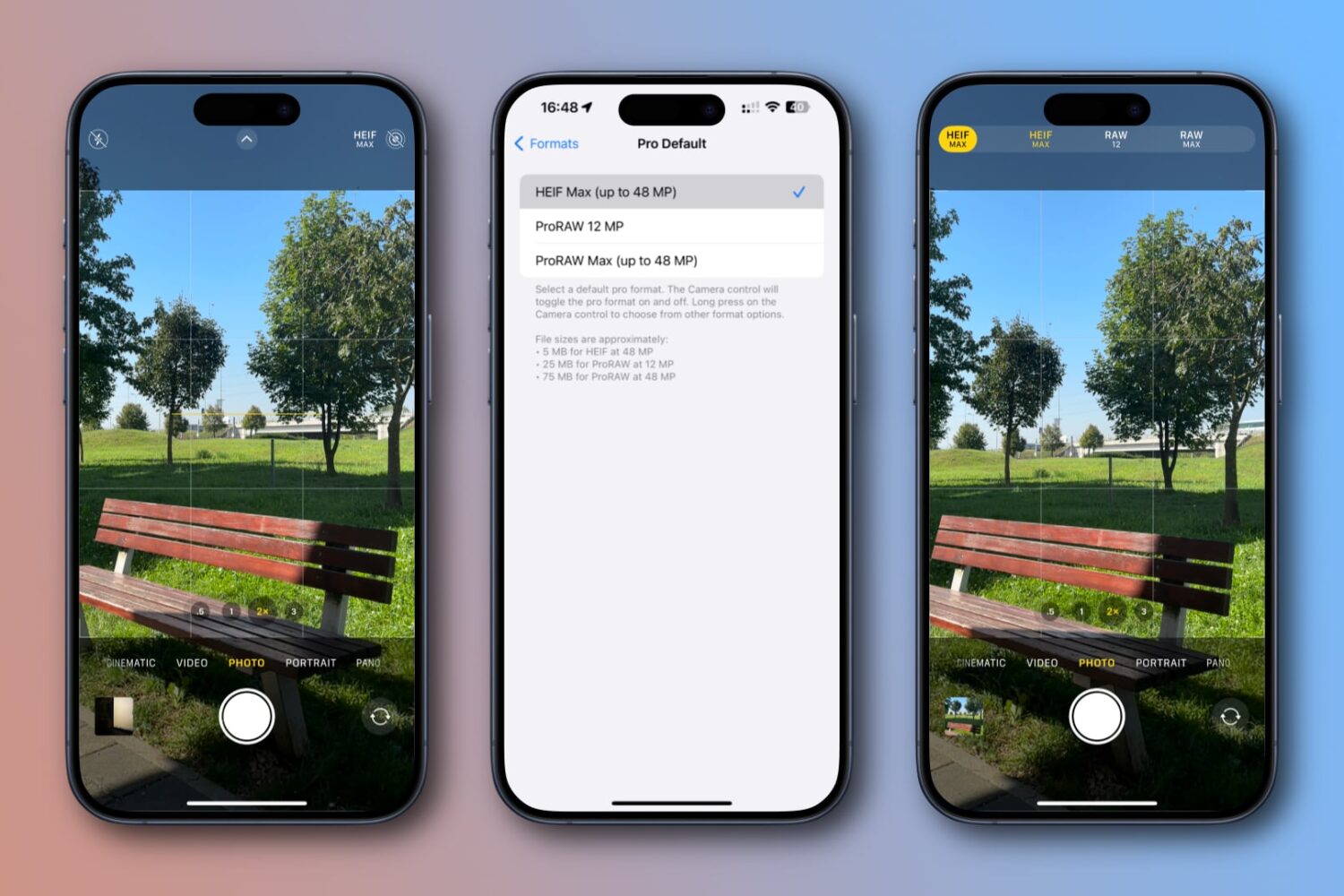
Learn how to set your iPhone's Camera app to capture full 48MP resolution photos in the HEIF or JPEG format instead of 12MP or 24MP ones.
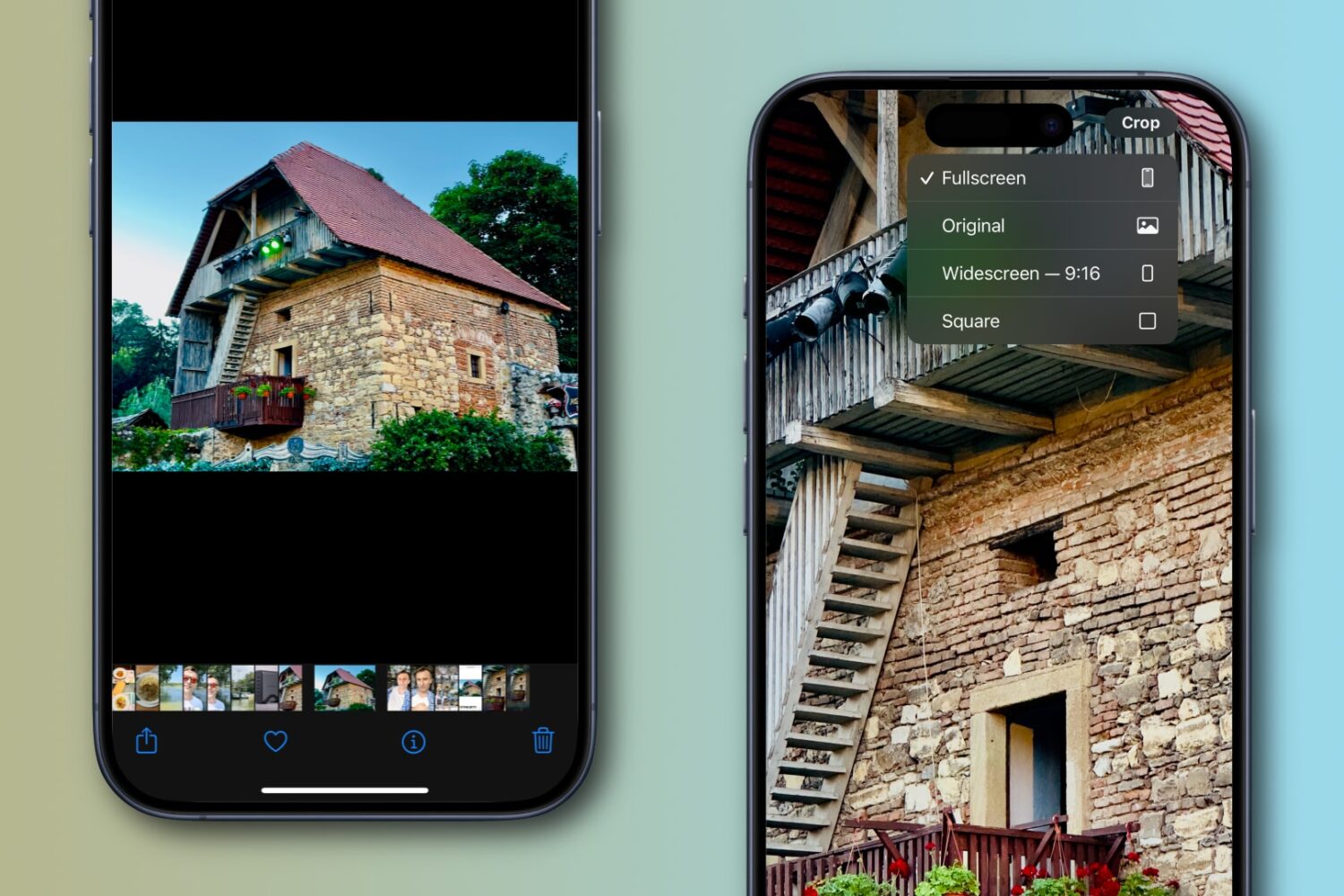
Apple’s Photos app on the iPhone or iPad lets you quickly crop an image while pinch-zooming without entering editing mode first, and we show you how.
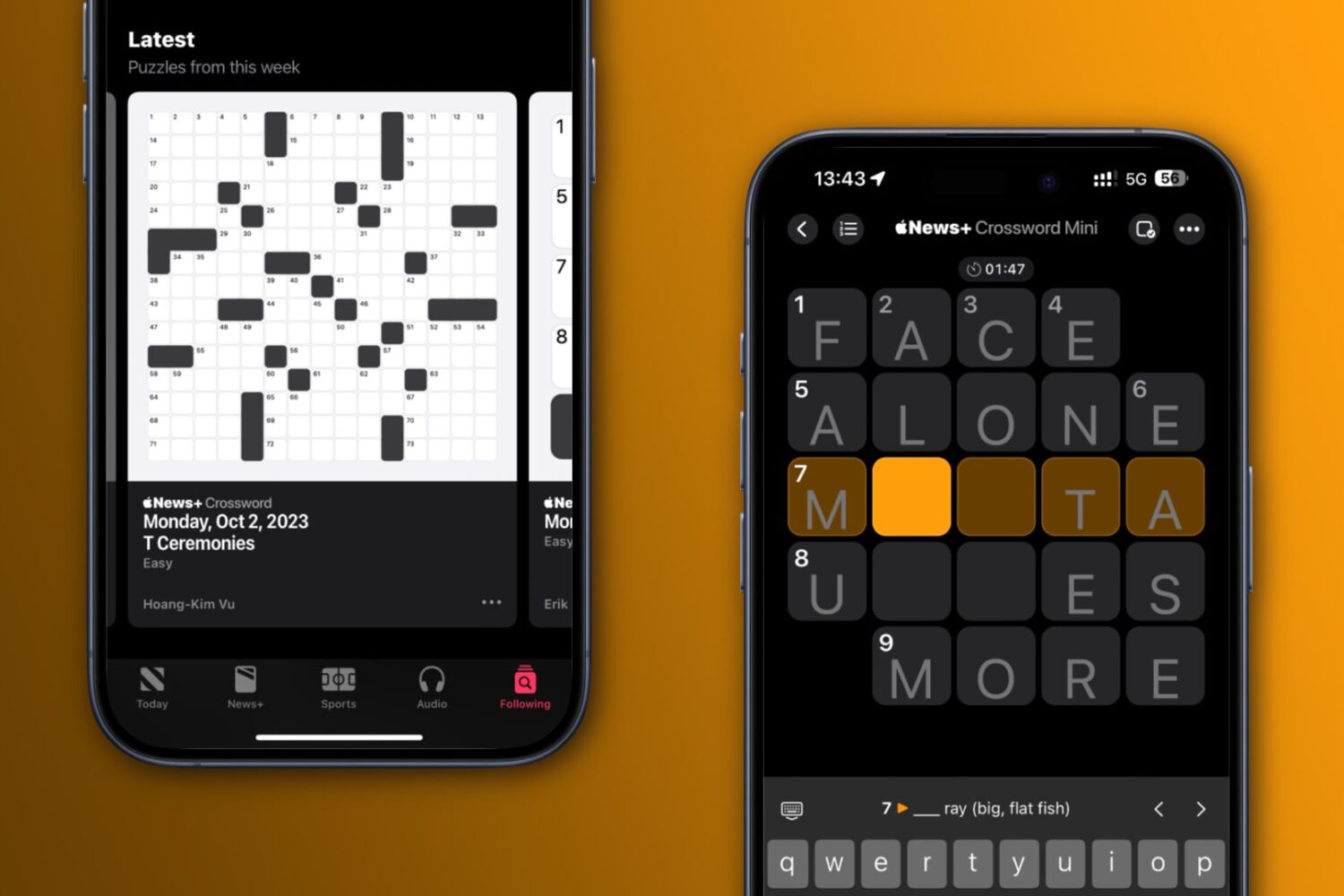
Learn how to play new NYT-style crossword puzzles—both small 5x5 puzzles and large 15x15 ones—every day on your iPhone, iPad and Mac.

Learn how to optimize Action Mode, the iPhone’s video stabilization feature, for low-light shooting when there isn’t enough light available.

Lost your Apple TV Siri Remote? Learn how to use your iPhone to quickly find your Apple TV remote without tearing apart your couch or living room.

The Apple Watch Series 9 and Apple Watch Ultra 2 bring the double-tap hand gesture to the forefront. Here's how to set up and use this feature on older watches.
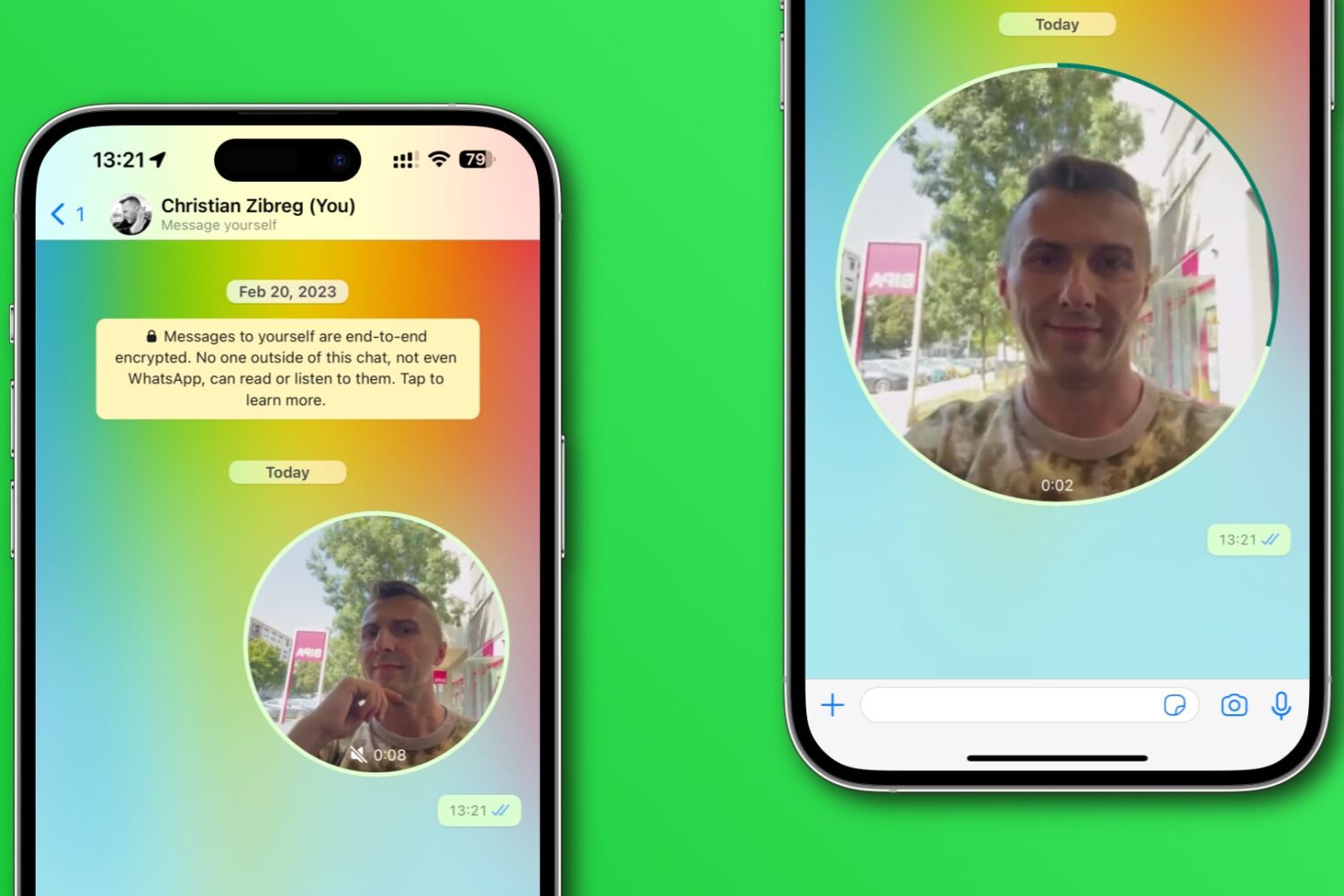
Learn how to disable WhatsApp’s Instant Video Messages feature to stop accidentally sending personal videos in chats instead of voice notes.
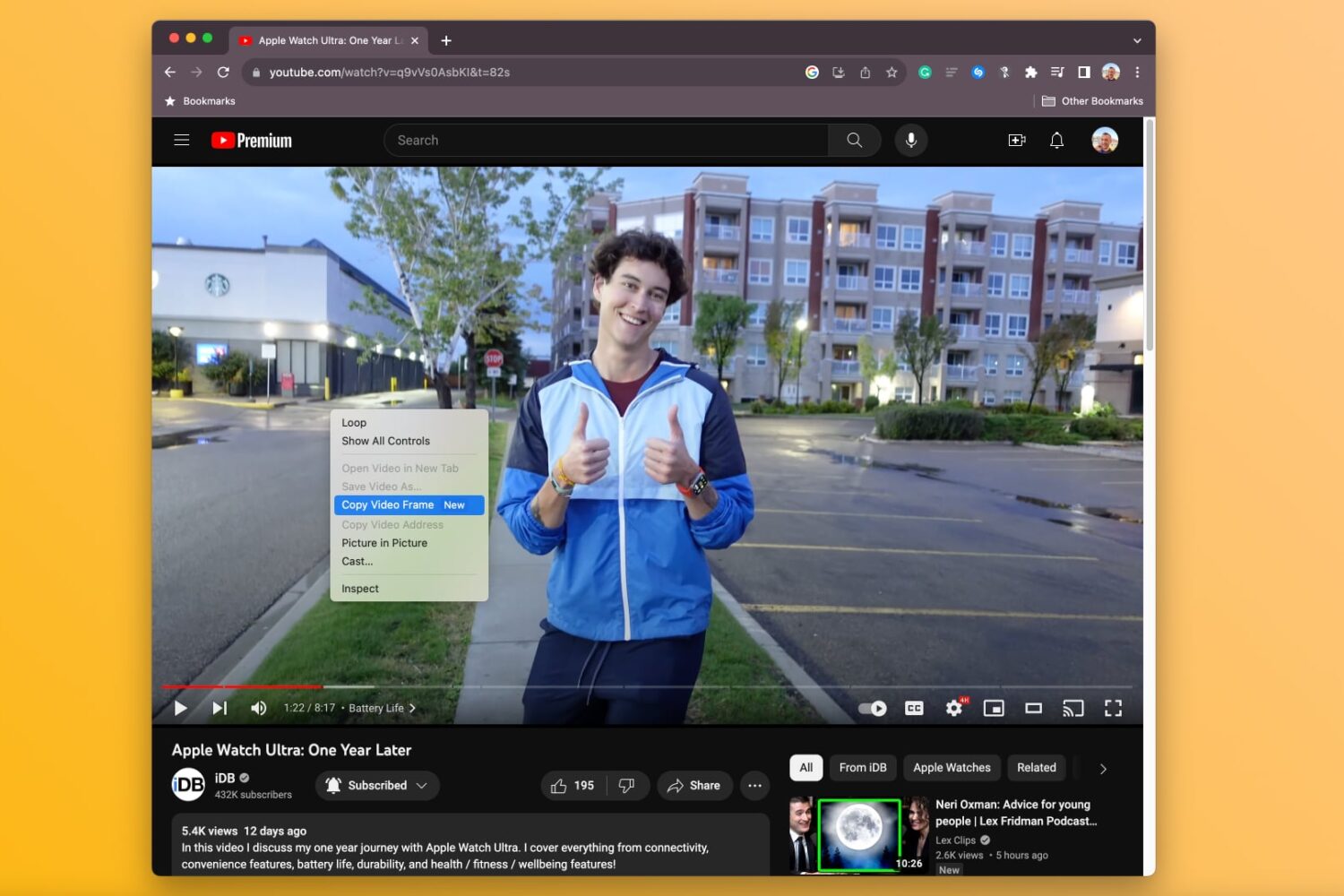
Learn how to copy a full-resolution frame of a video in Google Chrome instead of manually screenshotting it, which results in a lower-quality image.

Learn how to use the Google Photos Locked Folder feature to protect sensitive images and videos with Face ID, Touch ID, or device passcode on iOS and Android.
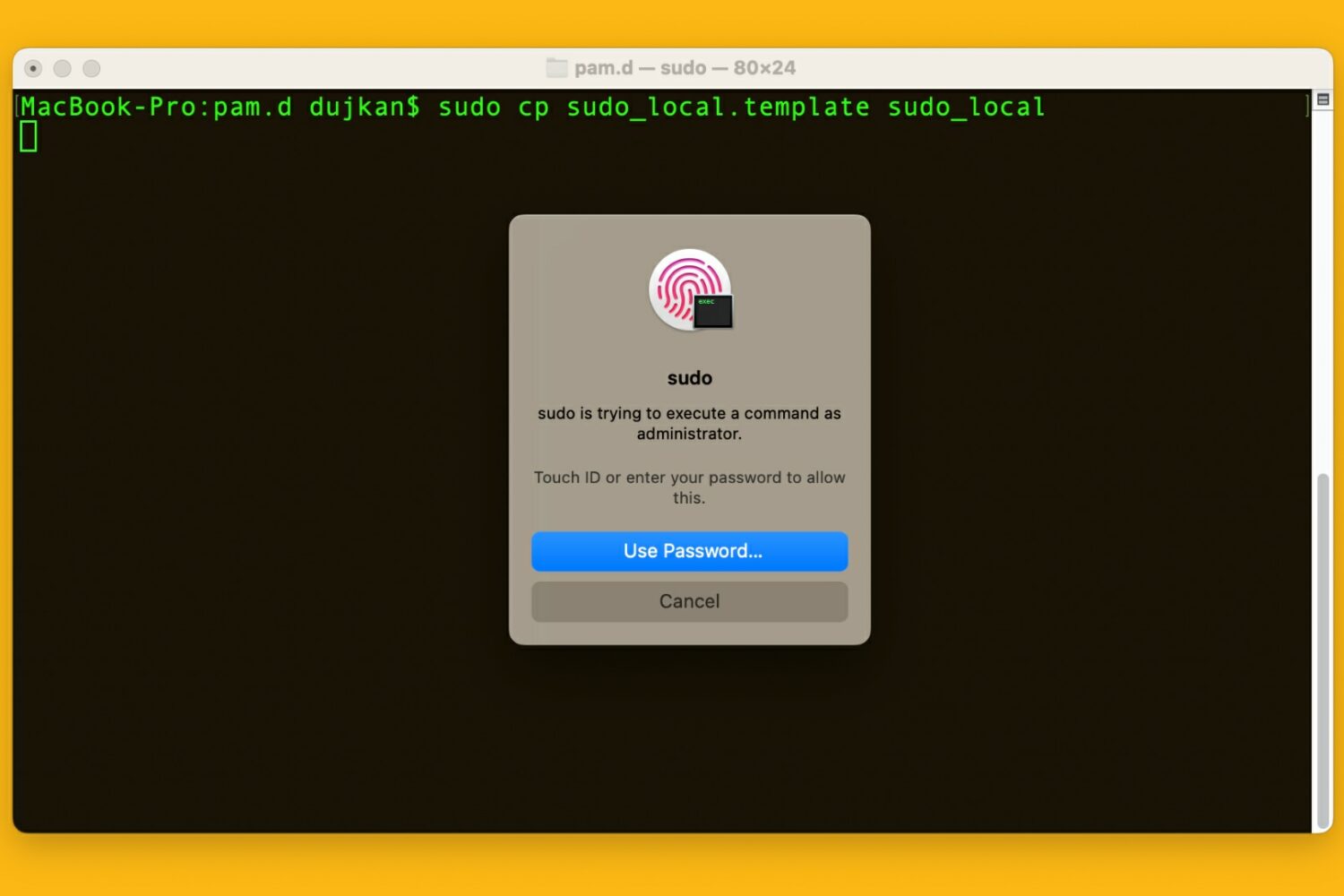
Learn how to use your Mac's Touch ID for the sudo command in the macOS Terminal app to save yourself from typing an administrator password.

Learn how to use the AI-powered Smart Deband feature in Pixelmator Pro and Photomator for Mac to smooth out color banding artifacts in low-quality photos.