Aside from yearly insights, Apple Music subscribers can also get their listening statistics for any month and revisit their Replays for previous months.
How to get your Apple Music Replay listening insights for a specific month
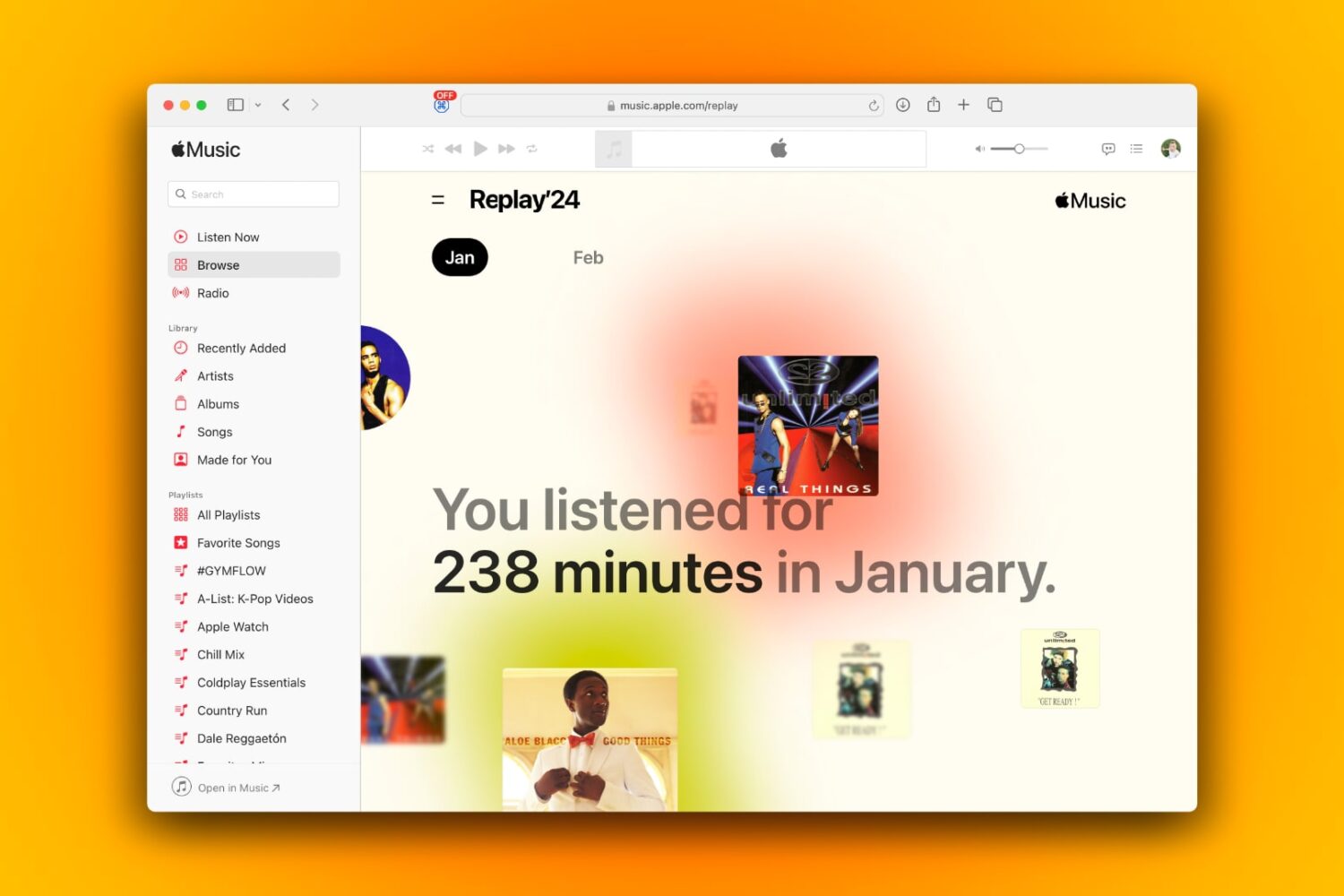
Aside from yearly insights, Apple Music subscribers can also get their listening statistics for any month and revisit their Replays for previous months.
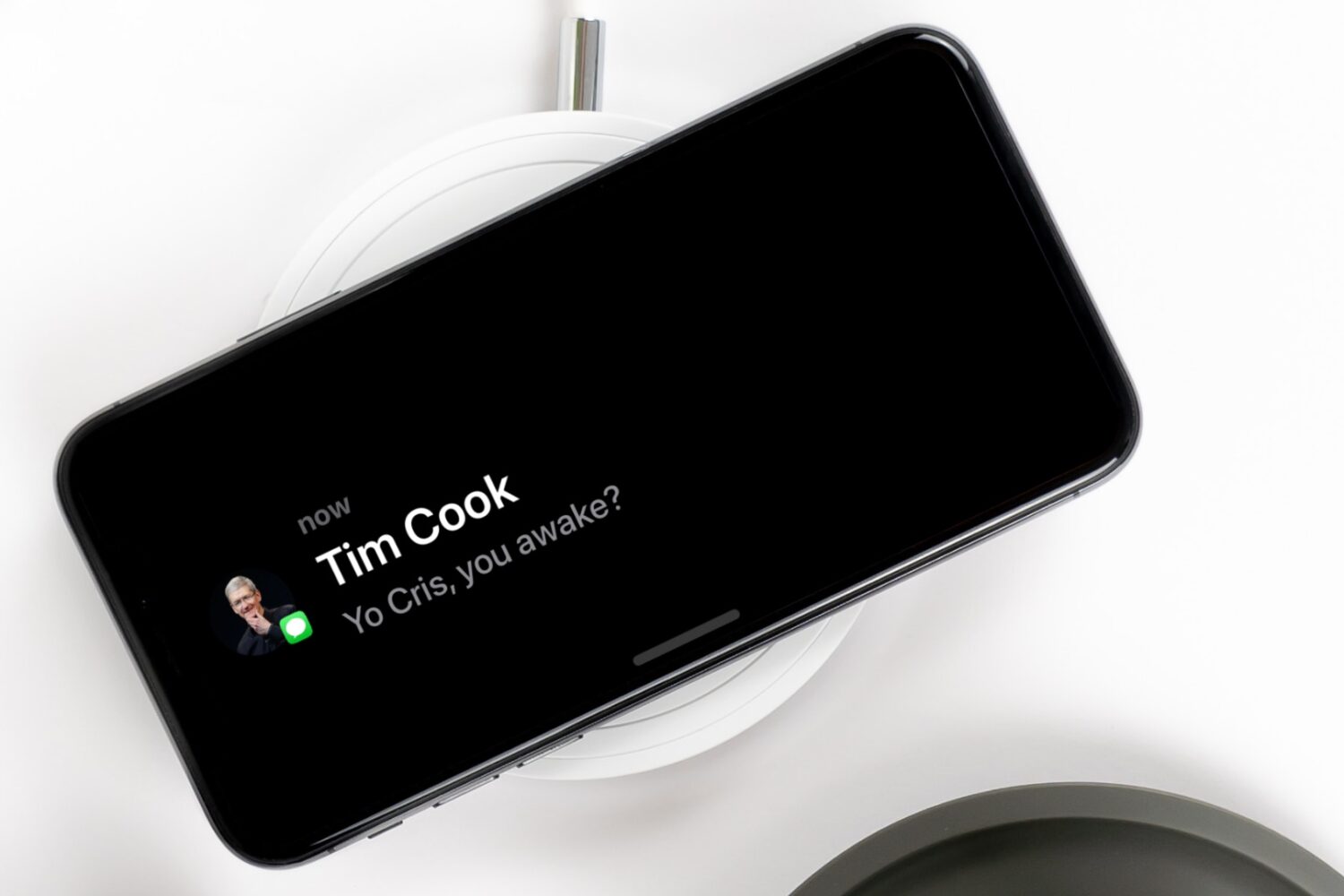
Learn how to make your notifications more private during StandBy Mode by disabling the preview until you tap the iPhone screen.

Find out how to turn on the Local Awareness option to ensure the emergency warning alerts you receive on your iPhone from the government are timely and accurate.

Learn how to pause Apple Music’s listening history during a specific Focus Mode on your iPhone, allowing you to enjoy music without impacting your recommendations.
Learn how to pin individual messages or entire conversations to the top of your WhatsApp chat screen for quick and easy access.
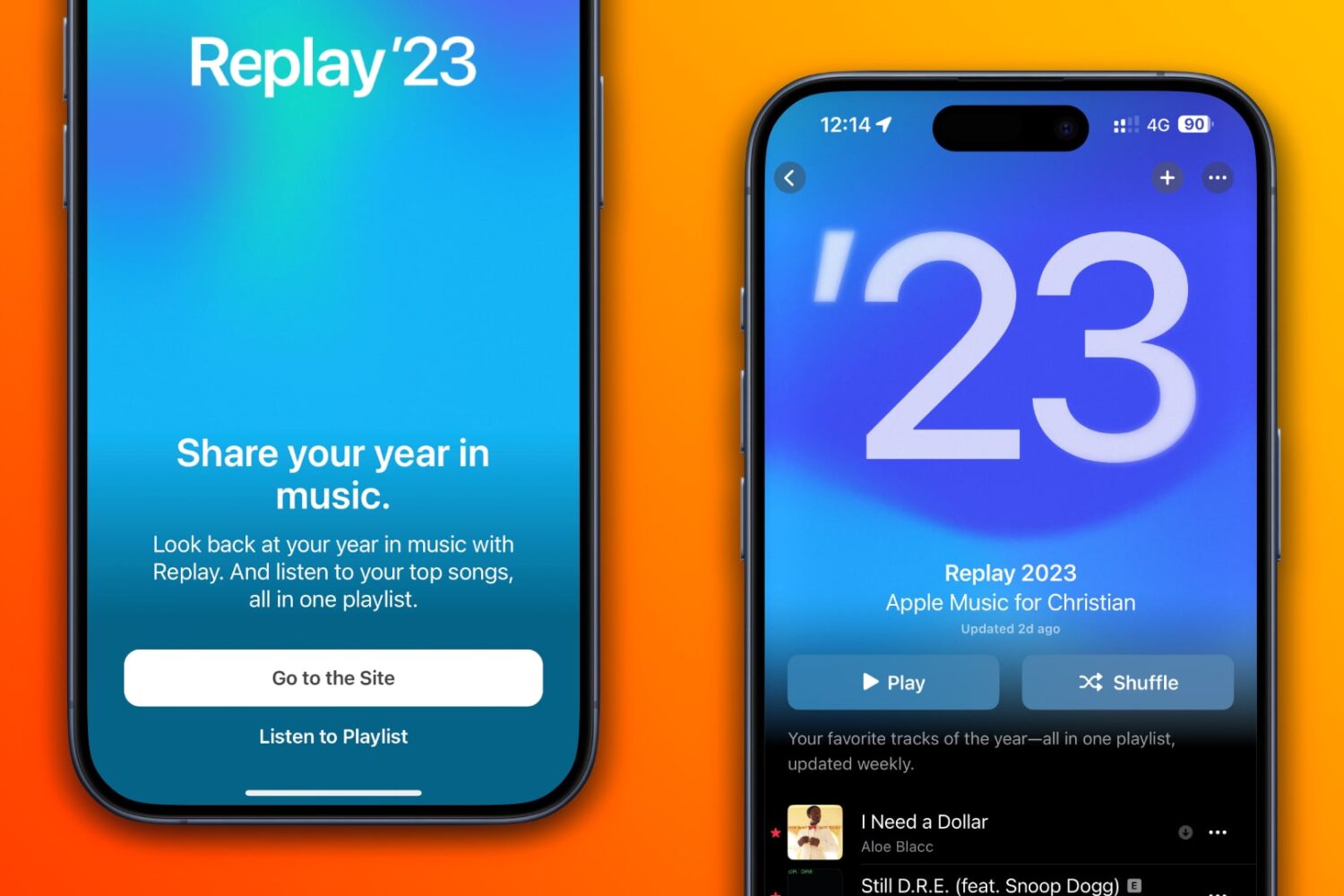
Your Apple Music Replay includes a playlist of your top 100 songs, as well as in-depth highlights and milestones that closed out the year.

Year in Review is a new feature on Apple Books that brings shareable insights about the reads you've enjoyed the most throughout the year. Here's how to get yours.
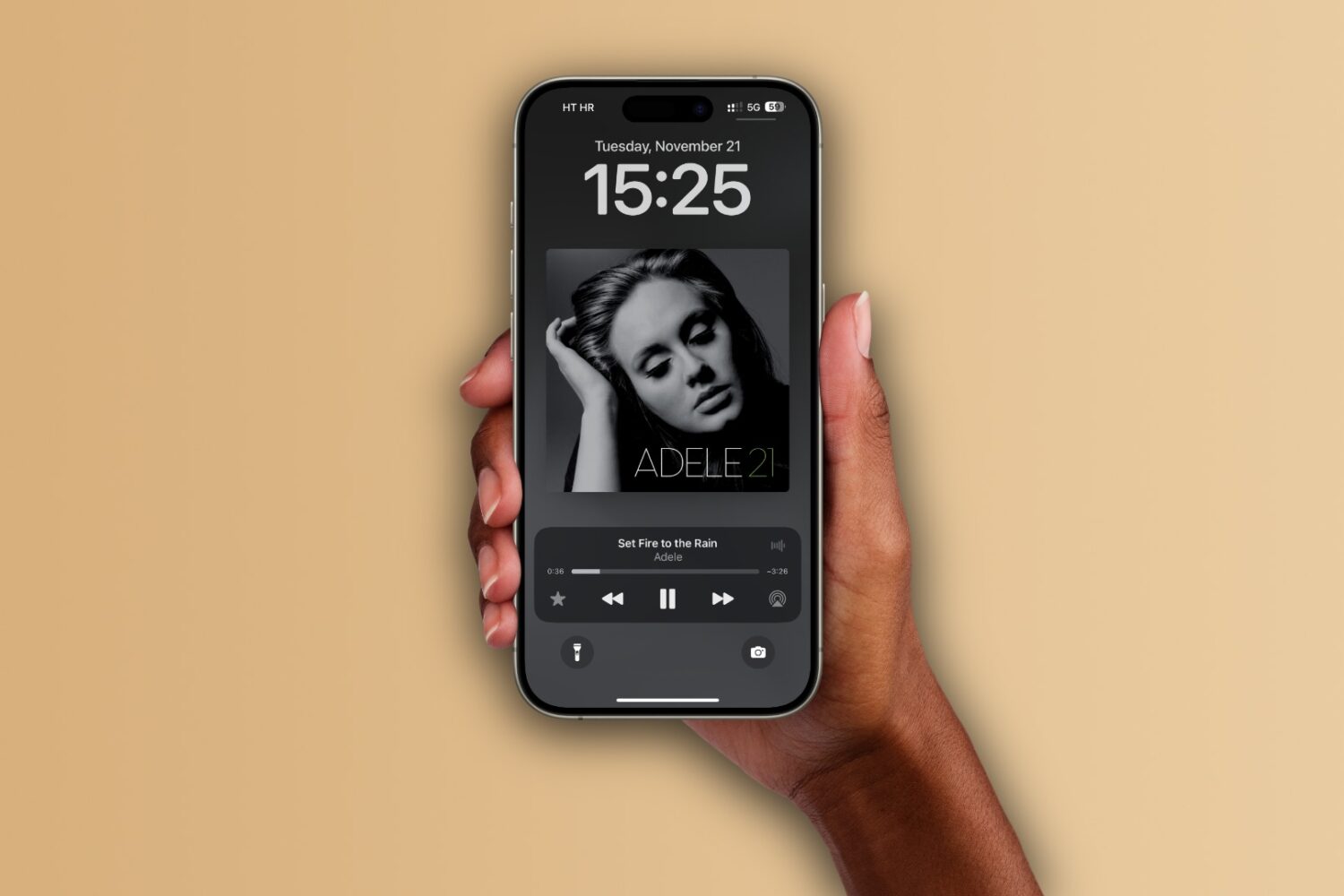
Learn how to set up the Apple Music app on your iPhone, iPad, and Mac to automatically add any songs you’ve marked as your favorite to your music library.

Learn how to turn off inline text predictions on your iPhone, iPad, and Mac without disabling word suggestions that appear above the onscreen keyboard.
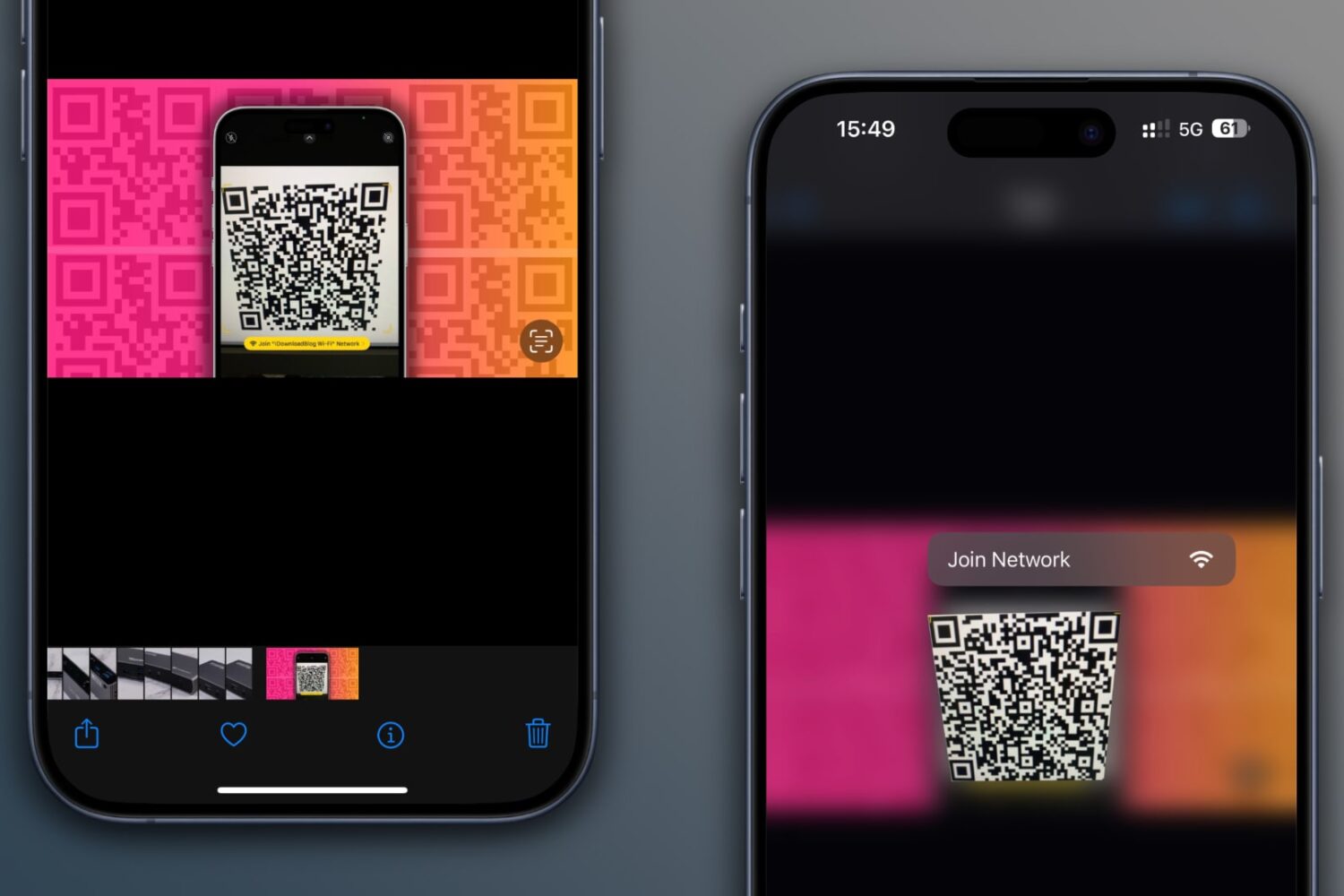
Learn how to scan QR codes on images saved in your iPhone’s Photos app or sent via iMessage or WhatsApp without using another device or printing them out.
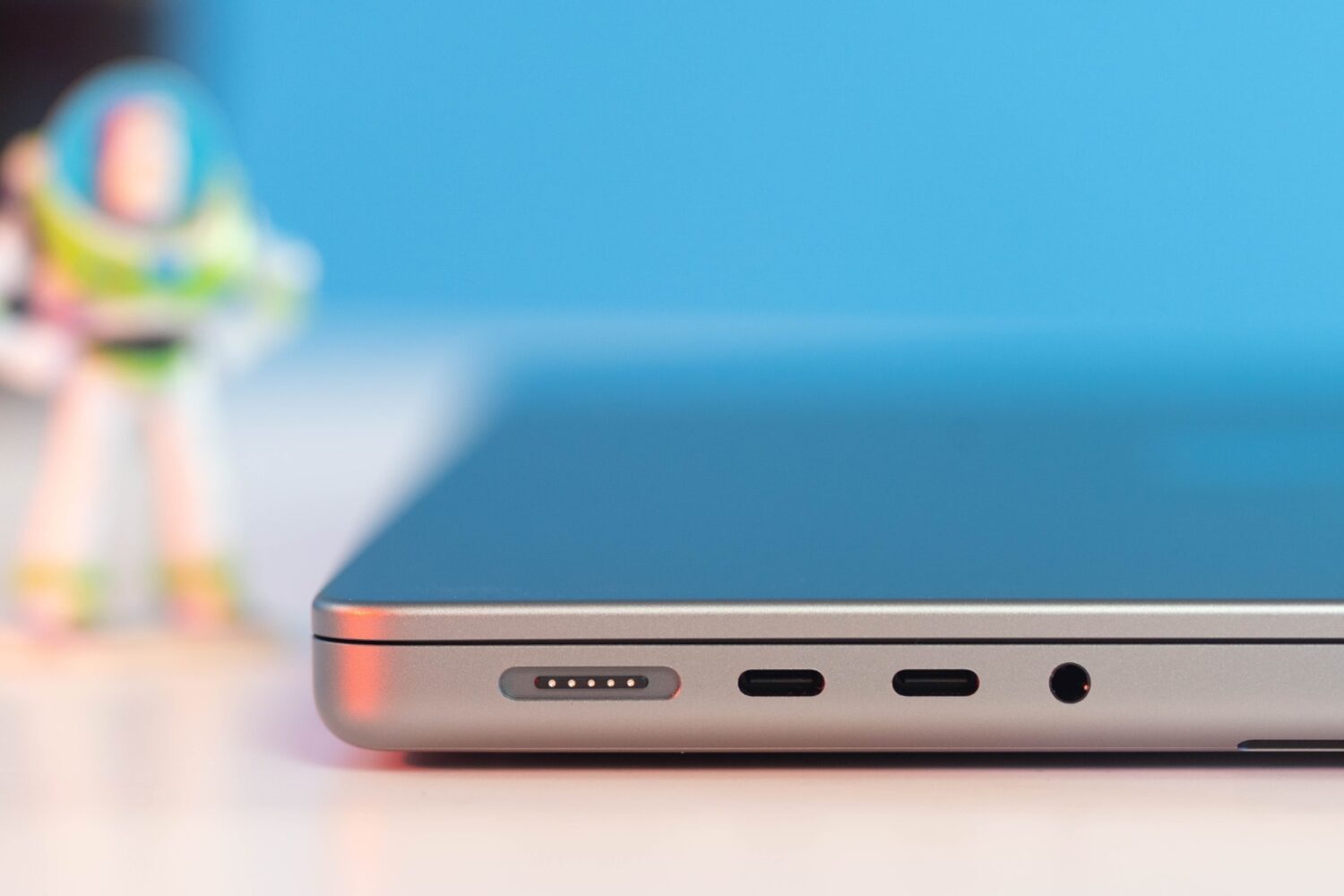
Learn what cables and power adapters you need to fast charge your MacBook Air or MacBook Pro's battery from zero to fifty percent battery in around thirty minutes.

Learn how to turn off hand gestures that trigger augmented reality reactions in FaceTime and other compatible video calling apps on your iPhone, iPad, and Mac.