The Photos app for iPhone, iPad and iPod touch contains a weird bug, one we hope Apple never fixes, that makes it possible to zoom in on a photo beyond the visibility threshold.
How to infinitely zoom in the Photos app on your iPhone and iPad

The Photos app for iPhone, iPad and iPod touch contains a weird bug, one we hope Apple never fixes, that makes it possible to zoom in on a photo beyond the visibility threshold.

Explore these 12 essential Mac tips designed to streamline your workflow and enhance productivity.

The Mac and Windows app VideoProc by multimedia software developer Digiarty is among the most comprehensive video converters out there. Not only does it transcode foreign video formats including MKV, DIVX, FLV and WMV to iOS-friendly formats, but also lets you convert videos in the High Efficiency Video Coding (H.265) format captured with your iPhone to the more compatible H.264 codec, which lets you play them back on older devices.

Did you just get a new iPad? Explore these useful tips designed to maximize your iPad experience, enhancing productivity and efficiency for swift and comfortable usage.

If you use Apple's Shortcuts app for iOS automation and would like to turn on or wake up your Apple TV and its connected TV set on demand, we have just the right shortcut for you.

In this guide, we’ll share 15 quick tips and tricks to maximize your efficiency and unlock hidden features for ultimate productivity.

In this step-by-step tutorial, we’ll show you how to see how much time has elapsed since you last rebooted or started up your computer, as well as check the reboot and shutdown histories.

The Wall Street Journal, the New York Times, the Financial Times, Bloomberg, the Boston Globe, and similar big media publications may give you a few free articles monthly before you hit their paywall. Though nothing in this post is illegal, iDB encourages paying for news and publications that matter to you. That said, digital media subscriptions are not everyone's cup of tea due to their usually high price, lack of payment methods, and several other reasons.
Here are three working methods for iPhone and iPad users to freely read articles that are behind a paywall or subscription.
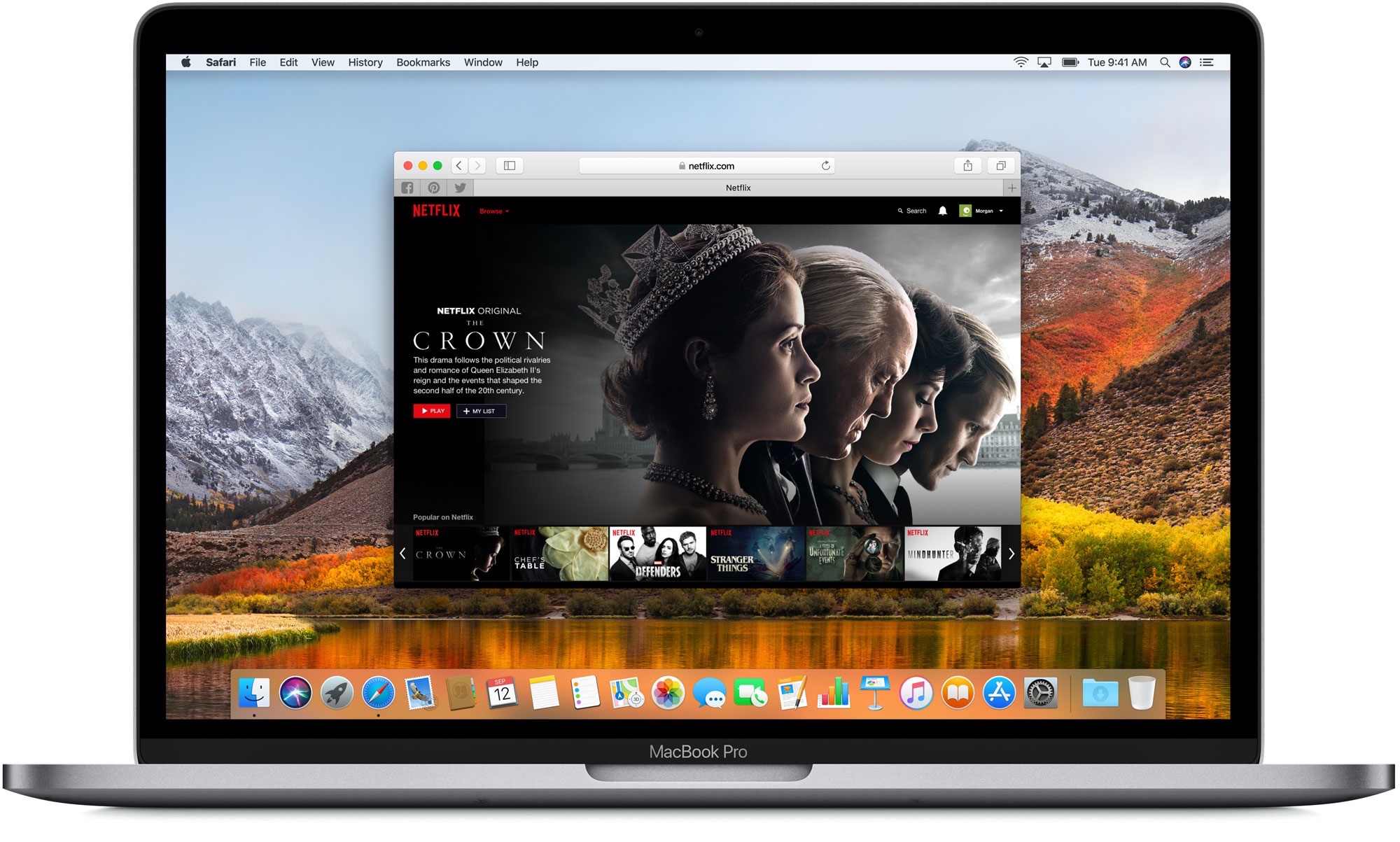
Find out how to clear the DNS cache on your iPhone, iPad, Mac, Google Chrome, Firefox, and Opera to speed up your web browsing experience and troubleshoot related issues.
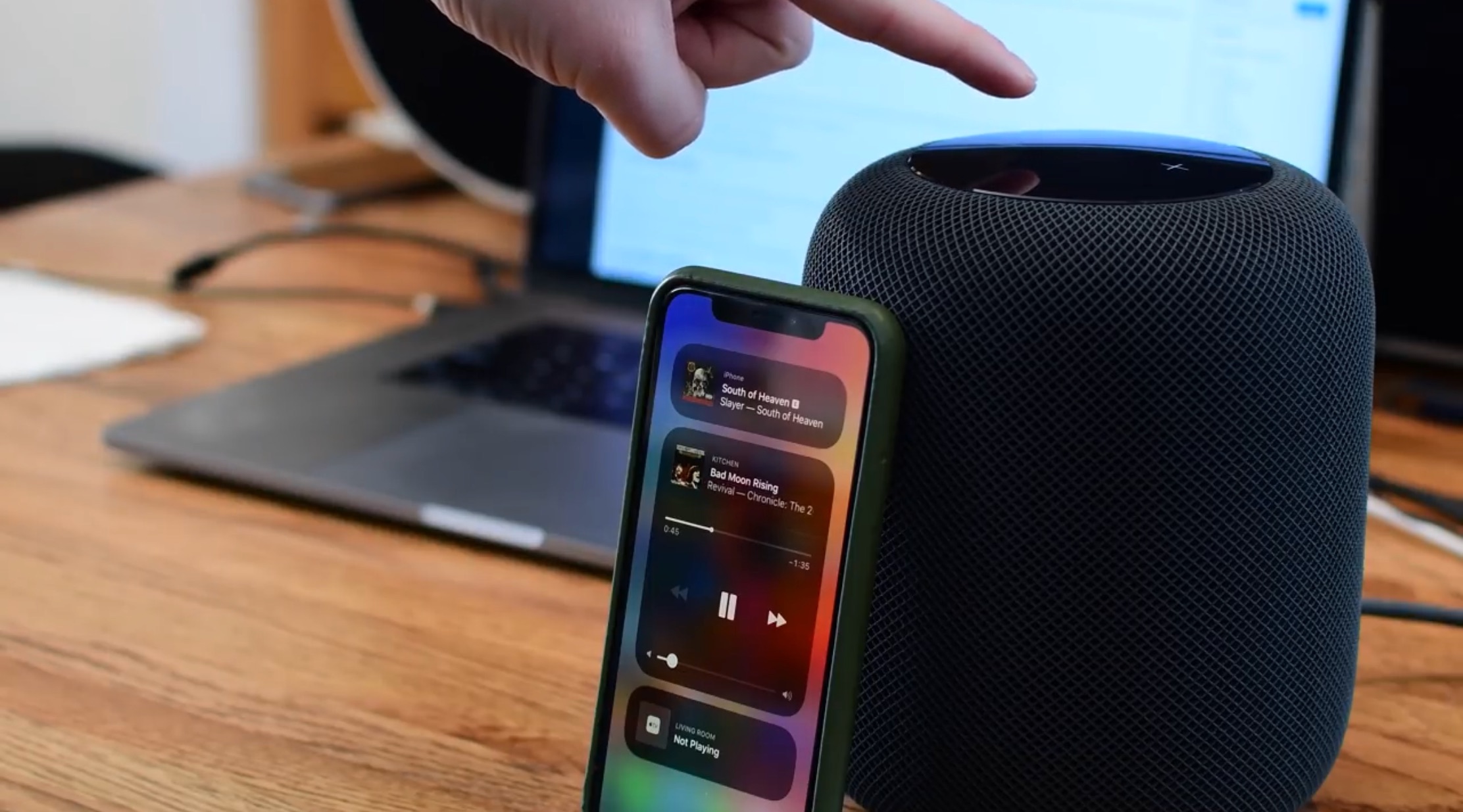
In this tutorial, we’ll show you how to stream music from your iPhone, iPad, and Mac to your HomePod even when you have no Wi-Fi connection, and none of the devices are connected to a wireless network.

The Apple Watch boasts a plethora of impressive features. In this guide, we've curated ten simple yet very useful tips and tricks that we deem essential for every Apple Watch owner.

Learn how to use Siri on your HomePod to play a sound on your iPhone, iPad, Mac, or Apple Watch to locate them if you cannot seem to find them around.