Learn how to stop Instagram from compressing the photos you post and other related information to publish high-quality photos and videos.
How to upload photos and videos to Instagram in the highest quality

Learn how to stop Instagram from compressing the photos you post and other related information to publish high-quality photos and videos.
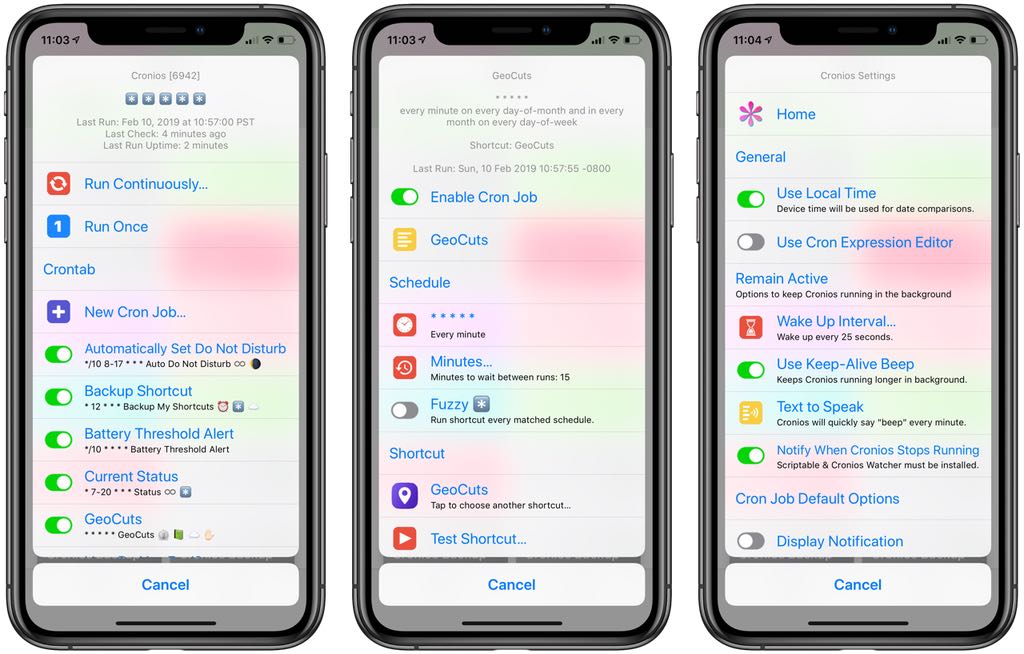
Wouldn't it be great if your shortcuts could run on an automatic schedule, in the background, without any further intervention on your part? Cronios makes that possible by bringing some impressive scheduling powers to your iOS automation scripts.
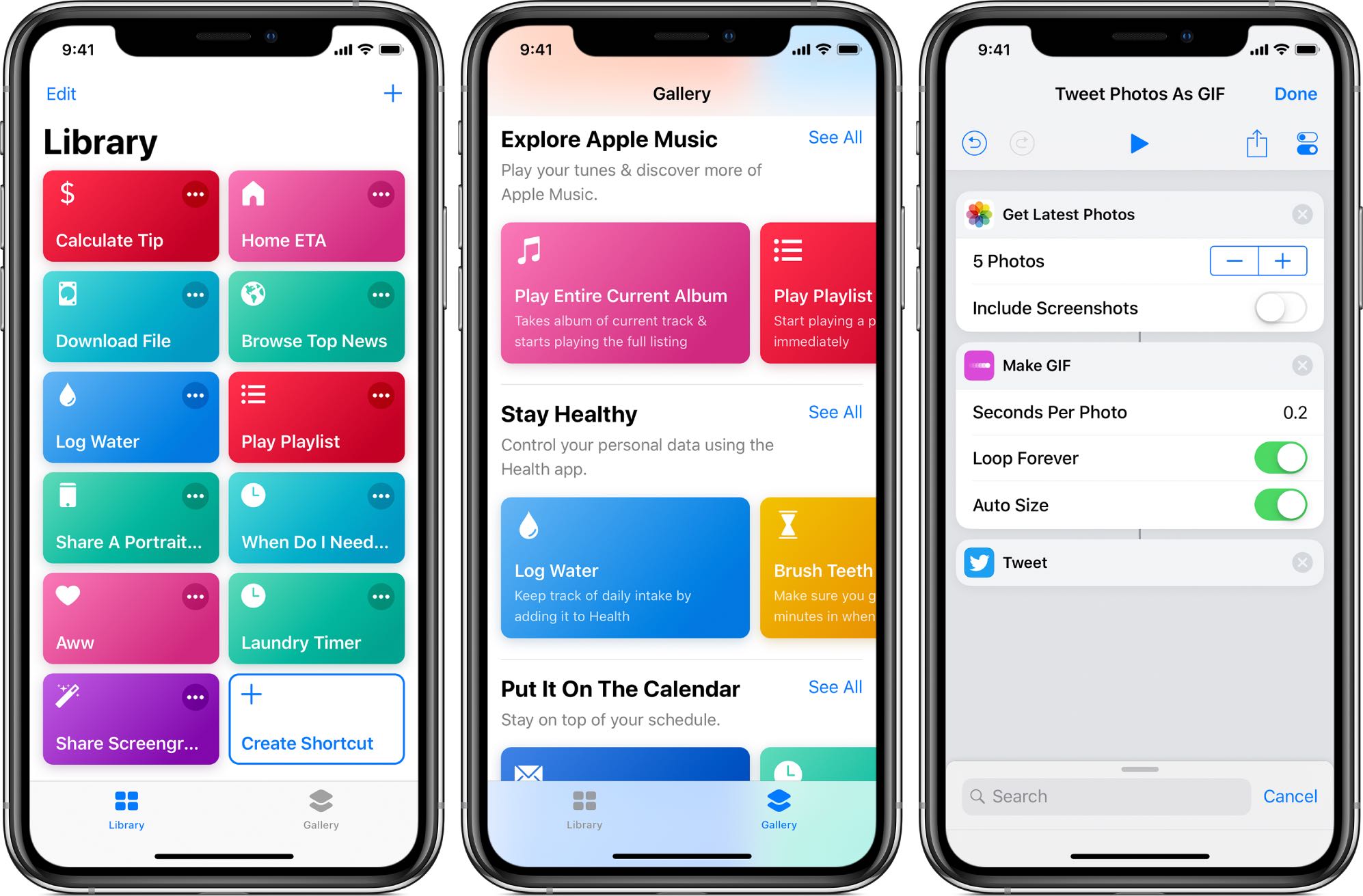
Apple's not made distributing scripts for its Shortcuts app particularly easy as there's no central repository where people could upload and share their own shortcuts with everyone else.
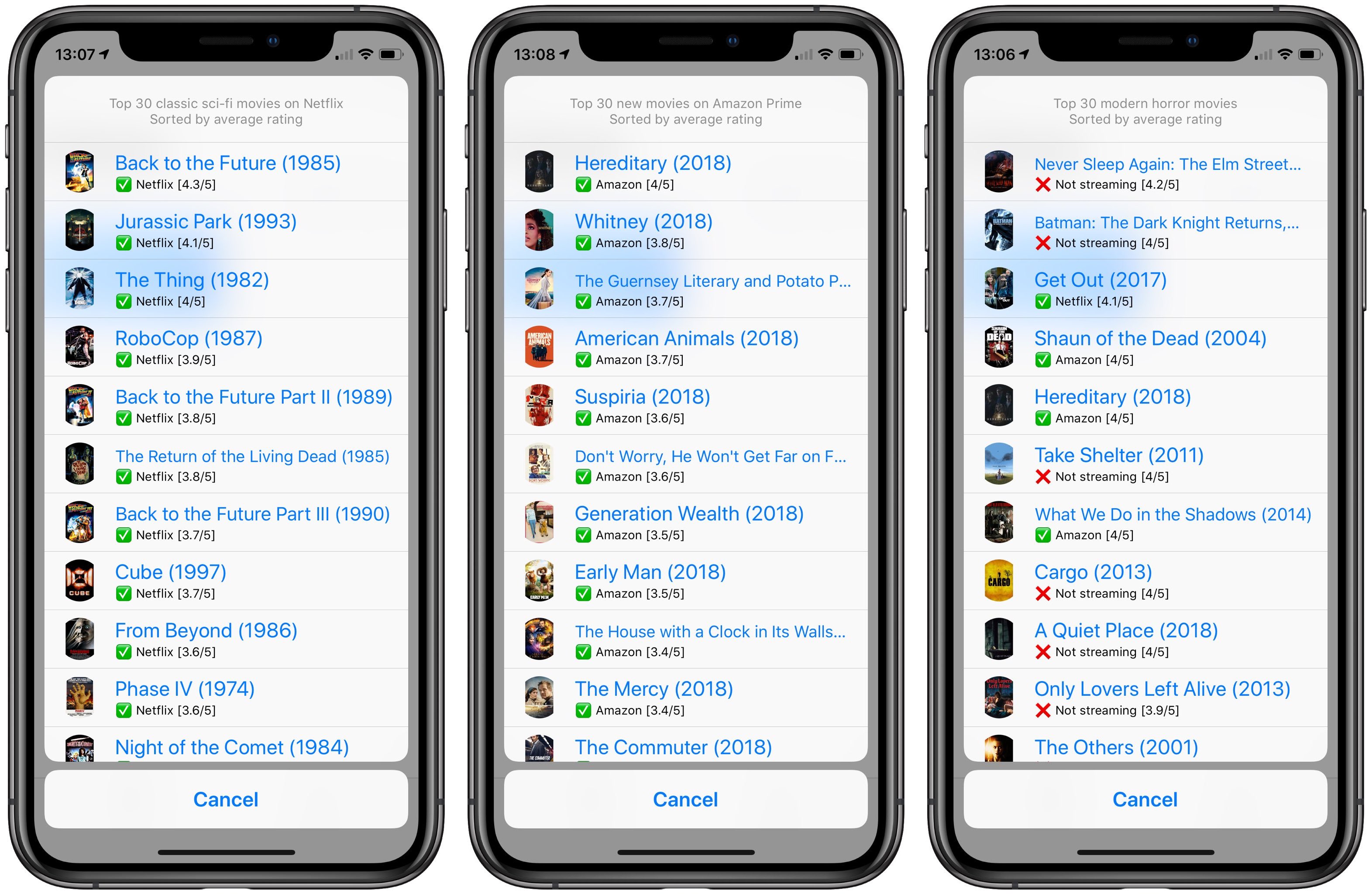
When it comes to movies and TV shows, popular streaming services offer more content than you could ever watch in a lifetime. Hence, finding the very best movies and TV shows is essential. If you've ever struggled to pick what to watch on Netflix or Amazon Prime, this handy shortcut lets you effortlessly find the best movies streaming on those services.
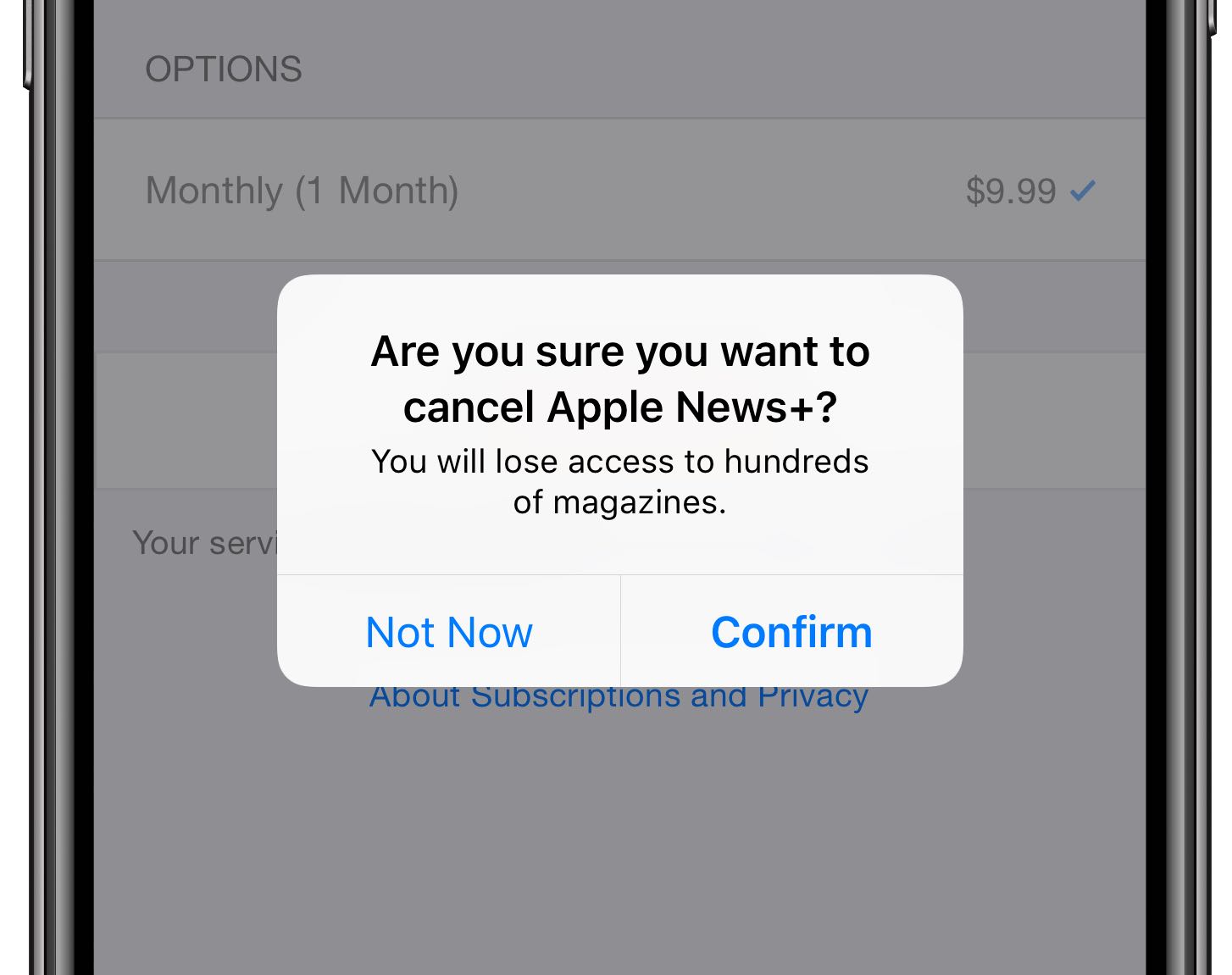
Apple News+, an all-you-can-eat digital magazine and newspaper subscription service that the iPhone maker launched last month, is about to start charging customers who have signed up for a free 30-day trial its regular monthly fee of ten bucks.
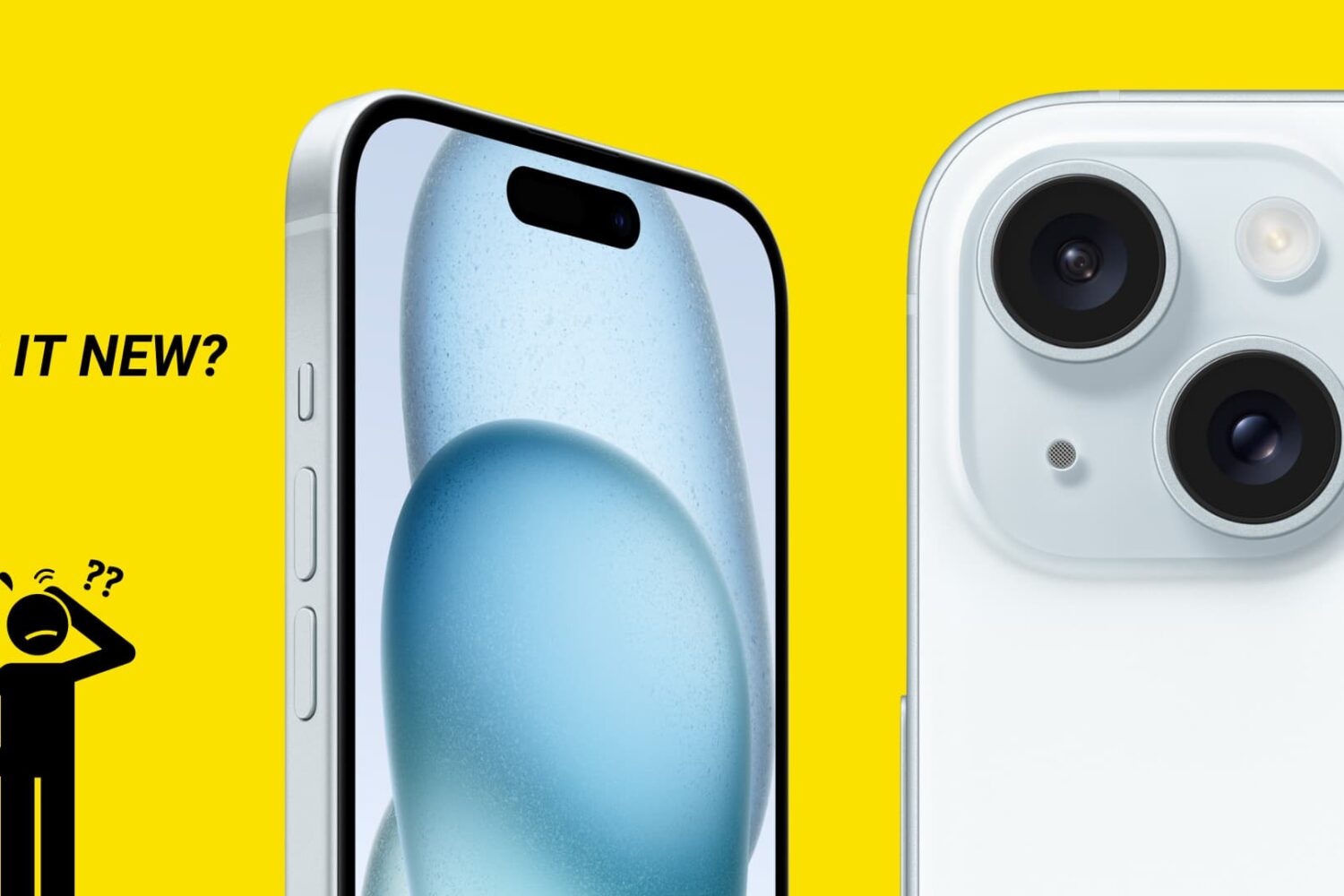
There are no external indicators on an iPhone or iPad that reveal whether it’s fresh out of the box, refurbished, or a replacement provided by Apple through a service request.
In this guide, we’ll show you how to distinguish between brand-new iPhones, refurbished models, replacement units, and even devices customized with Apple’s laser engraving.
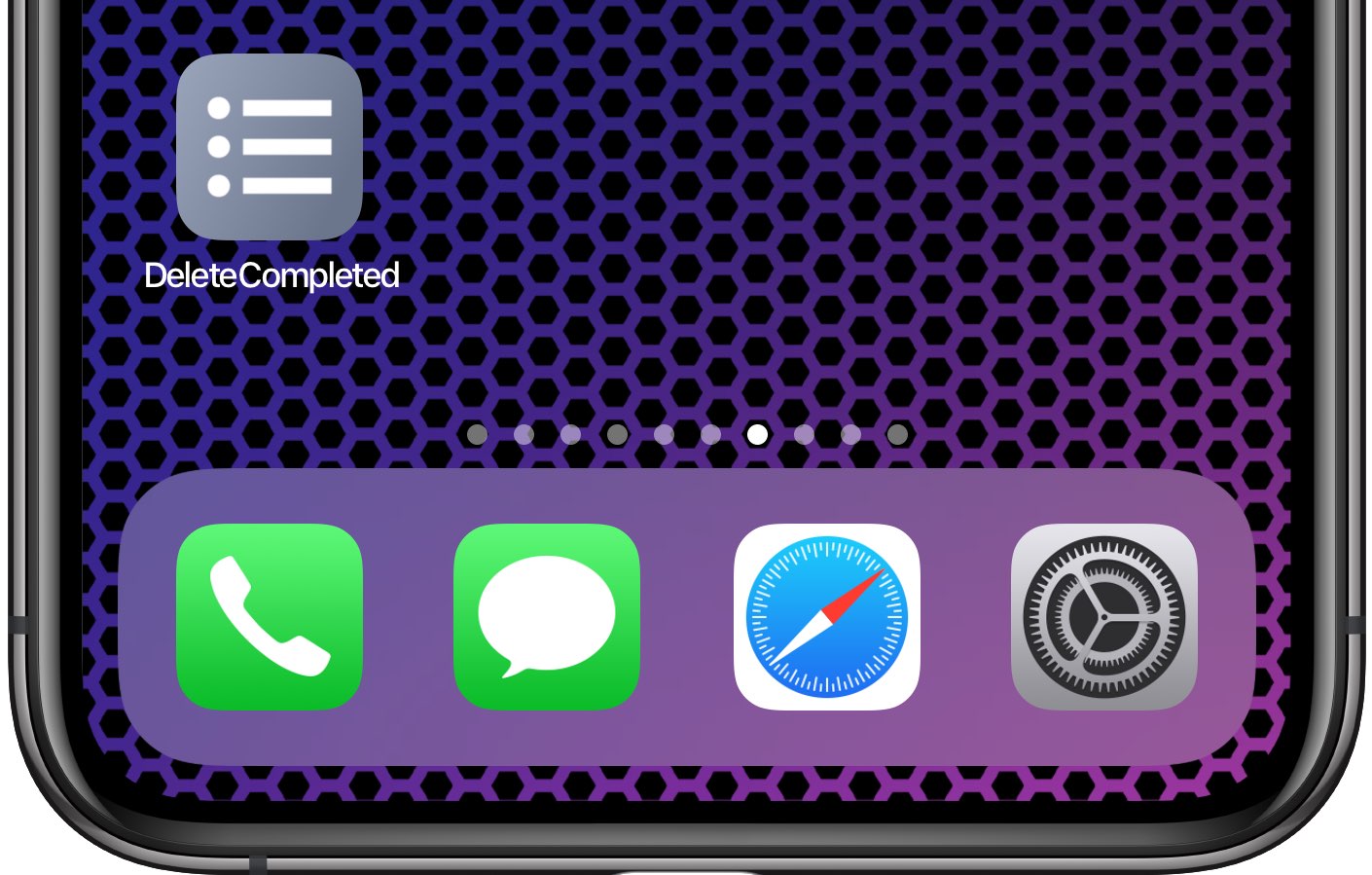
Inexplicably, Apple's Reminders app to this date has not bothered to offer us an option to delete all of the completed reminders at once. It should, at the very least, be able to remove completed items after a set number of days, but even that isn't allowed. Basically, you're left with two choices—either, joy, delete completed reminders manually, one by one, like an animal; or, leverage the power of scripting and iOS automation to your advantage like a boss.
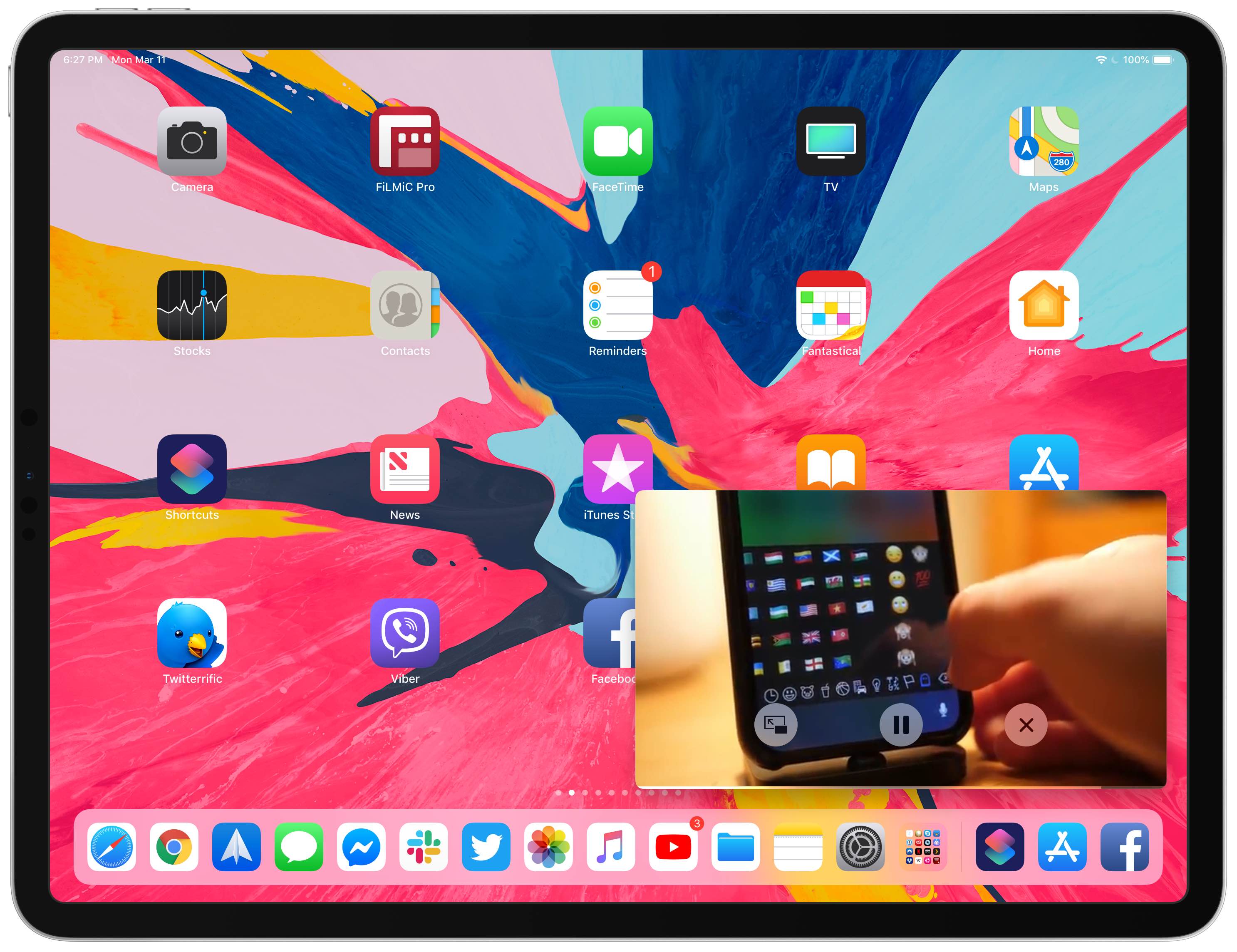
Your iPad supports Picture in Picture (PiP) videos in apps and webpages, but this handy mode isn't universally supported across all video-streaming websites. Crucially, PiP is unsupported by YouTube.com's iPad interface on Safari. But there's a shortcut for that, too—thanks to the power of iOS automation, you can enforce Picture in Picture on YouTube and other websites.
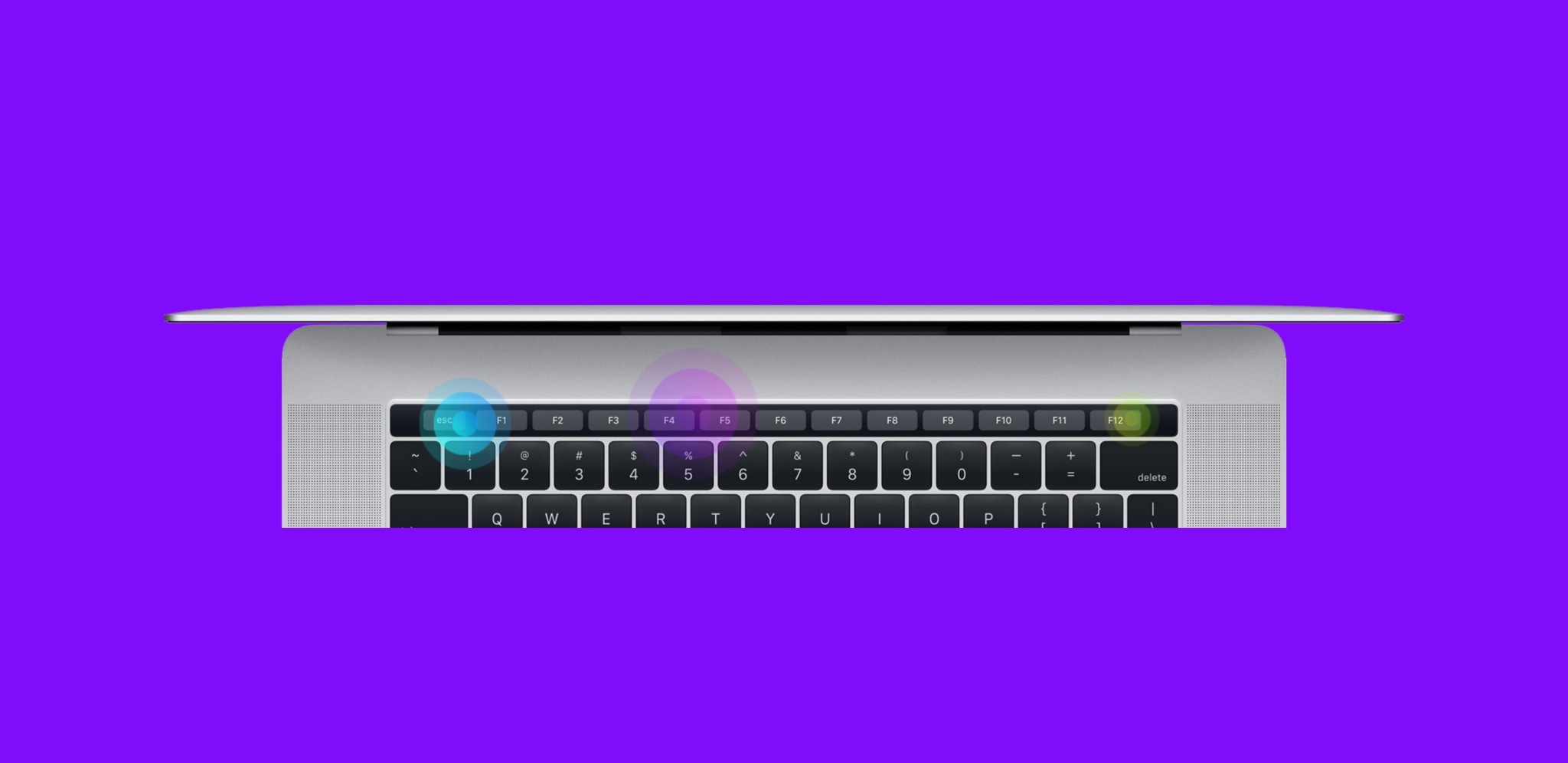
By default, the Touch Bar at the top of your MacBook Pro's keyboard displays app-specific controls that appear when you need them and vanish when you don't.
In this step-by-step tutorial, we will lay out the steps for customizing the Touch Bar so that it either continuously displays the function keys or a complete suite of media controls all the time.

In this tutorial, we will share a hidden tip that lets you search for specific open tabs in Safari and close all matching options in one swoop.
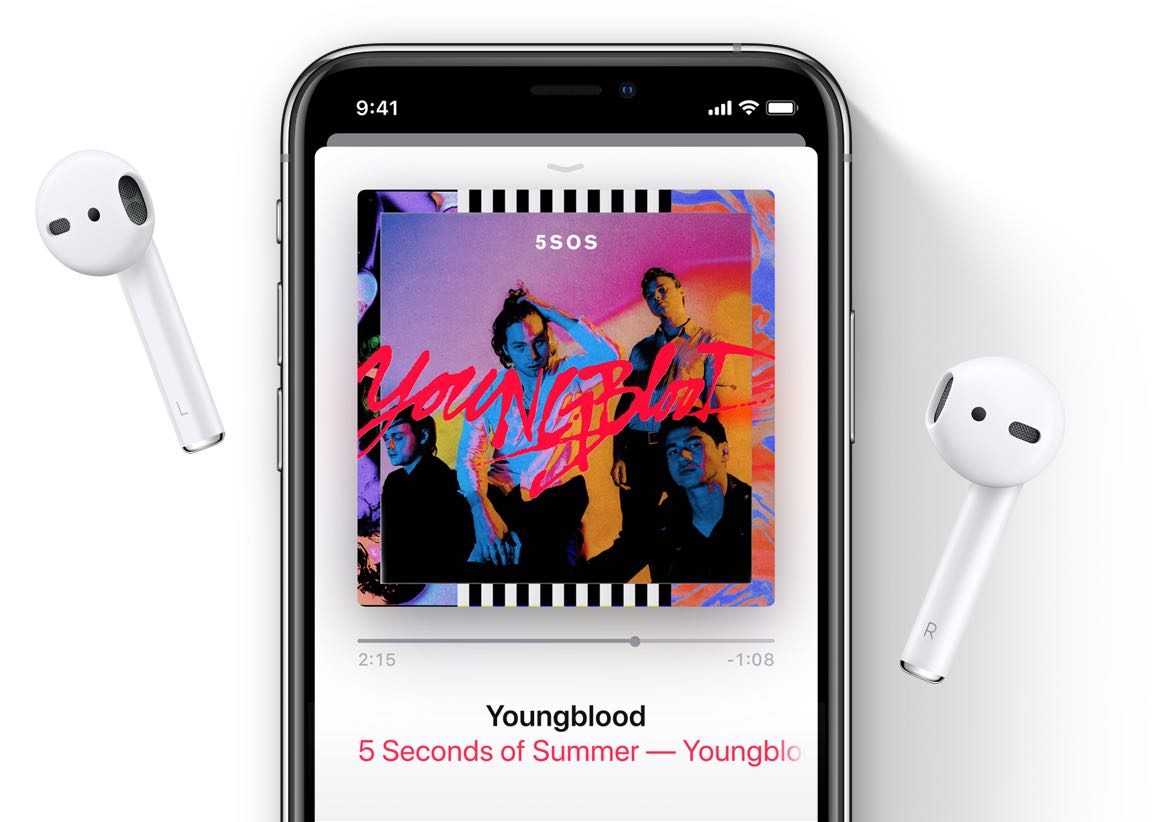
Learn why and how to switch to mono audio instead of stereo sound for your AirPods or other earphones on an iPhone, iPad, Mac, Apple Watch, and Apple TV.

The Photos app for iPhone, iPad and iPod touch contains a weird bug, one we hope Apple never fixes, that makes it possible to zoom in on a photo beyond the visibility threshold.