In this guide, we’ll share 15 quick tips and tricks to maximize your efficiency and unlock hidden features for ultimate productivity.
15 actually useful tips every iPhone user should know about
In this guide, we’ll share 15 quick tips and tricks to maximize your efficiency and unlock hidden features for ultimate productivity.
In this step-by-step tutorial, we’ll show you how to see how much time has elapsed since you last rebooted or started up your computer, as well as check the reboot and shutdown histories.
The Wall Street Journal, the New York Times, the Financial Times, Bloomberg, the Boston Globe, and similar big media publications may give you a few free articles monthly before you hit their paywall. Though nothing in this post is illegal, iDB encourages paying for news and publications that matter to you. That said, digital media subscriptions are not everyone's cup of tea due to their usually high price, lack of payment methods, and several other reasons.
Here are three working methods for iPhone and iPad users to freely read articles that are behind a paywall or subscription.
Find out how to clear the DNS cache on your iPhone, iPad, Mac, Google Chrome, Firefox, and Opera to speed up your web browsing experience and troubleshoot related issues.
In this tutorial, we’ll show you how to stream music from your iPhone, iPad, and Mac to your HomePod even when you have no Wi-Fi connection, and none of the devices are connected to a wireless network.
The Apple Watch boasts a plethora of impressive features. In this guide, we've curated ten simple yet very useful tips and tricks that we deem essential for every Apple Watch owner.
Learn how to use Siri on your HomePod to play a sound on your iPhone, iPad, Mac, or Apple Watch to locate them if you cannot seem to find them around.
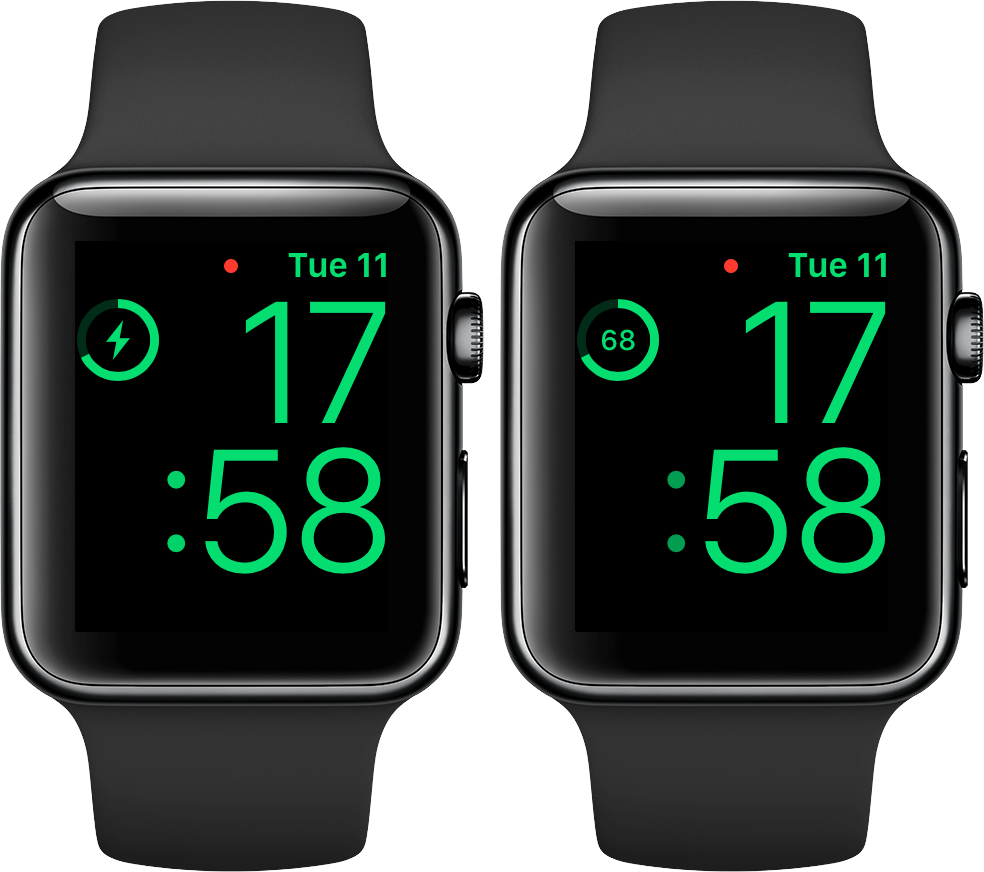
No matter how you charge your Apple Watch—either via its magnetic charging cable or charging dock—doing it in Nightstand mode displays a circular indicator on the screen along with a green lightning bolt inside. The outline gets gradually tinted green to visually denote charge progress, but it's a rough estimate of how full the battery is and as such not very accurate. Here's how you can switch to a more precise percentage display.
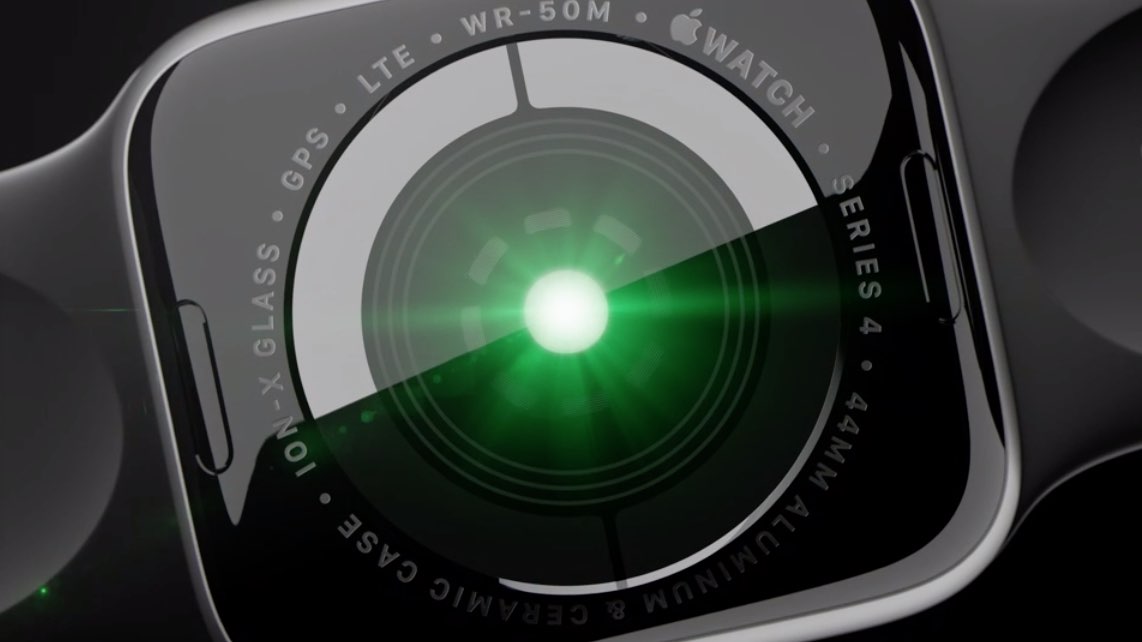
All Apple Watch models feature an optical heart sensor but Series 4 adds an additional electrical sensor for taking electrocardiograms on the go with Apple's ECG app. Did you know you can use this sensor to improve your regular heart rate readings, no matter where you live?
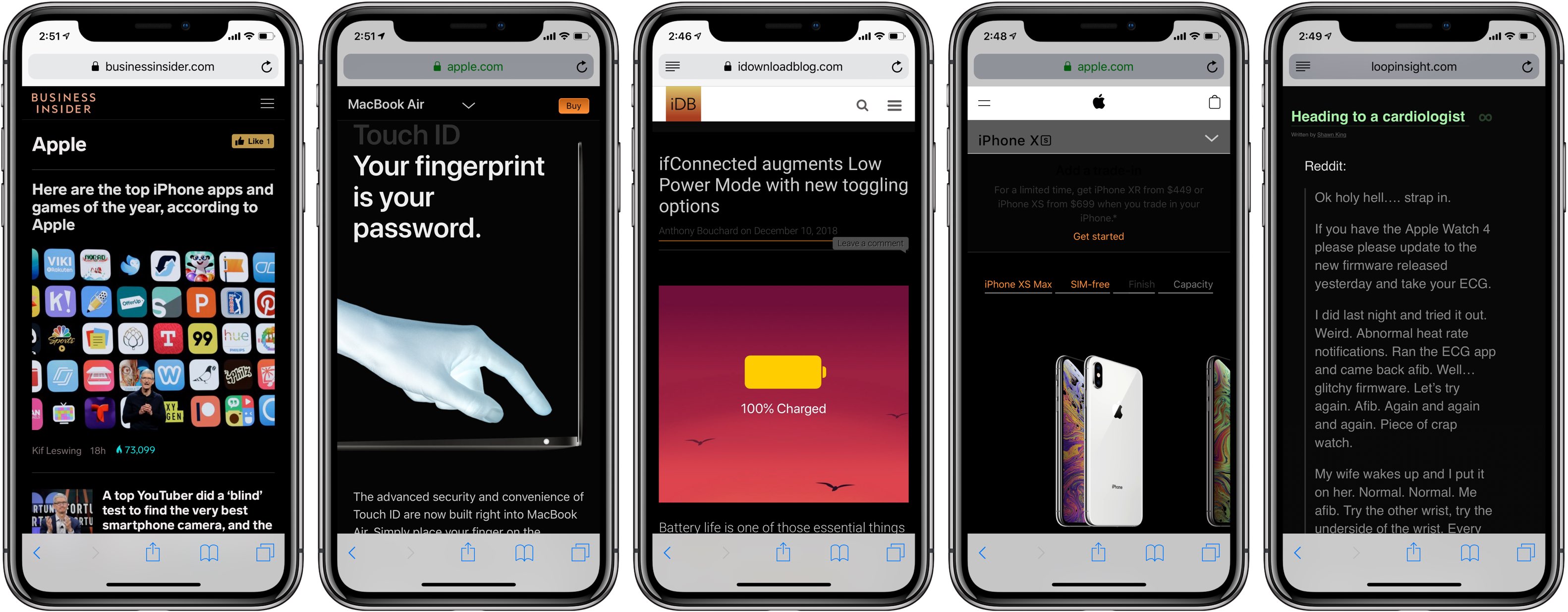
Darkened interfaces look good in apps, not so much on websites. The problem is, web content remains a major source of visual inconsistency as far as the popular Dark Mode feature is concerned. Thankfully, you can get a Dark Mode-alike environment on almost any website thanks to a handy Dark Mode V2 shortcut for your iPhone and iPad.
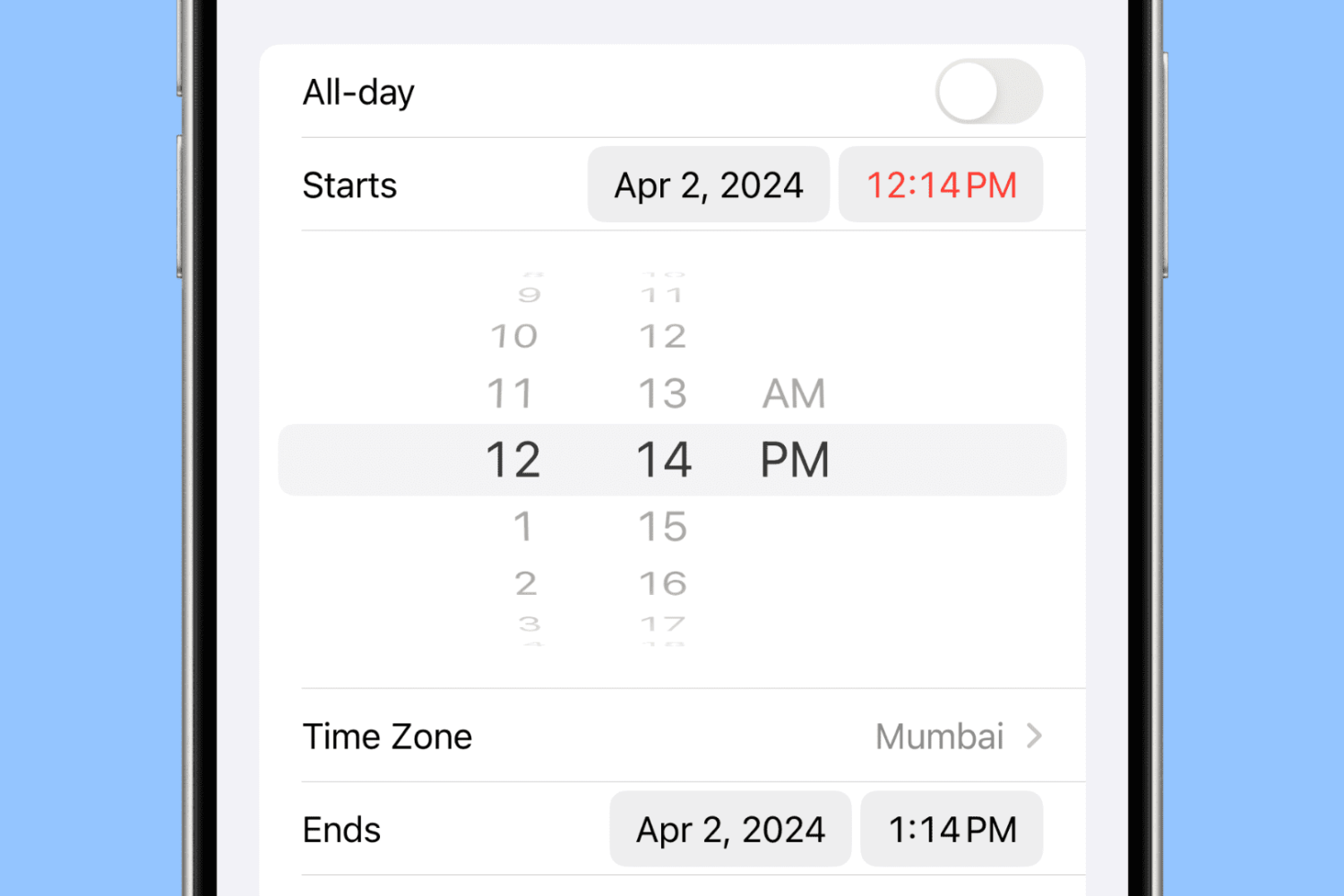
Learn to set precise times in 1-minute increments in the iPhone Calendar app to ensure accurate scheduling for your events.
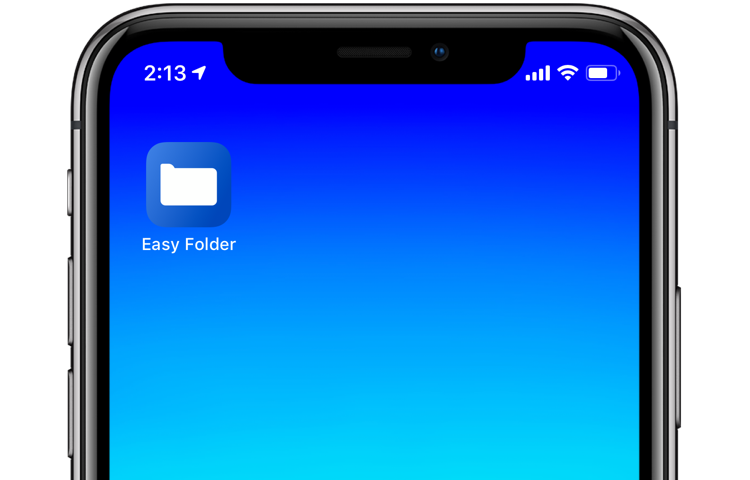
With iOS 12's Shortcuts app, power users can easily automate repetitive tasks by chaining multiple actions together. Your shortcuts are managed and organized in the Shortcuts app, but displaying them to the user as a list via another shortcut is quite challenging. This is where Easy Folder comes into play. This awesome shortcut, create by Reddit user “e10withadot,” acts as a virtual folder to which you can add any number of shortcuts, then easily pick one to execute via a popup menu at run time.