Tricks

How to report Apple Card fraud

Be aware of phishing scams and other nefarious schemes designed to compromise your credit card details. If you believe you’re a victim of a scam involving your Apple Card, here’s what you need to do in order to report Apple Card fraud, right from your iPhone.

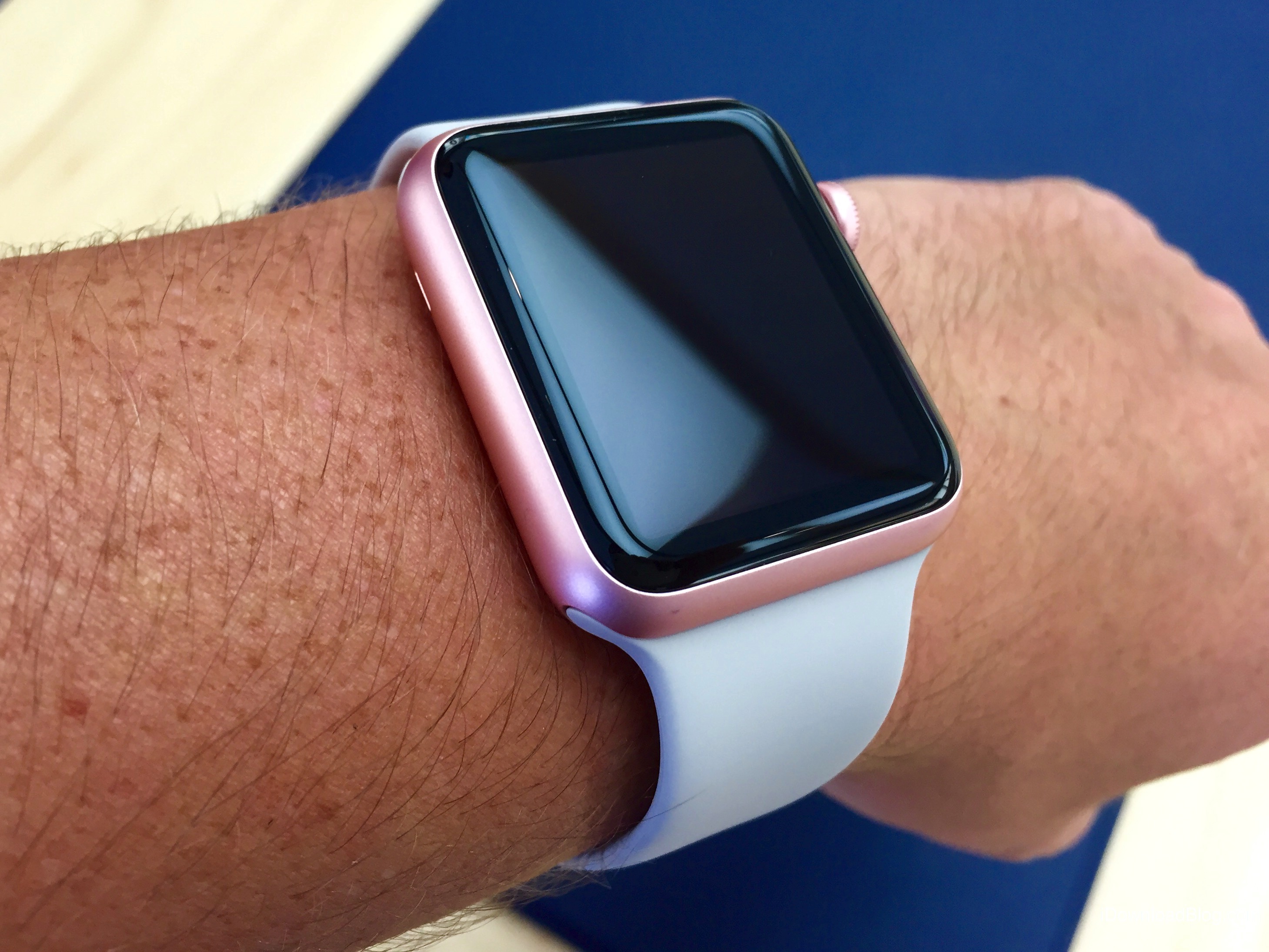
10 Apple Watch Series 5 tips and tricks

Apple Watch Series 5 builds upon the major redesign and all the great features of its predecessor with such improvements as an always-on display, new sensors and a few other perks. To help you get the most out of your brand-new watch, we’ve put together a quick video tutorial highlighting some of the best tips, tricks and lesser-known features of Series 5.

How to pair and use Xbox and PlayStation controllers with iPhone, iPad, Mac & Apple TV

A photograph showing a young male sitting at their desk, holding a red PlayStation DualShock controller in their hand and playing an Apple Arcade game on their Apple Thunderbolt Display

Apple has ramped up its gaming chops by announcing at its annual developers conference in the summer that iOS 13, iPadOS, tvOS 13 and MacOS Catalina 10.15 software updates bring support for the wireless Xbox and PlayStation game controllers, namely Sony's DualShock 4 controller and Microsoft's Xbox Wireless Controller with Bluetooth. In this tutorial, we'll show you how to pair your Xbox or PlayStation controller and use it to play games on your iPhone, iPad, iPod touch, Apple TV and Mac, navigate the user interface on your Apple TV and more.

How to lock your titanium Apple Card

Apple Card

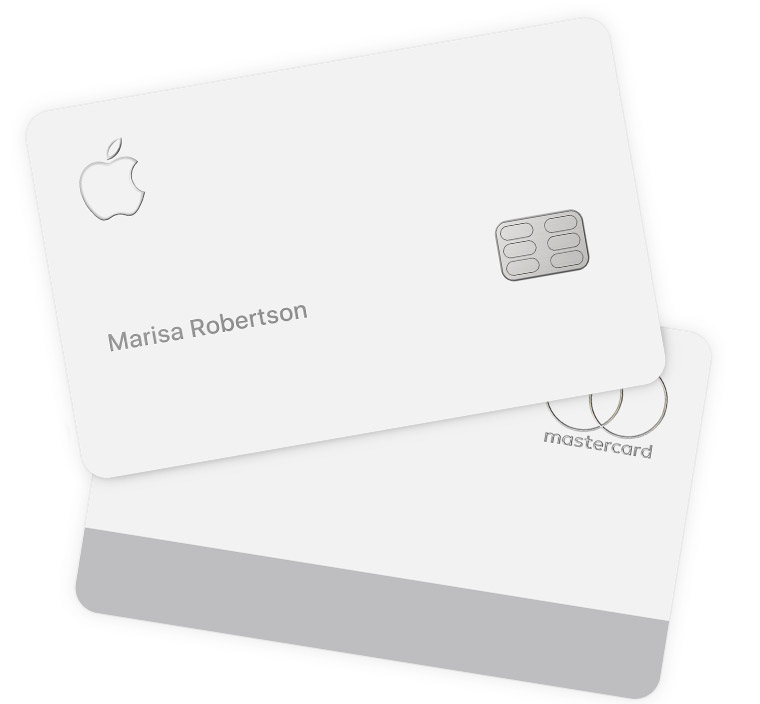
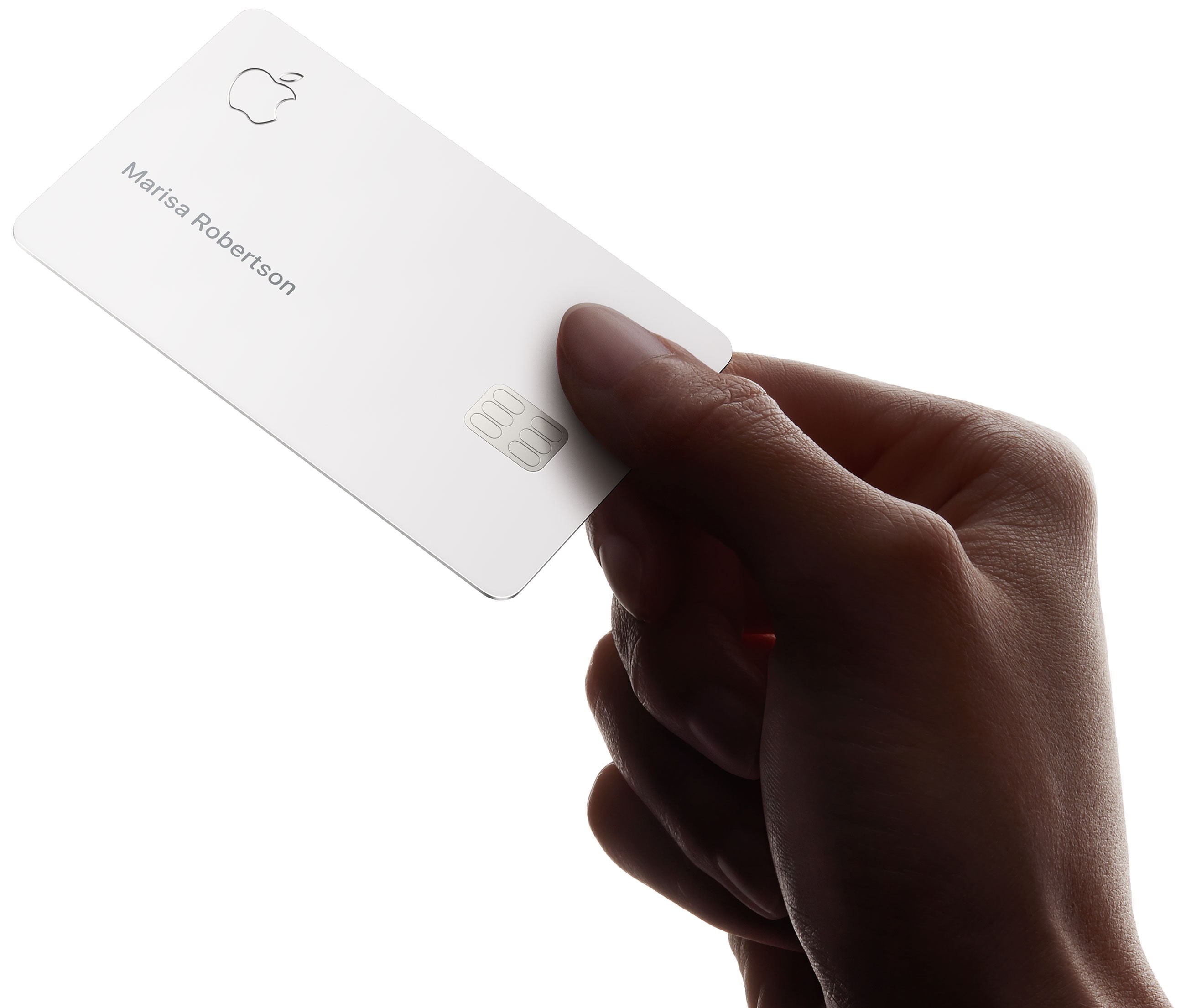
You can lock your titanium Apple Card at any time in case you've lost or misplaced it to prevent fraud. You might also want to choose to lock your physical Apple Card if it isn't currently in your possession. Locking the card events it from being used to make any purchases. You can unlock or unlock your titanium Apple Card card at any time and iDB shows you how.

Why and how to opt out of the Apple Card arbitration clause

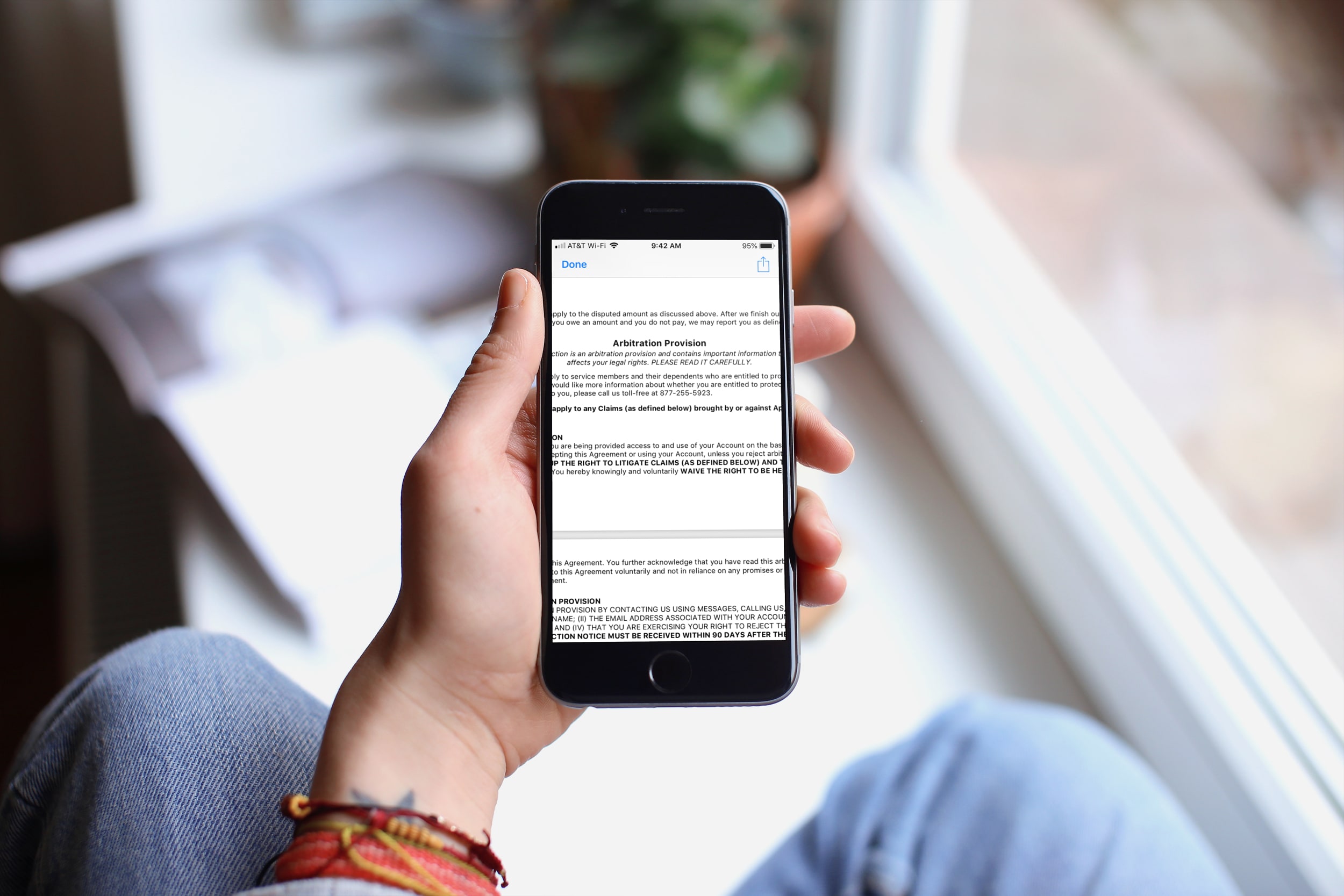
Apple Card Arbitration Clause iPhone

While you should always read the consumer agreements and policies that contain a lot of "small print" before you sign them, how often do you actually read them, especially in their entirety? Yes, some people do read them, others scan them, and still more just scroll down and tap Agree.

In this article, we’re talking about the Apple Card Customer Agreement, and specifically, the arbitration clause.

You can Google the term if you’re unfamiliar and find plenty of resources that explain an arbitration clause and arbitration process in full detail. But in a nutshell, the arbitration clause in a contract states that the parties will resolve disputes through an arbitration process which presents the evidence in front of a neutral third party.

So now let’s take a look at what exactly the arbitration provision in the Apple Card Customer Agreement states and how you can opt out of it.

How to view your Apple Card number, expiration date, security code & other sensitive details

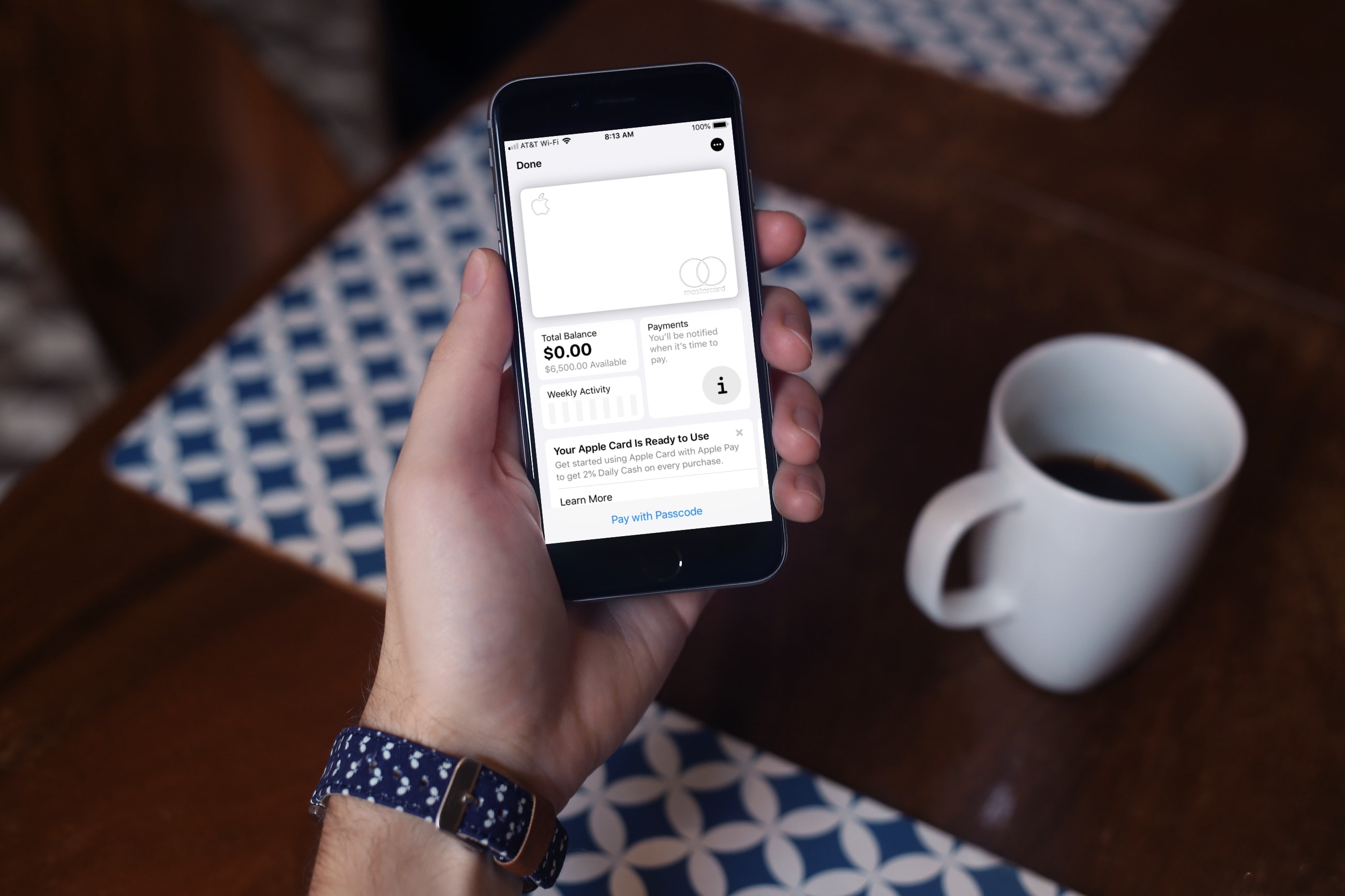
Aside from using your Apple Card with Apple Pay, you can also use the Apple Card number to buy stuff where Apple Pay is not yet accepted. In order to protect your privacy, the physical card has no number printed on it, which gives you a whole new level of security. But don't worry, you can view your Apple Card number in the Wallet app and we will show you how.