Here's how to sign up to receive a notification on your iPhone when the WWDC 2022 keynote is about to start broadcasting live on YouTube.
How to be notified when the WWDC 2022 keynote stream goes live on YouTube
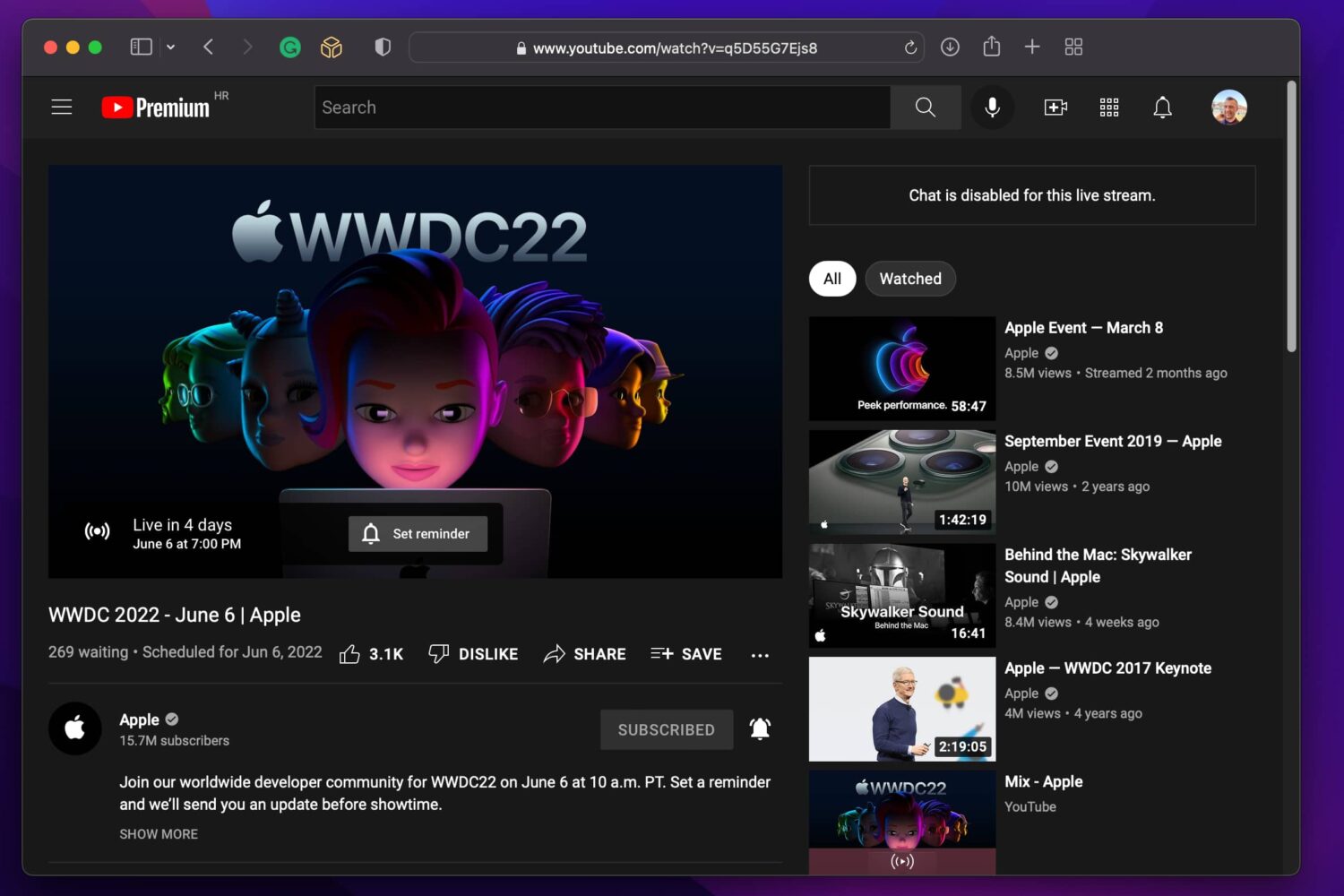
Here's how to sign up to receive a notification on your iPhone when the WWDC 2022 keynote is about to start broadcasting live on YouTube.
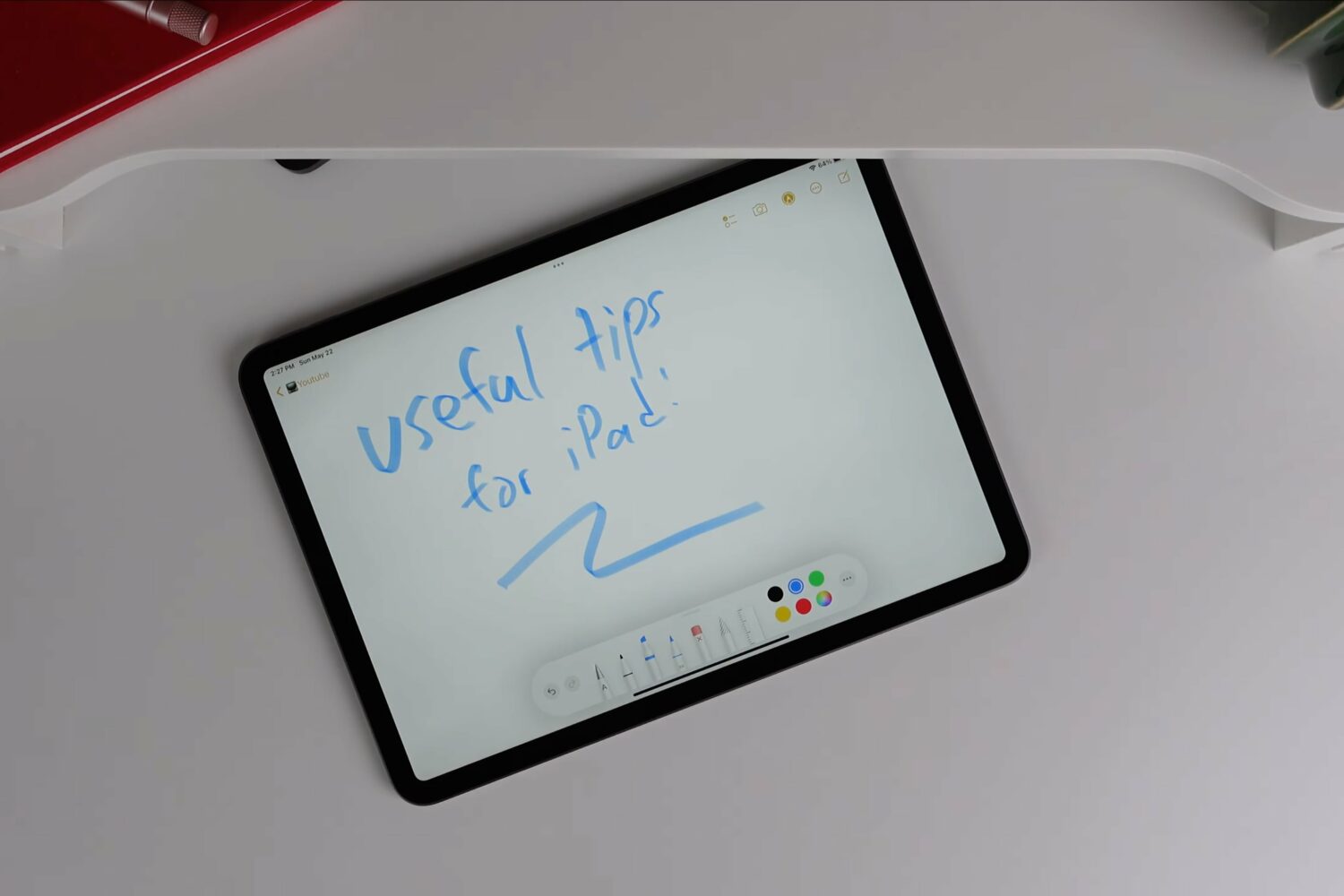
As iPad fans, we're always eager to learn something new. Watch this hands-on video for some pretty cool tips, tricks and useful things you can do with your Apple tablet.
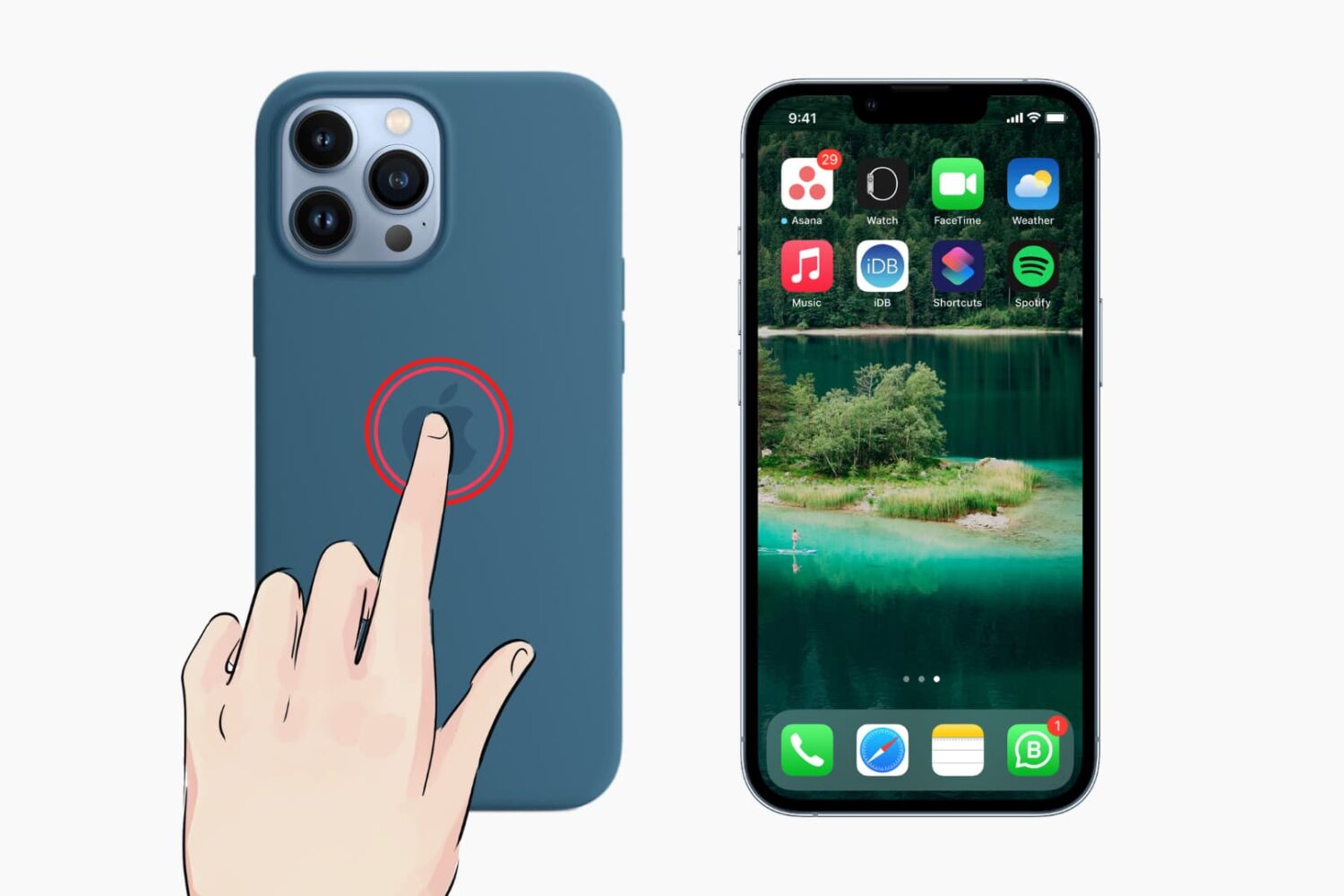
Apple offers about 40 wallpapers which you can see in iPhone settings. Plus, you can download thousands of different wallpapers from places like our Wallpaper gallery. But what if you want to be surprised with a new background every time you change the wallpaper? What if you aren't satisfied with just a few wallpapers and want almost endless options?
In this exciting tutorial, we show you how to use one of the 3 million images from expert photographers around the world as your iPhone wallpaper and switch to a new wallpaper whenever you like.

Learn how to run a shortcut on your Mac with the Terminal command line interface instead of the usual graphical user interface.
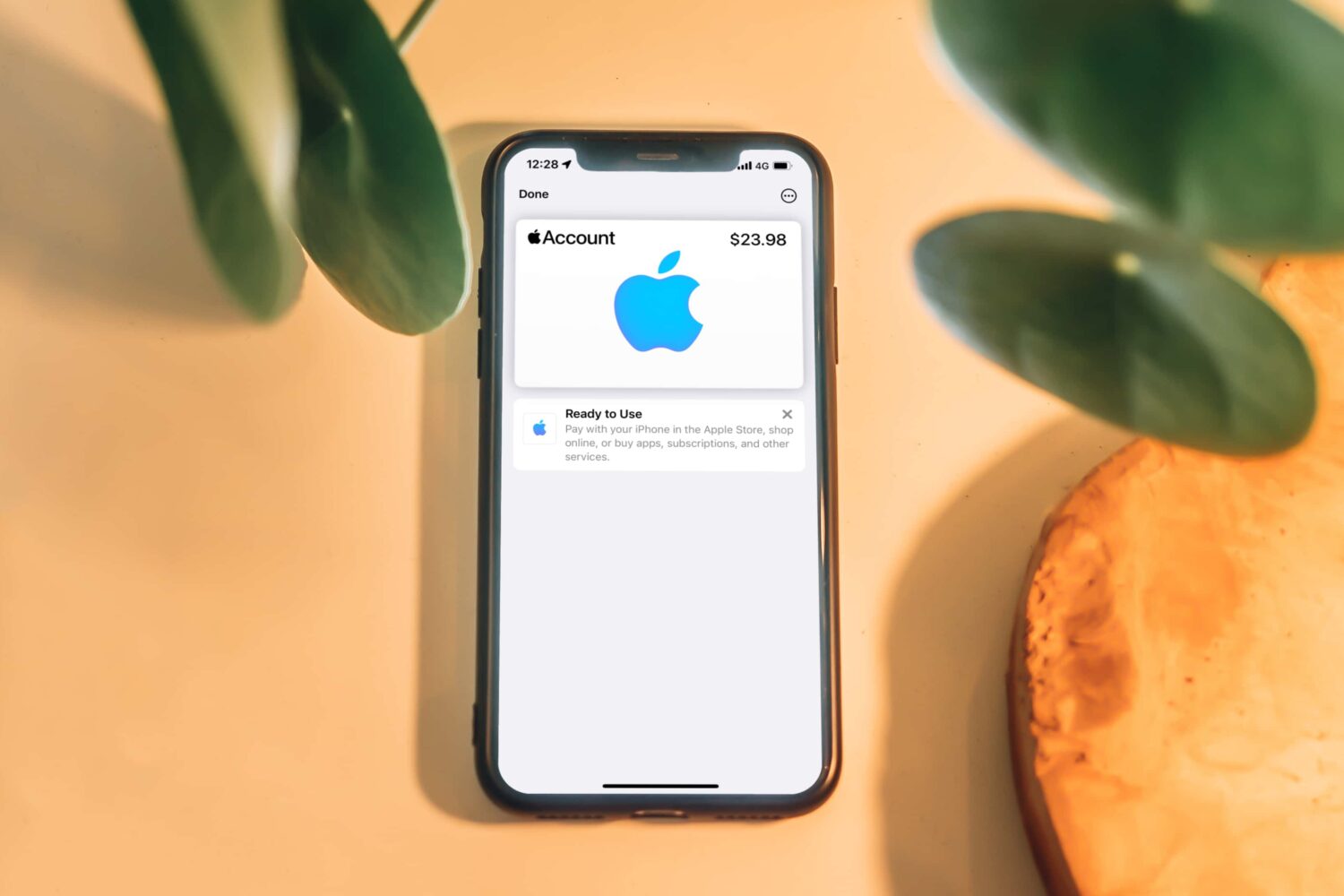
Add an Apple Account card to your iPhone's Wallet app and use it with Apple Pay to buy physical products at Apple's retail stores with your account balance and more.
You can now play the battle royale game Fortnite on iPhone and iPad in Apple's Safari browser as long as you're subscribed to Nvidia's GeForce NOW game service.
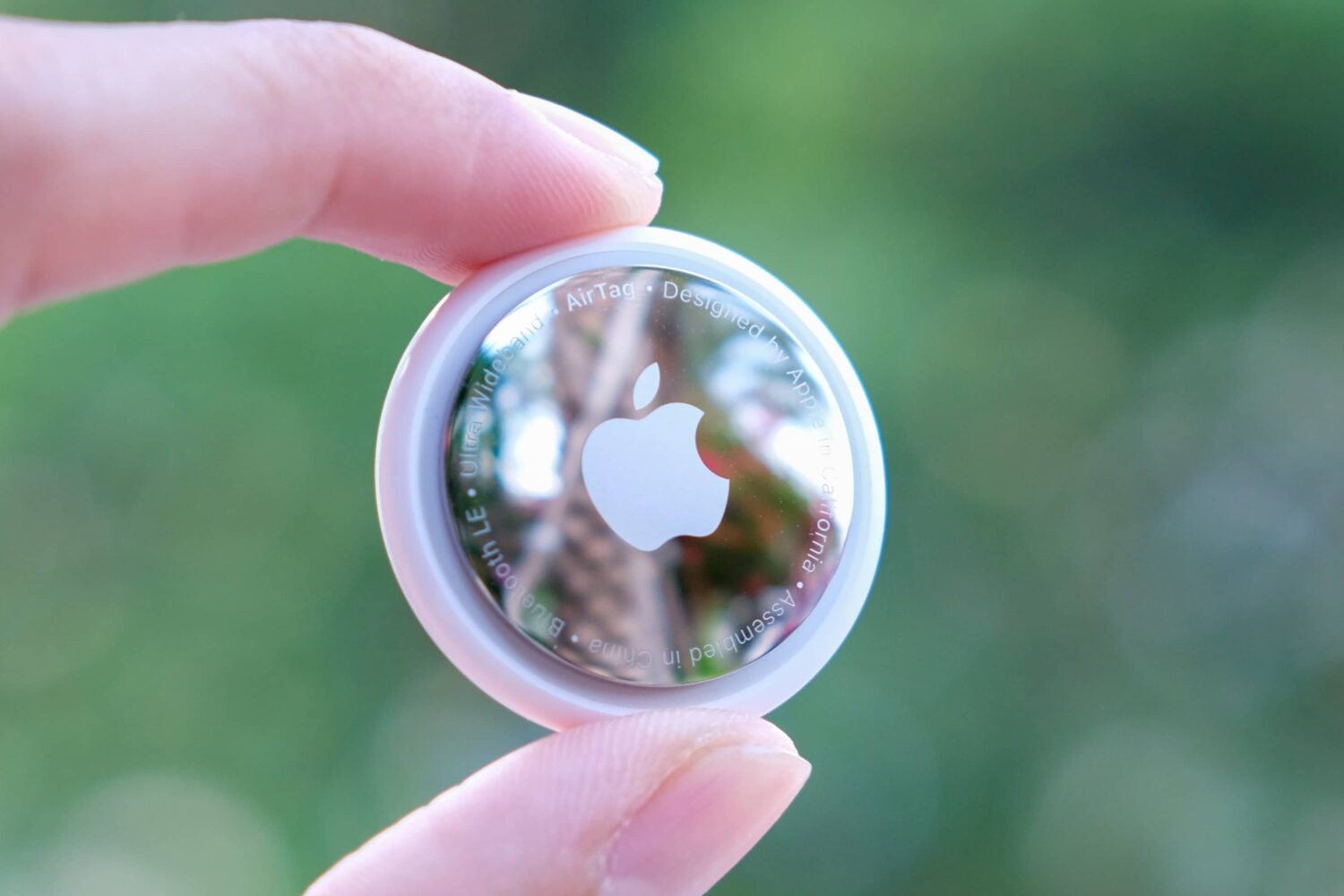
Learn how to update your AirTag to the most recent firmware to get the latest features and fixes. We’ll also show you how to check your AirTag firmware version and see what’s new.
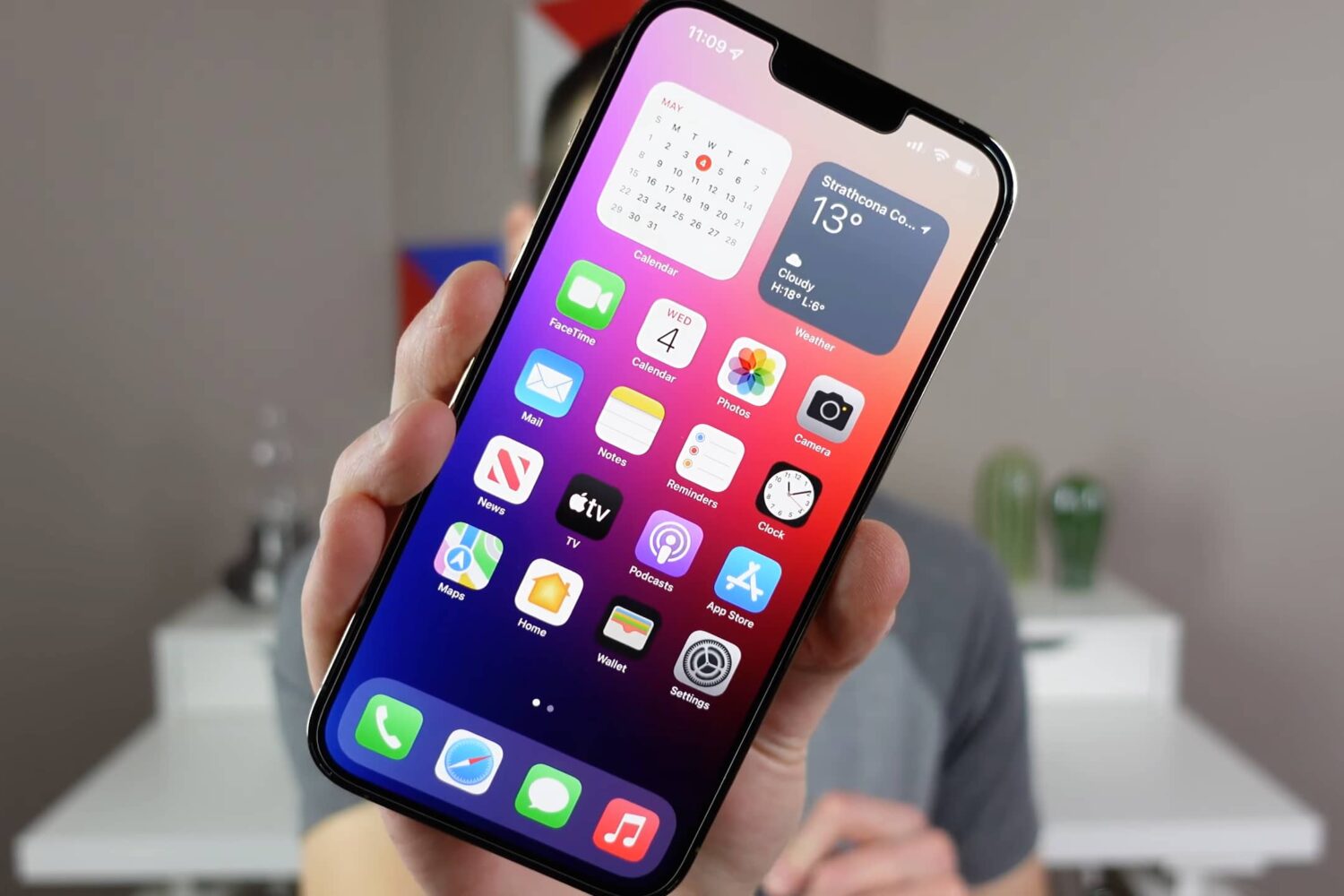
In this video and tutorial, we go over several specific settings you should change on your iPhone for optimal experience, convenience, performance, and battery life.
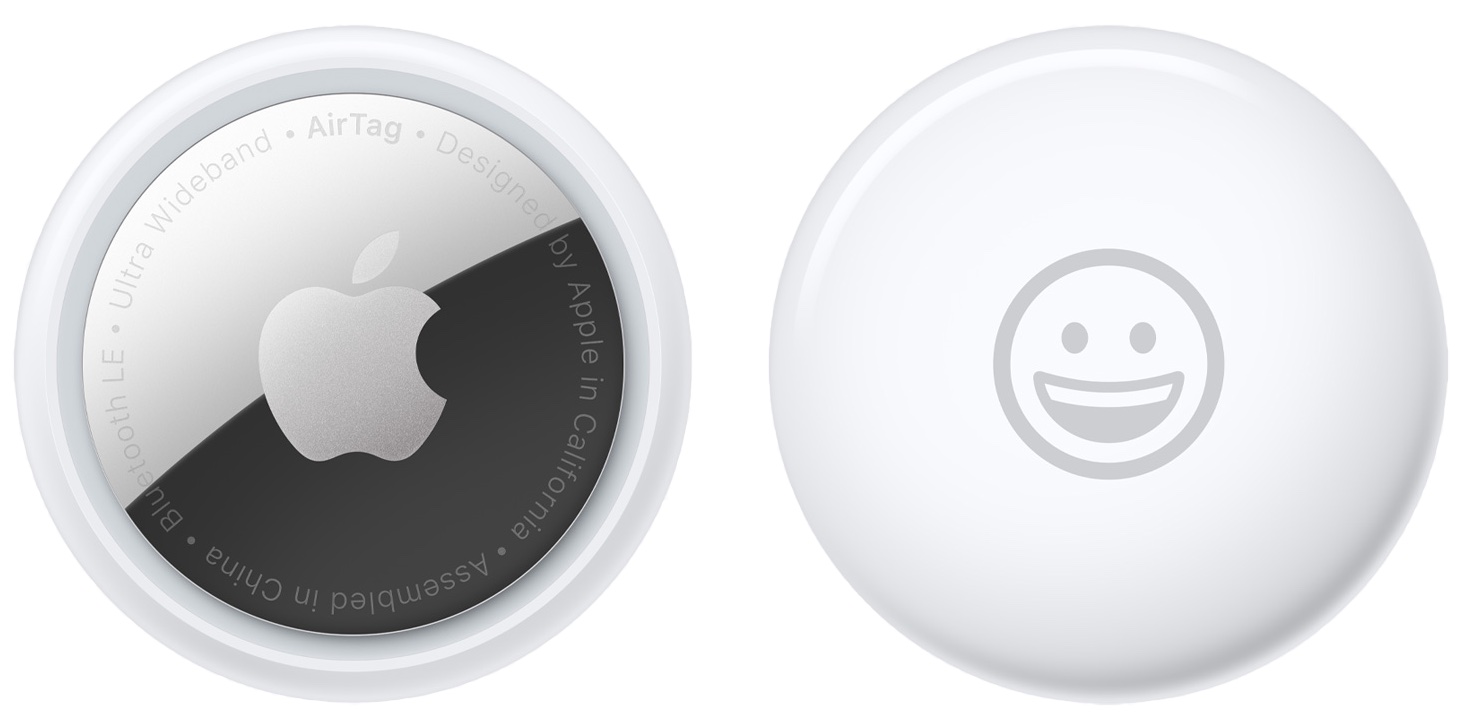
Wondering about the battery on your AirTag? In this guide, we explain more about it and show you how to check the current charge of your AirTags directly from your iPhone.
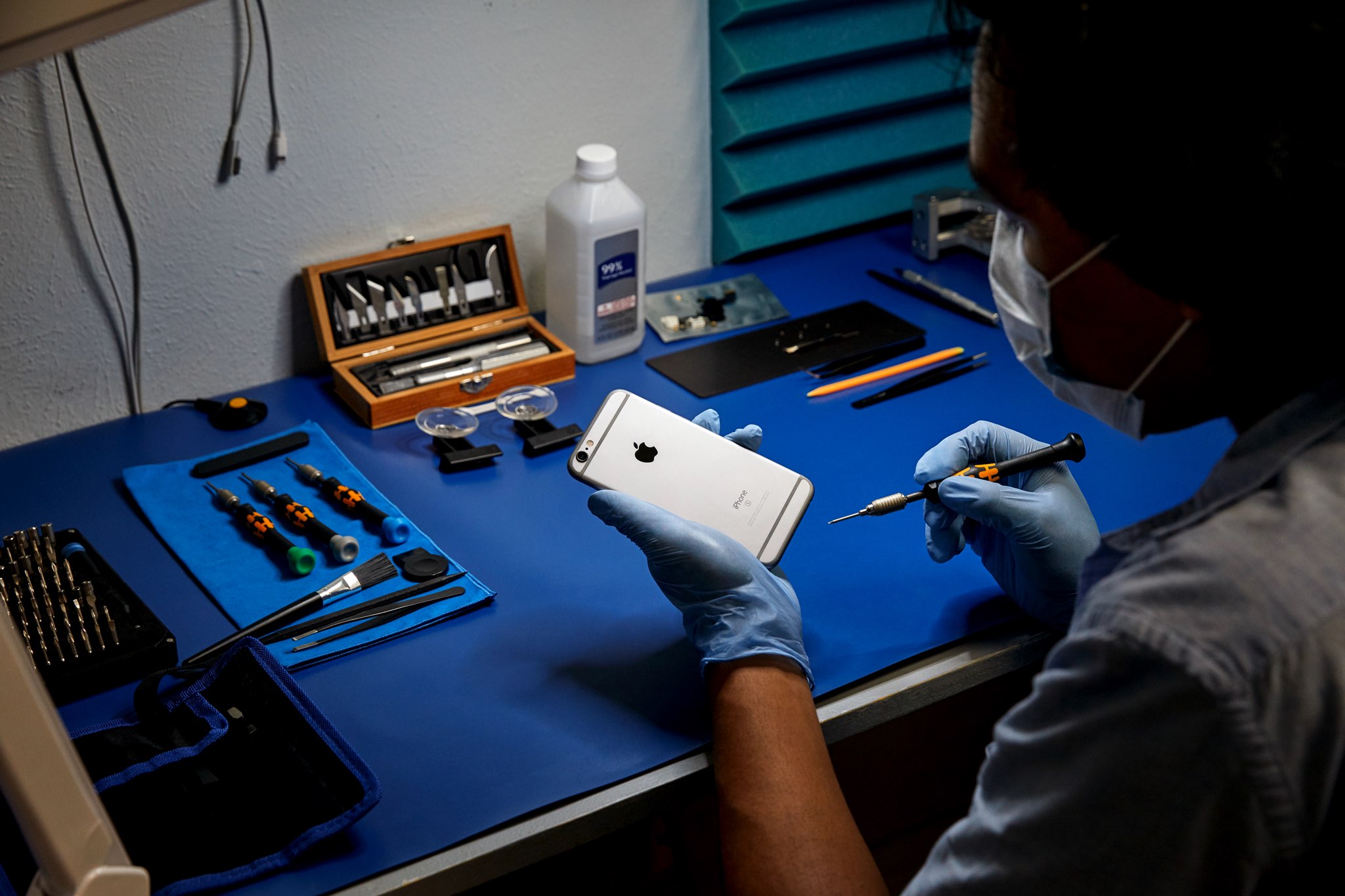
Learn how to get iPhone repair manuals from Apple, with detailed steps and screenshots, so you can complete your own repairs through the company’s self-service program.
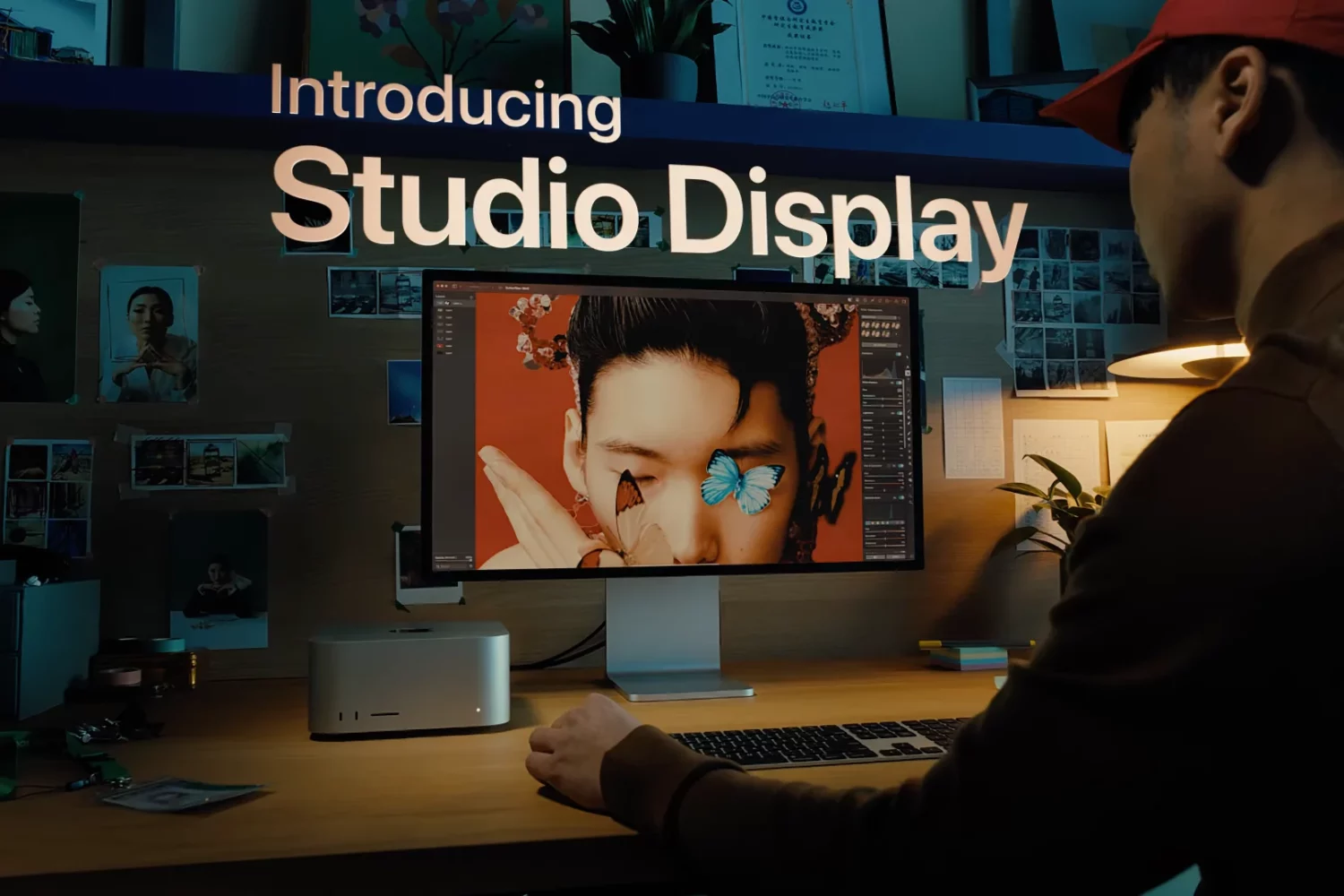
Learn how to clean your Apple Studio Display, including the nano-texture version, to remove dust or smudges and keep it in pristine condition.