Learn how you can sign up as an organ donor with the Donate Life program straight from your iPhone using the Apple Health app.
How to sign up as an organ donor from the Health app on your iPhone
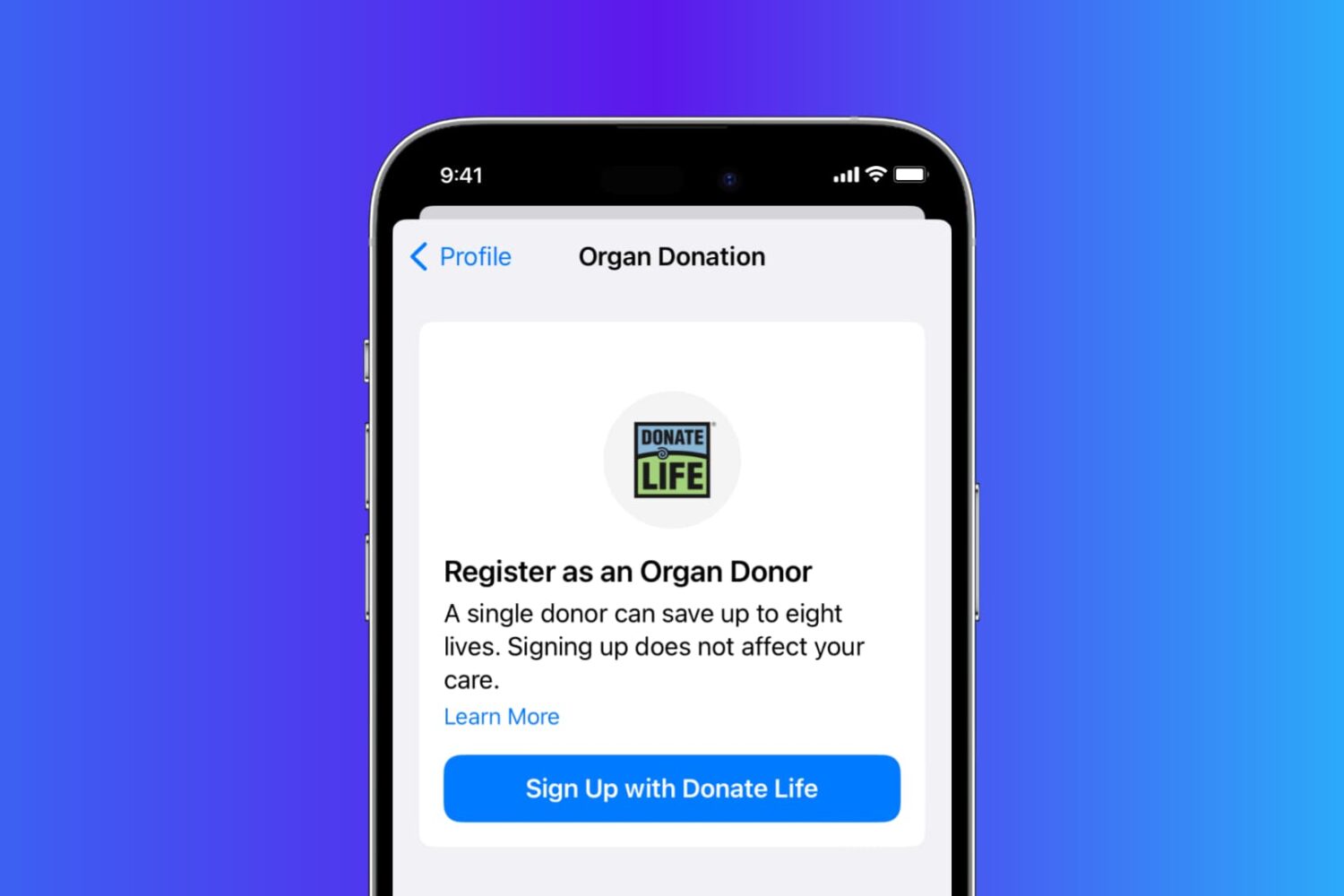
Learn how you can sign up as an organ donor with the Donate Life program straight from your iPhone using the Apple Health app.
It’s easy to lose track of the notifications you’re receiving on your iPhone and end up having dozens of them filling up your Notification Center. Thankfully, you can dismiss all your Notification Center notifications in one fell swoop with a single gesture, making it much quicker than swiping left on each alert and dismissing them individually.
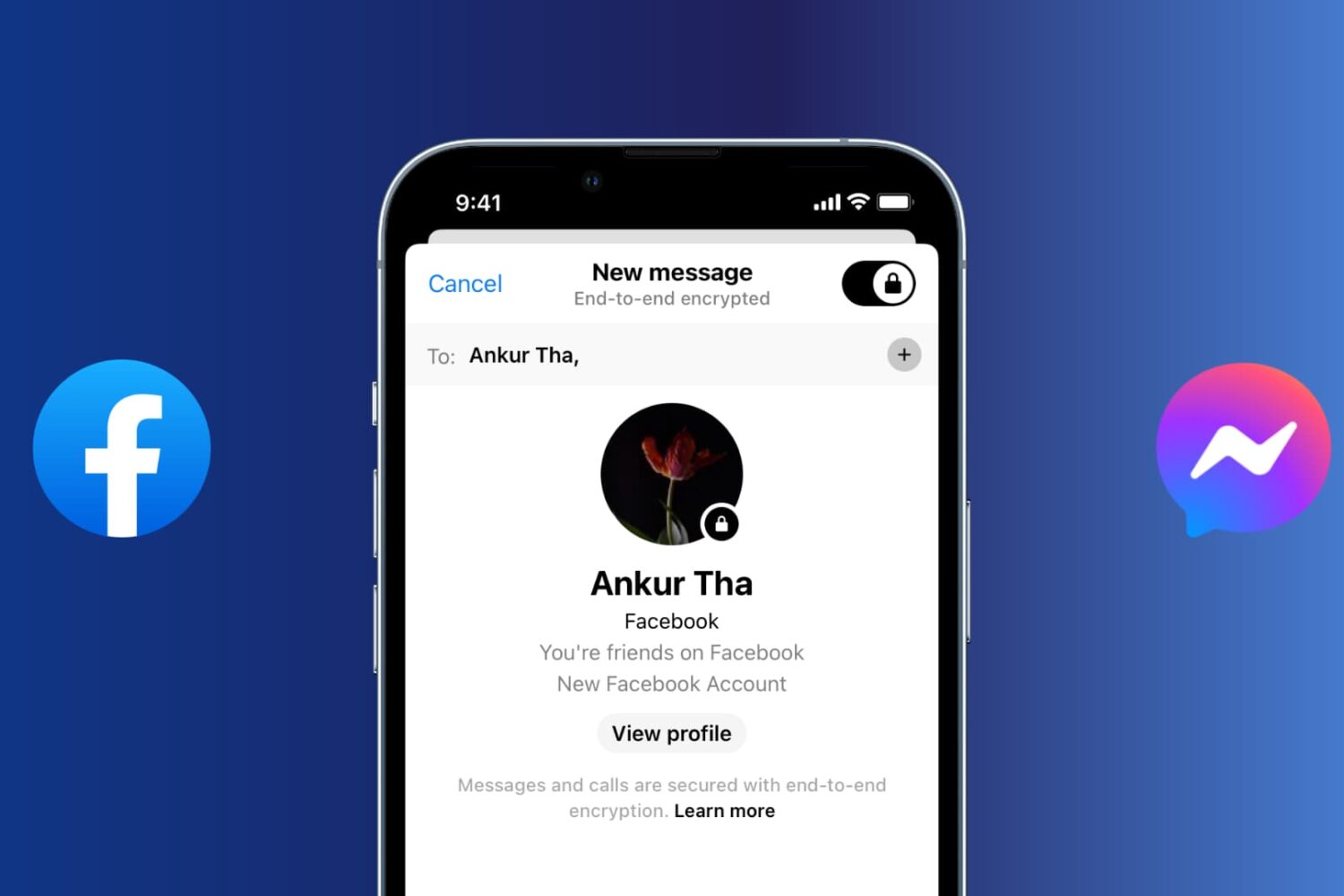
With secret conversations in Messenger, Facebook offers support for end-to-end encryption, giving you peace of mind knowing that a third party cannot decipher any sensitive messages with friends and family. These encrypted chats rely on a device key that ensures only you and the recipient can see the message.
You can verify the device key to confirm that the messages are end-to-end encrypted, set a timer to have secret messages disappear from the conversation, and so forth.
In this article, we show you how to set up and use end-to-end encrypted secret conversations in Facebook Messenger.

MacBook equipped with a Force Touch trackpad produces an audible ‘click’ sound in order to simulate the sound you would hear on a Mac without a Force Touch trackpad. It has no down travel and all you’re hearing is an audible sound when you click it. In this tutorial, we’ll talk about how to disable that fake clicking sound.
Learn how to stop your Mac from automatically downloading and installing macOS software updates, security updates, and app updates in the background.

When you jailbreak your device, you don't always have to rely on Cydia to get all your software.
Sometimes a developer might send you a Debian (.deb) package to install for beta testing, or if you're talented in the arts of programming, you can make your own .deb packages to install on your device for yourself.
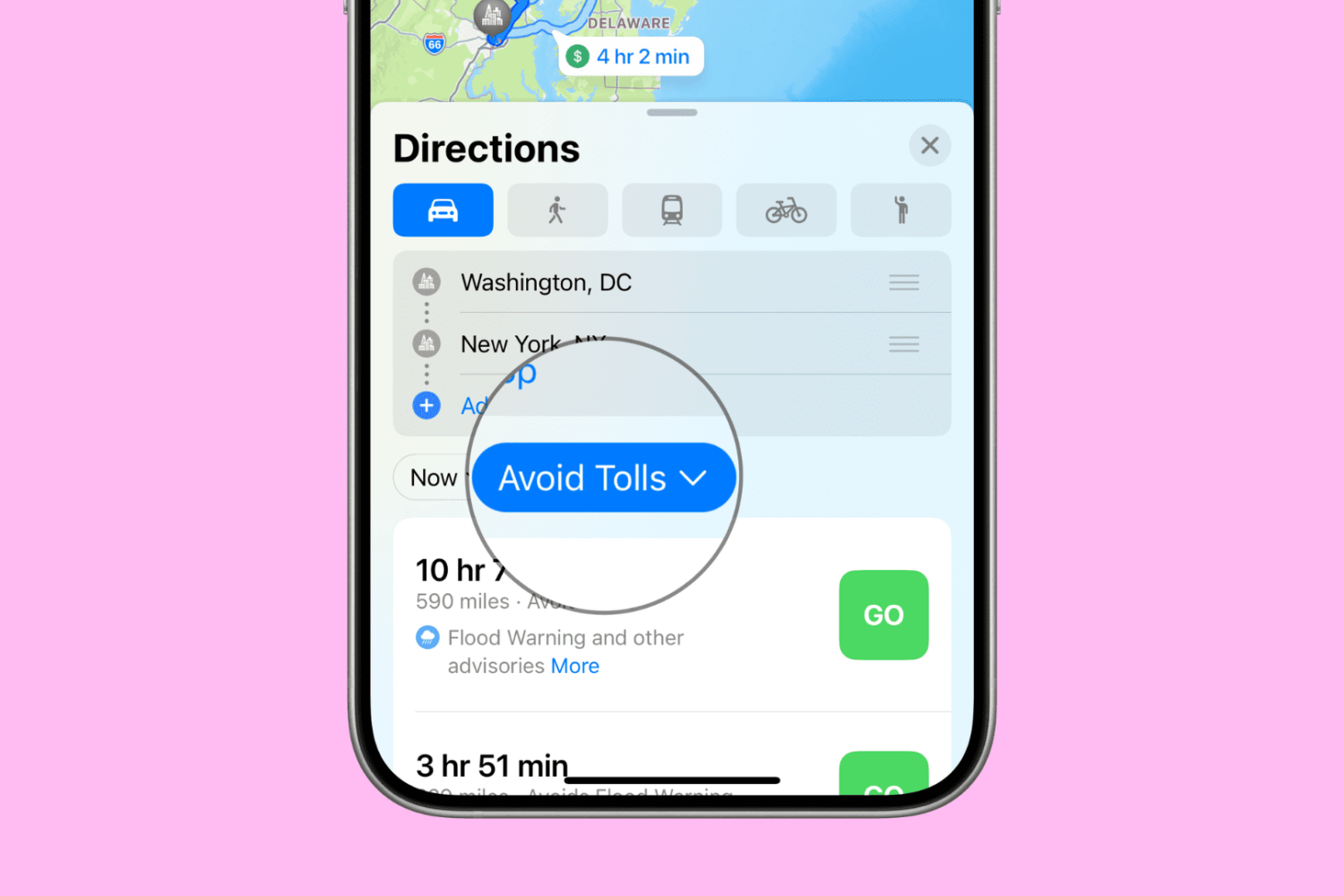
Want to avoid toll roads in Apple Maps on your iPhone, iPad, or Mac? In this tutorial, we’ll share two different methods to do that.
While lots of people aspire to have a Bluetooth keyboard to use to type on their iPhone or iPad, not everyone has a pocket deep enough to go out and purchase another peripheral.
Fortunately, an app called Typeeto lets you use the keyboard built into your MacBook, MacBook Air, or MacBook Pro to type on your iOS devices.