Tips

What Automatic Graphics Switching is on your MacBook Pro and how to use it

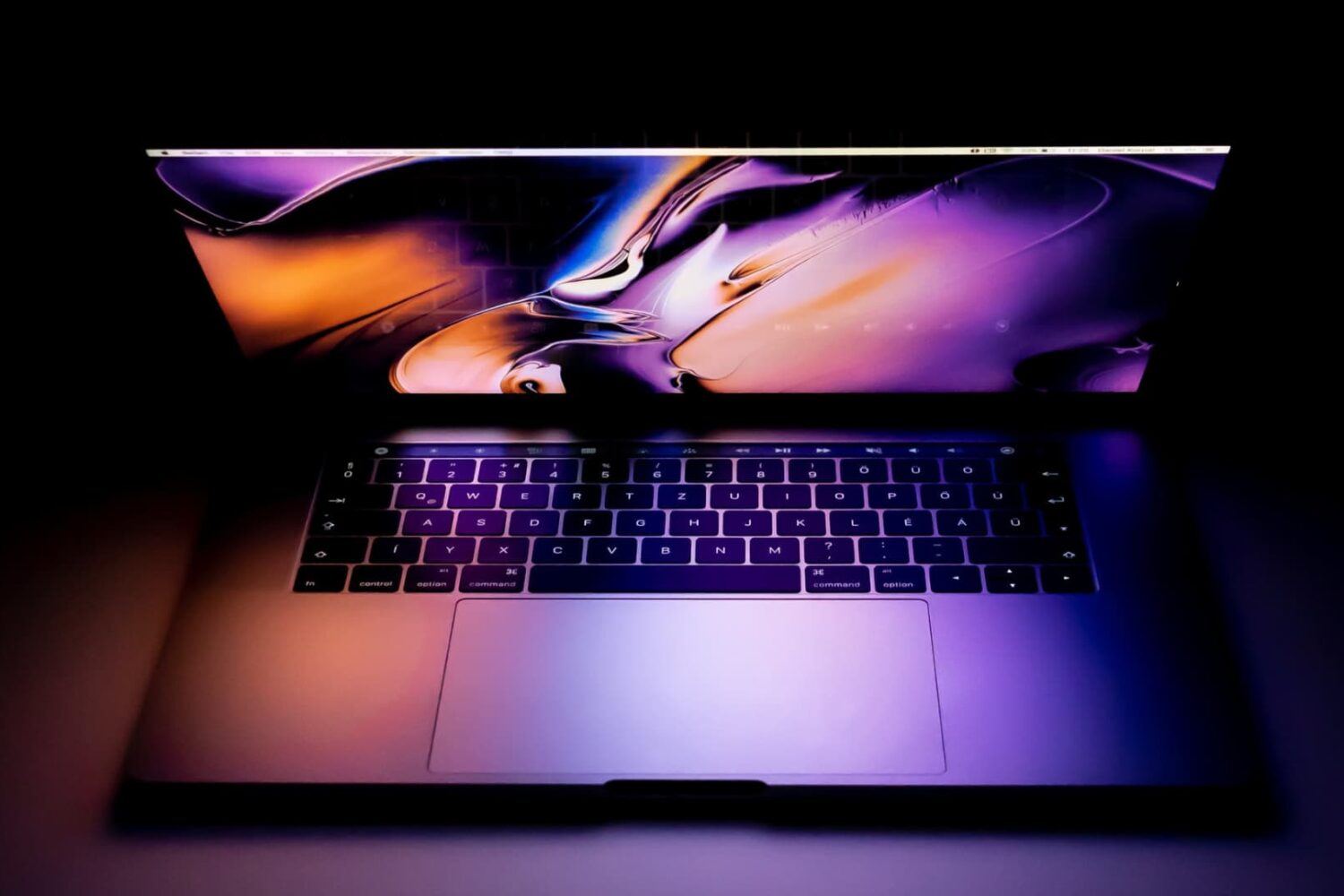
MacBook Pro graphics

Depending on the model of MacBook Pro you have, you may be able to physically choose whether your computer uses the high-power discreet graphics card for better performance or the low-power integrated graphics chip for better battery life by using an option known as Automatic Graphics Switching.

The feature is only available on MacBook Pros which have two Graphics Processing Units (GPU). The reason it only exists on certain models of the MacBook Pro is not all Macs have dual GPUs. And desktop Macs don’t need this as they don’t rely on batteries and are connected to a power source all the time.

Here's more about Automatic Graphics Switching and how to enable it on your Mac.

YouTube videos keep buffering? Here’s the fix

I'm a big time YouTube user, and even though I have zippy fiber optic internet, it seems like there are still times when YouTube videos get stuck buffering instead of playing when I want to enjoy HD video streaming.

If you can relate, then you should take a few minutes to read this piece, because we'll be talking about some common remedies for the annoying buffering problem.

How to use Conversation View in iOS Mail app

In iOS 9, you could organize emails in Apple's stock Mail application by thread but that was pretty much it. iOS 10 introduced a pair of new settings for simplifying inbox management.

The first tells Mail to arrange emails in a thread in the order they were received, with the most recent ones at the top. The other prompts the app to unify threads by including relevant emails from other mailboxes.

In this tutorial, we're going to teach you how to enable and use Conversation View in Mail and leverage the aforesaid toggles to bring some order to your inbox.

GPS not working on your iPhone? Try this

Your iPhone’s GPS capabilities can be really useful, whether you’re using them to navigate to a special event, play Pokémon GO, or even to just grant your favorite apps your current location so they can do what they were made to do.

Of course, like all things, GPS can sometimes be flaky and it doesn’t always want to work right, causing headaches for you. Fortunately, there is something you can do about it. There are a number of troubleshooting steps you can take that might help your GPS work properly.