Theme

Change the color of your Status Bar with this tweak

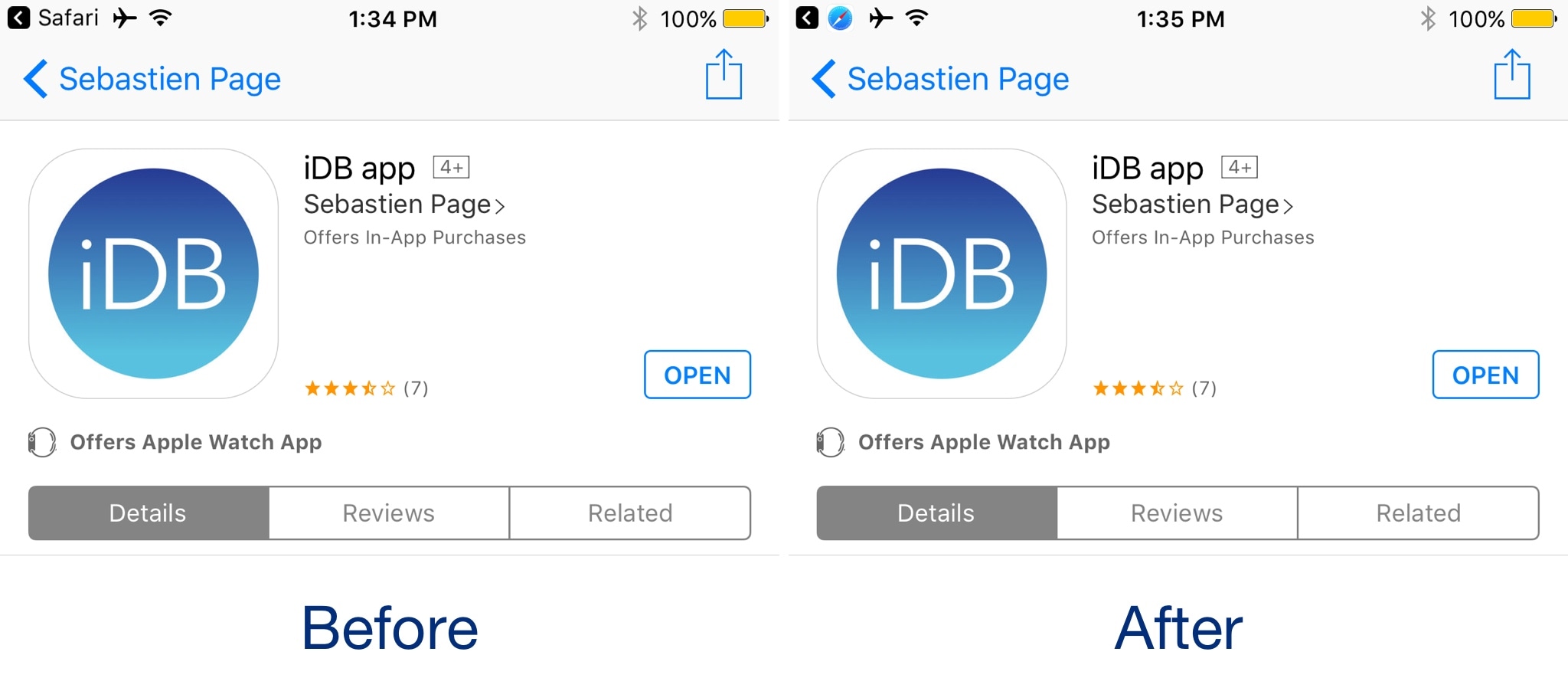
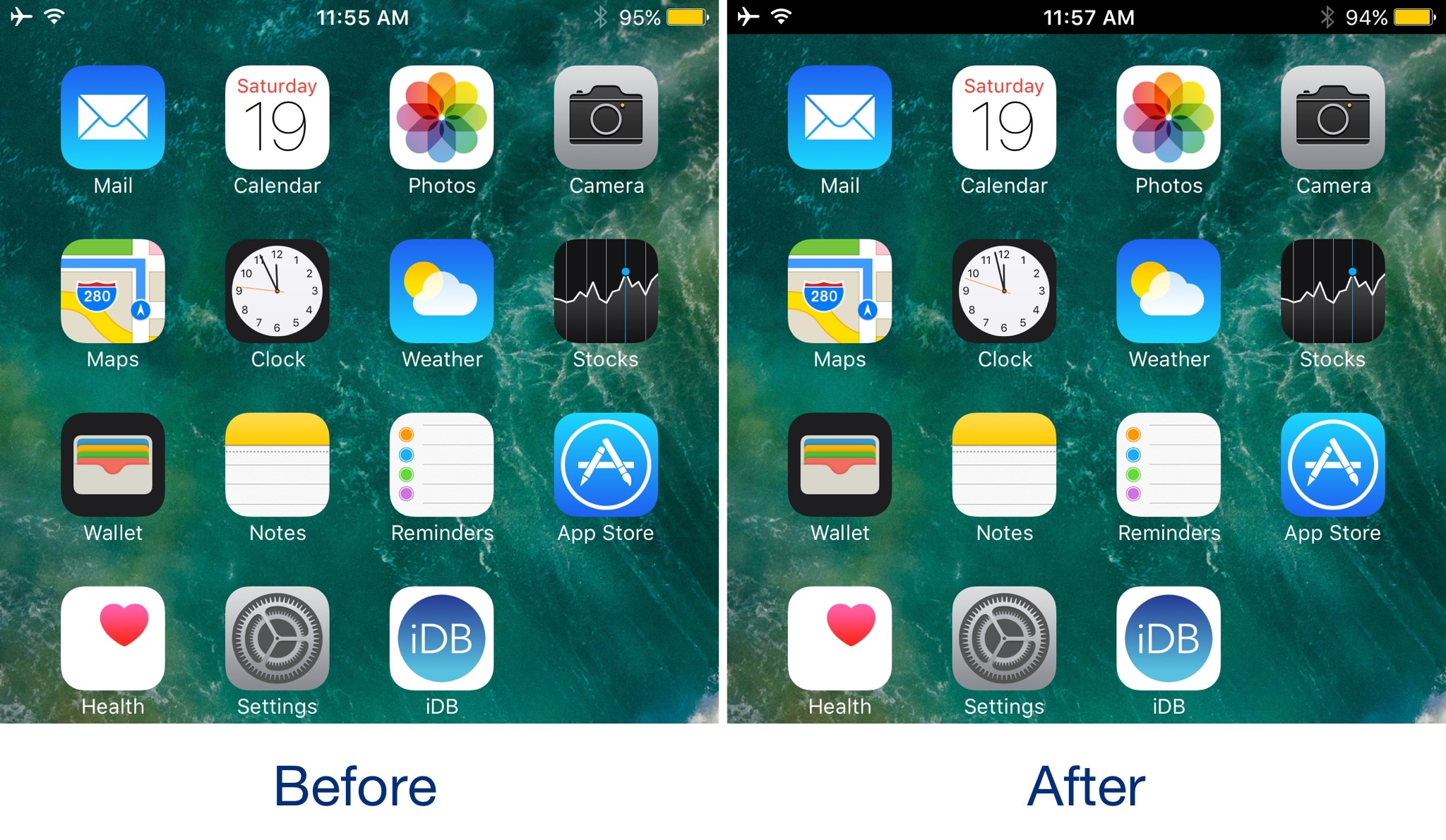
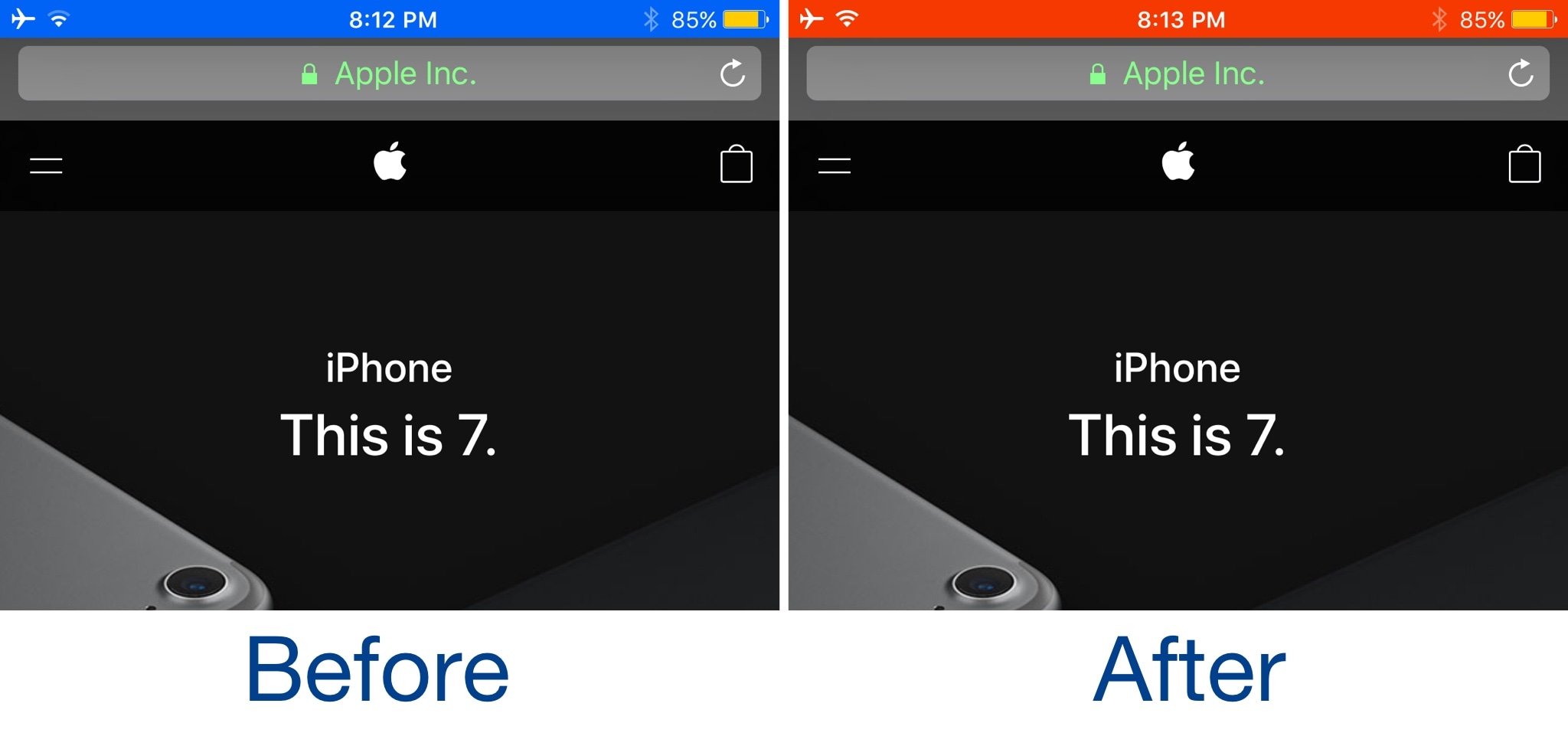
It was just over a week ago that we showed you a free jailbreak tweak called Black Status Bar (System Wide) by iOS developer Justin Petkovic. As the name implies, the tweak blackened your Status Bar, an aesthetic that some may prefer over the stock coloring method.

But for anyone who didn’t like having a black Status Bar all the time, the same developer just launched a new free jailbreak tweak dubbed Color Status Bar (System Wide), which lets you choose what color your Status Bar will be.
This tweak lets you customize your iPhone’s locking animation

One of the things that always keeps jailbreaking interesting, at least for me, is being able to modify the stock system animations with something more exciting. Tweaks of this nature have been harder to come by as of late, but that doesn't mean development has ceased entirely.

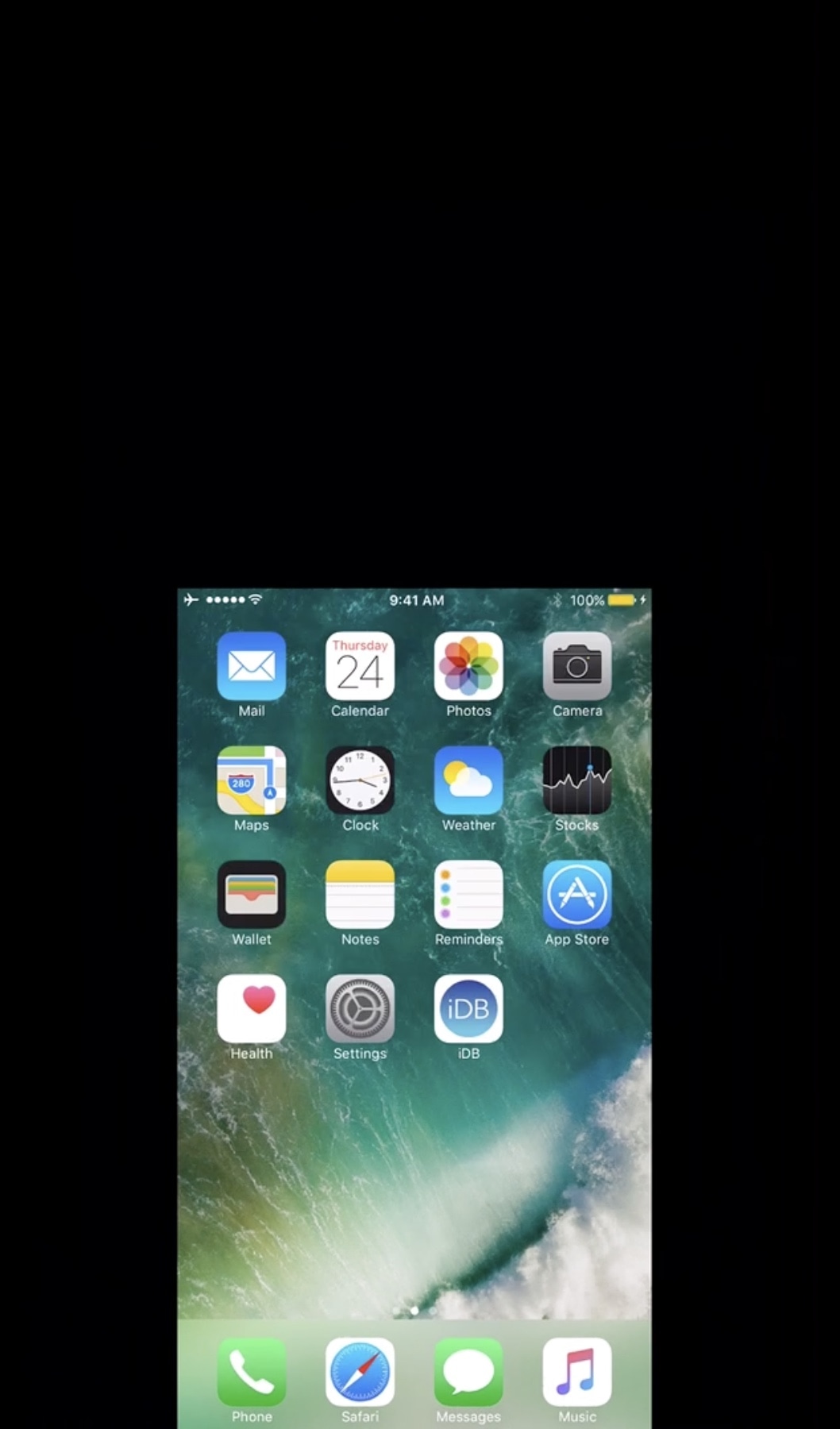
A new jailbreak tweak dubbed Vespera (iOS 10) by iOS developer muris keeps this part of the jailbreak experience alive by letting you customize your iPhone or iPad's locking animation.

Edgify: another tweak that brings Galaxy S8-inspired notification animations to iOS

If you’re a fan of the way the notification system looks on Galaxy S8 devices, then you might want to pay attention to a new jailbreak tweak called Edgify by iOS developer NOPTeam.

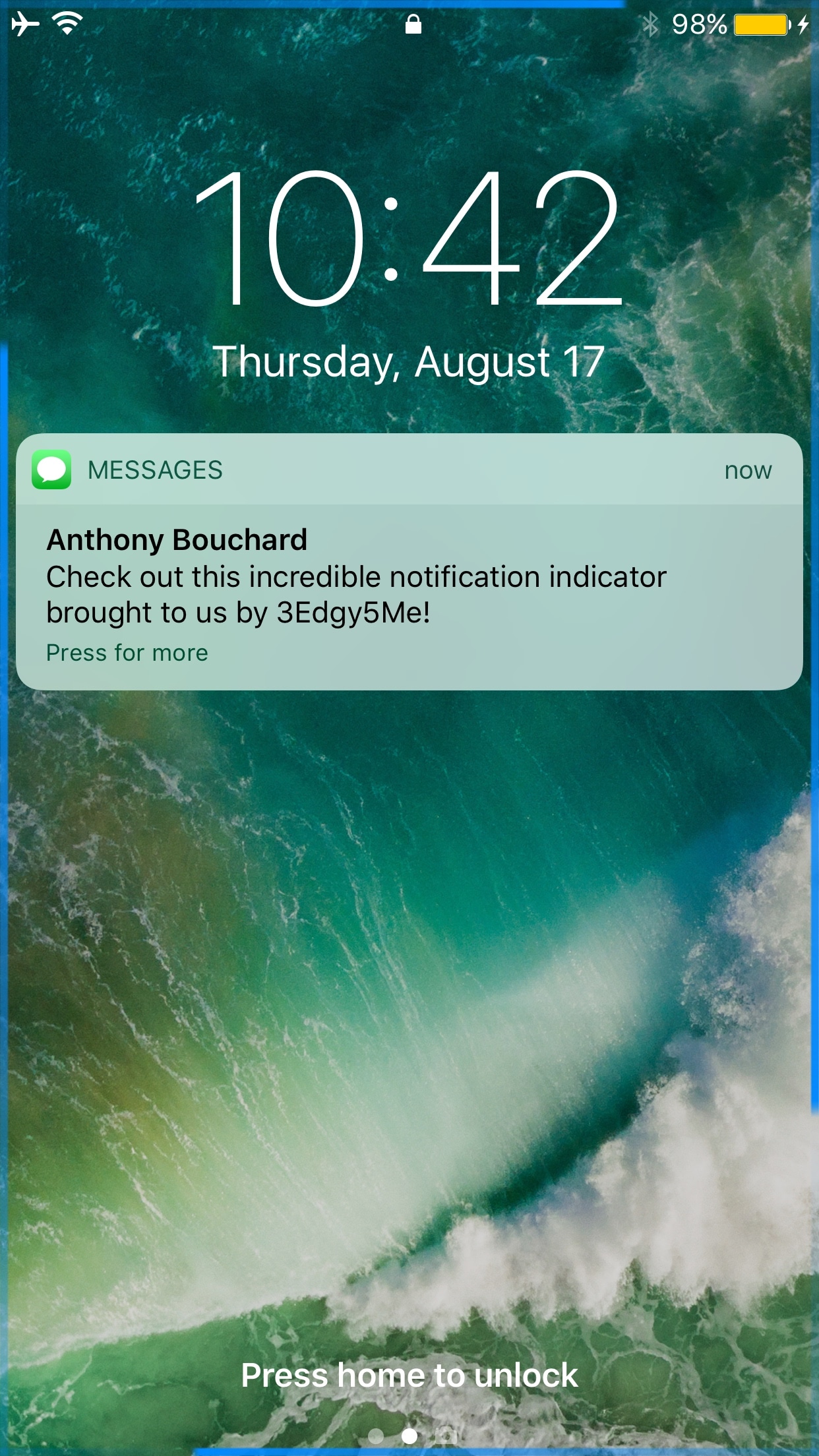
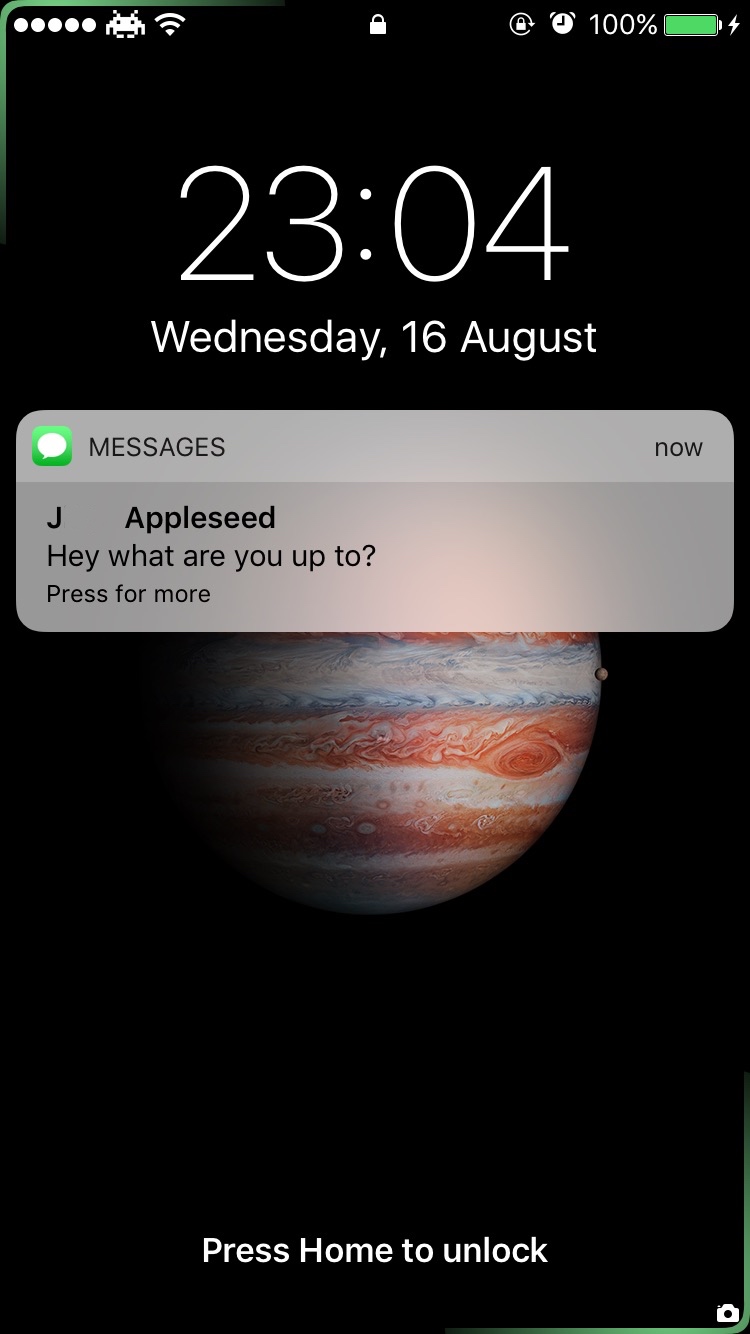
If the concept sounds familiar, that’s because a free tweak called 3Edgy5Me was just released last week that did the same thing. On the other hand, we'll show you what sets them apart in this piece.

Make your Status Bar’s Breadcrumb links look better with Croutons

One of the more useful features Apple integrated into iOS is the Breadcrumb link function, which is accessible from the Status Bar. With it, you can go back to previously-used apps more quickly after you’re redirected to another on your device.

Despite how handy it is, people aren't so fond of their Status Bar getting cluttered up with extra text. Fortunately, iOS developer Sticktron found an aesthetically-pleasing way to improve your Breadcrumb link trail in his new free jailbreak tweak dubbed Croutons (iOS 9/10).

3Edgy5Me brings Galaxy S8-inspired notification animations to the iPhone

Out of all the smartphone choices out there, it’s probably not wrong to say that iOS has one of the most uninteresting notification systems of them all. Fortunately, those who sport jailbreaks can spice up the notification system up a bit with add-ons.

One of the latest jailbreak tweaks to do just that is a new release called 3Edgy5Me by iOS developer Will Smillie, which brings customizable Galaxy S8-style notifications to iPhone and iPad.

SlideToUnlockX brings the classic ‘slide to unlock’ to iOS 10

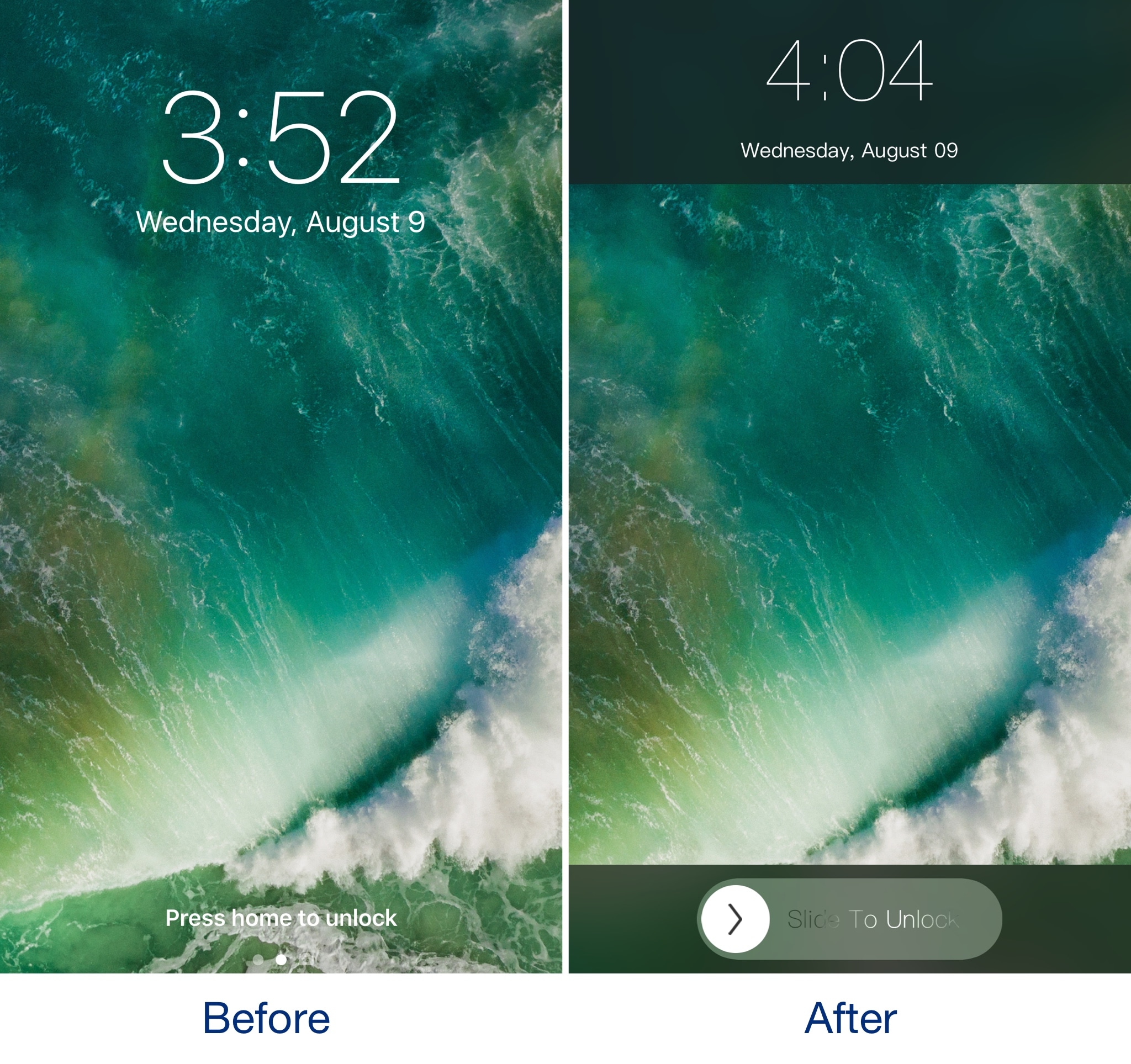
If you've got nostalgia for the good old days when you would use 'slide to unlock' to access your iPhone, then you should check out a throwback jailbreak tweak dubbed SlideToUnlockX by iOS developer XCXiao.

Once you install SlideToUnlockX, you can bring this classic unlock style to your jailbroken iOS 10 iPhone or iPad and cure your nostalgia.

Animate your notification badges with BlinkBadge

If you’re not gluing your eyes to your iPhone all day long, then chances are you unlock your device to a plethora of notification badges from time to time.

On a stock device, the badges sit there and do nothing until you open the app to ackowledge them, but with a new free jailbreak tweak called BlinkBadge by iOS developer NeinZedd9, you can animate them to make things more exciting.

Colorize your Instagram app’s user interface with InstagramUICustomizer

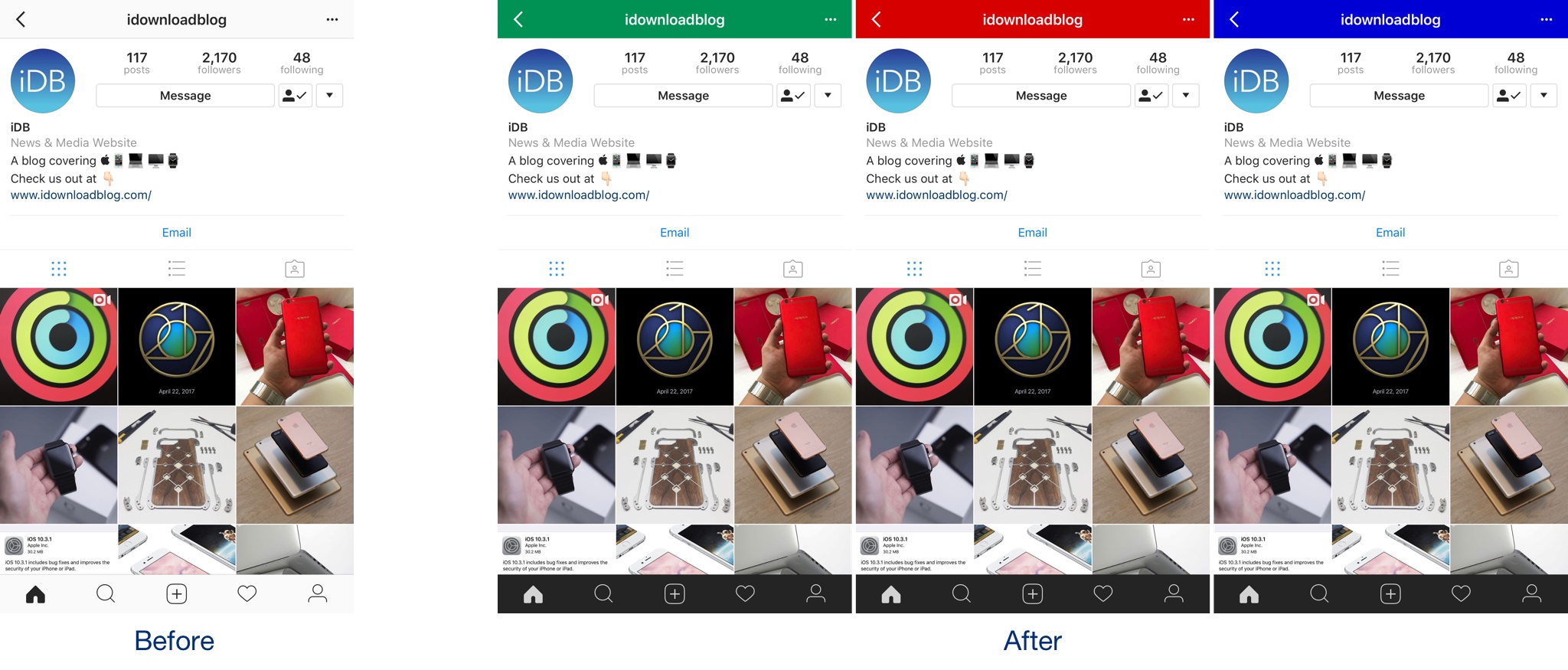
If you want to colorize your Instagram app’s UI to something other than the bland white it comes with out of the box, then we’d recommend trying a new free jailbreak tweak called InstagramUICustomizer by iOS developer Wylliam Altman.

Once installed, you can change the default navigation bar color of your Instagram app to anything you’d like and choose whether the tab bar at the bottom of the app will be light or dark.

Boxy 3 lets you customize your Home screen layout

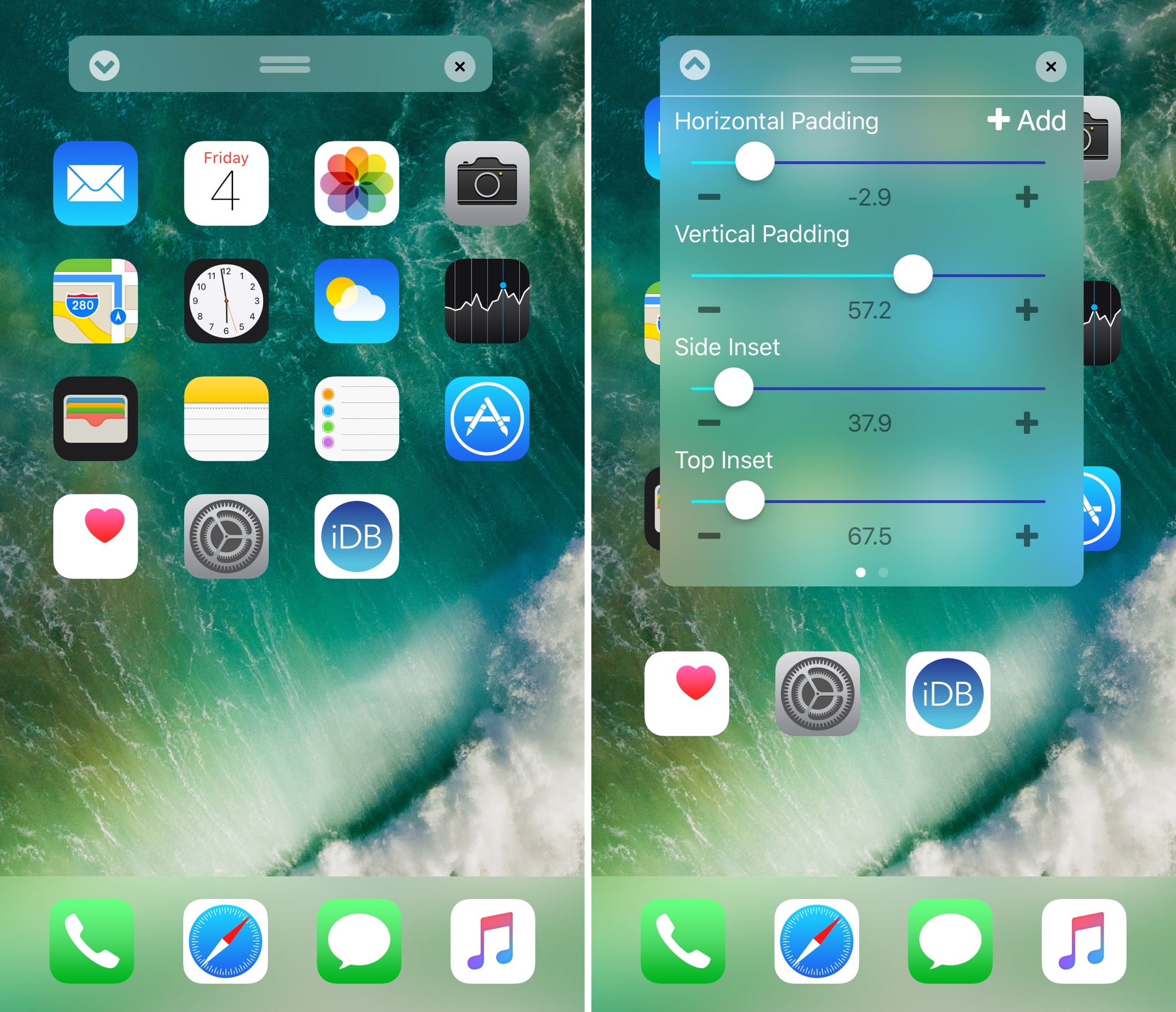
Perhaps one of the most popular things people do after jailbreaking their device is modify their Home screen app icon layout. Jailbreak tweaks of this nature have been released for almost every jailbreak iteration to date, and iOS 10 is no different.

With a new jailbreak tweak dubbed Boxy 3 by iOS developer William Vabrinskas, you'll have access to a whole host of Home screen app icon layout settings to your device.

Musubi brings an Android-style passcode screen to jailbroken iOS 9 devices

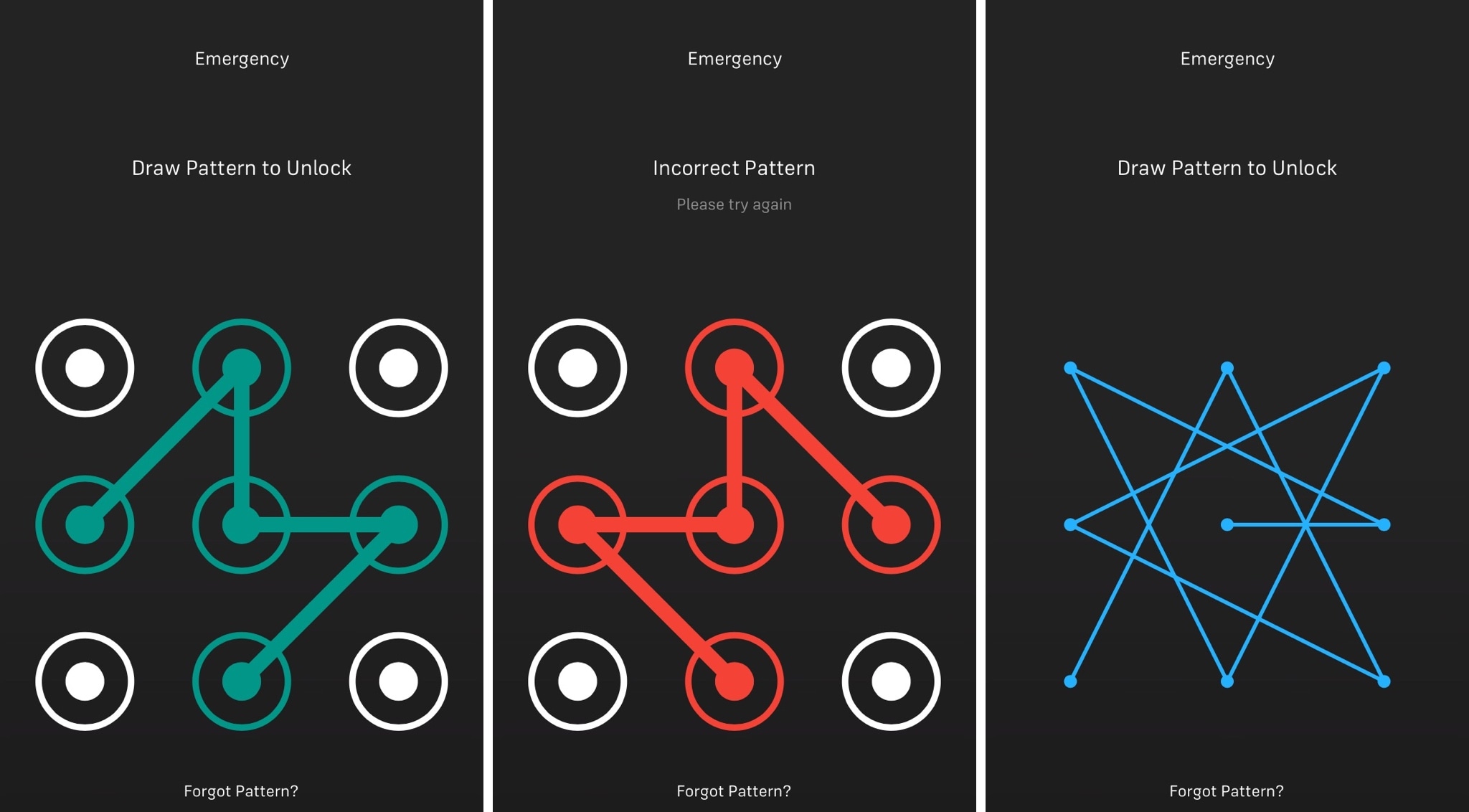
iOS has had the same boring numeric passcode interface for what seems like an eternity, but other operating systems like Android let users ‘draw’ patterns to unlock their device instead.

Although most people are using Touch ID to unlock their Apple devices today, jailbreakers can now use a new free jailbreak tweak dubbed Musubi by iOS developer c0ldra1n to bring an Android-inspired pattern passcode interface to iPhones and iPads.

IconKeyb10 inserts numeric Emojis when typing numbers from the iOS keyboard

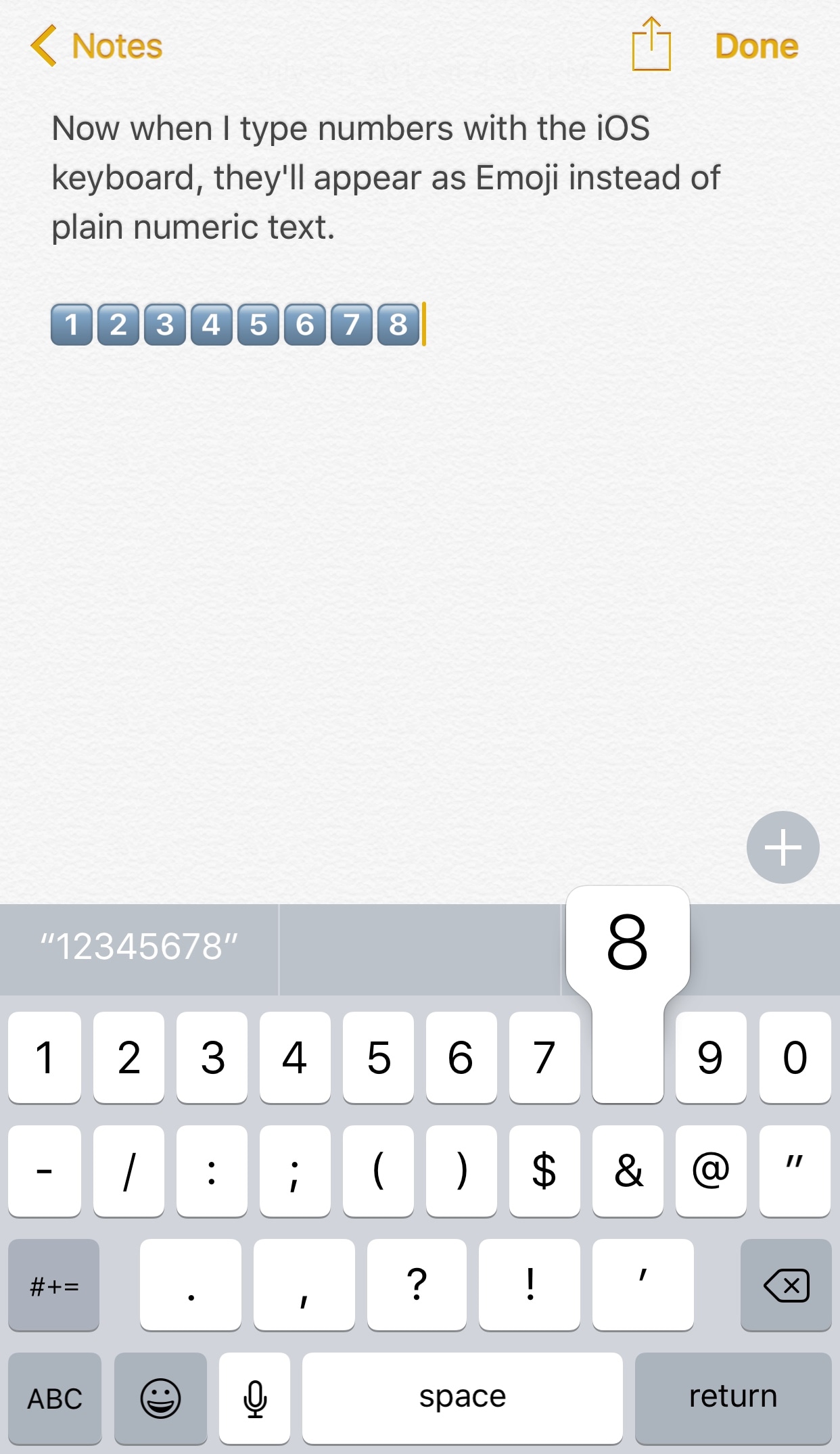
Emojis are quickly taking over in the world of texting, and a new free jailbreak tweak called IconKeyb10 by iOS developer GeoSn0w helps future-proof your texting habits by automatically inserting the Emoji equivalents of certain characters from the iOS keyboard.

The screenshot shown above is rather self-explanatory. Rather than typing the numeric characters “1,” “2,” “3,” etc. when you tap on those keys from the iOS keyboard, the tweak inserts the Emoji counterparts instead.