Learn how to use a website or app to compare two chunks of text or documents to find differences between them on your Mac, iPad, or Windows PC.
How to compare differences between two text documents on Mac and PC
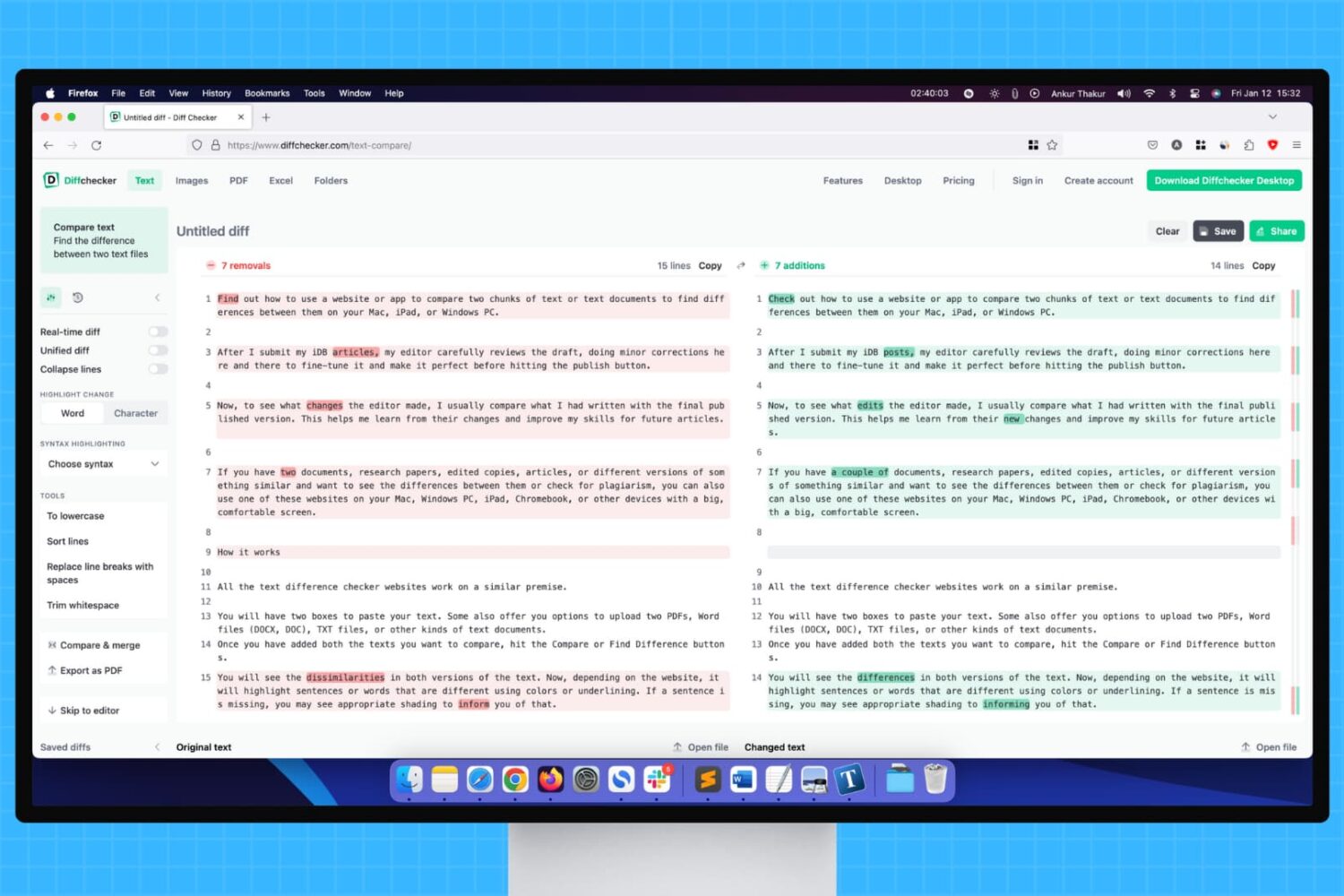
Learn how to use a website or app to compare two chunks of text or documents to find differences between them on your Mac, iPad, or Windows PC.
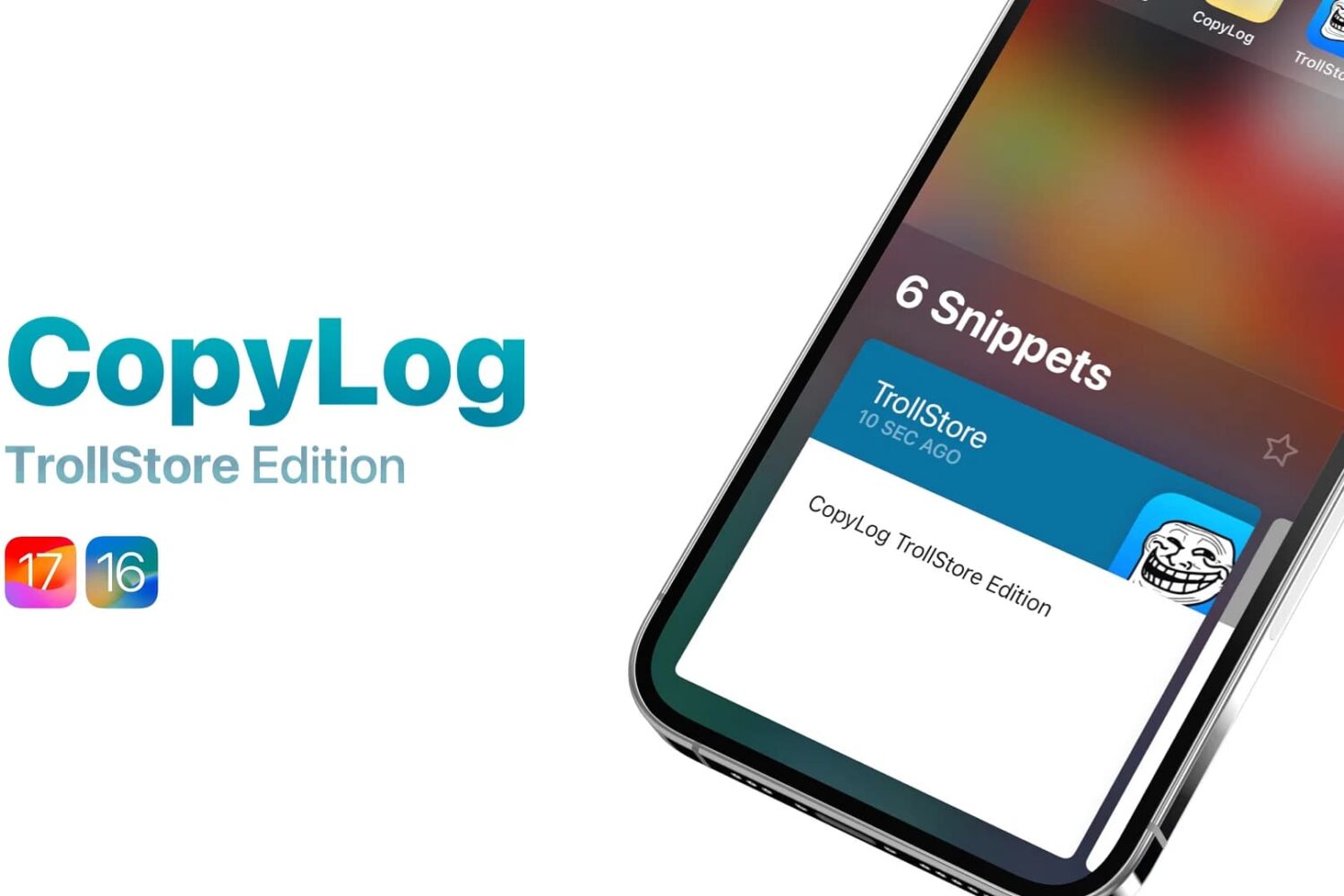
Back in 2022, we showed you a jailbreak tweak called CopyLog that was essentially a clipboard manager for pwned devices. But what if we told you that you didn’t need a jailbreak to use it?
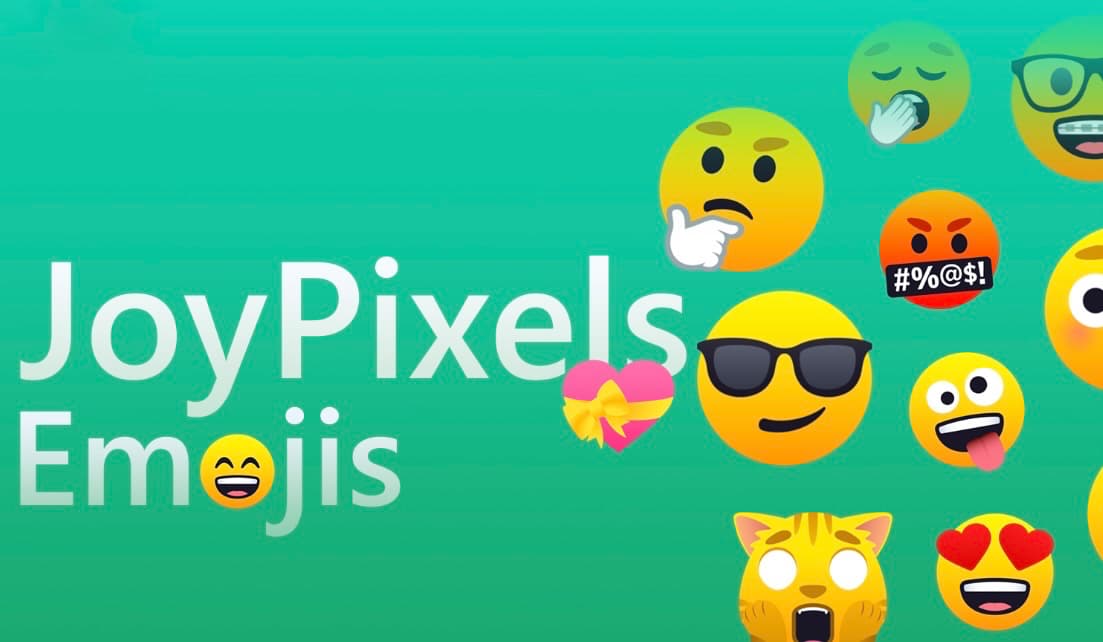
If you use a lot of Emojis when you type to people and you’re interested in an enhanced Emoji font for your device, then you might take a liking to a new add-on called JoyPixels by iOS developers HackZy and PoomSmart for the MacDirtyCow and kfd exploits for iOS & iPadOS 15.0-16.1.2 and 16.0-16.6 beta 1 respectively.
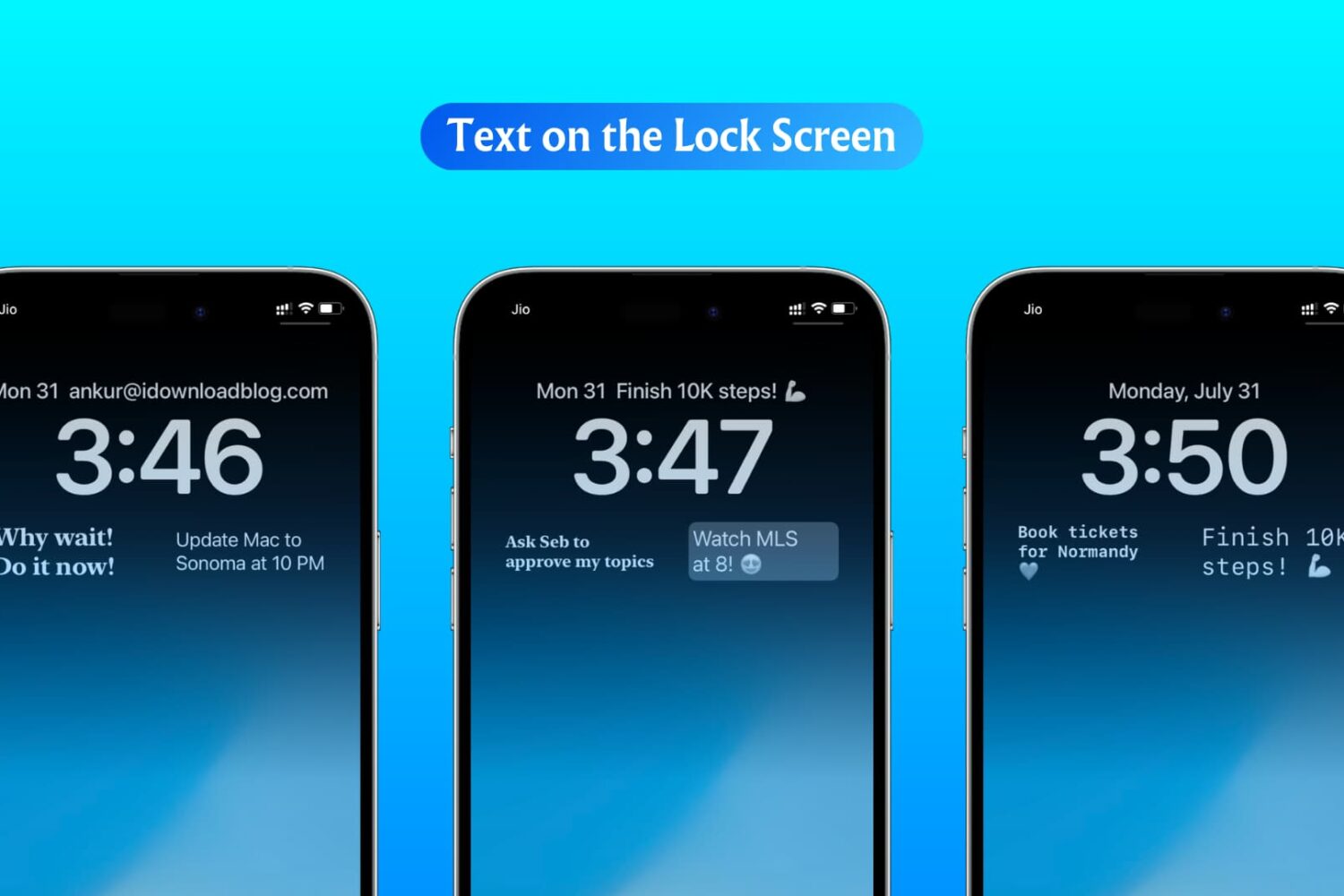
In this step-by-step tutorial, we show you how to display custom text, like your name, email address, phone number, or an inspirational quote, on your iPhone or iPad Lock Screen.
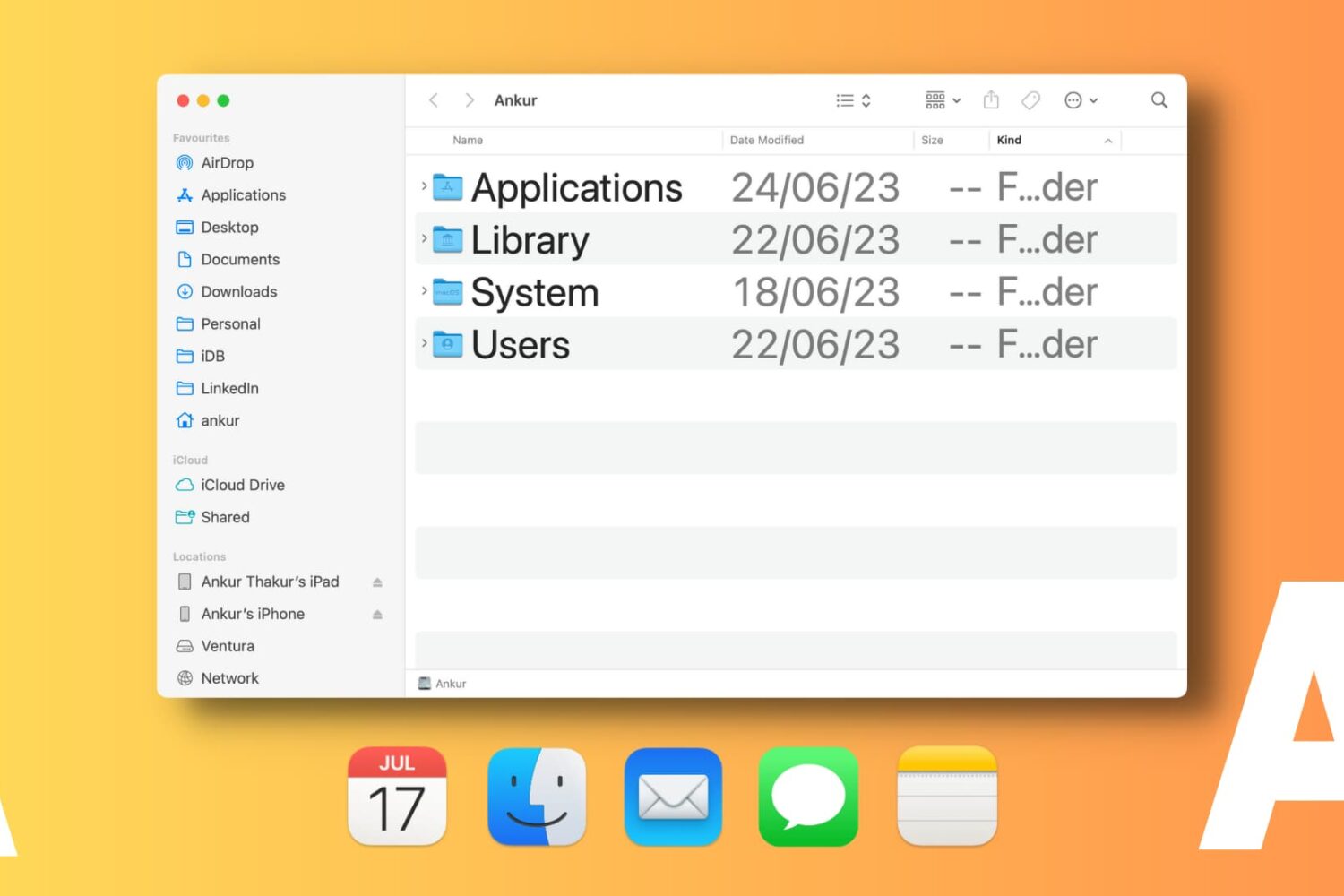
Learn how to change font sizes of specific Mac apps to create a comfortable reading experience without affecting the overall size of system text.
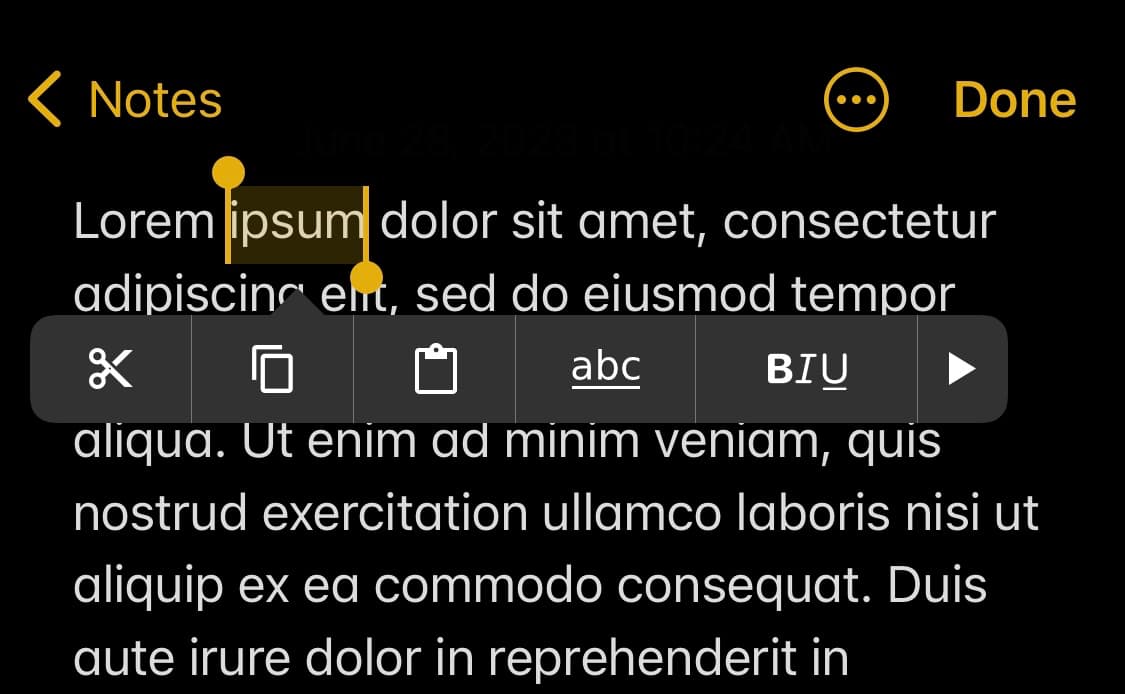
If you frequently use iOS or iPadOS’ built-in text editing tools when dealing with bodies of text on your iPhone or iPad, then you might have a lot to gain from a jailbreak tweak called MenuSupport by iOS developer r_plus.

A newly released and free jailbreak tweak called HammerIt by iOS developer SquidForce lends users a powerful word processing interface for niche scenarios.

Learn how to add text or text-based signatures to your photos on iPhone, iPad, and Mac so your images stand out and effectively convey your message.
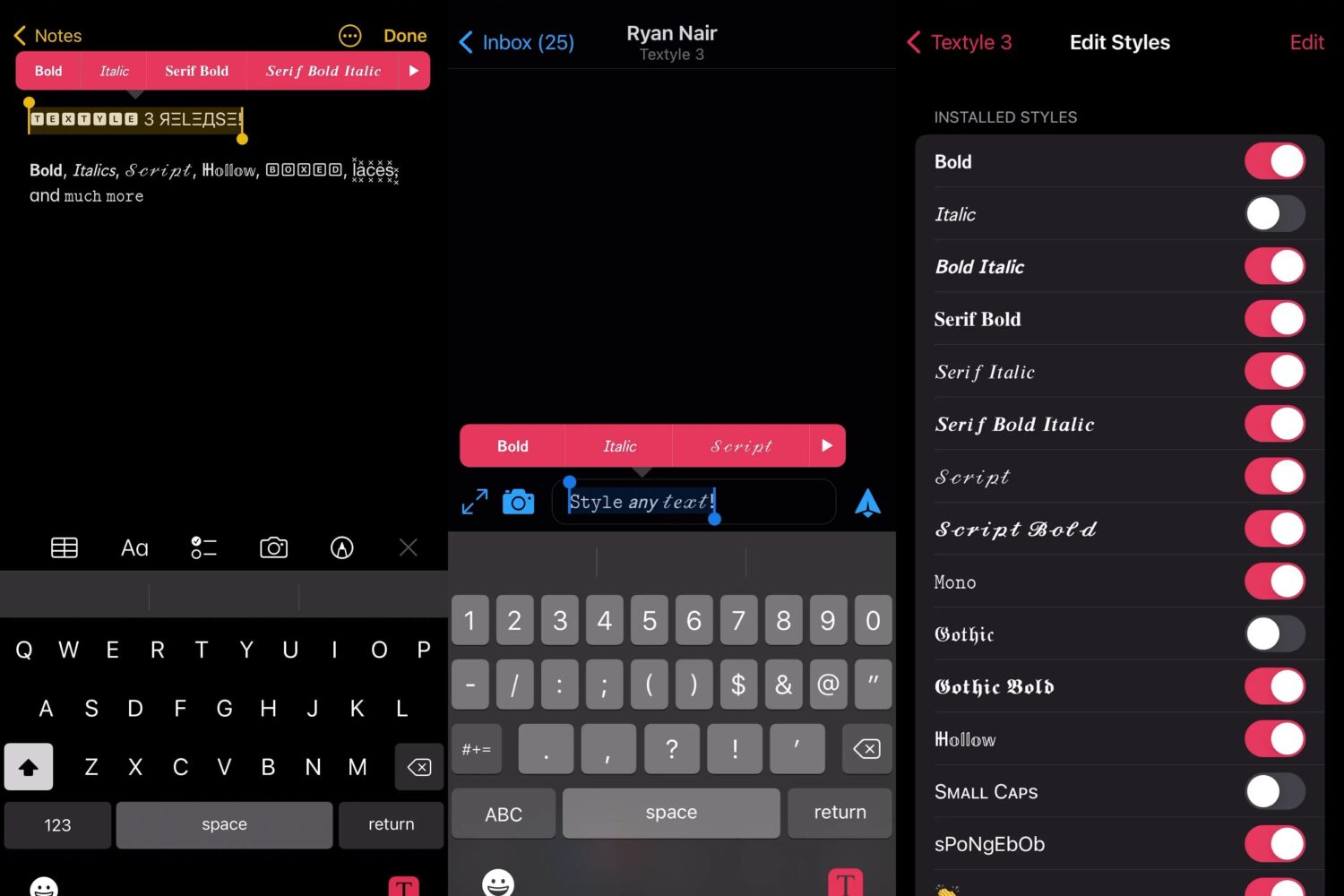
Most of the text you type in various apps on your iPhone appears in your handset’s system font, but if you’ve ever wanted to make your text pop, then a font customization jailbreak tweak has always been the way to go.
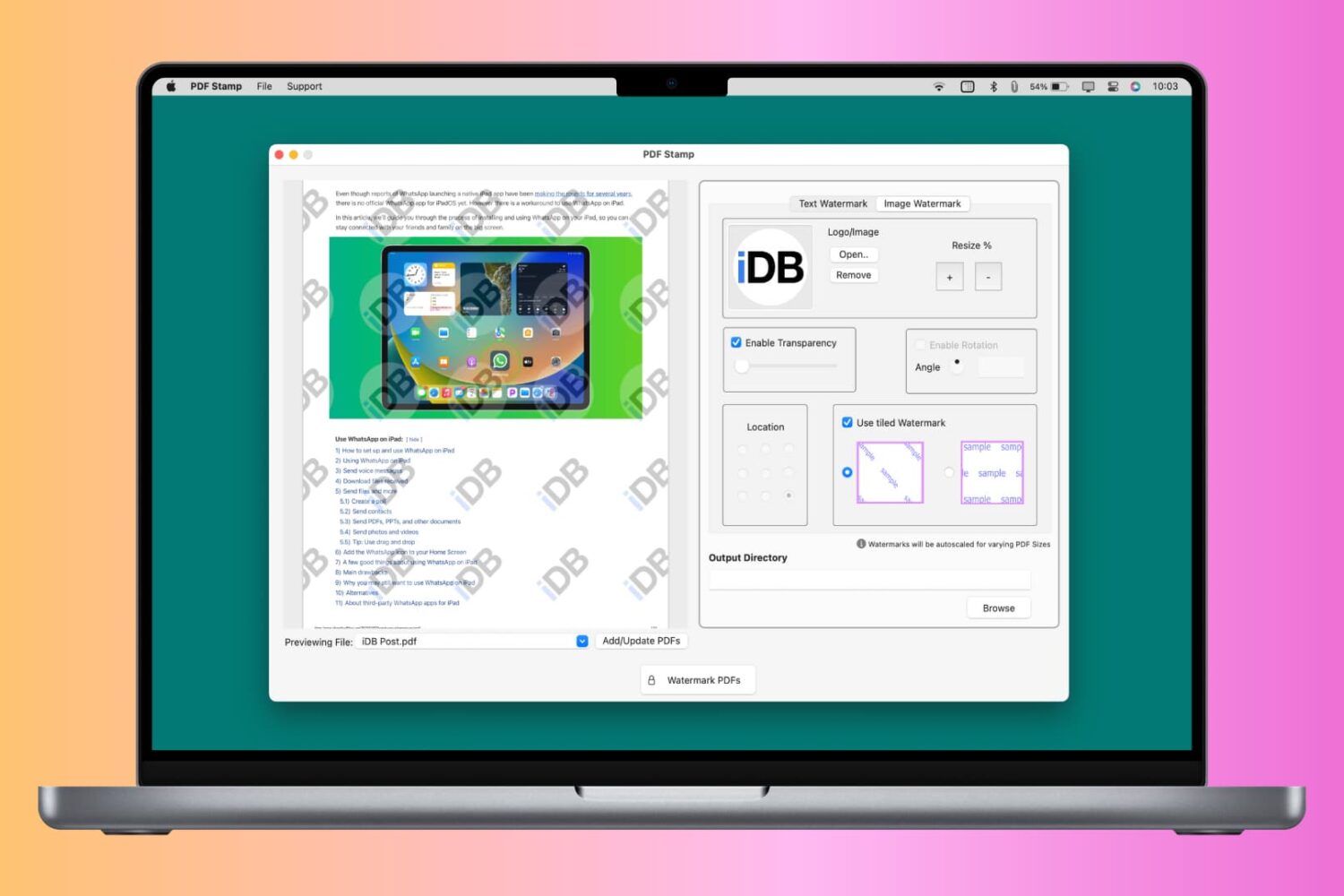
You can watermark your PDF with text, logo, or image to let people know that the PDF is private, confidential, or created by you or your organization. Though a watermark can’t prevent content theft, it certainly can prevent misuse and help convey that you’re the creator or owner of that PDF.
So, whether it is for school, work, or personal use, this tutorial will show you how to watermark PDFs for free on your iPhone, iPad, and Mac.