Siri

Apple’s all-new Remote app for Apple TV 4 will do Siri, gestures and work in games

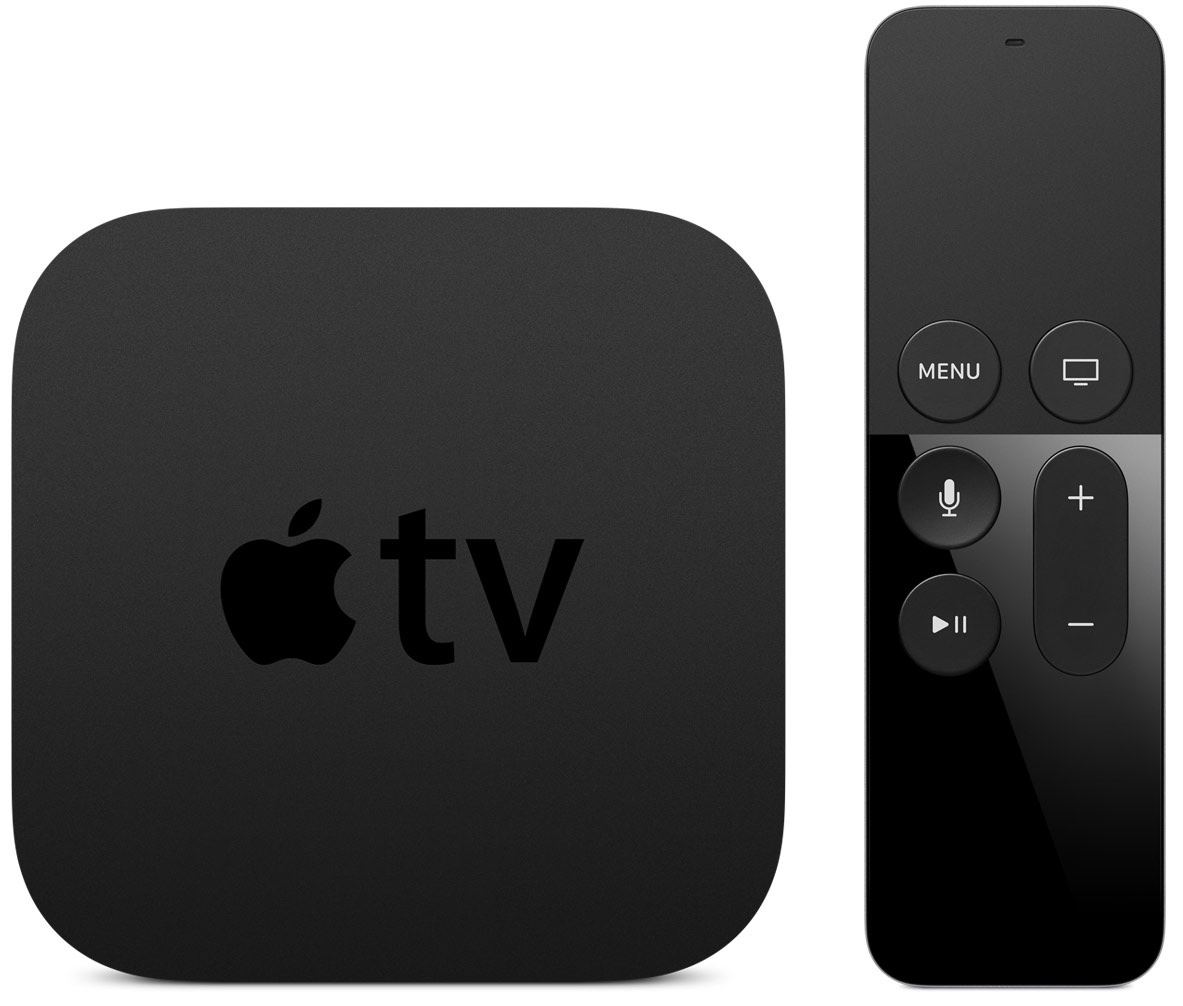
Apple is working on a brand new Remote app for the fourth-generation Apple TV that will be a full replacement for the functions provided by the included Siri Remote, said Eddy Cue, Senior Vice President of Internet Software and Services, who was joined on The Talk Show podcast with Daring Fireball's John Gruber by Craig Federighi, Apple's Senior Vice President of Software Engineering.

The upcoming software will be a new app, not an update to the existing Remote application for the iPhone, iPod touch and iPad which in December 2015 gained keyboard and basic navigation support for the new Apple TV.
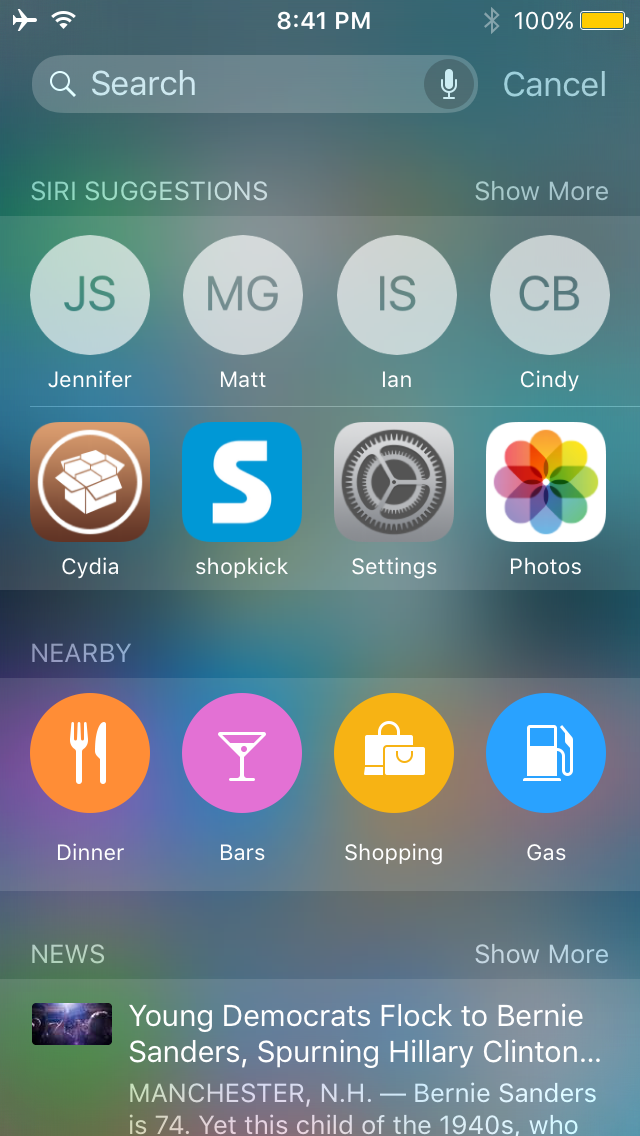
This tweak displays Siri suggestions in all iOS Spotlight interfaces

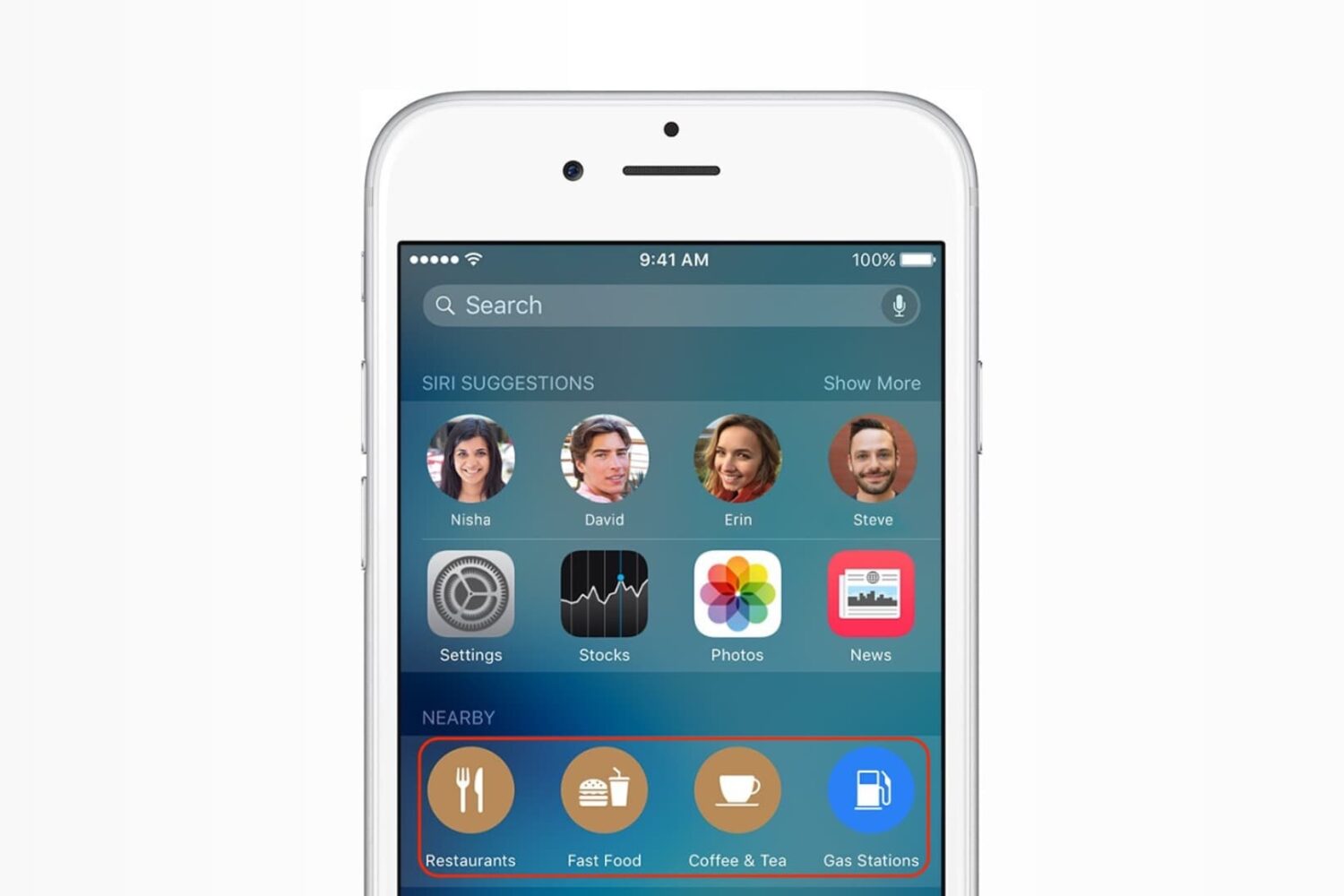
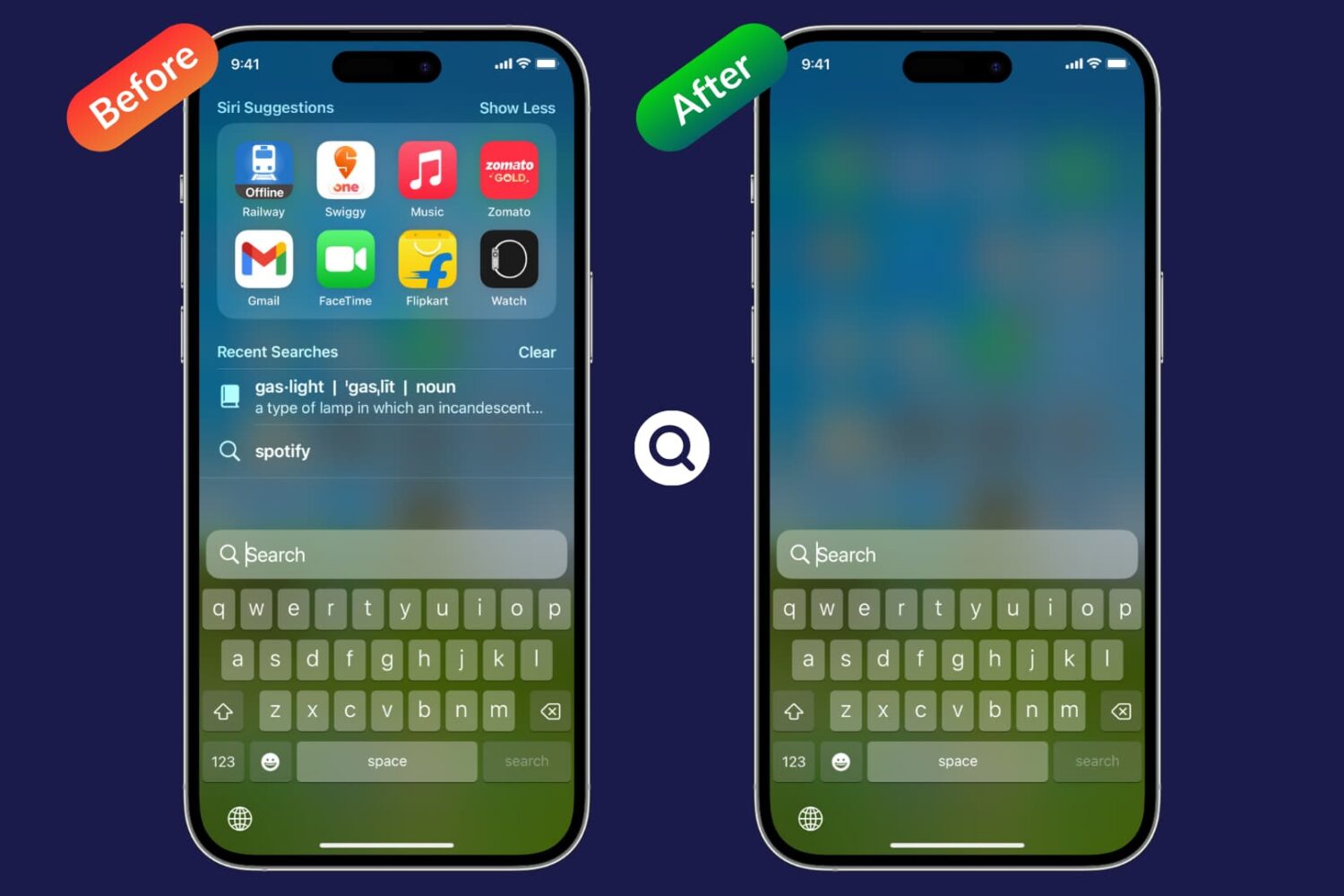
Starting in iOS 9, Apple introduced Siri Suggestions in the updated Spotlight interface, which is accessed to the left of the first Home screen page.

Interestingly, despite the new Spotlight interface, Apple kept the original Spotlight interface that you can access by pulling down from the top of the screen, and as you might imagine, it doesn't have all the new bells and whistles the new Spotlight interface does.

A new jailbreak tweak called NearbyNews is now available in Cydia's BigBoss repository for $0.99 that will let you bring these features to the original Spotlight interface in iOS 9.

Siri making random outbursts? Here’s the fix

It's happened many times to me before, and I can relate to those that it happens to – you're trying to be quiet in the middle of class or in the middle of a meeting for work, and all of a sudden you hear a random noise and then Siri starts blabbering.

Siri says "I didn't quite get that," or "Sorry, I missed that."

In this tutorial, we'll show you how to solve this problem once and for all.

How to filter mature language for Siri and Dictation

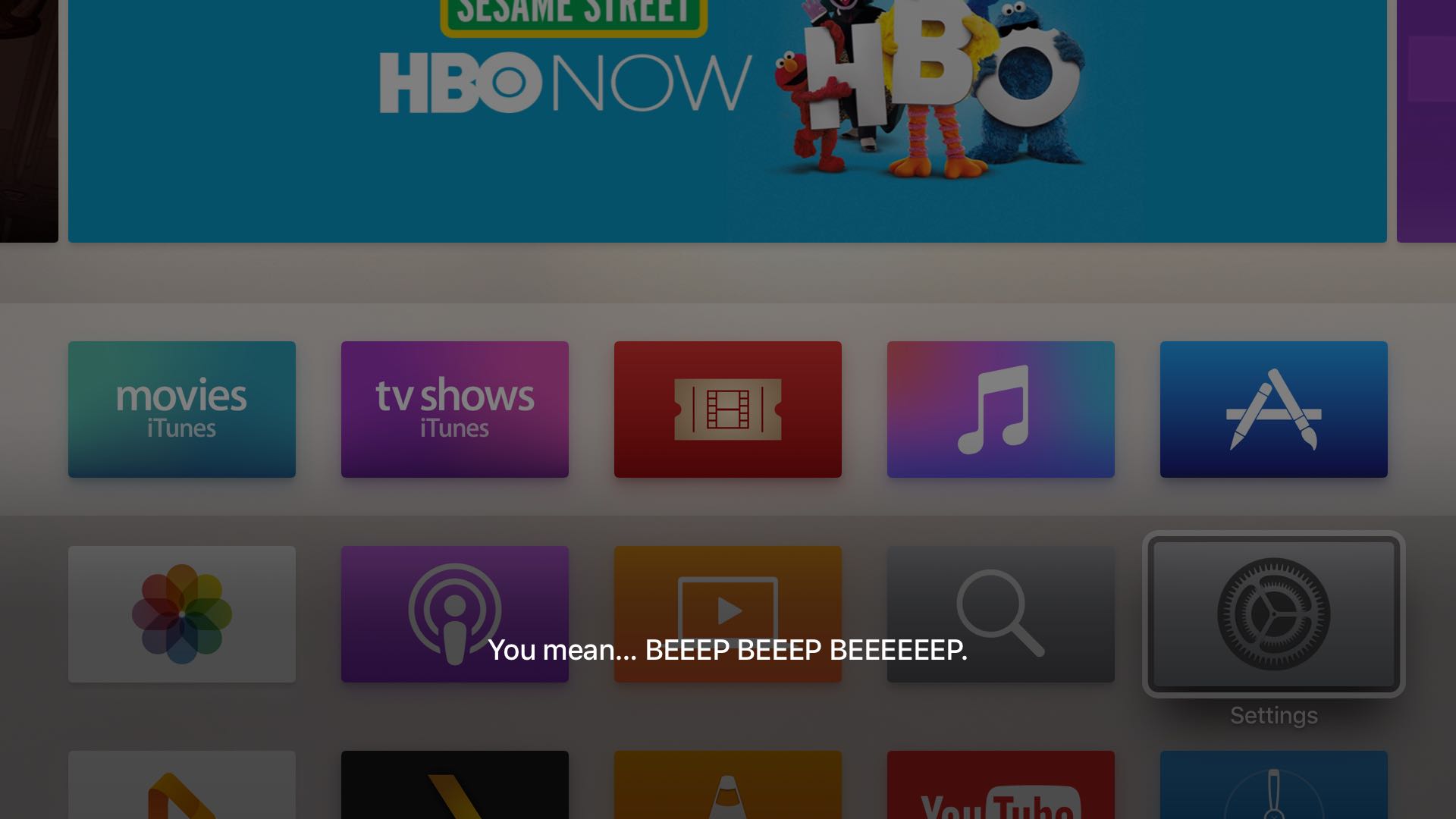
Sometimes when you use the dictation feature on your iPhone, iPod touch or iPad—or just converse with Siri and it misunderstands you—you might be in for a surprise seeing explicit language that you don't really want others to see, especially if you talk to Siri on your new Apple TV and kids are present.

Fortunately, both iOS and tvOS give you all the controls you need to prevent profanities from showing up when you use speech-to-text or Siri. In this post, you'll learn how to disable explicit language for Siri and Dictation on your iPhone, iPod touch or iPad and filter out explicit language for Siri on your Apple TV.

How to use Siri to toggle system settings

Siri is the personal voice assistant pre-installed on your iOS device. Introduced in iOS 5, the voice assistant allows a wide variety of functions, conversions, information queries, and fun comments to be invoked with just your voice.

But did you know Siri can also be used to toggle certain system settings on or off too? In this tutorial, we'll show you how.

Need a coin toss or roll of the dice? Have Siri do it

When it comes right down to it, you may not always have a coin or a die in your pocket, but fortunately, you probably have your iPhone with you, and all recent iPhones can take advantage of the pocket voice assistant Siri.

Siri is a powerful tool, and you may not have known this, but if you forgot your coin and die at home, Siri has you covered for all of your chance-taking needs – she never forgets hers! In this tutorial, we'll show you how to have Siri flip a coin or roll a die for you.

How to teach Siri how to call you

Siri is a great way to get to the things you want on your iPhone, iPod touch, or iPad without having to tap on anything – it works great for situations where you don't really have your hands free, but who says using Siri has to be boring?

In this quick post, we'll show you how you can spice up your conversations with Siri by configuring the voice assistant to call you something different.

How to control the Nest using HomeKit and Siri

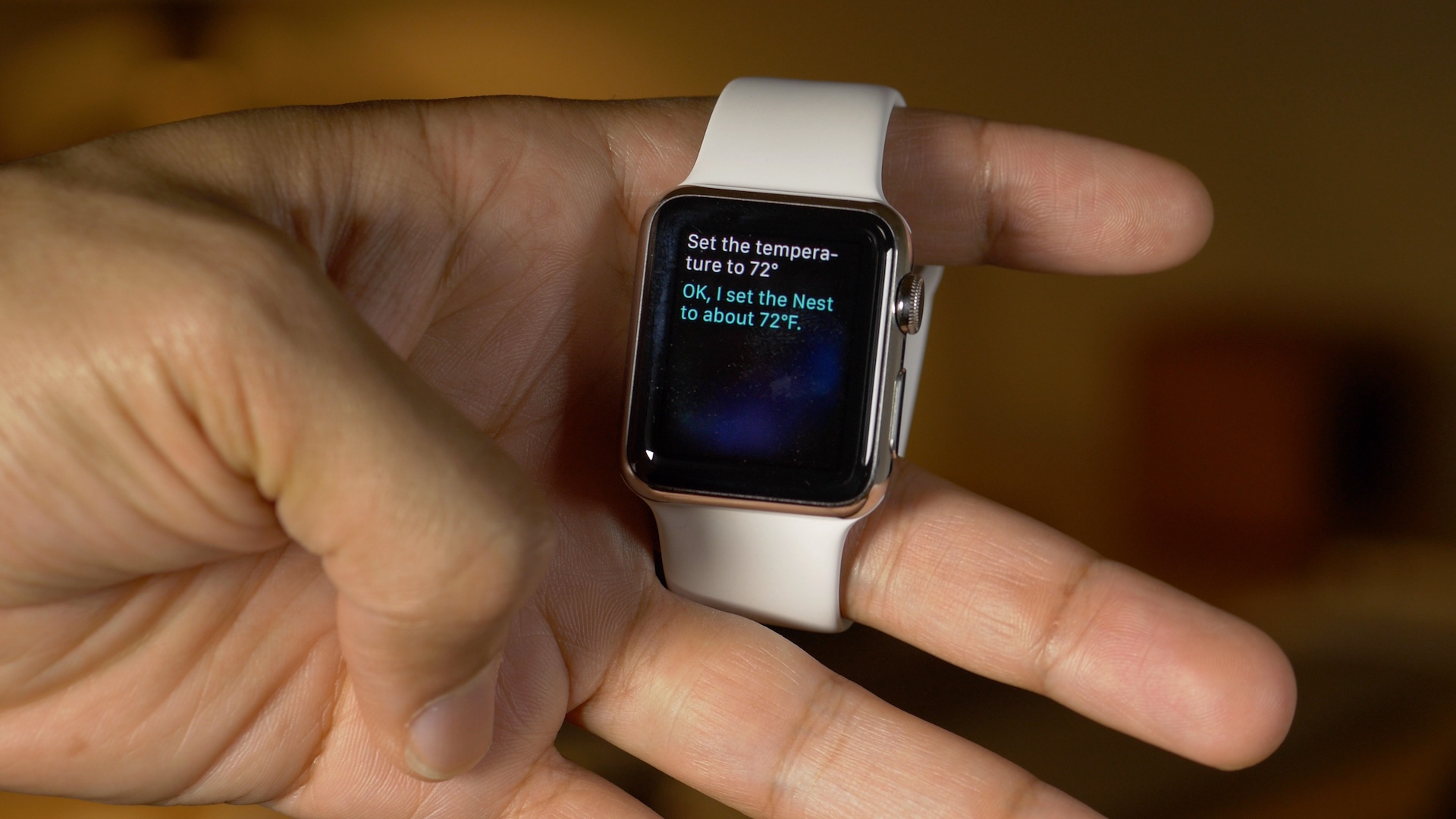
The Nest is one of the most popular home automation devices in existence right now, but due to incompatibility with HomeKit, iOS users can't control their Nest Learning Thermostats using Siri.

Fortunately, a workaround has been found. It's called Homebridge, and it's a NodeJS server that runs on your Mac. Homebridge allows iOS devices to interface with incompatible home automation devices like the Nest using HomeKit.

This means that it is now possible to control the Nest with Apple Watch, iPhone, and iPad using Siri. No jailbreak required.

New “On the Set” iPhone 6s advert showcases hands-free Siri

Apple has been on a roll as of late when it comes to advertising. Two days or so after posting two new iPhone 6s advertisements, Apple has uploaded yet another to its YouTube channel.

The latest ad, entitled "On the Set", features Avengers executive producer Jon Favreau. In the spot, Favreau, who's directing a gymnastics sequence, uses hands-free Siri to pull up example pictures of flying squirrels.

Review: SiriMote—control media playback on your Mac with Siri Remote

Wouldn't it be nice if you could use the Siri Remote that came with your new Apple TV to control media applications on your Mac? After all, the remote is Bluetooth-based and Mac itself has robust support for Bluetooth networking.

With SiriMote, a new freeware app, now you can. Created by Vienna, Austria-based Eternal Storms Software's Matthias Gansrigler, SiriMote lets you control various functions of the Mac using your Apple TV's Siri Remote.