Here are 11 things you can tweak to personalize Safari on your iPhone or iPad and make it truly yours.
How to customize and personalize Safari on iPhone and iPad
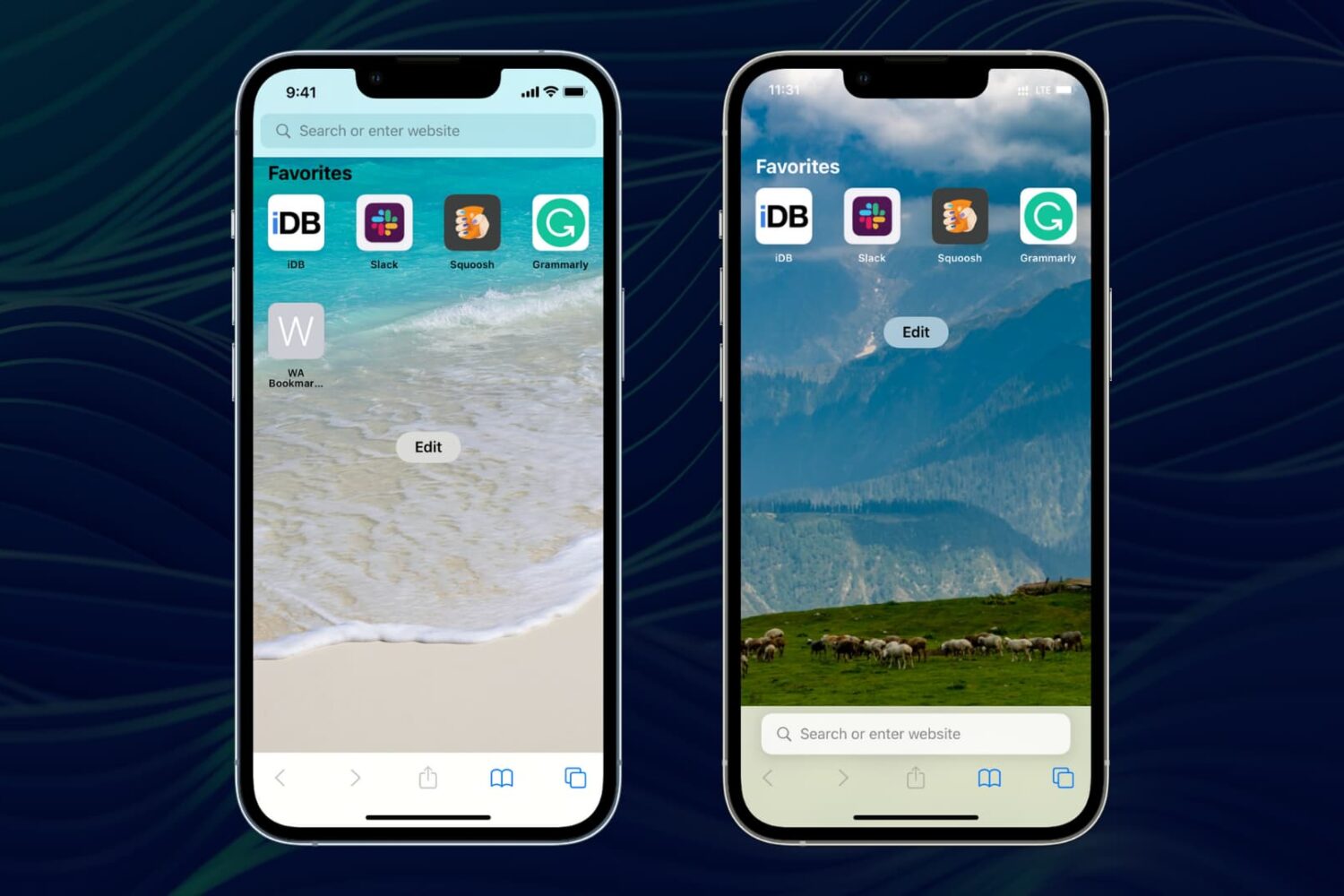
Here are 11 things you can tweak to personalize Safari on your iPhone or iPad and make it truly yours.
Safari is the web browser of choice for iPhone and iPad users alike. While it gets the job done in its most basic form, jailbreakers can harness the power of Safari-oriented jailbreak tweaks to unlock power features that ordinary users will drool over.
When Apple added Dark Mode to its operating systems, like iOS and macOS, the company made a pretty big deal about it. Which makes sense, considering it was one of the more oft-requested features for the platform(s). And it looks like Apple has some plans to offer up some new elements, along with even more features, in Safari.
Learn how to set Google Chrome, Firefox, Microsoft Edge, Brave, Opera, or some other app as the default web browser on your Mac.
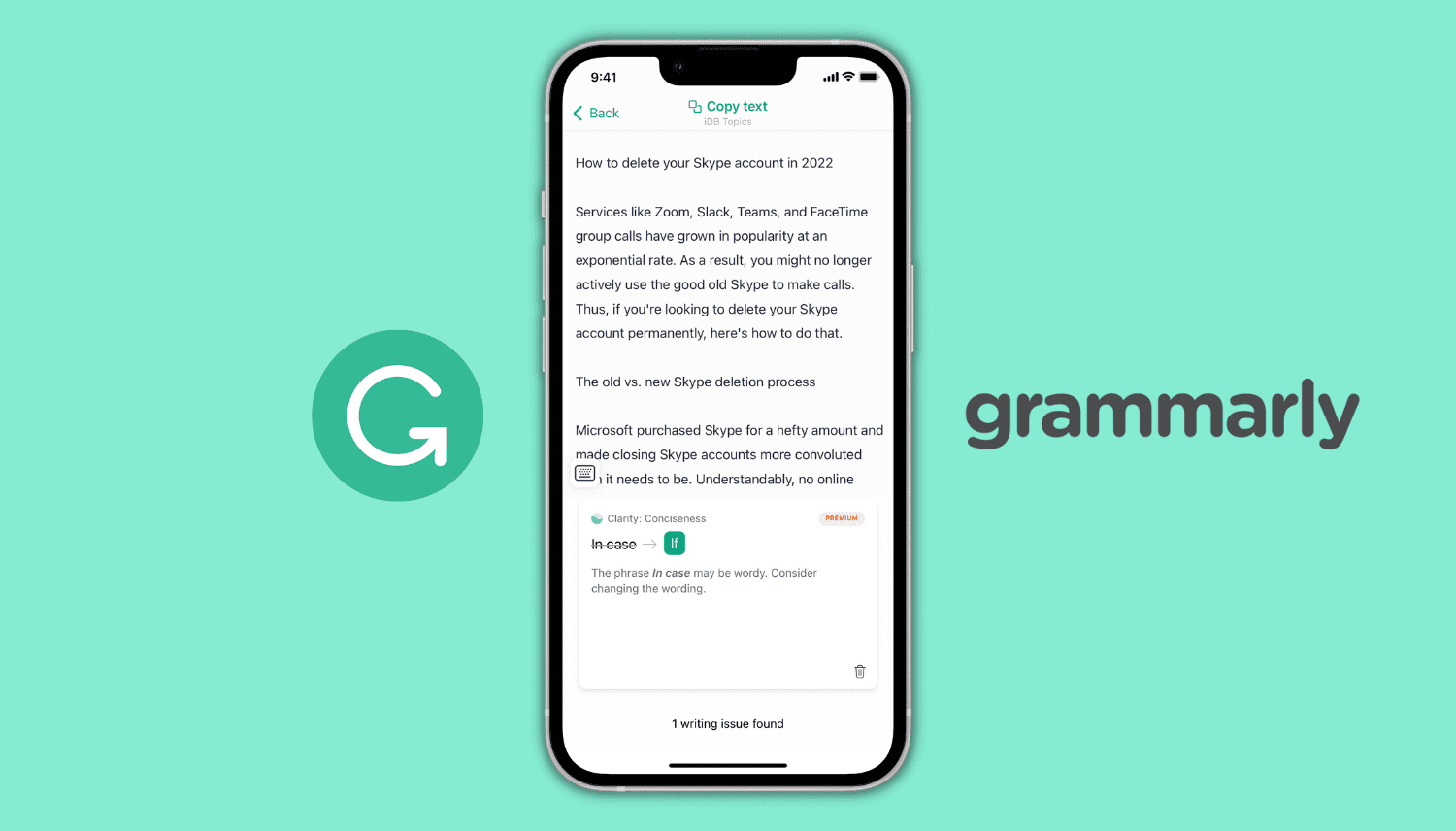
Learn how to use Grammarly on your iPhone as a keyboard, Safari extension, and an editor to make corrections and improve your writing.

YouTube Premium is a service that you won’t ever want to give up after giving it a try. It’s easy to sign up for via your iPhone or iPad’s YouTube app for $18.99 per month, but did you know you can get the exact same YouTube Premium subscription on your iPhone or iPad for just $13.99?
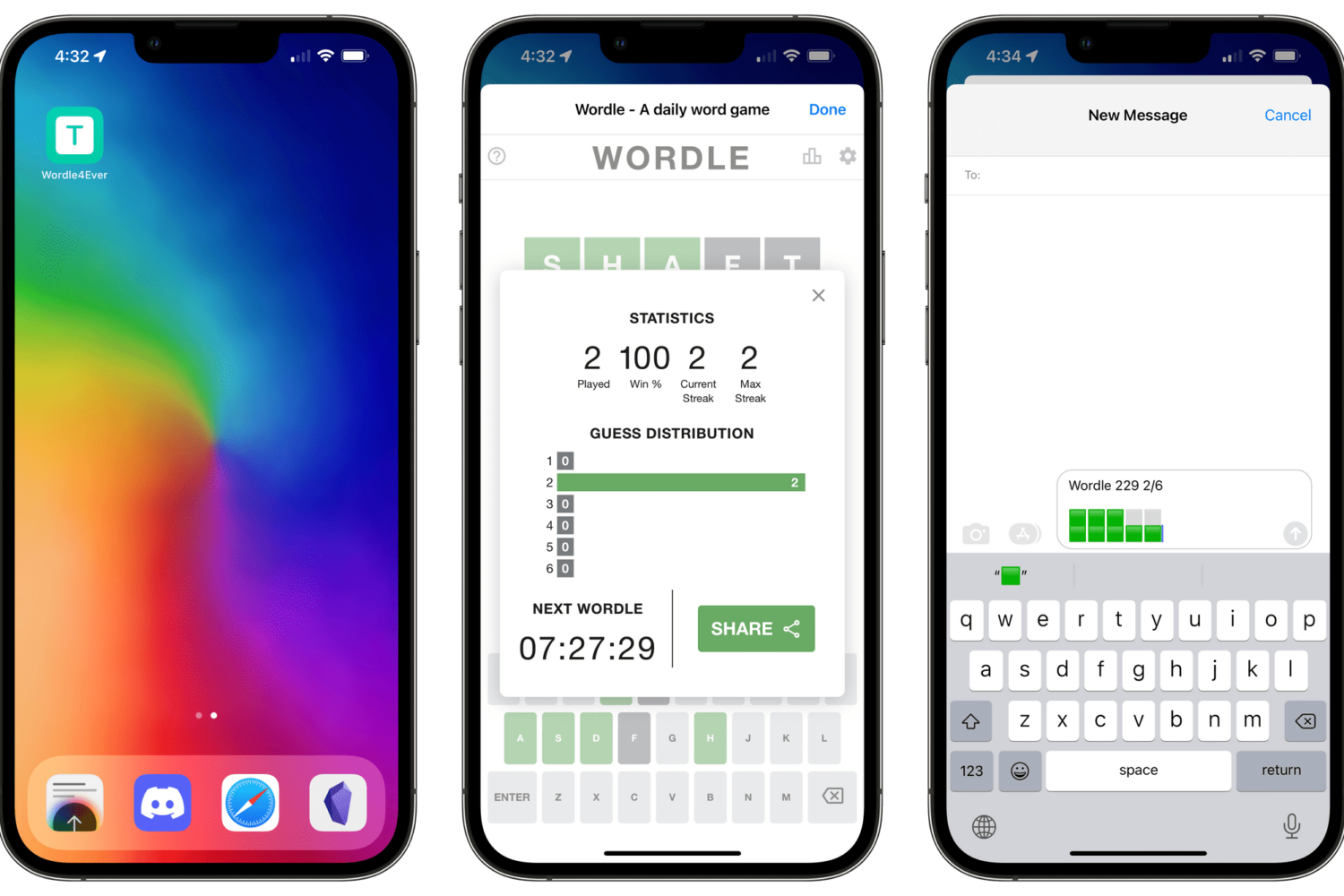
With the power of Apple's Shortcuts app, you can create a simple workflow script that will enable you to preserve the original game and play Wordle forever in offline mode.
Learn how to quickly refresh a web page in Apple’s Safari browser, especially when using your iPhone with one hand and with the URL address bar displayed at the bottom.
Apple is developing a fix for a recently discovered Safari tracking bug that would let any website track your browsing history and access your Google ID for tracking purposes.
macOS Monterey 12.2 enables much-needed support for Apple's ProMotion technology in Safari for Mac, bringing improved 120Hz scrolling on the latest MacBook Pro.
In this tutorial, we'll show you how to open multiple websites at once in Chrome and Safari on Mac to save time every day.