Learn how to securely add, update, and remove saved credit and debit cards for Safari Autofill on your iPhone, iPad, or Mac.
How to add or remove your credit card details from Safari
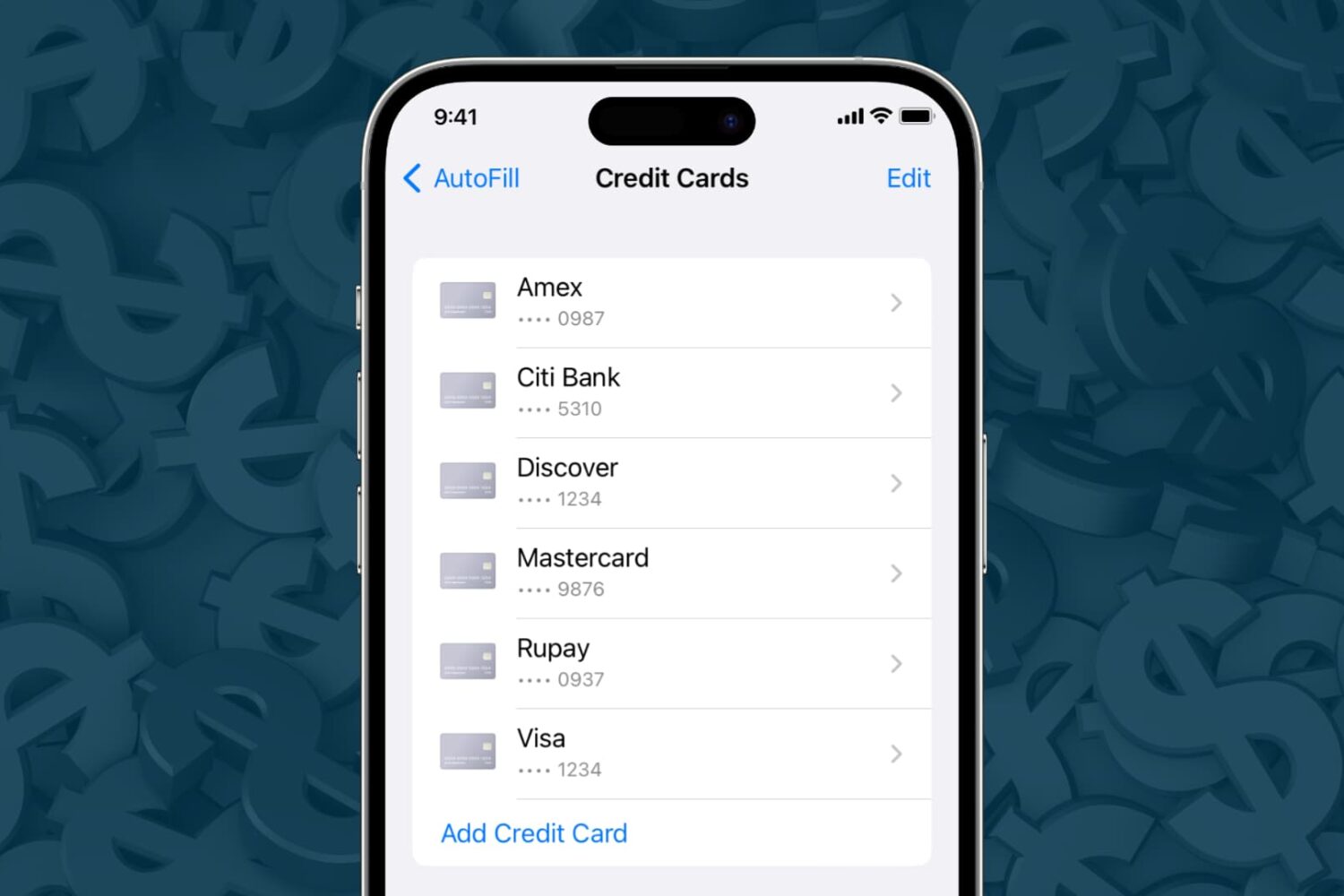
Learn how to securely add, update, and remove saved credit and debit cards for Safari Autofill on your iPhone, iPad, or Mac.
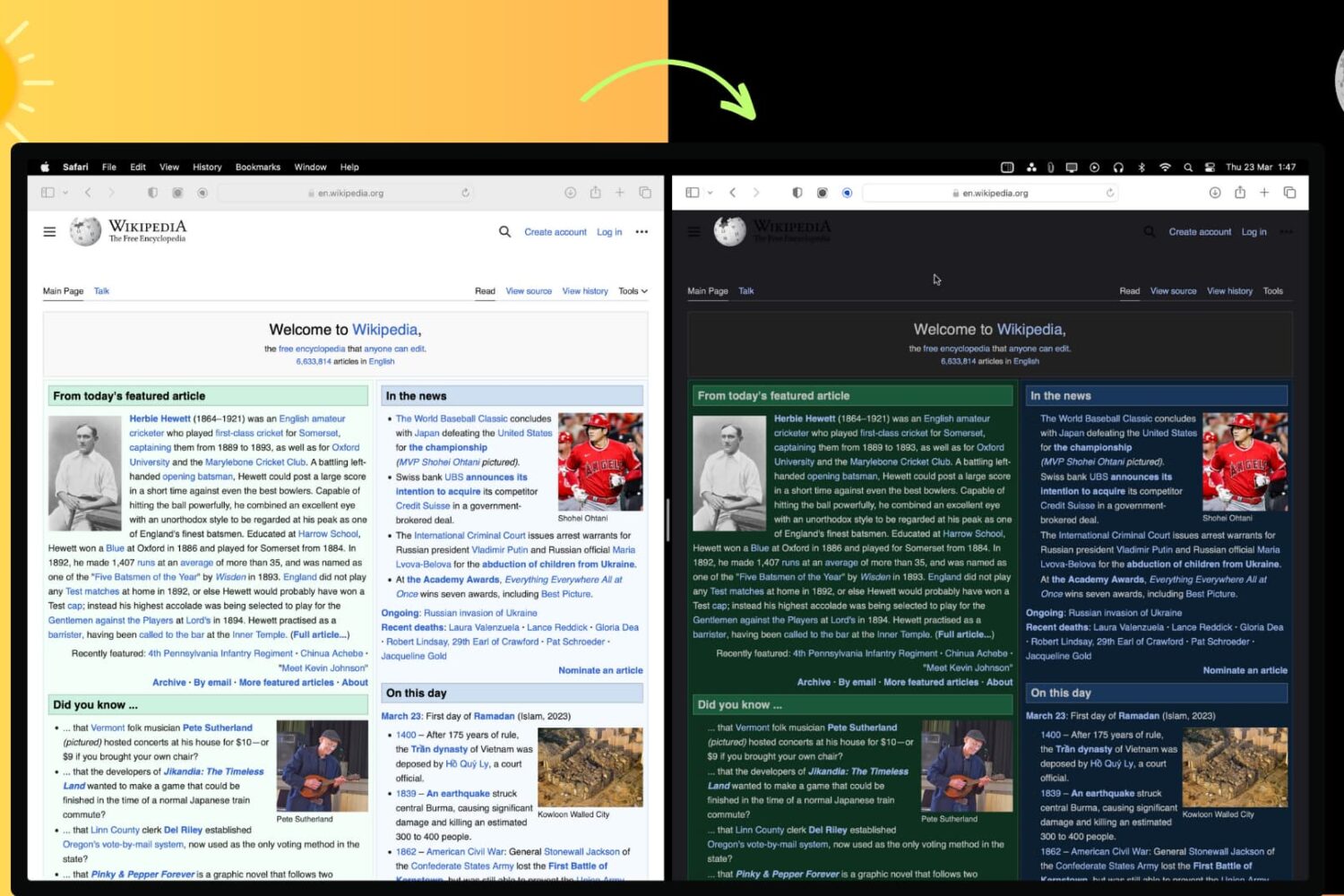
In this article, we'll show you how to use the right browser extensions to enable Dark Mode on every website in Safari, Google Chrome, Edge, Brave, Opera, and Firefox on your Mac or Windows PC.
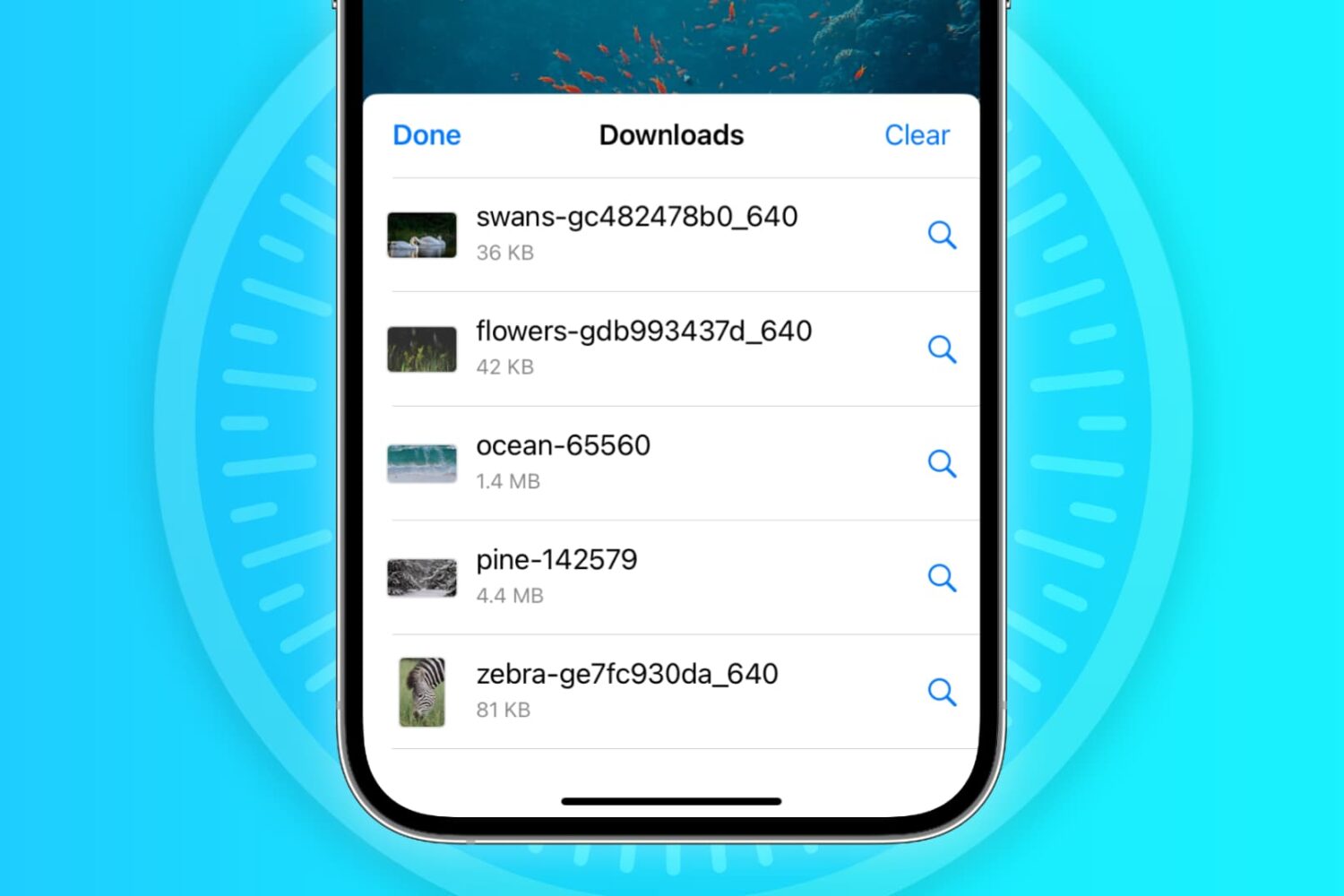
In this troubleshooting guide, we'll explore common reasons why Safari may not be downloading files on your iPhone, iPad, or Mac and provide solutions to help you resume downloading with ease.
Following widespread complaints, the Big Sur update fixes an issue with website favicons not appearing in Safari's Favorites section on macOS.
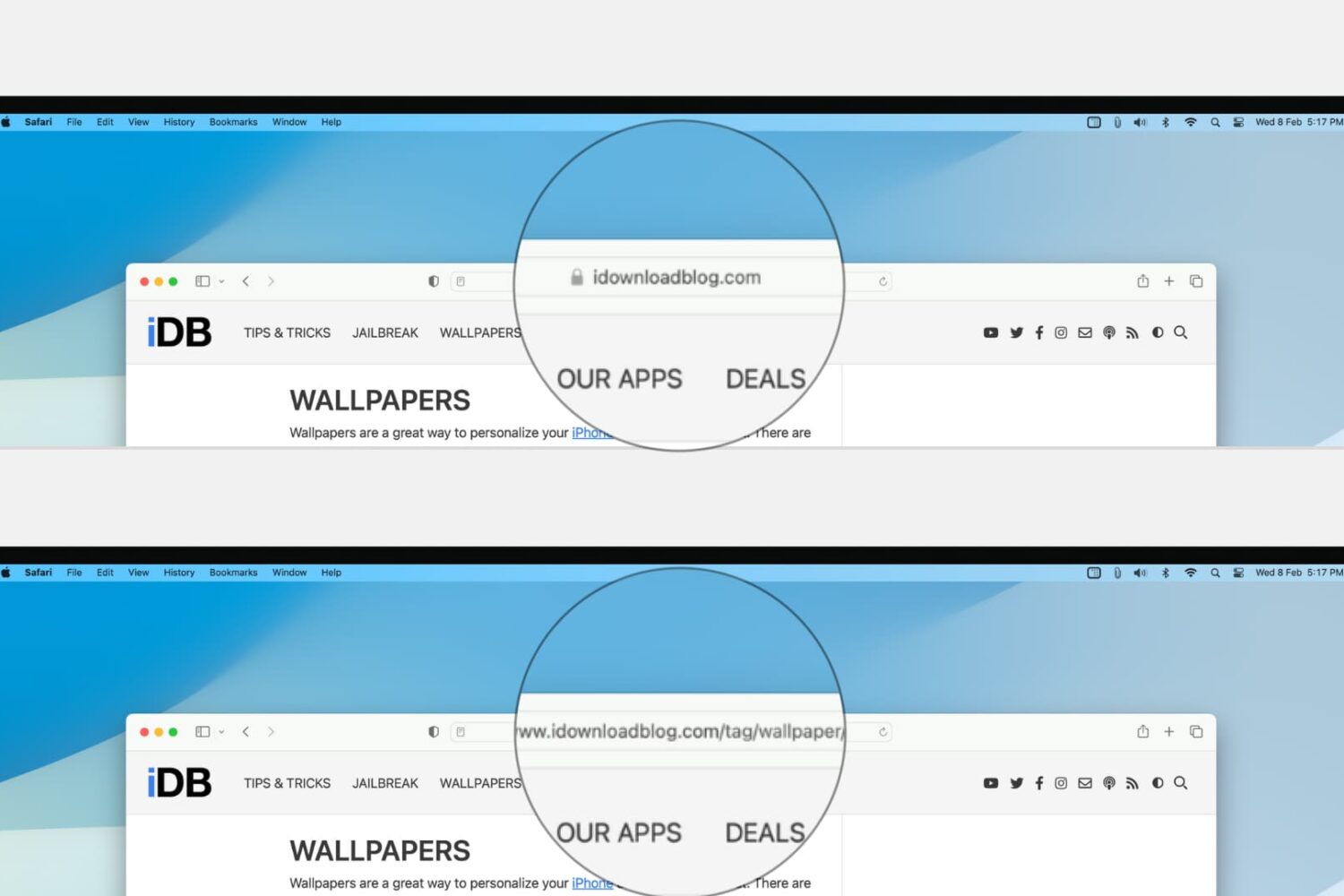
Learn how to configure Safari on your Mac to display the full website URL in the address bar, making it easier to distinguish between open tabs.
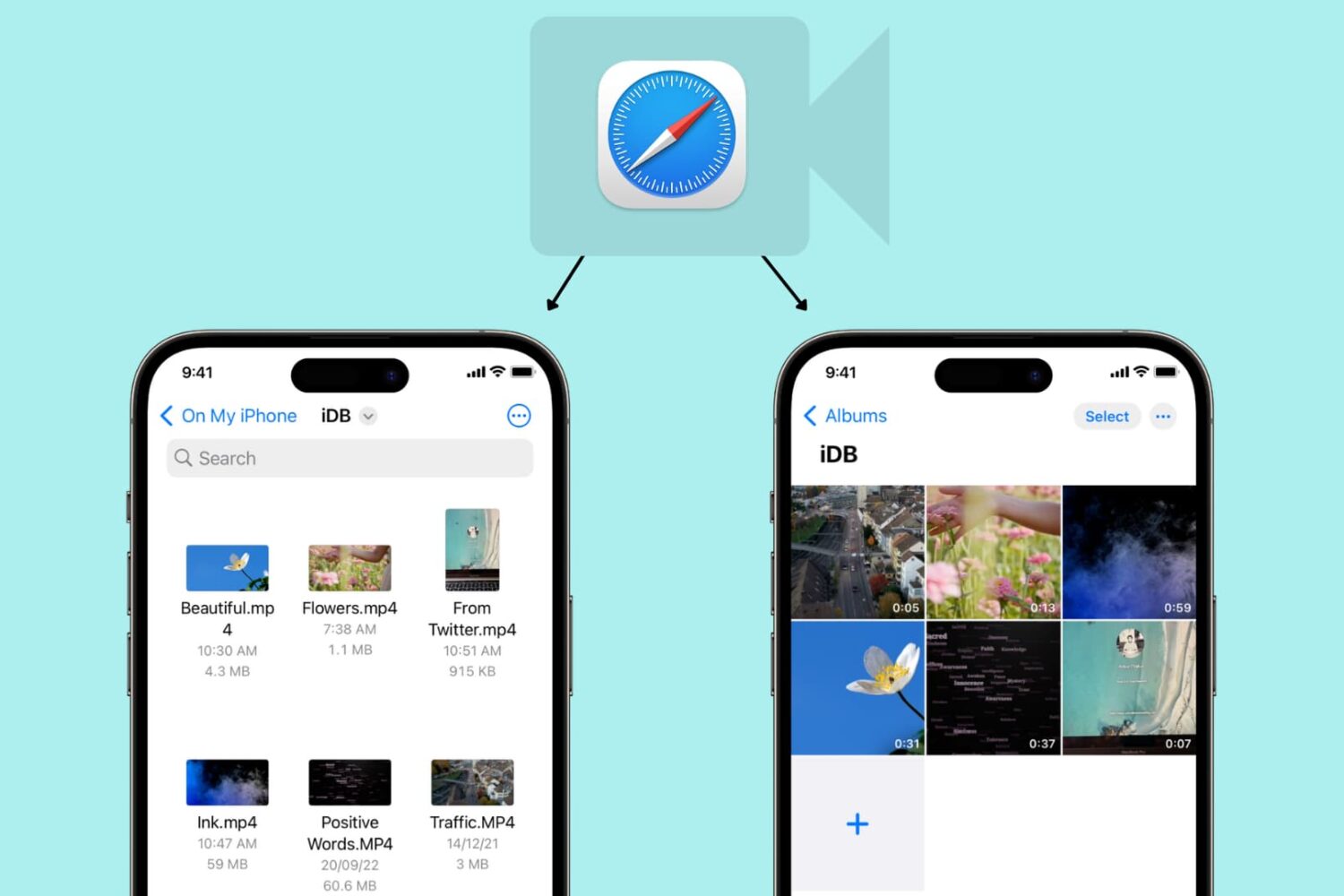
Learn how to use Safari on your iPhone or iPad to download video files directly to the Photos app or Files app for offline viewing.
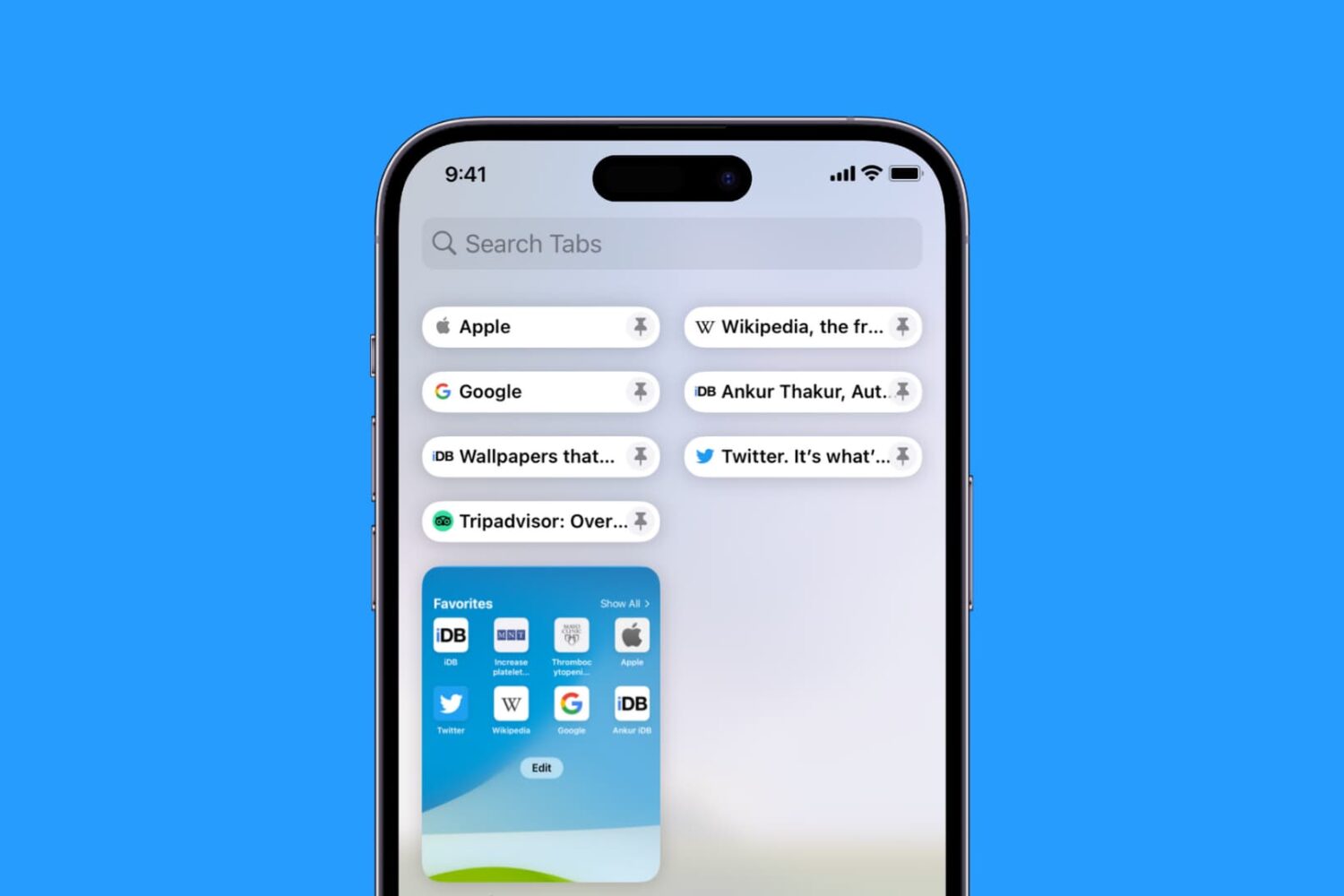
Learn how to pin Safari tabs on your iPhone, iPad, and Mac so that you can quickly get to your favorite websites anytime.

Learn how to translate foreign language words, sentences, or paragraphs and see their definition on your iPhone, iPad, and Mac using built-in tools.
iOS 16 finally allows you to use the Apple Pay payment feature on websites in other browsers like Chrome, Edge and Firefox, not just Safari.
Keep your sensitive information and browsing data safe by ensuring your web browsers are up to date on your iPhone, iPad, and Mac.

Apple is bringing support for AVIF images to the iPhone, iPad and Mac with the upcoming releases of iOS 16, iPadOS 16 and macOS 13 Ventura.
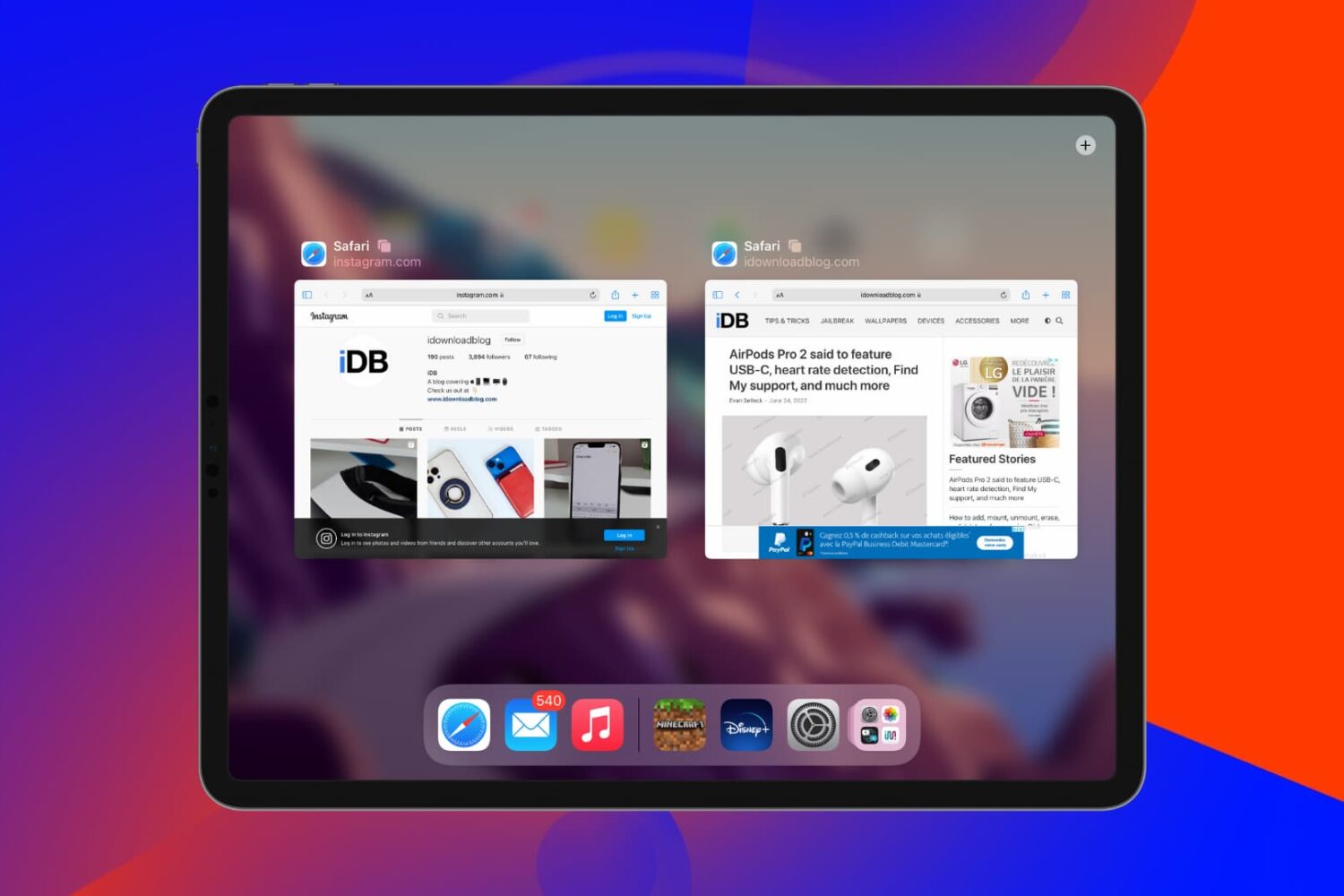
In this tutorial, we'll tell you what to do if you find that open websites and tabs in Safari often go missing on your iPhone or iPad.