Learn how to stop Safari on iPhone, iPad, and Mac from auto-filling your name, address, email, and payment info on websites if you prefer to do it manually or have privacy concerns.
How to disable Safari autofill on iPhone, iPad, and Mac
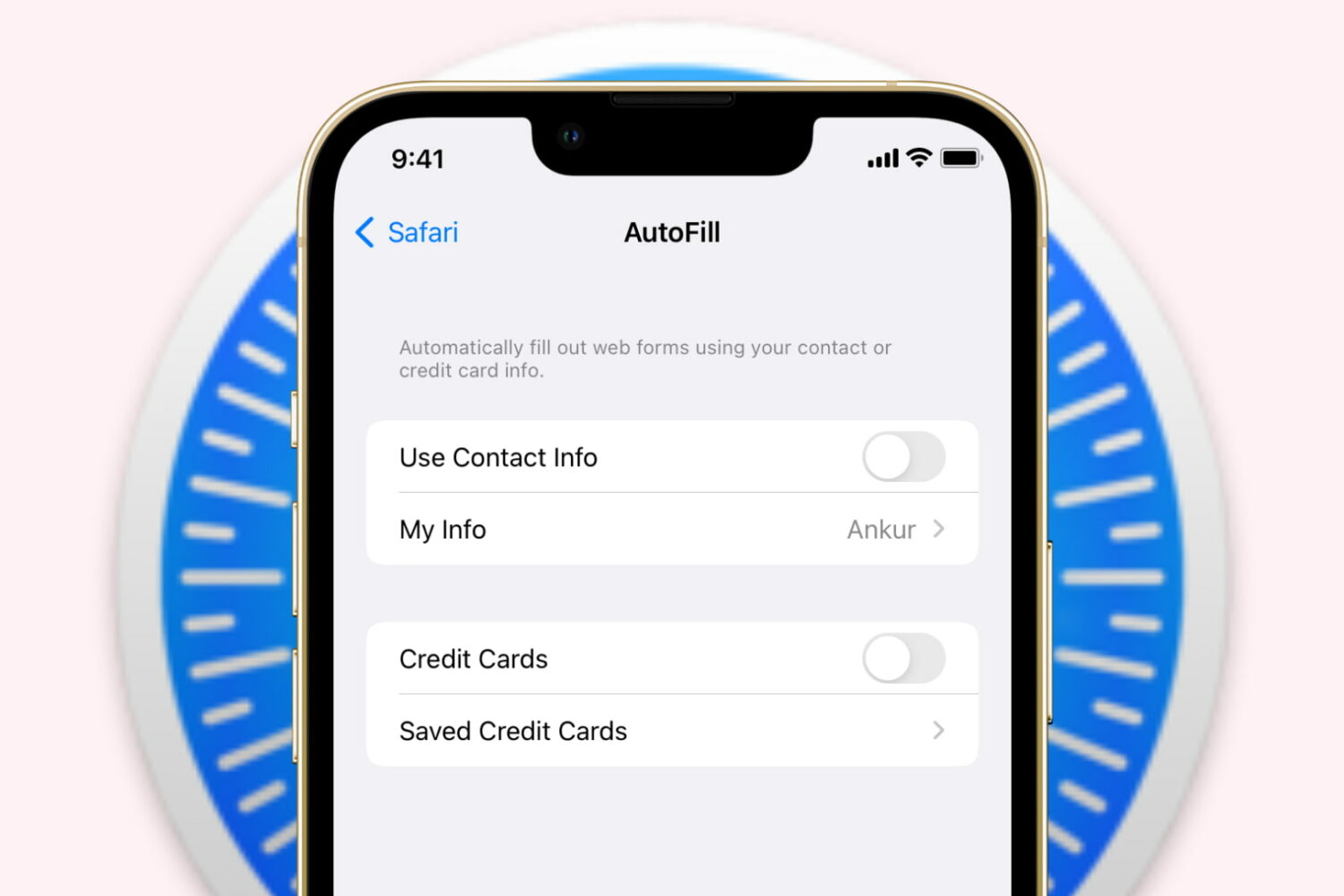
Learn how to stop Safari on iPhone, iPad, and Mac from auto-filling your name, address, email, and payment info on websites if you prefer to do it manually or have privacy concerns.
Apple is implementing ProMotion technology in its own apps, starting with Safari Technology Preview which gained support for 120Hz scrolling on the latest MacBook Pro.

Samsung has unveiled an amazing new feature in its mobile software that appears to ape Apple's most controversial under-the-hood tweak in the company's iOS 15 update: an address bar at the bottom of Safari. Similar to Apple's feature, relocating the URL bar from the top of the interface to the bottom allows for much easier one-handed browsing.
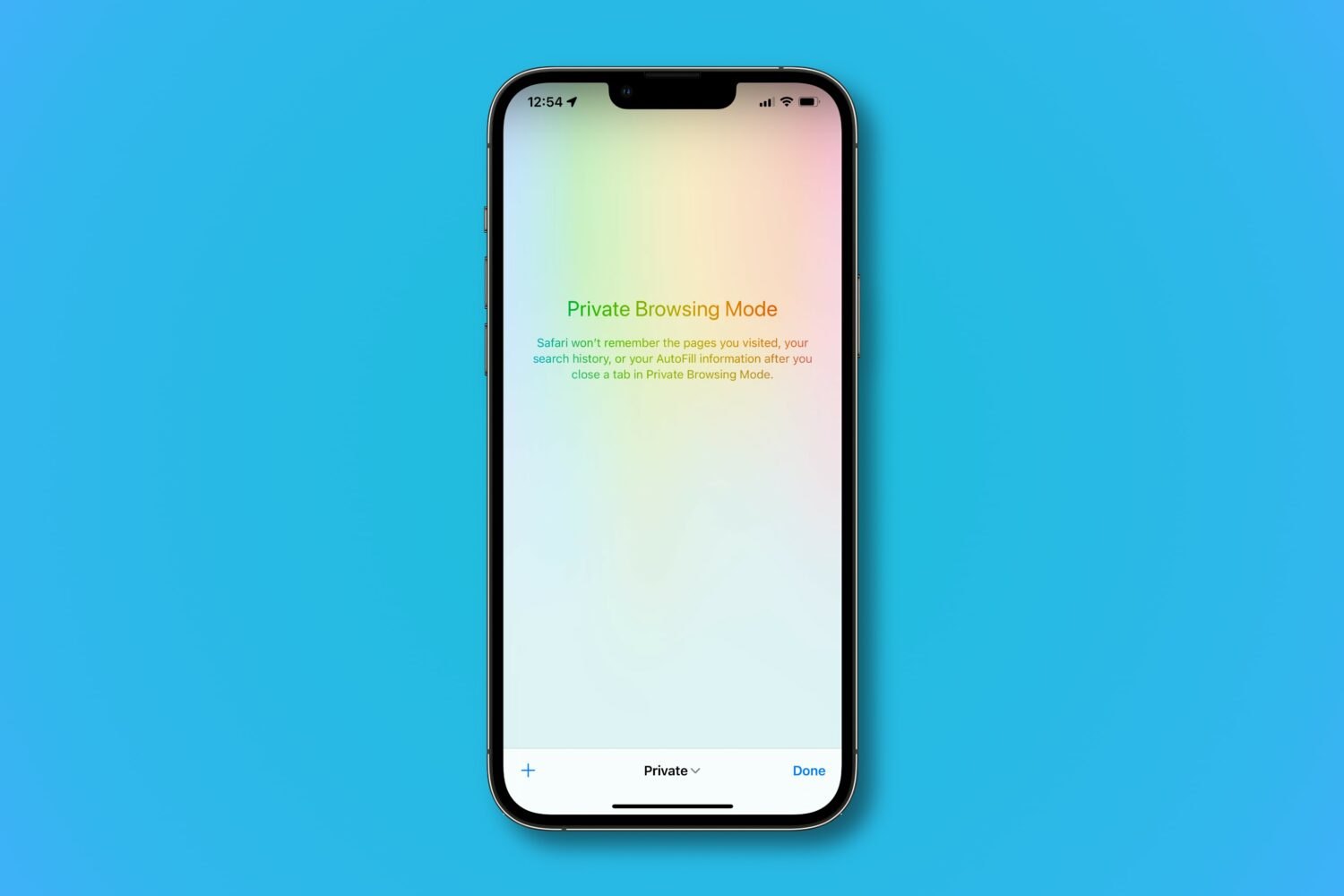
Learn how Safari’s private browsing mode works and how to activate it to surf the web without leaving tracks on your iPhone, iPad, Mac, and Apple Vision Pro.
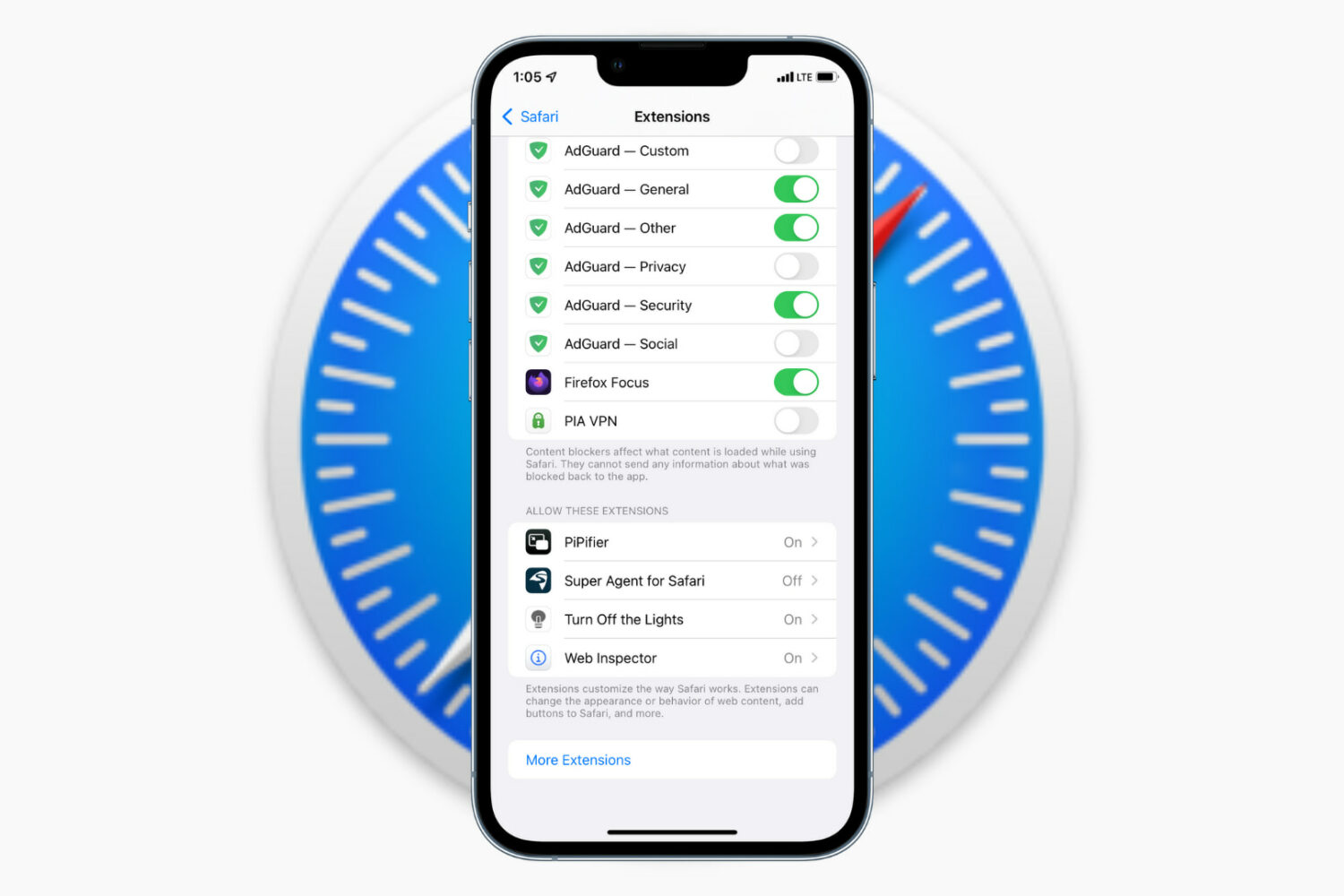
Learn how to install, run, and manage browser extensions to add more capabilities to Safari on your iPhone and iPad.
Extensions are companion software that add extra features to a web browser. For instance, the PiPifier extension lets you play videos in Picture in Picture (PiP), even from websites that do not natively support PiP.
Once you know the basics, you can explore the iOS App Store to find the extensions that seem exciting or useful to you.
Note that we're using an iPhone for these steps, but they also work if you have an iPad.
Install Safari extensionsI'm using the Turn Off the Lights extension to demonstrate the steps below. This handy extension basically dims the web page when you are watching videos on YouTube or other websites (more on it below).
1) Open the Settings app on your iPhone and tap Apps > Safari > Extensions.
Extra info: You can turn on the Share Across Devices switch in Safari settings to have a uniform experience across all your Apple devices.
2) Tap More Extensions and this will open the Safari Extensions page in the iOS App Store. Hit the GET button or the arrow icon to download a Safari extension. It appears just as a regular app.
Note: Some apps can have Safari extension built-in. If you have such an app installed (i.e., PayPal), it will show up automatically on the extensions page.
3) Once the extension is downloaded, go back to Settings > Apps > Safari > Extensions and tap the recently downloaded extension. Now, turn on the Allow Extension switch.
If you have created more than one profile in Safari, turn on the switch next to the profiles where you want it to run. Additionally, you can choose to run the extension even during private browsing.
Optionally, you can open the extension from the iPhone Home Screen and configure its settings if applicable.
4) Now, open Safari, and you should see an extension icon in the address bar. Even if you don't see it, tap the options button (or AA on older versions of iOS) and then tap the extension name. Now, allow it to run for one day or always.
Note: If you installed a content blocker extension, you may not see the extensions icon. To use content blockers, tap the options button (or AA) and choose Turn on Content Blockers or Turn off Content Blockers.
When you don't want to use the extension any longer, tap the options button and hit the extension name to disable it.
Change Safari extension permissionWhen you use a Safari extension for the first time, it may show a popup asking permission to work on that particular web page. You can allow it for one day, always, or don't allow it at all. You can manage this permission by following these simple steps.
1) Go to Settings > Apps > Safari > Extensions and tap the extension name.
2) Tap a website under the Permissions section and set it to allow, deny, or ask your permission the next time you try using this extension in Safari.
Deactivate a Safari extension1) Open the Settings app and tap Apps > Safari > Extensions.
2) Tap the extension name you want to deactivate.
3) Turn off the Allow Extension switch or the switch next to your Safari profile.
4) If you change your mind, follow the same steps to re-enable it.
You can also do this from inside the Safari app by following these steps.
1) Open Safari and tap the options icon (or AA) from the address bar.
2) Tap Manage Extensions.
3) Disable (or enable) the extension switch here and tap Done.
Uninstall and remove Safari extensionsRemoving a Safari extension is the same as deleting a regular iOS app.
1) Touch and hold the Safari extension icon from the iPhone Home Screen or App Library.
2) Tap Remove App > Delete App > Delete.
3) Restart your iPhone.
You can also remove the Safari extension by going to Settings > General > iPhone Storage > extension name > Delete App.
Three Safari extensions I love using on my iPhoneThe Safari Extensions section in the App Store is full of ad blockers, content blockers, adult site blockers, and such. You can explore them all by tapping More Extensions in Safari extensions settings.
Here are three extensions that I have installed and use frequently.
1. PiPifierThis tiny extension called PiPifier lets you enjoy videos in Picture-in-Picture mode, even on websites that do not support it. Super handy!
2. Turn Off the LightsNot all websites have the toggle to enable Dark Mode or support system Dark Mode. On these sites, enabling the Turn Off the Lights extension can be comfortable during the night.
Plus, if you are watching something on YouTube in Safari, Turn Off the Lights will keep the video in focus and dim everything else. It looks pretty nice.
3. AdGuardAs a content creator myself, I typically don't like to use ad blockers. However, some websites take ads to such an annoying level that I have to block ads in order to be able to use the site. If I am ever on such a website, I tap the options icon (or AA) and hit Turn on Content Blockers to eliminate all ads, thanks to AdGuard.
What do you think of Safari extensions on mobile? Let us know using the comments section below.
On a related note:
How to manage Safari extensions on a per-website basis How to install, manage, update, and remove Google Chrome extensions on Mac and Windows PC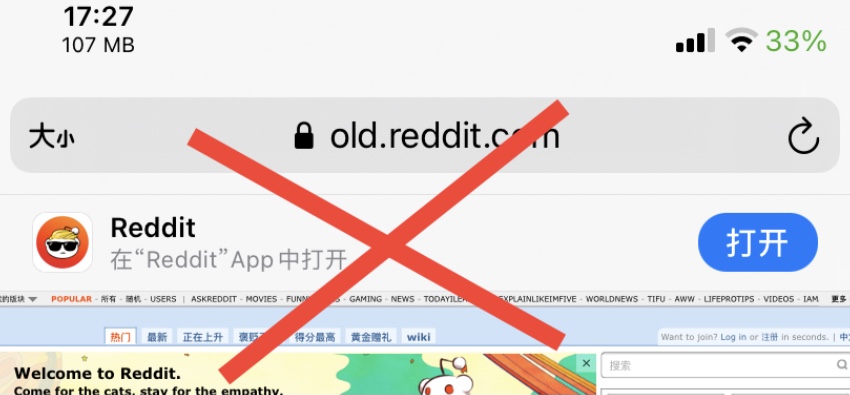
When browsing certain websites in Safari on your iOS device, you’ll sometimes be presented with a banner at the top of the page that urges you to download that website’s dedicated App Store app.
Apple continues to refine Safari tabs on iPad and Mac, with the latest iPadOS and macOS betas reverting to the old design with proper styling, spacers between tabs and no color matching.
Apple has relocated Safari's favorites section in the latest betas of iPadOS and macOS, putting it back right above the tab bar where it used to be before the controversial redesign.
Safari 15 for Mac ships with controversial changes that include a counterintuitive design for the active tab which makes distinguishing between it and any inactive tabs a lot harder than it ever should be. It's so broken that someone felt compelled enough to write a Safari extension that updates tab appearance to help people actually tell which tab is active.
Apple has boosted the security and privacy of iCloud services further by switching end-to-end encryption for Safari bookmarks, preventing anyone but you from accessing them.
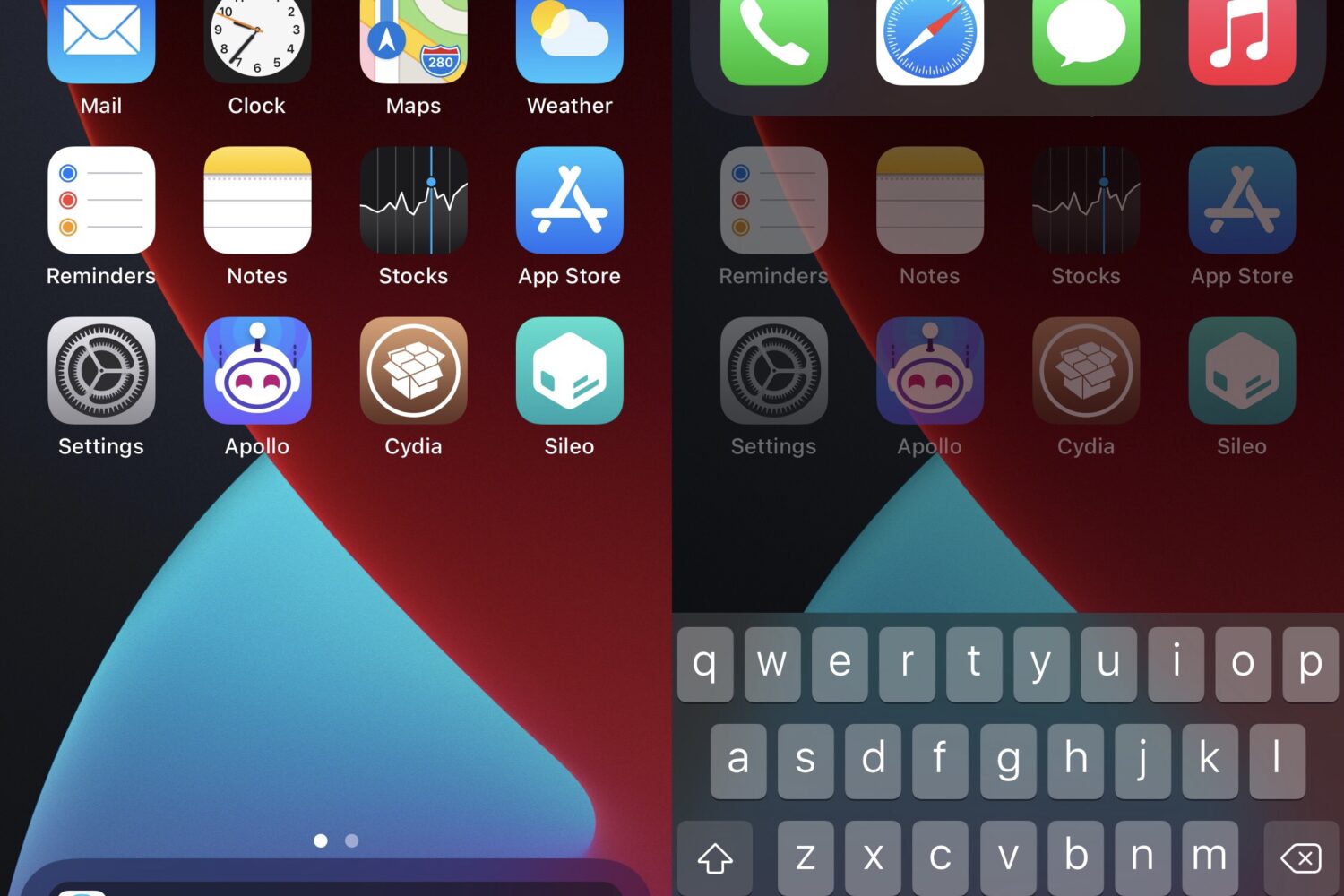
Anyone that searches the web all the time will find value in something that can make that job easier, and that’s just one reason why a newly released jailbreak tweak called DockSearch by iOS developer ginsudev could be of interest; especially if this unique categorization applies to you.
In this guide, we'll show you which settings to tweak so the Safari browser on your iPhone or iPad reverts to its old design, i.e., the look it had a few years back!