Review

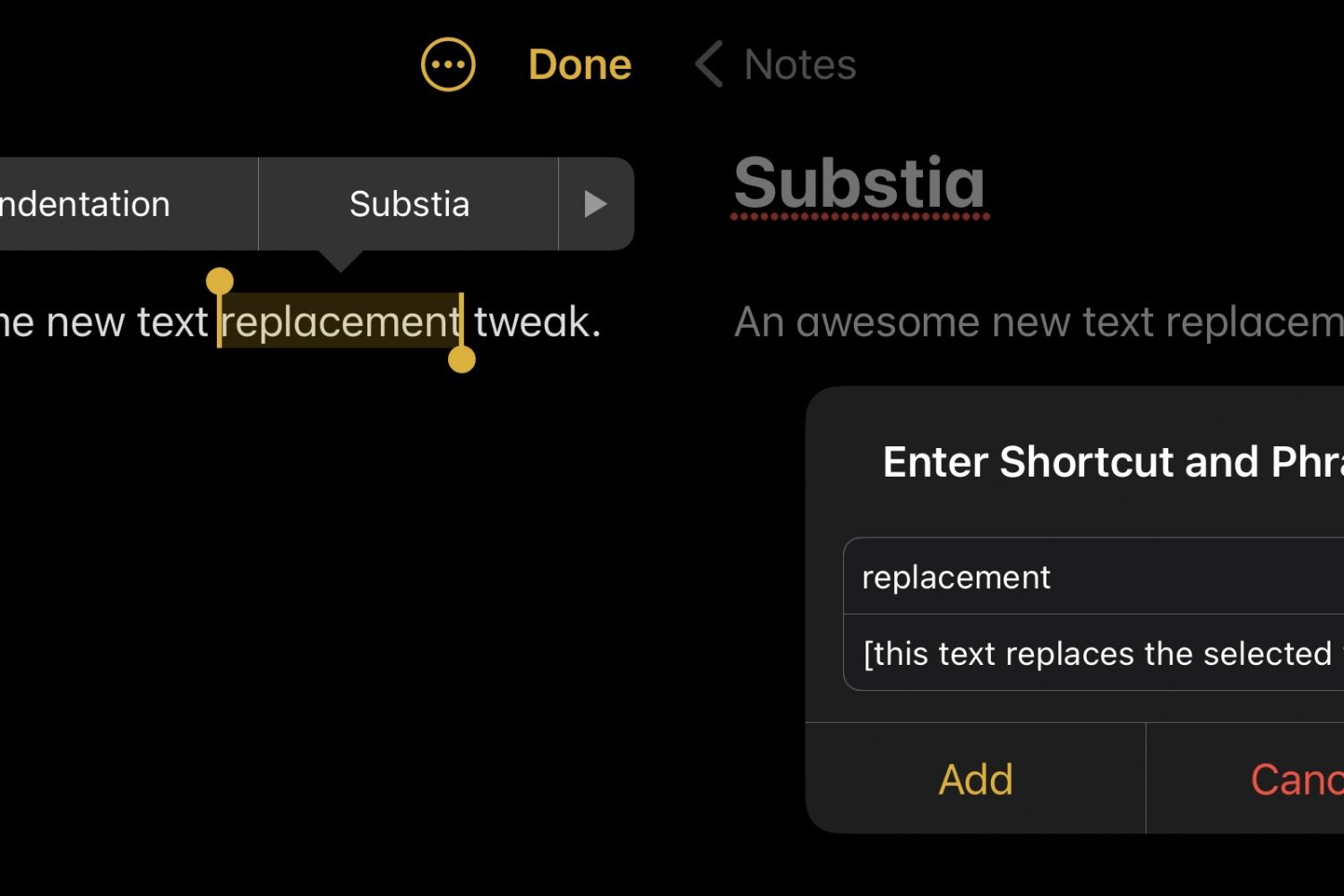
Substia upgrades iOS’ text replacement feature, making it more accessible

Shortcuts that help you do things with less effort can be a godsend, especially when it comes to being productive on a small and often cramped device like an iPhone.

That’s one of the reasons why I enjoy taking full advantage of iOS’ Text Replacement feature whenever I can. The only problem with it is that you’ll find yourself inconveniently navigating to Settings → General → Keyboard → Text Replacement to manage (add or remove) your text shortcuts.

This tweak adds the Magnifier app to any jailbroken iPhone’s Home Screen like iOS 15

All iPhones incorporate a magnifier interface that can enlarge things for the hard at seeing. It tends to be useful for getting a closer look at fine text on a sheet of paper such as a book or shopping receipt.

In iOS 14 and earlier, the Magnifier interface can be summoned via accessibility using Control Center or a manually planted Home Screen icon. However starting with iOS 15, the Magnifier interface debuts as a standalone app on the Home Screen right out of the box.

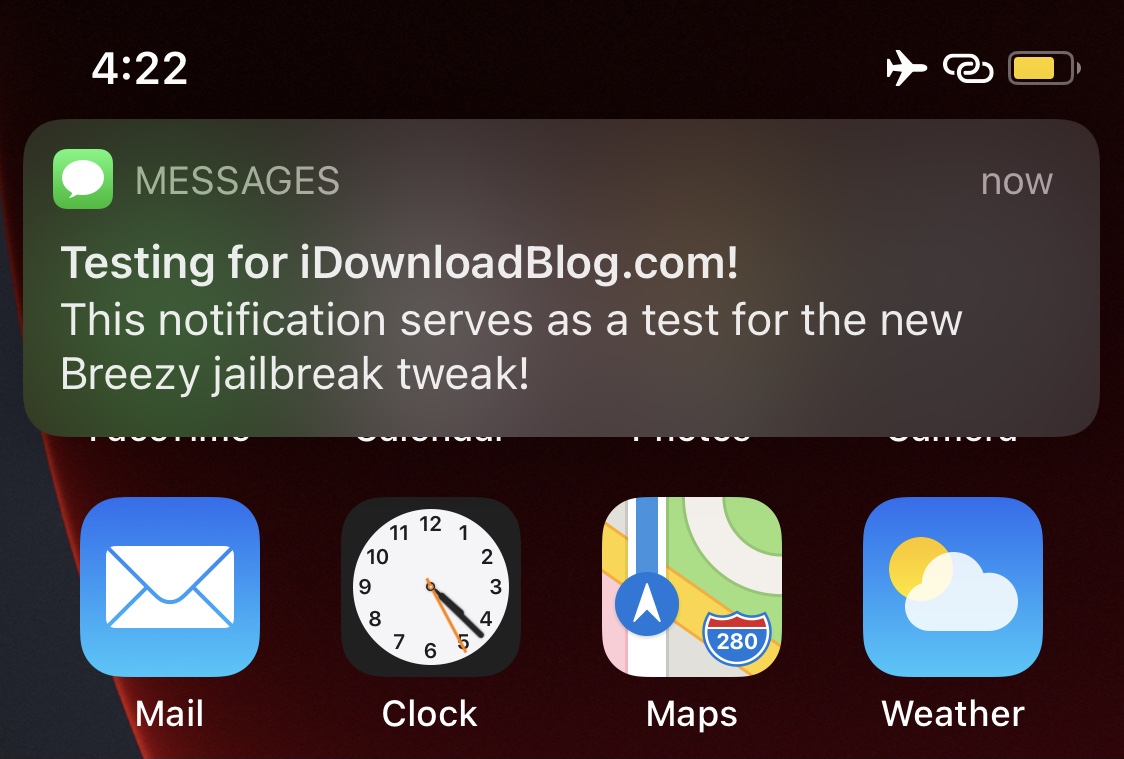
Invoke a fake notification to get out of a pinch with Breezy

Most people can relate to being involved in one of those awkward social situations where they just can’t wait to get up and leave, but they don’t have a good reason to and don’t want to come off as rude.

Having said that, a newly released and free jailbreak tweak called Breezy by titand3v can offer assistance in this department, as it lets you create fake, yet convincing notifications that can make it look like you’re needed somewhere else.

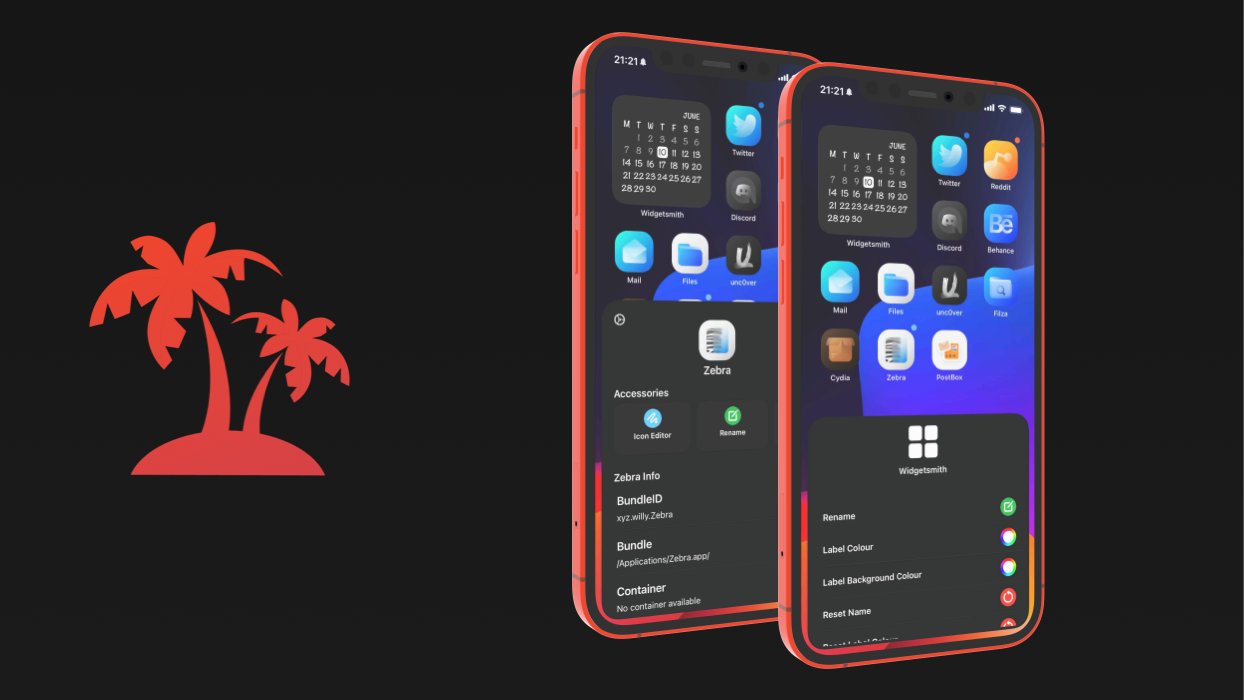
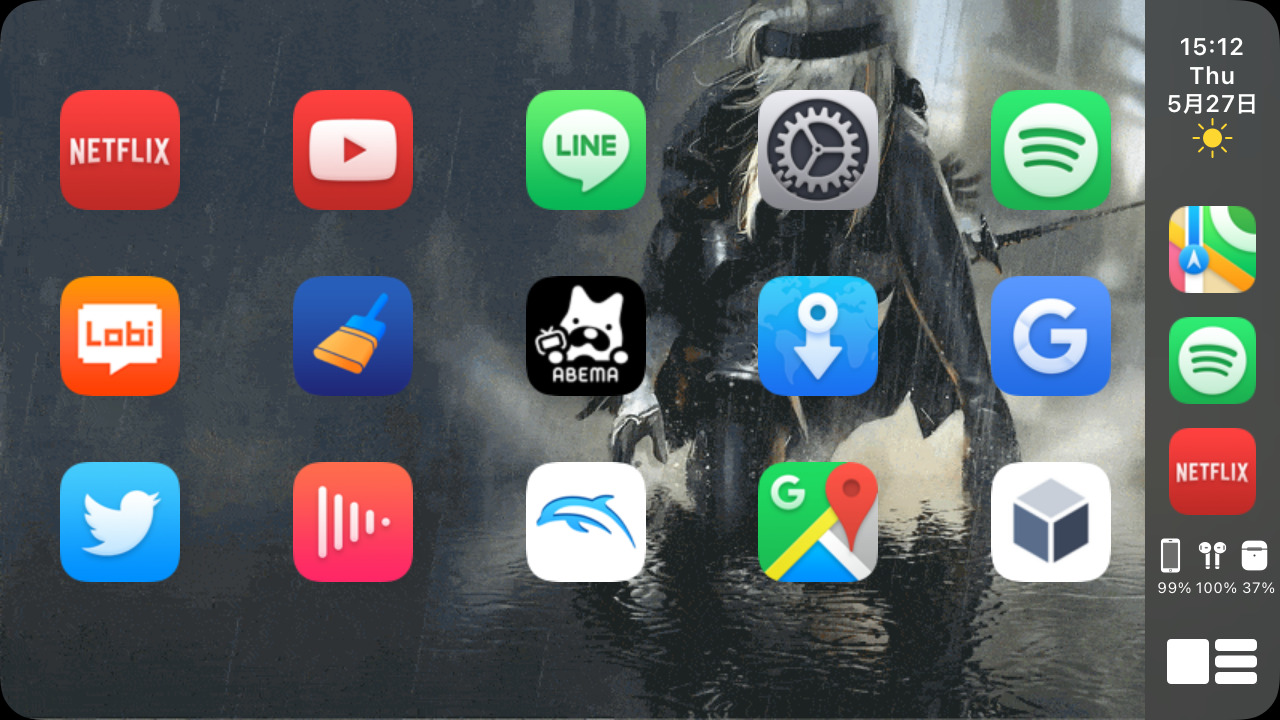
Jailbreakers can achieve the Home Screen of their dreams with Paradise

If you’re looking to accomplish a custom Home Screen setup on your iPhone or iPad, then your typical options include shifting app icons to different pages or organizing them into folders. You’d be hard-pressed to customize much else, as Apple doesn’t offer many other options.

This apparent shortcoming has left the jailbreak community to do what it does best: break down Apple’s unfortunate customizability barriers by offering end users a slew of options for achieving unique Home Screen aesthetics that no one else will have – especially not those using stock, non-jailbroken handsets.

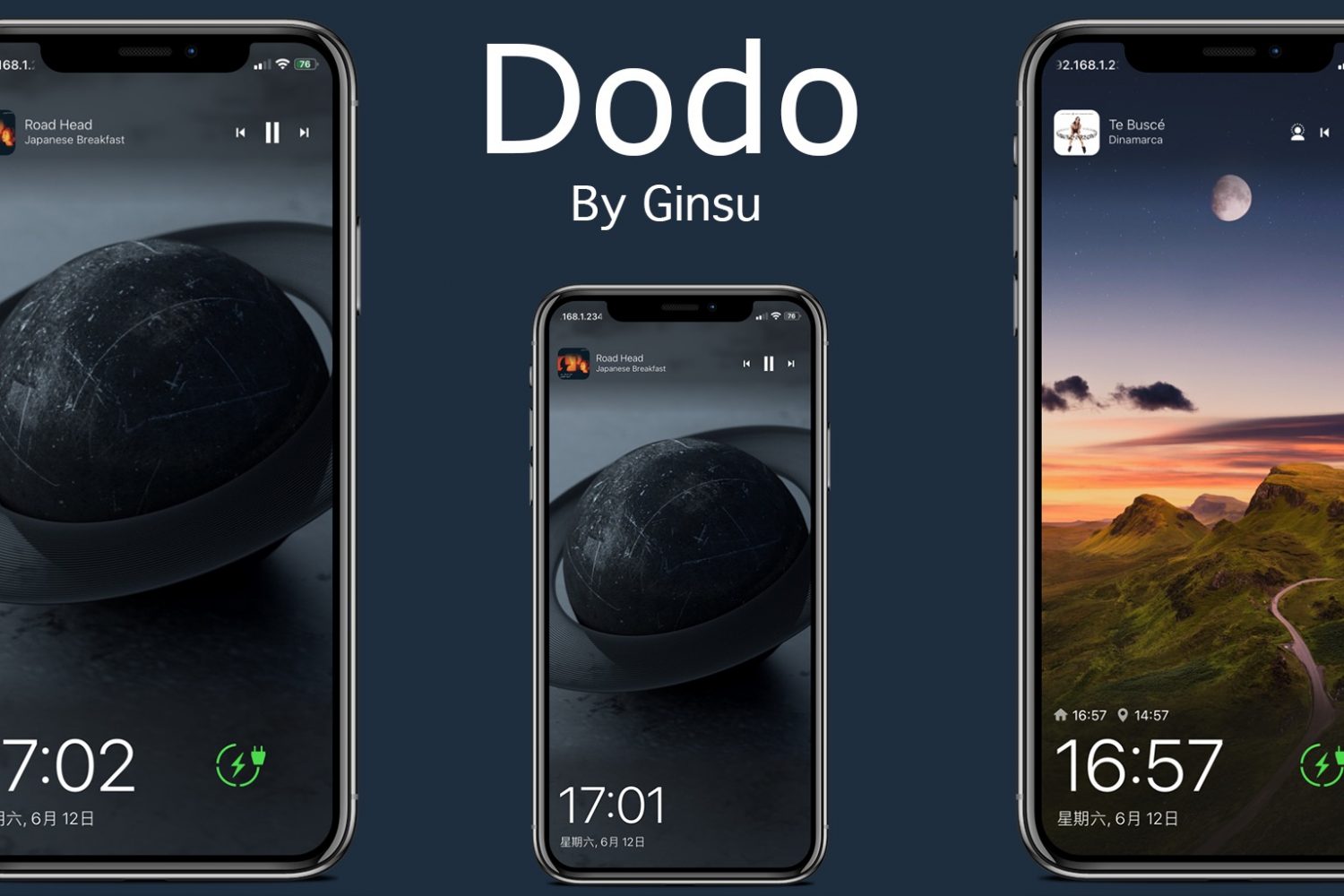
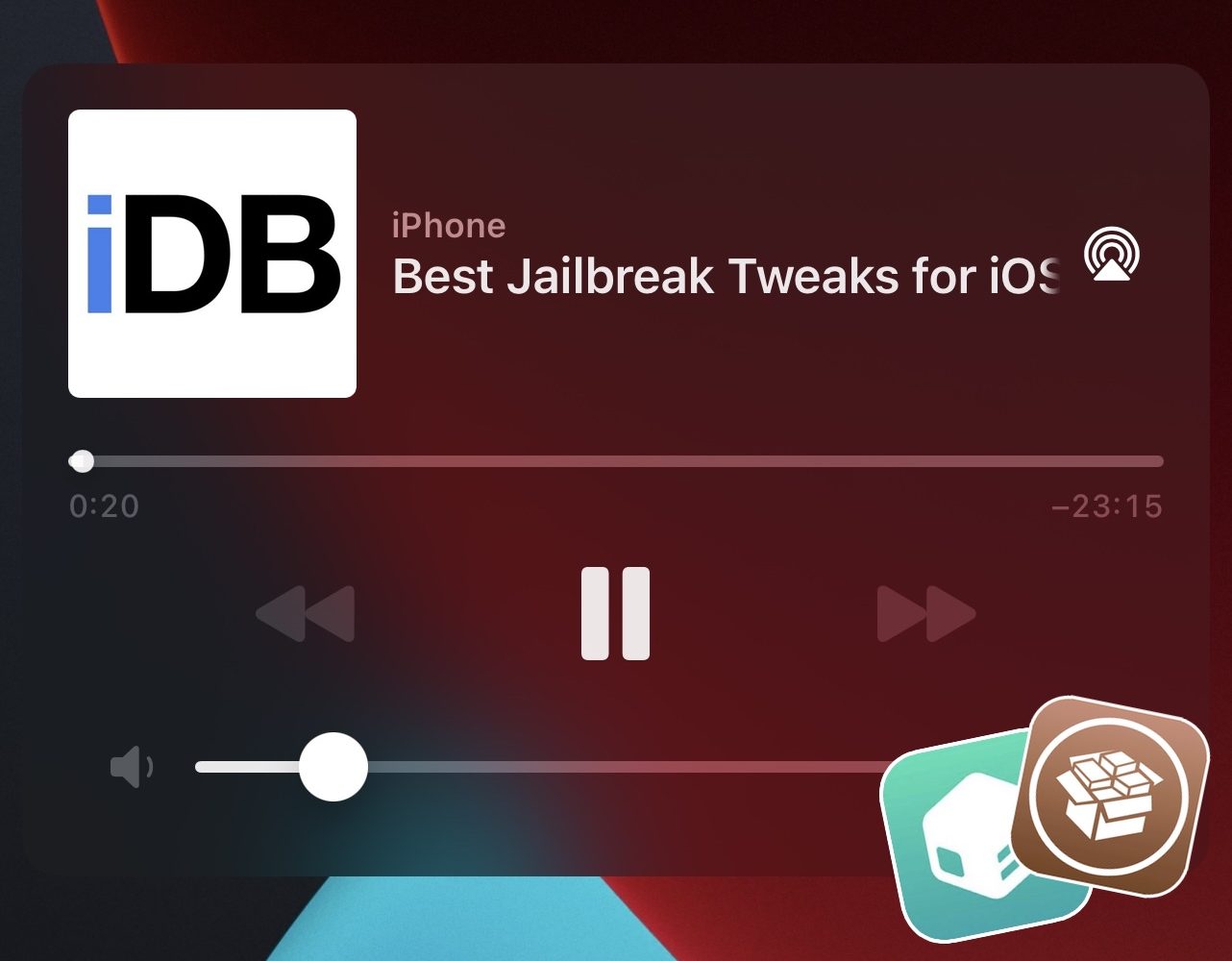
Some of the best jailbreak tweaks for iOS 14’s Now Playing interface

Continuing our unrelenting coverage of jailbreak tweak releases and pwnage news at iDownloadBlog, we’re coming back at you this week with yet another addition to our new micro series of posts showcasing some of the best jailbreak tweaks for personalizing a particular component of the iOS 14 mobile operating system.

We’ve already dove into the likes of Control Center and the Messages app, but this week we’ll be focusing on the Music component of pwned handsets by showcasing some of the best jailbreak tweaks for iOS 14’s Now Playing interface.

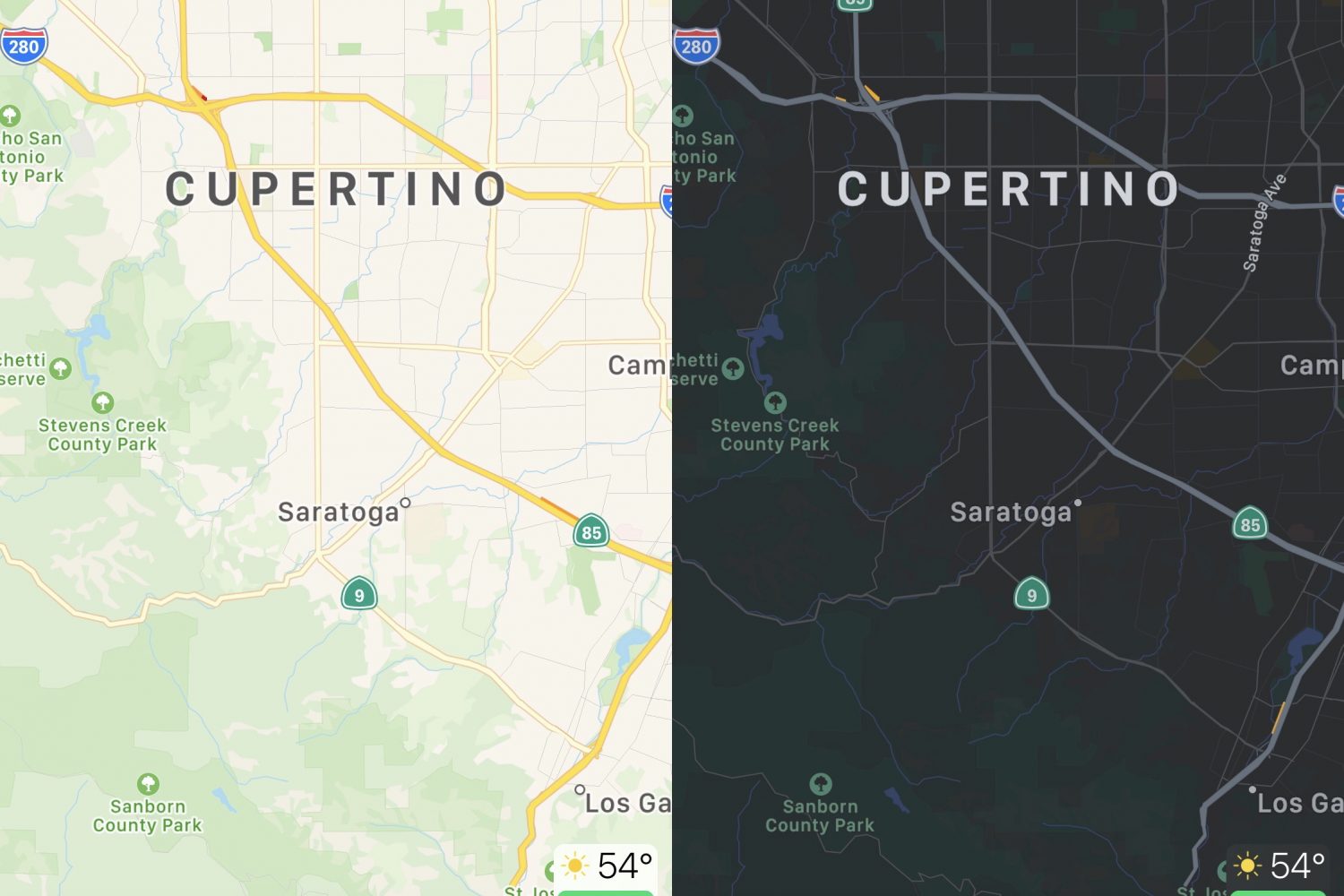
Dark Maps forces dark mode in Apple Maps at all times

The Apple Maps app is designed to display maps in light or dark mode based on one of two different circumstances; 1) the user’s system light or dark mode setting, and 2) the time of day it is.

Wouldn’t it be nice, however, if the app allowed you to choose between light or dark mode all the time without having to switch your system light or dark mode setting and without having to wait for a specific time of the day? If you answered yes, then you’re in for a treat.

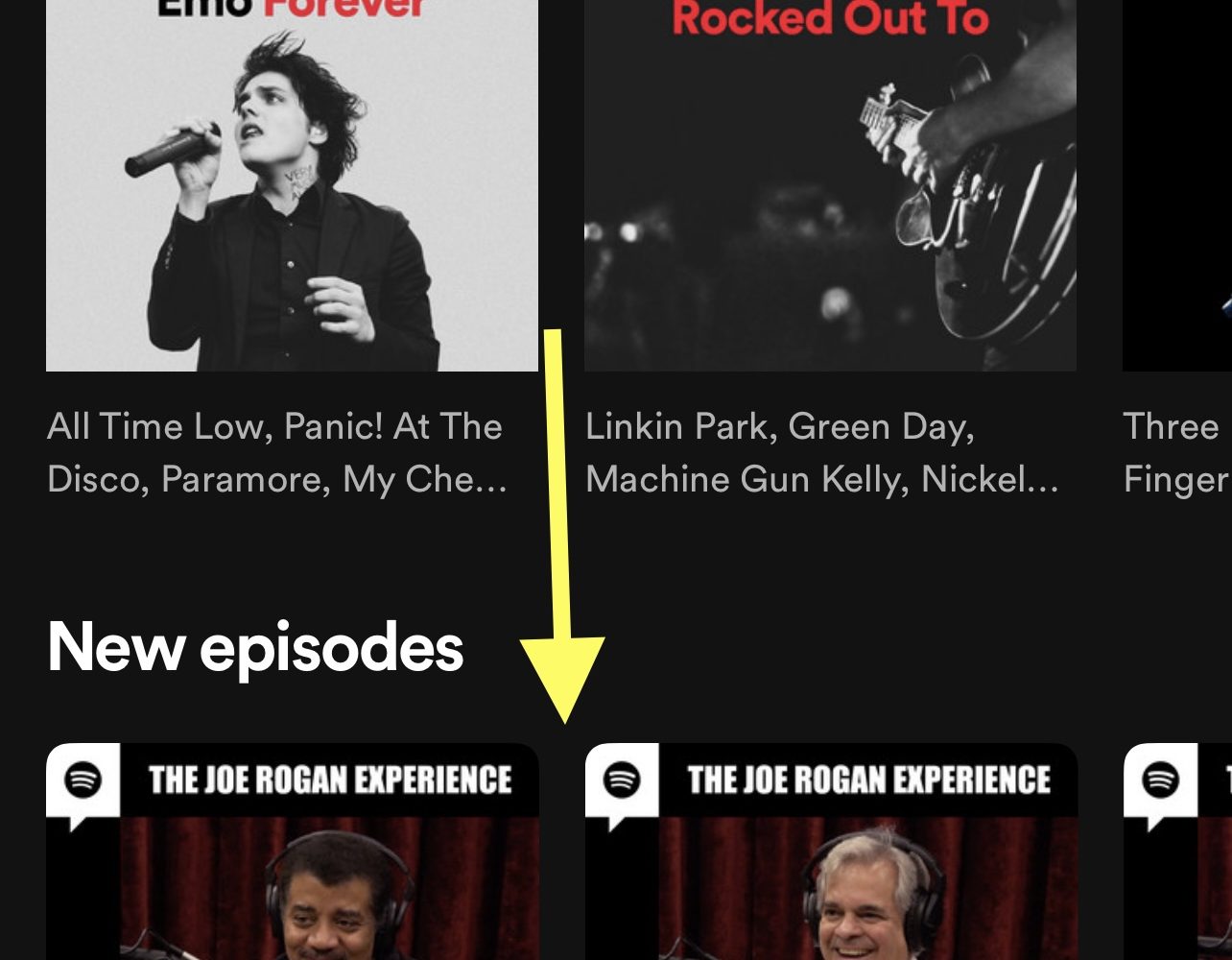
This tweak hides podcasts from the Spotify app

Despite the fact that Apple Music ships natively on all of Apple’s iPhones and iPads, many users still flock to Spotify as their go-to media streaming service.

One thing users have noticed as of late is that Spotify has been investing heavily in the podcast space despite originally being a music streaming platform. This is wonderful news for podcast listeners, but to those who lack interest in podcasts, it’s nothing but extra clutter in an otherwise great app.