Review

FancyCam review: use real-time filters for great photos

Now that the holiday season is underway, many of us are going to be snapping shots of friends and family in various mistletoe-related poses, package-opening frenzies, and food coma portraits. To add a little extra fun to your picture-taking season, you can take advantage of photography apps with filters.

FancyCam is a real-time filter app that lets you pick the look you want before you take the shot. Plus, you can edit, collage, and doodle your way to the perfect holiday pictures…
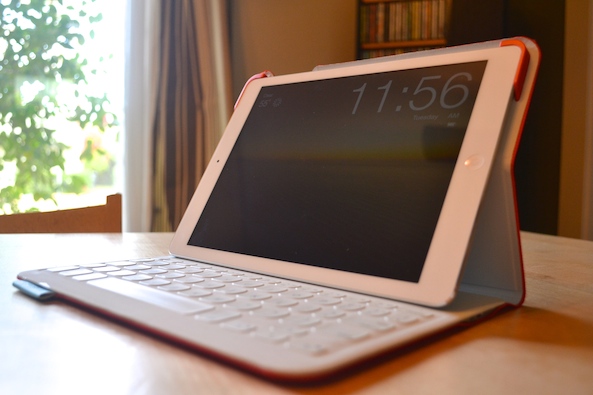
Logitech FabricSkin Keyboard Folio review: a thin, light and classy keyboard for iPad Air

Now that Apple has finally updated its full-sized tablet with completely new dimensions, iPad Air owners are forced to update their cases, covers, and sleeves, too. I have been using the same Solar Keyboard Folio from Logitech since 2011.

Luckily, Logitech has recently revamped their line of keyboards, folios and cases to fit the thinner iPad Air. The FabricSkin Keyboard Folio for iPad Air has been updated with more than just different dimensions. The case has been redesigned to be thinner, lighter and easier to use. Read on for our review of the Logitech FabricSkin Keyboard Folio for iPad...

Slope review: magical tablet stand for Apple’s magical iPad

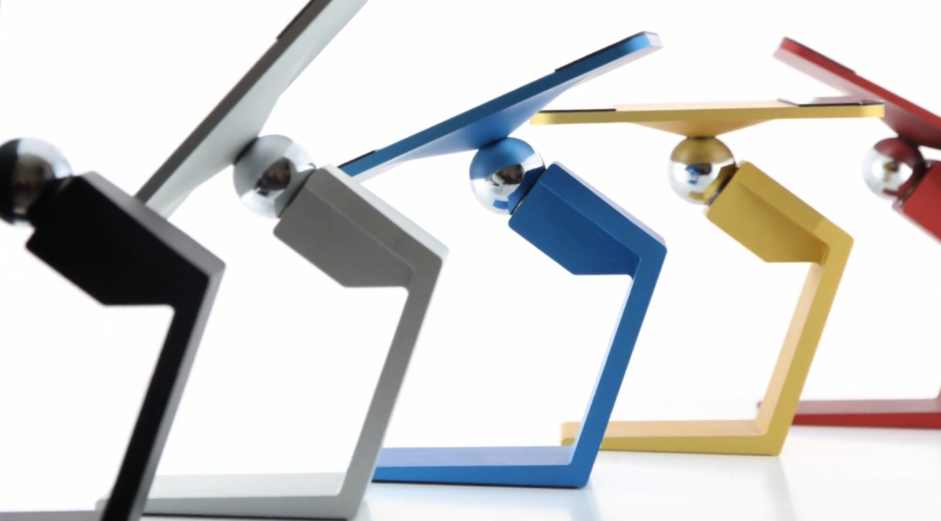
Following a round of a successful Kickstarter campaign I wrote about a year ago, the wonderful Slope iPad stand finally went on sale in early-November. Without sounding melodramatic, this is hands down one of the very finest tablet stands I have ever seen or tried.

A brainchild of Chicago-based designer Erik Kittlaus, the aluminum-clad Slope is wonderfully minimalistic. It resembles the base of an iMac stand and suspends your tablet mid-air using innovative technology which requires no moving parts.

Erik was kind enough to ship a review sample over. Having played with my Slope for the past week or so, I fell in love tremendously with it, so much so that it's quickly replaced Ozaki's iCarry Excavator as my primary iPad stand. Read my full review right below...

Yoink is an awesome drag and drop utility for the Mac

Sometimes dragging and dropping items between multiple windows and full screen apps and folders can be challenging. But dragging and dropping doesn’t have to be a tedious or perplexing task. One of my favorite utilities for the Mac is called Yoink, and it allows you to simplify the process of dragging and dropping on OS X.

Its description in the Mac App Store states that Yoink simplifies drag and drop between windows, apps, spaces and fullscreen apps. As a long time user of the tool, I can vouch for developer Matthias Gansringler’s description. As you’ll see in the video walkthrough that follows, Yoink is one of those apps that you don’t realize you need until you see it in action. Have a look inside for the full walkthrough.

iTV Shows 3 lets you track your favorite TV shows in style

For some people, watching television is a ritual that cannot be disrupted. I have a few friends that won’t even go out on certain nights because they don’t want to miss their shows. Keeping track of past and future episodes can be a daunting task if you are an avid TV viewer.

iTV Shows 3 is a powerful TV tracker that uses multiple comprehensive databases to help you keep a schedule of shows you want to watch. Plus, TV tracking has never looked so good with this interface…

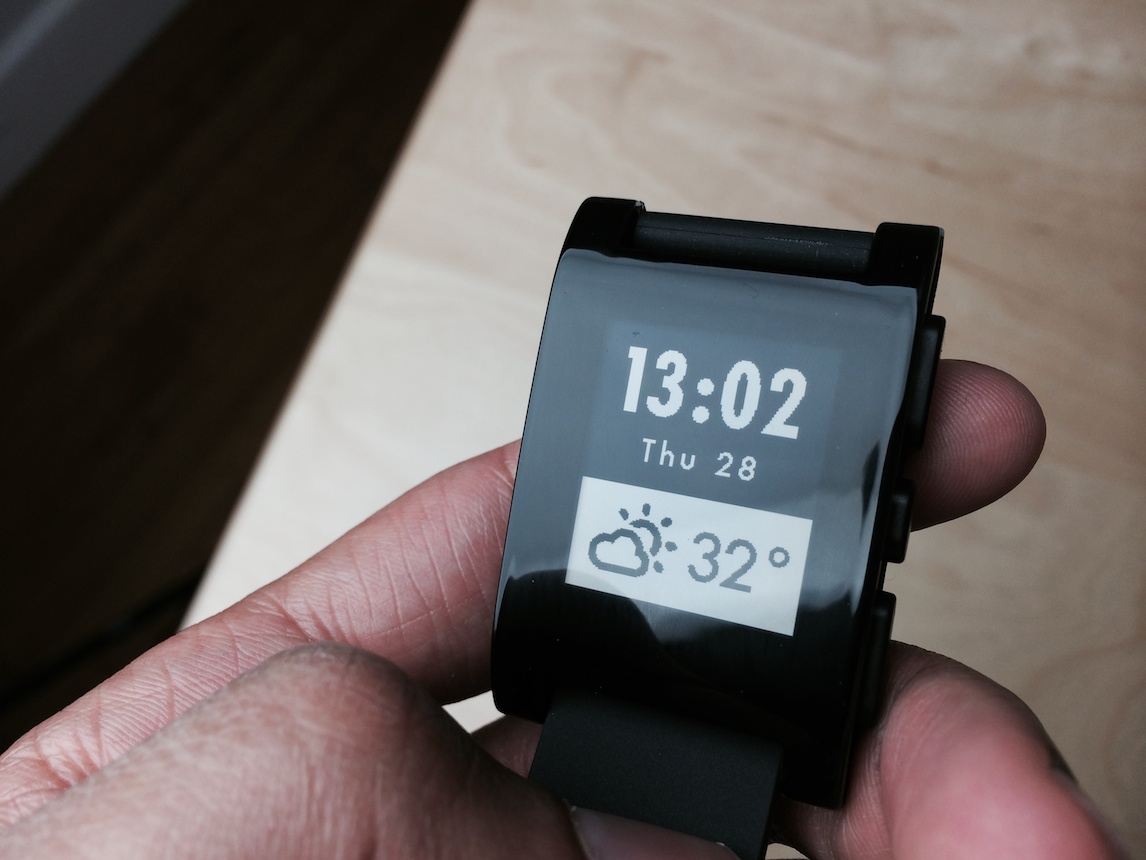
Pebble Smartwatch: some thoughts on why the smart watch is here to stay

Believe it or not, but Monday marked my first hands-on experience with the Pebble Smartwatch. I’ve striven to avoid the product all of these months, because I figured that Apple would eventually get around to making a “real” smart watch.

Apple still might do that, but its time table hasn’t aligned with the expectations of the tech blogging industry, mine included. Apple never said that it was working on a wearable, so it’s really our fault for creating such expectations.

In the meantime, the Pebble Smartwatch and its SDK have had plenty of time to marinate and mature. The latest update to Pebble’s software brings with it systemwide notifications, and there’s no hacking or jailbreaking needed to do that. In the eyes of many, that’s enough to make the Pebble Smartwatch worthy of serious consideration, and I tend to agree.

Songkick Concerts lets you know when your favorite bands are playing in town

I love watching live music. At least once per week, you will find me at a local music venue, bopping (or moshing) to one of my friend’s bands. I am always searching the web to find out when cool concerts are coming up.

Songkick Concerts is a music app that searches your iPhone’s song library, and then shows you when and where your favorite bands are playing next. It's a great way to keep track of the artists you like and easily be alerted when they're playing somewhere near you...

MiStand is a simple and functional stand for your device

iPad stands and docks are a great way to store and use the device without personally holding it. One of my favorite iOS device accessories, there are many stands and docks laying around on my desks, so many, I even let my friends borrow them on occasion. With a dedicated work station in my home office, I like viewing my devices in an upright position. It is simply easier to watch for notifications without picking up the device to look at the screen. Stands also keep my devices off dusty surfaces like the coffee table, book shelves or kitchen counter.

Anywhere I sit or stand for more than 10 to 15 minutes has an iOS device stand. The living room book shelves and side tables, kitchen counter, office desk, and sometimes my night stand all have device stands or docks. In an effort of generosity, even the guest bedroom has a charging alarm/clock/iPhone dock. All of my rambling is to say, I am quite well versed in the dock arena and MiStand by Mi is quite impressively giving all former stands a challenge for my top spot...

Strand review: stretch and bend your lines to connect the dots

Around this time of the year, we start to get too busy to spend too much time siting in front of our favorite video game, yet we still find ourselves standing in line doing nothing for extended periods of time. During the holiday season, casual games are a must-have for a gamer’s mobile device.

Strand is a casual puzzle game that is simple enough to not occupy too much of your brain, but complex enough to keep you coming back for more...

EPOCH.2 review: shoot and cover in a robot apocalypse

Games with extraordinary graphics, mechanics, and overall design don’t come around all that often in the App Store. The time and effort that goes into making an epic game is worth more than $0.99, which is what most consumers want to pay for an iOS game.

EPOCH.2 is a cover system game that features rich 3-D graphics, a deeply involved storyline, and lots and lots of shooting…

Tilt to Live 2: Redonkulous review – it really is redonkulous

A good, fast-paced arcade style game is hard to find in the sea of hundreds of thousands of titles that fill the App Store. When a really good one does come out, it usually rises to the top.

Tilt to Live 2: Redonkulous is one of those sweet gems that offer you a fast-paced gaming experience that will put your skills and reaction time to the test. It’s so hard, it’s redonkulous…

Review: iPad mini Smart Case

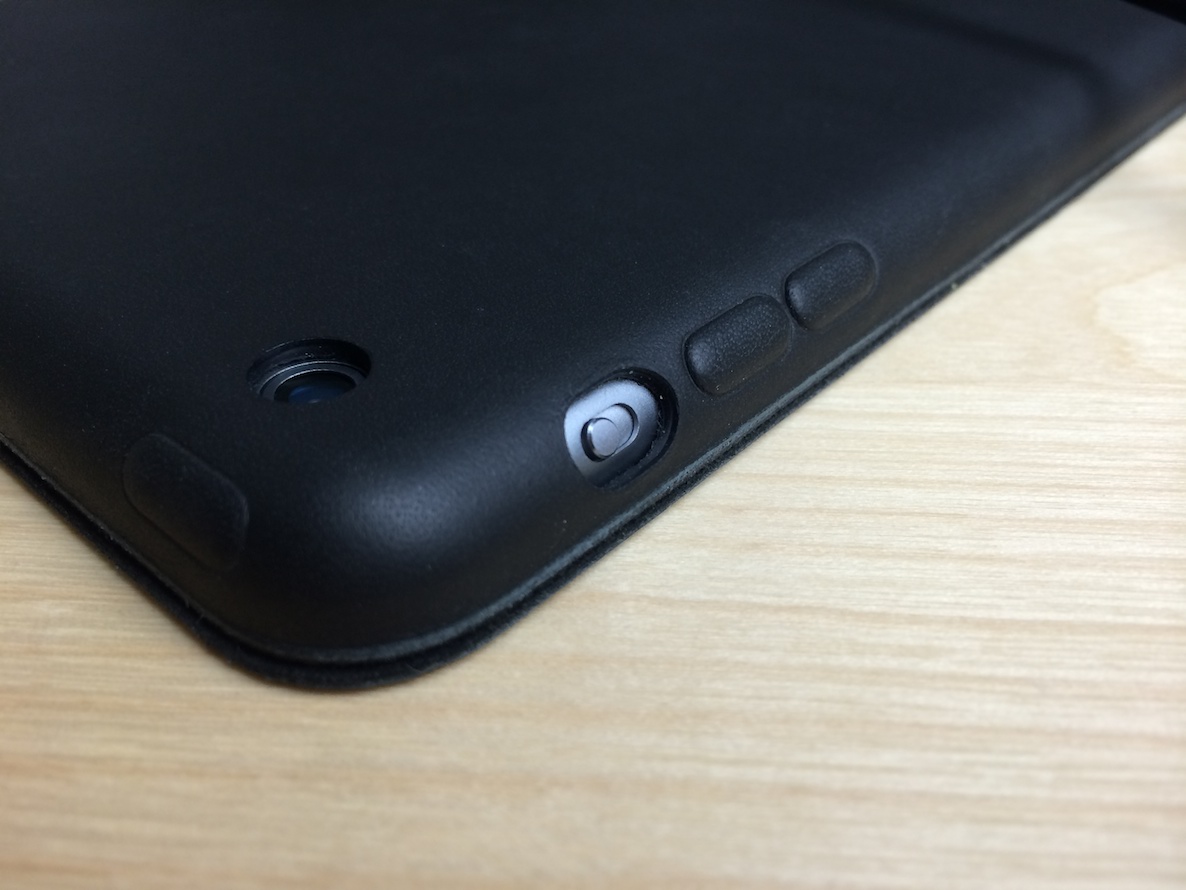
I briefly talked about Apple’s new Smart Case for the iPad mini in yesterday’s iPad mini with Retina display review, but after giving it some thought, I think it deserves some more attention.

Let me just start out by saying that I’ve not used the Smart Case for the full sized iPad Air, so I can’t really speak on that. In fact, this is my first experience with a Smart Case. I’ve used Smart Covers plenty of times in the past, but never opted for a Smart Case until now.