Review

EarthView Walls grabs random wallpapers from Google Earth for your jailbroken iPhone

Choosing a wallpaper can be tough, that's why every week we show you a featured wallpaper post in order to help you stay relevant and refreshed.

But if you want more, you might be interested in a new free jailbreak tweak called EarthView Walls, which will grab random wallpapers from Google's Earth view and set them as your device's wallpaper.

We'll walk you through how the tweak works in this review and talk a little about why it could be an optimal solution for you.
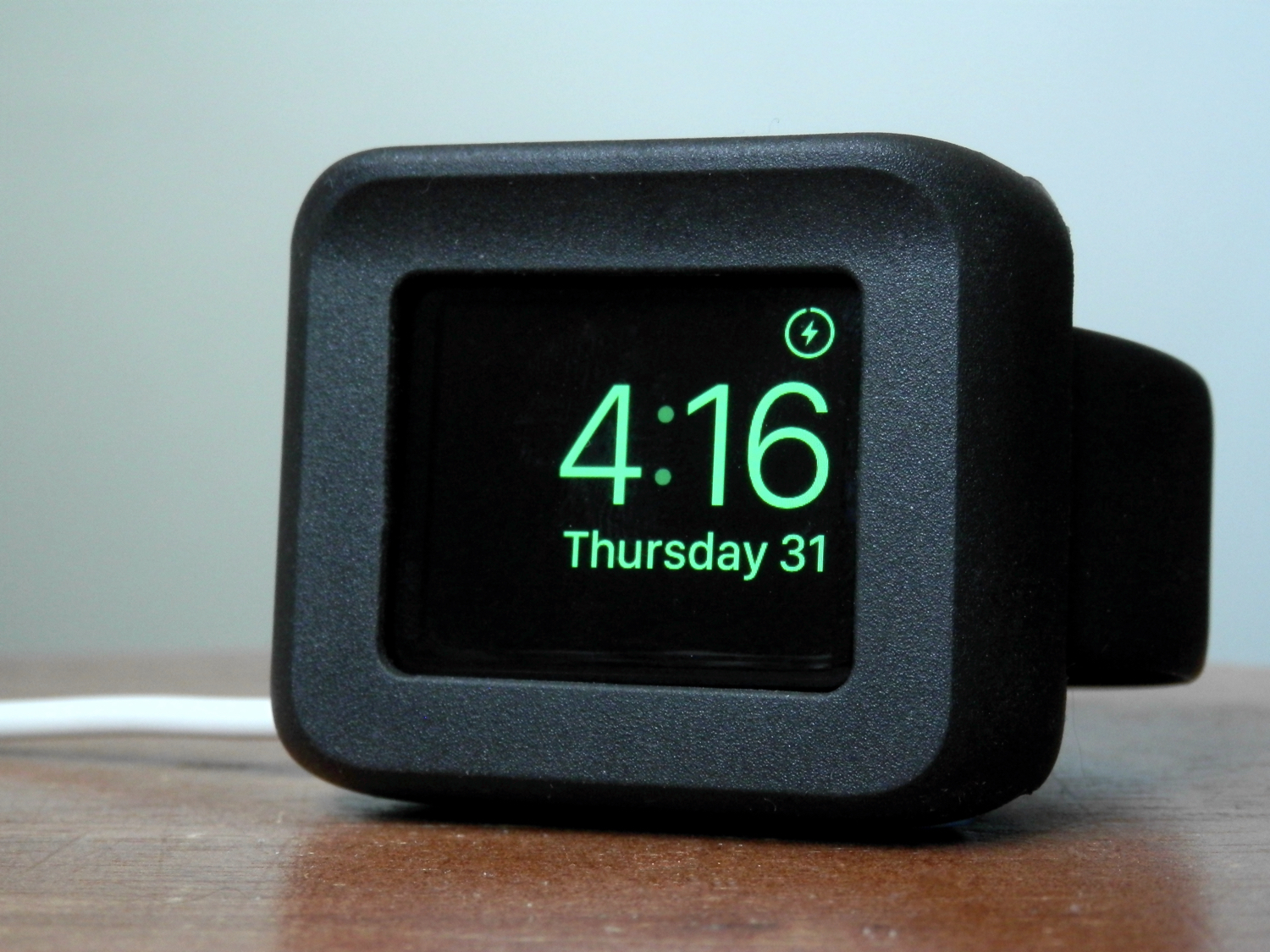

Timeframe: the Apple Watch desk stand that doubles as a case

Fellow Apple Watch users, the Timeframe by Ten One Design is a wonderful way to enjoy Night Stand mode while it charges at night.

Moreover, it'll still feel as though your device is well-protected from falls or pets that might like to climb up on your night stand at night because it offers a protective bezel that surrounds all of the delicate parts of the device.

In this review, we'll walk you through our thoughts on the Timeframe.

This tweak keeps music from resuming after hanging up a call on your iPhone

Anyone who uses their iPhone to pick up calls, whether they're phone calls or FaceTime calls, knows that when music is playing, iOS will automatically pause the music until the phone call ends. When it does, iOS will resume the song where it left off.

Those who don't like how the music resumes after a phone call really have no way to disable the feature on a stock iPhone; instead, you would have to go back to the app that is playing the music and pause it manually.

A new free jailbreak tweak called PauseAfterCall solves this problem.

Molar: an immersive Bluetooth keyboard shortcut tweak for jailbroken devices

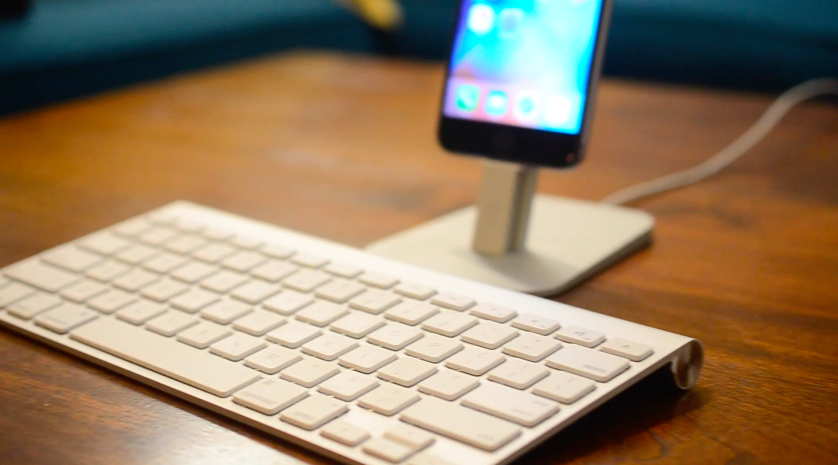
Using a Bluetooth keyboard with your iOS device is not unheard of, especially with the much more powerful iPad Pro that Apple is dubbing a true mobile competitor for notebook computers. Unfortunately, what Apple lets you do with them is quite limited.

A new jailbreak tweak called Molar is now available in Cydia for $1.99 that gives your iOS device a plethora of Bluetooth keyboard controls that stock iOS device users could only dream of having.

In this review, we'll talk about what Molar allows you to do on your iPhone, iPod touch, or iPad with a Bluetooth keyboard.

Bookmark specific SMS or iMessage messages with SmsSave

Every so often you send or receive a cherishable or important message in the Messages app on your iPhone, whether by SMS or iMessage. In some cases, it would be really nice if iOS offered a way for you to boak ark those messages so you could look back on them more easily later on.

A new free jailbreak tweak called SmsSave is available in Cydia and gives you the power to bookmark messages right inside of the Messages app on your iOS device. We're going to show you in this review how it's used and talk about why it's going to be helpful.

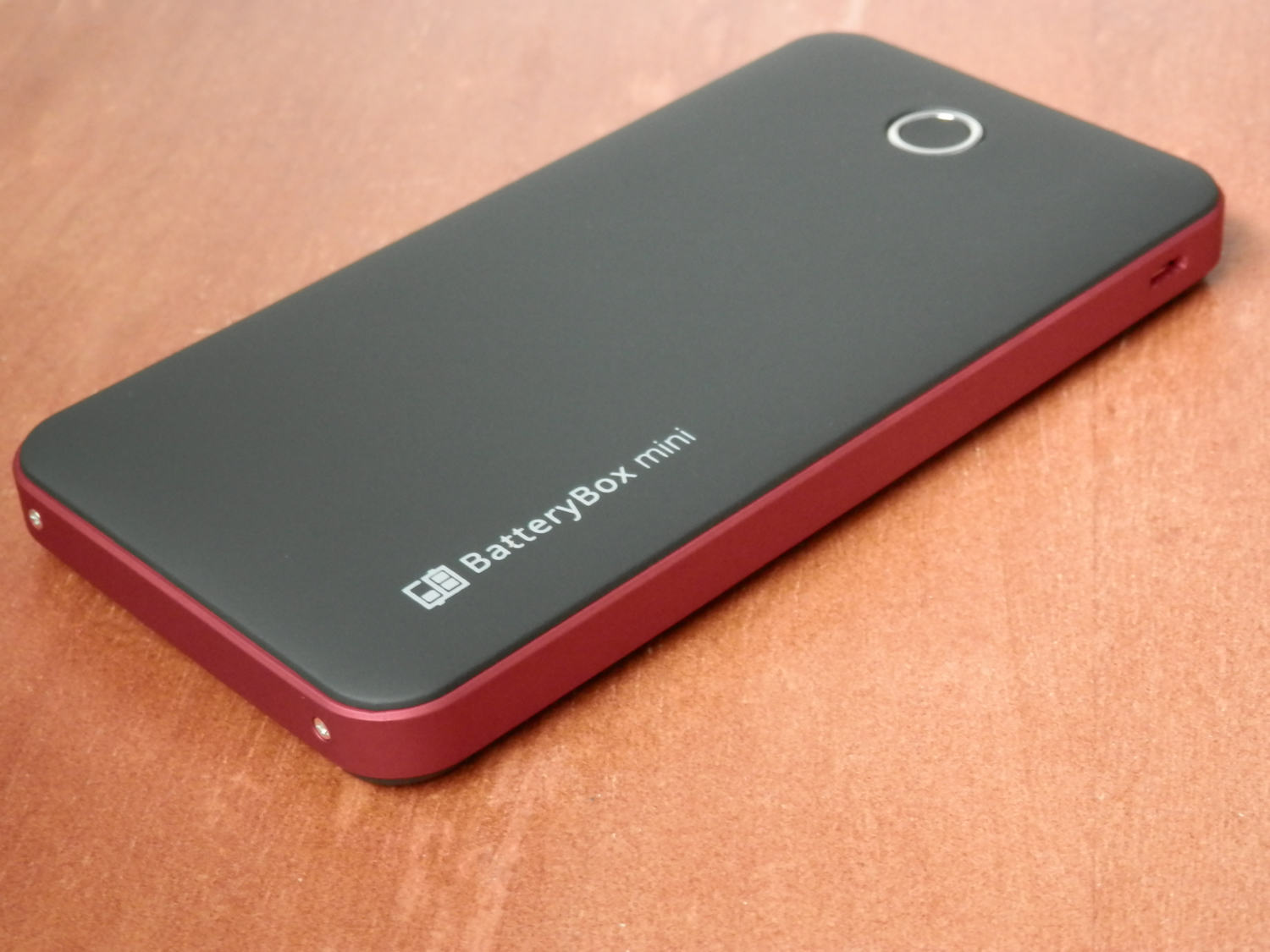
BatteryBox Mini keeps your iPhone (and much more) powered while on the go

Because I'm always out and about, and my iPhone can always use a good charge when I'm away from an outlet, external battery accessories are always of great interest to me. BatteryBox, which you may remember made it to both my top 5 accessories for iPhone and top 5 accessories for Mac lists, has long filled that void for me.

Nevertheless, I've been looking for something a little easier to carry around with me when I leave the house or leave the car, and something I can use a little more easily while walking around and while not carrying a backpack.

One solution I've found to work quite well for this need is BatteryBox's little brother, dubbed BatteryBox Mini, which can be had on the BatteryBox website for less than $35. In this review, we'll take you through the features of BatteryBox Mini and show you whether it's a good investment for your needs.

Jailbreak tweaks of the week: Edge, SlideMe, & more…

It's Sunday again, and that means we'll be sharing a list of all the jailbreak tweaks that were released in Cydia this week.

Although Cydia isn't quite as busy as it is when there's a fresh jailbreak out and about for the latest iOS firmware, Cydia is still kicking with some interesting releases.

In this roundup, we'll show you our favorite jailbreak tweak releases of the week first, and then we'll get to showing you the rest.

This tweak keeps you from accidentally deleting your Messages app conversations

A problem that has happened to me more than once is I've accidentally deleted a really important SMS or iMessage conversation in my Messages app, and had no way to get that stuff back again.

A new free jailbreak tweak called MessagesDeleteConfirmer has just hit the Cydia store and ensures you won't be deleting conversations by accident in your Messages app any time soon.

In this review, we'll show you how it works and explain why it can be a life-saver.

Brevis lets you customize your 3D Touch Quick Action menus

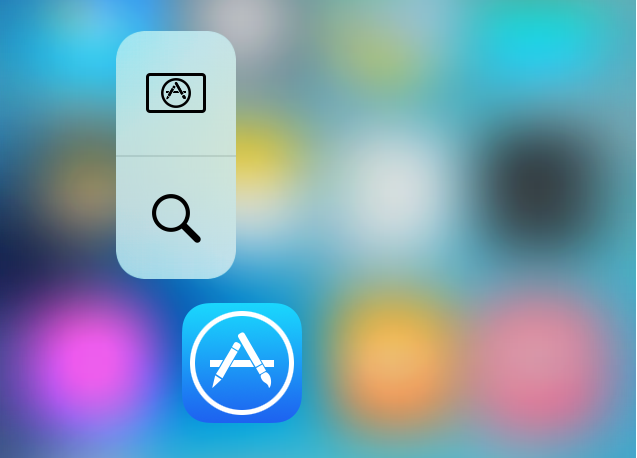
If something looks a little different to you in the 3D Touch Quick Actions menu examples above, that's because you are seeing the effects of a new jailbreak tweak called Brevis, which is available now in Cydia for $1.00.

What this tweak will allow you to do is customize the look and feel of your Quick Action menus on your 3D Touch-enabled iPhone.

We will be showing you how the tweak works and what it's capable of in this piece, and you might just want to pick it up yourself!

Callisto lets you use the current time as a passcode on your iOS 9 device

You may have heard that the best security is something that lays in plain sight. In some instances, this can be right, because people tend to over-think things.

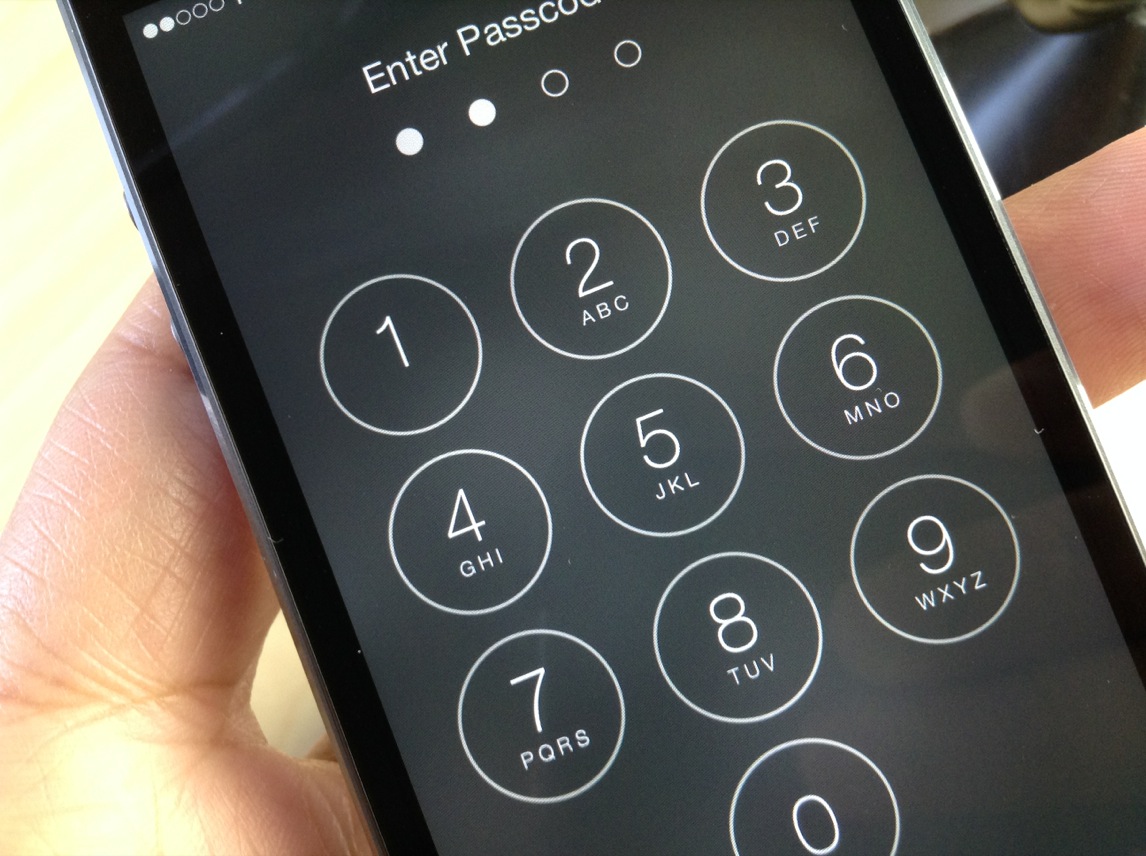
A jailbreak tweak called Callisto is now available in Cydia's BigBoss repository for $1.49 that lets you use the current time for a passcode instead of something you set for yourself.

In this review, we'll walk you through how it works and show you all of the settings it comes with to make life more comfortable for passcode input.

Focus on what’s good in your life with the Five Minute Journal app

The Five Minute Journal app description claims it to be the simplest and most effective way to become happier in five minutes a day. Having used the physical journal for several months, I can definitely witness some positive changes in my life, which are ultimately making me happier. Now with the release of the iPhone app, I can bring my journal with me on the go, and I don't even have to remember to bring my pen along

But what's the Five Minute Journal about anyway?

Mountie: a simple way to mount your iOS device side-by-side with your MacBook

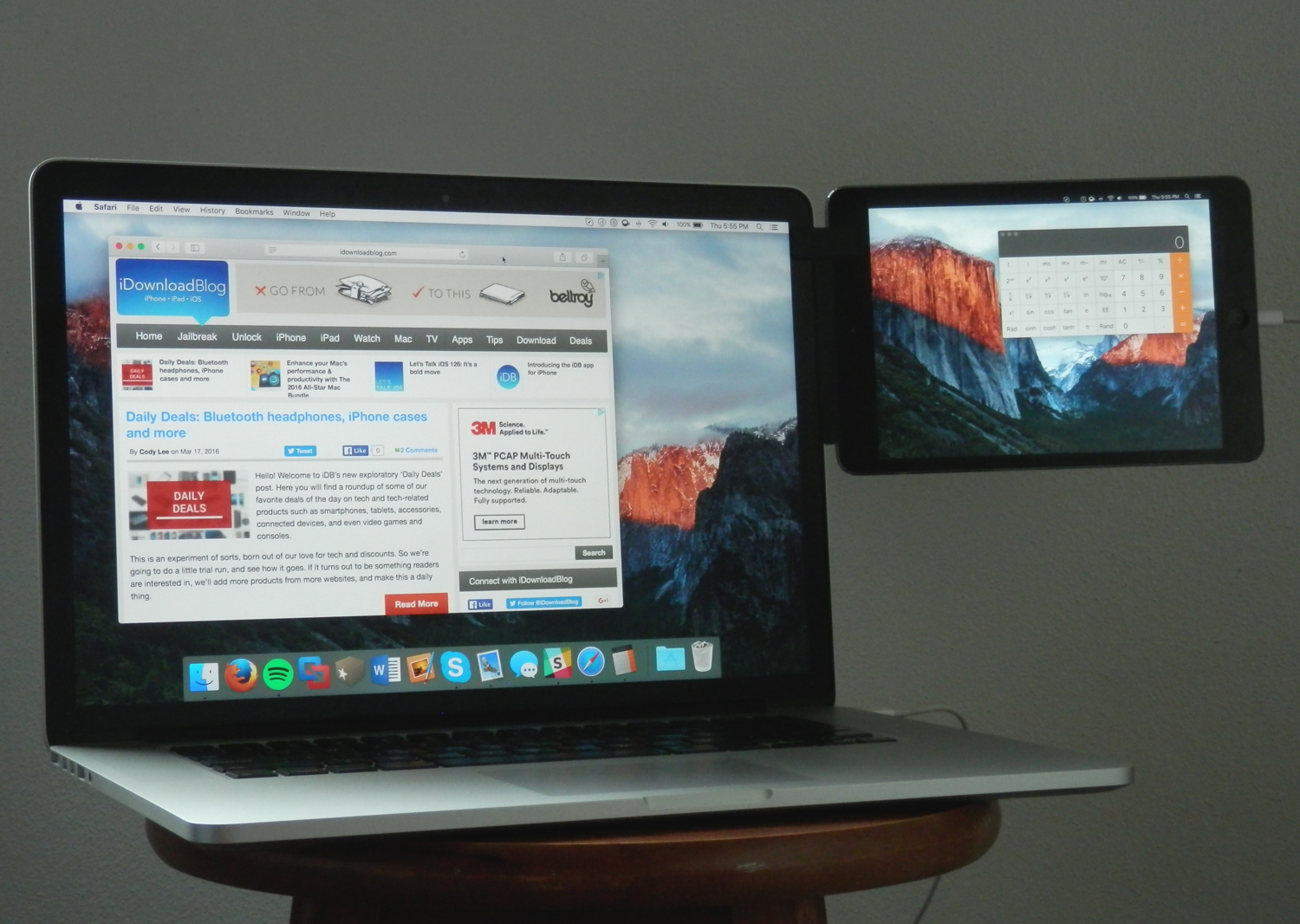
Whether you're looking to make multitasking easier by having your iPhone, iPod touch, or iPad right next to your computer, or you're using some kind of screen-extension software like Duet Display, the Mountie by Ten 1 Design is a great way to use your iOS device side-by-side with your Mac or PC.

The Mountie, which can be had in either Blue or Green flavors on Amazon for just under $25, is an affordable way to keep your iOS device right where you want it – in front of your face – without needing to shell out big bucks on fancy desk stands.

In this review, we'll show you how the Mountie works and give you our general opinion on why you should or shouldn't consider it for your Apple accessory wish list.