Learn how to easily add a calendar and multiple time zones to your Mac Menu Bar in order to improve your productivity and organization using the Dato app.
How to put a calendar and time zones in your Mac Menu Bar
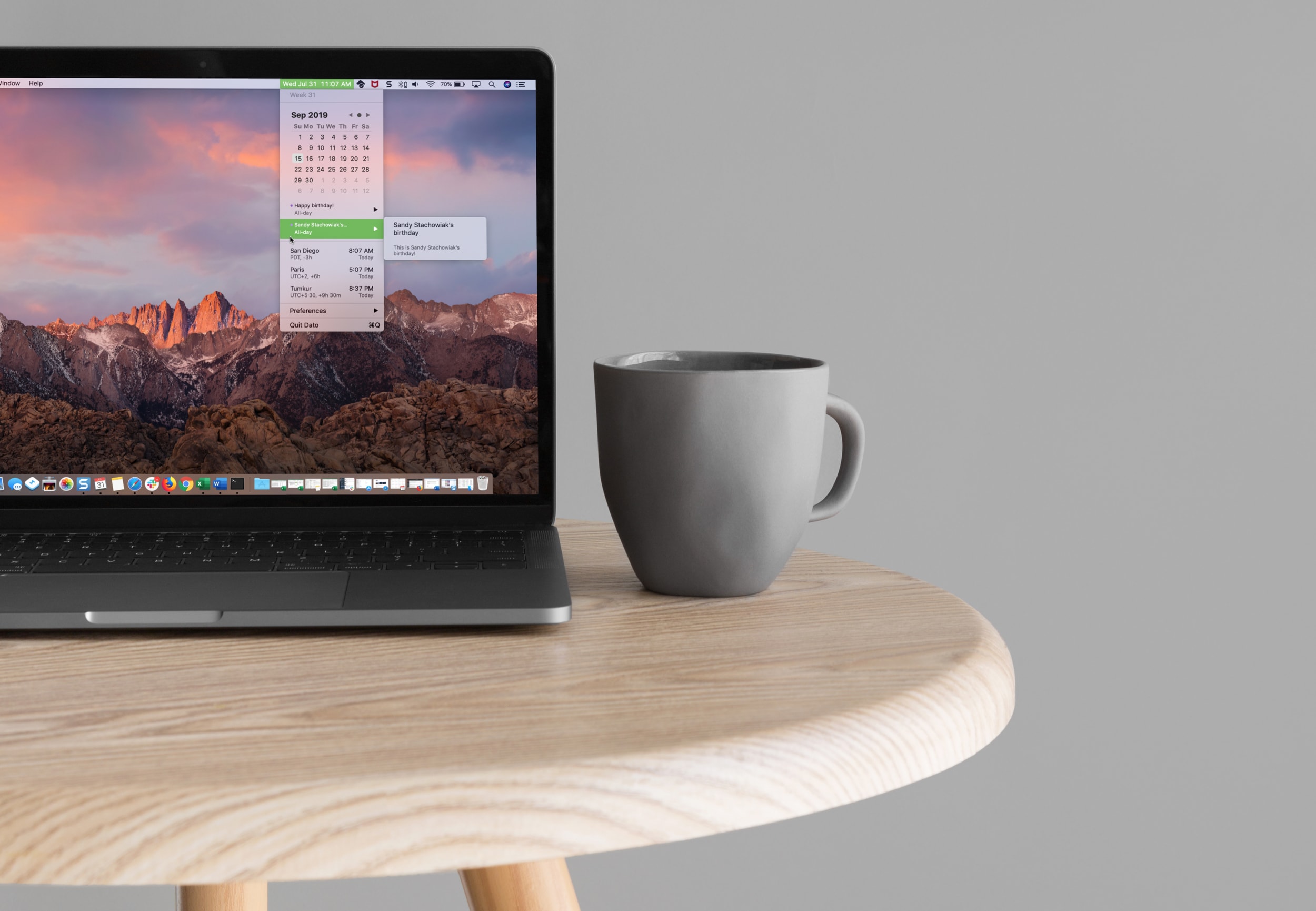
Learn how to easily add a calendar and multiple time zones to your Mac Menu Bar in order to improve your productivity and organization using the Dato app.

Learn how to save all open tabs in Apple’s Safari browser at once as bookmarks, so you can revisit those links easily on your iPhone or iPad.
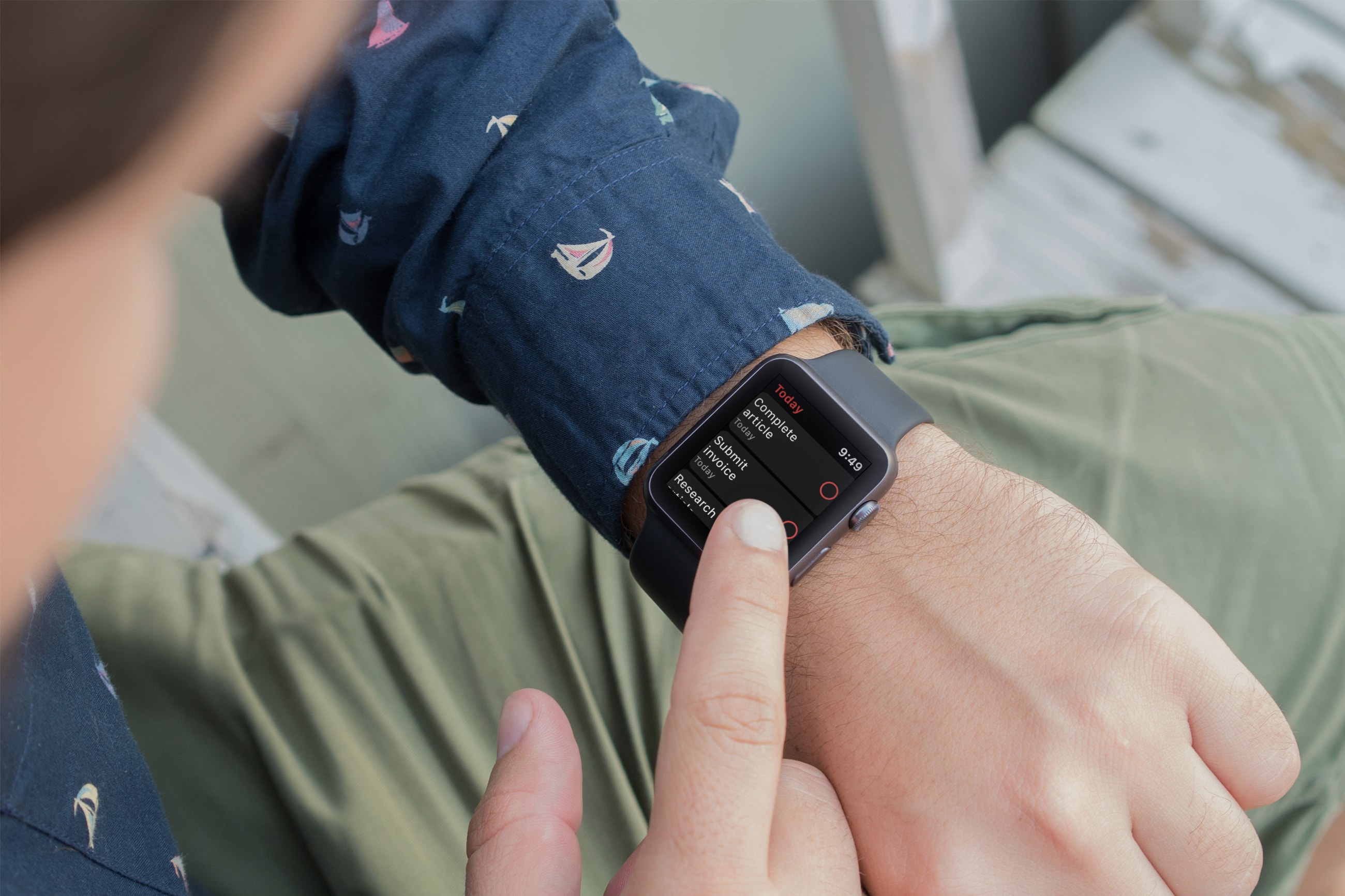
Using an app to keep track of tasks is one of the most useful ways to use your devices. And if you own an Apple Watch, being to see your to-dos and mark them as complete is really convenient. There are plenty of task list tools on the App Store and many work with your Apple Watch, but which ones don’t cost a fortunate and are worth the effort?
These are three of the best free Apple Watch to-do list apps for getting things done.
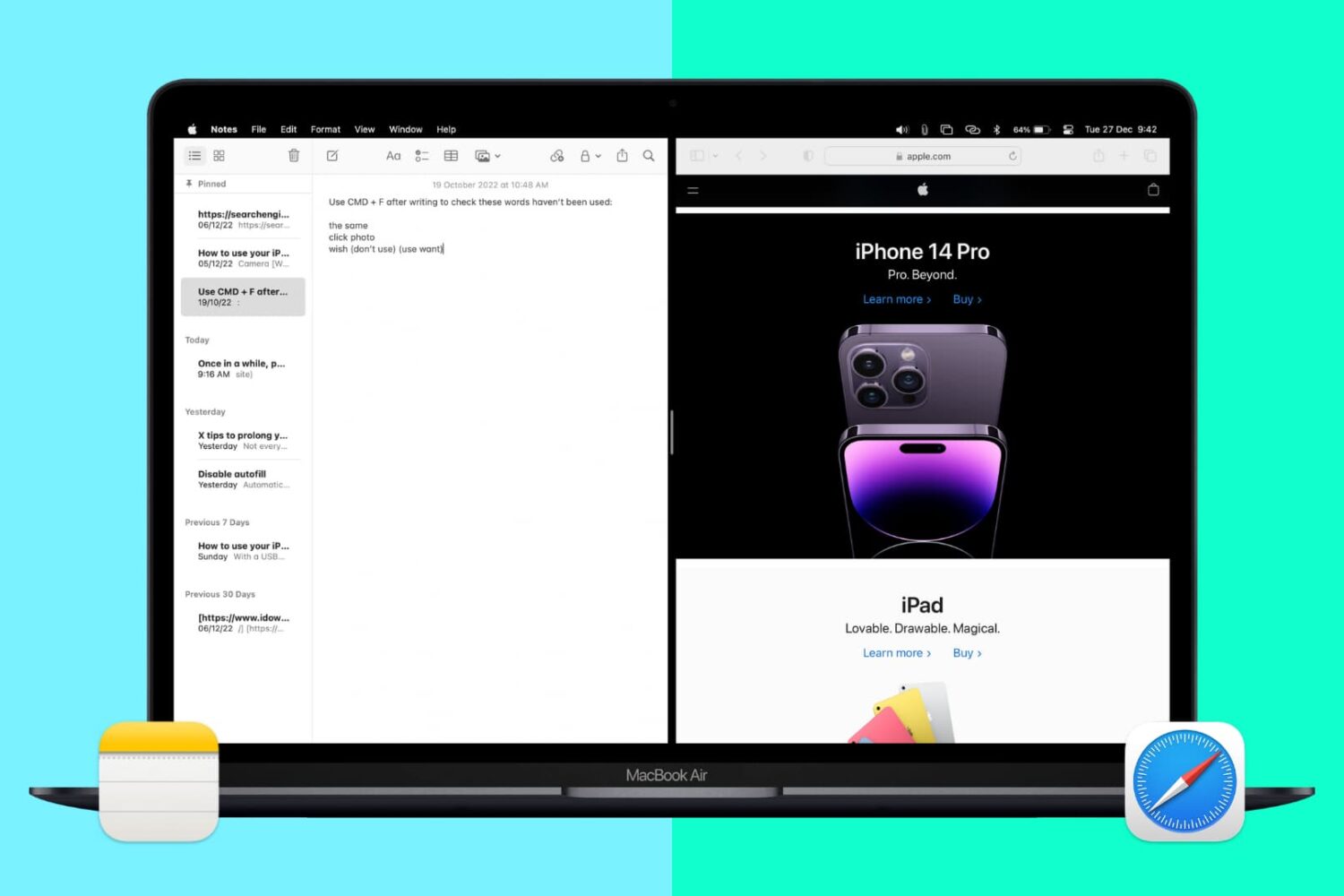
Split View lets you put two apps side-by-side on the same screen. It’s super easy to invoke or exit and makes working on your Mac more efficient. Here’s how to use Split View, or split screen, on your Mac desktop or MacBook.
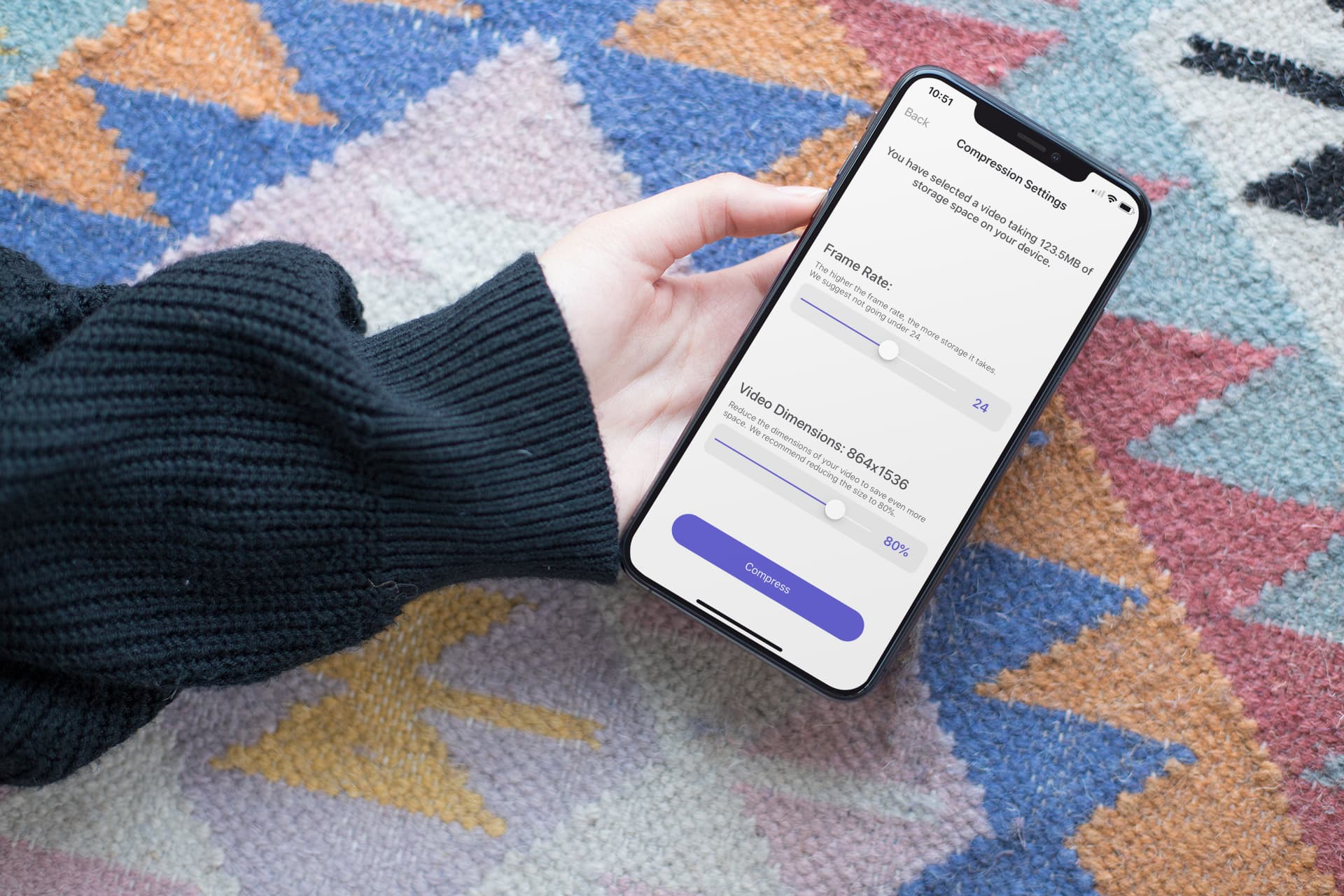
In this step-by-step tutorial, we show you how to compress a large video on your iPhone or iPad without compromising quality, allowing you to share it faster and save storage space.
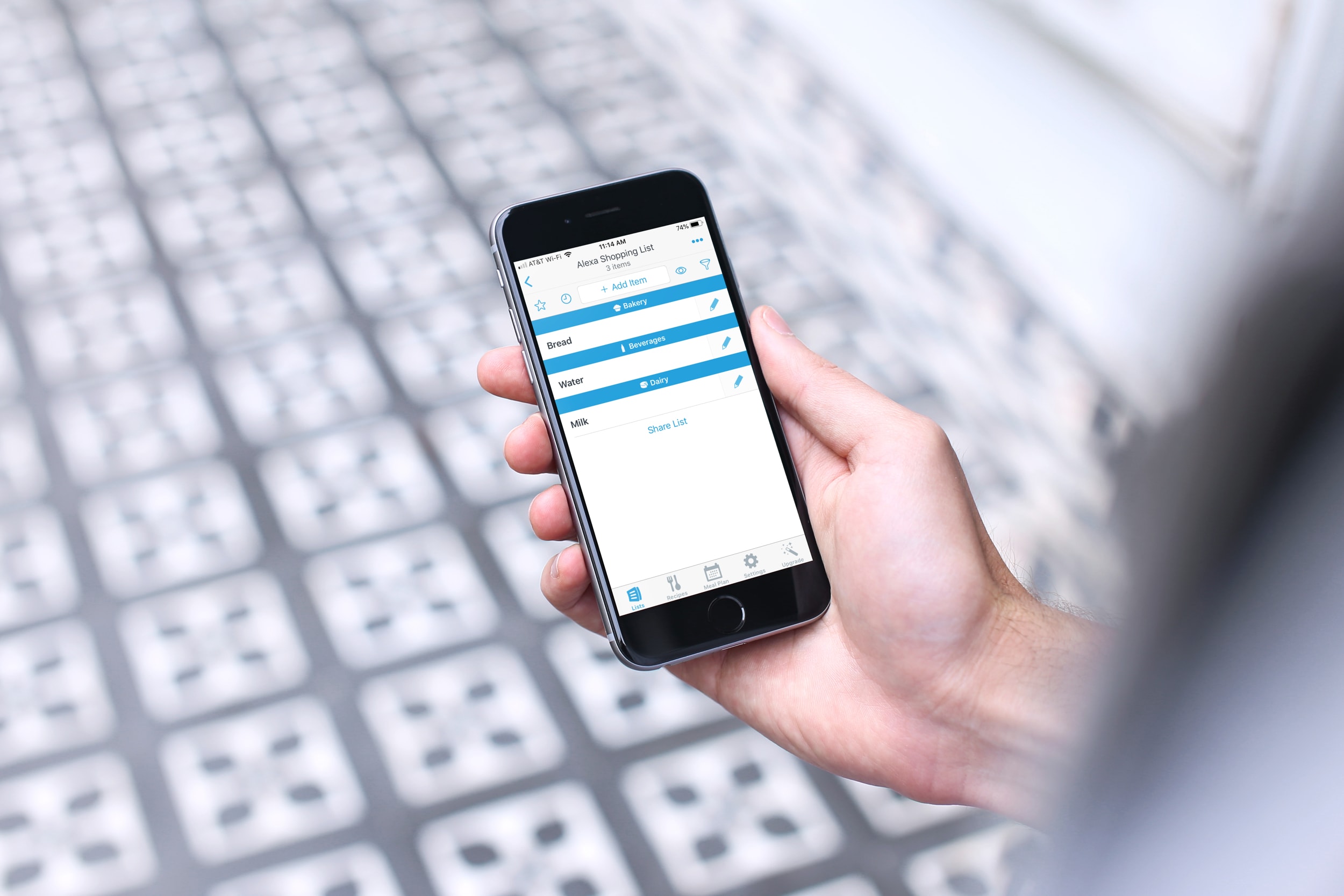
You can do some really cool stuff with your iPhone and the Alexa app for your Amazon smart speaker. You can use Alexa to find your phone, listen to Apple Music, manage your iCloud Calender, and more. So, why not use this combination of devices to keep up with your lists?
Depending on which iPhone shopping or task list app you use, you might be able to take advantage of it with Alexa. Here’s how to use your iPhone lists with Alexa and your Amazon speaker.
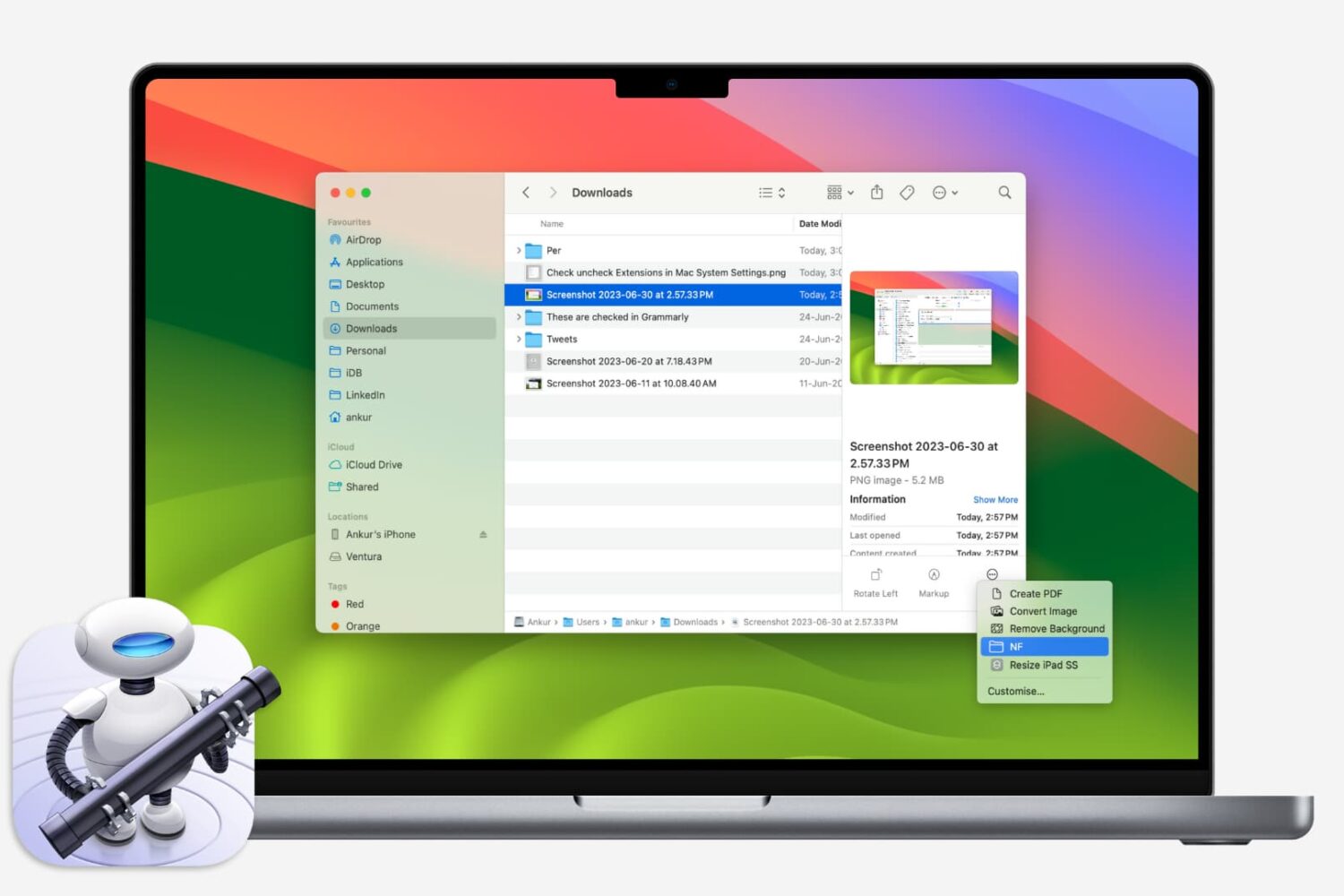
If you like using Quick Actions on your Mac to do things faster, why not make your own? This tutorial shows you how to create custom Quick Actions for Finder.
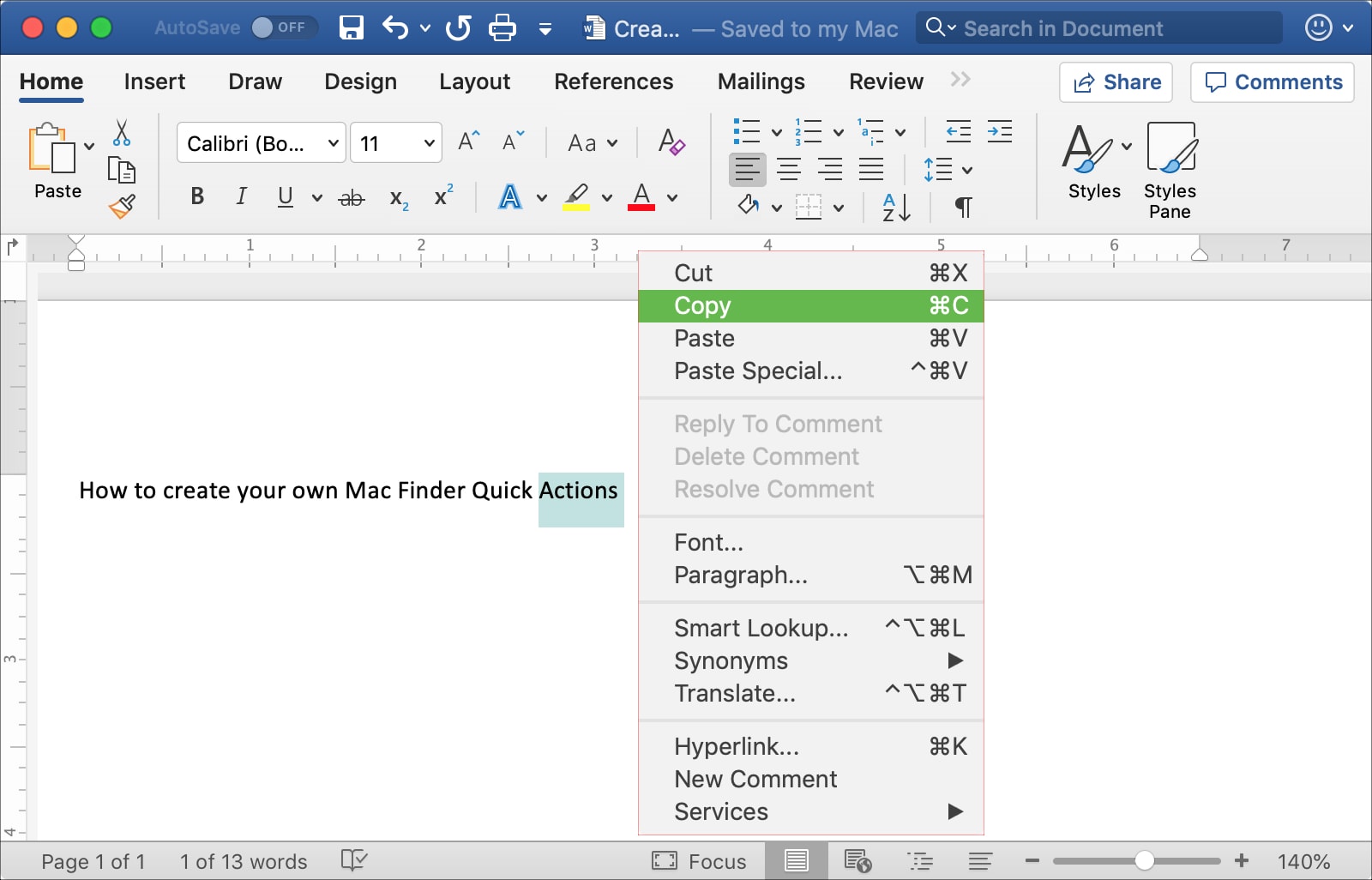
This tutorial shows you three different ways to copy and paste text on Mac using a keyboard shortcut, your mouse or trackpad, and from the menu bar.
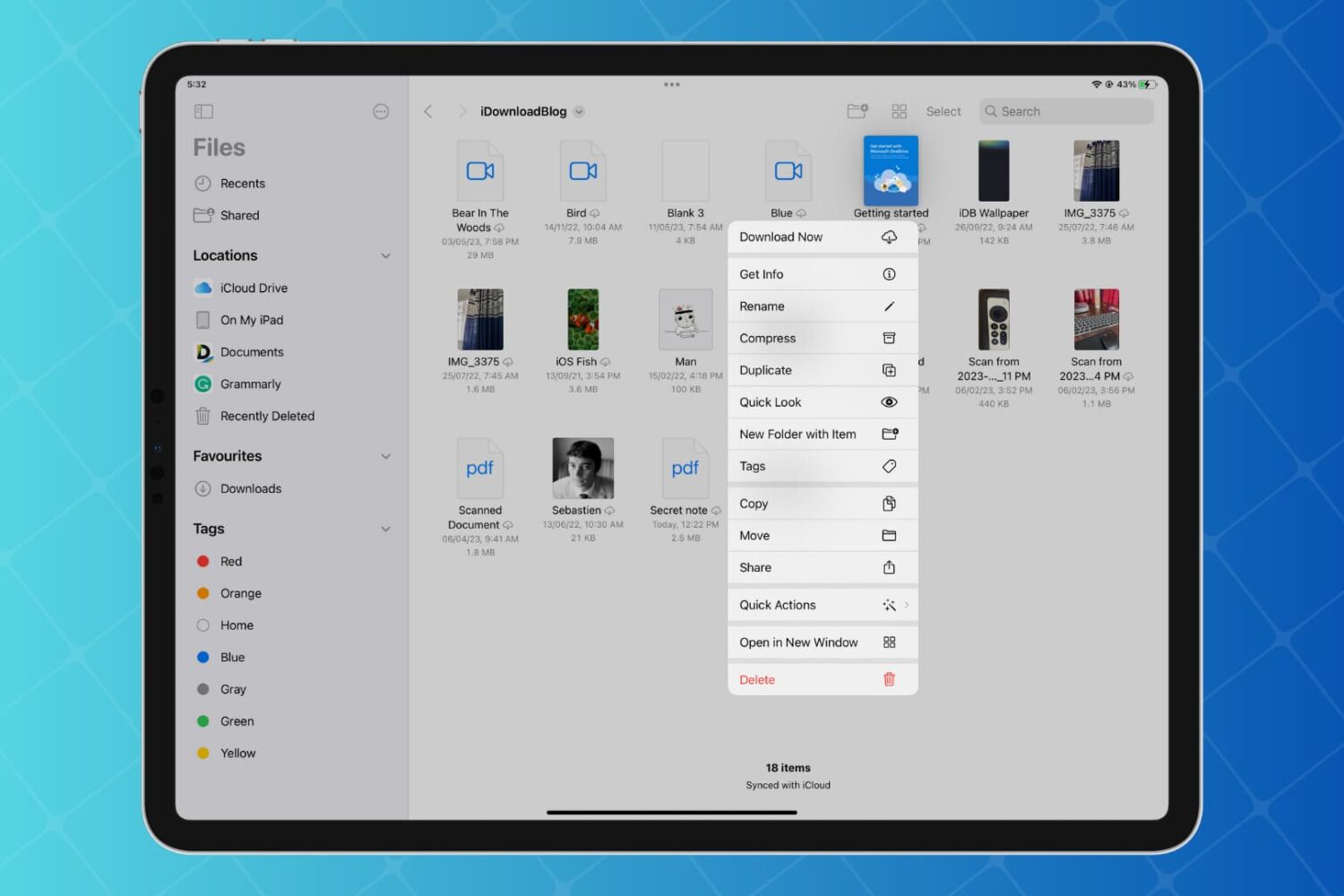
Discover how to enhance your productivity on iPad and iPhone with Quick Actions in the Files app, enabling you to work with your folders, files, and images faster than ever with just a few taps.

Learn how to open multiple windows of the same app on iPad and increase your productivity with this step-by-step guide.

Learn how to enhance your file management and navigation experience for improved productivity by using the Column view in the Files app on your iPad.
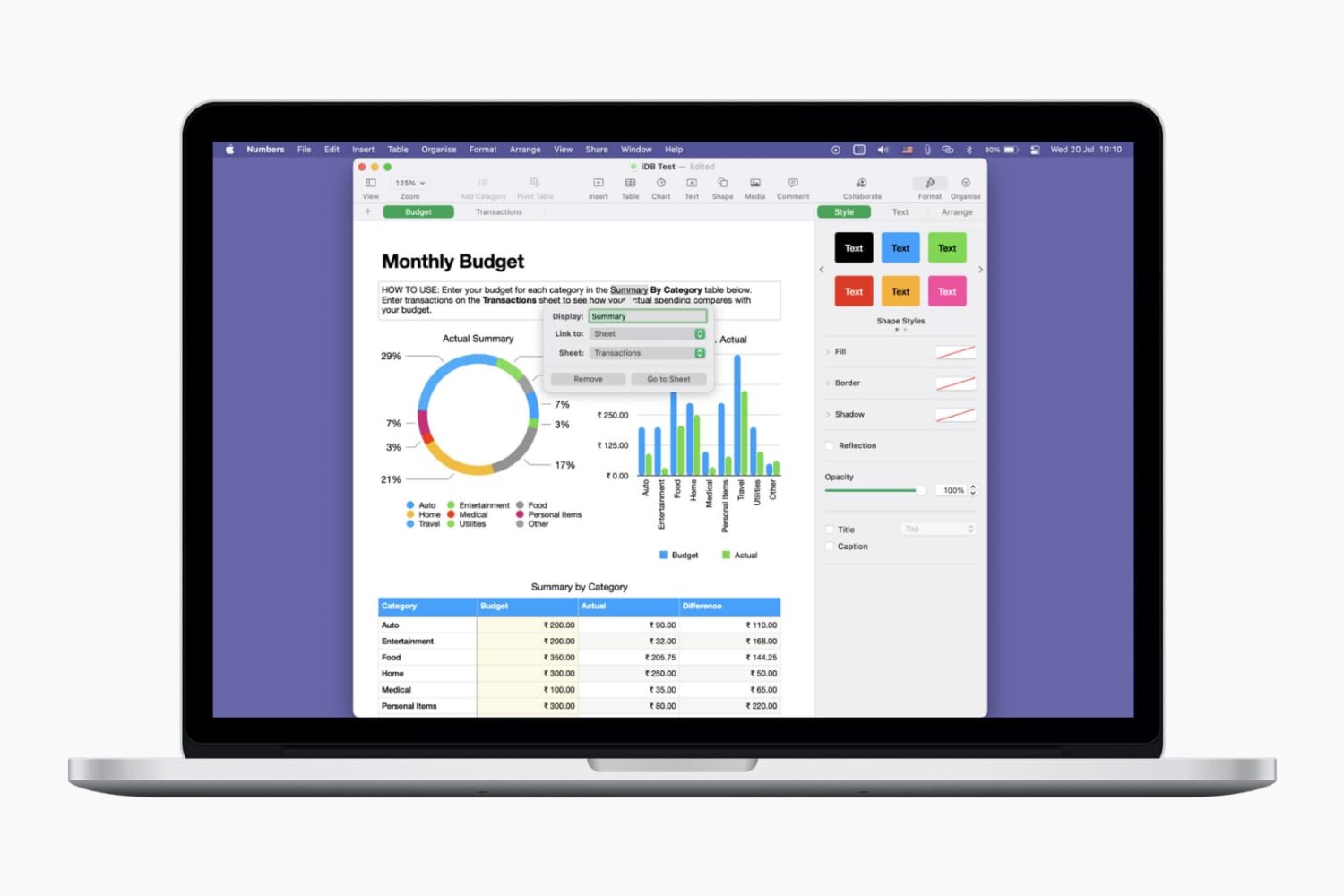
Learn how to use links for websites, email addresses, phone numbers, etc., to make your Pages documents and Numbers spreadsheets more interactive and informative.