Apple's iPadOS 26 operating system enhances multitasking with new capabilities while removing the existing Split View and Slide Over modes.
iPadOS 26: Split View and Slide Over multitasking views are going away

Apple's iPadOS 26 operating system enhances multitasking with new capabilities while removing the existing Split View and Slide Over modes.

Apple will reportedly add more macOS-like features to its upcoming iPadOS 19 operating system to make the iPad work and be more productive more like a Mac.

Readdle's file manager Documents can now turn any audio and video files like podcasts, interviews, voice memos, lectures and more into searchable text.

The AI assistant in Spark from Ukrainian developer Readdle guards against emails that read like obvious AI copy, resulting in more authentic correspondence.
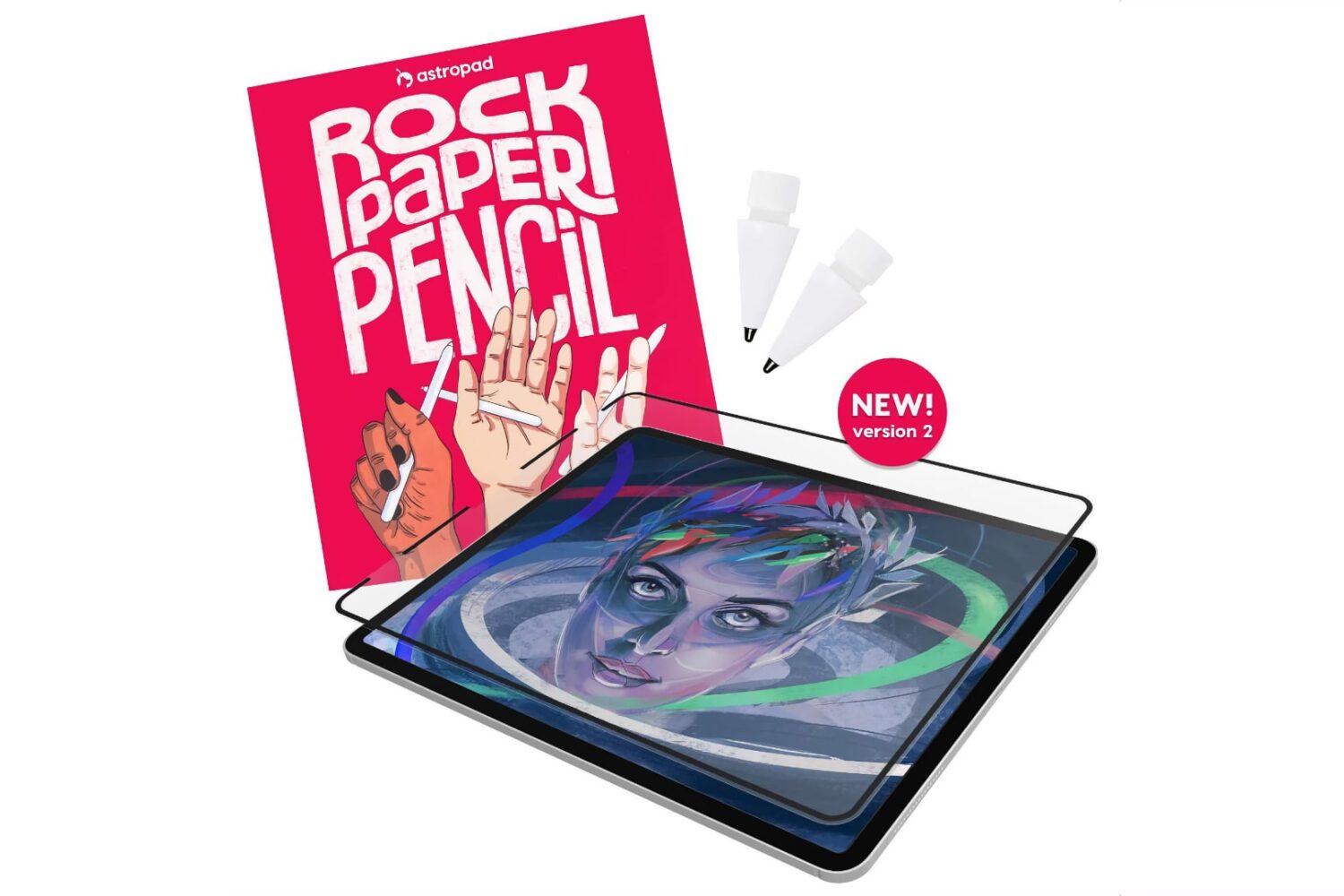
Astropad has updated its excellent Rock Paper Pencil accessory comprising a custom ballpoint Apple Pencil tip and a textured screen protector for your iPad.
Learn how to cross-publish the same photo, video, or text post to both Twitter (X) and Mastodon in one go. The method outlined here will also work if you want to post to other social platforms like Facebook, LinkedIn, YouTube, Instagram, TikTok, or Pinterest at the same time.
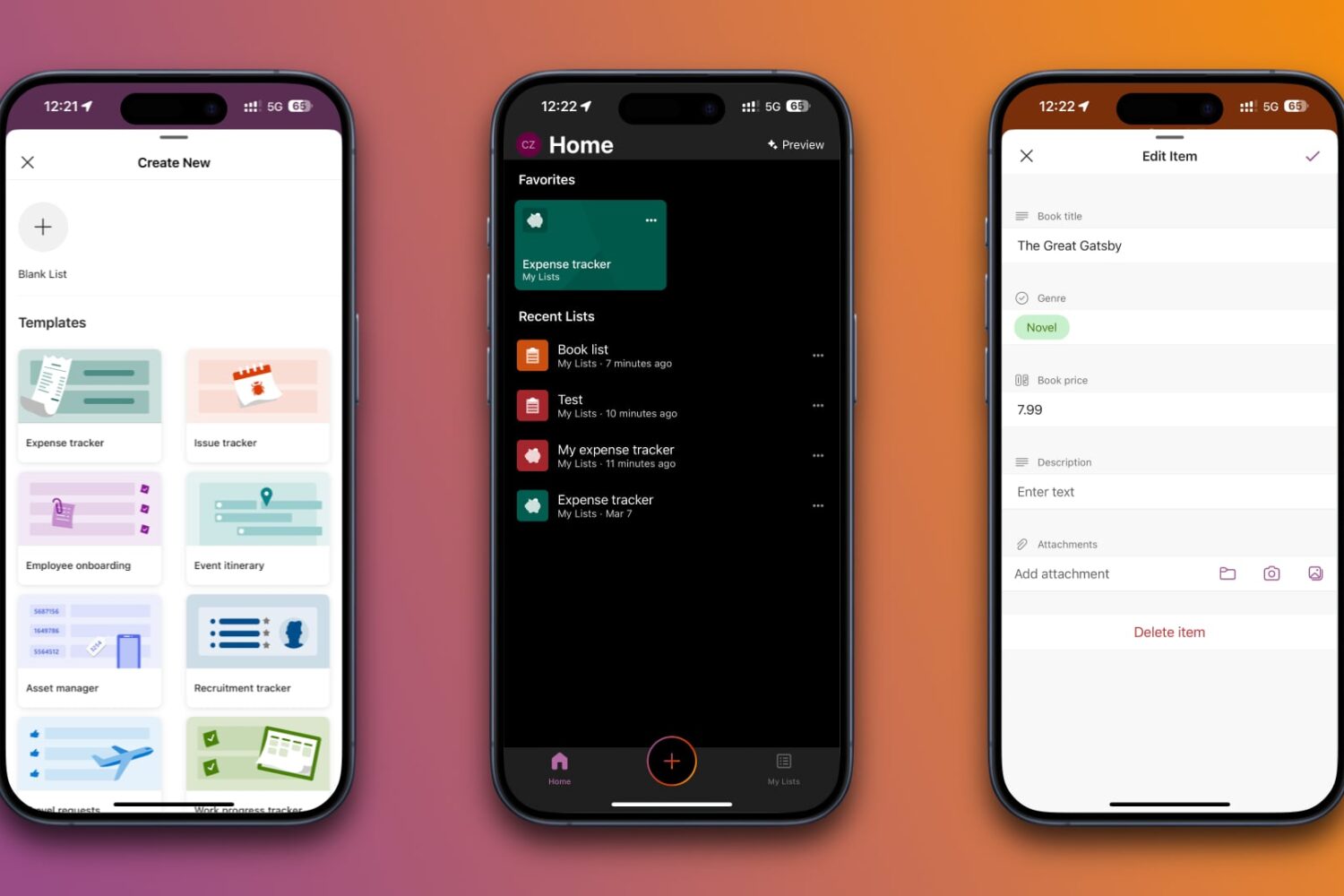
The free Microsoft Lists task management app enables you to quickly and easily track information and organize your work on an iPhone, iPad and the web.
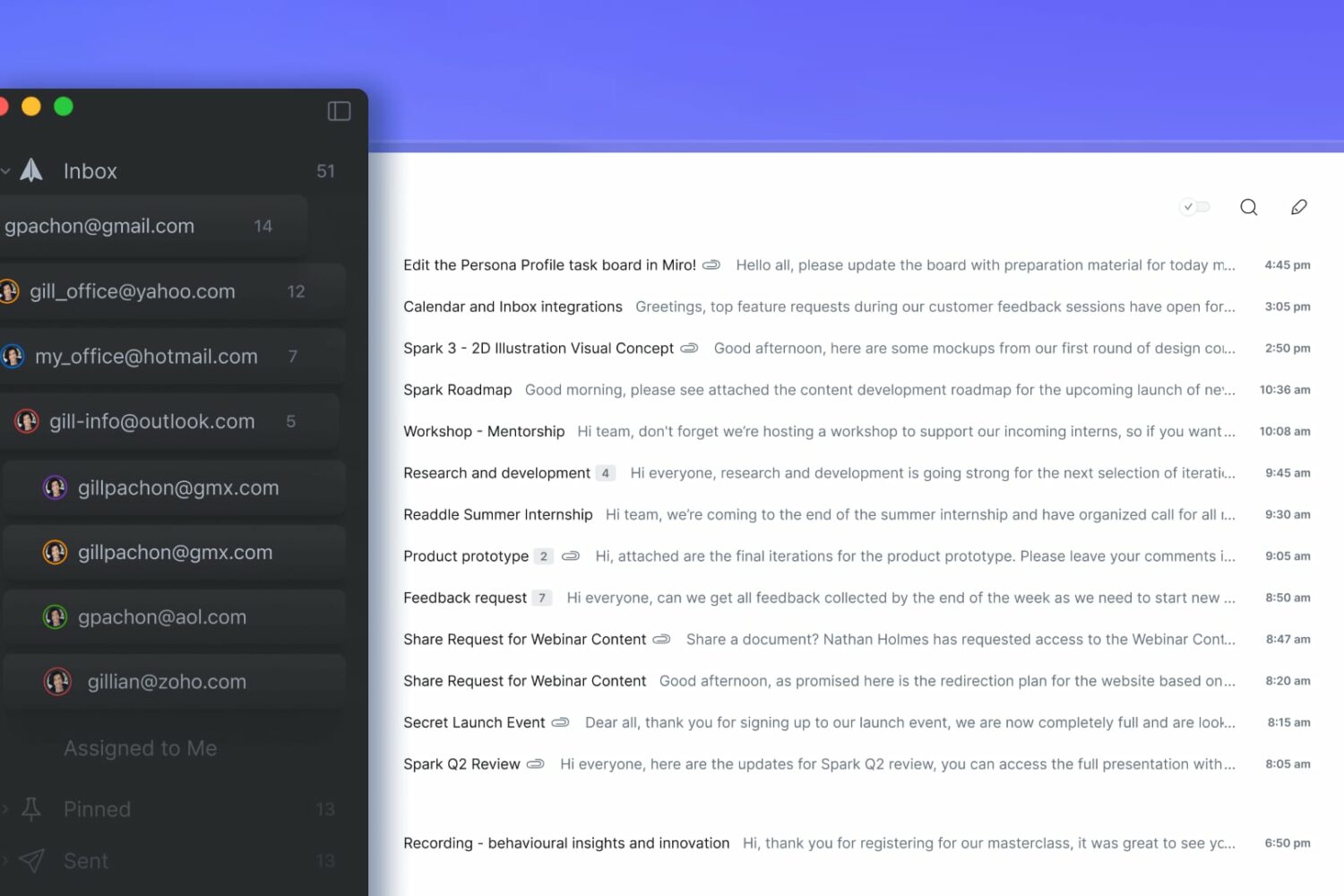
Meet the new Spark Mail desktop app with advanced features across desktop and mobile devices, including smart, reusable AI-assisted templates.
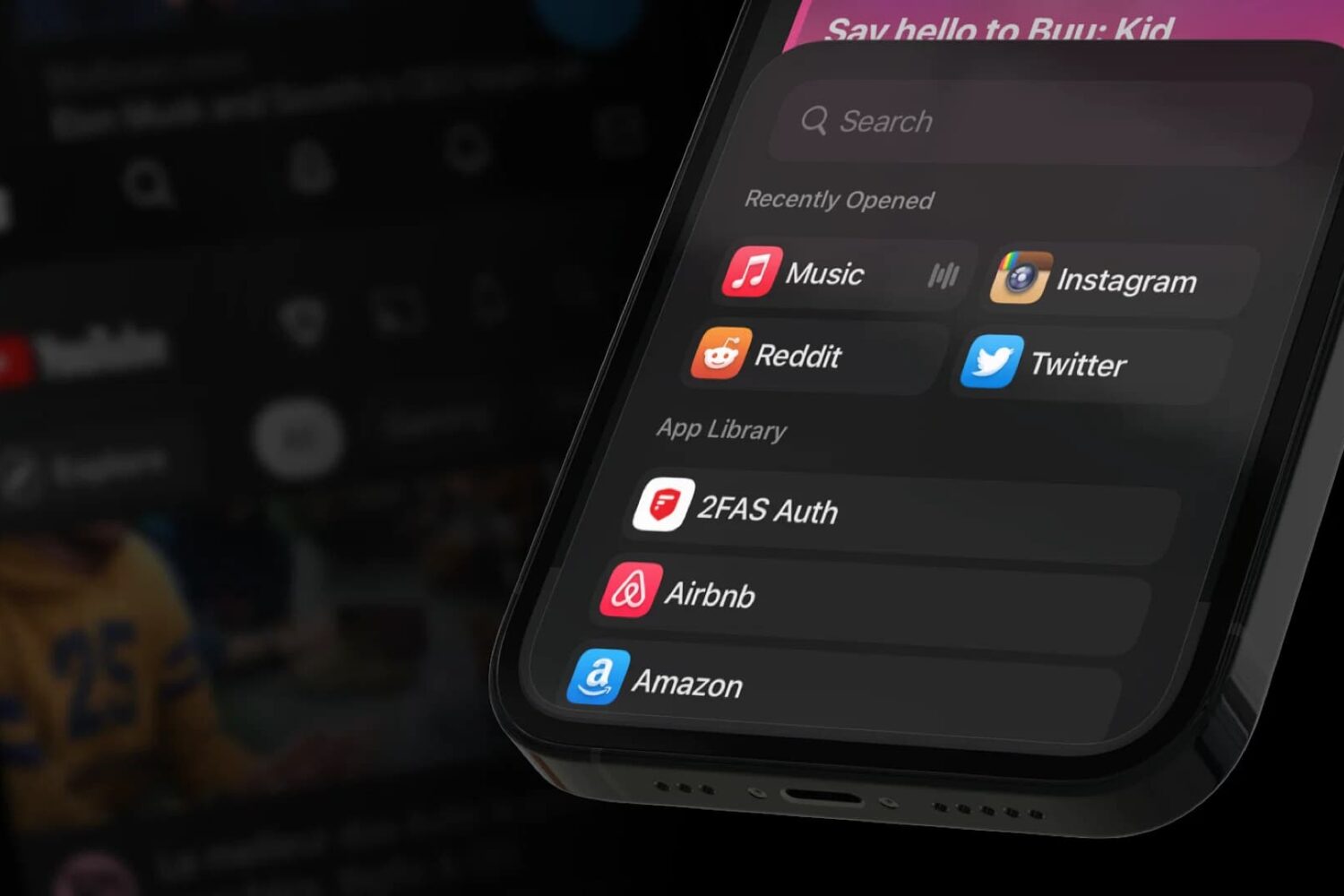
If you’re a jailbreaker on any modern jailbreak and you’ve been waiting for a ‘this is the one’ jailbreak tweak to emerge, then we’ve got a treat for you.

Readdle Spark for iPhone, iPad and Mac has gained a new AI-powered feature for summarizing long emails that you don't have time to read thoroughly.
Learn how to split tabs in the Finder on your Mac into separate windows, as well as merge multiple windows into a single window with multiple tabs.
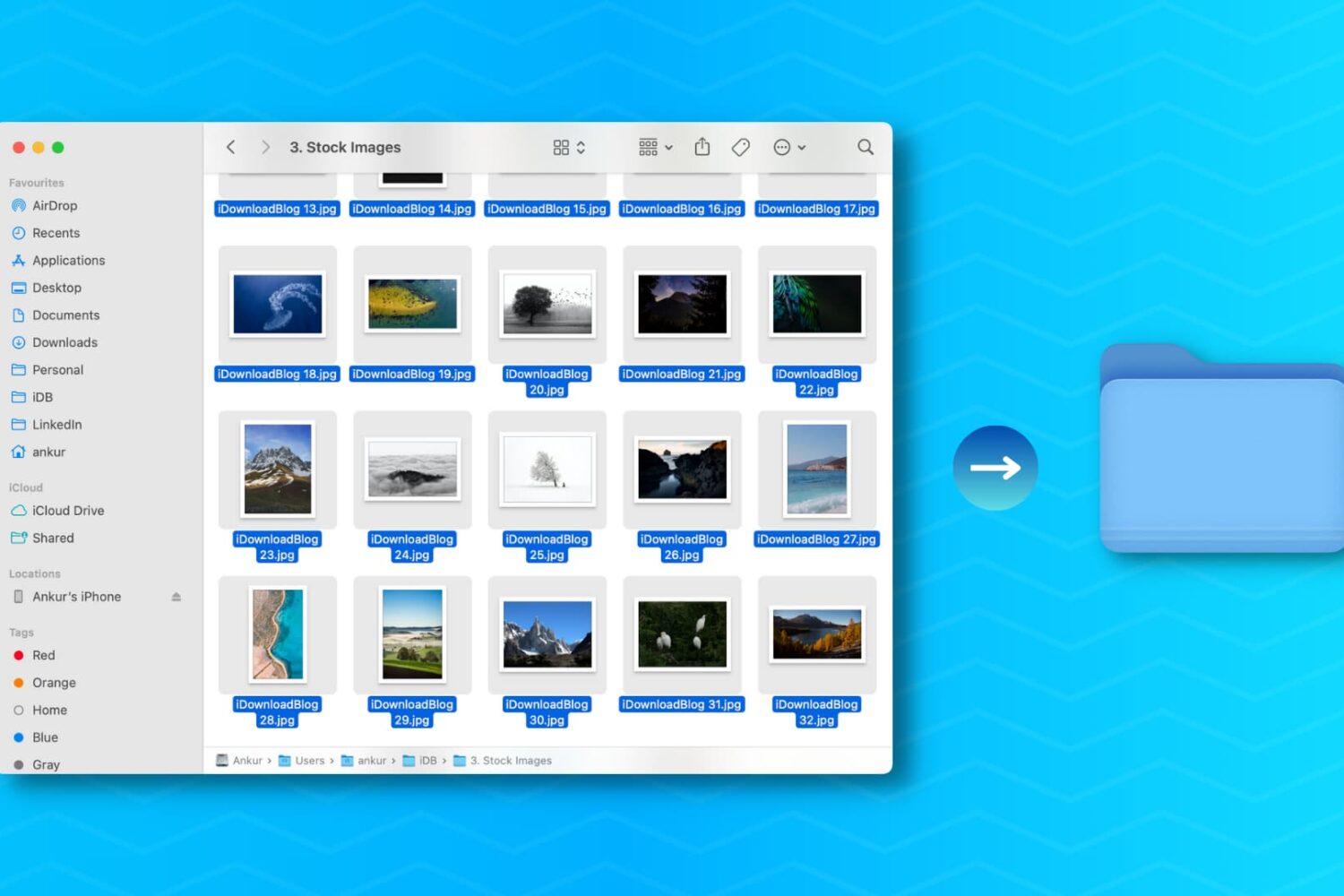
Learn how to create a new folder on your Mac containing a bunch of files you’ve selected in the Finder in one fell swoop, saving you time when organizing files.