Privacy

How to allow untrusted shortcuts on iPhone

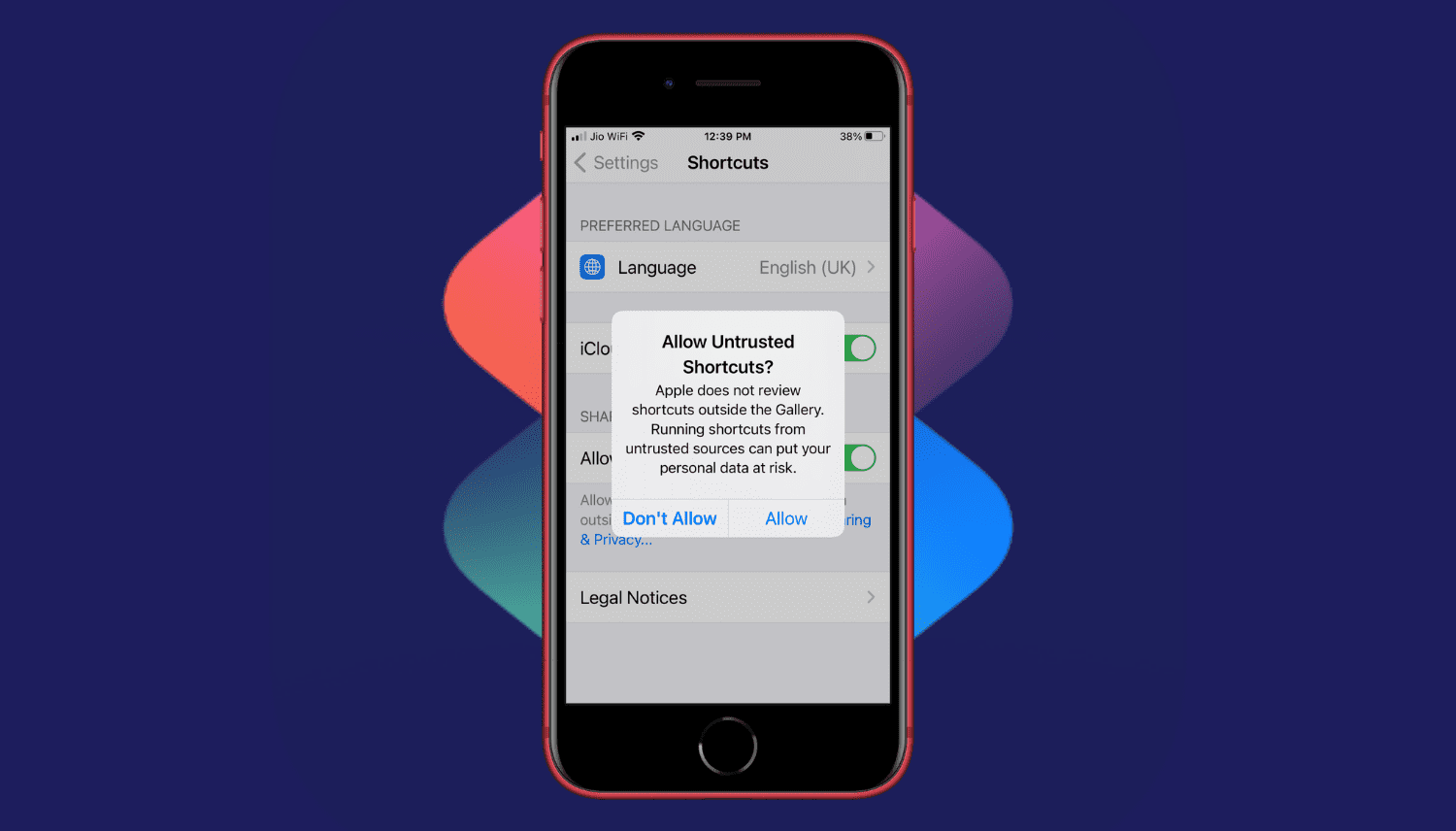
Allow Untrusted Shortcut on iPhone

Are you trying to add a shortcut on your iPhone or iPad but can't proceed as your device is blocking unknown shortcuts? Here's how you can easily flip a switch and allow untrusted shortcuts on your iPhone. After this, you can use non-Apple curated shortcuts from elsewhere, like a website, shared via services like iMessage, received from AirDrop, and more.

Chusma notifies users when they’re being tracked via Apple’s ‘Find My’ service

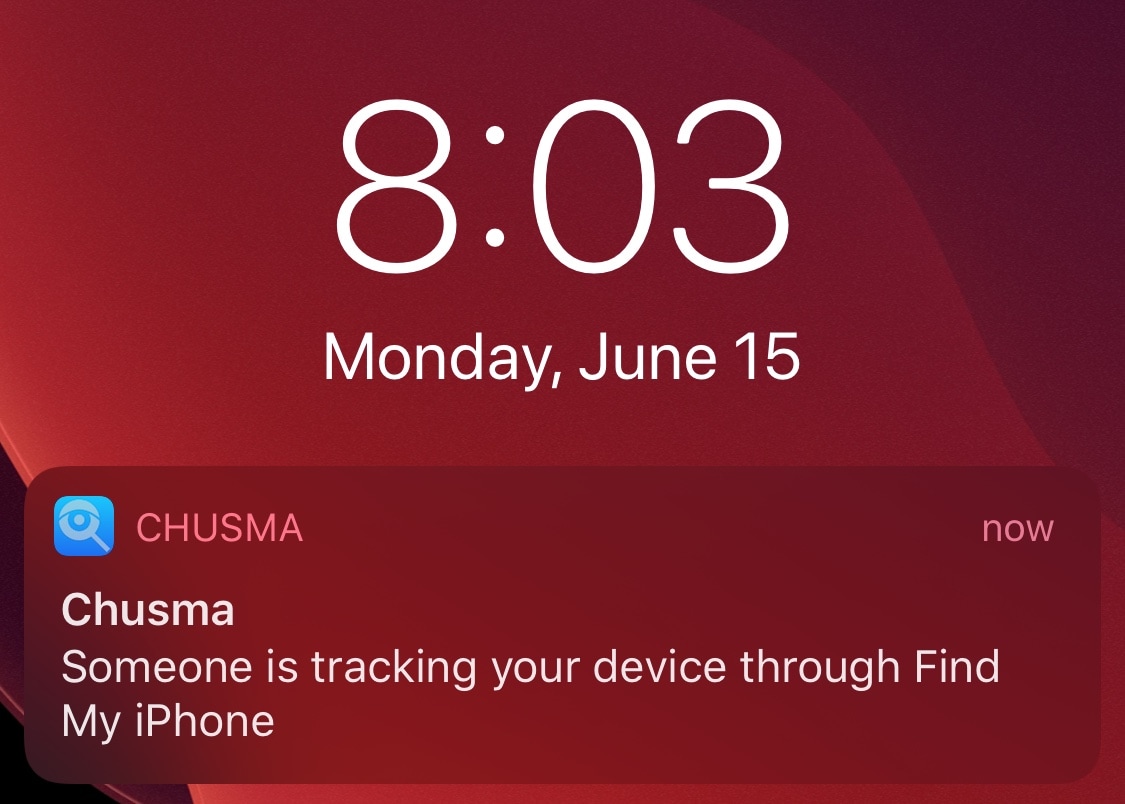
Chances are you probably wouldn’t like it if someone you knew secretively began tracking your every move via Apple’s Find My service, but would you actually ever know if someone was? Apple unfortunately doesn’t provide any sort of straightforward notification to let you know when your handset is being tracked, but the jailbreak community now offers a solution for that.

Say hello to a newly released and free jailbreak tweak dubbed Chusma by iOS developer Itaybre. Once installed, this tweak provides its users with real-time push notifications whenever anyone begins tracking your iPhone or iPad with Apple’s first party Find My service.

App Firewall open beta lets jailbreakers seize control of their apps’ connections

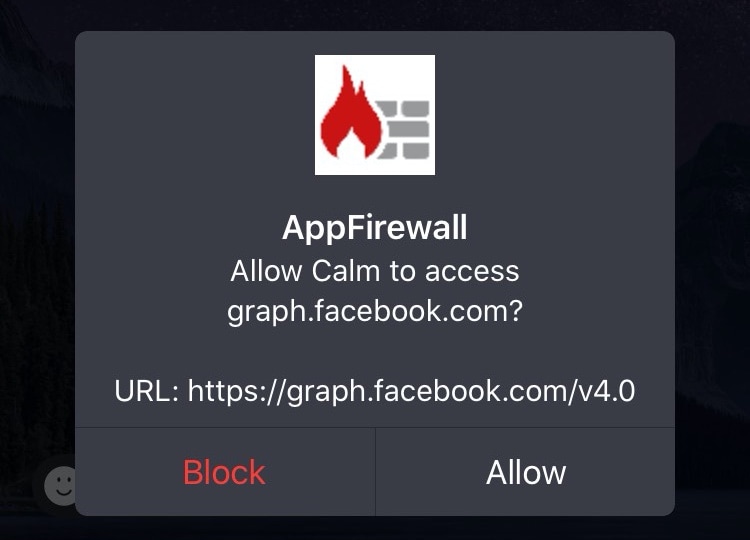
Veteran jailbreakers may remember a time in the distant past when you could install literal software firewalls in the form of jailbreak tweaks. Fast-forward to today when these tweaks a lot less common, and innumerable privacy concerns relating to camera snooping, location tracking, microphone eavesdropping, and the likes have sparked new interest in blocking outbound data communications on our handsets.

If you’re in the market for an increased say in the data that leaks out of your handset to the world wide web, then you’ll probably want to know about a newly released and free jailbreak tweak called App Firewall (iOS 10-13) by iOS developer Brayden Traas, as it can purportedly help you take control of your apps’ network access.