Learn how to stop your iPhone, iPad, or Mac from showing pictures in the Memories and Featured Photos sections of the Photos app as well as the photo widget.
How to turn off memories and featured photos in Apple Photos

Learn how to stop your iPhone, iPad, or Mac from showing pictures in the Memories and Featured Photos sections of the Photos app as well as the photo widget.
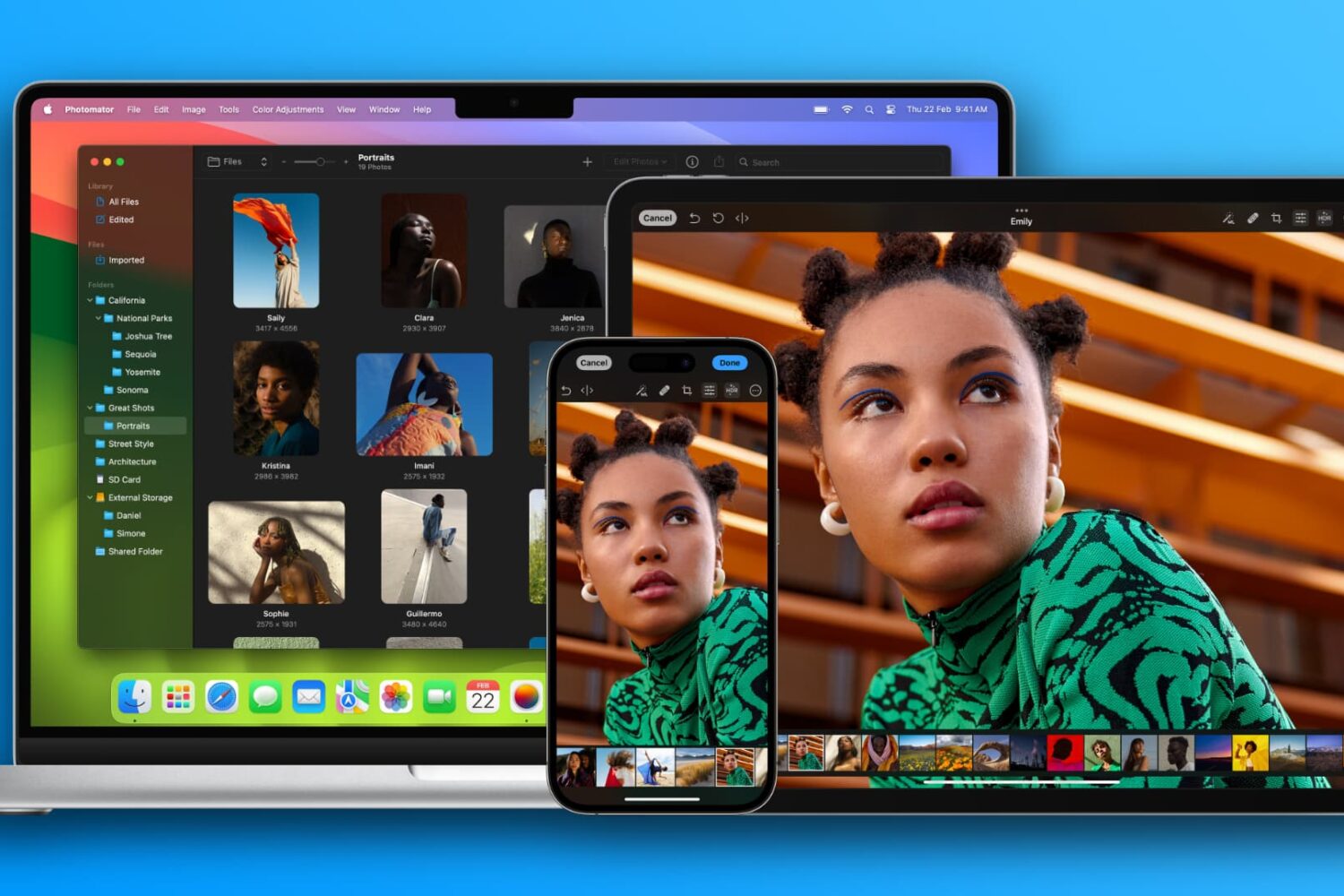
The Pixelmator team has updated Photomator, its powerful iPhone, iPad and Mac image editor, with a native file browser providing a smooth experience.
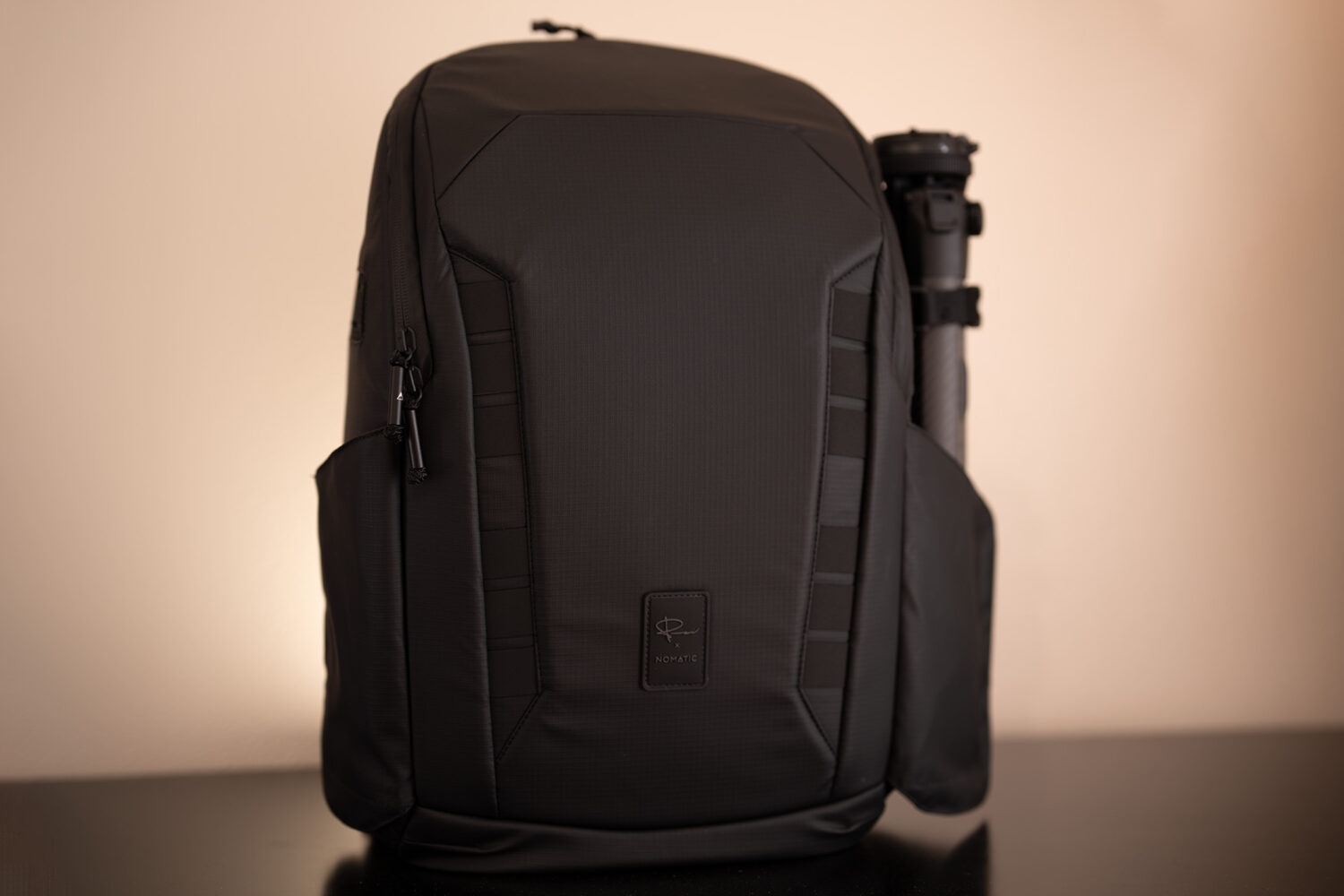
As both a weekend photographer and someone who regularly photographs items for the posts that I make for iDB, I’ve spent quite a lot of time and effort furnishing my camera bag with the necessities so that I’m prepared for anything, whether I find myself in the comfort of my own home or walking leisurely through the park.

In this tutorial, we will show you how to take a screenshot of the virtual view that appears in front of you when you're using the Apple Vision Pro headset.

In this tutorial, we will show you how to use WhatsApp to turn a photo into a sticker and send it in a chat or save this custom sticker for future use.
In this tutorial, we will explore some handy tips to organize your iPhone and iPad Photos app. These tips will ensure you do not have to struggle to find the desired pictures at the right time, even if your photo library has thousands of images and videos.

In this tutorial, we will show you how to crop a photo or video, pixelate sensitive parts, and add text, sticker, emoji, or drawing over the media before sending it to a person or group using WhatsApp or WA Business on your iPhone.

Check out these 7 easy ways to recover deleted WhatsApp photos and videos on your iPhone or Android device.
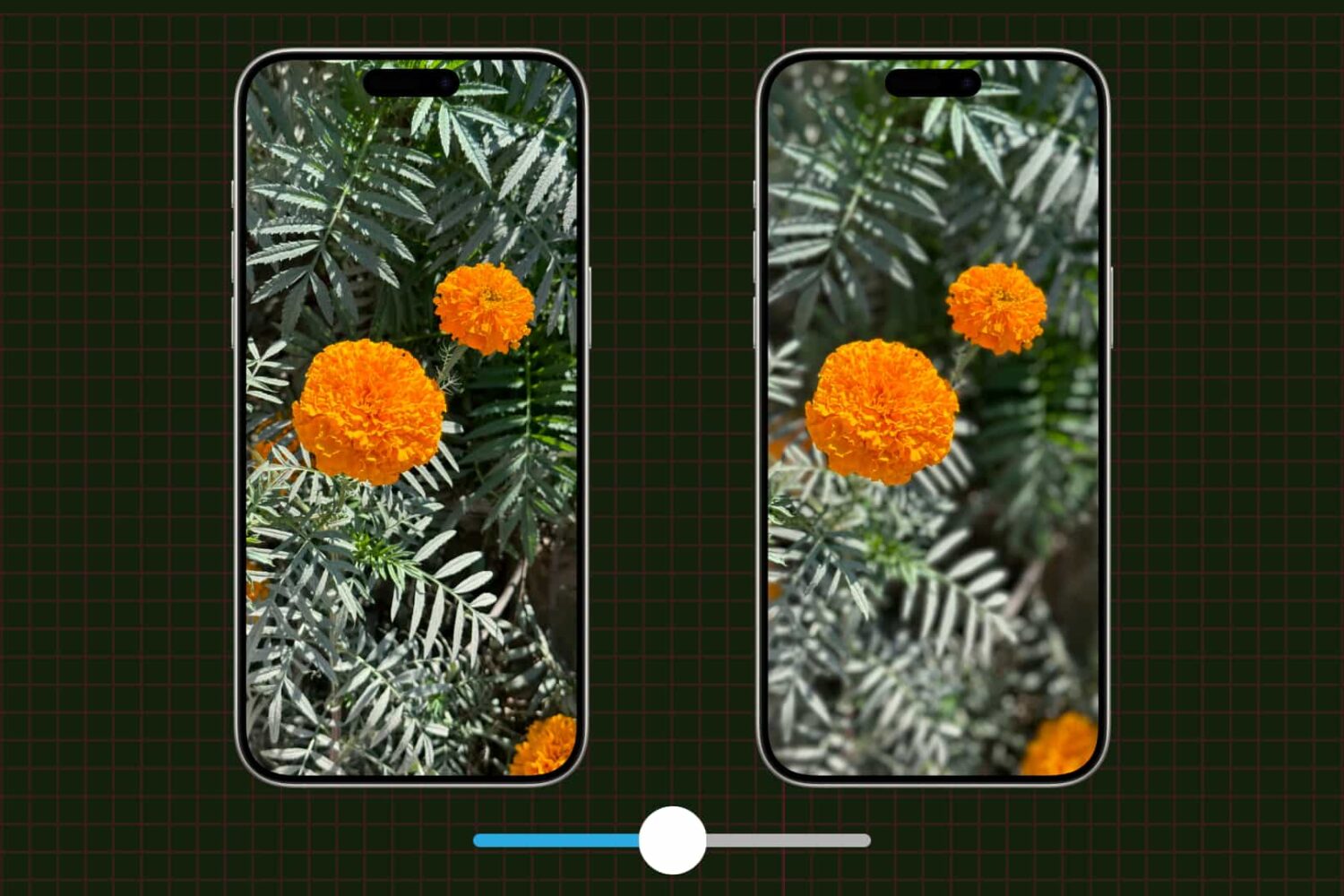
Learn how to adjust a photo's depth of field and focus point on your iPhone to change the amount of background blur, also known as bokeh.
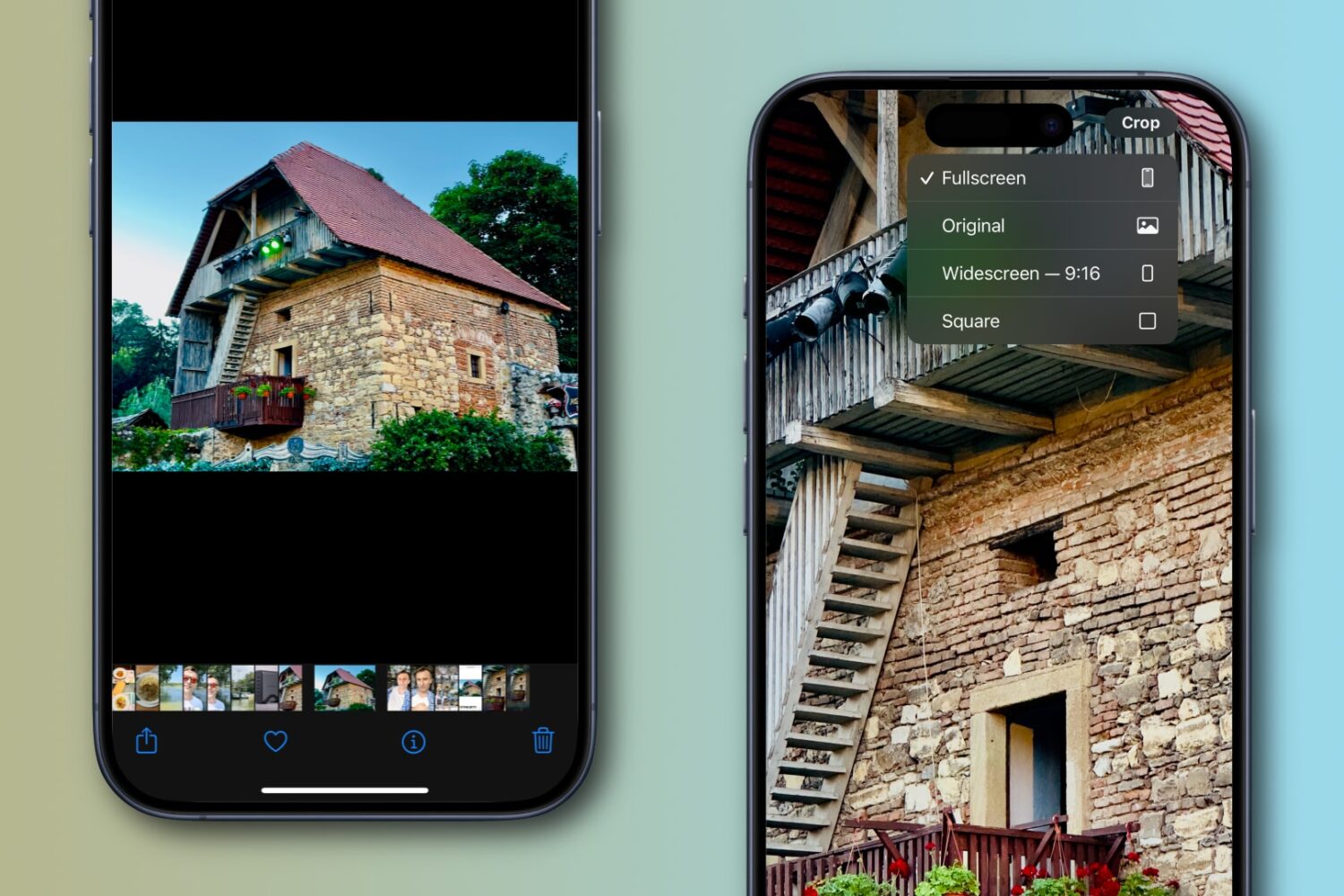
Apple’s Photos app on the iPhone or iPad lets you quickly crop an image while pinch-zooming without entering editing mode first, and we show you how.
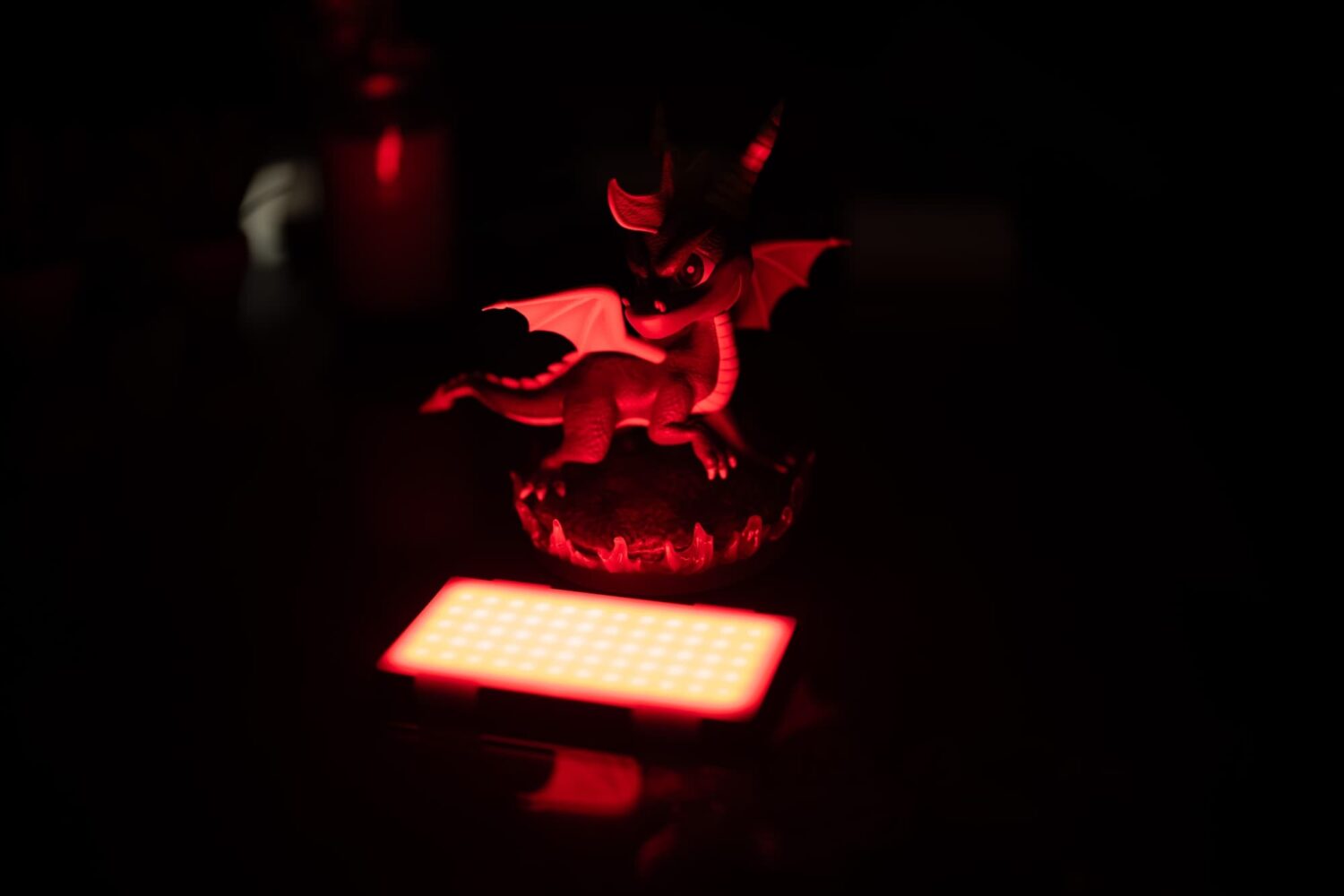
When it comes to taking the perfect photograph, lighting is everything. In fact, even just slightly under-exposing or over-exposing a photograph can make or break it.