Learn how to automatically convert pictures to the JPG format and videos to MOV when you share them from your iPhone or iPad.
How to auto-convert iPhone photos and videos before sharing to improve compatibility
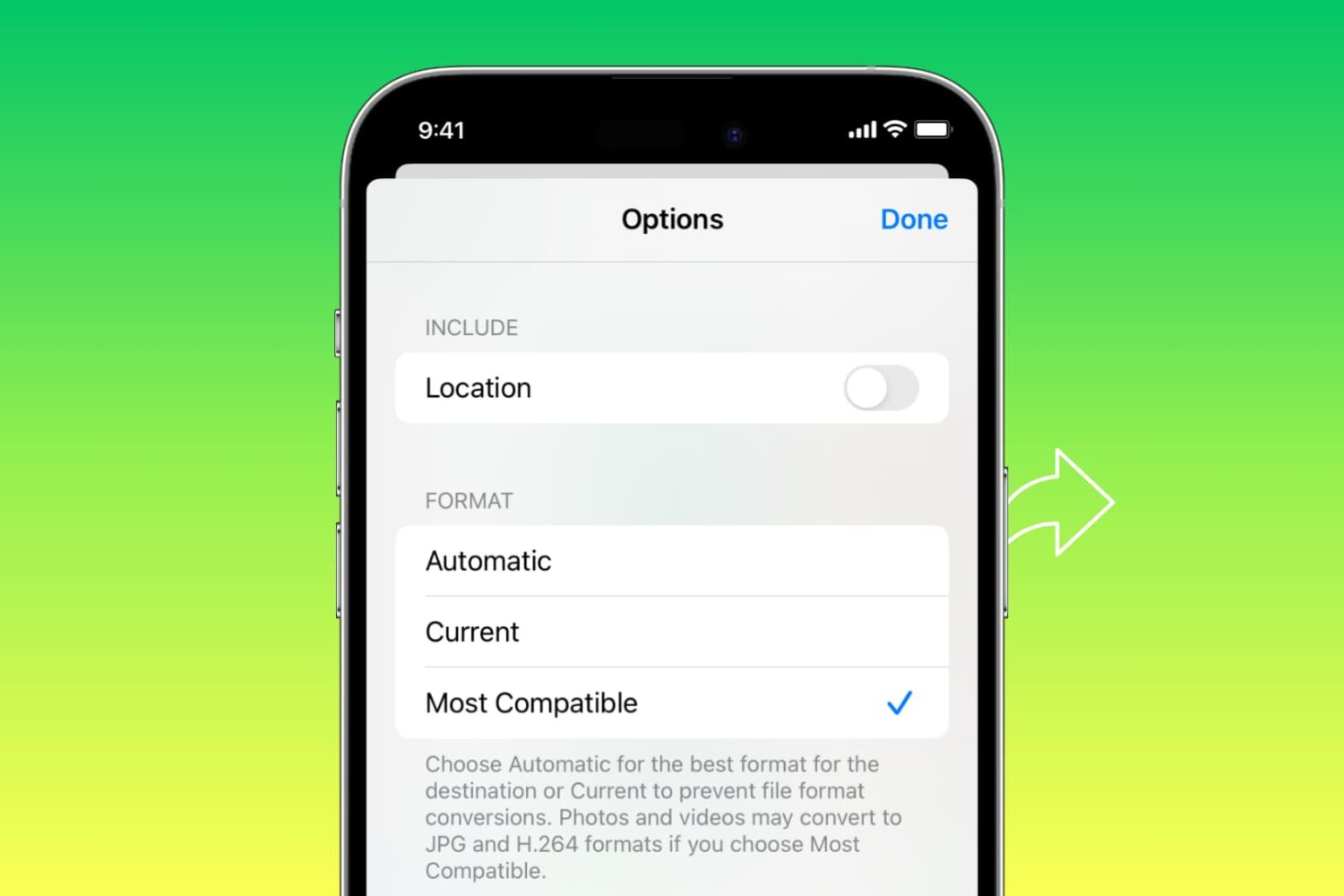
Learn how to automatically convert pictures to the JPG format and videos to MOV when you share them from your iPhone or iPad.

Topaz Photo AI, one of our favorite pieces of software for automatic artificial intelligence-based photograph retouching, has received a major update to version 2.0 this week.
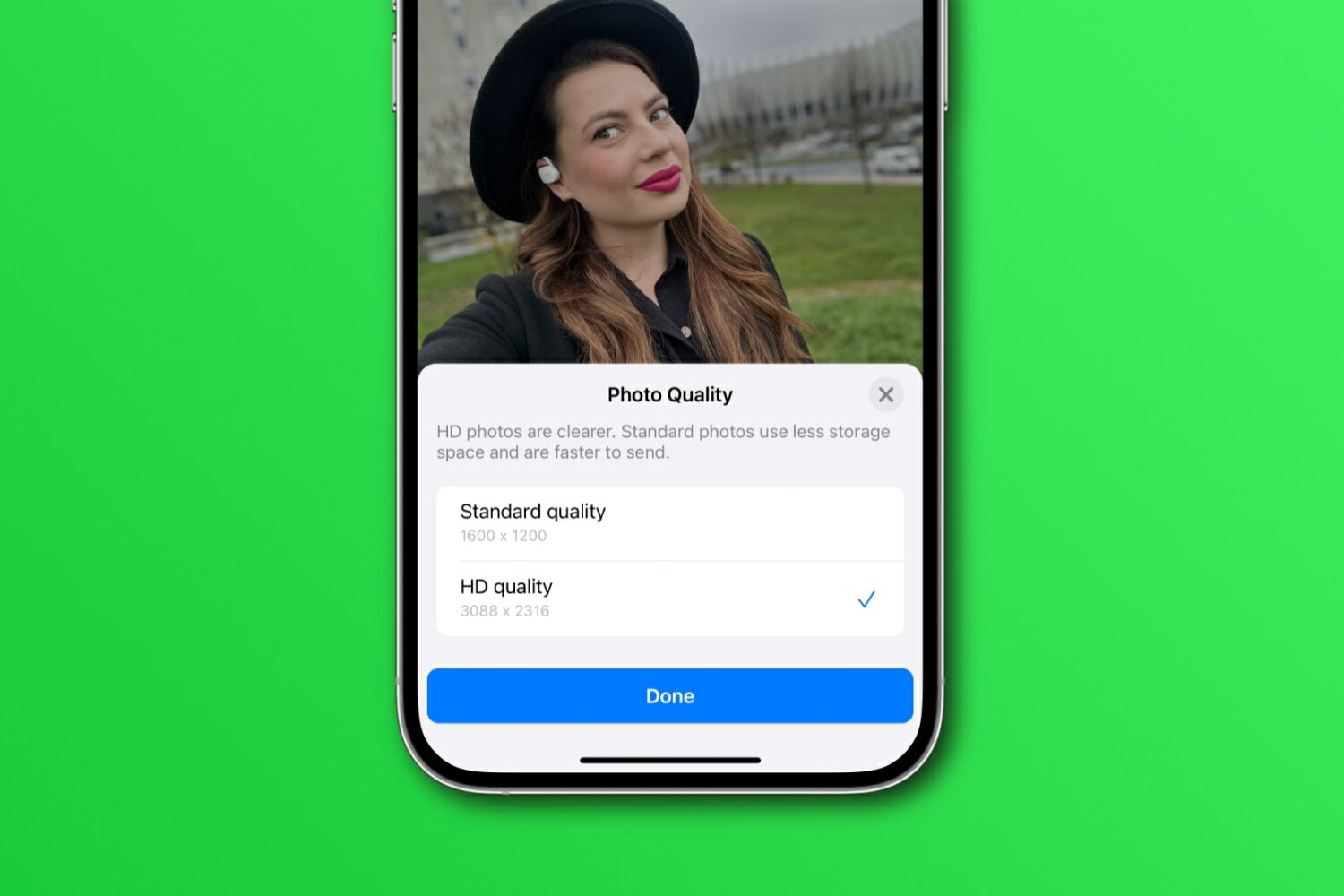
Learn how to share WhatsApp photos and videos in their original resolution instead of compressed, lower-quality versions with fewer details.
One of my favorite pieces of software for editing photographs, Topaz Photo AI, was recently updated to version 1.5.0 with yet another long list of enhancements. The update comes only about a month after the software’s other most recent major iteration update, version 1.4.0.
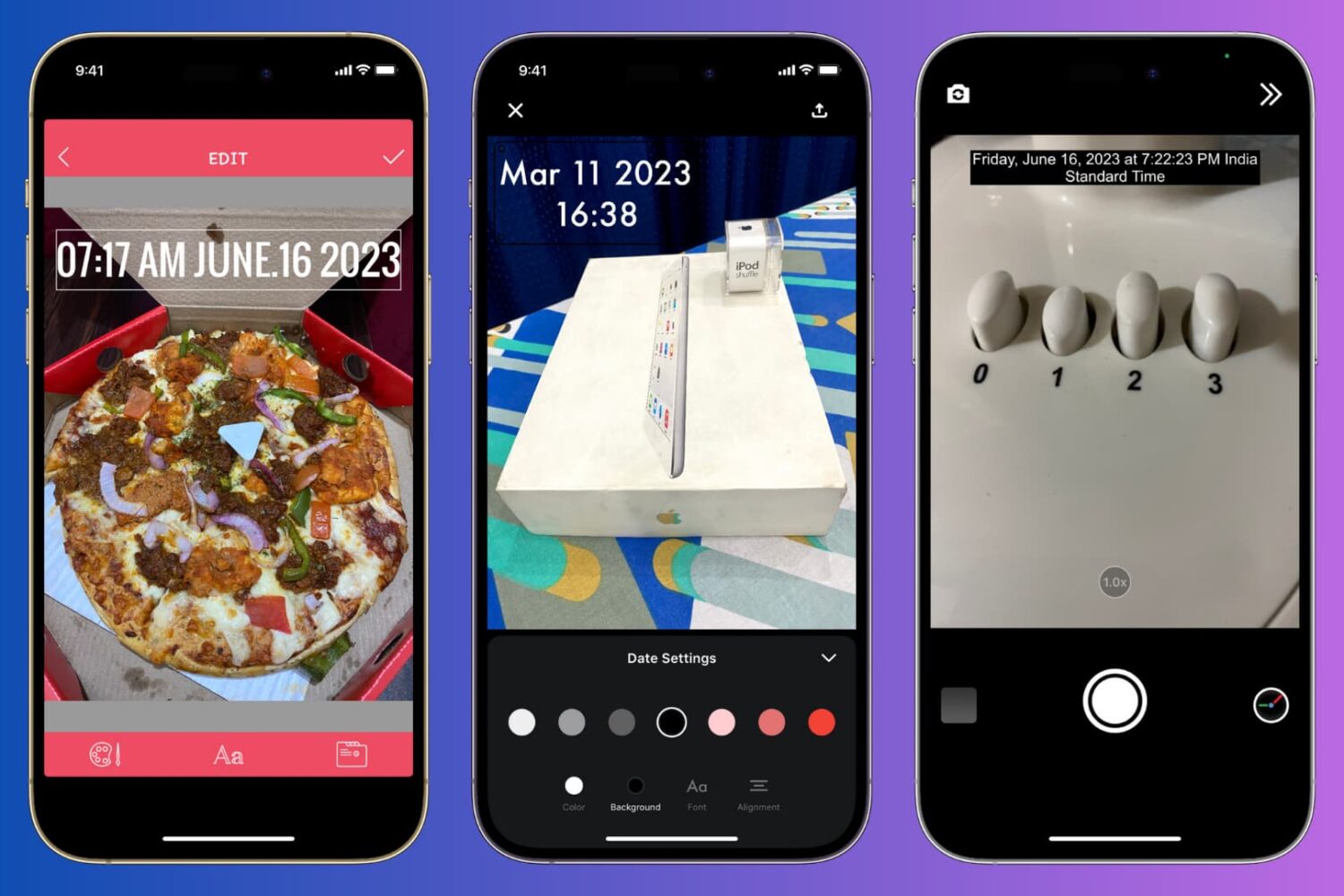
Learn how to manually add the current date and time to your iPhone photos or use a third-party app to automatically timestamp your snaps.
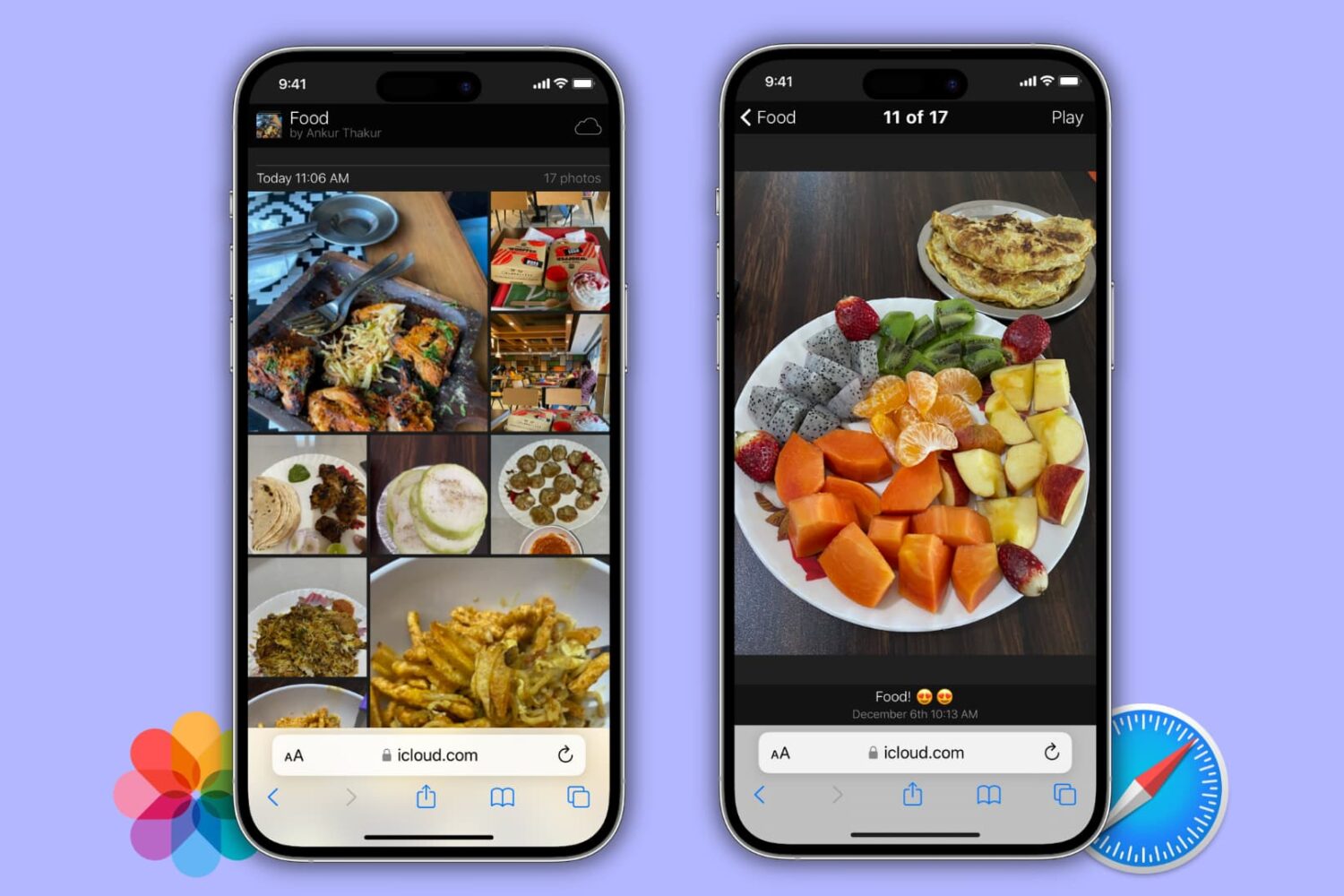
Learn how to turn a photo album on your iPhone, iPad, or Mac into a public website for free that anyone can visit directly from their phone or computer!
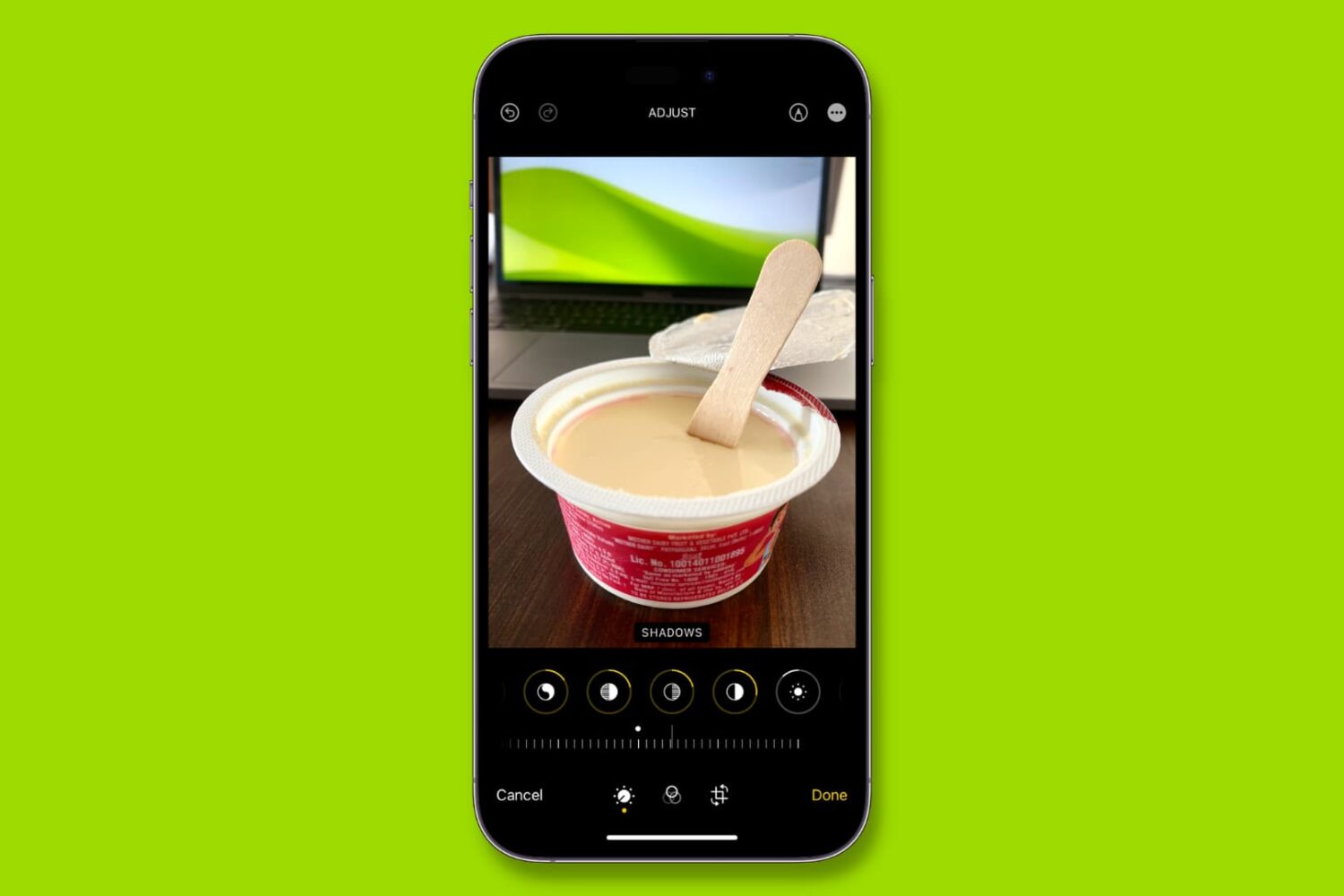
Learn how to copy edits from one photo and paste them onto other images in the Photos app on your iPhone or iPad, allowing you to apply the same adjustments to multiple pictures without editing each one separately.

Learn how to remove the security lock from your Hidden and Recently Deleted folders in the Photos app on your iPhone, iPad, and Mac.
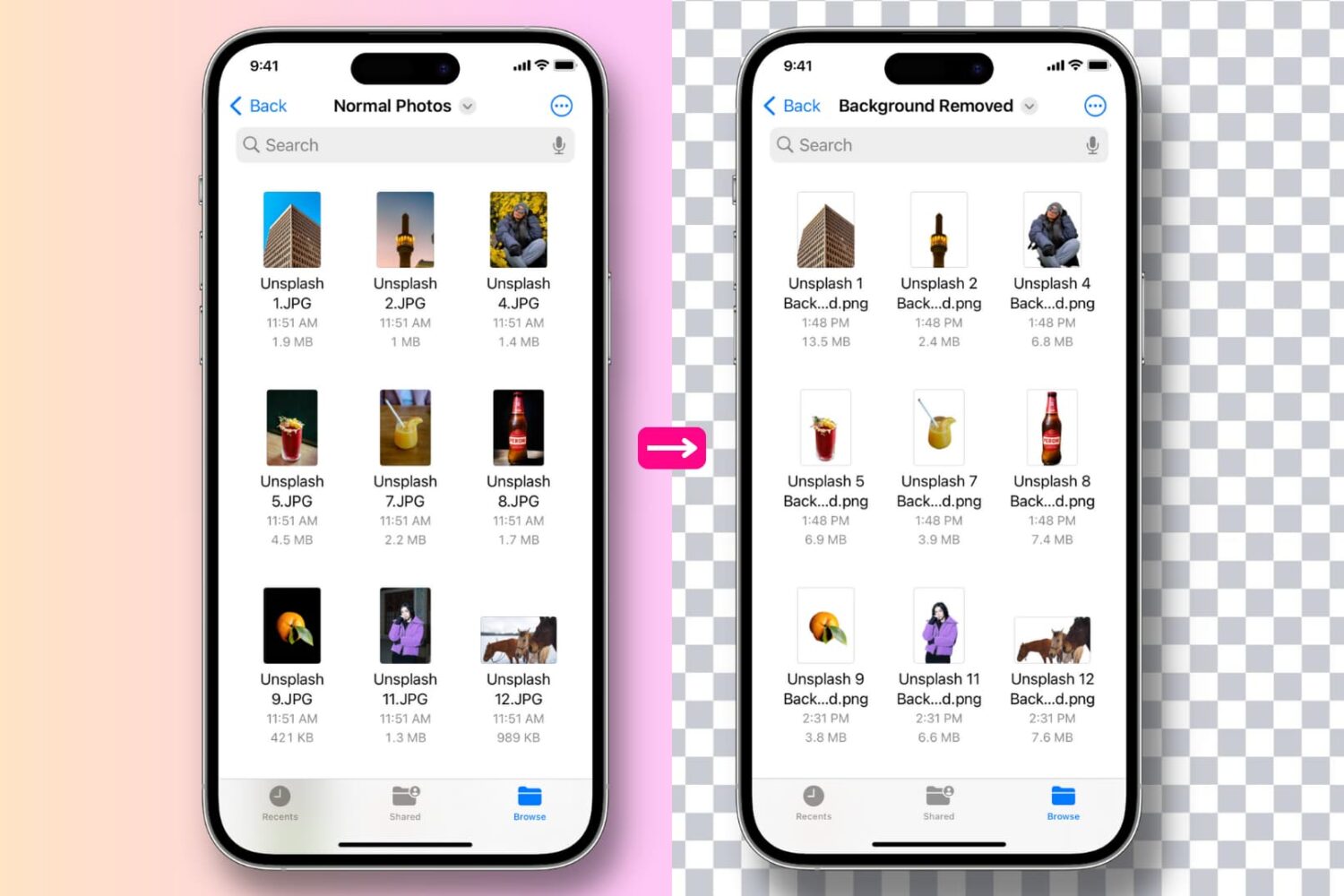
Learn how to remove the background, extract the main subject of one or several images to get a background-less PNG image, and use the subject in Messages or other photo editing apps.
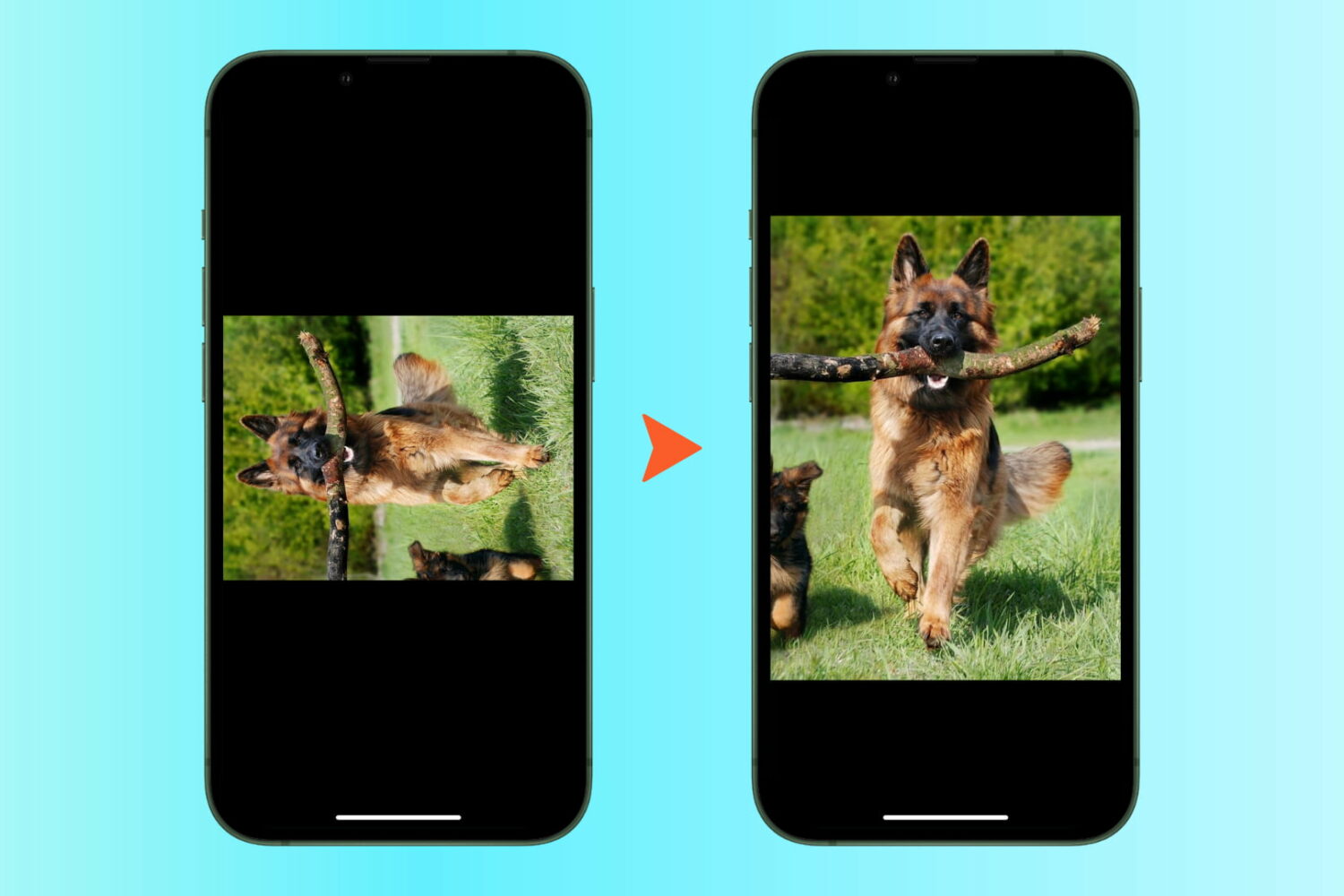
Learn how to quickly rotate one or more photos at once in the Apple Photos app to save time and effort.

Learn how to create and enjoy a slideshow of images and videos on iPhone, iPad, and Mac right from the Photos app.
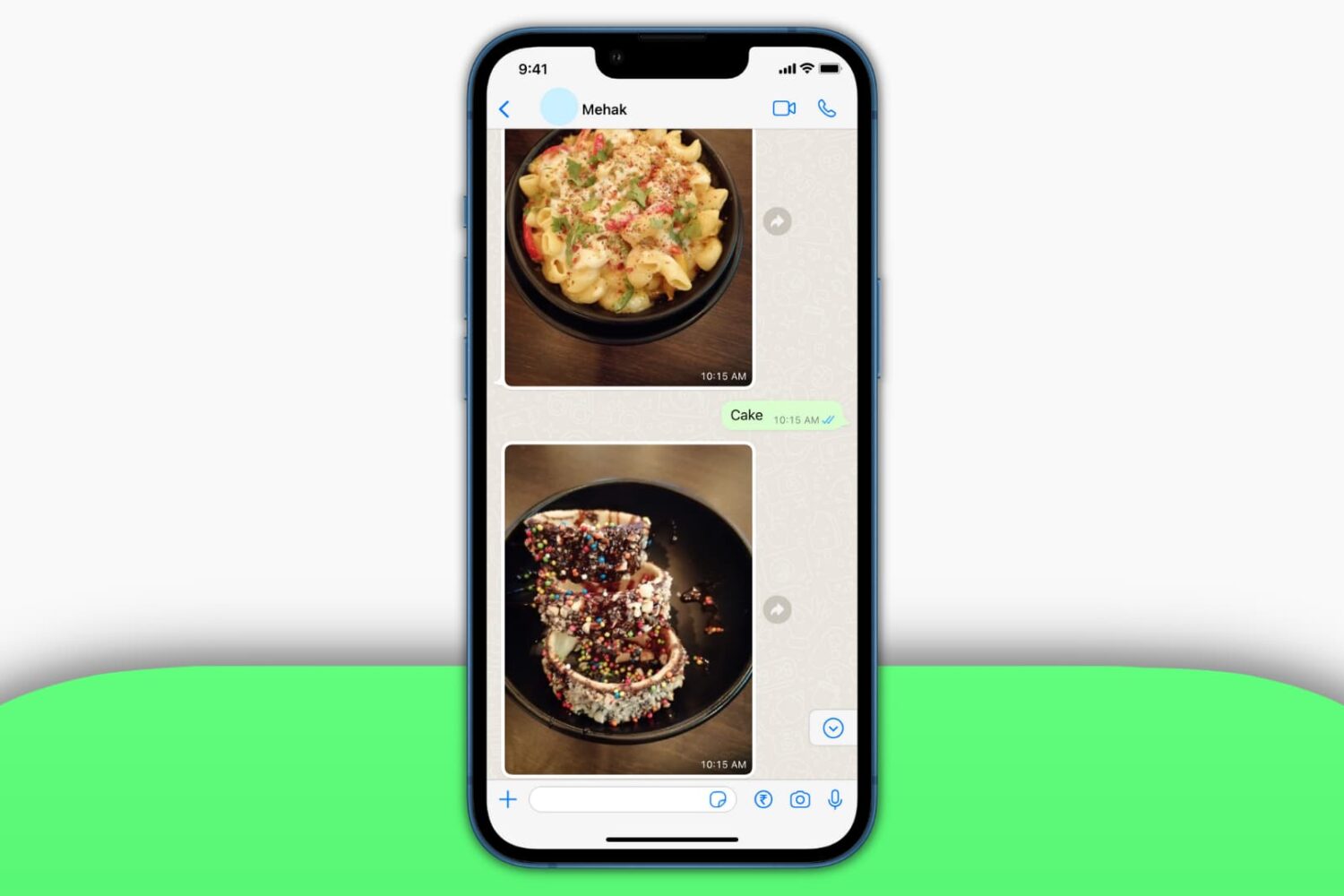
In this tutorial, we’ll show you how to prevent WhatsApp from saving media to your iPhone if unnecessary images and videos sent from friends, family, and businesses are filling up the iOS Photos app.