Learn how to view all your screenshots in one place in the Photos app by filtering out other images, videos, and GIFs on your iPhone or iPad.
How to see all your screenshots in one place on iPhone or iPad

Learn how to view all your screenshots in one place in the Photos app by filtering out other images, videos, and GIFs on your iPhone or iPad.

In this tutorial, we will show you how to upscale a smaller, low-quality, blurry image into a crisp, high-resolution picture using free apps and websites on your Mac.

Apple says that the recent reappearing iPhone photos bug only revived previously deleted images that were stored locally, not those in iCloud.

With the release of tvOS 17.5.1, Apple brought the fix for the reappearing photos bug from iOS 17.5.1 and iPadOS 17.5.1 to your Apple TV.
iOS 17.5.1 brings an emergency fix for a bug causing deleted iPhone and iPad photos to reappear, sometimes years after being deleted.

Do you let other people use your iPhone or iPad? In order to increase your privacy, learn how to prevent pictures and videos in your Photos app from appearing in Spotlight Search.

Check out these free iOS apps that let you turn a portrait image or picture into a sketch, watercolor, oil painting, and more.

There’s a possibility that Apple will overhaul some of the stock apps preinstalled on iPhone with iOS 18, including Photos, Mail, Notes and Fitness.
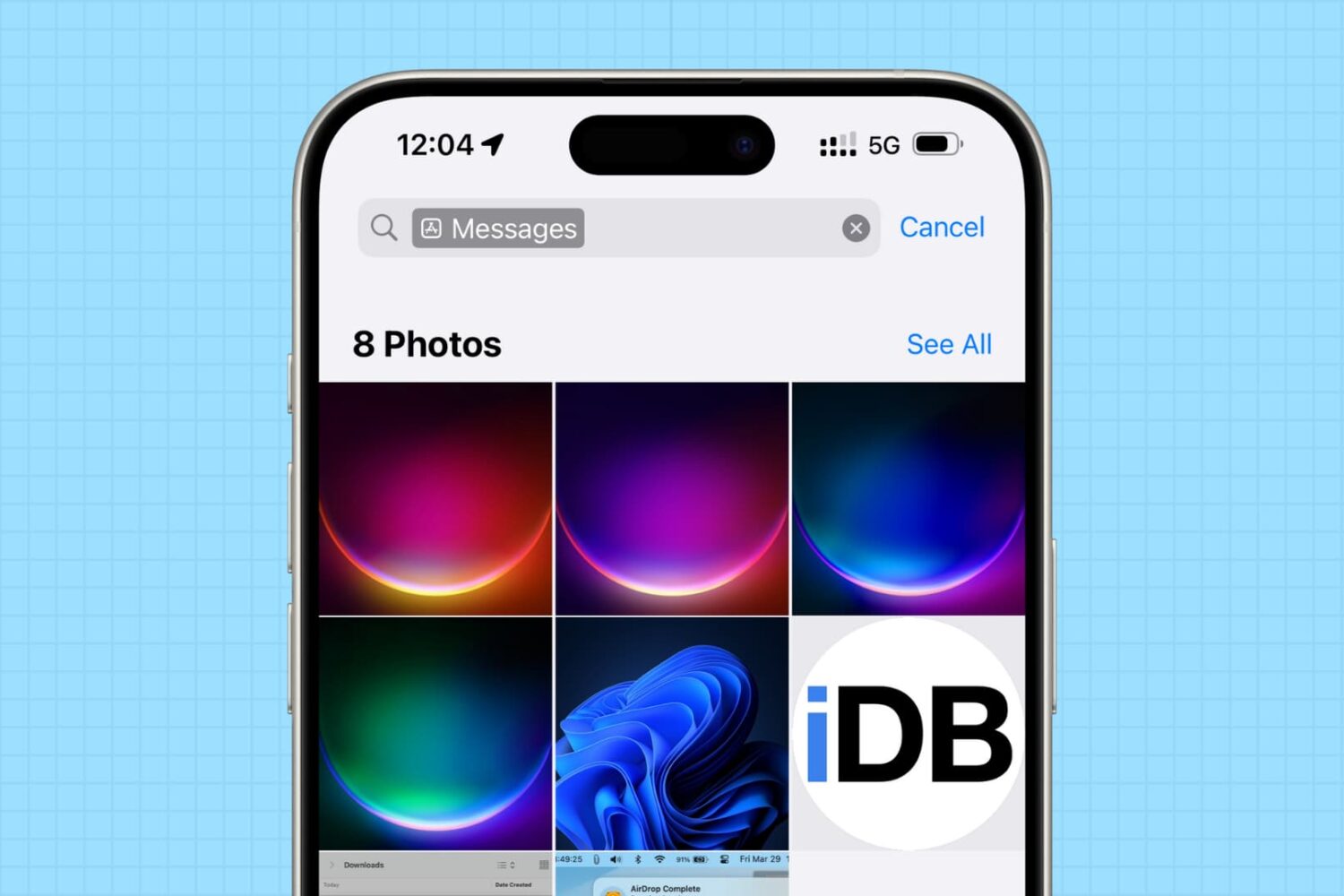
In this tutorial, we will share how to see the photos saved by a specific app on your iPhone or iPad, and delete them all to clean up your library and free up space.
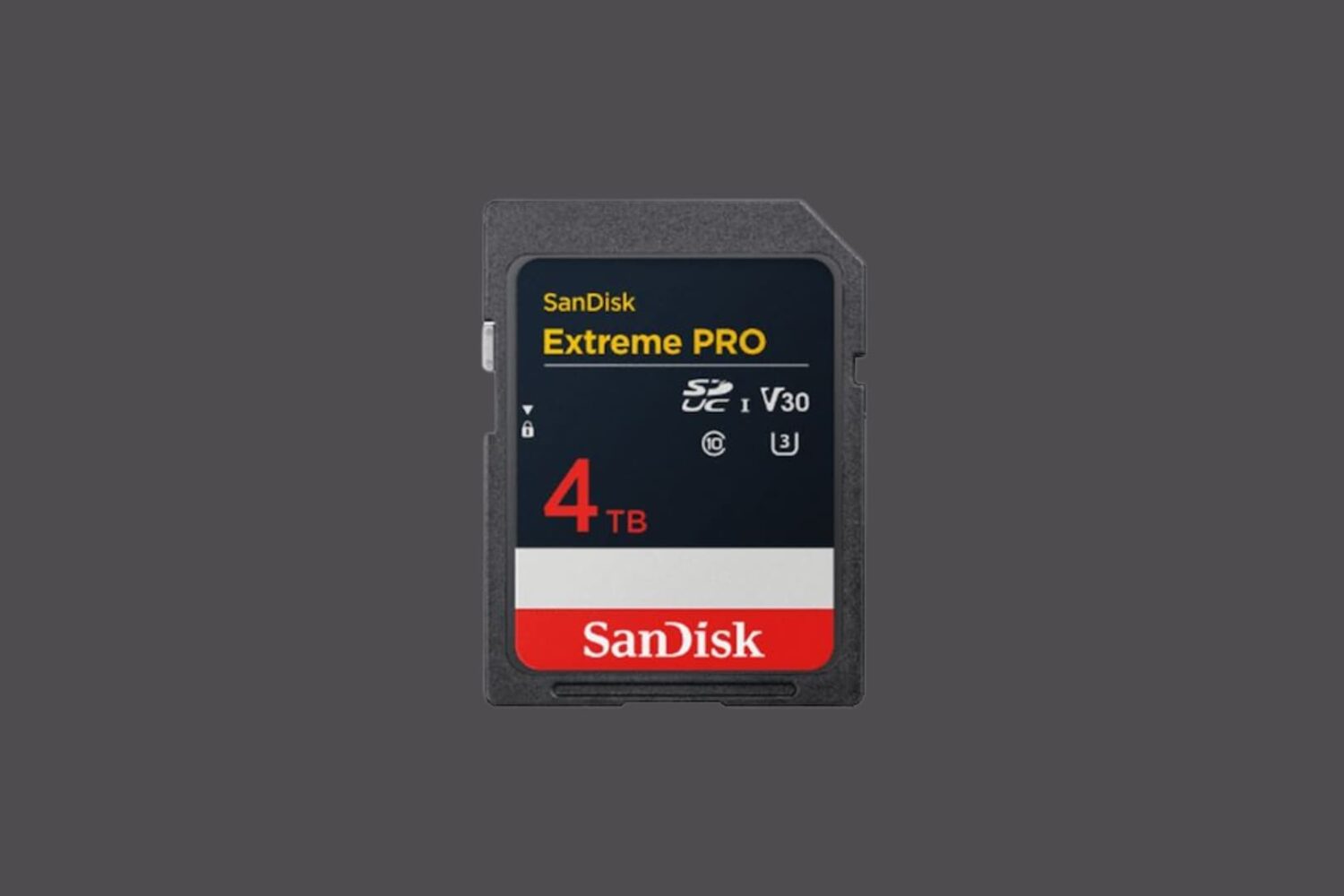
Think you might be needing some larger capacity SD or microSD cards at some point in the future? If so, then you might consider waiting for SanDisk, one of the world’s leaders in flash memory and storage, to launch some groundbreaking new offerings.
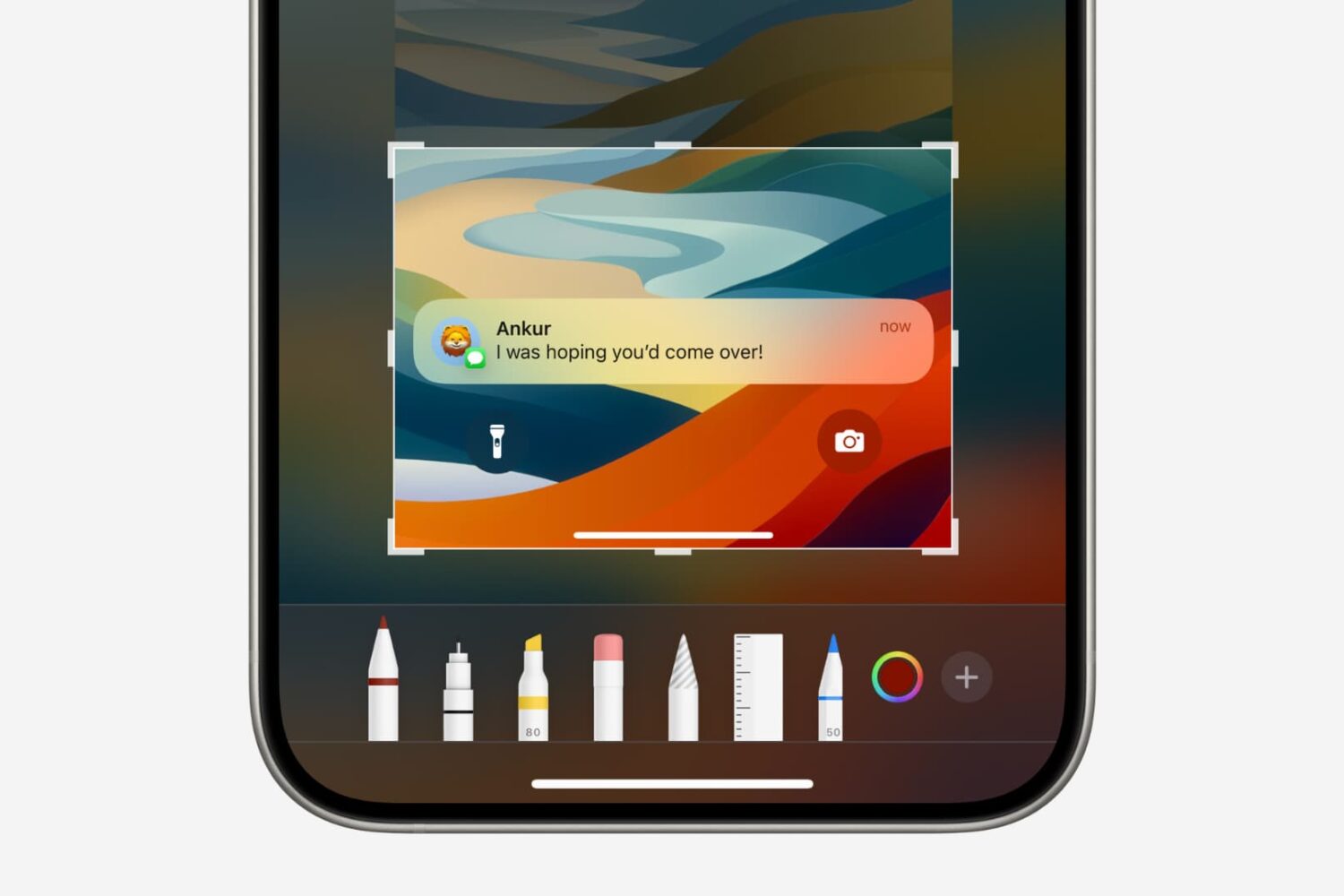
In this tutorial, we will show you how to quickly crop a screenshot or screen recording on your iPhone, iPad, or Mac before you save or share it.
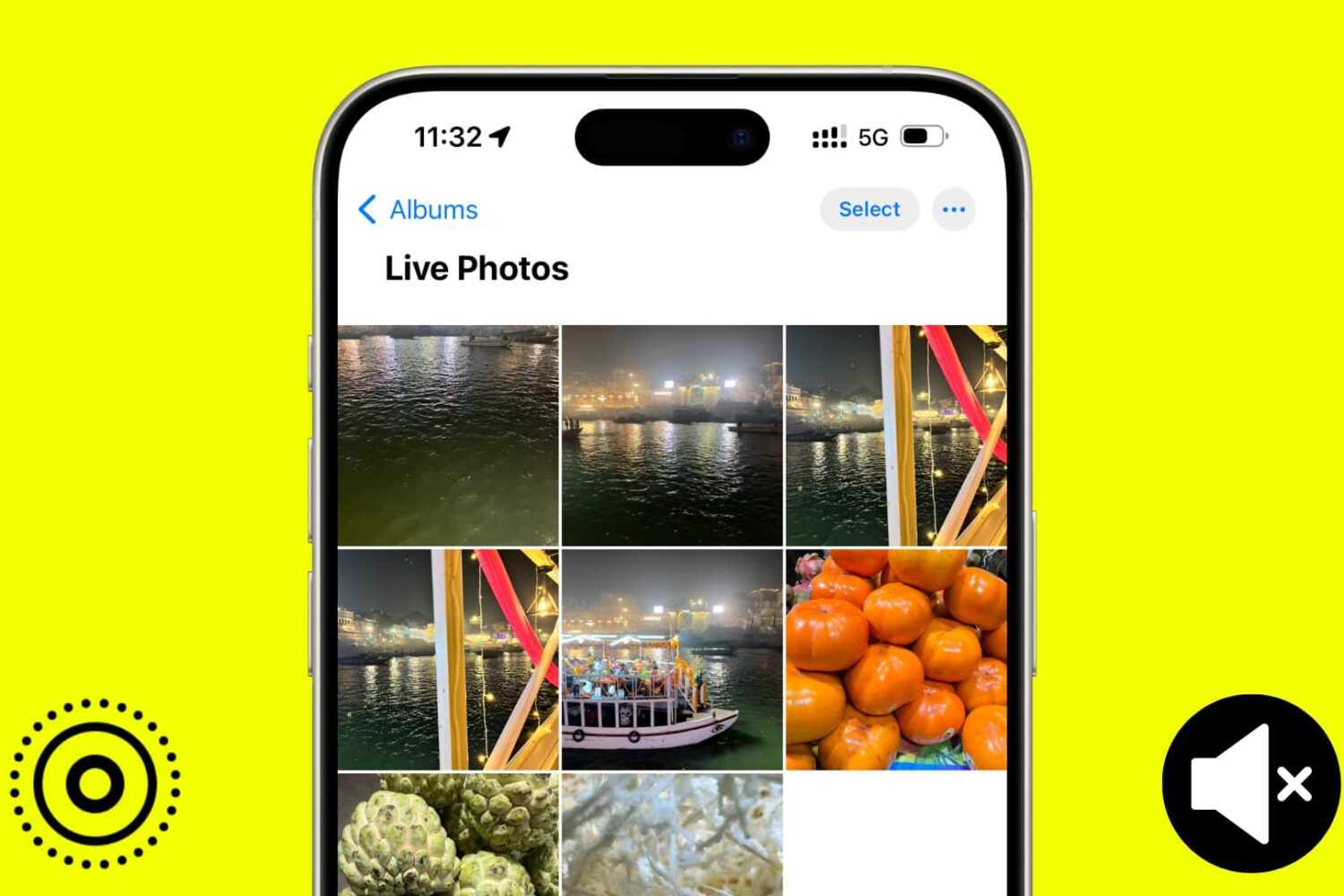
In this tutorial, we will show you how to use the Apple Photos app to remove sound from your Live Photos and save them as soundless media files.