Messages

DoubleCheck helps you avoid sending text messages to the wrong person

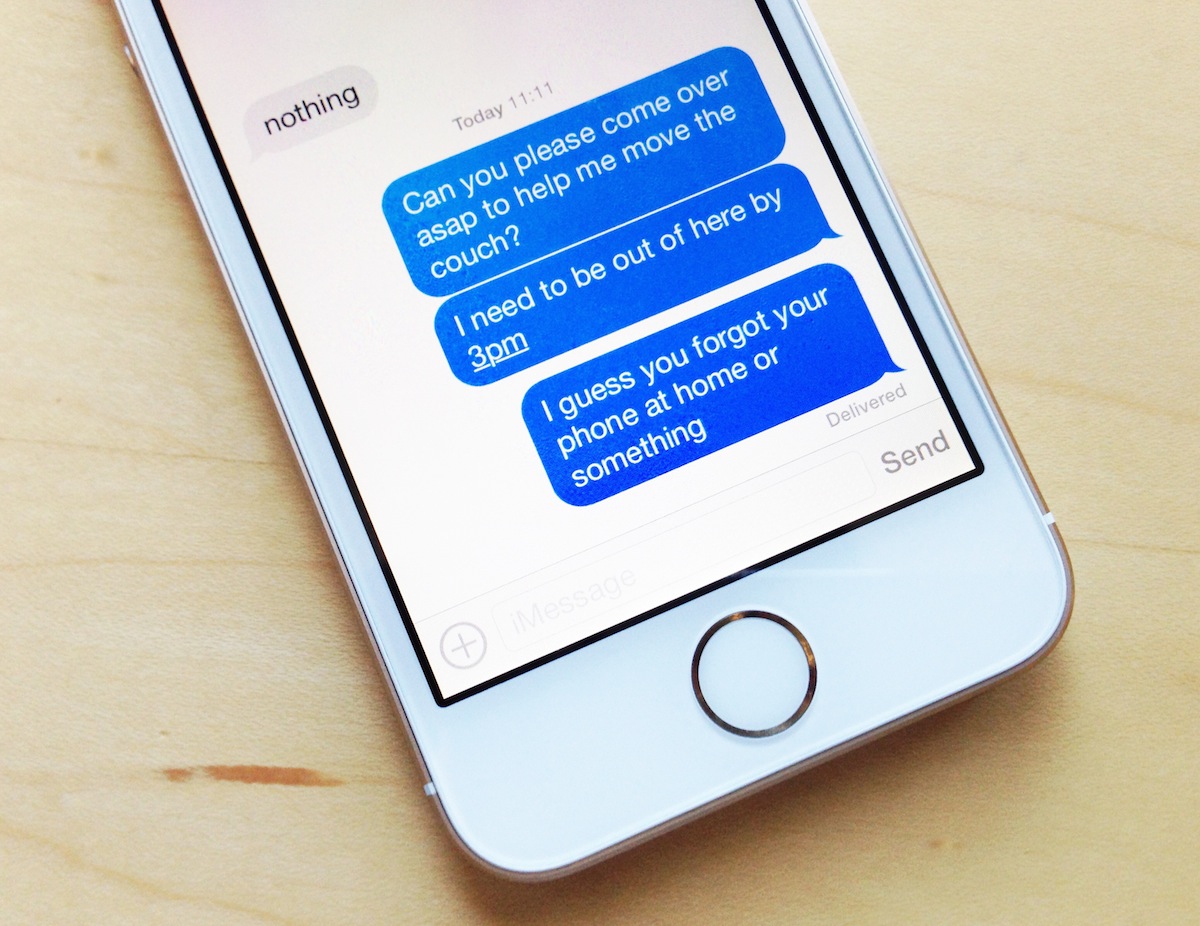
Have you ever inadvertently sent a text message to the wrong recipient? I think we all have. Frankly, it's a good way to encounter a mild disaster if you're not careful.

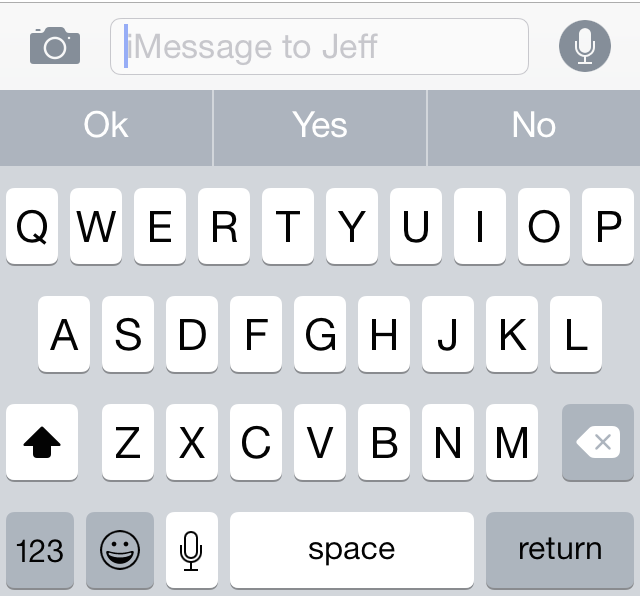
To help prevent yourself from acquiring foot-in-mouth disease, there's a free new jailbreak tweak called DoubleCheck that you should take a look at. DoubleCheck places the recipient of a text message in the text input field, giving you a means to "double check" the recipient before sending the message.

Want to see how DoubleCheck works in action? Have a look at our video demonstration after the break.

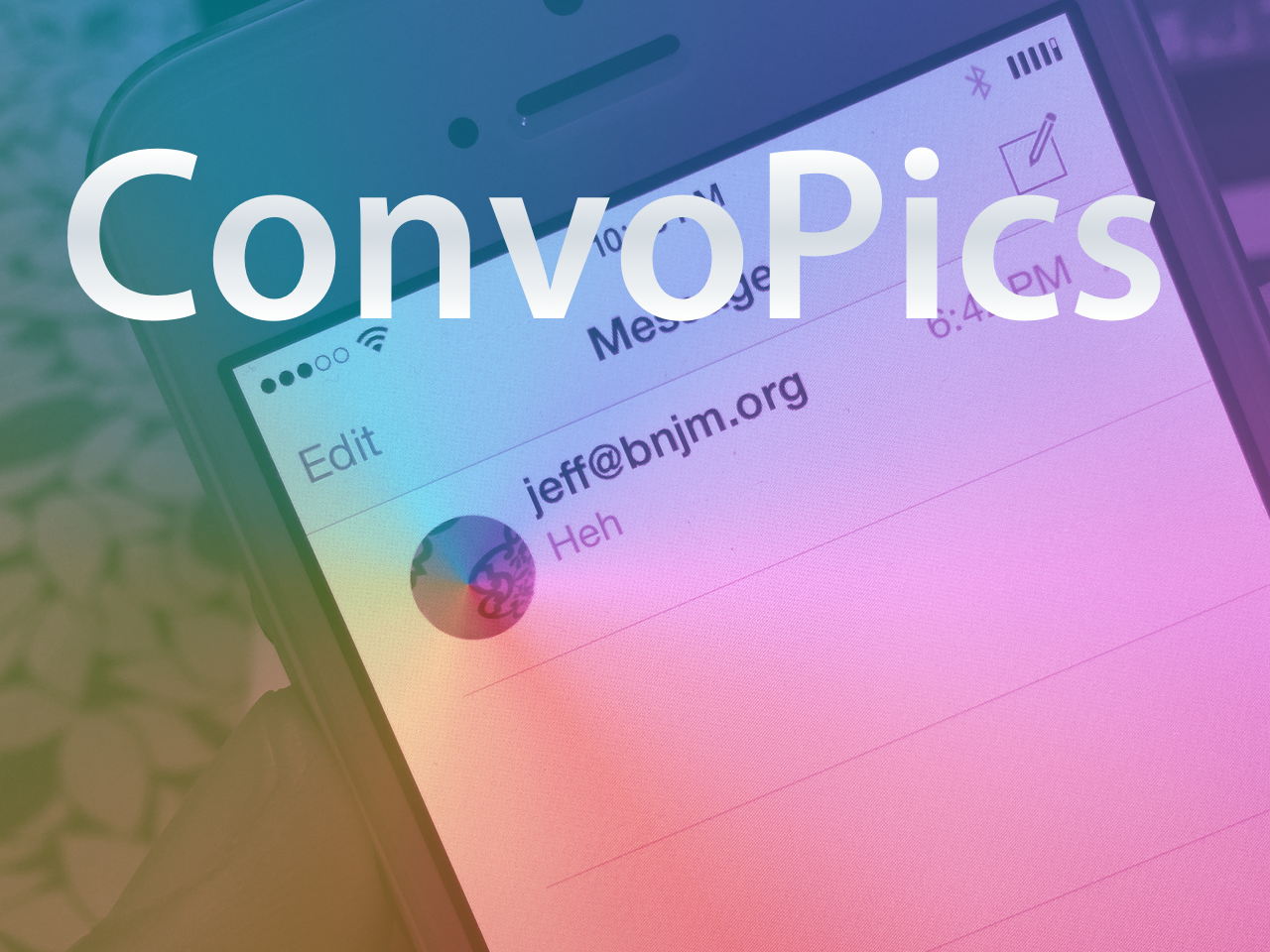
ConvoPics brings the iPhone 6 Plus Messages app avatars to all devices

It’s only a matter of time before the deluge of iOS 8-only jailbreak tweaks begin surfacing on Cydia. Until then, I just thought I’d bring it to your attention that another one of the first such tweaks has appeared on Cydia.

The release is called ConvoPics, and it’s an iOS 8-only tweak that enables the iPhone 6 Plus’ conversation list pictures found in its stock Messages app on all devices. Have a look at our video demonstrating the before and after comparison inside.

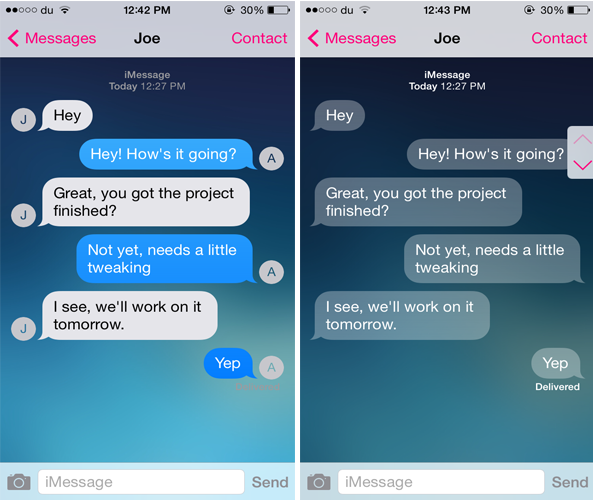
Customize the look of the Messages app with Messages Customizer Pro

One of the many reasons that users jailbreak their iOS device is to customize it. If you're looking for a tweak that allows you to customize the stock Messages app, you should definitely consider checking out Messages Customizer Pro.

The tweak has been produced by Charlie Hewitt, the same developer who created the Messages Customiser tweak earlier this year. The successor comes packed with additional new features and allows you to customize and theme the stock Messages app the way you want.

BeSureBefore ensures that you never perform an action accidentally on iPhone

There are times when you accidentally send a message or like a photo on Instagram without intending to do so. BeSureBefore is a new jailbreak tweak that prevents you from performing such actions mistakenly.

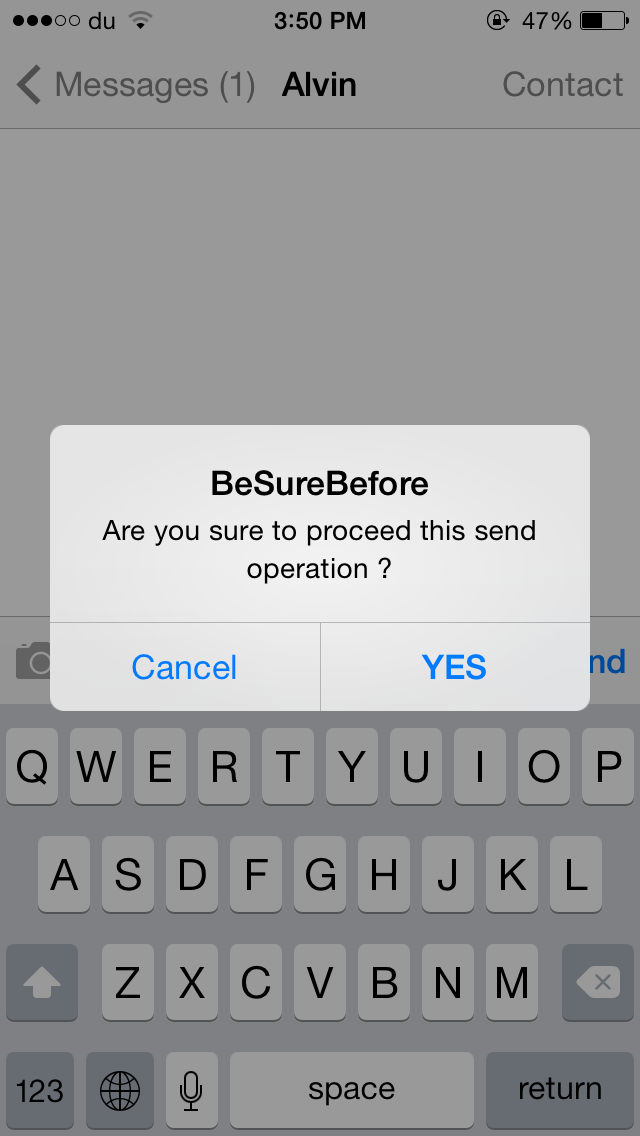
The tweak displays a confirmation message before you send a message or an email, call a contact, like a photo on Instagram and much more. For instance, when you press the Send button in the Messages app, a confirmation message pops up ensuring that you don't send the message accidentally, as shown in the GIF above. Once you confirm to deliver the message, you'll have to press the Send button again to proceed.

The best new features of iOS 8

Admittedly, the myriad of new and useful capabilities that Apple's just-released iOS 8 brings to your iPhone, iPod touch and iPad are going to prove hugely popular with mainstream users, to say the least. With iOS 8, Apple is appeasing harsh critics who'd frequently point out that Android is capable of things iOS cannot do, and then some more.

iOS 8 opens up Apple's mobile operating system to third-party development to a much greater extent than ever before. And stemming from relaxed policies, iOS 8 boosts on-the-go productivity with deeper inter-app sharing while implementing some of the features our Android friends have grown accustomed to, but in a typical hassle-free Apple fashion, things like third-party keyboards, custom actions, photo editing extensions within the context of Photos and Camera apps and way more.

And though evolutionary rather than revolutionary, we have no doubt in our minds that iOS 8 is going to significantly improve the functionality of Apple's mobile platform, and perhaps even give some folks less reasons to jailbreak.

To celebrate today's release of the free iOS 8 software update, we proudly present you this detailed overview of more than two dozen iOS 8 features we think you're going to fall in love with at first sight.
Rumor: Apple planning to acquire social network Path

Apple is close to announcing an acquisition of the social network Path, according to a report from PandoDaily, in an attempt to bolster its social offerings. According to a lone-source said to be placed within Apple's engineering team: “It’s almost done, if not signed already, but it’s essentially a done deal.”

The best jailbreak tweaks for the Messages app on iOS 7

Last week, we presented you a list of best jailbreak tweaks for the Music app on your jailbroken iOS 7. Today, we're back it again to show you a list of best jailbreak tweaks that will spice up the stock Messages app.

The Messages app has been greatly improved over time and comes packed with amazing features in the latest version of iOS 7. The Messages app is both used for SMS as well as iMessage for communication with other Apple devices. However, there are a few features that it lacks but can be achieved by using the tweaks listed below. Read on to find out the best jailbreak tweaks for the Messages app on iOS 7.

ConvoProtect: lock or hide individual conversations in Messages, Whatsapp and Kik

All of us have that one nosy friend who sneaks into the Messages app the moment they get your device and reads all your conversations. If you hate this, you might want to check out a new jailbreak tweak known as 'ConvoProtect' that adds an extra layer of security to your conversations.

ConvoProtect allows you to lock as well as hide select conversations from the stock Messages app, including Whatsapp and Kik as well. Along with individual conversations, the tweak also provides an option to secure group messages as well as hide the message preview for a particular conversation in the conversations list.

The best of iOS 8: from new features to developer tools

With the imminent introduction of the iPhone 6 will come the release of iOS 8, Apple's latest iteration in its mobile operating system. After spending the past several weeks with pre-release versions of the software, I can say that there are definitive grounds for anticipating its public availability. Whether you're planning on buying a new iPhone this fall or upgrading your current device to iOS 8, there are clear reasons to be excited about the features it has to offer.

Although it will be shipping with quite a few significant features – Apple claims this is their "biggest iOS release ever" – we've gone hands-on with the beta releases and picked our top ten favorite enhancements that will be available for qualifying devices this September. Here, in no sequential order, are the best of what makes iOS 8 great...

Hermes: a lightweight cross-platform quick reply solution

Are you itching for a lightweight quick reply solution, and feel that existing tweaks don't work for you? What about being able to quickly reply to WhatsApp, Kik, and iMessage messages from the same quick reply interface. If you answered yes to one or both questions, then you may want to check out Hermes, a brand new $0.99 quick reply solution for jailbreakers.

Auki updated with new features and new developer API

Our favorite quick reply-enabling jailbreak tweak has been updated with quite a few new features, a brand new developer API, bug fixes, and much more. Auki version 1.3 is a fairly large update, the first of such since the Pangu jailbreak for iOS 7.1.x was released.

Designer Surenix and developer Benno provided us with a preview copy of Auki 1.3, and we've been testing it out for the last few hours. Have a look inside to see what's new.

How to get iOS 8 style quick reply on iOS 7

If someone told you that six months ago that quick reply for Messages would be a feature in iOS 8, most people would probably say that it would be the headline feature for the updated OS. But Apple cranked it up a few notches, unveiling new features like Continuity and extensions, and suddenly quick reply no longer seemed like that big of a deal.

But let's face it, quick reply is still very much a big deal. In fact, it's such a wanted feature that there have been tons of jailbreak tweaks in the past that have brought some form of quick reply to the table for jailbroken users.

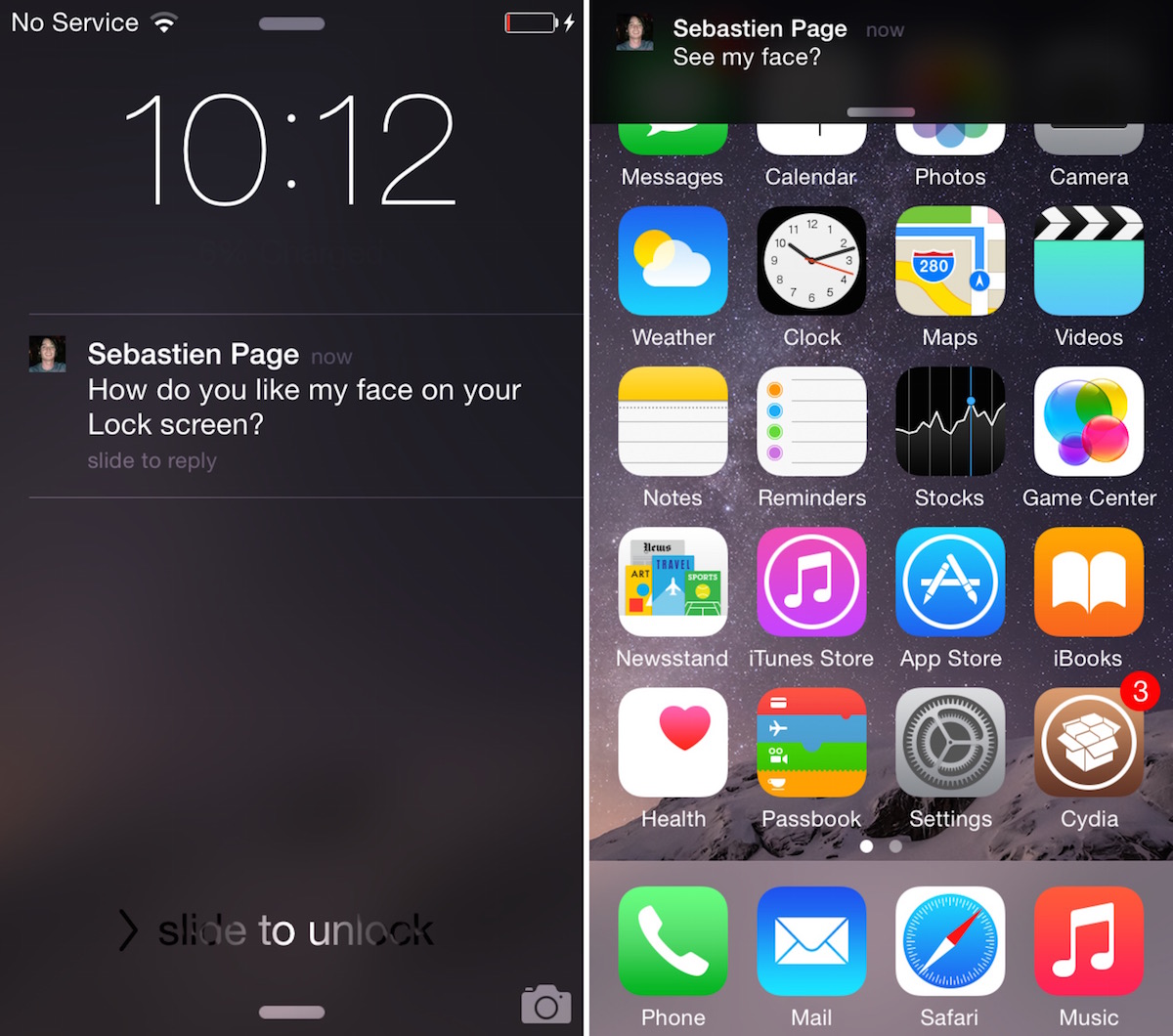
The latest such tweak aims to mimic the quick reply style found in iOS 8 to a close degree. Have a look at our video walkthrough past the break to see Interactive Message Notifications in action.