Messages

Apple appears to have ended support for AIM accounts in OS X Messages

For years, Apple's Messages app for OS X (previously known as iChat) has offered support for the aging AIM messaging protocol with mac.com and me.com IDs.

Then on Monday, as it said it would, Cupertino has ended AIM support for mac.com or me.com accounts in Messages on Macs running OS X Lion 10.7.1 or earlier.

However, it now appears that the company has actually phased out support for AIM accounts for everyone, regardless of Mac OS X version, and without giving users a heads-up...

Yosemite includes the ability to initiate screen sharing via the Messages app

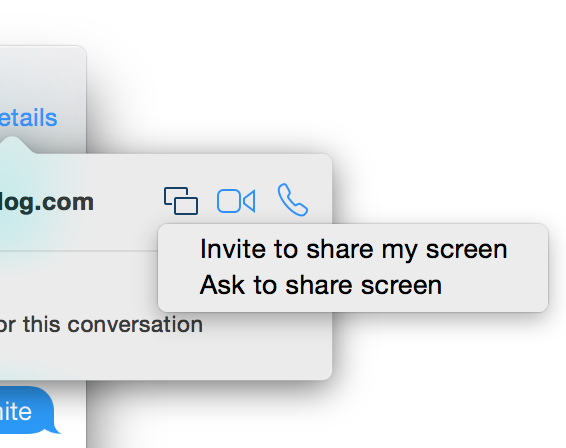
There's a plethora of new features to be found in Yosemite, and one of the latest has been found in the Messages app. Along with the ability to initiate FaceTime audio and video calls directly from a Messages app conversation, comes the ability to initiate screen sharing.

Users will be able to either request a screen sharing session from another user, or initiate their own screen sharing session directly from the Messages app. Check inside for more details.

The best new features from the Messages app in iOS 8 [Video]

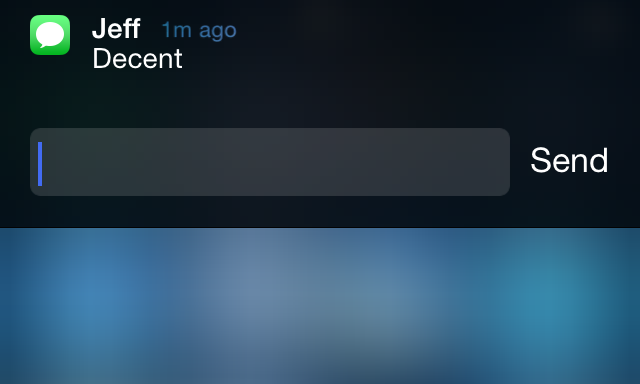
Without a doubt, I believe that quick reply for Messages was by far the most wanted feature of iOS 8 for the majority of long-time users. It's a feature that has been egregiously overlooked by Apple with seemingly little explanation.

This morning's keynote address finally brought an end to the wait, as native quick reply was revealed in all its glory on stage at the Moscone Center in San Francisco. To be honest, the keynote seemed to teeter on the side of fan service, but I'm certainly not complaining, especially when a part of that fan service is the long-awaited quick reply.

After installing the beta of iOS 8, one of the first things I've begun to play around with is the stock Message app, and of course, perhaps the most anticipated feature in iOS 8: quick reply. Have a look at our video walkthrough of some of the most prominent iOS 8 Messages app features.

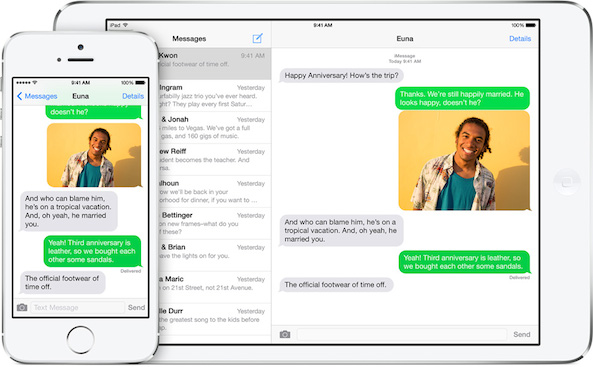
iOS 8 improves messaging on iMessage

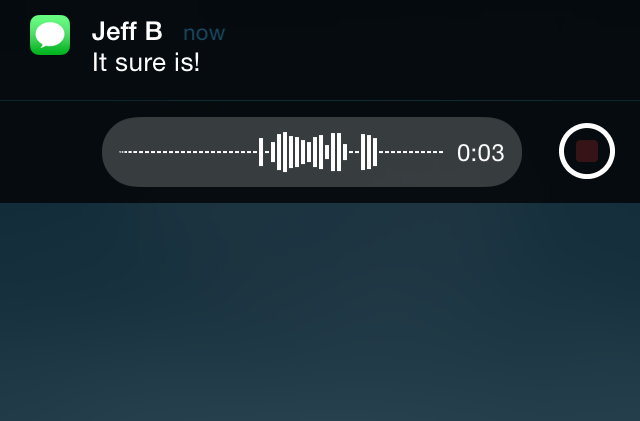
Apple has made some welcomed improvements in iOS 8 to the Messages app for iPhone, iPad and iPod touch. There are several new features that affect group conversations, sharing your location in a message, an attachment overview, sending multiple photos and videos at once and more. Take a look ahead for a detailed explanation of these and other new iMessage features ahead… 

Apple being sued over long-standing iMessage issue

A former iPhone user has filed a lawsuit against Apple over a long-standing iMessage issue. The complaint was filed yesterday in San Jose, California by Adrienne Moore, who says the company's messaging system is interfering with text messaging on her new Android phone.

This issue has affected a number of former iPhone owners, who have switched to Android or another device. The problem is that when a person switches handsets, other iPhones still associate that phone number with iMessage, thus hampering their ability to text message...

CamText: add a live camera to the Messages app background

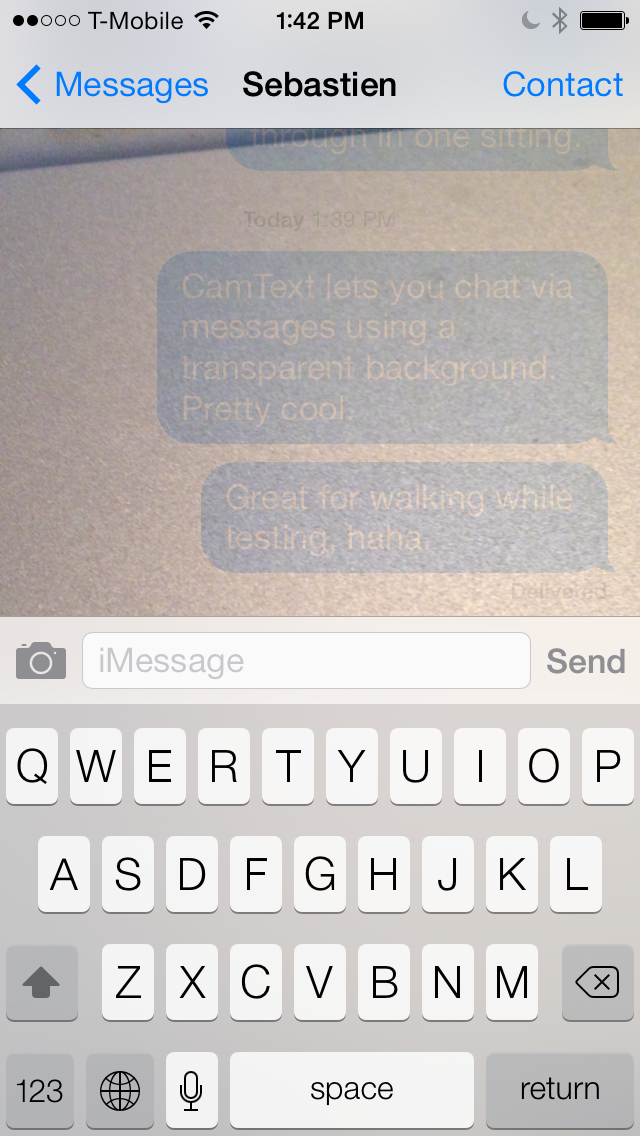
CamText is a new jailbreak tweak that lets users text using the stock Messages app with a live camera background. The most obvious use for a tweak like this is to provide its users with a safe way to text while walking down a busy street.

Since the camera provides a live view of a user's surroundings using the Messages app background, it's possible to keep one eye on an impending obstacle, and another eye on the ongoing conversation. While I believe it's pretty sad that it's come to this—we can't even look up while crossing the street like a normal person—it's hard to deny the idea's usefulness in the face of the circumstances. 

Apple’s ‘transparent texting’ tech aims to make it safer to walk and text

Last week, the United States Patent and Trademark Office published a patent application entitled 'Transparent Texting' that Apple filed in late 2012. In it, the company proposes to replace the background image of messaging applications with a live video feed from the device's camera.

This effect would create the illusion that the device has a transparent display, allowing users to see what lies in front of them while they are texting. The goal of the invention is to make it safer for iPhone (and other mobile device) users to text and perform other functions while walking...

Dated: customize timestamps in the Messages app

The hidden timestamp feature that appears when you swipe from right to left while inside a Messages app thread just got customized. Dated is a new jailbreak tweak that allows its users to dynamically change the makeup of the timestamps that appear in the Messages app.

Using toggles found in the tweak's preferences, Dated users can add or remove the year, month, day, hour, minute, seconds and AM/PM indicator. All of this can be done on the fly without the need of a respring. Have a look inside as we take Dated for a spin in our hands-on video walkthrough.

iOS 8: better inter-app sharing, improvements to Messages, Notification Center, CarPlay and more

Continuing on his series of iOS 8 scoops, the usually reliable Apple blogger Mark Gurman is out with a new story offering alleged new findings pertaining to iOS 8's Notification Center, Messages, Game Center, Voice Memos, CarPlay and inter-app communication.

The latter is obviously the highlight of the report because unlike Android, iOS has been plagued with very limited inter-app sharing. As a result, operations that are normally trivial on Android are virtually impossible on iOS.

For instance, there's no way to edit a photo in one app and send it, say, to the Instagram app without having to go through the cumbersome process of exporting the image to your Camera roll first and then manually importing it into Instagram.

According to the report, iOS 8 could finally fix this problem. Jump past the fold for the full reveal...

How to send group text messages on iPhone

iPhone group text message

We all know how to send an SMS or iMessage to a group of friends: open up the Messages application and type in the name of the contacts you want to include in this group message. This is fine if you want to send a text message to just a handful of contacts, but what if you want to send a message to 25 contacts, for example? Adding each of them to the group chat could be a time-consuming process.

As always, the App Store can provide a solution to this problem. We will show you how to text message a group of contacts on your iPhone in a quick and efficient manner. To do so, we'll be using our application called Contact Groups, an app we developed ourselves. There are other applications that can streamline your group messaging, but we'll be using Contact Groups as it is a free alternative that works really well for what we want to accomplish.

How to quickly swipe between message threads in iOS 7

MessageSwiper7 is a recent Cydia release that brings the ability to swipe between Messages app conversations in iOS 7. We posted about the original MessageSwiper almost a year ago, and as you'll see, that version differs quite a bit from the latest version.

Since iOS 7's Messages app already features built-in actions for swipe gestures on both the right and left side of the app, more thought had to be put into the tweak to get things right in iOS 7. We've taken MessageSwiper7 for a brief spin on video to show you how it works. Have a look at our full walkthrough inside.