Messages

Apple’s ‘transparent texting’ tech aims to make it safer to walk and text

Last week, the United States Patent and Trademark Office published a patent application entitled 'Transparent Texting' that Apple filed in late 2012. In it, the company proposes to replace the background image of messaging applications with a live video feed from the device's camera.

This effect would create the illusion that the device has a transparent display, allowing users to see what lies in front of them while they are texting. The goal of the invention is to make it safer for iPhone (and other mobile device) users to text and perform other functions while walking...

Dated: customize timestamps in the Messages app

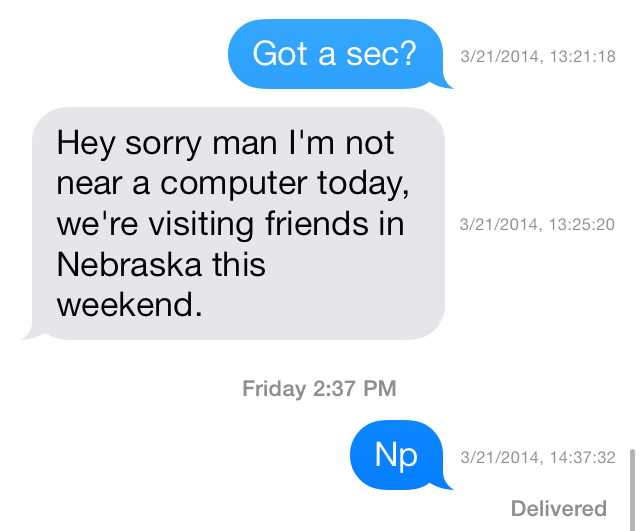
The hidden timestamp feature that appears when you swipe from right to left while inside a Messages app thread just got customized. Dated is a new jailbreak tweak that allows its users to dynamically change the makeup of the timestamps that appear in the Messages app.

Using toggles found in the tweak's preferences, Dated users can add or remove the year, month, day, hour, minute, seconds and AM/PM indicator. All of this can be done on the fly without the need of a respring. Have a look inside as we take Dated for a spin in our hands-on video walkthrough.

iOS 8: better inter-app sharing, improvements to Messages, Notification Center, CarPlay and more

Continuing on his series of iOS 8 scoops, the usually reliable Apple blogger Mark Gurman is out with a new story offering alleged new findings pertaining to iOS 8's Notification Center, Messages, Game Center, Voice Memos, CarPlay and inter-app communication.

The latter is obviously the highlight of the report because unlike Android, iOS has been plagued with very limited inter-app sharing. As a result, operations that are normally trivial on Android are virtually impossible on iOS.

For instance, there's no way to edit a photo in one app and send it, say, to the Instagram app without having to go through the cumbersome process of exporting the image to your Camera roll first and then manually importing it into Instagram.

According to the report, iOS 8 could finally fix this problem. Jump past the fold for the full reveal...

How to send group text messages on iPhone

iPhone group text message

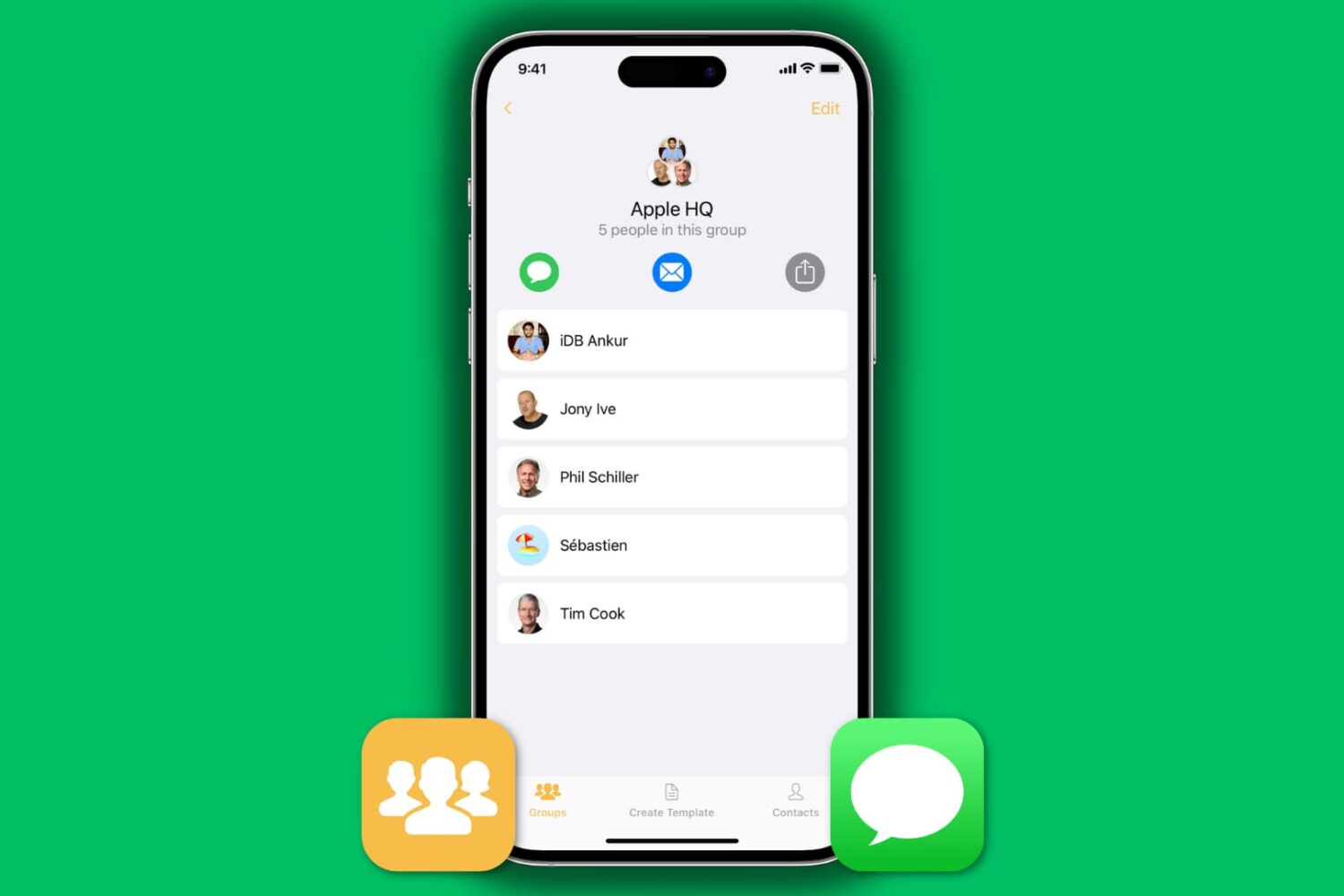
We all know how to send an SMS or iMessage to a group of friends: open up the Messages application and type in the name of the contacts you want to include in this group message. This is fine if you want to send a text message to just a handful of contacts, but what if you want to send a message to 25 contacts, for example? Adding each of them to the group chat could be a time-consuming process.

As always, the App Store can provide a solution to this problem. We will show you how to text message a group of contacts on your iPhone in a quick and efficient manner. To do so, we'll be using our application called Contact Groups, an app we developed ourselves. There are other applications that can streamline your group messaging, but we'll be using Contact Groups as it is a free alternative that works really well for what we want to accomplish.

How to quickly swipe between message threads in iOS 7

MessageSwiper7 is a recent Cydia release that brings the ability to swipe between Messages app conversations in iOS 7. We posted about the original MessageSwiper almost a year ago, and as you'll see, that version differs quite a bit from the latest version.

Since iOS 7's Messages app already features built-in actions for swipe gestures on both the right and left side of the app, more thought had to be put into the tweak to get things right in iOS 7. We've taken MessageSwiper7 for a brief spin on video to show you how it works. Have a look at our full walkthrough inside.

AT&T adds free international messaging to Mobile Share plans

Following T-Mobile's lead, AT&T announced today that it is adding unlimited international text messaging to all of its Mobile Share and Mobile Share Value plans. The free package will allow subscribers to send text and multimedia messages from the US to over 100 countries.

Additionally, the carrier introduced a new World Connect Value package for international calling. With it, post-paid AT&T customers can make one cent -per minute calls from the US to more than 35 countries, including Canada, Mexico and the Virgin Islands, for $5 per month...

biteSMS 8: the best messages app for iOS 7

Do you hear that? That's Sebastien Page popping open a bottle of the finest bubbly in celebration of the public release of biteSMS for iOS 7. Of, course, I'm joking. Sebastien would likely save his bubbly for a more apt occasion, but he's no doubt happy to hear about biteSMS' release, and for good reason.

Despite some of the criticism I've heaped on biteSMS over the years, it's still without a doubt one of the finest, and one of the most cared-for jailbreak apps in history. I mean, who else can you think of that meticulously updates its apps as much as the folks behind bite do? Instead of milking the success of biteSMS, it's always being worked on, perfected, and enhanced for the customer.

biteSMS 8.0, which is the first public release sporting the highly coveted iOS 7 compatibility, is a pivotal change for the app's look. Of course, the creators of biteSMS had to match the style of iOS 7, which was, besides the under-the-hood changes, one of the more pressing issues for them to get right.

I'm happy to report that biteSMS 8.0 looks great, and works in the same familiar fashion that we've all grown accustomed to over the years. If you're a bite fan, you're not going to be disappointed. If you're new to the world of biteSMS, then you're in for a treat. Have a look at our full walkthrough after the break as we explore what has made biteSMS such a loved Messages app enhancement over the years.

How to send iMessages from any web browser on any operating system

Following in the footsteps of successful cross-platform messaging services like BlackBerry Messenger and WhatsApp, iMessage was released in late 2011 as a way for iPhone, iPad and iPod touch users to send unlimited messages between each other. Apple then went on to release Messages for OS X Mountain Lion the following year, allowing Mac users to join the conversation.

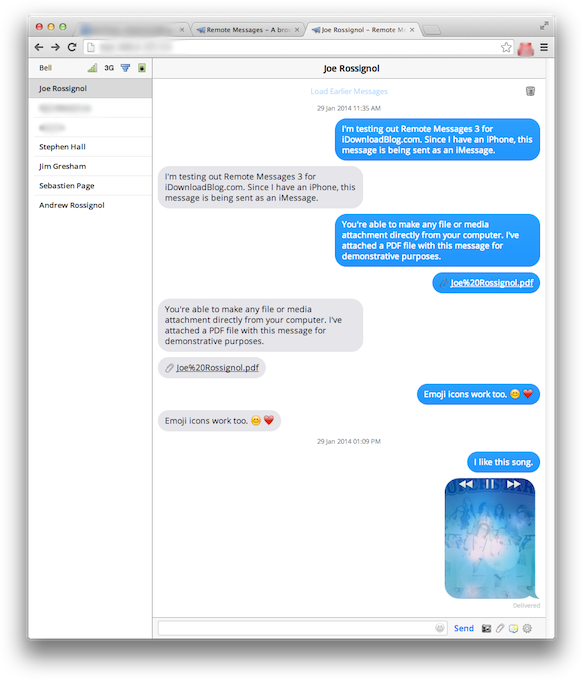
But what if you're a Windows or Linux user, or you're away on travel without access to the Mac you normally use? Worry not, as Remote Messages has been updated with support for iOS 7 and 64-bit devices. The popular jailbreak tweak developed by Beast Soft is a browser-based front end for the Messages app on iOS devices. Find out what that means ahead… 

Couria: add quick reply and quick compose to the stock Messages app in iOS 7

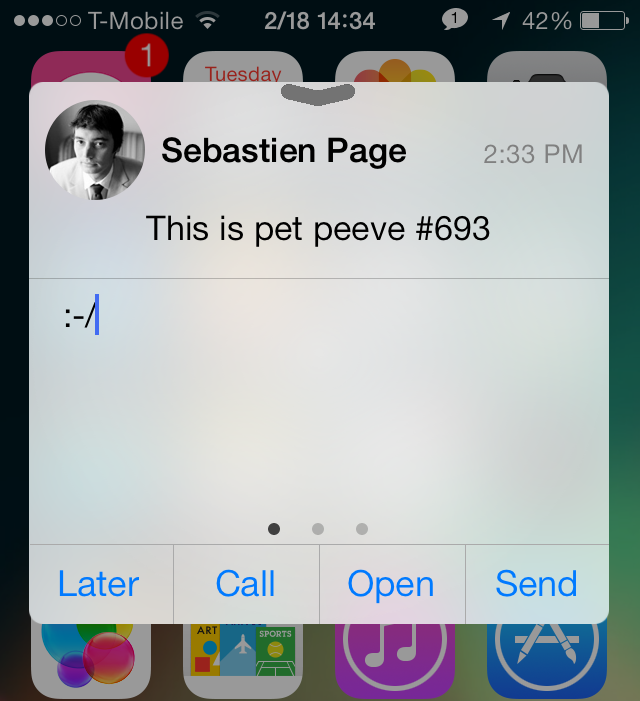
Couria is a jailbreak tweak that allows you to have true quick reply and quick compose functionality for the Messages app in iOS 7. Currently in beta testing, it's a tweak that offers a lightweight alternative to the likes of biteSMS.

We've taken some time to put Couria through its paces in our hands-on video walkthrough. Check inside for more details on how this promising tweak works.

SMS Stats 2: monitor SMS statistics on a global and individual contact basis

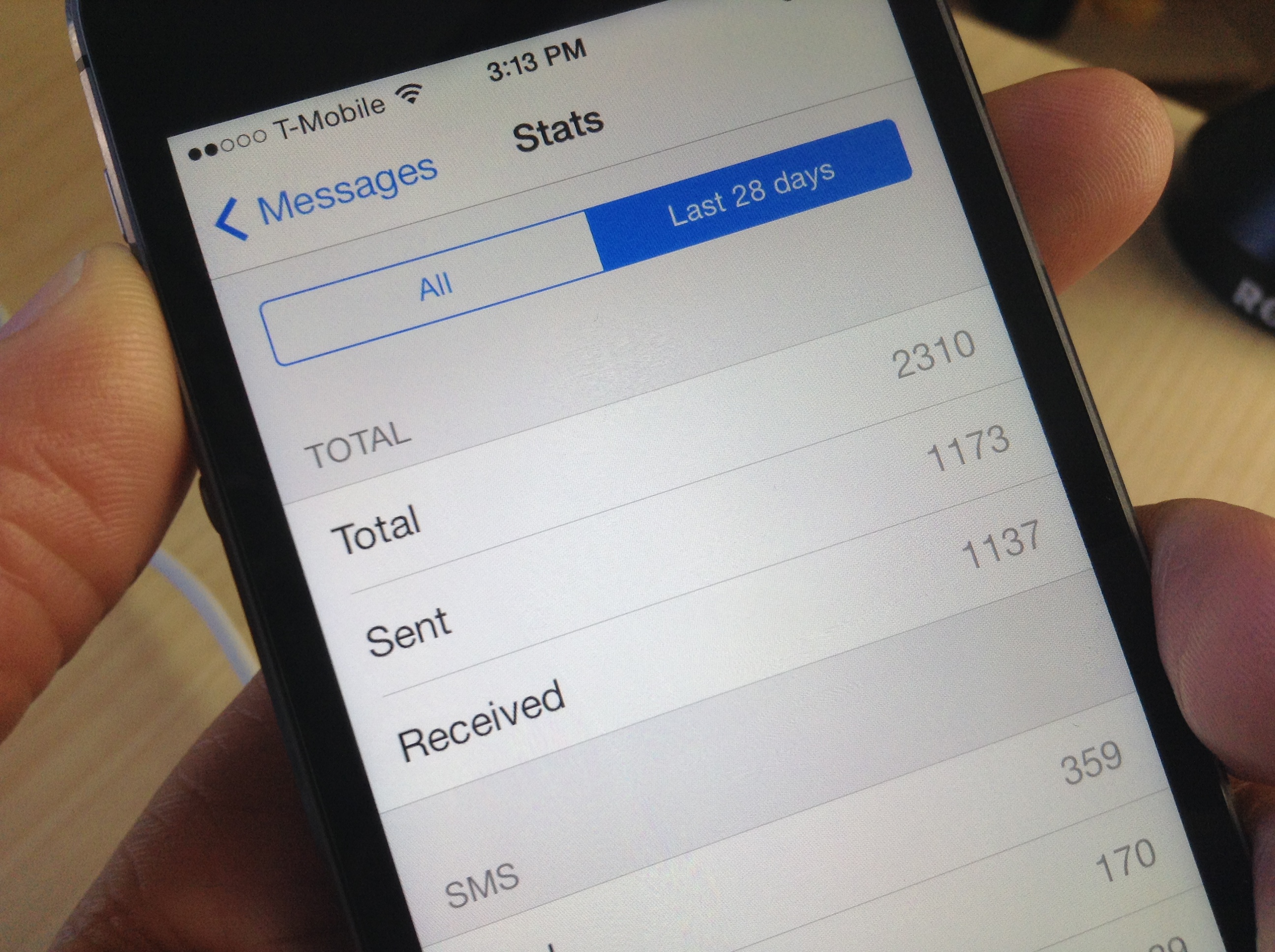
I've never thought of myself as a big text messenger, but I was quite surprised to see how many text messages that I've sent and received over the life of my iPhone. As it turns out, I've sent and received a combined 17,000+ text messages—way more than I expected.

Chances are you'll too be surprised when you see your text message statistics, and there's a brand new jailbreak tweak called SMS Stats 2 that makes it super easy to view them.

How to set up Facebook Chat in Messages app for OS X

About a week ago, we reviewed Astro, which is a third-party Facebook chat client for OS X that features native options that most other chat clients don’t offer. Some of our readers commented on the fact that you can just use Messages to chat with Facebook friends. A few others noted that they did not realize it was possible to connect to Facebook through Messages, so we thought we’d explain it with a quick how-to guide…

The best way to customize the look of iOS 7’s Messages app

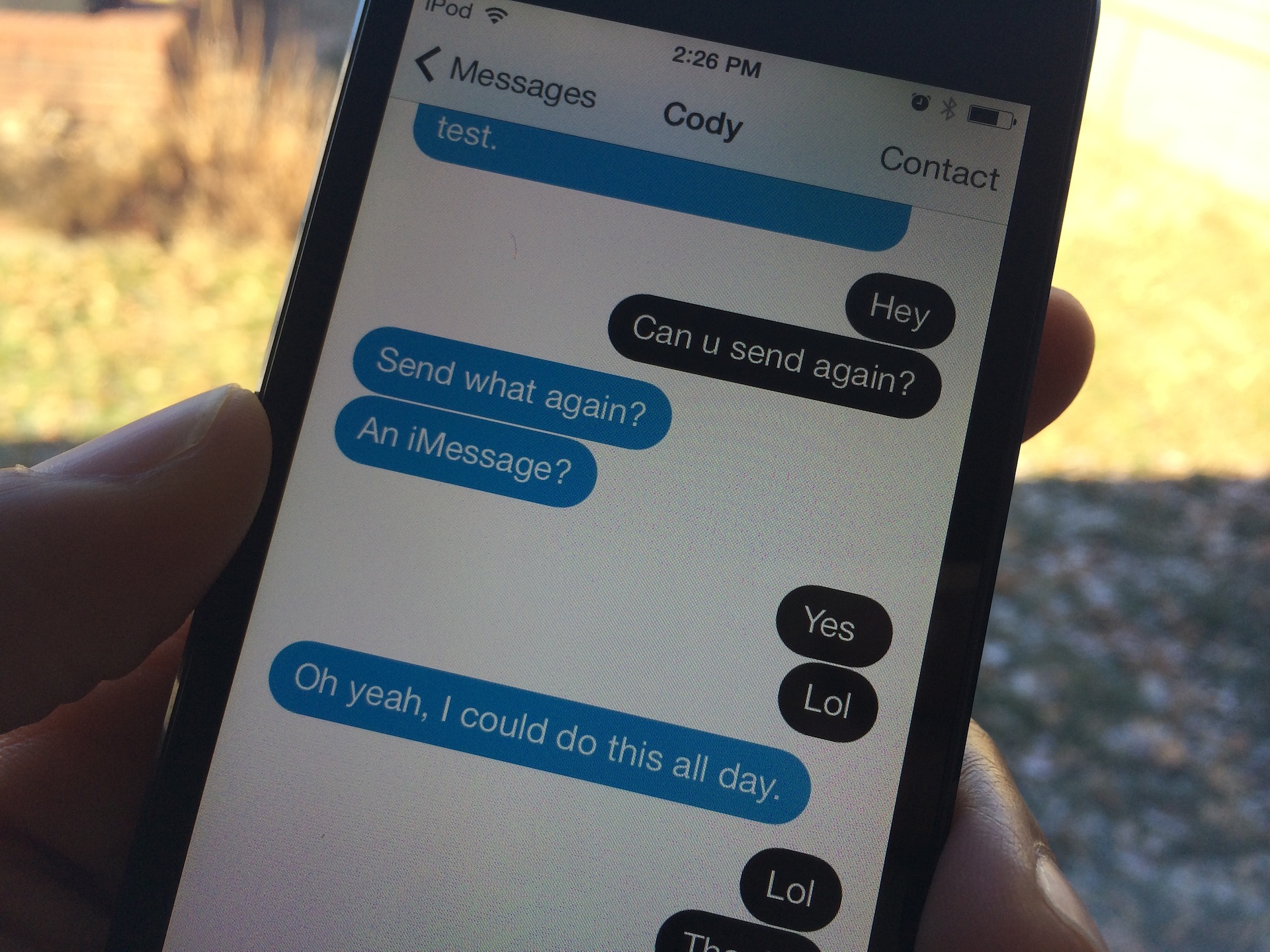
Messages Customiser [sic] is a brand new jailbreak tweak that just hit Cydia's ModMyi repo, and it's one of the, if not the best way to customize the stock Message app's look on iOS 7. The most remarkable thing about Messages Customiser, besides the fact that it work great, is that its developer has made it available free of charge.

If you're looking for a way to customize the look and feel of the stock Messages app, and you don't want to break the bank in the process, then look no further my friends. Check past the break for the full video demonstration.