Learn how to set your Mac to automatically change the desktop wallpaper so you get to look at a new image at regular intervals and keep things fresh.
How to automatically change your Mac’s wallpaper at regular intervals
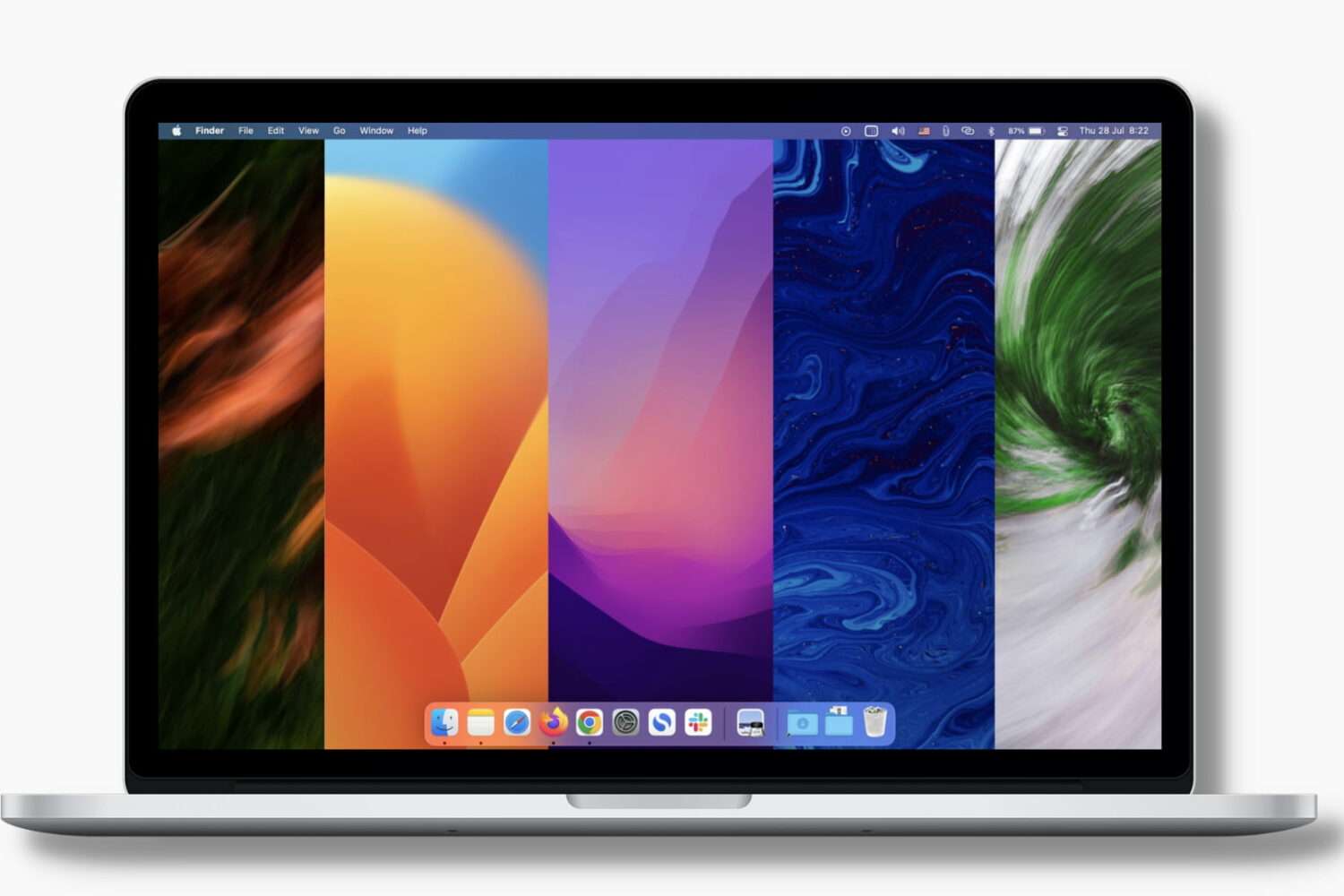
Learn how to set your Mac to automatically change the desktop wallpaper so you get to look at a new image at regular intervals and keep things fresh.
Sideloady, a popular alternative to AltStore for sideloading .ipa files onto iPhones and iPads as a means of bypassing the App Store to install apps, received a fresh update on Tuesday in the form of version 0.26.5.
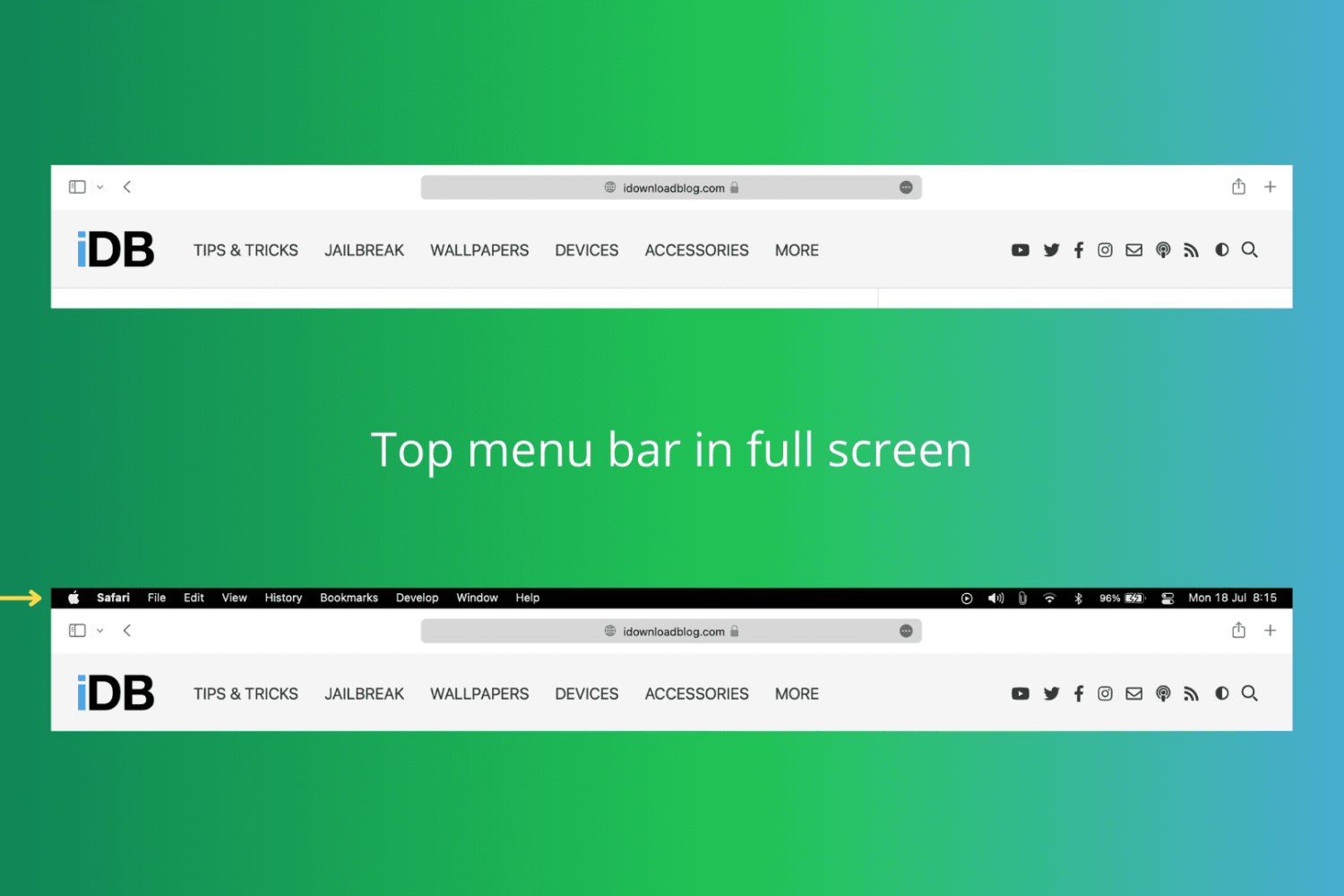
In this tutorial, we show you how to keep the top menu bar visible on your Mac even when you put an app in full-screen mode.

Apple is bringing support for AVIF images to the iPhone, iPad and Mac with the upcoming releases of iOS 16, iPadOS 16 and macOS 13 Ventura.
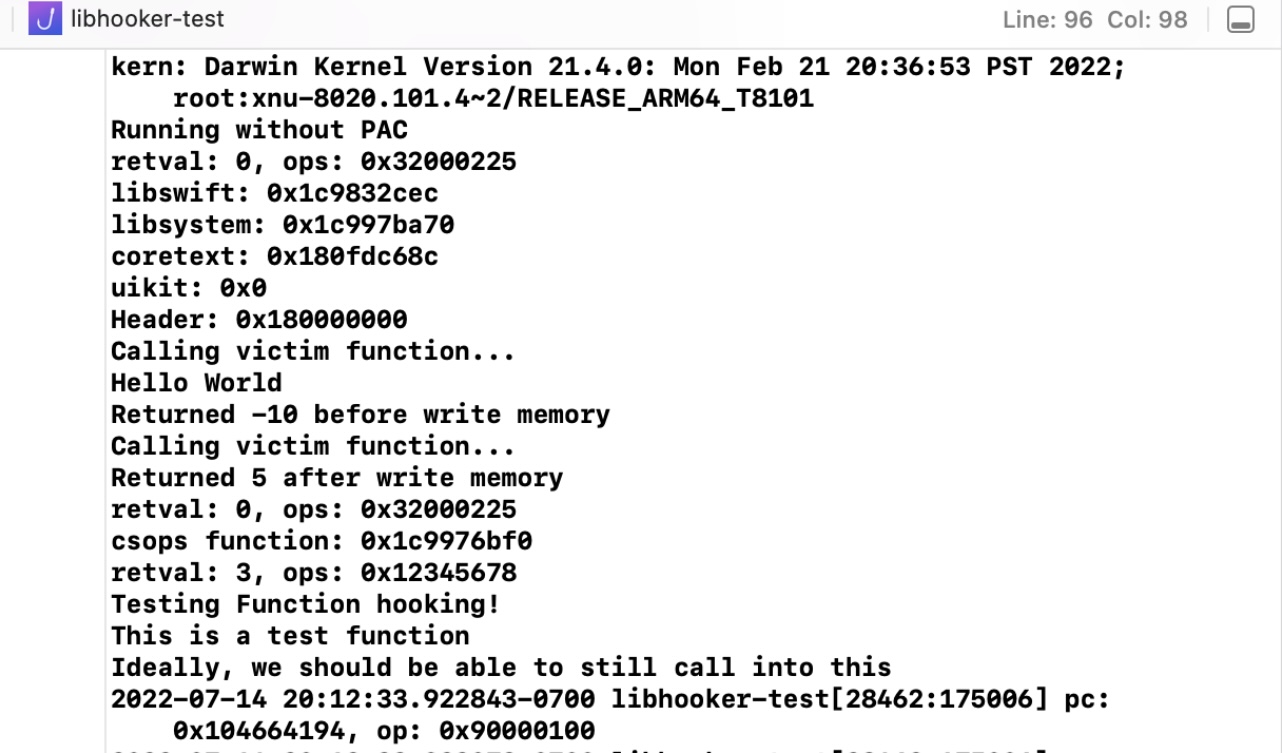
Jailbreakers who use any of the Odyssey Team’s tools should be familiar with libhooker, as it’s the primary tweak injection method used by those jailbreaks so that tweaks can hook into system processes and work how they’re expected to.

The AltStore team is out with a fresh update for its popular AltStore and AltServer sideloading software for iPhones and iPads, and it’s now available for all users.
Sideloady, a popular alternative to AltStore for sideloading apps on iPhones and iPads, has received an update to version 0.26.3 that might be of interest to existing users.
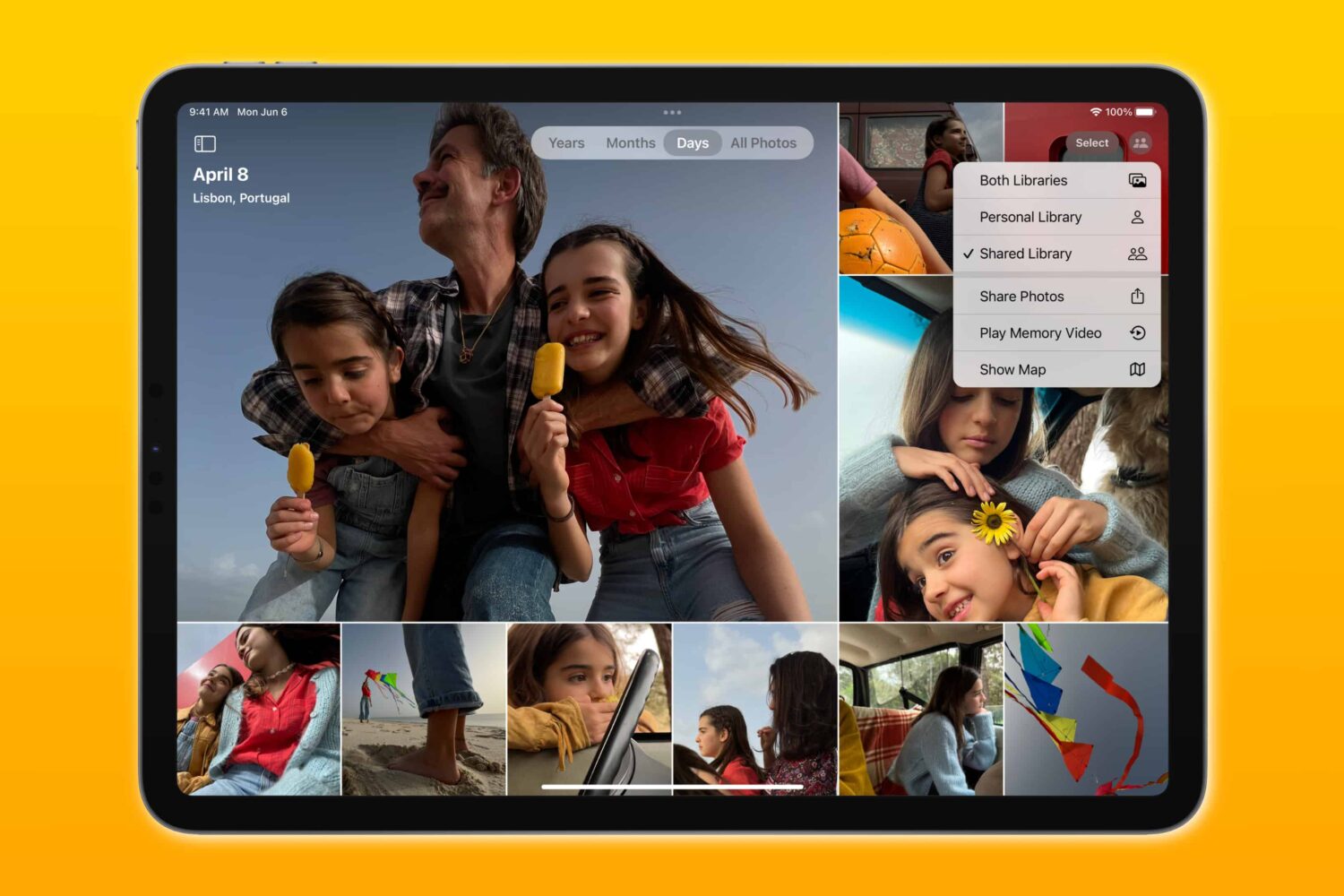
The third betas of iOS 16, iPadOS 16 and macOS Ventura add Apple's new iCloud Shared Photo Library feature that was previewed earlier at this year's WWDC.
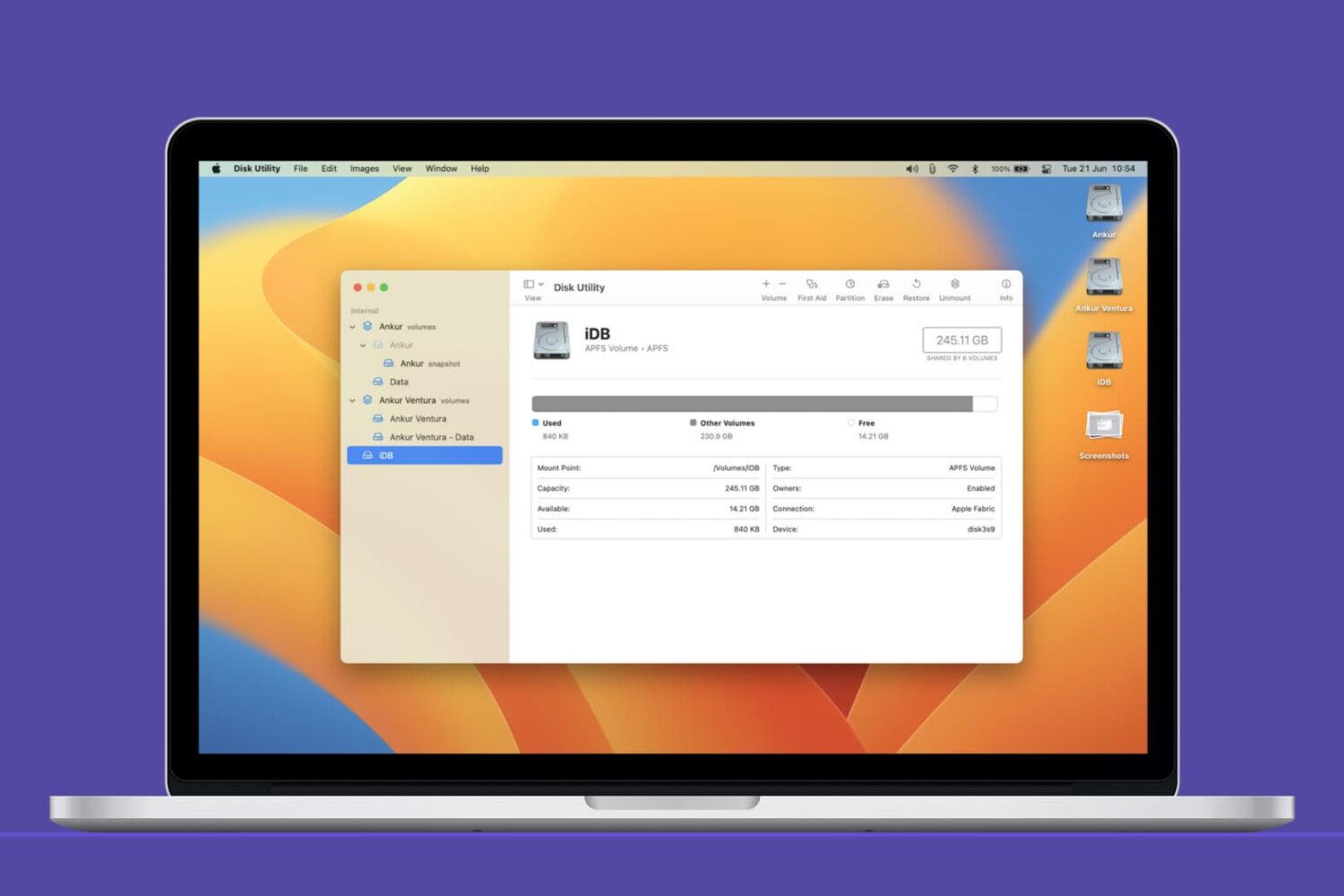
In this Mac tutorial, we show you how to create a new volume using Disk Utility and, if required, erase or delete it.
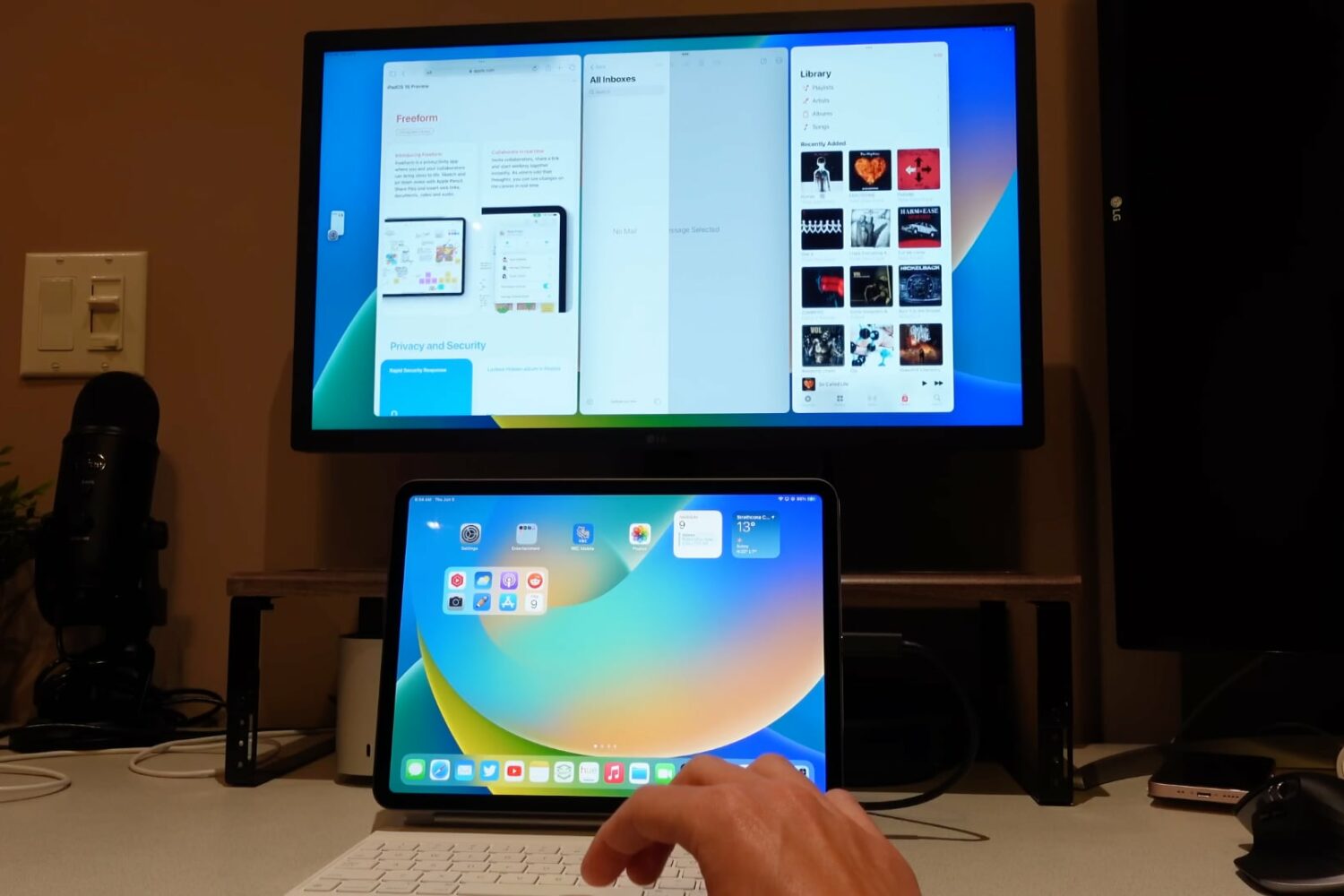
In this hands-on video walkthrough, we go hands-on with Stage Manager, Apple's new multitasking feature in iPadOS 16 and macOS 13 Ventura.
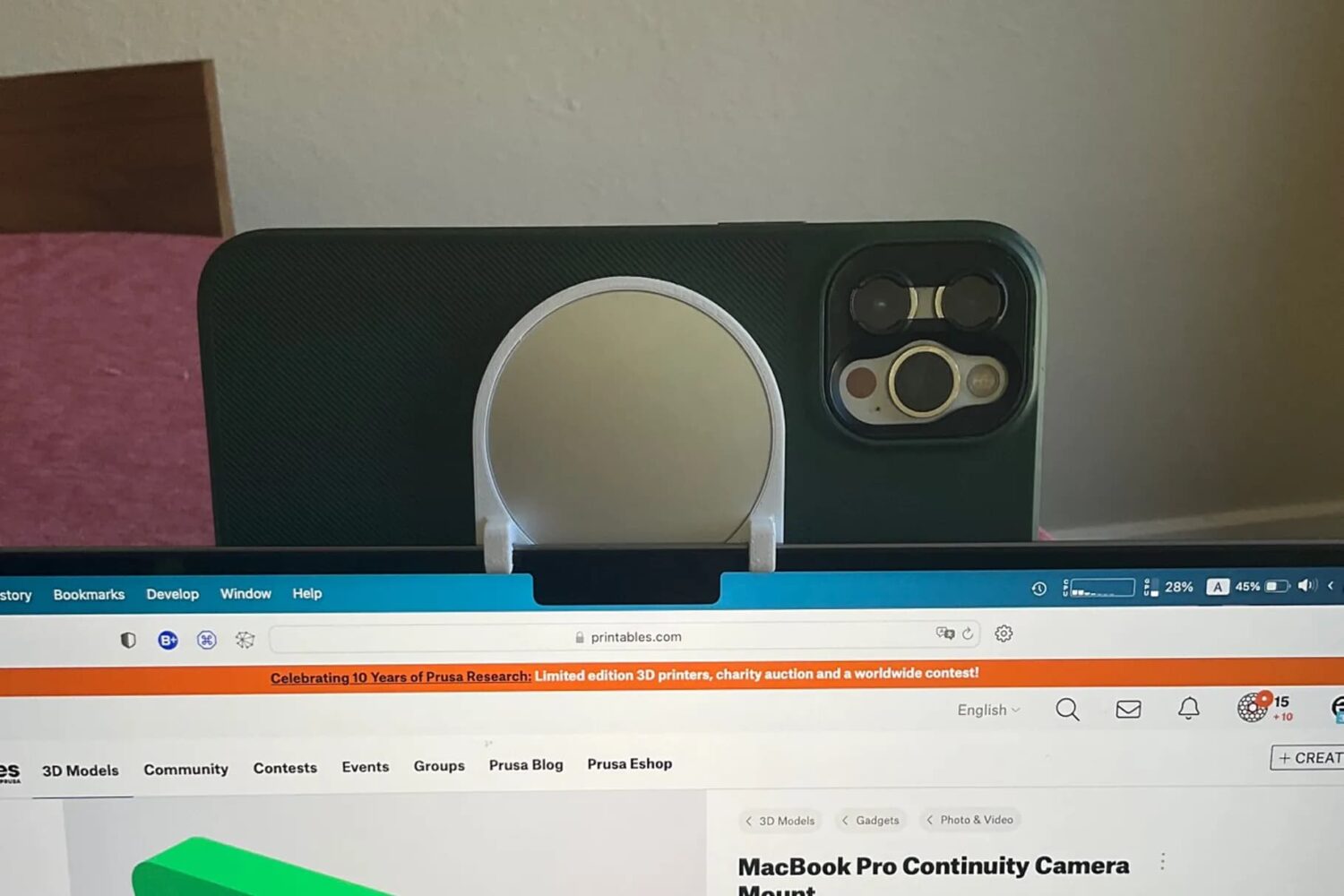
Later this year, when Apple launches the next major updates for iOS and macOS, a new feature will come along for the ride called Continuity Camera. This will allow folks to use their iPhone as their computer's web cam, either wirelessly or wired. Users will also need an accessory to attach their smartphone to their computer, but that won't launch until later this year, too. But one enterprising individual has decided that waiting isn't all that fun.

Learn how to perform a network speed test right from the Terminal window on your Mac.