Learn how to use Apple's breathtaking Aerial screen savers and moving wallpapers on your Mac's Lock Screen and desktop in macOS Sonoma.
How to use the new Aerial screen savers and moving wallpapers in macOS Sonoma
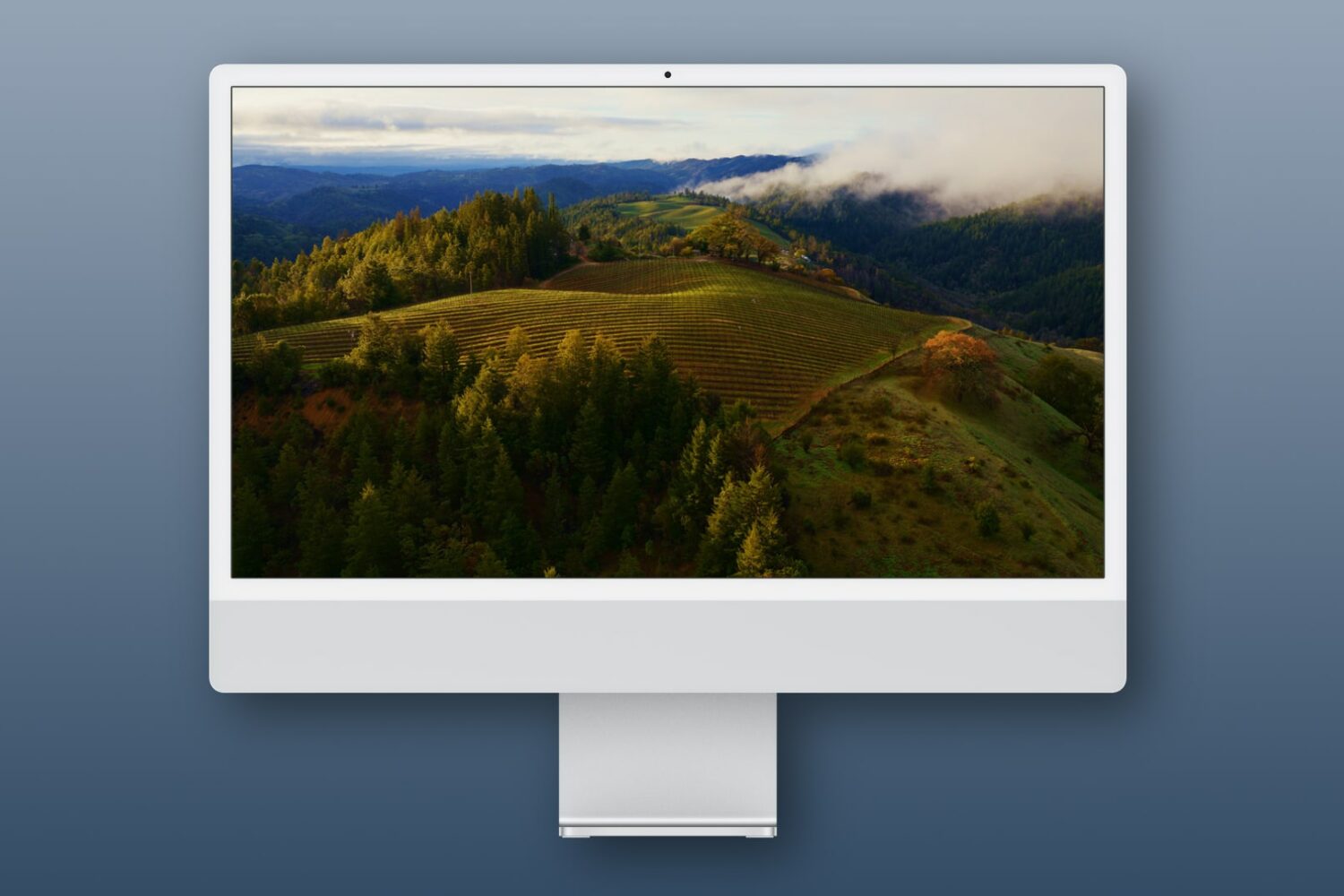
Learn how to use Apple's breathtaking Aerial screen savers and moving wallpapers on your Mac's Lock Screen and desktop in macOS Sonoma.
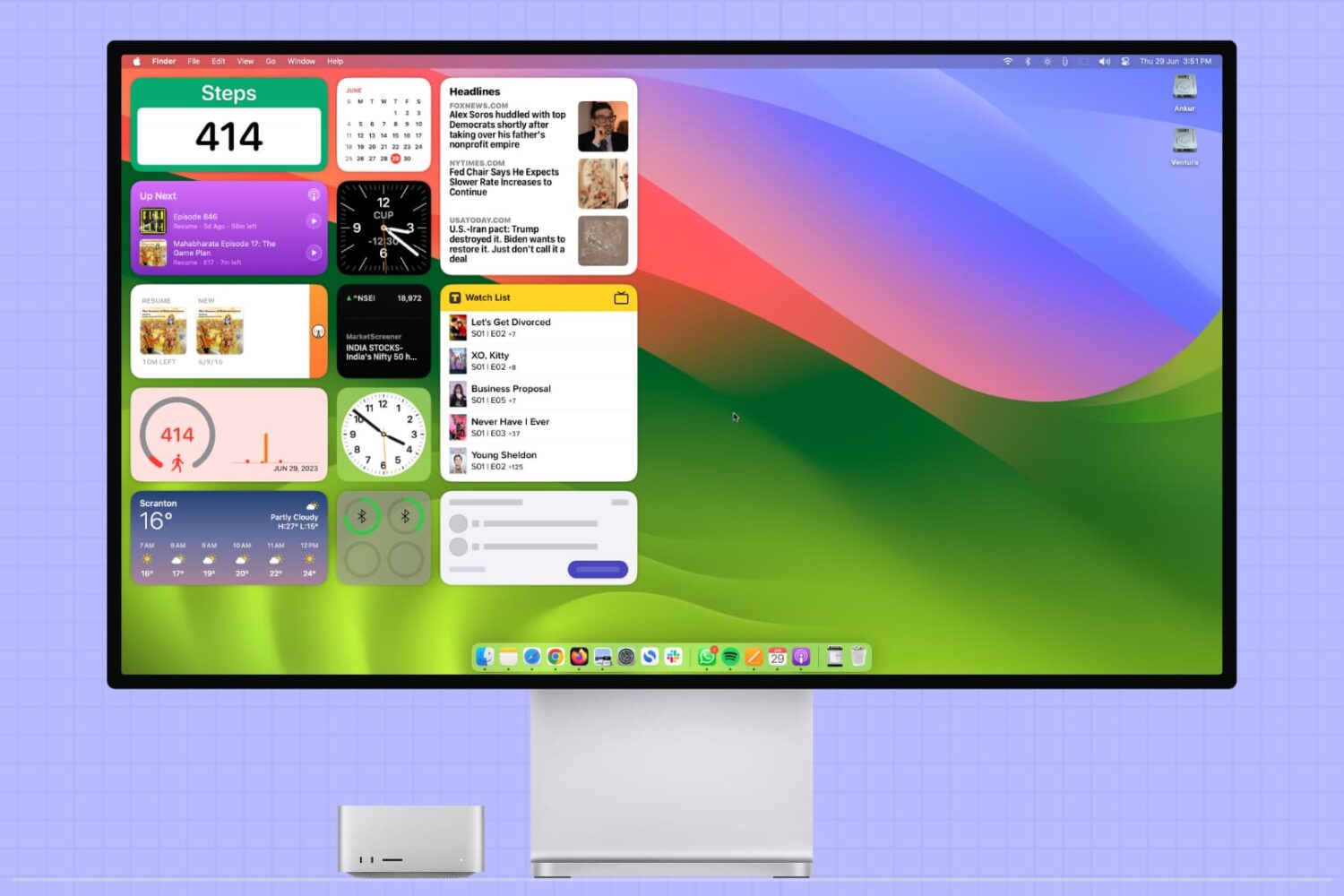
This tutorial covers how to add, use, and manage app widgets on your Mac’s desktop, including adding widgets from your iPhone apps to your Mac.
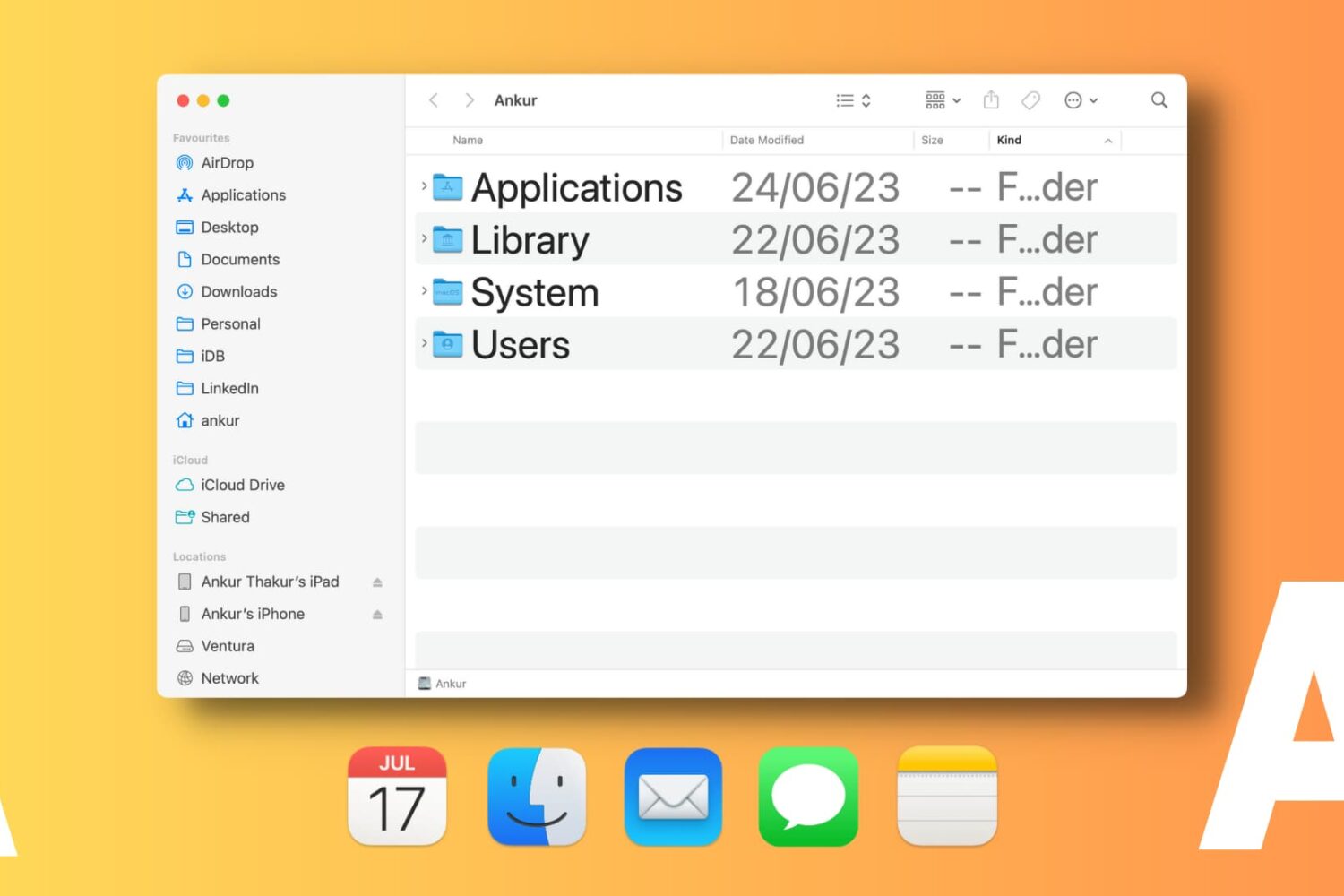
Learn how to change font sizes of specific Mac apps to create a comfortable reading experience without affecting the overall size of system text.
Learn how to configure Apple’s Safari browser on your Phone, iPad, and Mac to pause animated GIFs on webpages and render them as static images instead.
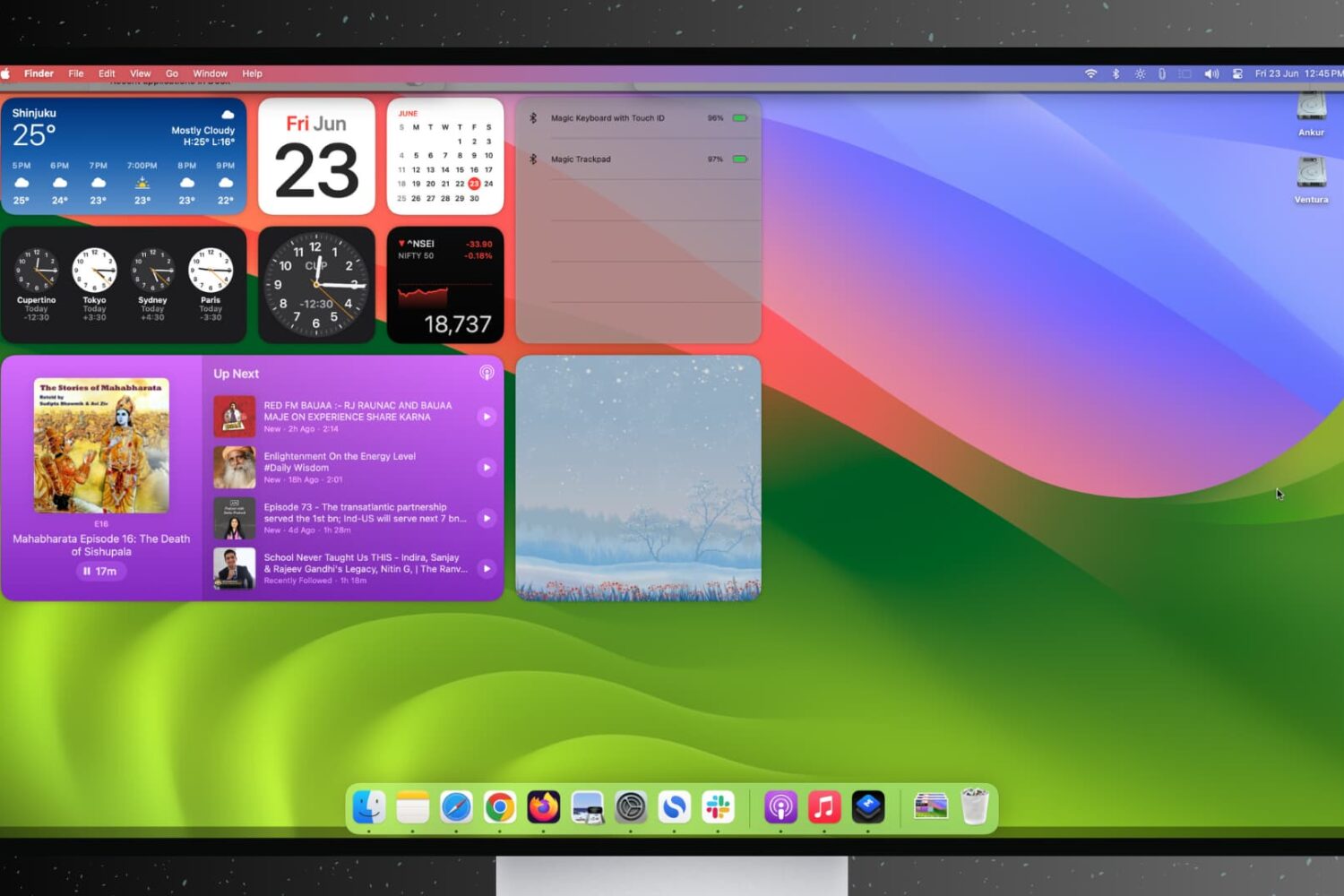
Find out how to stop open apps and windows on your Mac from hiding automatically when you click the desktop wallpaper.
Third-party apps can finally playback Cinematic Mode videos shot on an iPhone 13 or later, as well as perform non-destructive edits like Apple's Photos app.
With macOS Sonoma, Apple has officially pulled support for legacy plug-ins for its Mail app on the Mac, with MailKit extensions now the only way forward.
Apple unveiled macOS Sonoma at WWDC 2023, promising a major update for the Mac that lots of users are likely to adopt on release day. But if you depend on the sideloading capabilities of AltServer and AltStore, then you may want to consider steering clear, at least for now.
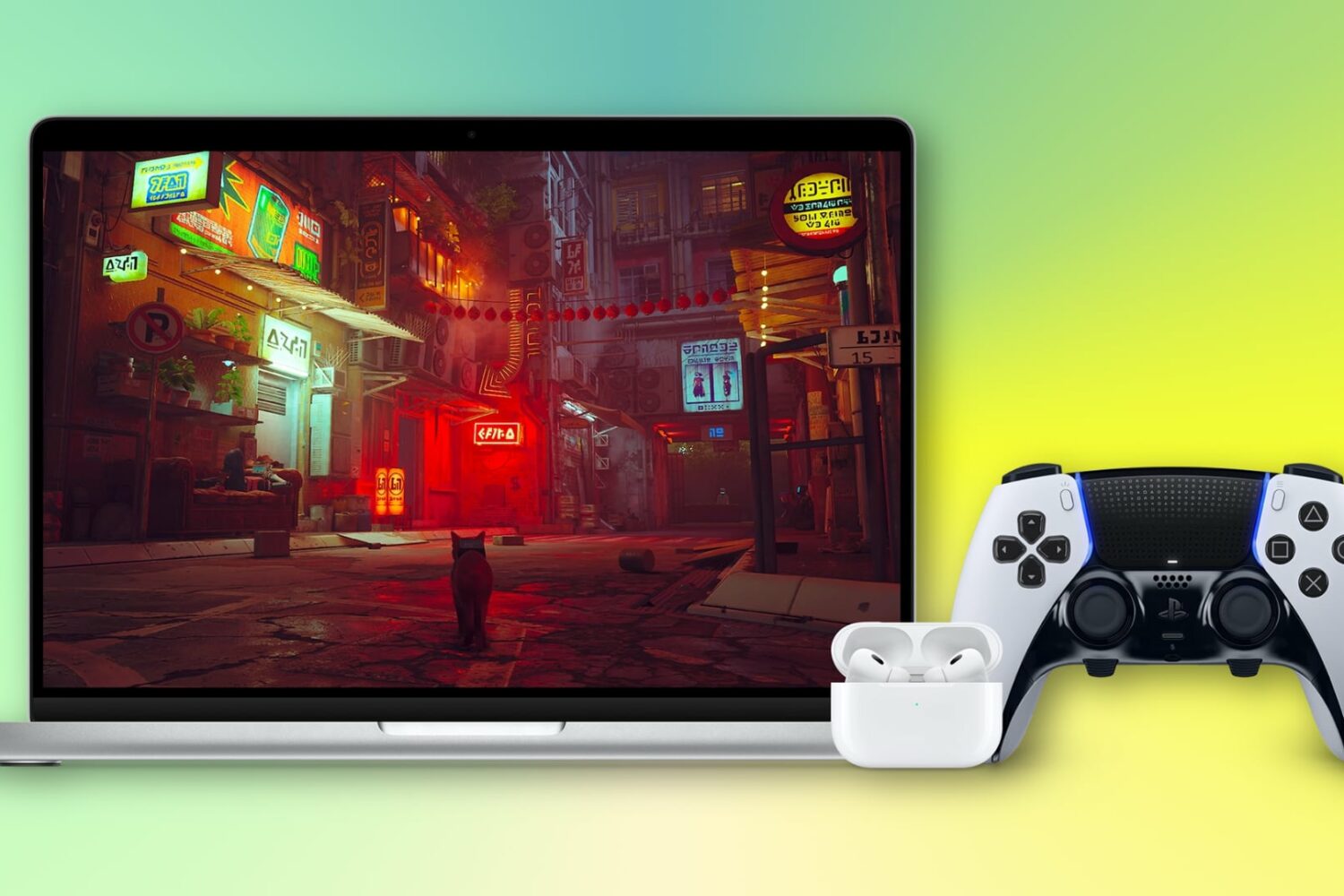
macOS Sonoma improves Mac gaming with new features like Game Mode, which reduces Bluetooth latency, and premium new titles arriving in 2023.
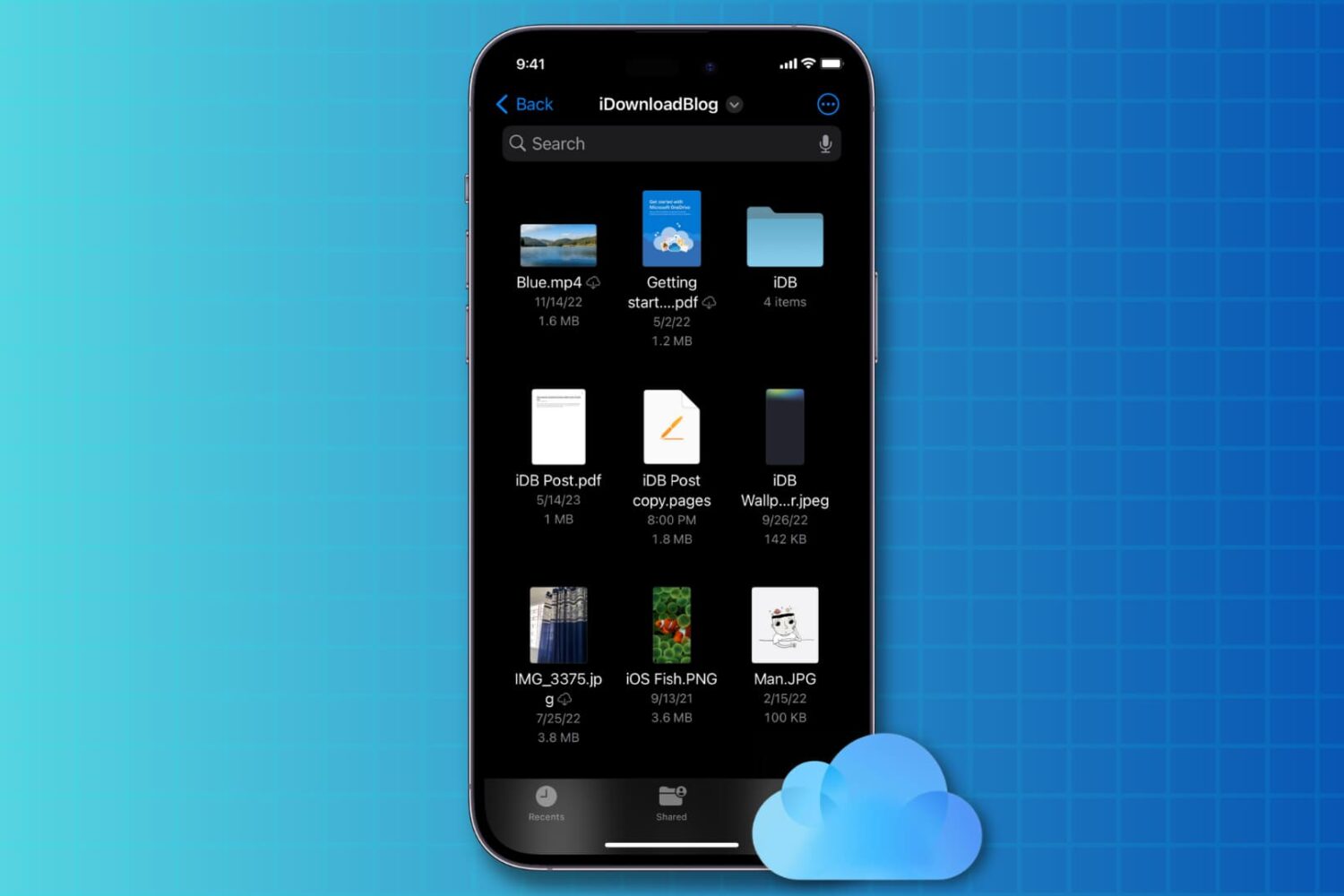
You can disable iCloud Drive on iOS 17 without losing iCloud syncing features in third-party apps that use Apple’s CloudKit framework.
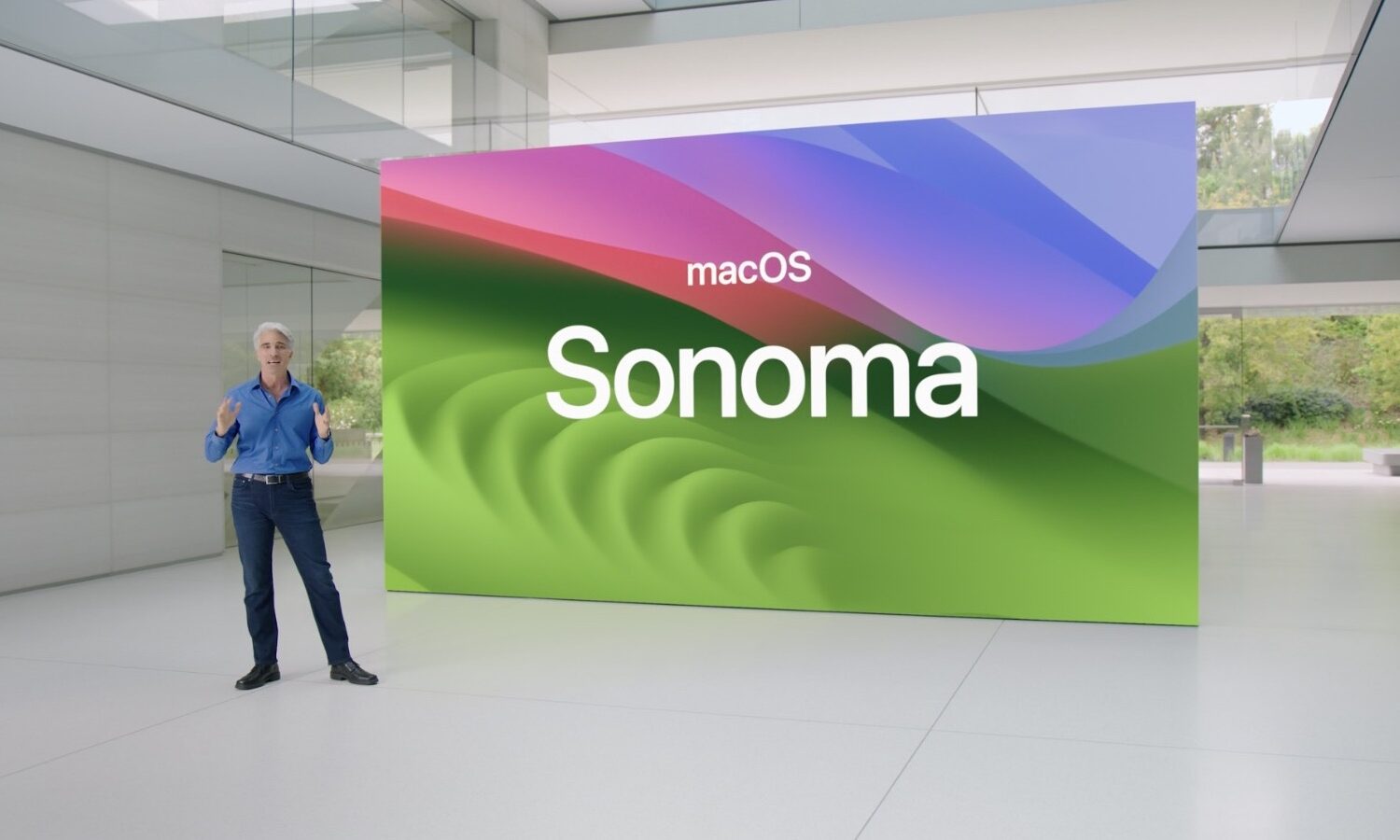
Check the official macOS Sonoma system requirements to see if your Mac is supported because Apple has trimmed the device compatibility list for macOS 14.
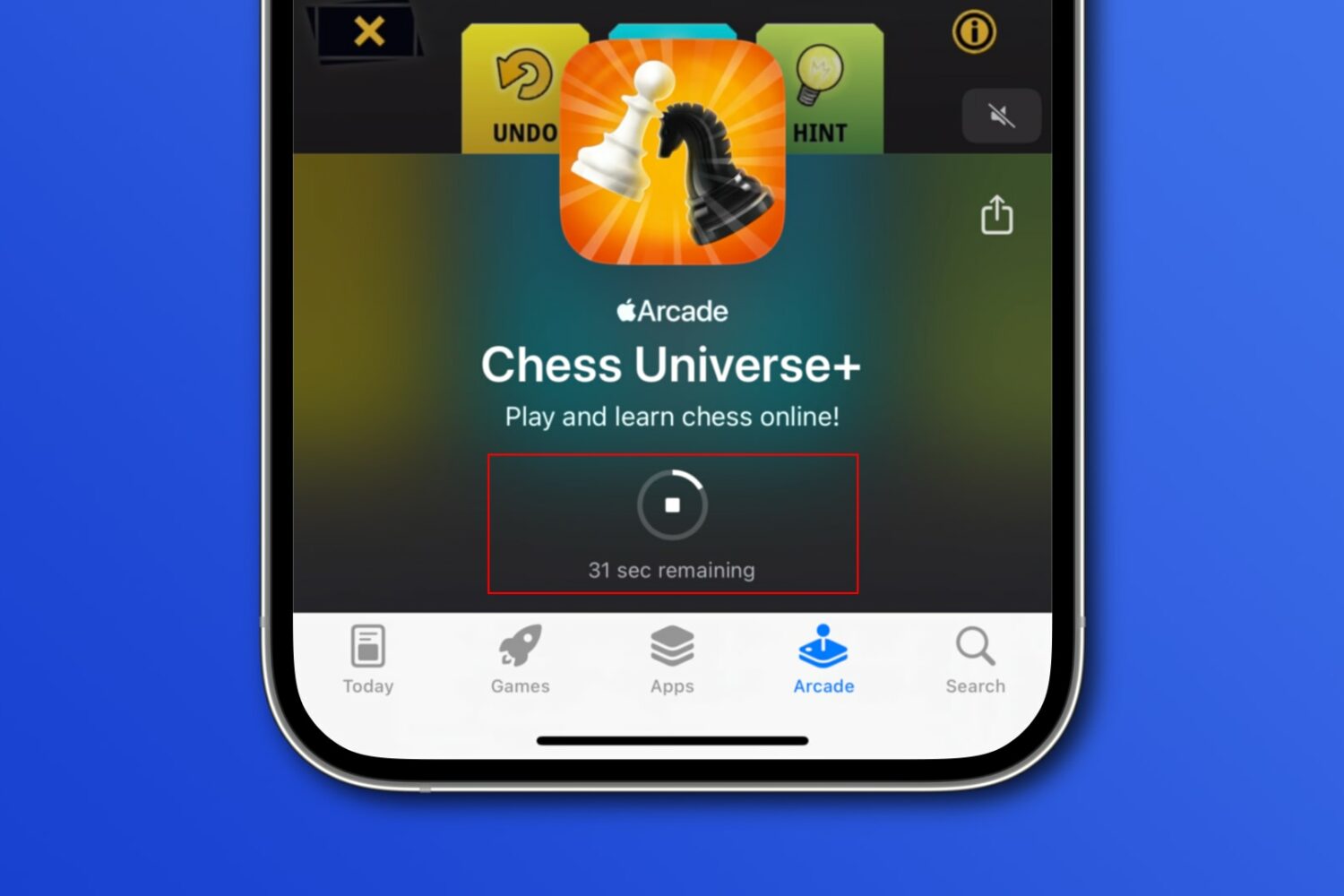
iOS 17's new App Store download timer automatically appears when downloading something from the store that'll take more than a few seconds.