Learn how to view real-time word count in the Apple Pages app on iPhone, iPad, and Mac for the whole document or just an arbitrary block of text.
How to display word count in Pages on iPhone, iPad, Mac

Learn how to view real-time word count in the Apple Pages app on iPhone, iPad, and Mac for the whole document or just an arbitrary block of text.
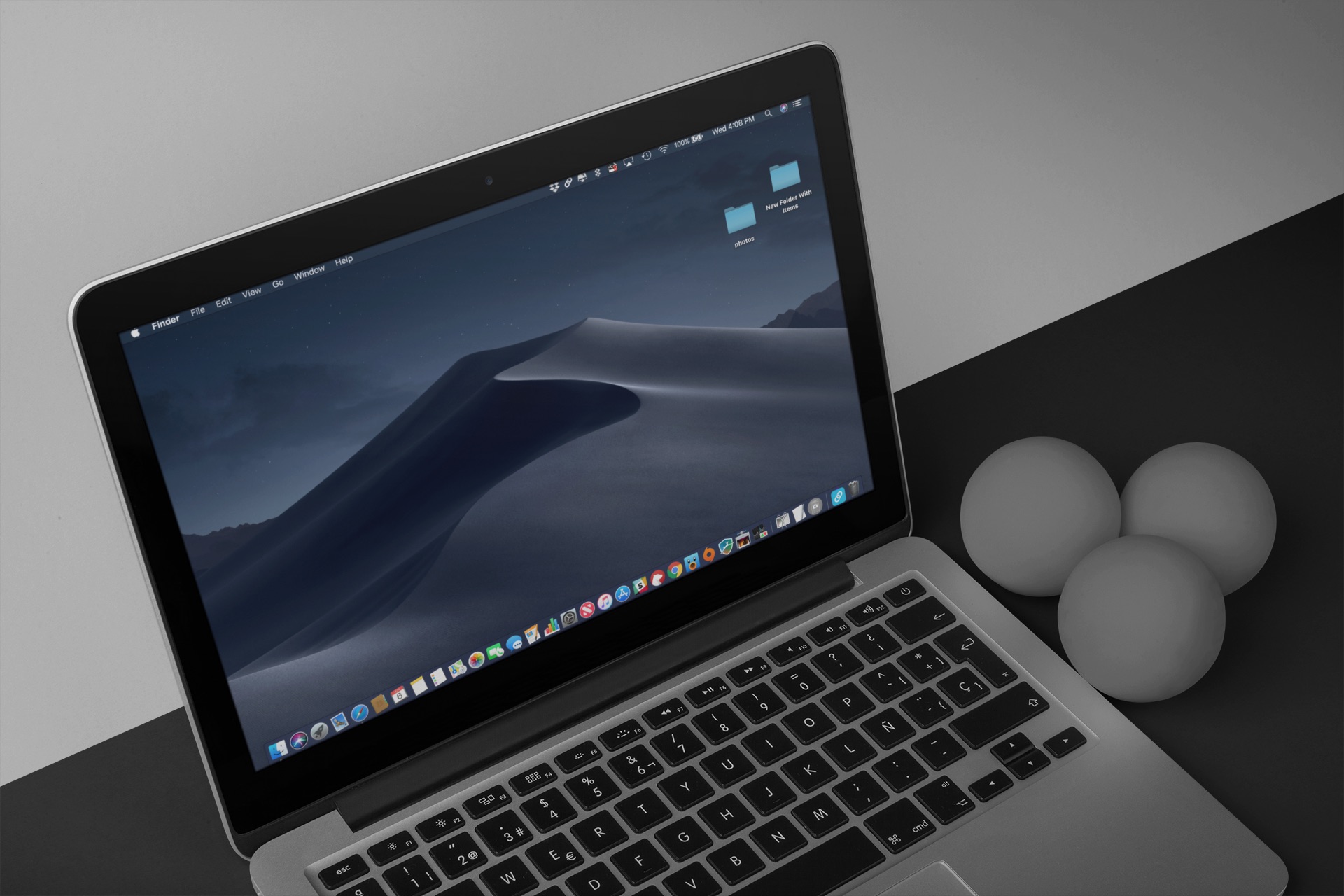
Dark Mode is fast becoming one of the most popular features of macOS Mojave. Now that feature is being introduced on Safari. In the latest Safari Technology Preview update, there's code that lets site developers know whether a reader is using a Mac with Dark Mode. In doing so, they can have the site match the darker color scheme automatically.
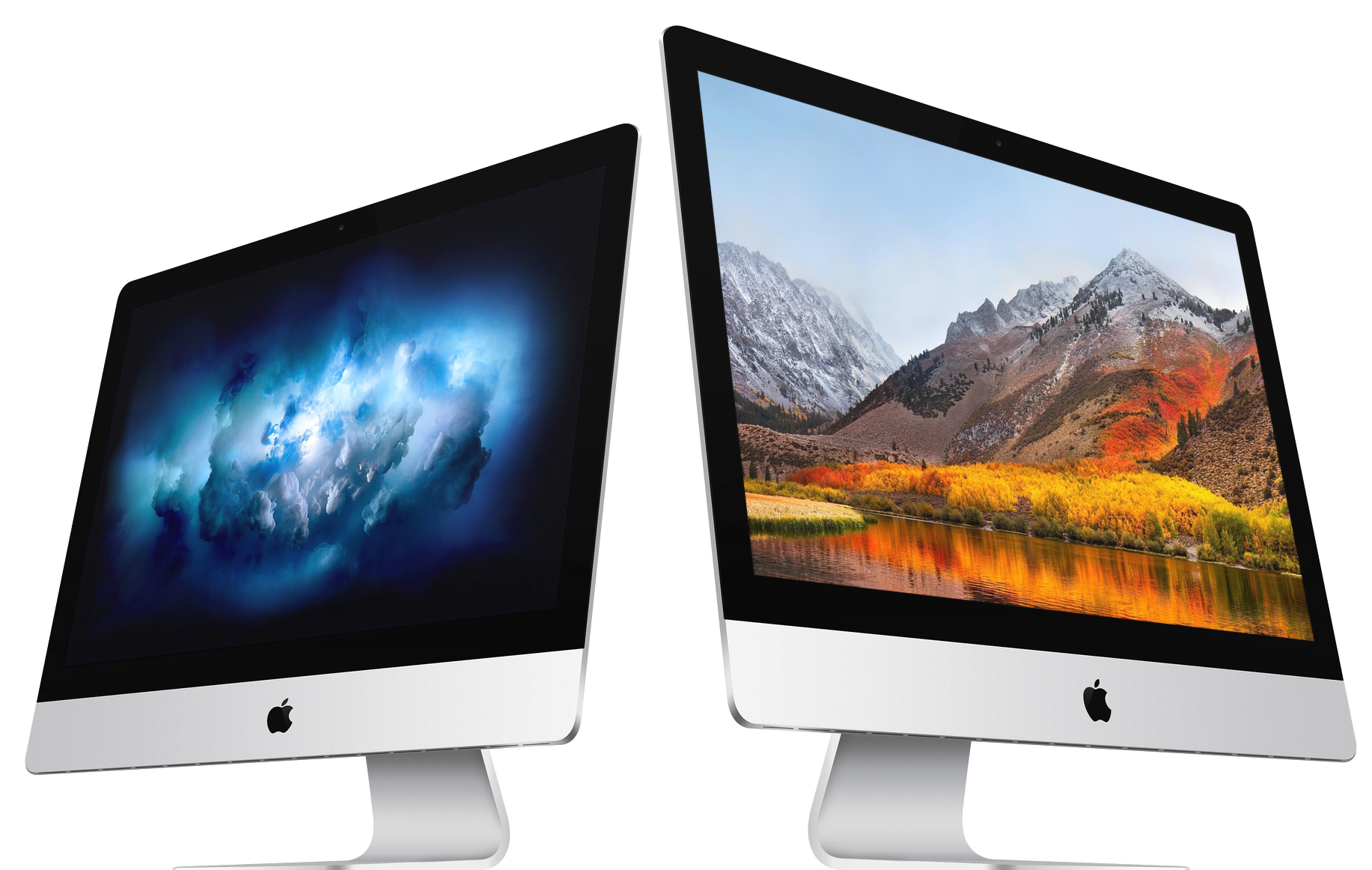
Indeed, it looks like new Macs are arriving next week. New regulatory filings with the Eurasian Economic Commission show Apple is requesting permission to sell at least four new Macs in the region. Of these, three are desktop computers, while the other is a laptop.
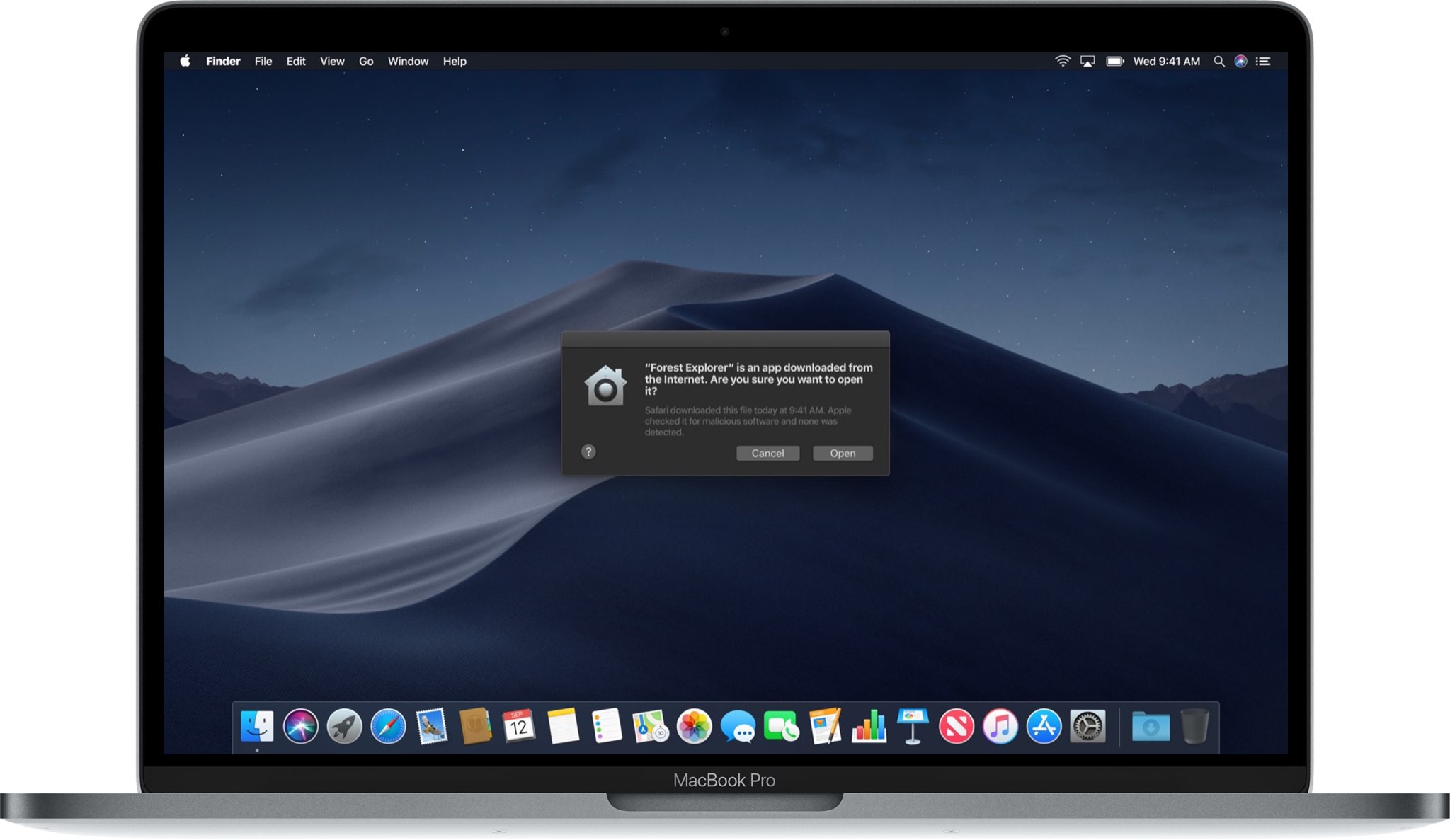
Notarization is an optional step in the app development process, but macOS's Gatekeeper will soon require that any signed apps distributed outside Mac App Store be notarized by Apple.
Cydia Impactor is a utility created by Saurik (Jay Freeman) for side-loading apps onto your iPhone or iPad; it’s commonly used by semi-untethered jailbreak solutions to install the app that hacks your device.
That said, it’s no surprise that we’re seeing updates for the utility following the launch of the unc0ver jailbreak tool for iOS 11.0-11.4 beta 3. Saurik quietly released two updates for Cydia Impactor on two separate occasions over the weekend with bug fixes and performance improvements.
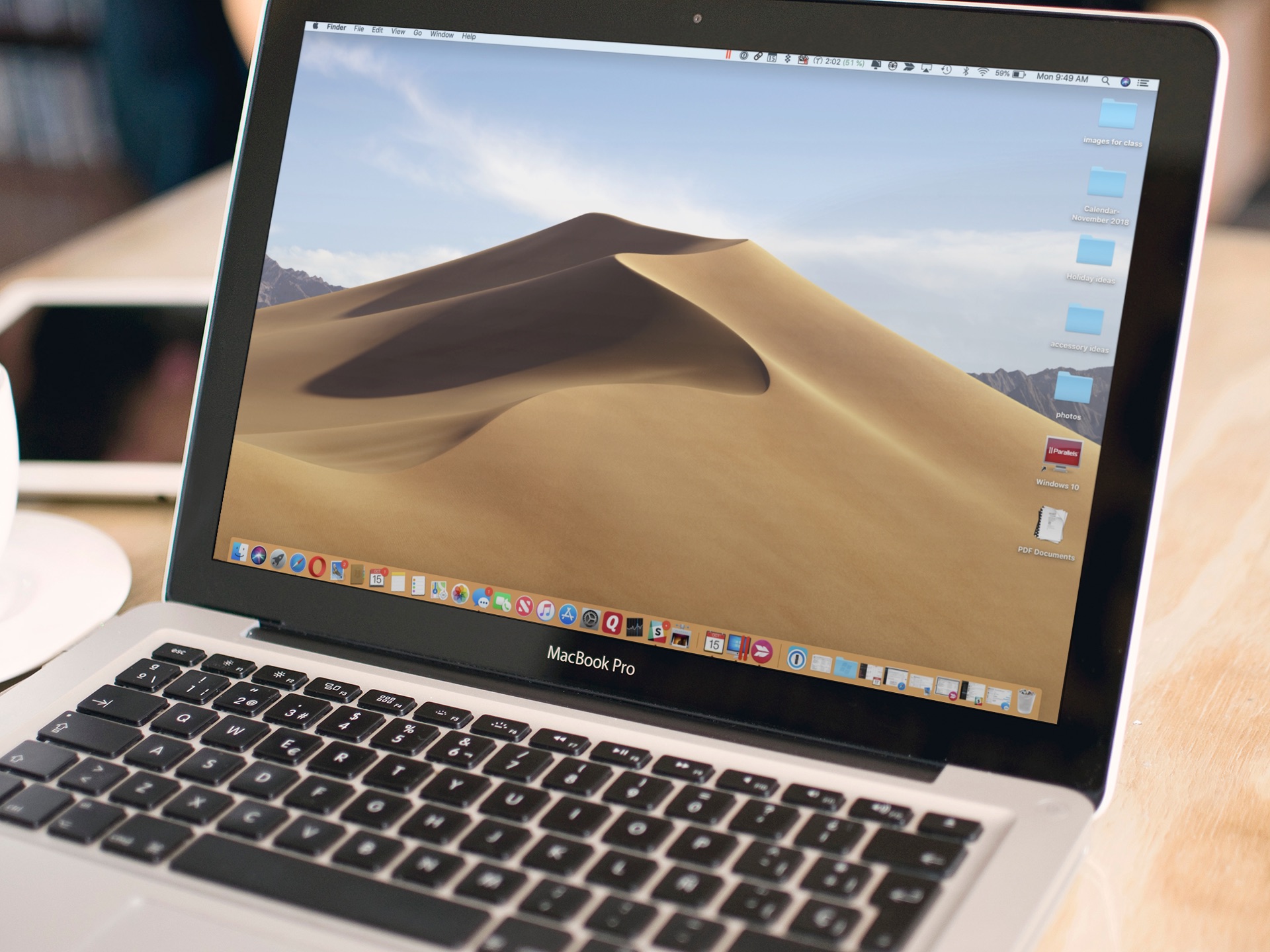
Do you have a hard time finding a folder on your Mac? Do you wish there was an easier way to access your data? A simple feature of macOS makes it simple to keep folders on top of your Desktop or Finder windows. Here's how to do it.
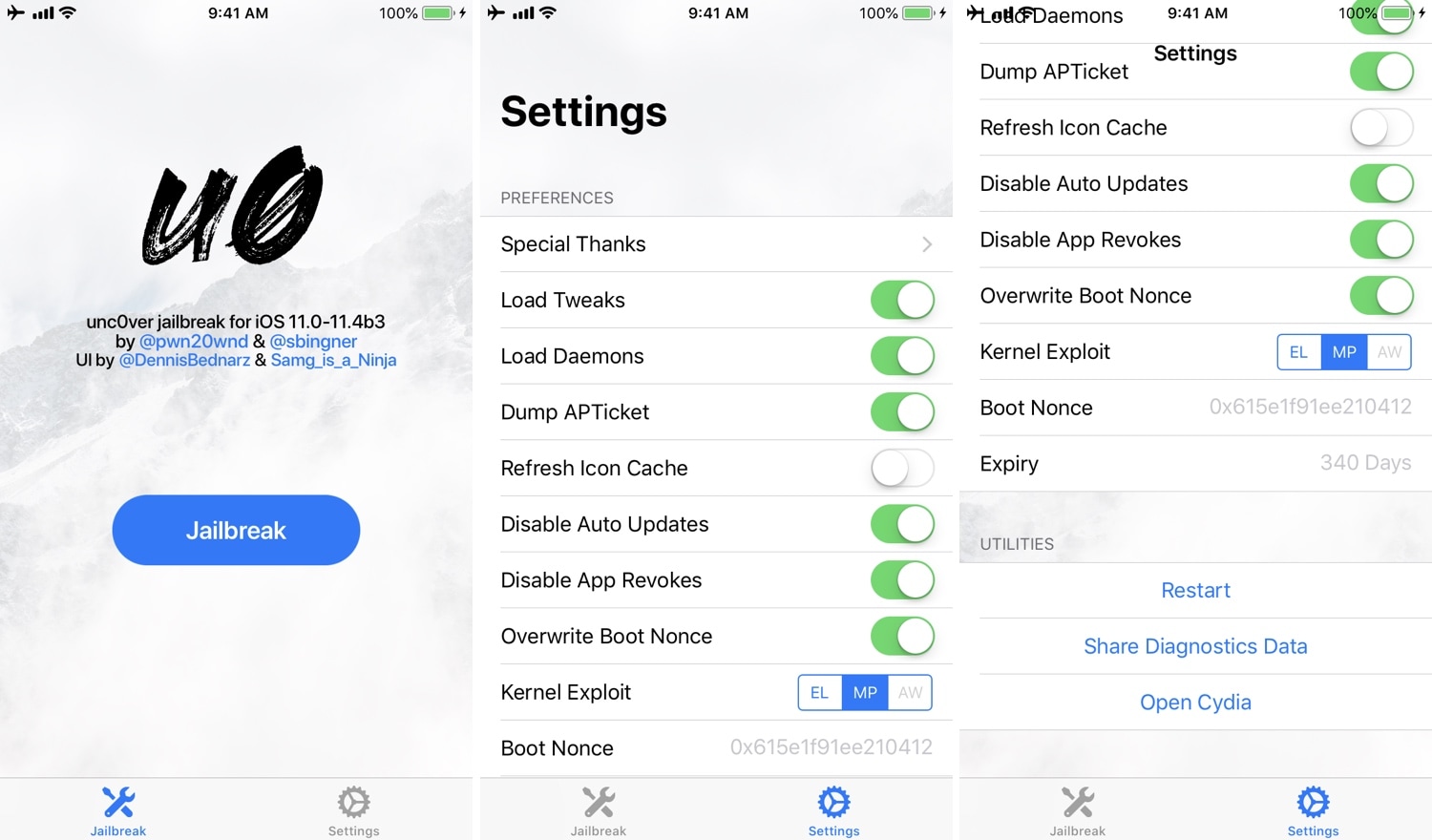
It was only yesterday that we saw the release of the unc0ver jailbreak tool for iOS 11.0-11.4 beta 3. But overnight, unc0ver received a plethora of updates encompassing bug fixes and improvements that may seem pertinent to users.
As of this writing, unc0ver RC6 (release candidate 6) is the latest release. That said, there’ve been at least five updates to the unc0ver jailbreak tool since its initial unveiling.
The unc0ver jailbreak can be used to jailbreak all public versions of iOS 11, iOS 12.0-12.4.1, and iOS 13.0-13.5, and it can be installed with Saurik's Cydia Impactor utility for macOS, Windows, and Linux.
In this tutorial, we’ll show you how to deploy the unc0ver jailbreak on your compatible device with Cydia Impactor.

Because of new security tools in macOS Mojave, the folks behind 1Password for Mac have disabled one of the app's most notable features. At the same time, it has introduced a Dark Mode and made it easier to use the 1Password extension in Safari.

Good practice for any jailbreaker is to save your handset’s SHSH blobs regularly. Doing so opens you up to the possibility of firmware downgrades and other fruitful benefits concerning jailbreaking.
A whole host of SHSH blob-saving tools exist today, including blobsaver. The latter is a cross-platform GUI app that promises ease of use across common operating systems like macOS, Windows, and even Linux.
Imagine buying a 2018 MacBook Pro only to find it can't be updated to the latest operating system, macOS Mojave. Instead, you receive a weird error message during the installation process. This issue is affecting various users who have posted messages about their woes in recent days on Apple's support forums, according to AppleInsider.
Spark for Mac by Ukrainian developer Readdle is one of the best email apps for iOS and macOS. On Mac, Spark supports Mojave's Dark Mode. But what if you'd like to use Spark's darkened interface even if your Mac is set to use the default Light appearance (aka Aqua)? Spark lets you do that as well, and we show you how in this step-by-step tutorial.