macOS

Manually set your Mac’s cooling fan speeds with Macs Fan Control

If you own an Apple computer, especially a modern one, then you’ve probably come to notice how particularly thin these machines have become. Despite that, most Macs still sport internal cooling fans to keep the CPU and GPU temperatures in check.

By default, Apple’s internal cooling fans run as silently as possible for a quiet user experience, but this isn’t without its caveats. Thinner machines like the MacBook Pro are more susceptible to heat soak because the cooling capabilities of such a compact chassis are limited; this is something you’ve undoubtedly felt while the machine sits on your lap during intensive tasks.
This app lets you quickly switch between Dark Mode and Light Mode on macOS

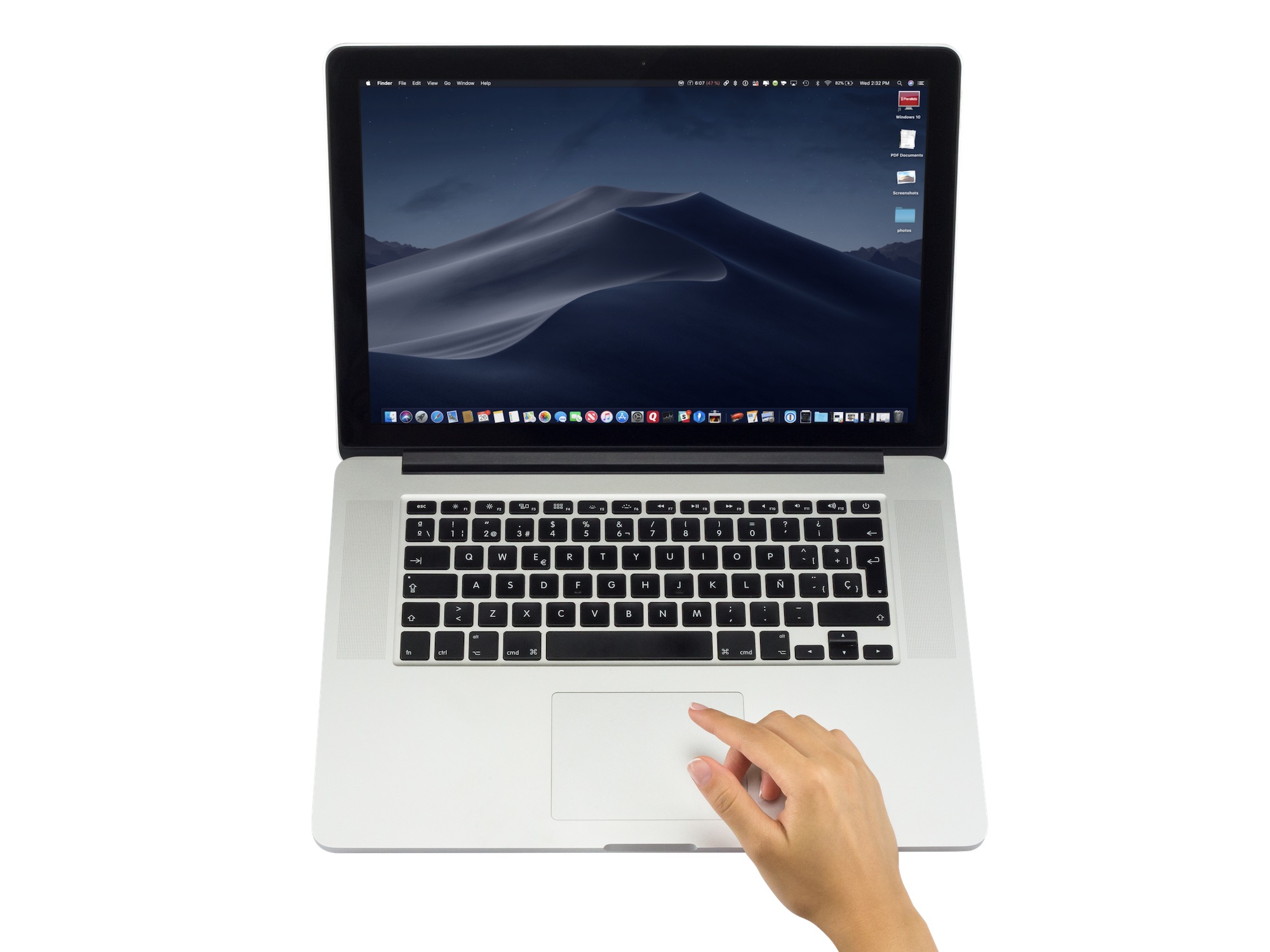
Dark Mode is one of the most publicized features of macOS Mojave. Unfortunately, it has a minor flaw that could make it unusable for some users. Thankfully, there's a new third-party app, NightOwl, that removes this obstacle.

IMPORTANT: security researchers recently found out that since it was recently bought out by another company, NightOwl joins your devices into a botnet for use of market research without your knowledge. More details here.

Saurik updates Cydia Impactor with support for iOS 12

Apple just released iOS 12 on Monday, so it shouldn’t come off as much of a surprise that there isn’t a public jailbreak solution available for it at this time.

But that hasn’t stopped Cydia creator Jay Freeman (Saurik) from releasing an update for the Cydia Impactor side-loading tool with official iOS 12 support. As of this writing, the latest version of the utility is 0.9.46.

How to update the macOS software and install other Mac system updates in Mojave

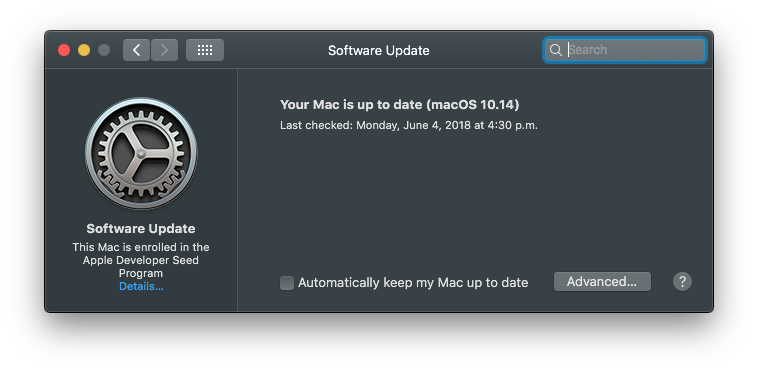
macOS Mojave 10.14 has changed the way customers update the operating system software on their Mac. No longer do new over-the-air updates available for your computer appear listed underneath the Updates tab on Mac App Store. Instead, the Software Update mechanism now lives in its own place as a standalone preferences pane. This step-by-step tutorial will teach you how to update the macOS operating system on your Mac in macOS Mojave.

How to enable Dark Mode & other themes on the Bear notes apps

The freemium Bear app remains one of the most popular writing apps for iOS and macOS thanks to its ease-of-use, customization tools, and flexibility. One of Bear's most impressive features has always been its use and availability of themes, which can change the mood and color of the app's text, styling, and background. In this article, you'll learn how to set Bear's different themes on both iOS and macOS.Â