Apple’s 2023 base MacBook Pro costs $300 more, but you do get nearly a dozen new features that improve upon its Touch Bar predecessor.
11 improvements for the 2023 base MacBook Pro that justify its higher price
Stay up-to-date on the latest Mac news, and tutorials. Get expert tips and tricks to optimize your Mac’s performance and learn about the latest Apple products and software updates. Discover the best Mac apps and accessories to enhance your user experience.
Apple’s 2023 base MacBook Pro costs $300 more, but you do get nearly a dozen new features that improve upon its Touch Bar predecessor.
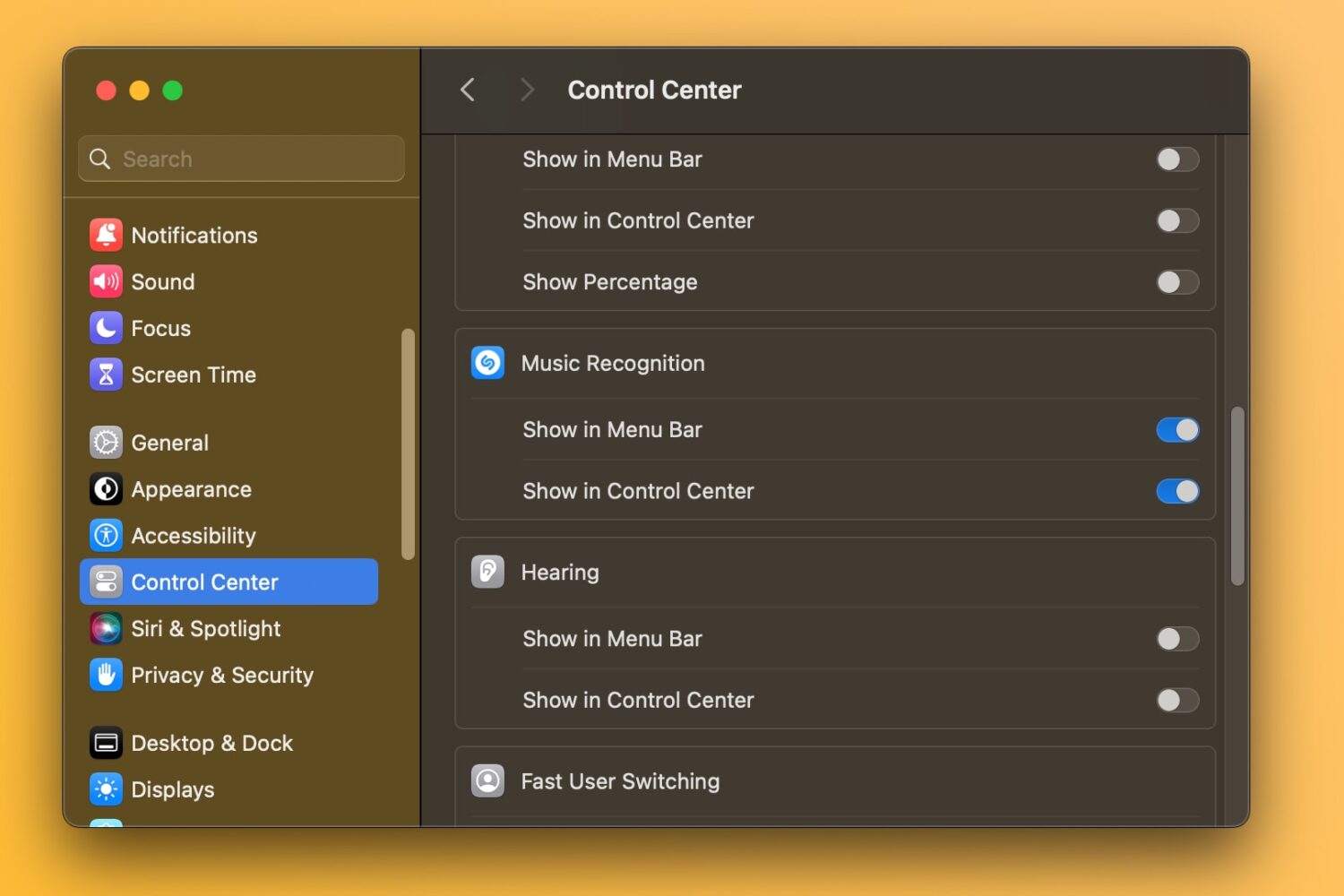
macOS Sonoma 14.2 lets you recognize songs and view a history of identified songs in your Mac's Control Center without using the dedicated app.
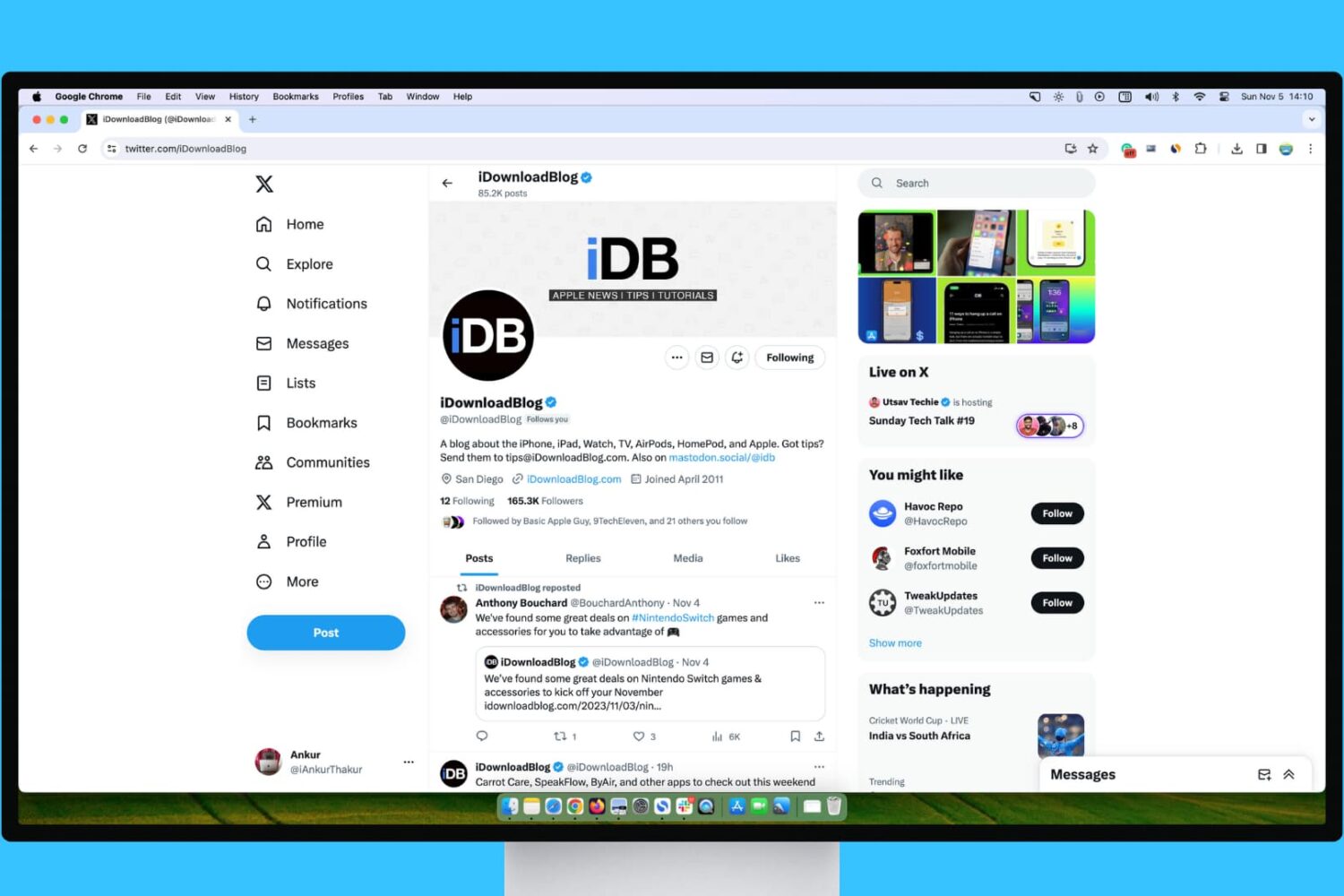
Learn what steps to take if your experience with X (Twitter) on your Mac or Windows PC isn’t up to par.
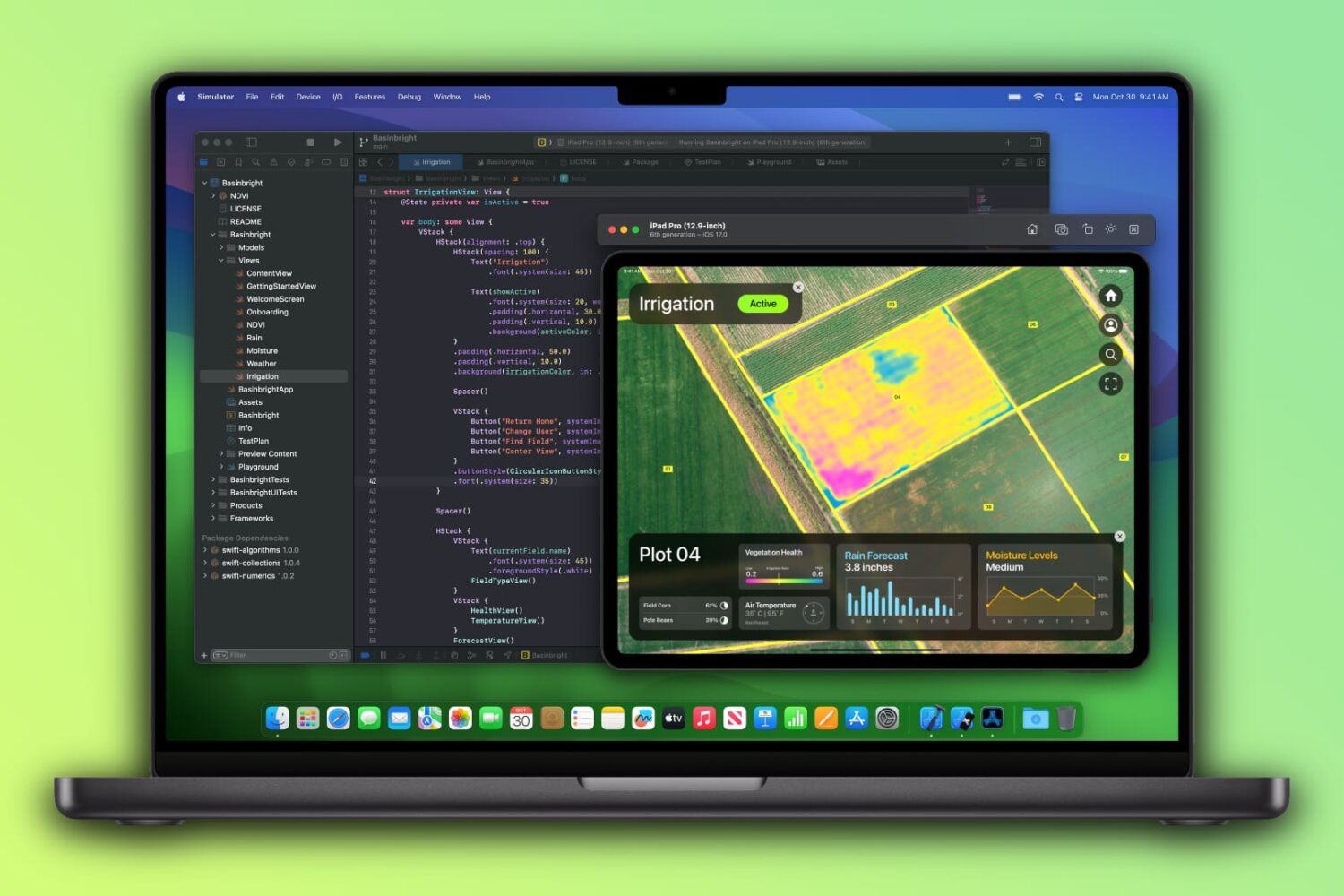
The-$400-cheaper base 14-inch M3 MacBook Pro ($1599) ships with just 8GB of unified memory, a significant downgrade over the previous 14-incher ($1999) sporting twice the RAM.

Learn how to block certain sites from showing up in Google results on Mac and Windows PC to refine your queries and improve your search experience.
Learn what cables and power adapters you need to fast charge your MacBook Air or MacBook Pro's battery from zero to fifty percent battery in around thirty minutes.
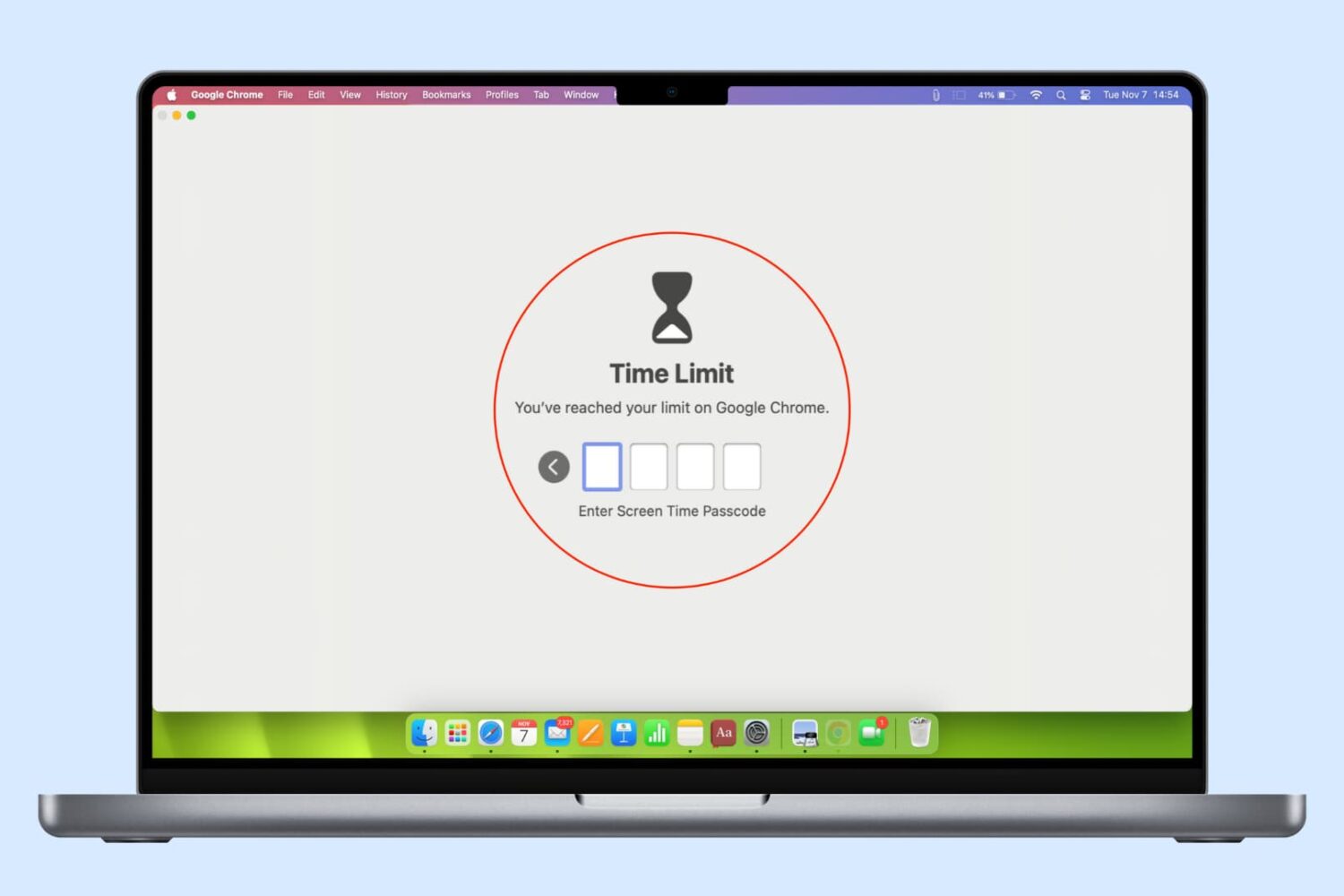
In this guide, we list several ways to keep your browser history, bookmarks, reading lists, passwords, and other sensitive data private by locking Google Chrome, Safari, or other web browsers on your computer.

The new M3-based 14-inch MacBook Pro has half the RAM, fewer USB-C ports, slower performance and no CPU upgrades than the last year's model it's replacing.
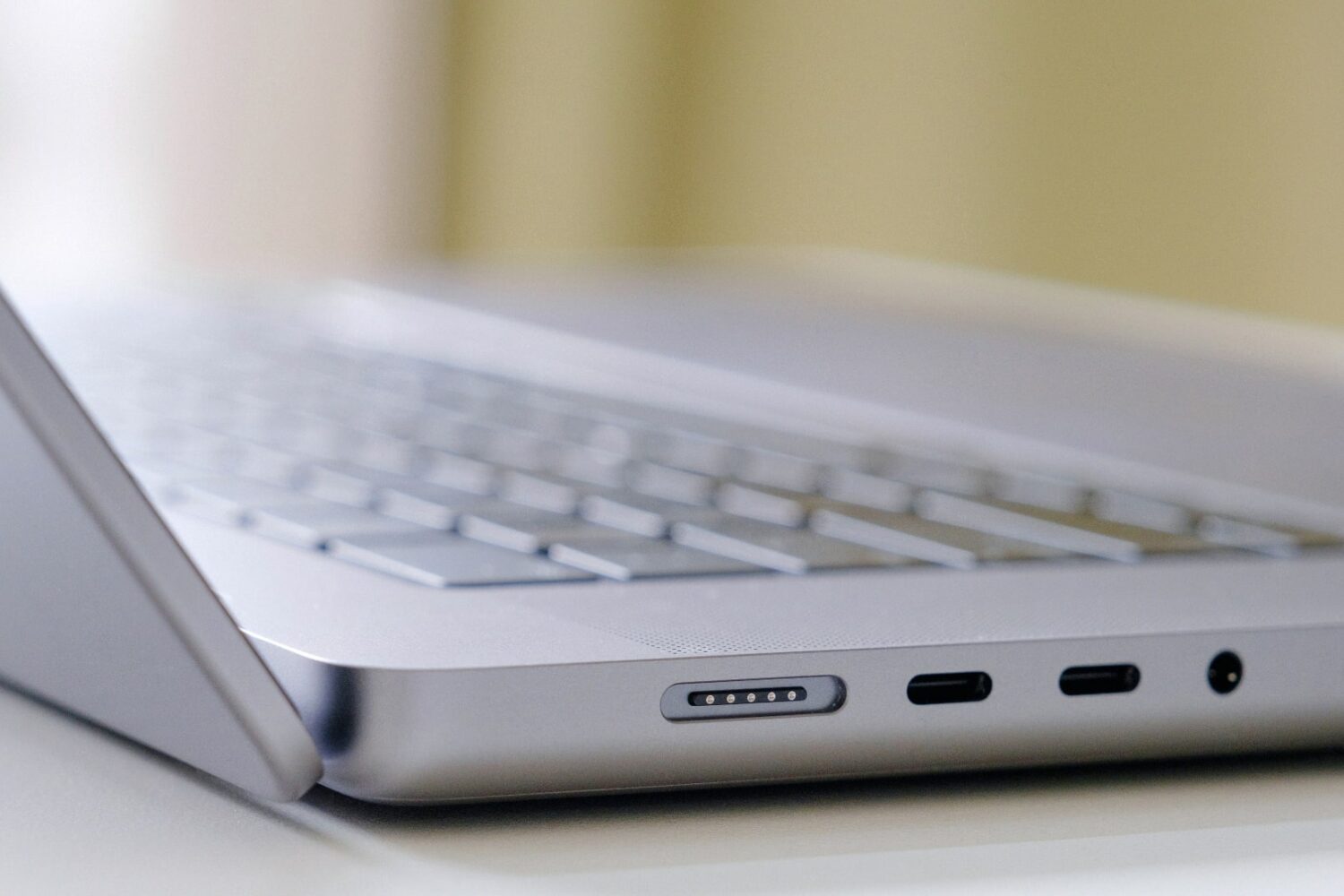
macOS Sonoma can detect liquids in your Mac’s USB-C ports that could lead to damage not covered by Apple’s standard 1-year manufacturer warranty.
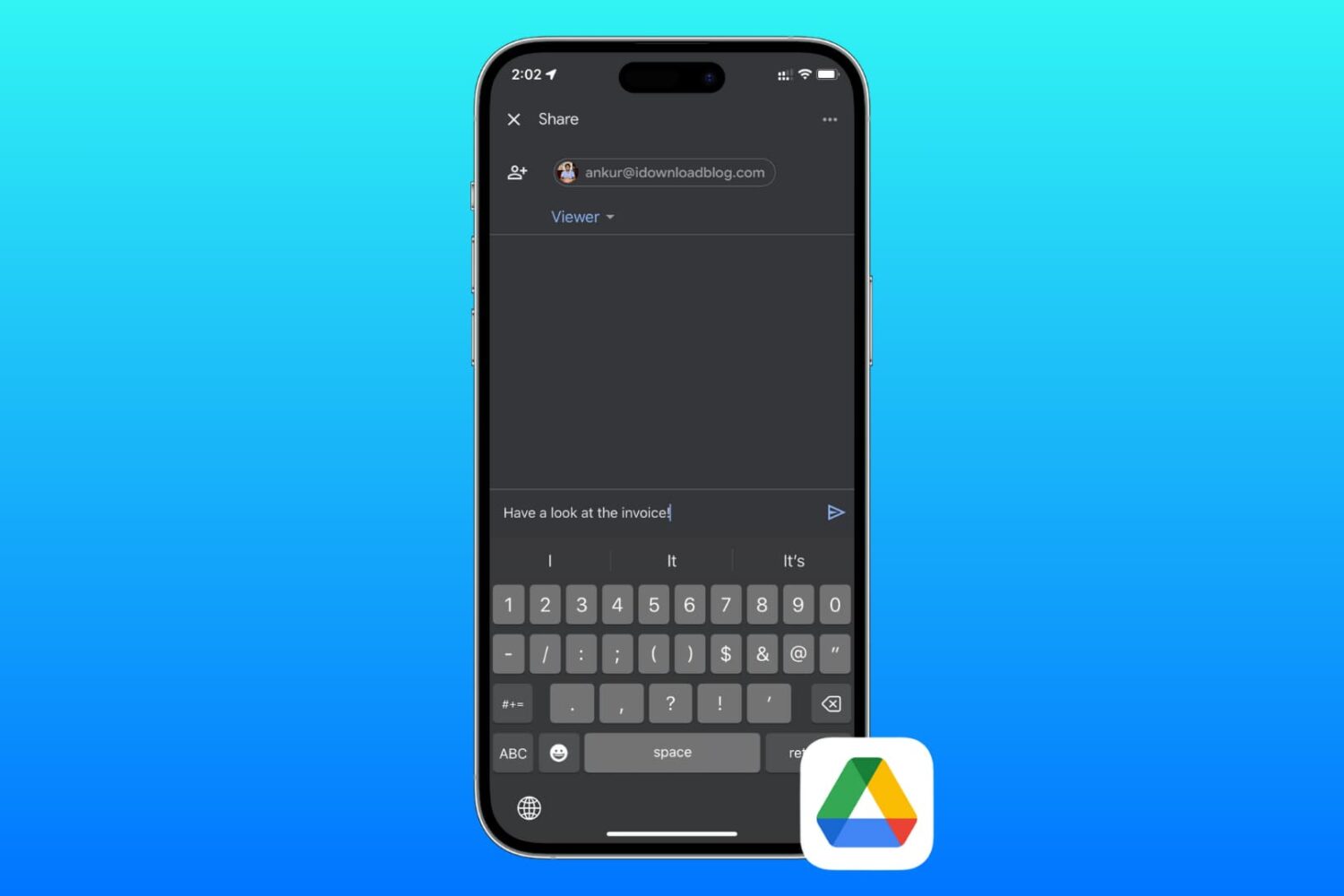
Learn how to send files and folders in your Google Drive to friends and colleagues or share private or public download links using your iPhone, iPad, or Mac.
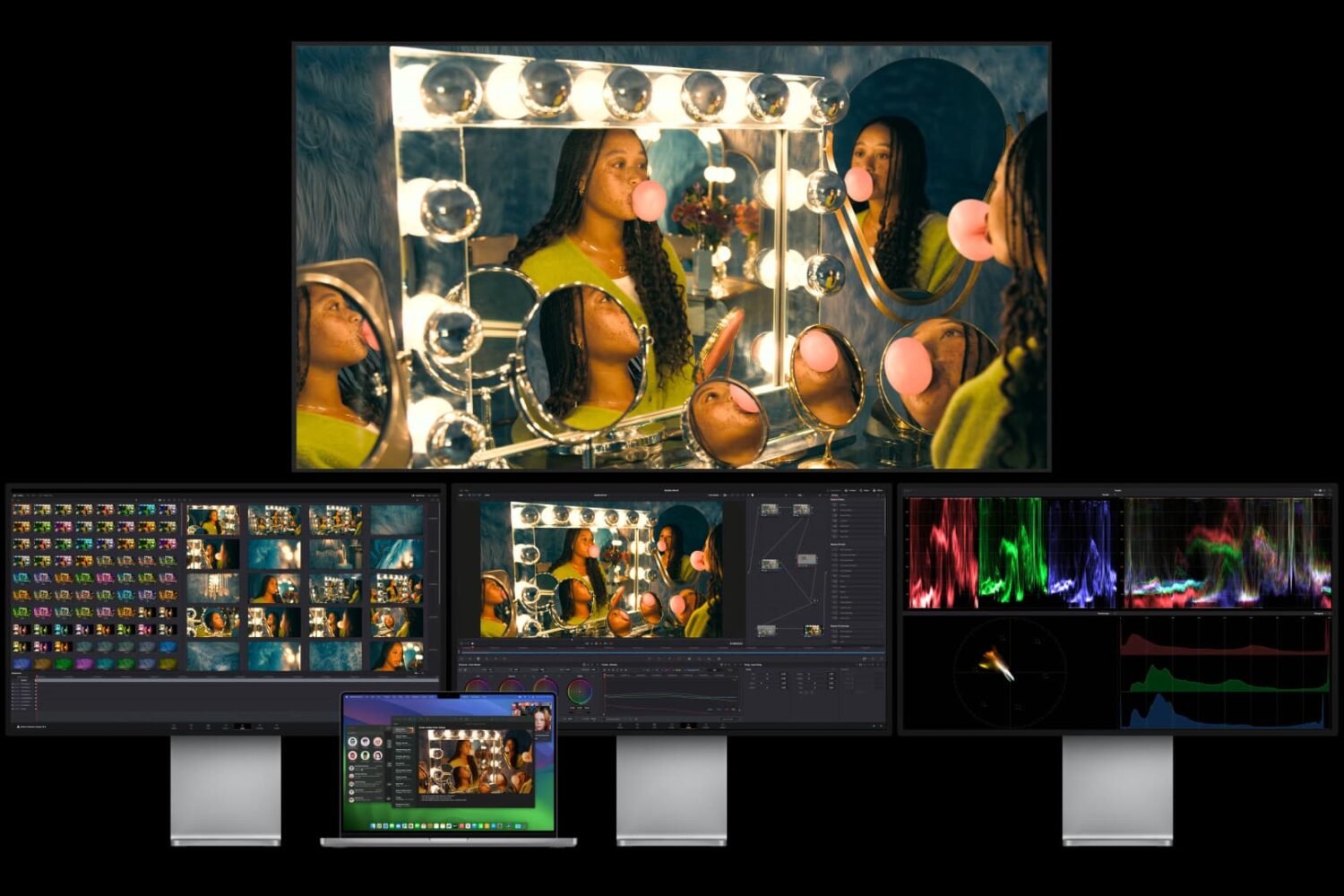
An unofficial workaround for connecting multiple external displays to M1, M2 and M3 Macs involves using DisplayLink software and external USB-C docks.
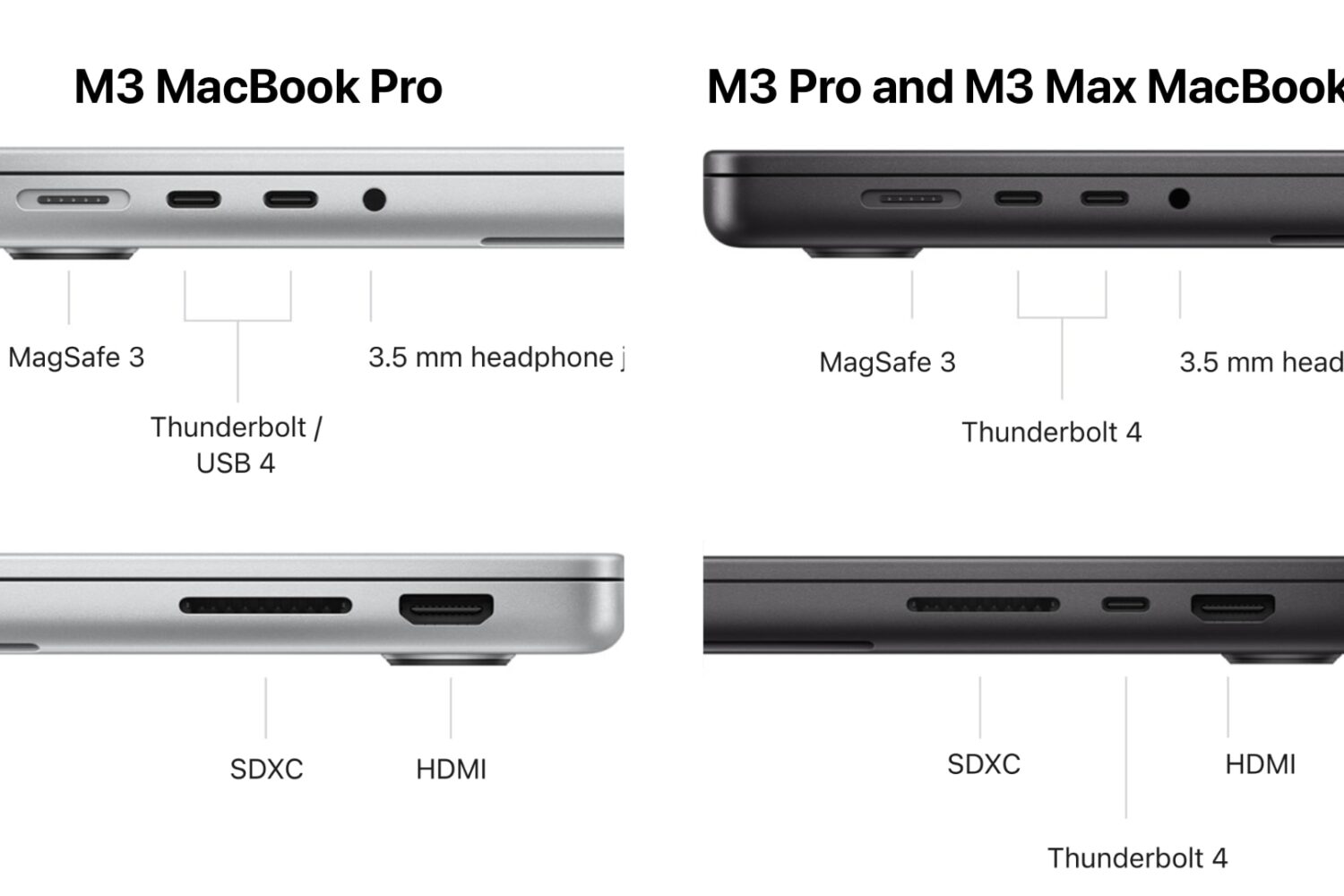
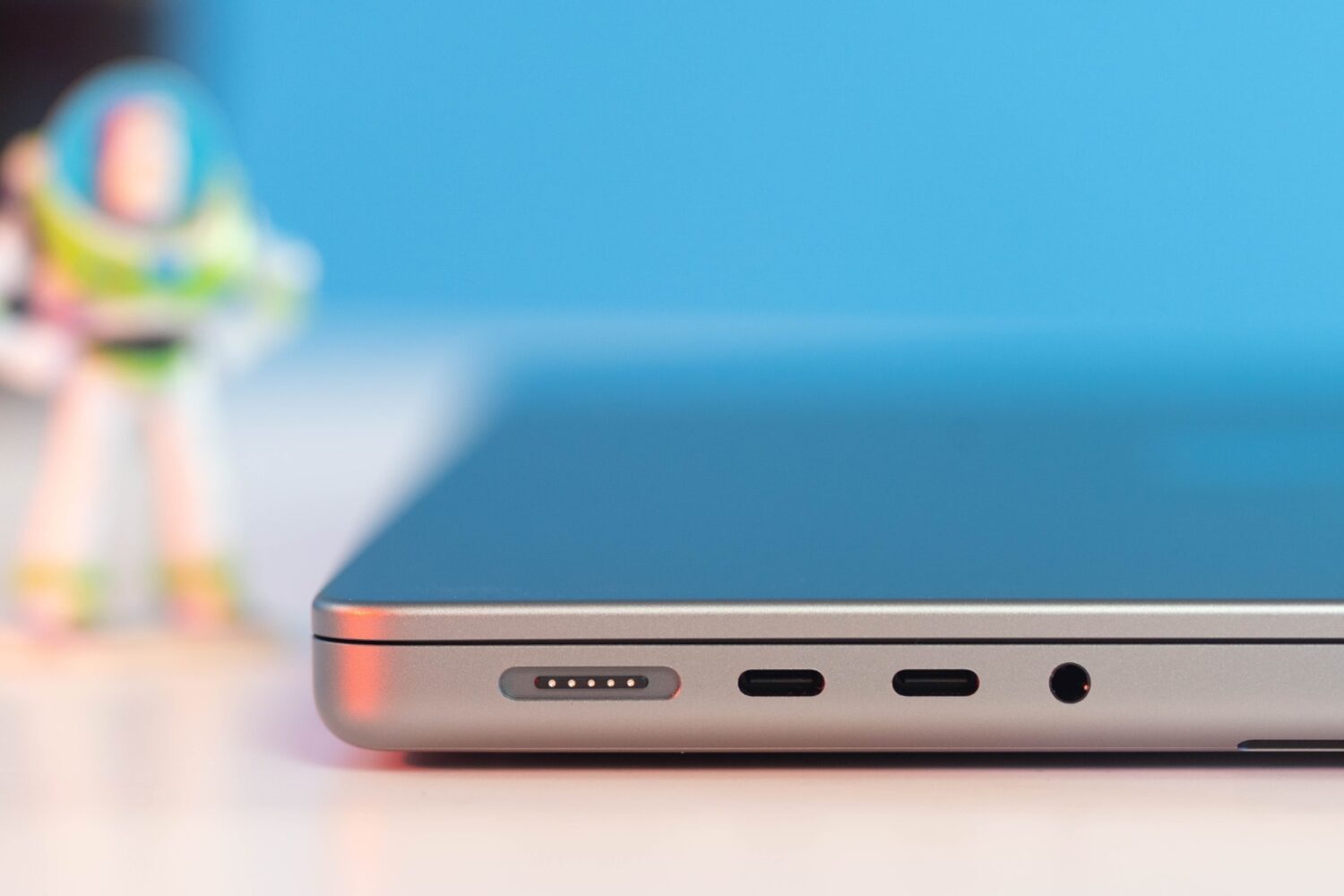
The base 14-inch M3 MacBook Pro model has fewer USB-C ports and no Thunderbolt 4 support, limiting the laptop to a single external display.