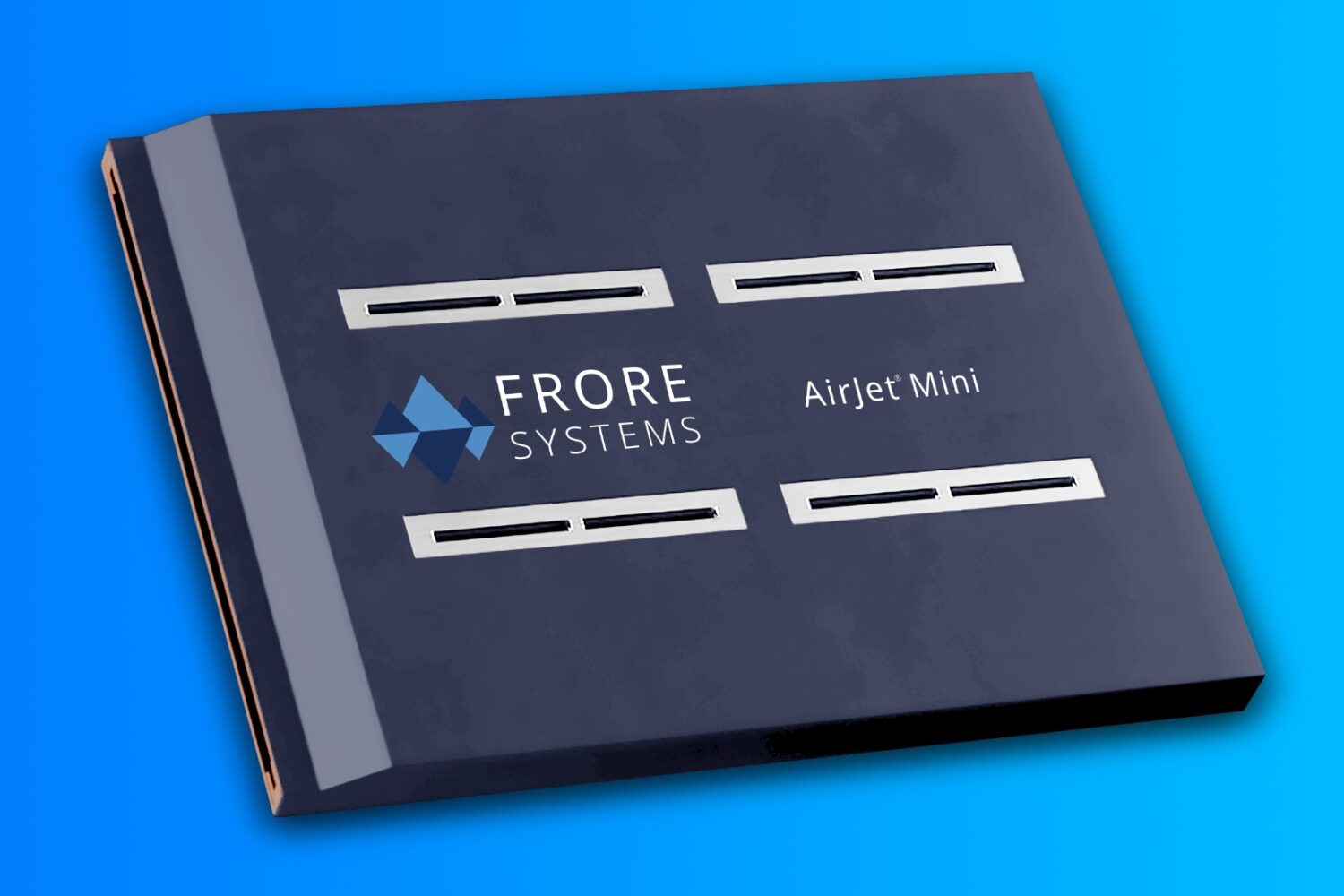
The MacBook Air cannot provide sustained performance under heavy load indefinitely because it lacks a fan, so the CPU must be throttled.
This cooling chip prevents CPU throttling on the M2 MacBook Air
Stay up-to-date on the latest Mac news, and tutorials. Get expert tips and tricks to optimize your Mac’s performance and learn about the latest Apple products and software updates. Discover the best Mac apps and accessories to enhance your user experience.
The MacBook Air cannot provide sustained performance under heavy load indefinitely because it lacks a fan, so the CPU must be throttled.
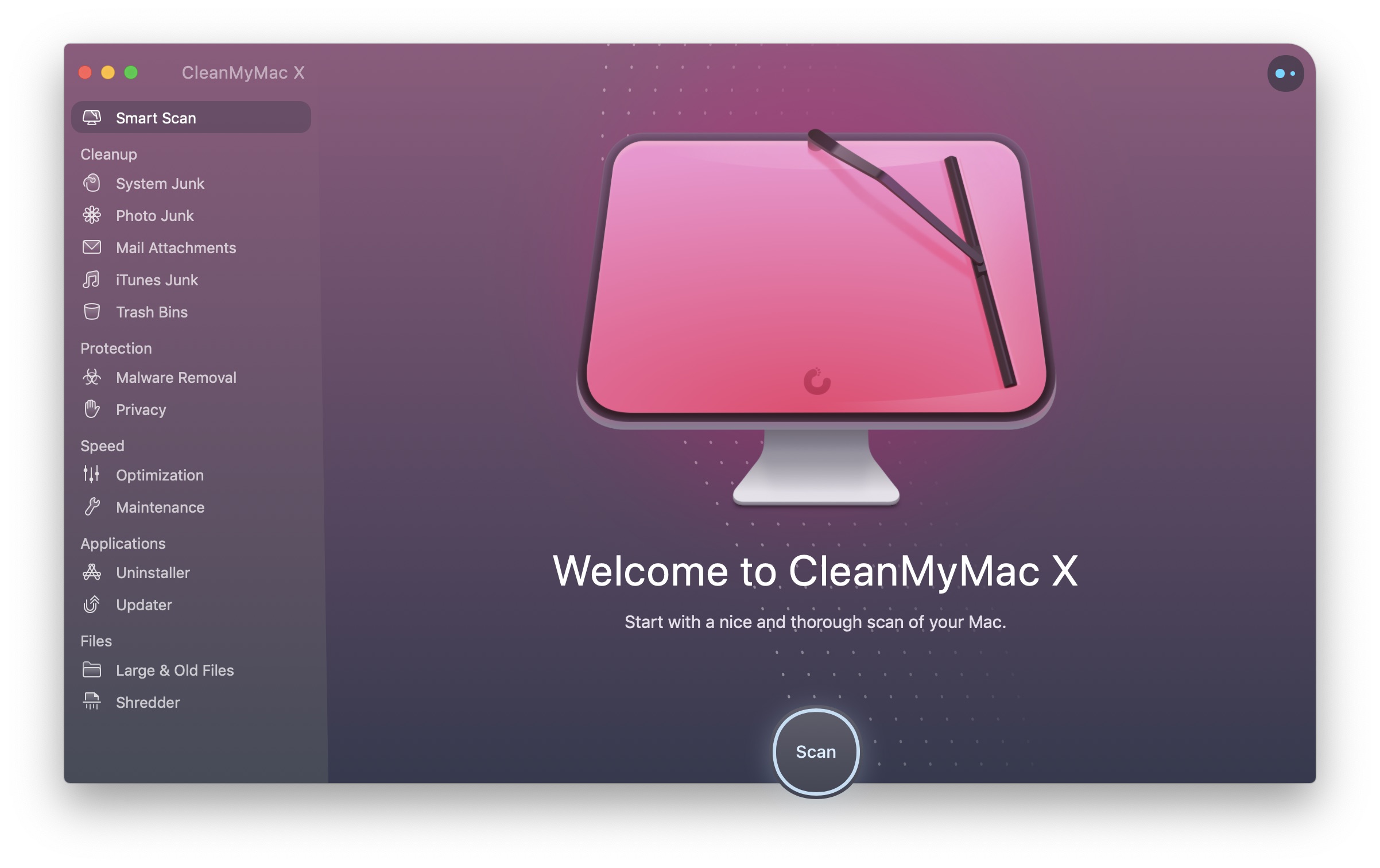
MacPaw is offering a 30% discount on its award-winning apps CleanMyMac, CleanMy PC, ClearVPN and Gemini 2, but the deal is valid today only.
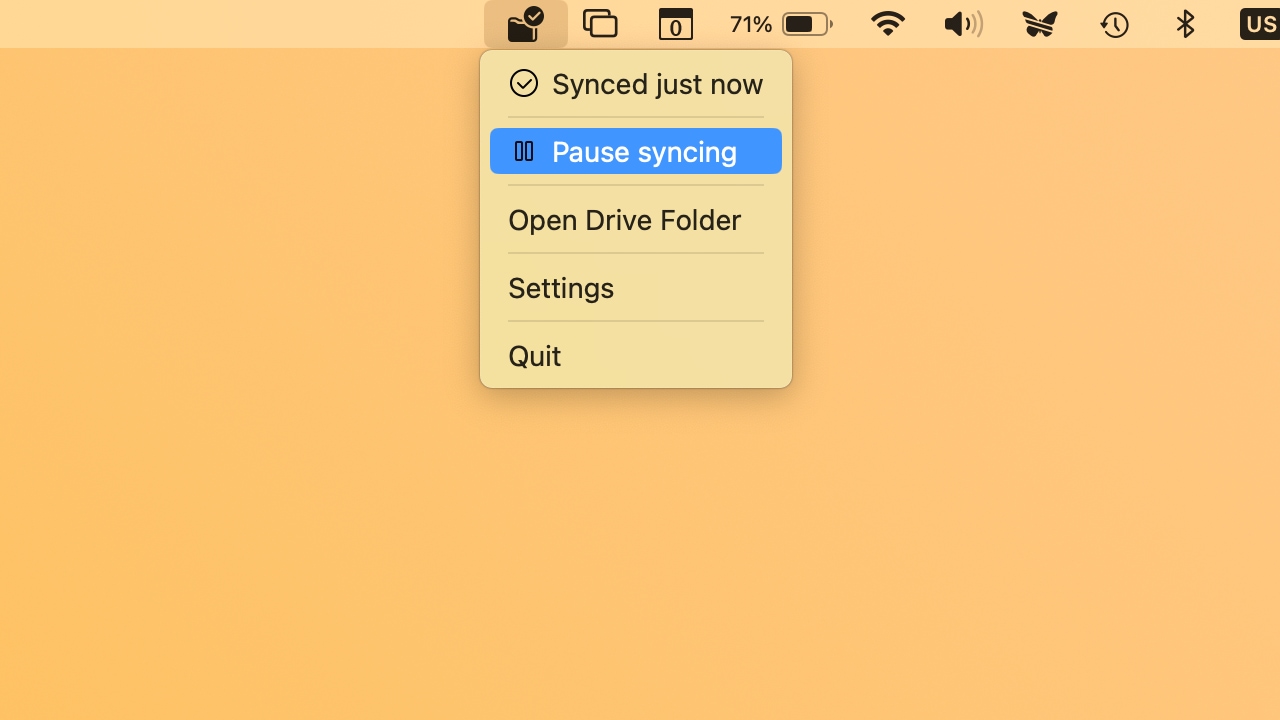
Proton Drive lets your Mac access photos, videos, documents and other files stored in its end-to-end encrypted cloud storage service.
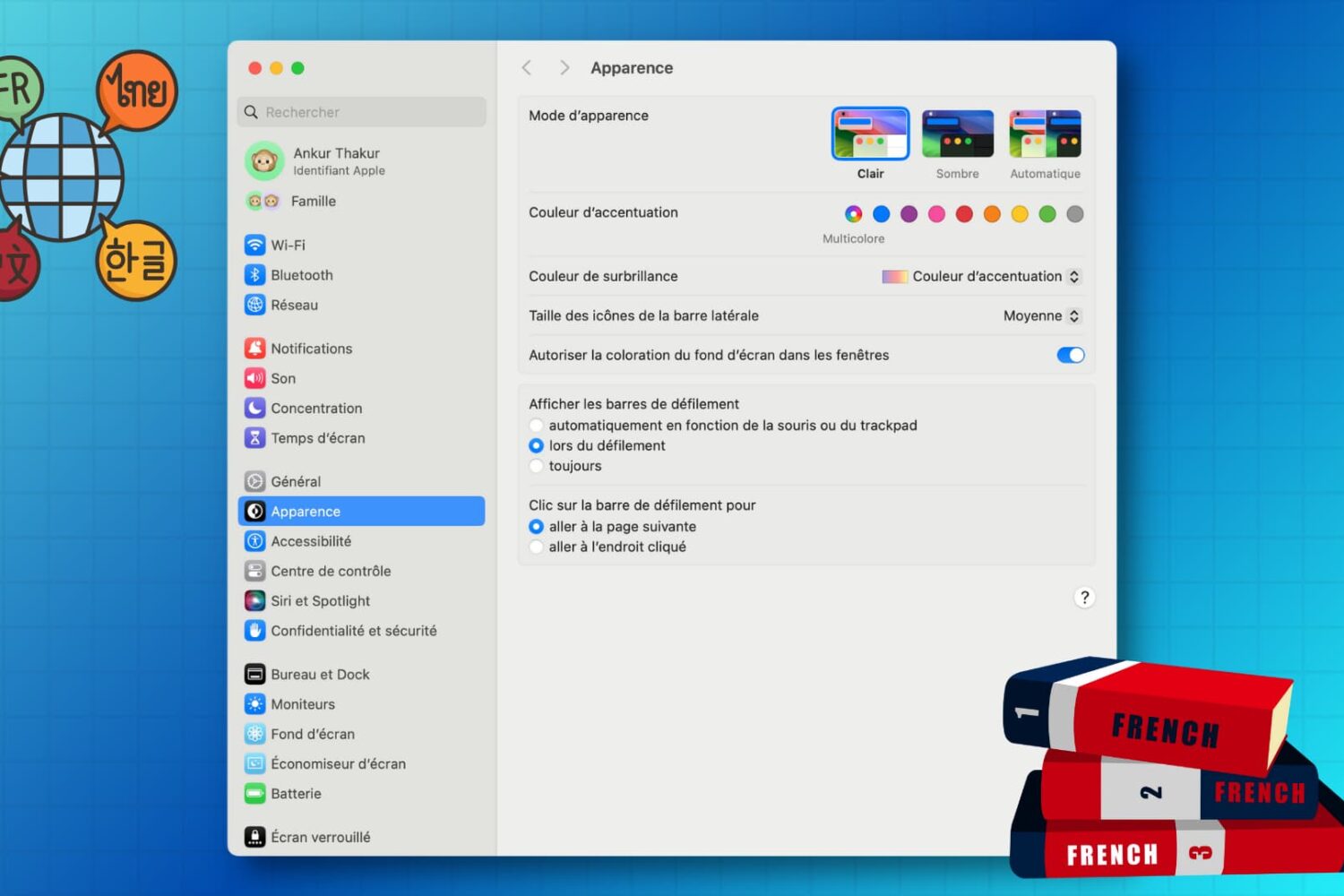
Learn how to customize the keyboard and system locales on your Mac to type in multiple languages and enjoy a localized macOS experience instead of English.
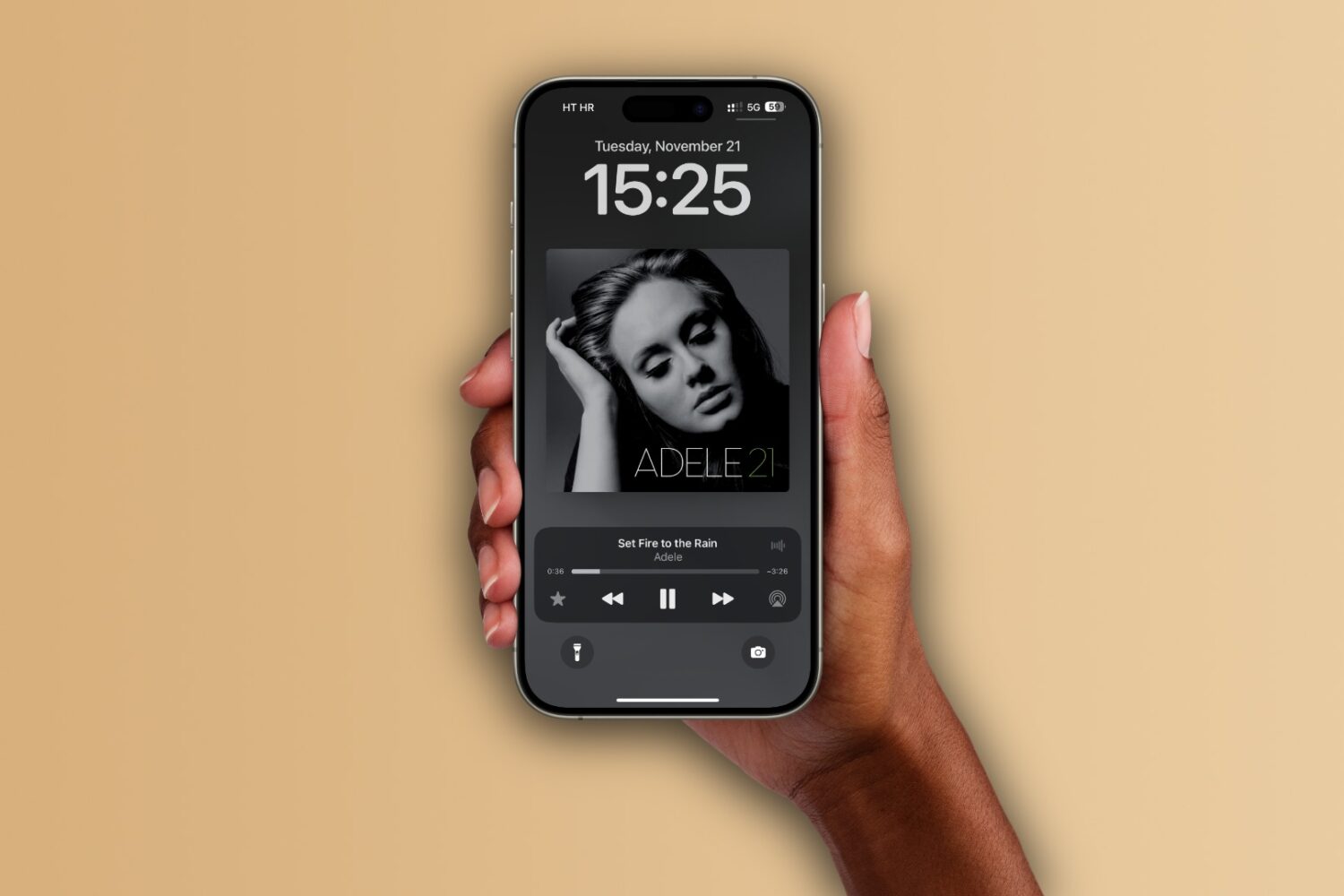
Learn how to set up the Apple Music app on your iPhone, iPad, and Mac to automatically add any songs you’ve marked as your favorite to your music library.
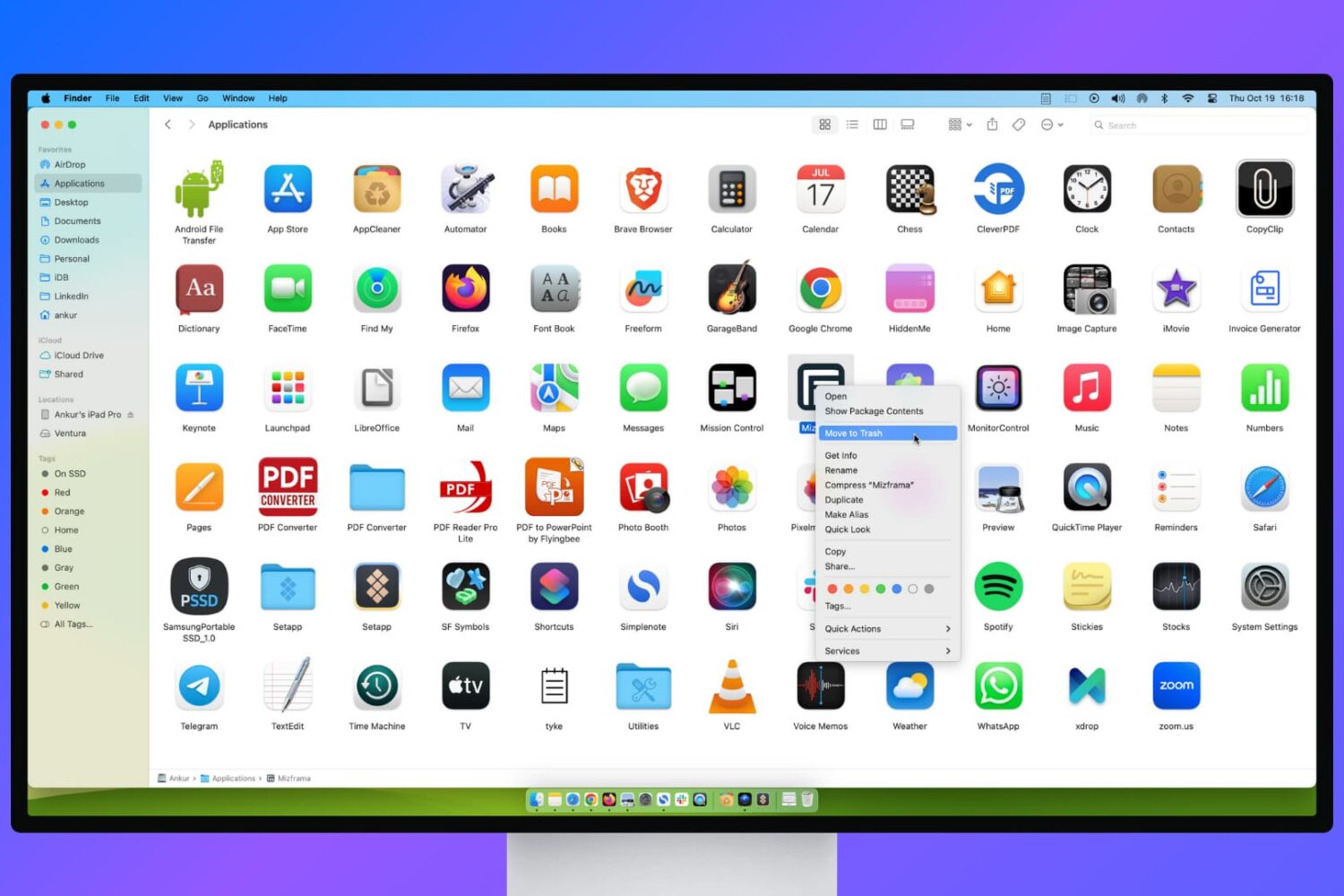
Learn what to do if you’re unable to delete apps on your Mac or if the app icon continues to appear even after uninstalling it.
Learn how to transfer your saved website login details, including email addresses, usernames, and passwords, from Google Chrome to Apple Safari on your iPhone, iPad, and Mac.
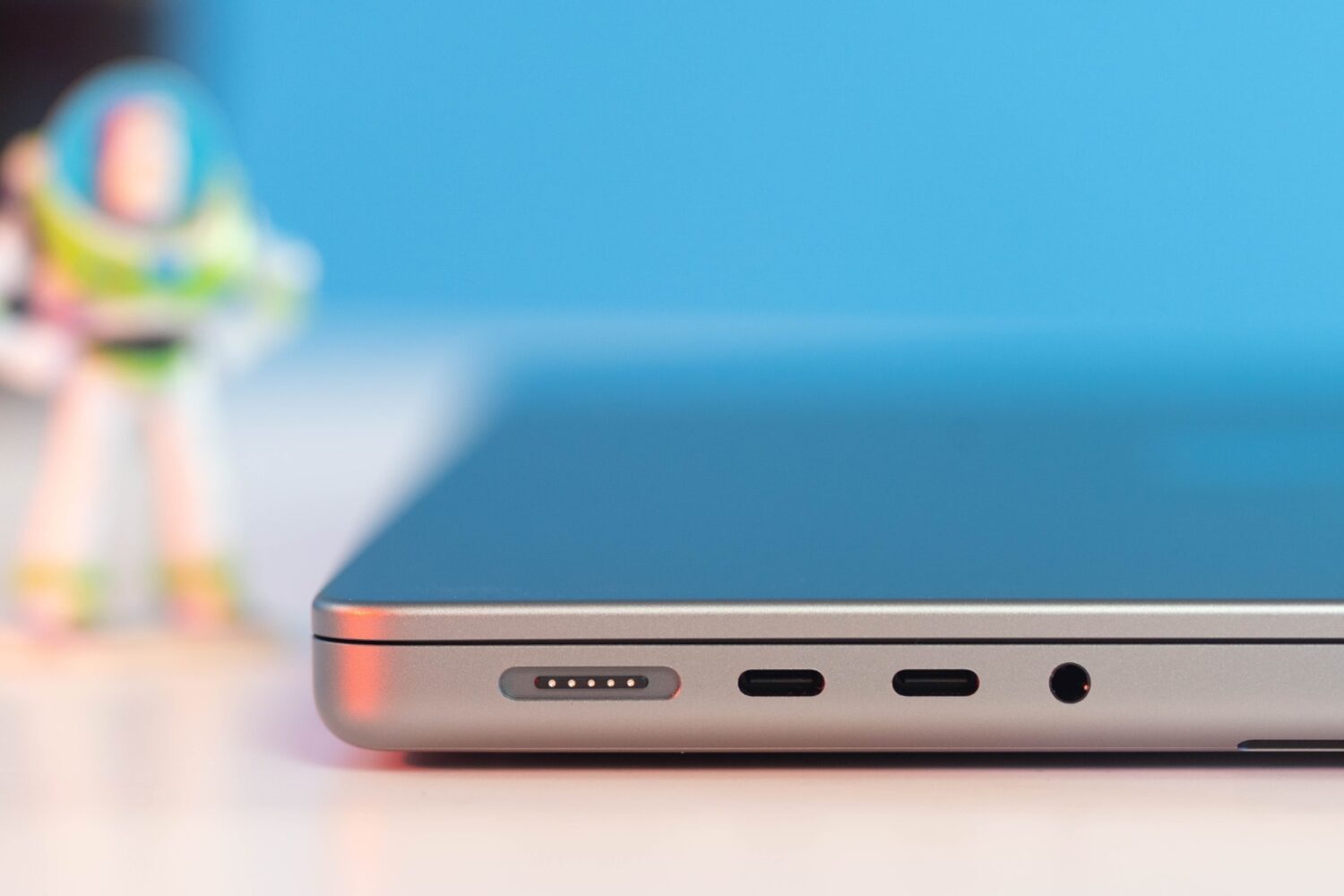
Apple’s 2023 base MacBook Pro costs $300 more, but you do get nearly a dozen new features that improve upon its Touch Bar predecessor.
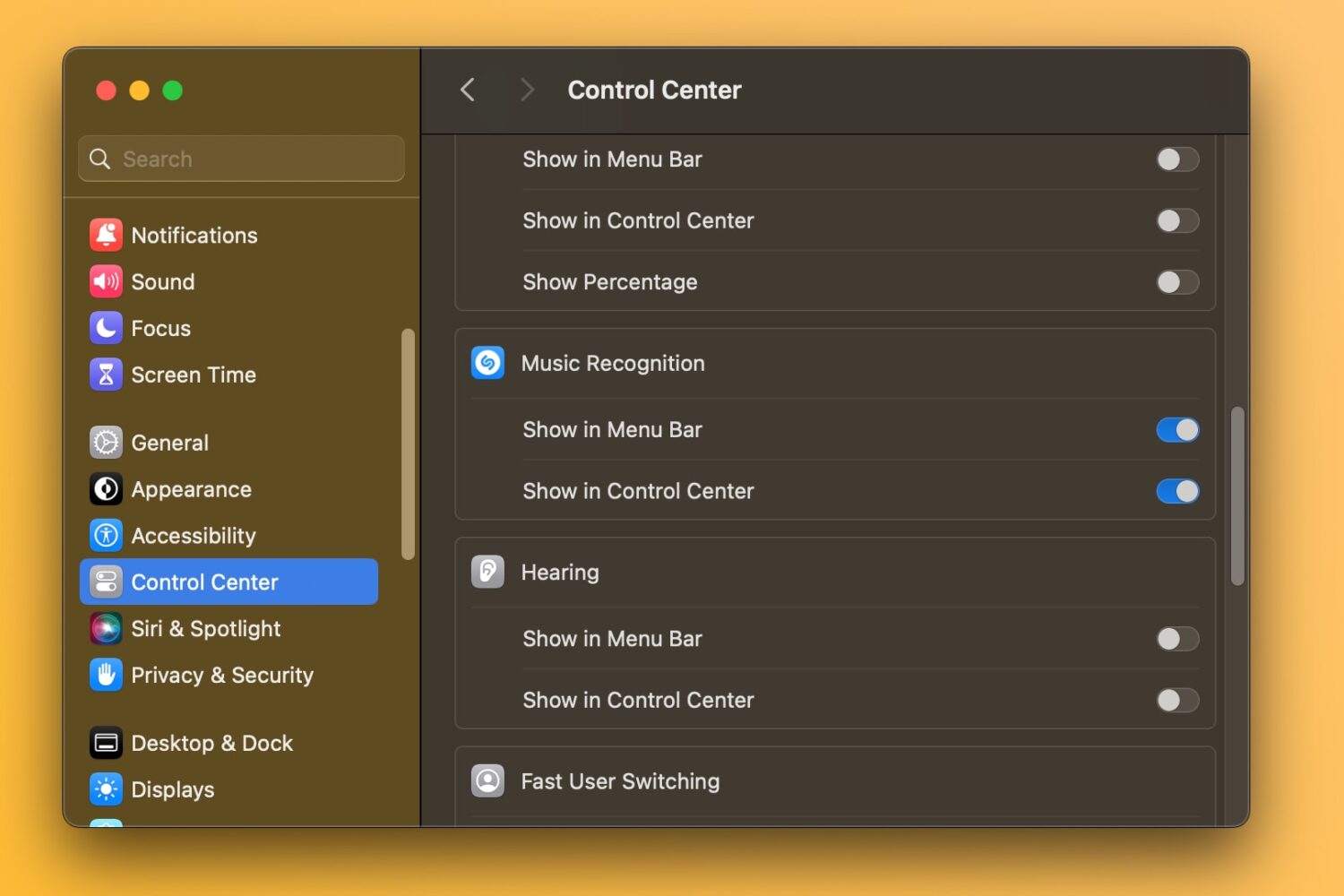
macOS Sonoma 14.2 lets you recognize songs and view a history of identified songs in your Mac's Control Center without using the dedicated app.
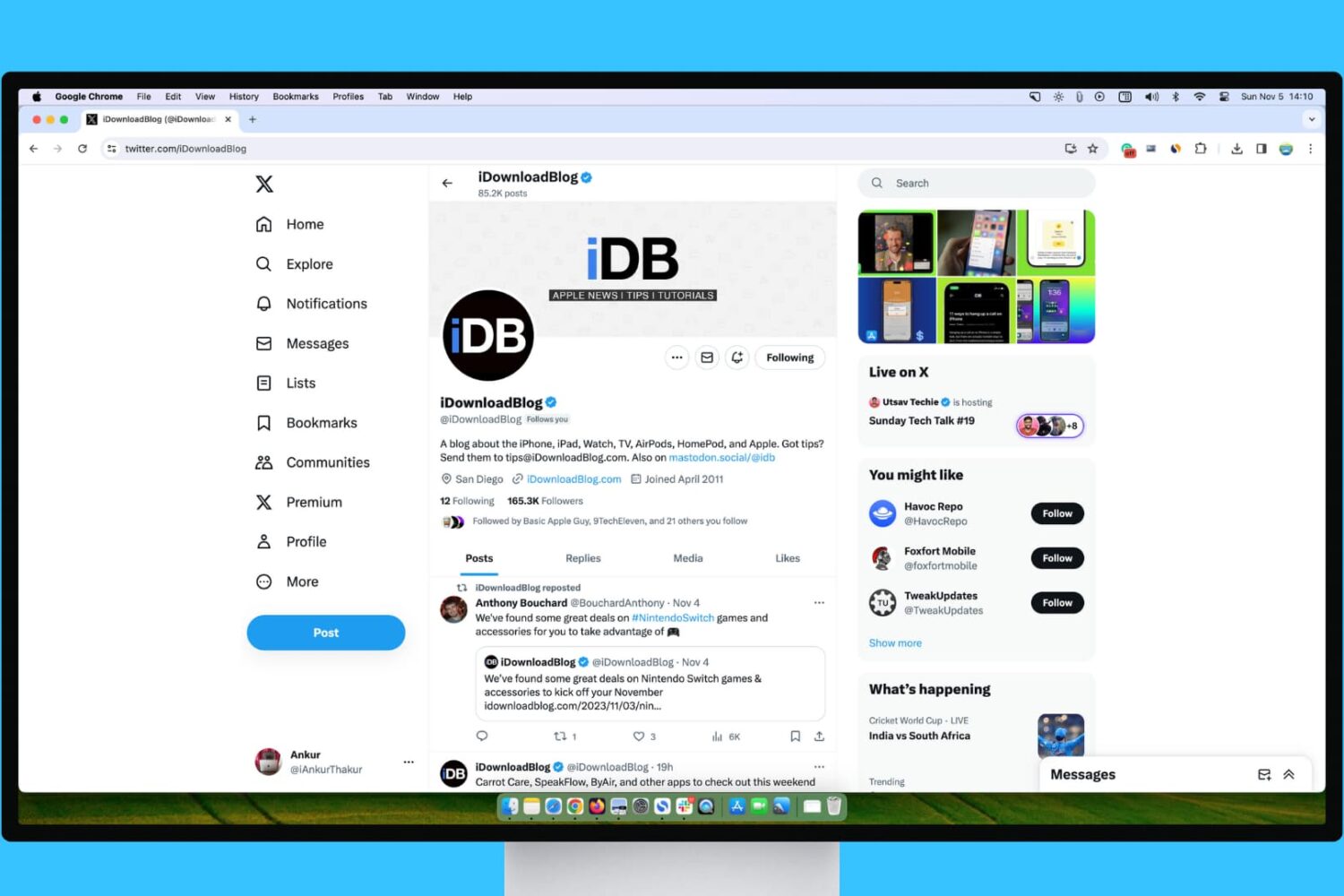
Learn what steps to take if your experience with X (Twitter) on your Mac or Windows PC isn’t up to par.
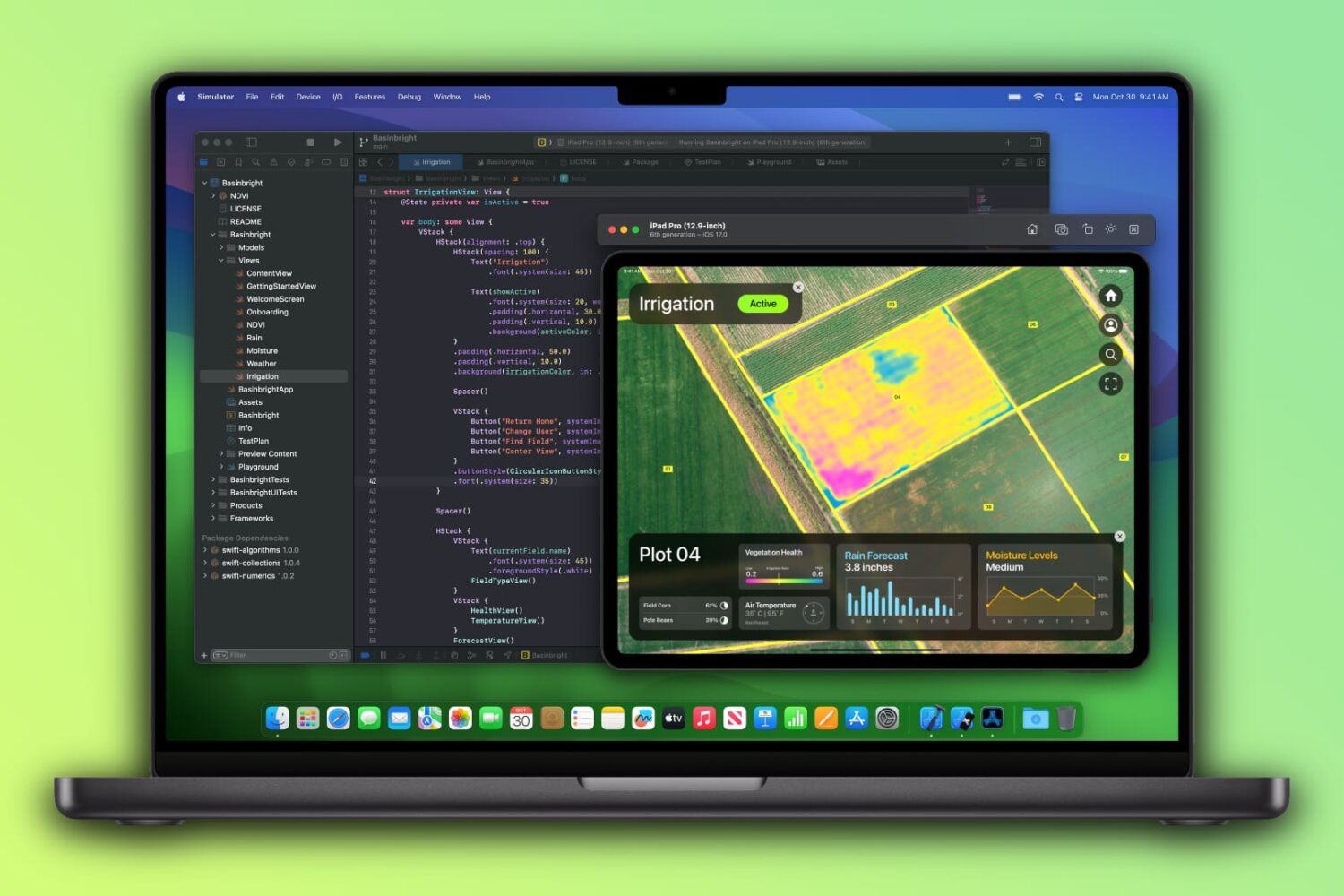
The-$400-cheaper base 14-inch M3 MacBook Pro ($1599) ships with just 8GB of unified memory, a significant downgrade over the previous 14-incher ($1999) sporting twice the RAM.

Learn how to block certain sites from showing up in Google results on Mac and Windows PC to refine your queries and improve your search experience.