Use the Sort By option in the Apple Mail app on your Mac to organize your emails based on two dozen parameters.
How to sort emails in the Apple Mail app on Mac
Stay up-to-date on the latest Mac news, and tutorials. Get expert tips and tricks to optimize your Mac’s performance and learn about the latest Apple products and software updates. Discover the best Mac apps and accessories to enhance your user experience.
Use the Sort By option in the Apple Mail app on your Mac to organize your emails based on two dozen parameters.
Apple is predicted to release a pair of new MacBook Pro notebooks in 2021 featuring an overhauled appearance, with a more affordable MacBook Air model to follow in 2022. All models are expected to use Apple's own chips and the rumored mini-LED backlighting tech.
In this tutorial, we will show you how to customize the settings for VoiceOver announcements and hints on your Mac to fine-tune your experience.
Following its picks for the best books, audiobooks and podcasts of 2020, Apple today unveiled this year's top 20 most downloaded apps and games across the iPhone, iPad, Mac, Apple TV and Apple Watch, as well as its picks for the best titles across those platforms.
Maybe you just purchased your first Mac, or maybe you only perform certain tasks on it each day. In these situations, it can be difficult to find items you’re unfamiliar with when you need them. From big things like applications to small ones like the trash, we’ll help you find the most commonly looked-for items on your Mac.
Some people have already downloaded, installed, and gotten used to macOS Big Sur. The newness has probably already worn off for them! But if you’re still contemplating whether or not you should, aren’t sure if you’re Mac model can handle it, or just want some basic questions answered, here’s your macOS Big Sur FAQ.
macOS includes basic screen recording features, and you can capture a video of your computer's screen in QuickTime as well. For added functionality, you need a dedicated app. RecordCast is 100% free to use, requires no download and comes with a built-in video editor.
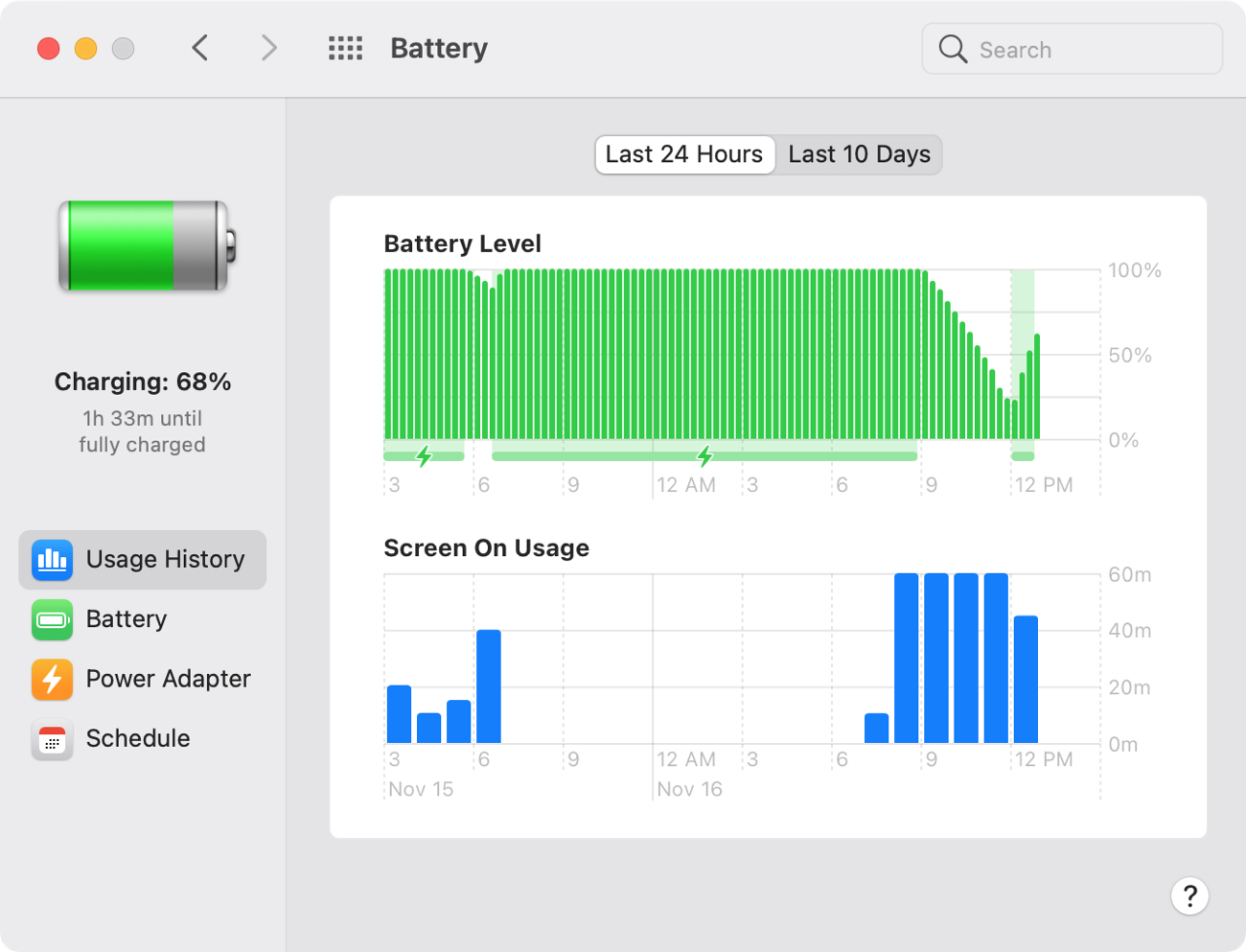
Most gadget lovers know that thermal throttling is a fact of life. Even the new M1 chip from Apple throttles CPU performance. For instance, the new M1 MacBook Air is capable of running for up to 18 hours on a single charge, but that doesn't mean peak power all the time.
With Apple's refreshed MacBook Air, 13-inch MacBook Pro and Mac mini computers powered by the company's M1 laptop chip in customers' hands now, we're starting to see first reports of the inevitable teething issues that accompany every new hardware launch.
The new MacBook Air, 13-inch MacBook Pro and Mac mini with the Apple M1 chip let you run Intel-only apps in Rosetta emulation, in addition to native Apple Silicon apps. However, macOS Big Sur doesn't make it easy to identify which apps are Intel-only from those with code optimized for the M1 chip, but this nifty little app solves that problem in one fell swoop.
The M1 chip. A brand-new piece of technology announced by Apple. This tiny but powerful chip is a significant part of a new lineup of Mac computers. But what exactly is the M1 chip? What does it do, what are the benefits of it, and should you look into buying a Mac that has one? This M1 chip FAQ has answers to these questions and more.
With VoiceOver on your Mac, you can perform tasks, take actions, and do everything you need to do while experiencing a visual impairment. We’ve walked you through the basics like turning VoiceOver on and off, setting up your modifier keys, and working with app windows.
Here, we’re going to explore customizing VoiceOver on your Mac with a tool called VoiceOver Utility. In this one handy spot, you can change the voice, magnify your cursor, and adjust the announcements you hear. And since many of our upcoming VoiceOver how-tos will direct you to this location, it’s good to become familiar with it. Ready? Here’s how to use VoiceOver Utility to customize VoiceOver on Mac.