Learn how to change or delete the date, time, location, and other metadata of a photo on your iPhone, iPad, and Mac.
How to add, edit, or delete photo metadata on iPhone and Mac

Stay up-to-date on the latest Mac news, and tutorials. Get expert tips and tricks to optimize your Mac’s performance and learn about the latest Apple products and software updates. Discover the best Mac apps and accessories to enhance your user experience.
Learn how to change or delete the date, time, location, and other metadata of a photo on your iPhone, iPad, and Mac.
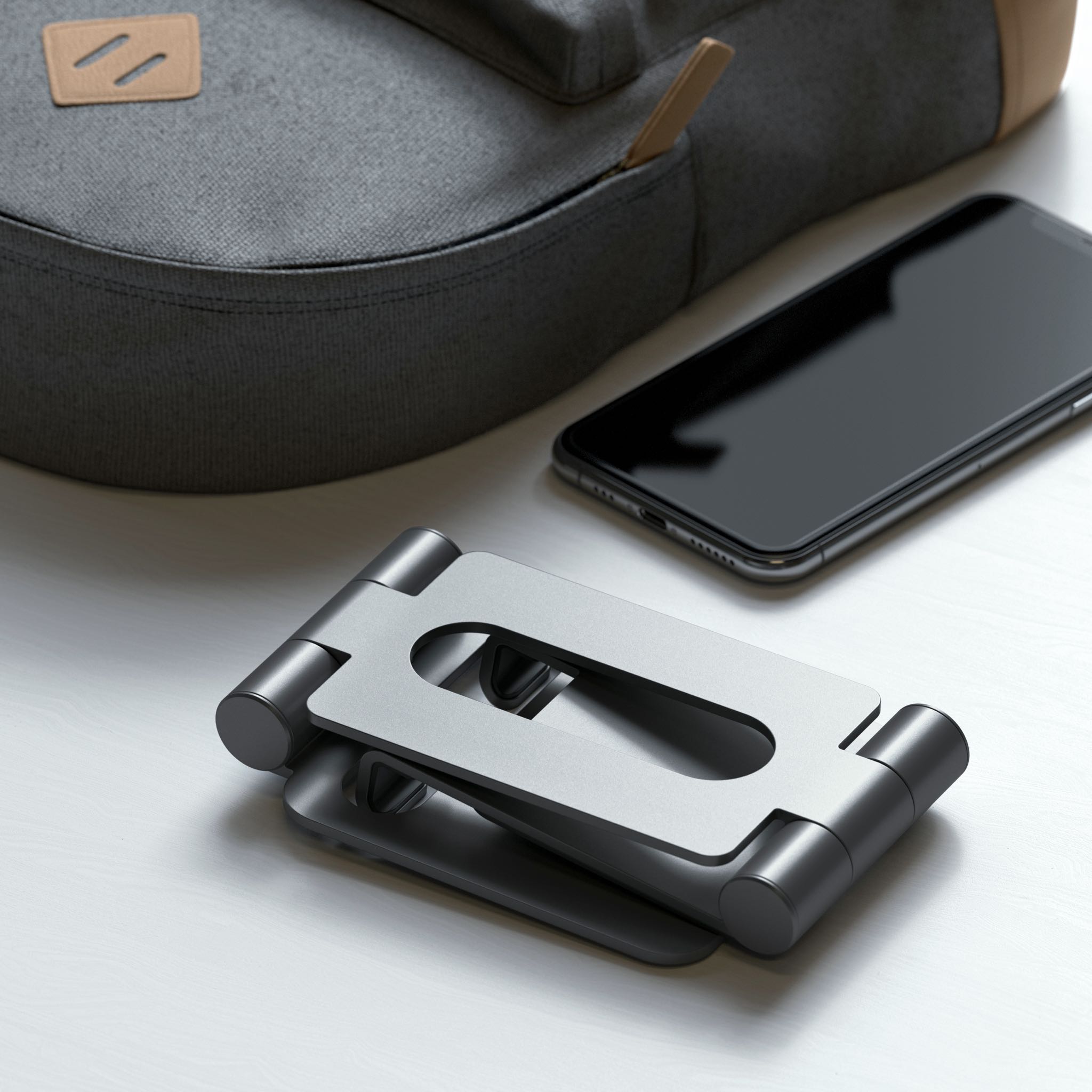
Accessory maker Satechi has unveiled a new Apple-exclusive product, an aluminum iPhone and iPad stand that elevates your device and makes it hover above a keyboard. And thanks to its flexible, foldable design, the accessory offers a wide range of heights and viewing angles.

“Oceanhorn: Chronos Dungeon”, a new dungeon crawler from developer Cornfox & Brothers that's set in the Oceanhorn universe, will be coming soon to your iPhone, iPad, Mac and Apple TV via the Apple Arcade games-subscription service.

Check out this list of the best free diagram apps for Mac that will have you building in no time. They’re each intuitive with great features!
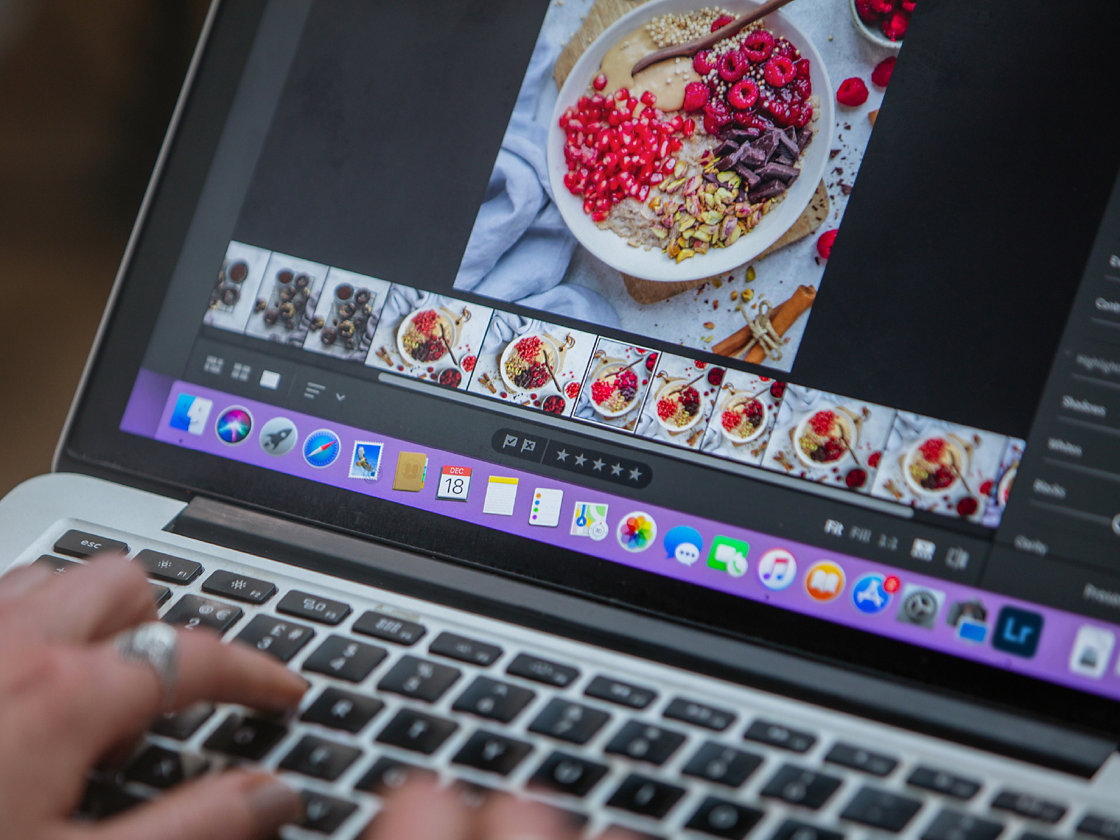
Adobe yesterday updated Lightroom for Mac with Apple silicon support on the latest M1 machines, such as the new MacBook Air, 13-inch MacBook Pro and Mac mini. Additionally, Lightroom for Windows has been updated with support for Windows on ARM.
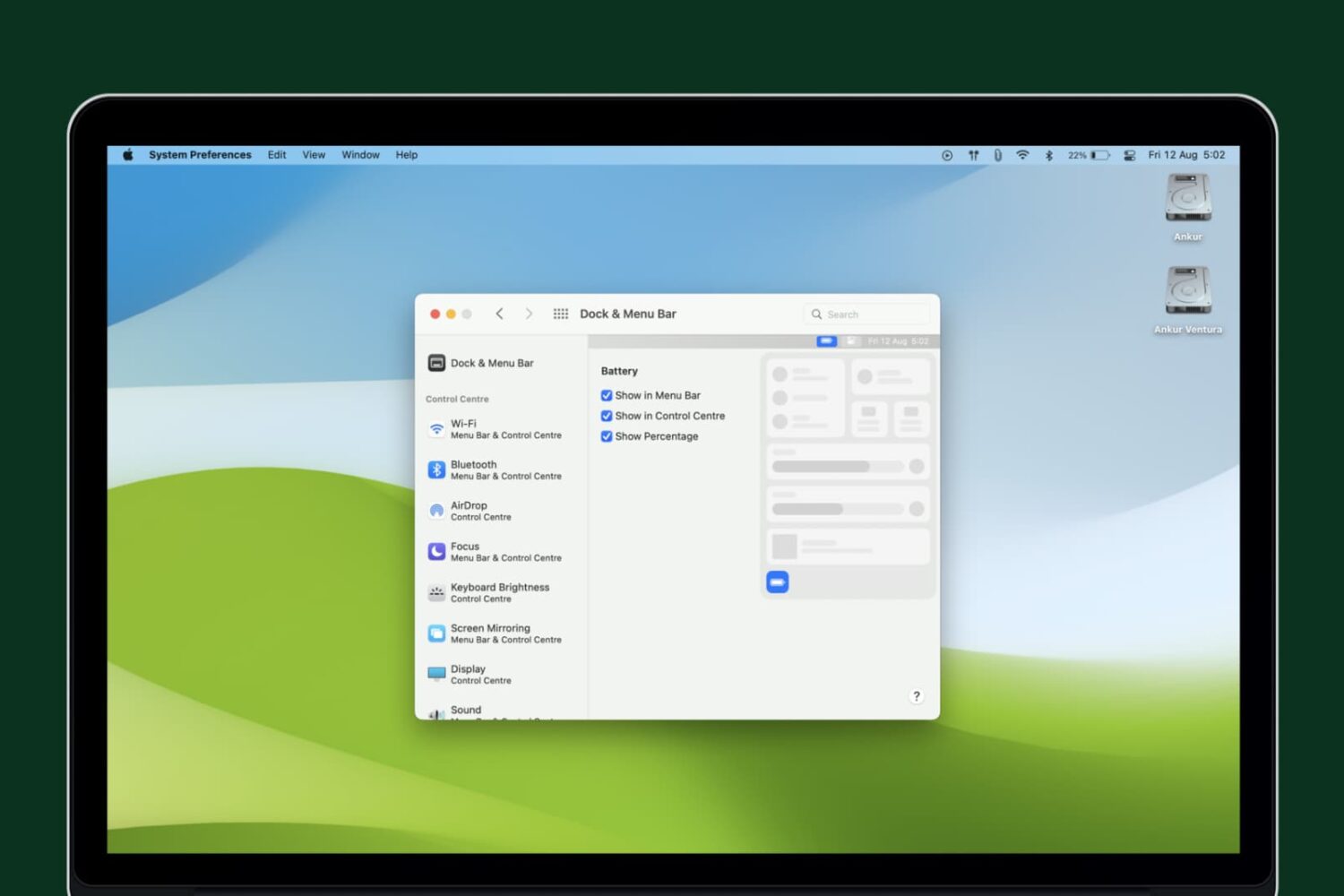
Learn how to display the battery percentage in the top menu bar and Control Center to quickly check your Mac’s battery status.

Use the Sort By option in the Apple Mail app on your Mac to organize your emails based on two dozen parameters.
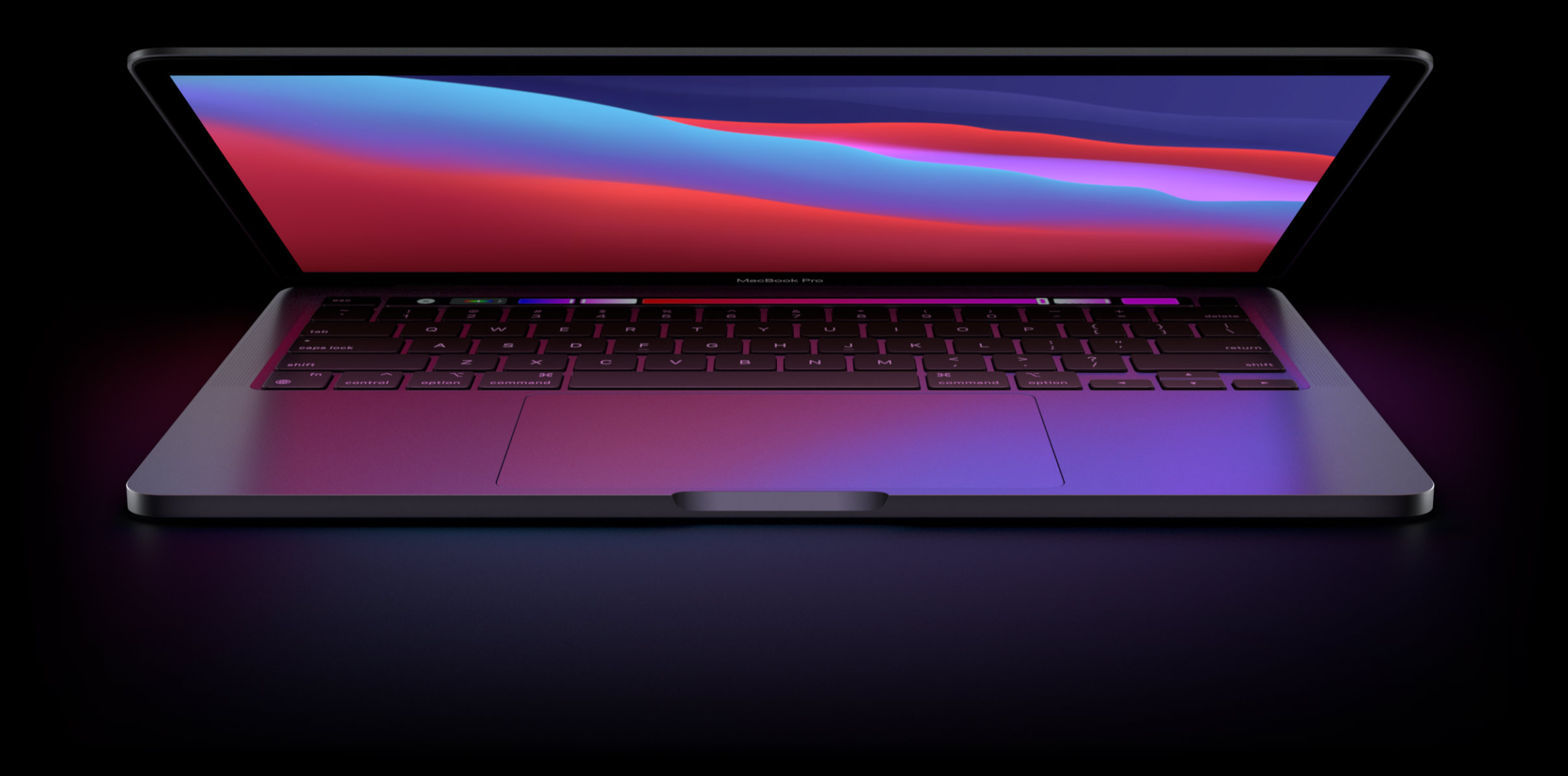
Apple is predicted to release a pair of new MacBook Pro notebooks in 2021 featuring an overhauled appearance, with a more affordable MacBook Air model to follow in 2022. All models are expected to use Apple's own chips and the rumored mini-LED backlighting tech.

In this tutorial, we will show you how to customize the settings for VoiceOver announcements and hints on your Mac to fine-tune your experience.
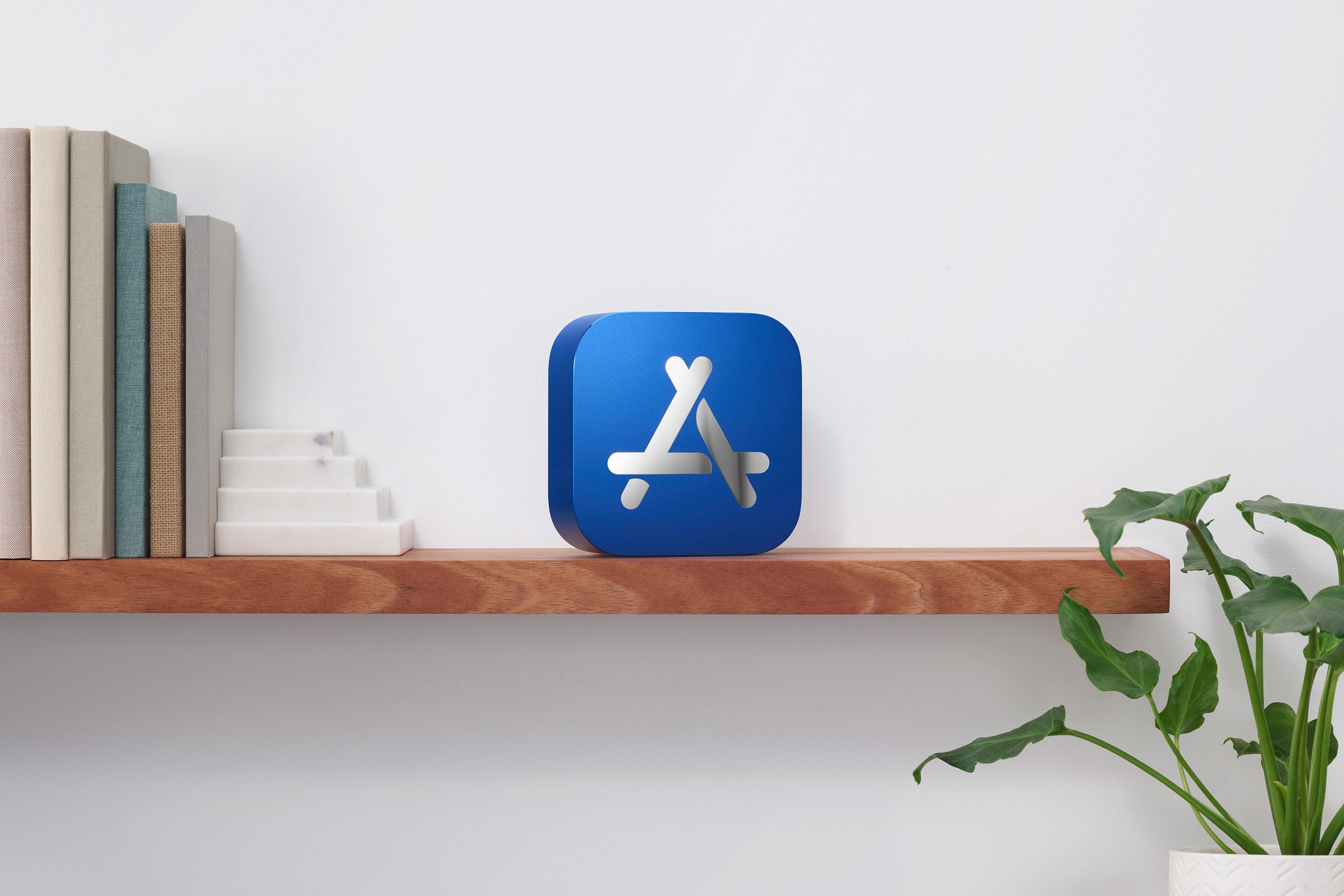
Following its picks for the best books, audiobooks and podcasts of 2020, Apple today unveiled this year's top 20 most downloaded apps and games across the iPhone, iPad, Mac, Apple TV and Apple Watch, as well as its picks for the best titles across those platforms.

Maybe you just purchased your first Mac, or maybe you only perform certain tasks on it each day. In these situations, it can be difficult to find items you’re unfamiliar with when you need them. From big things like applications to small ones like the trash, we’ll help you find the most commonly looked-for items on your Mac.

Some people have already downloaded, installed, and gotten used to macOS Big Sur. The newness has probably already worn off for them! But if you’re still contemplating whether or not you should, aren’t sure if you’re Mac model can handle it, or just want some basic questions answered, here’s your macOS Big Sur FAQ.