Mac Apps

How to change the tabs in Microsoft Word on Mac

MS Word on Mackbook Screen

As with customizing your Quick Access Toolbar or Ribbon buttons when you use Microsoft Word on Mac, you can also adjust the tabs. By default, you should see tabs like Home, Insert, Layout, and View across the top. But, you can change these to fit your needs.

Here’s how to change the tabs you see in Microsoft Word on your Mac.

How to quickly save webpages as Trello cards

Trello Save Webpages as Cards Featured

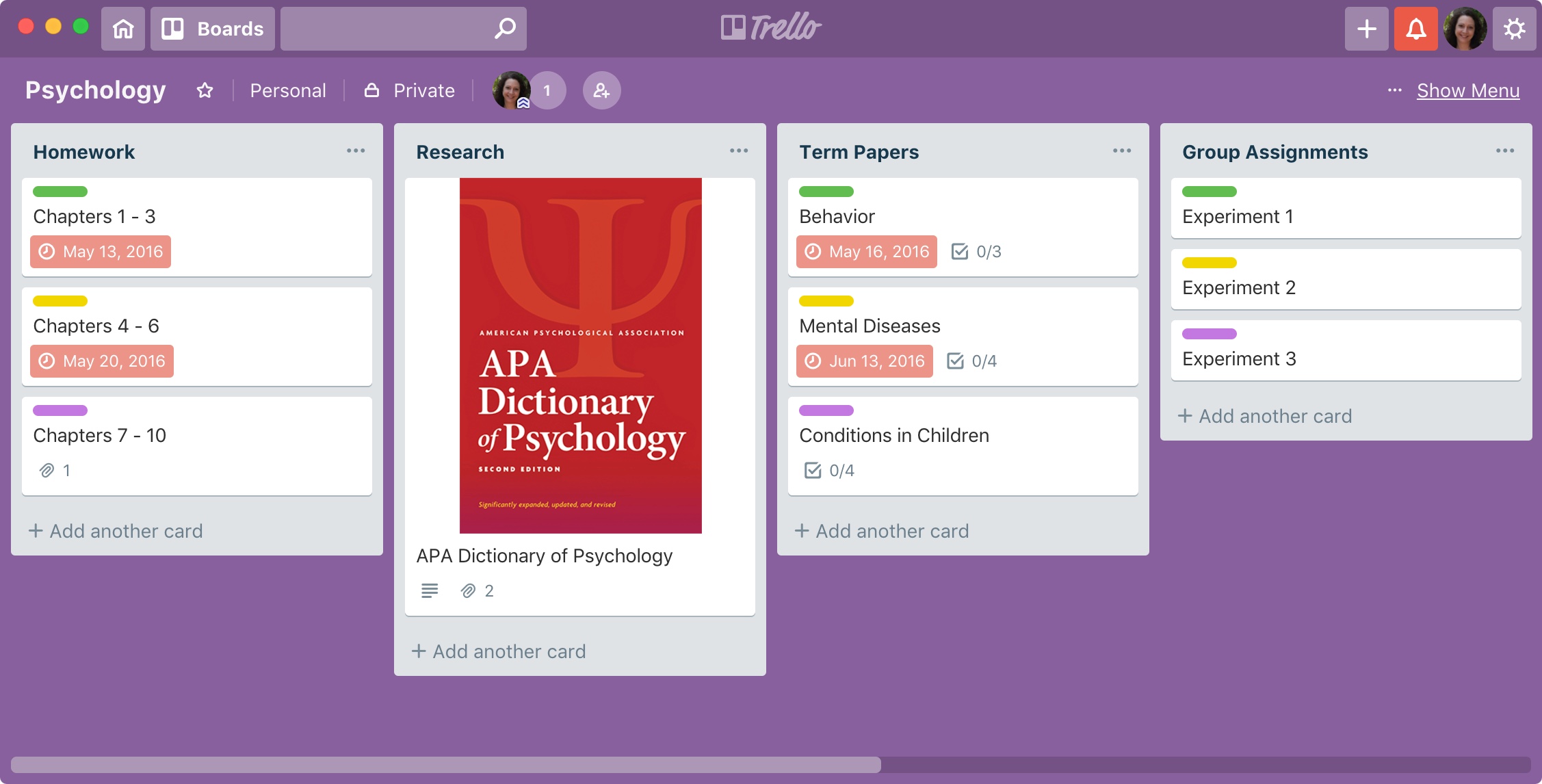
Trello is a great tool for managing projects of all sizes. For business or pleasure, you can keep everything you need in one spot.

You might be researching a term paper for school, webpages for work, or sites to add to your personal boards. When you come across a website that you want to save as a card in Trello, it’s super easy. Plus, you have a few different ways to do it and here’s how.

How to customize the Quick Access Toolbar in Word and Excel on Mac

Quick Access Toolbar Word

One nice thing about working with Microsoft applications like Word and Excel is that you can customize your tools. From the status bar at the bottom to the ribbon at the top, you can remove and add exactly what you need.

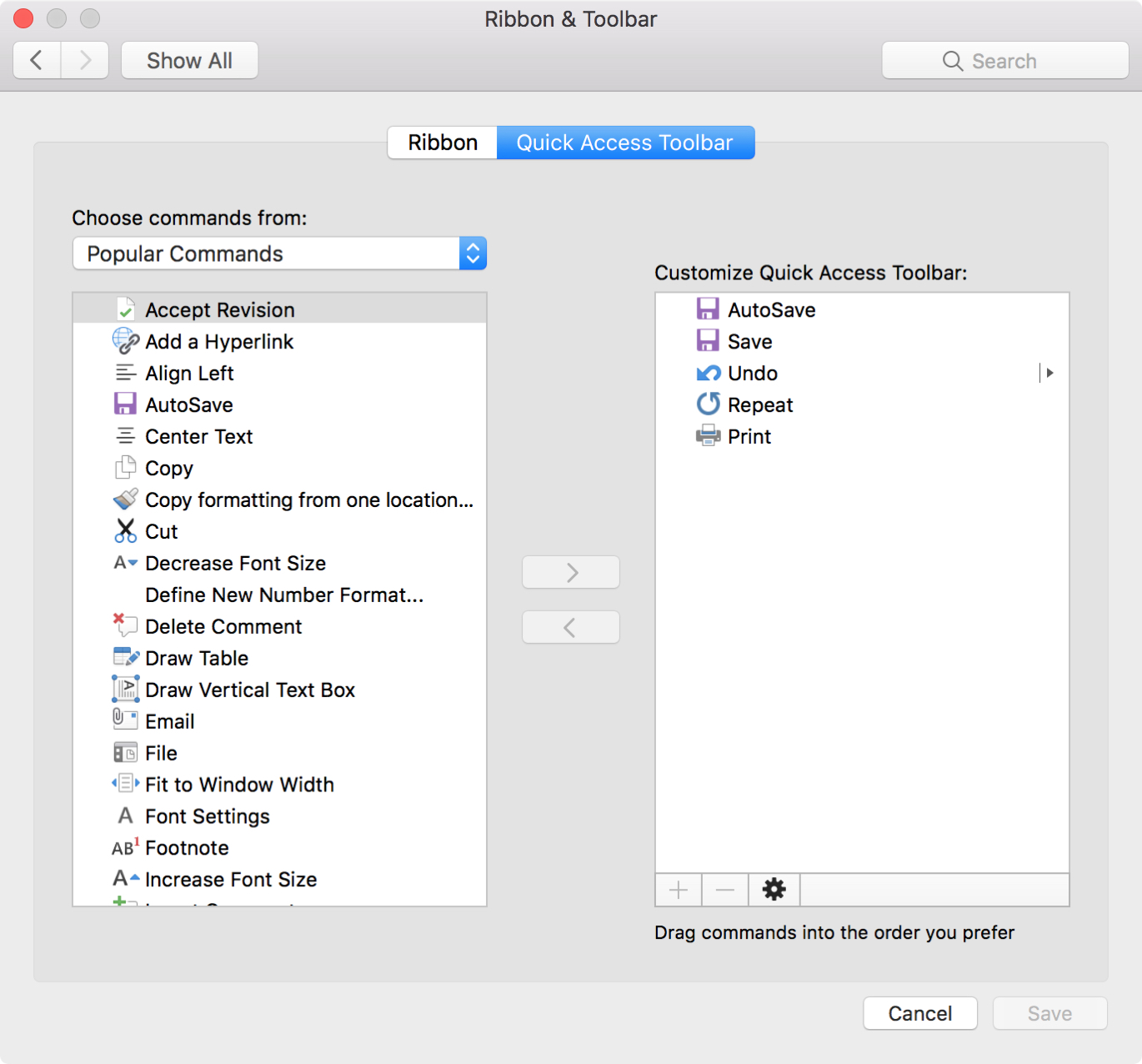
Another area you can customize is the Quick Access Toolbar. This is the small toolbar above your ribbon on the top left of the window. The point of this toolbar, as its name implies, is for quick access to tools you use most.

To help you make the most out of this area, this tutorial explains how to customize the Quick Access Toolbar to suit your specific needs.


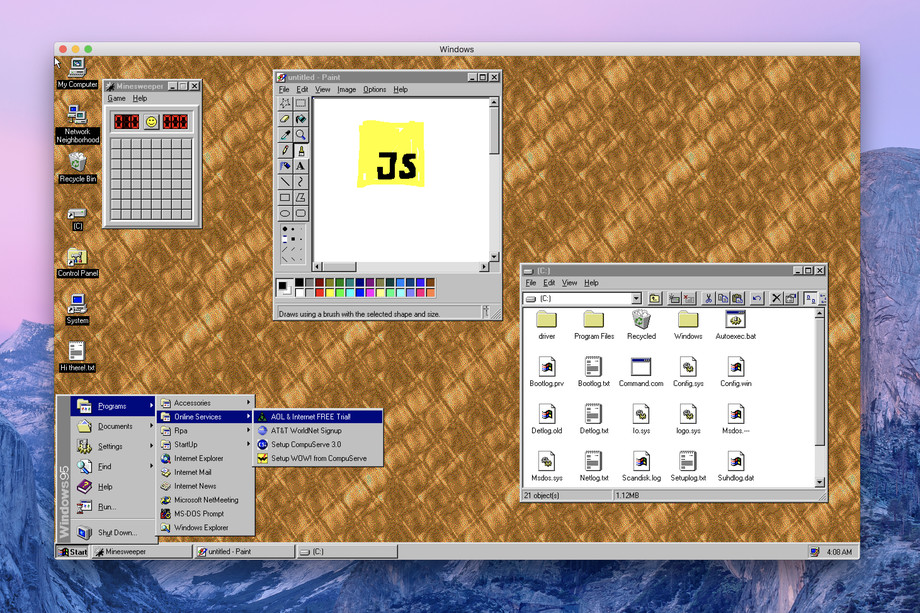
Windows 95 returns as a Mac app

You can now load up Windows 95 on your Mac and mess with File Manager, play the classic games Solitaire and Minesweeper or just marvel at the piece of software that has helped Microsoft win the desktop wars of the 1990s and nearly killed the Macintosh platform.