Mac app

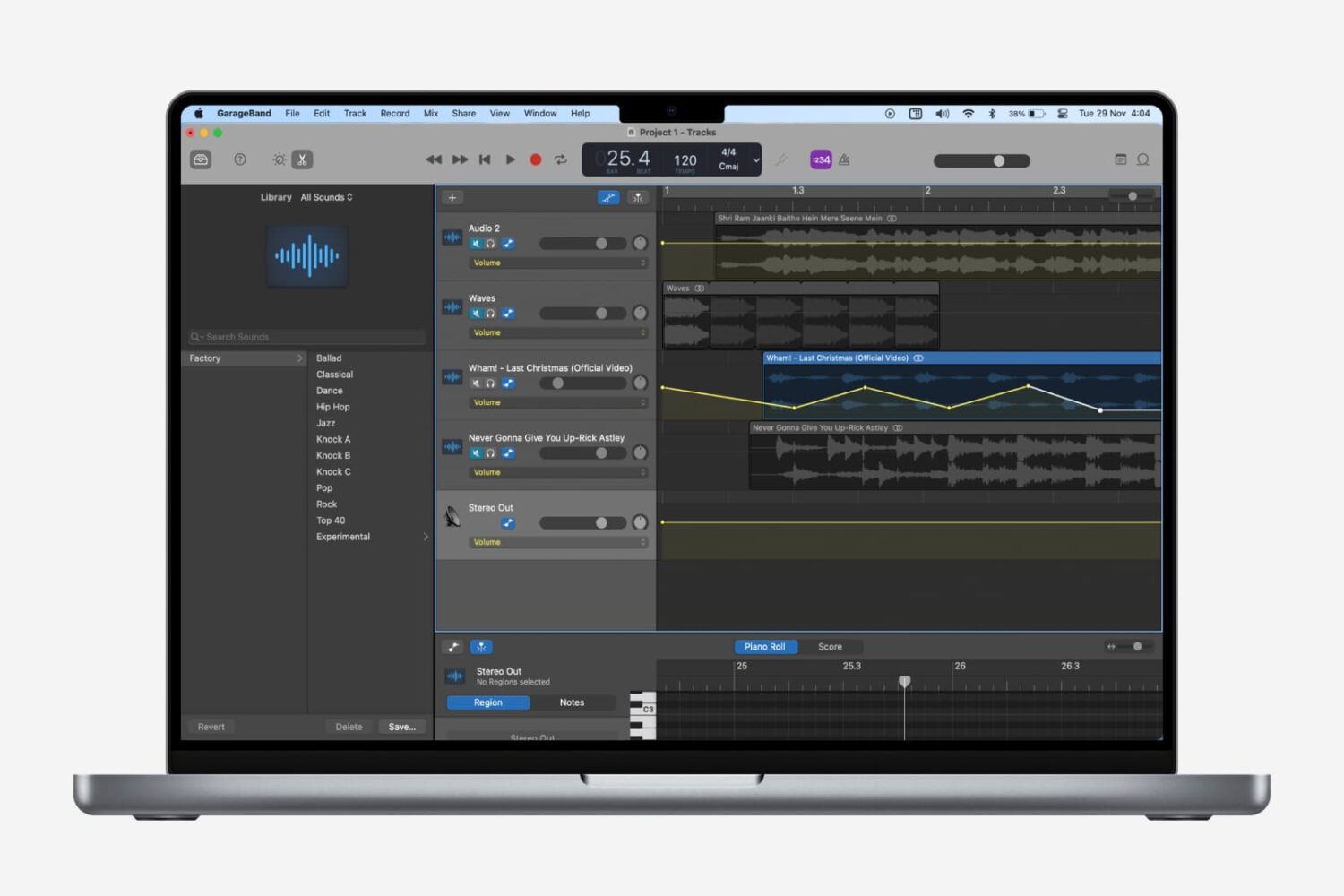
How to add fade in and fade out to songs in GarageBand

Fade songs in and out in GarageBand on Mac

Fading out of a song is something that we hear all the time when listening to our favorite tunes. As the song begins to come to an end, you’ll hear it slowly fade away to silence. If you’re creating your own music in GarageBand, you can add this effect as well.

While fading into a song isn’t as widely used, we’ll show you how to do that on Mac as well. So open up GarageBand on Mac or iOS and then follow our tutorial to add fade out to your songs.

How to download and add Apple Loops to songs in GarageBand

Use Apple Loops in GarageBand

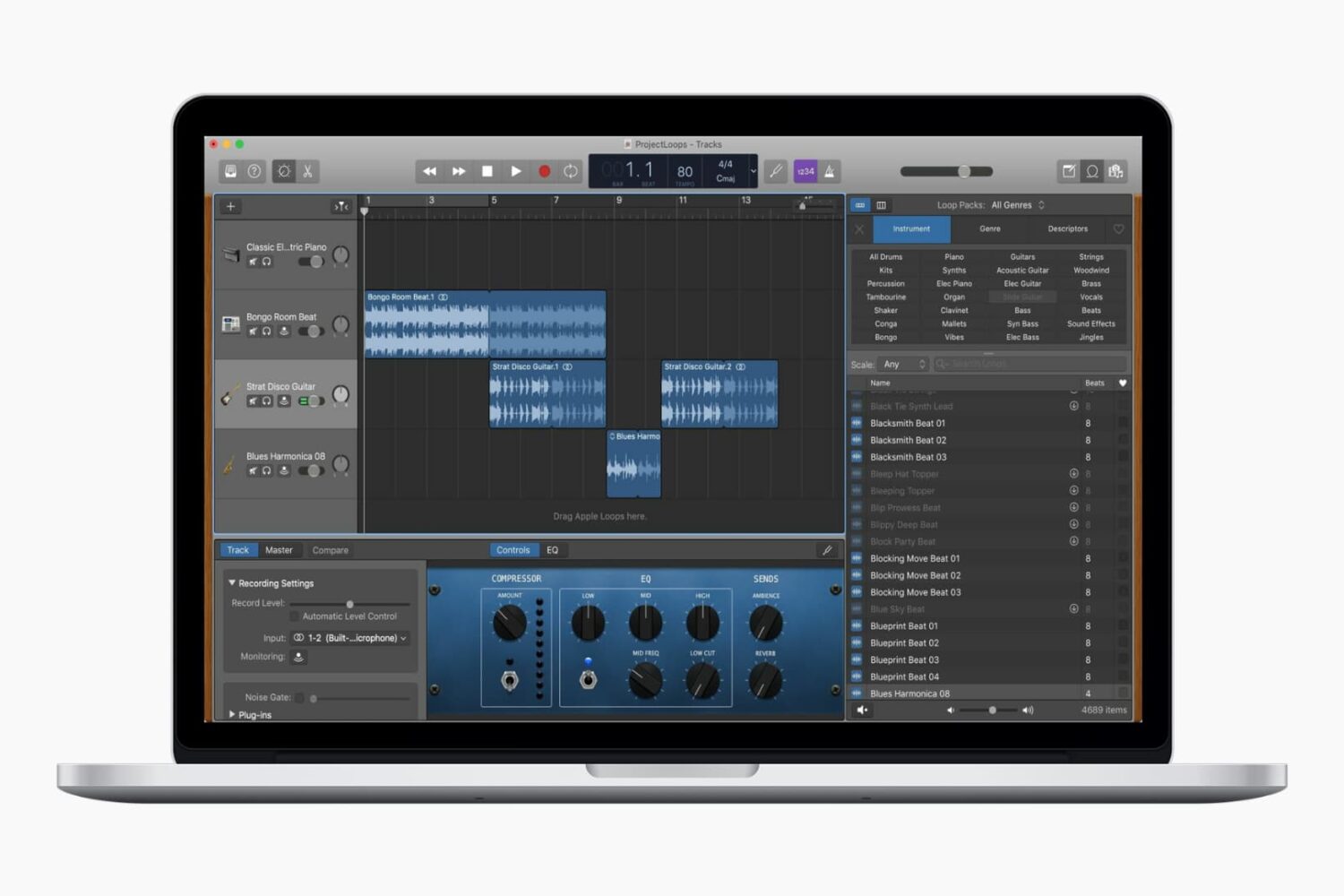
Whether you’ve used GarageBand before or are completely new and just learning, Apple Loops can help you build or enhance your creations. These handy little bits of music come in all forms, from drums to guitar to vocals, and beyond. Some loops are there waiting to be picked by you, while others may need to be downloaded. So depending on the type of song you’re composing, you might want to toss one in or start right off with one. Either way, we’re going to help you out.

This tutorial shows you how to download and add Apple Loops to your songs in GarageBand.

AnyTrans brings support for automatic wireless iOS backups, WhatsApp/Viber chats & more [sponsor]

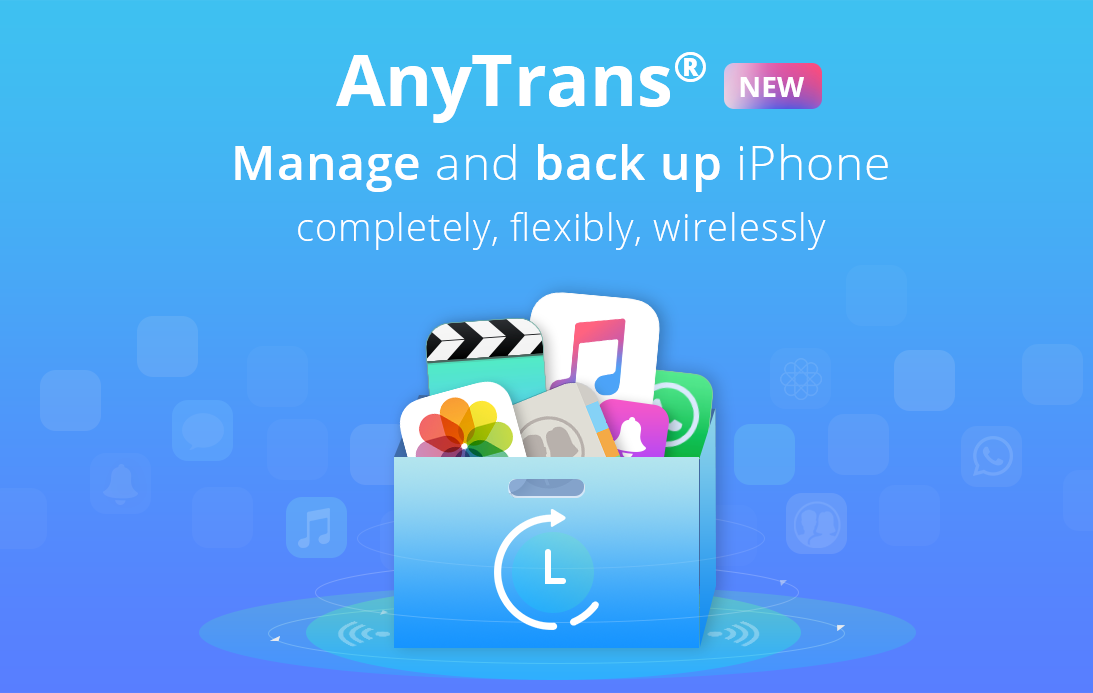
AnyTrans, a comprehensive Mac and Windows app by iMobie for transferring, backing up and managing your iOS, Android and cloud content, was updated recently with several new features, including comprehensive iOS backup enhancements with the selective restore and automatic wireless backup features, plus the ability to move WhatsApp and Viber chats between devices and support for downloading videos from 1,000+ online sources.